Les Hillis
Well-known member
- Joined
- Oct 24, 2010
- Messages
- 1,629
- Reaction score
- 120
- Points
- 63
Just having a look.


Thanks for the Monochrome samples Rodrigo.
Thanks for the Monochrome samples Rodrigo.

Follow along with the video below to see how to install our site as a web app on your home screen.

Note: this_feature_currently_requires_accessing_site_using_safari




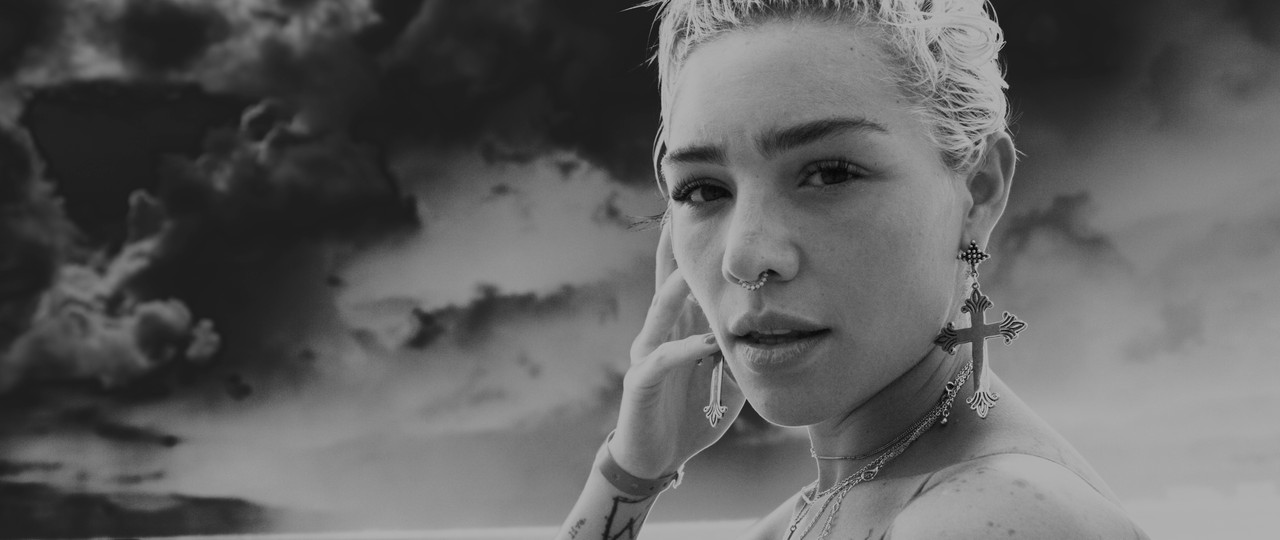
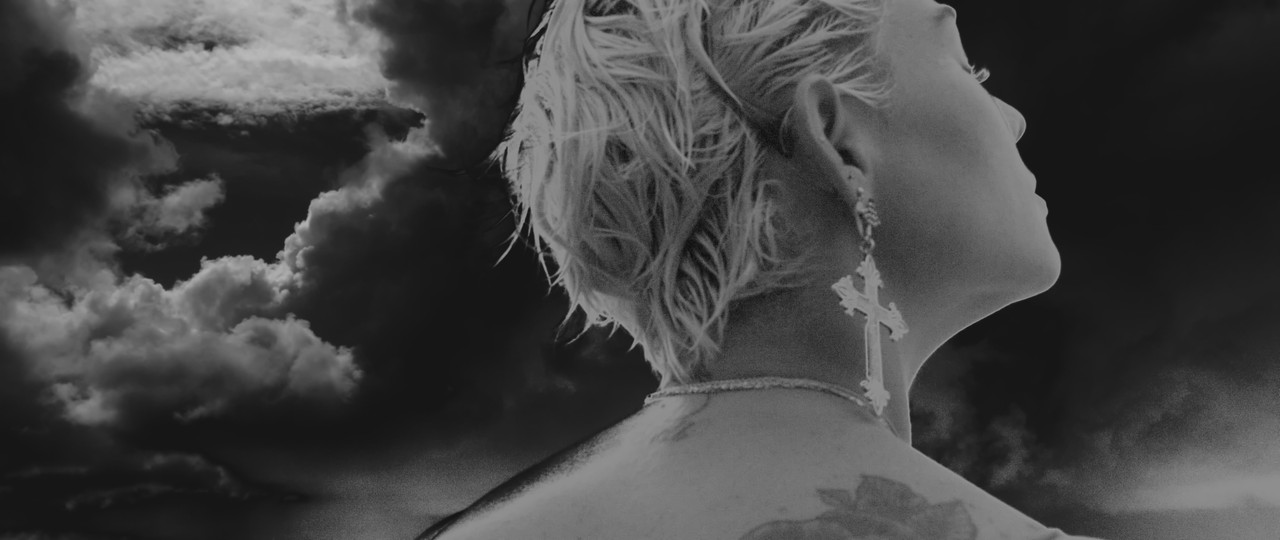

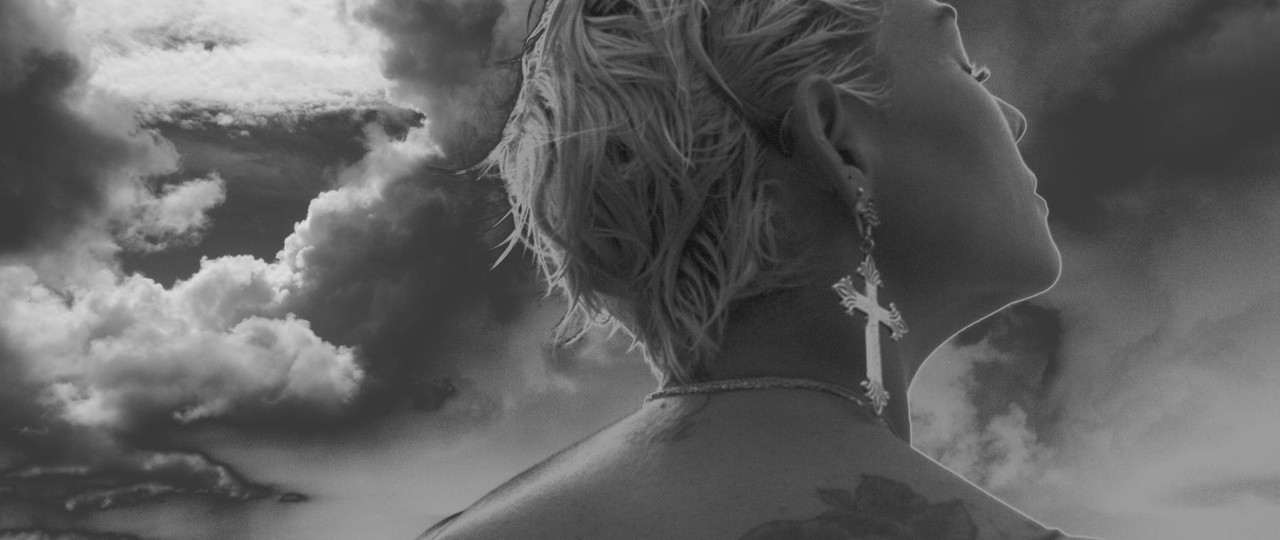
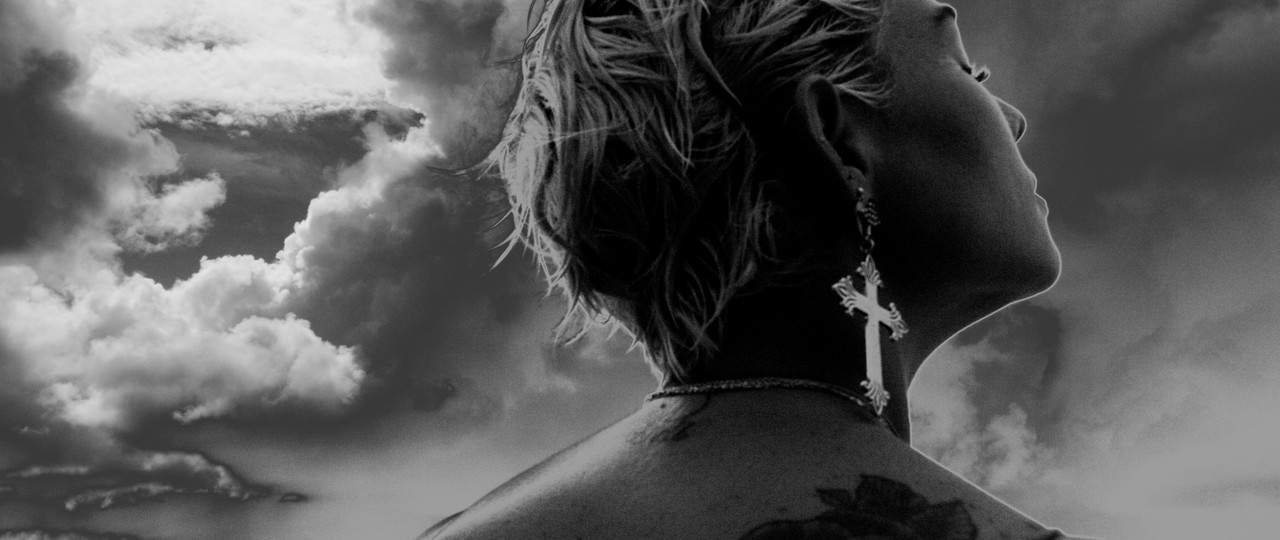

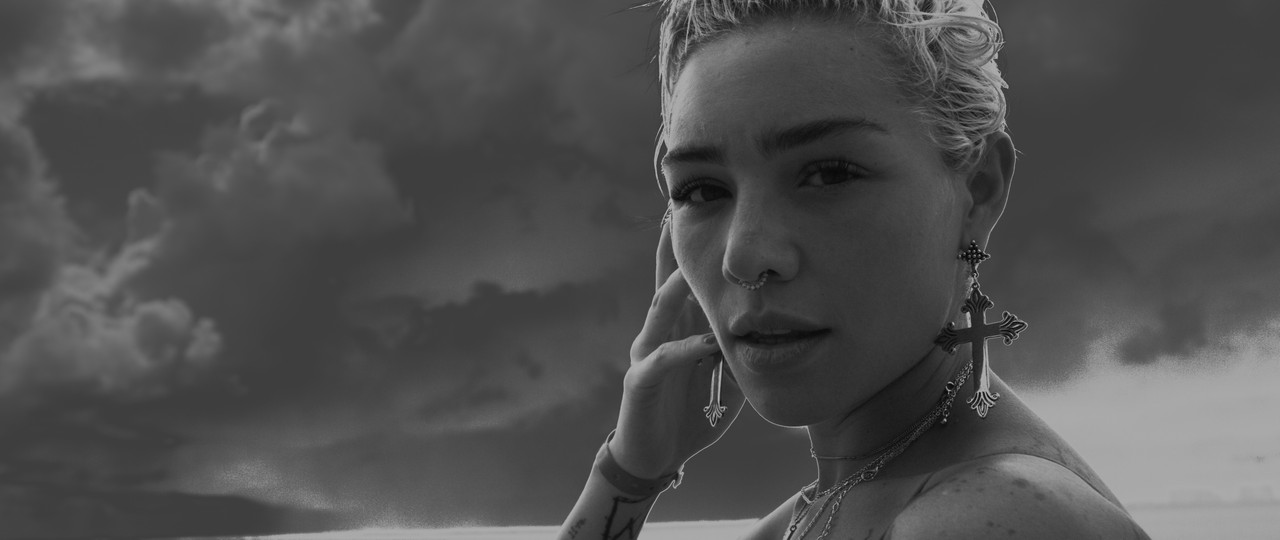
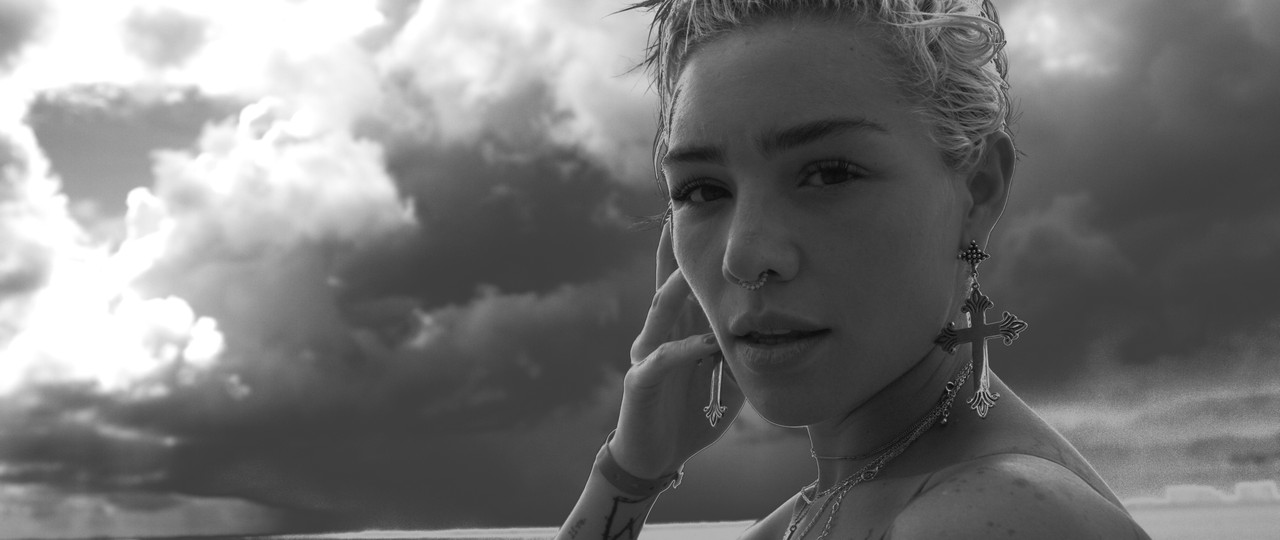
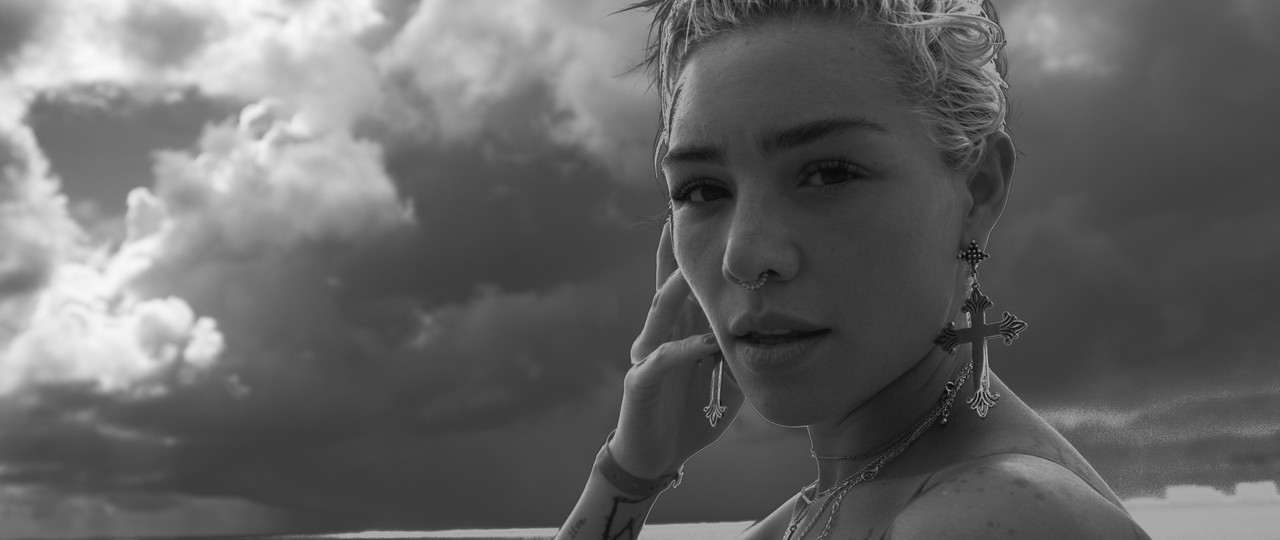
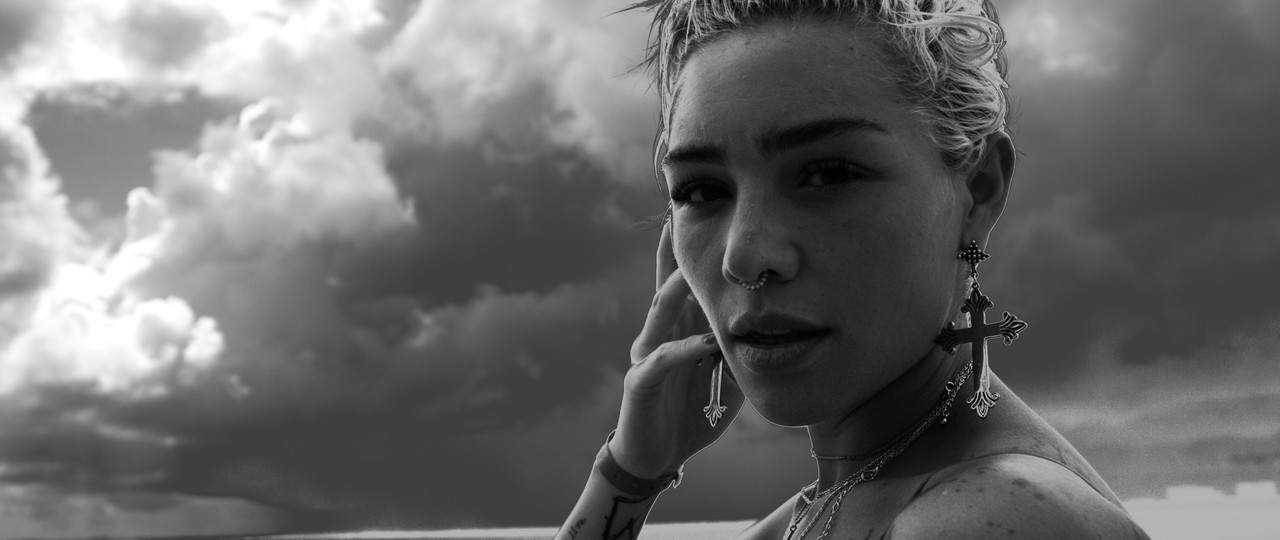
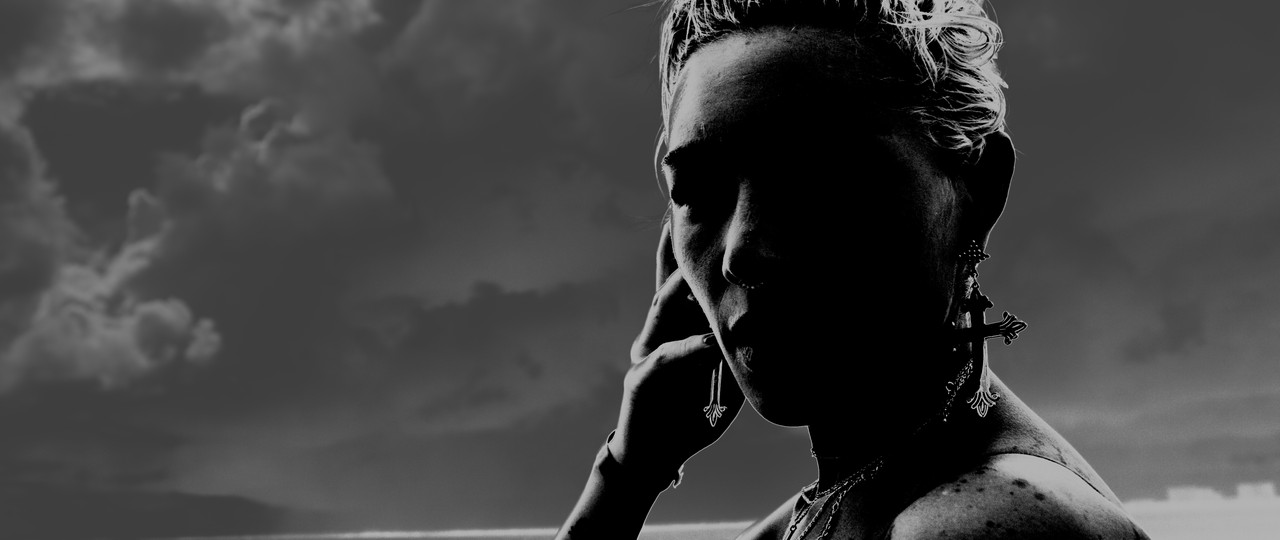
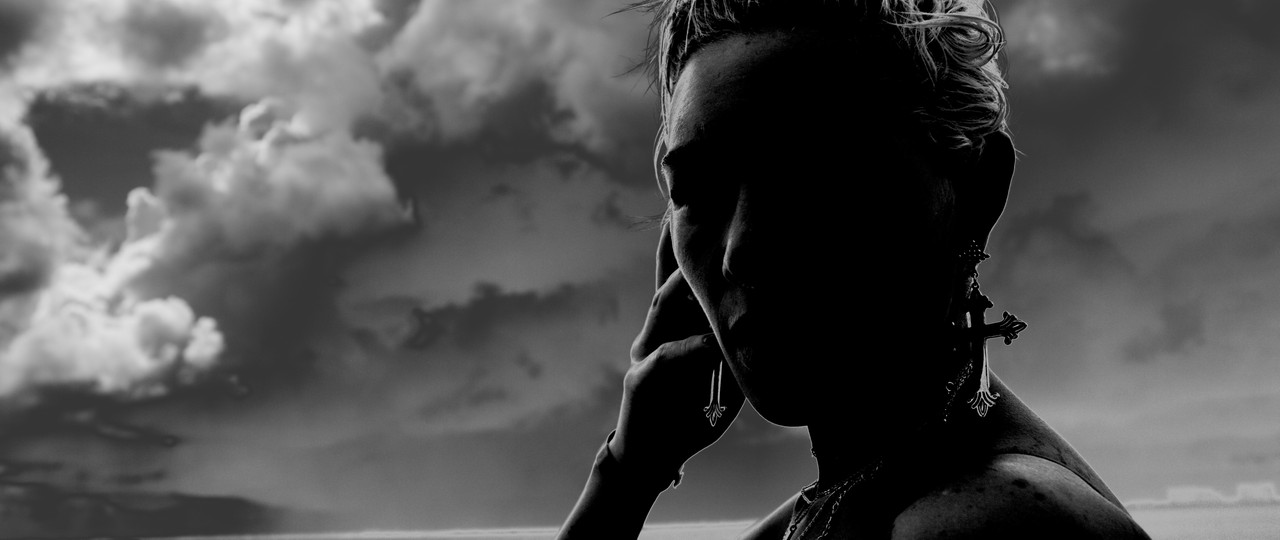
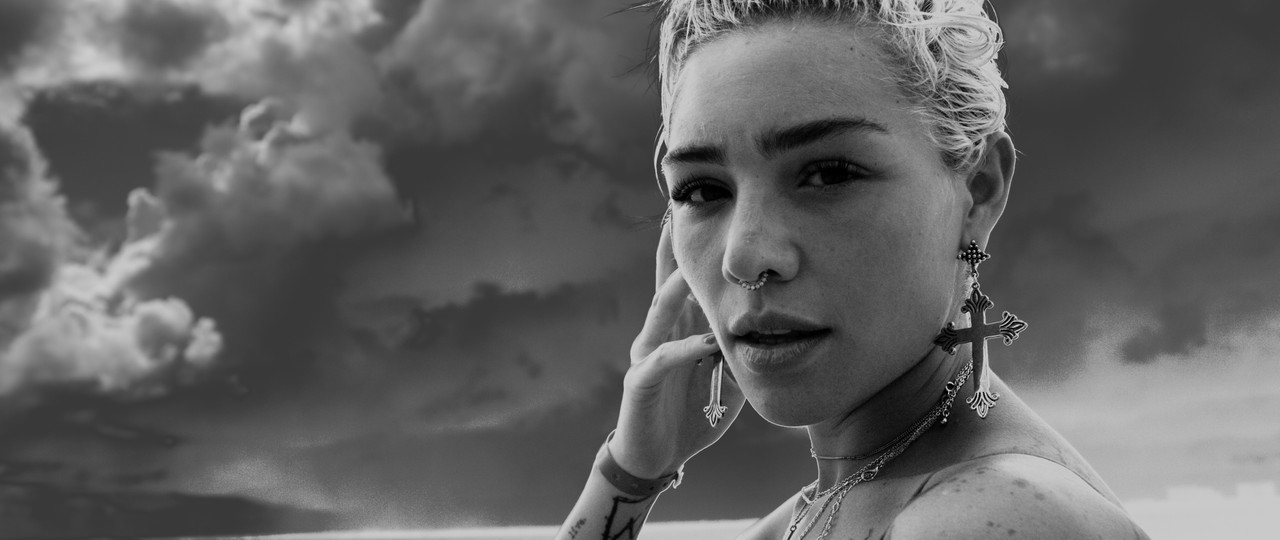
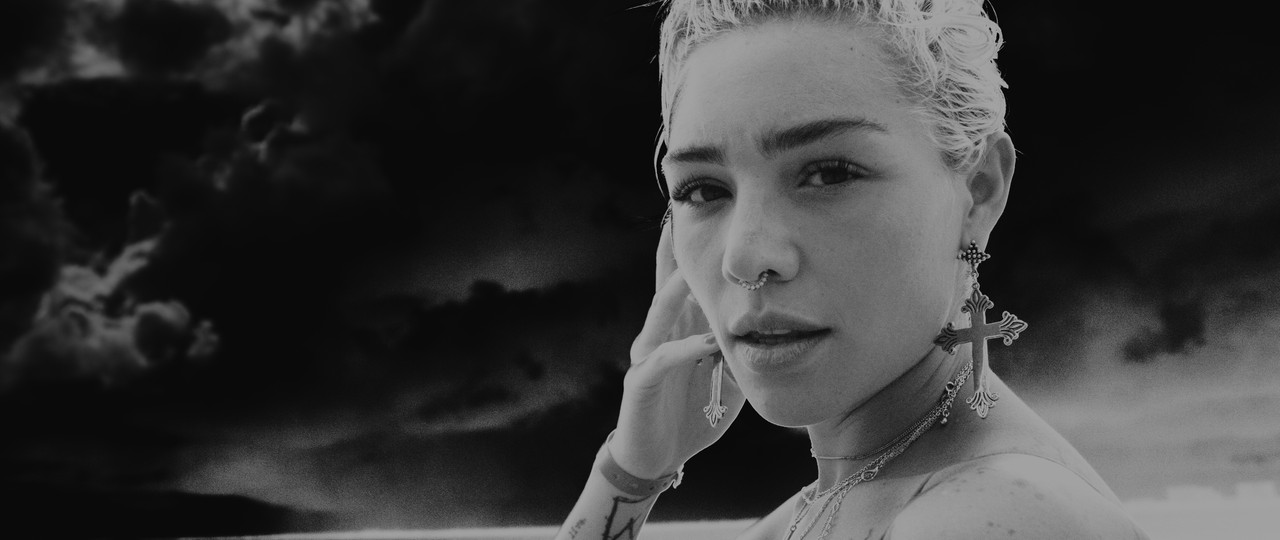

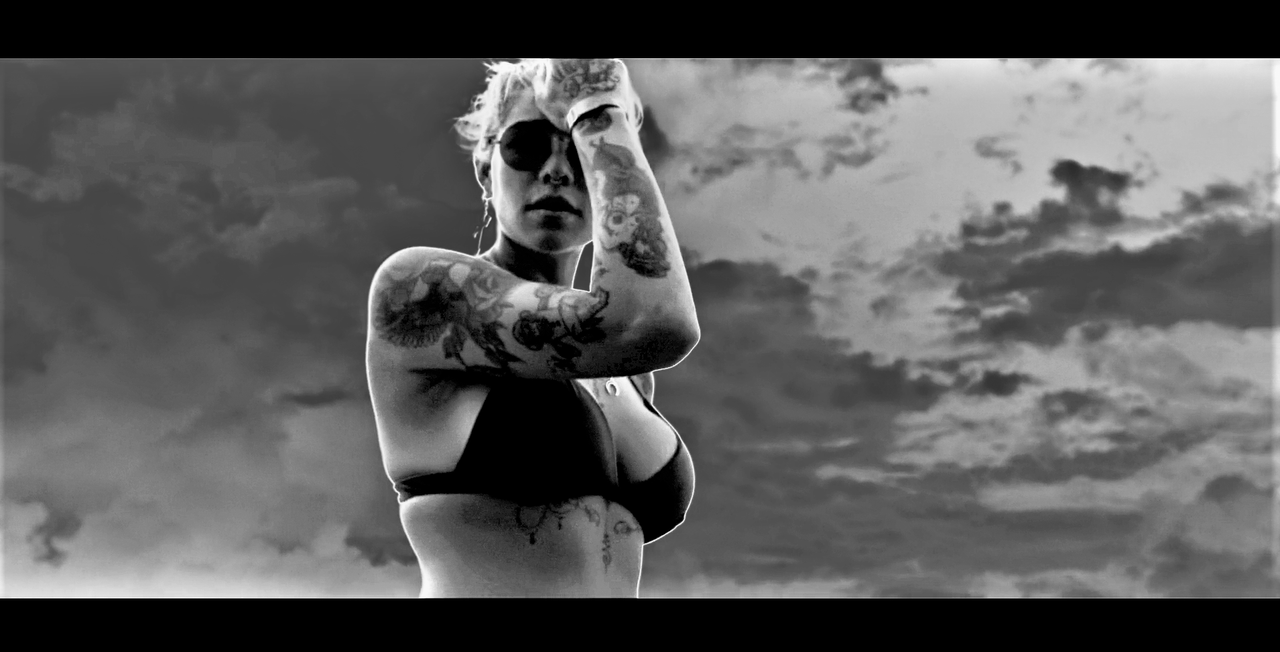
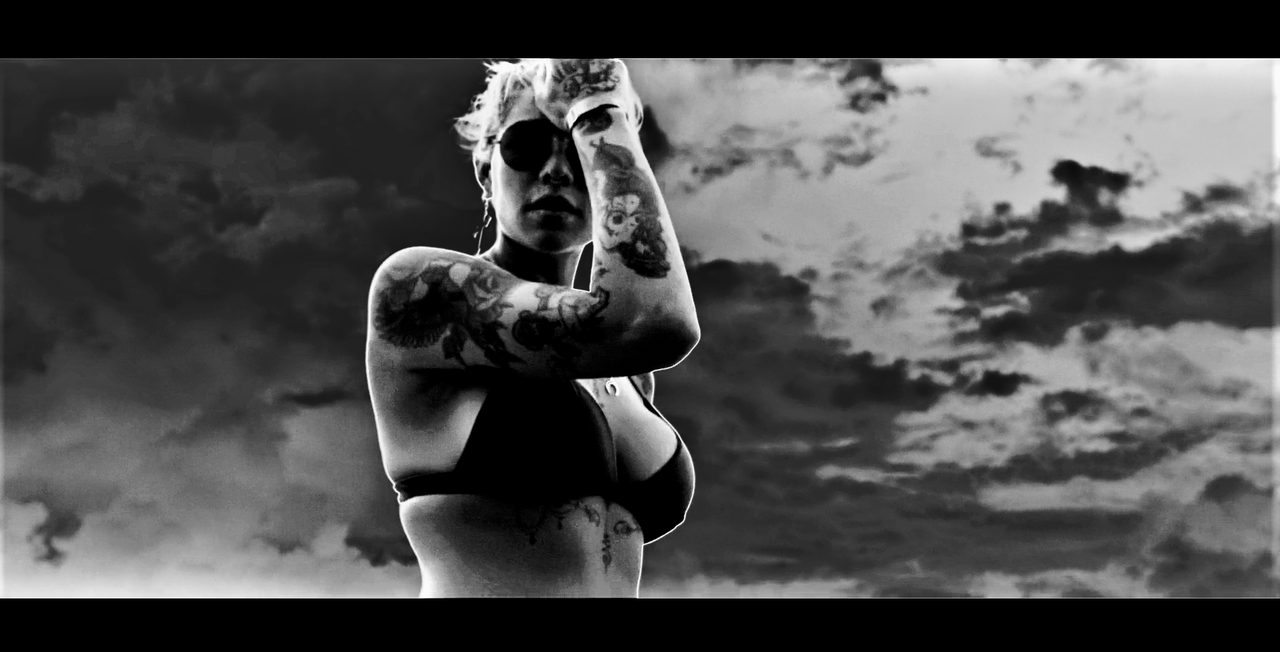
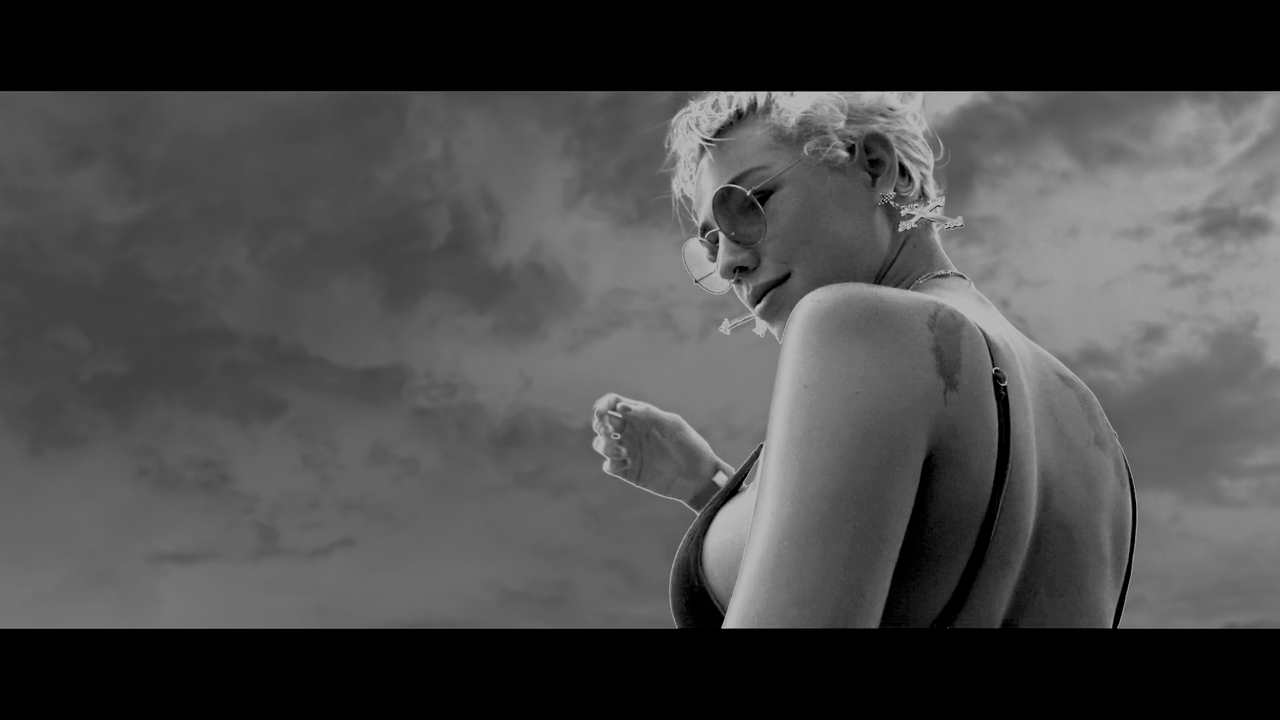
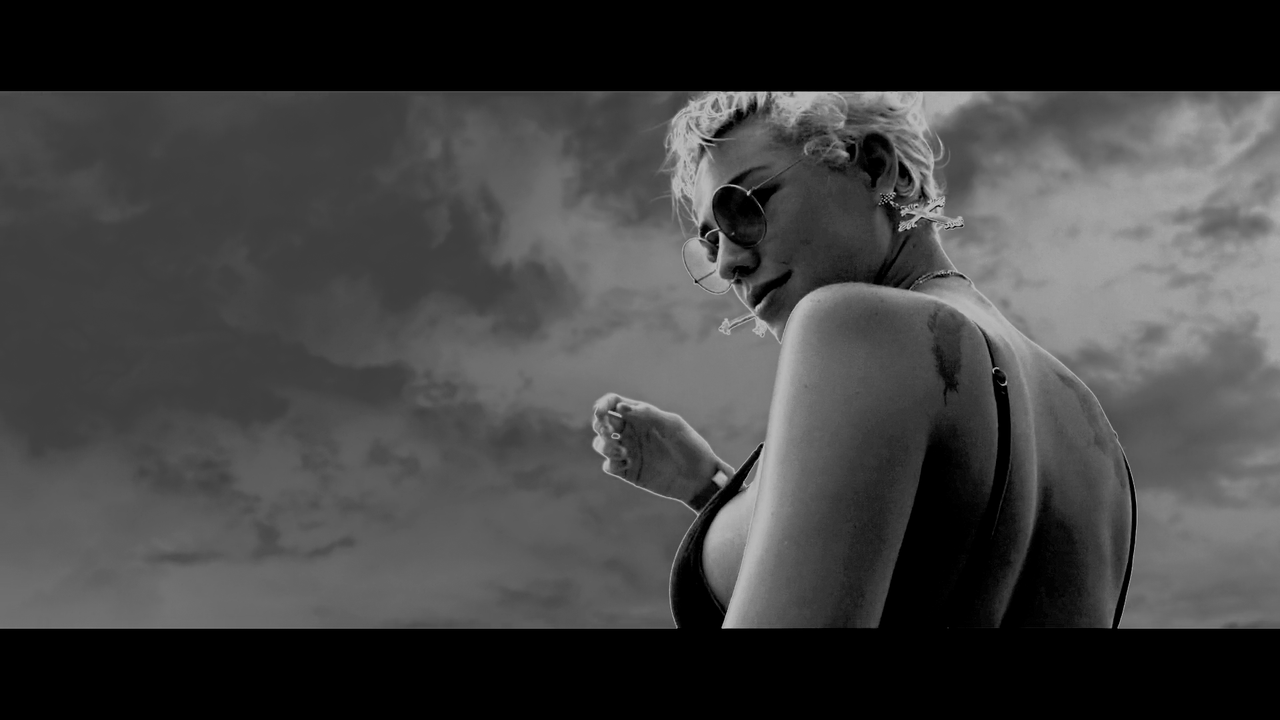
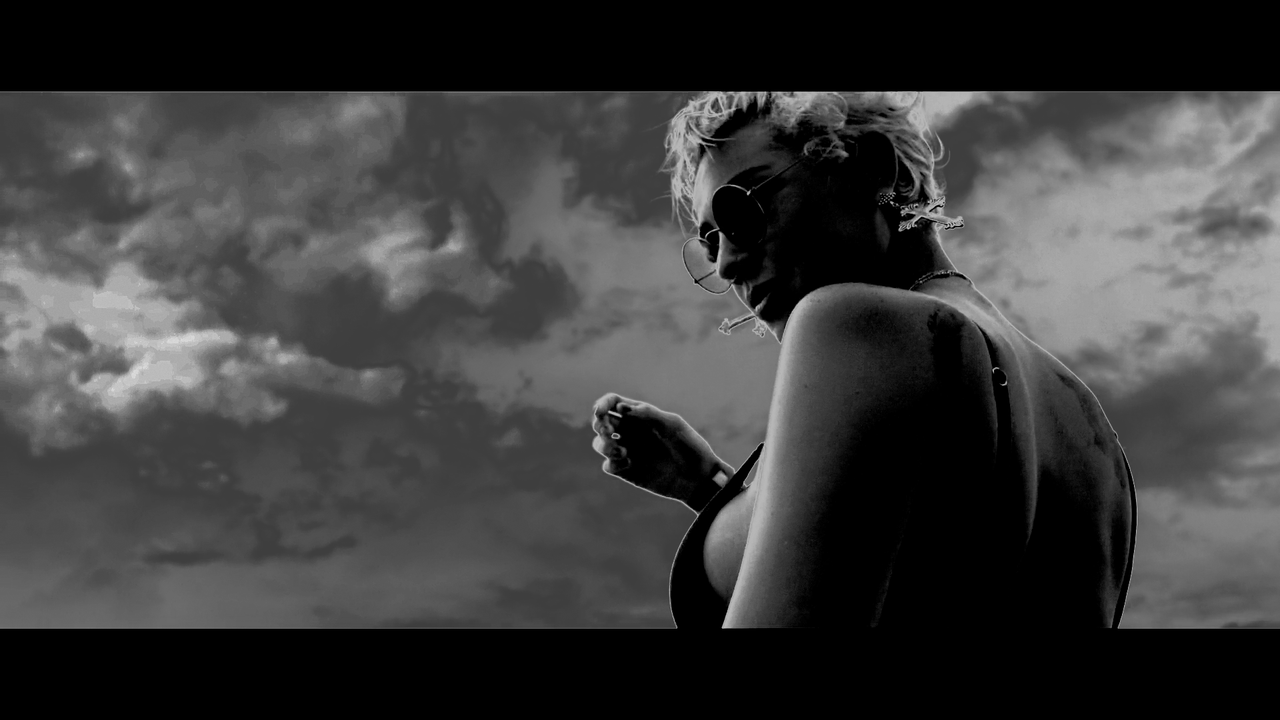
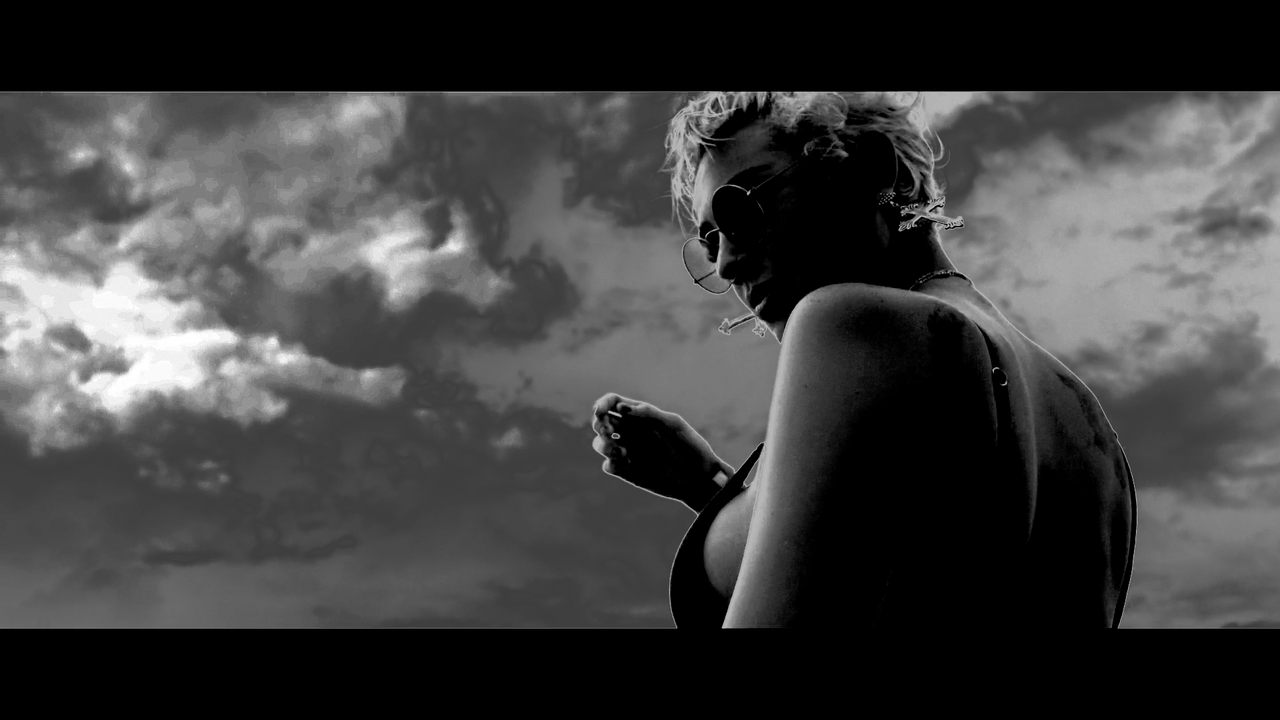
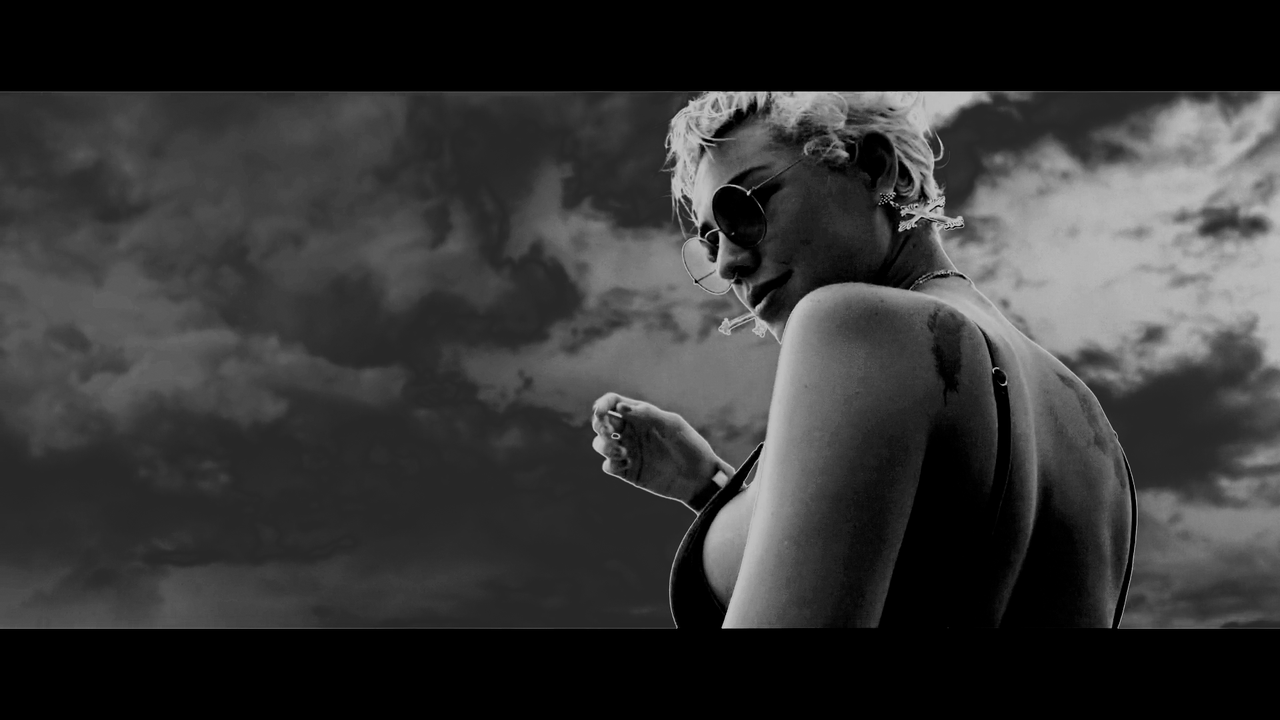
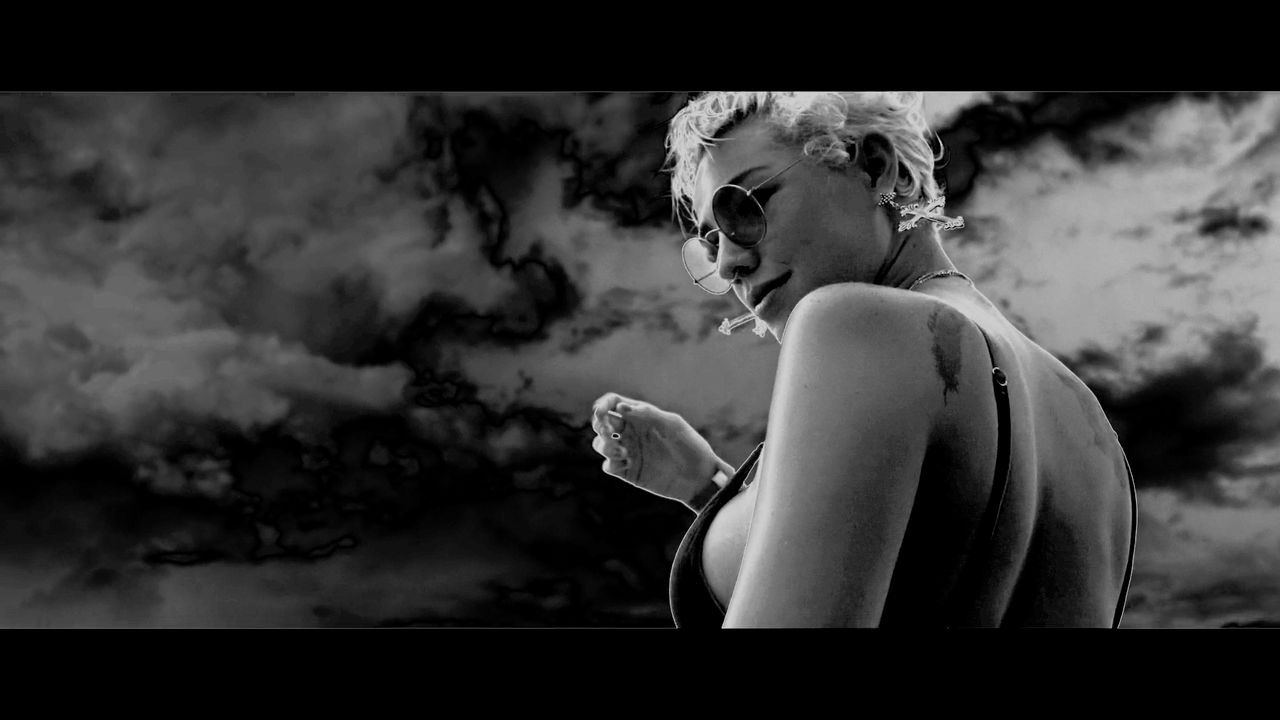
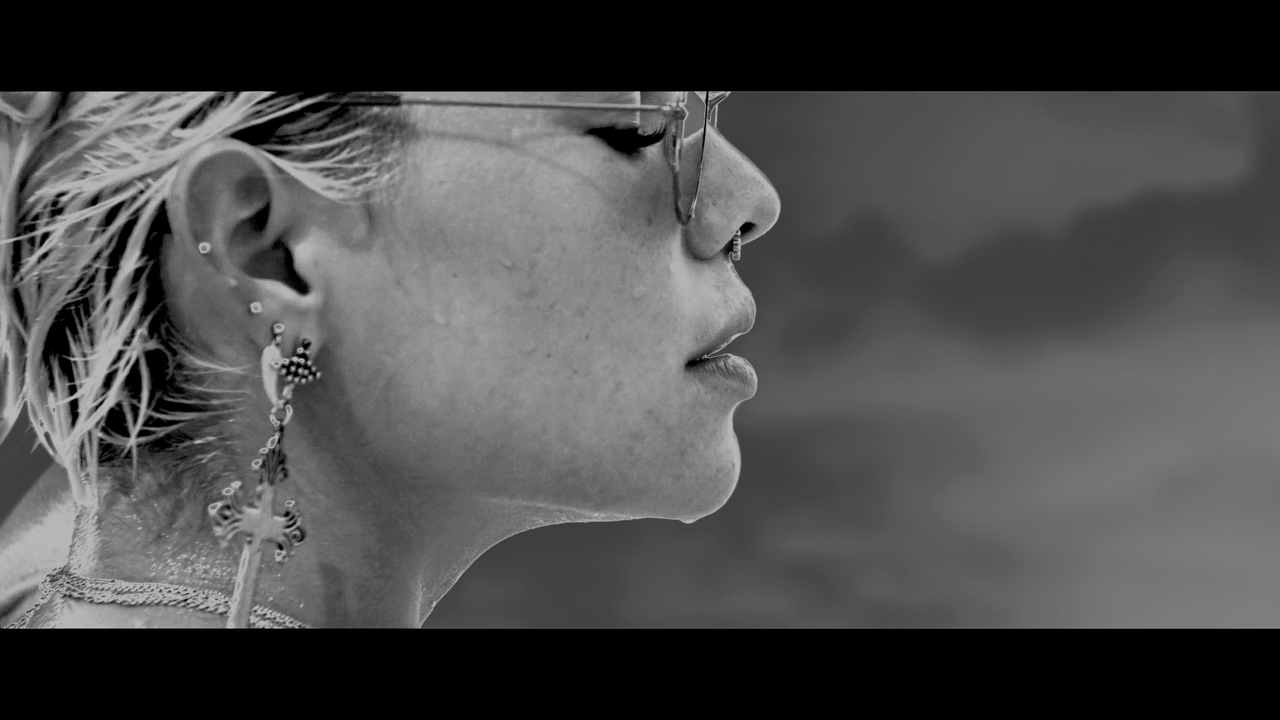

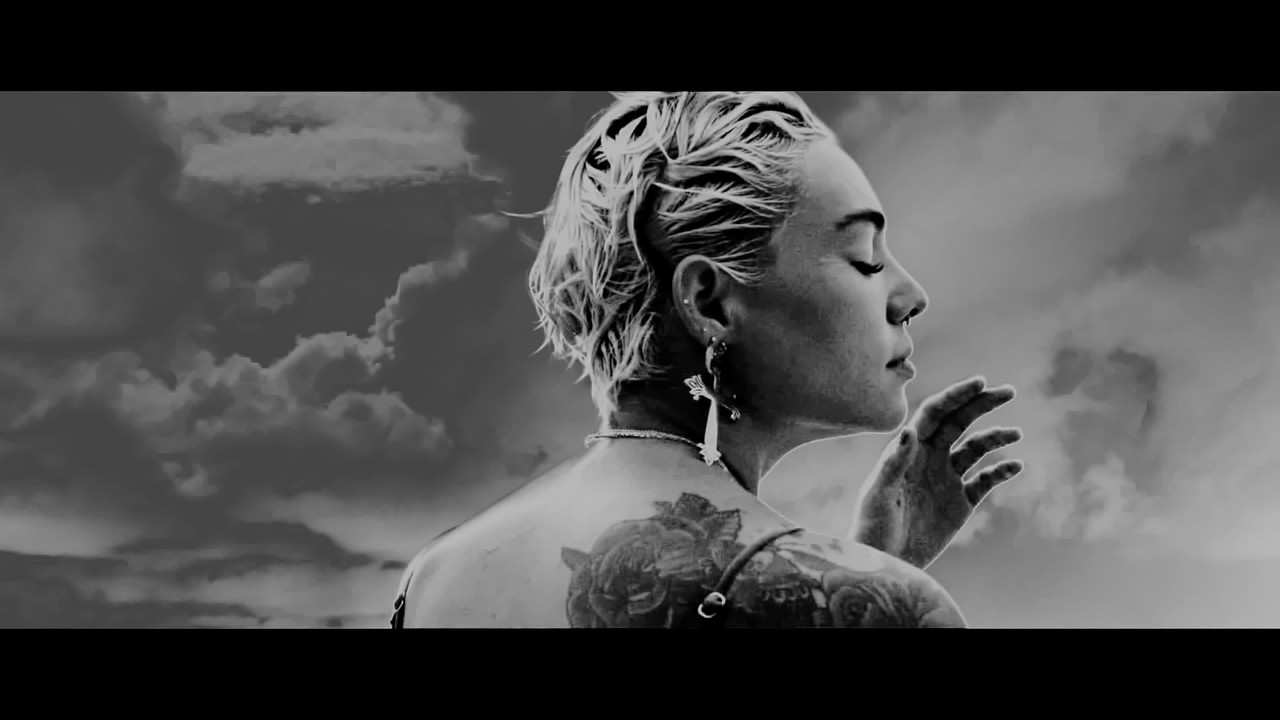
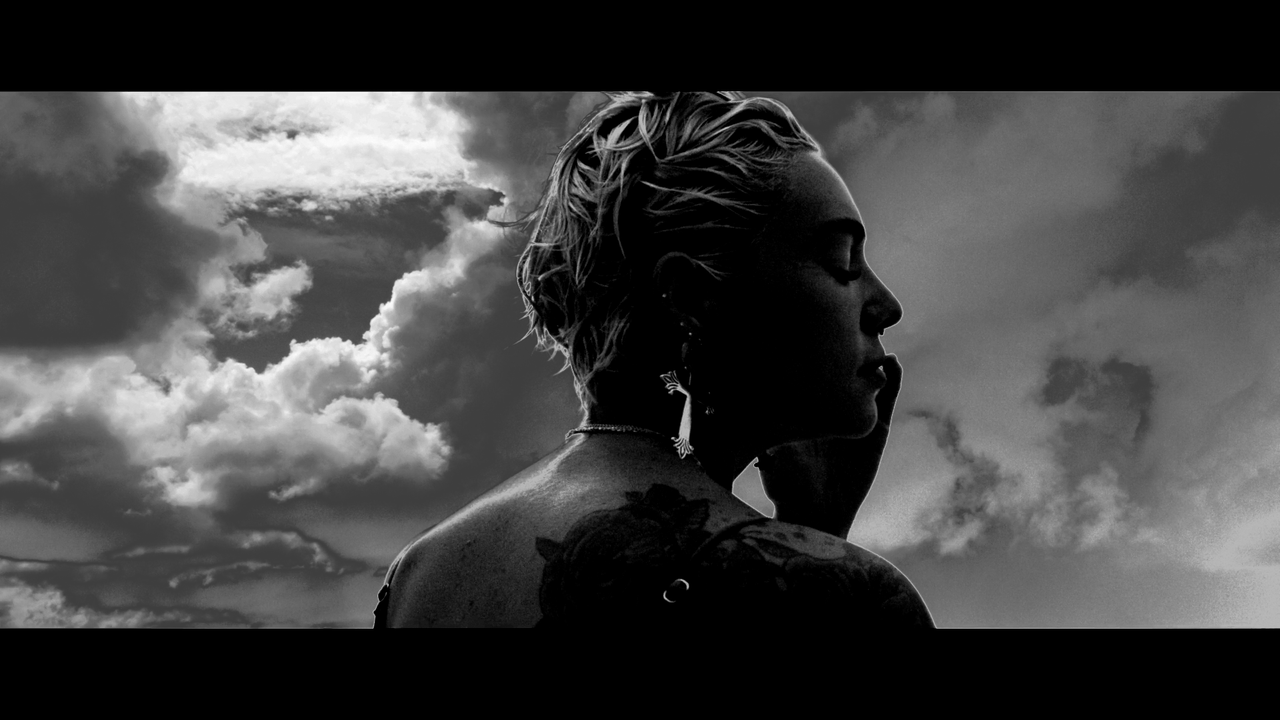
A quick grade. A couple of shots could be a bit over the top, but those easily can be toned down, if needed. I could use some more time working on better masks blending, but I don't want to spend too much time on this. I think, doing more of a silhouette would probably work even better in this case. Also, with this grade, a couple of images could use a bit of noise reduction, but you can't do temporal noise reduction on a single frame, so...



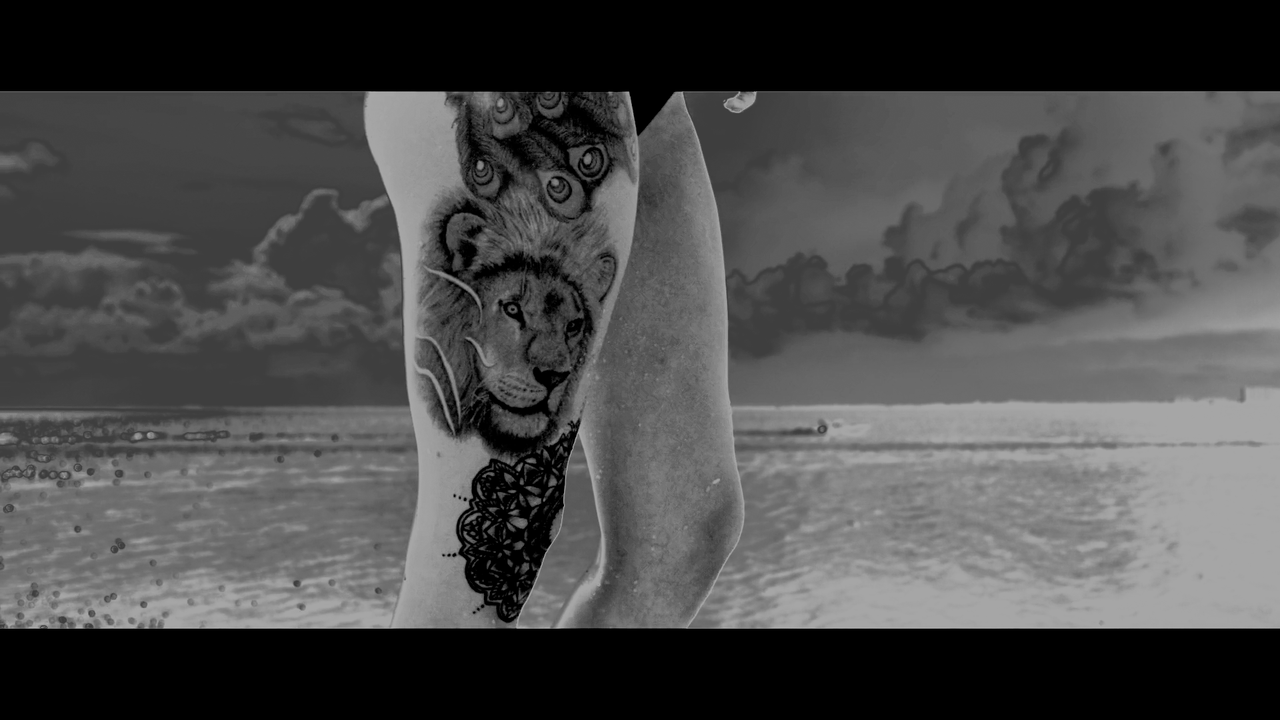
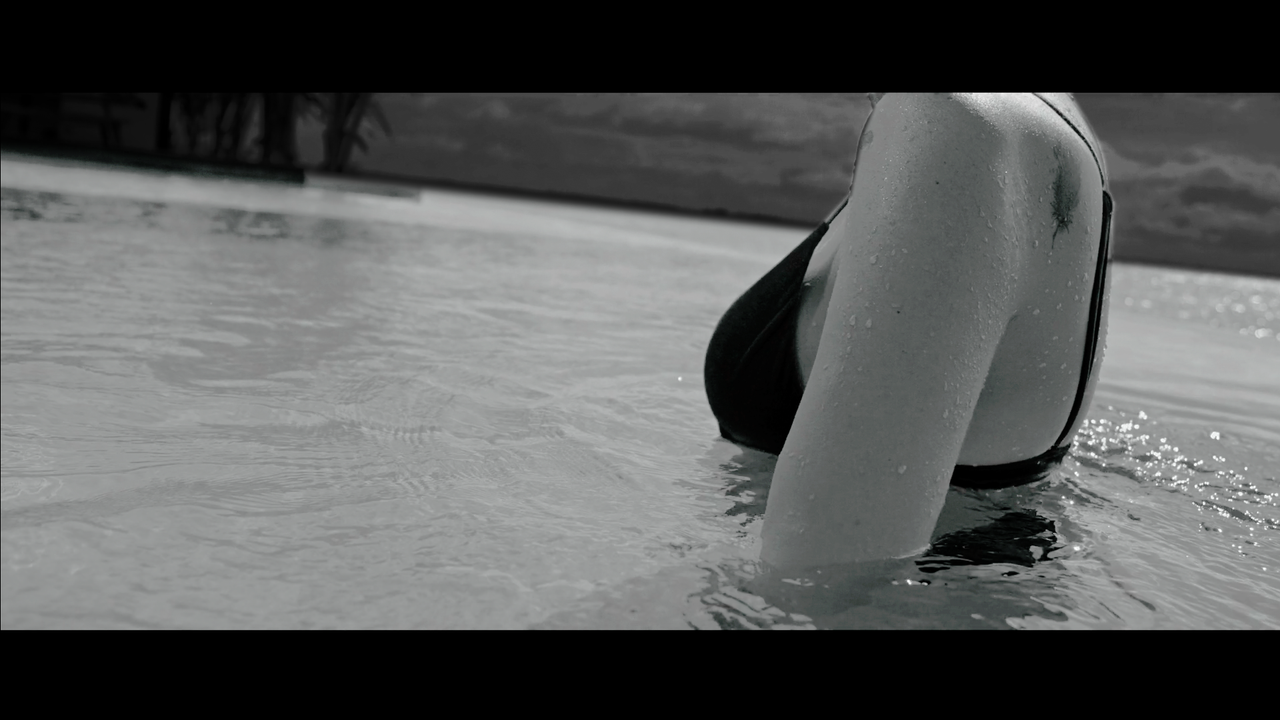
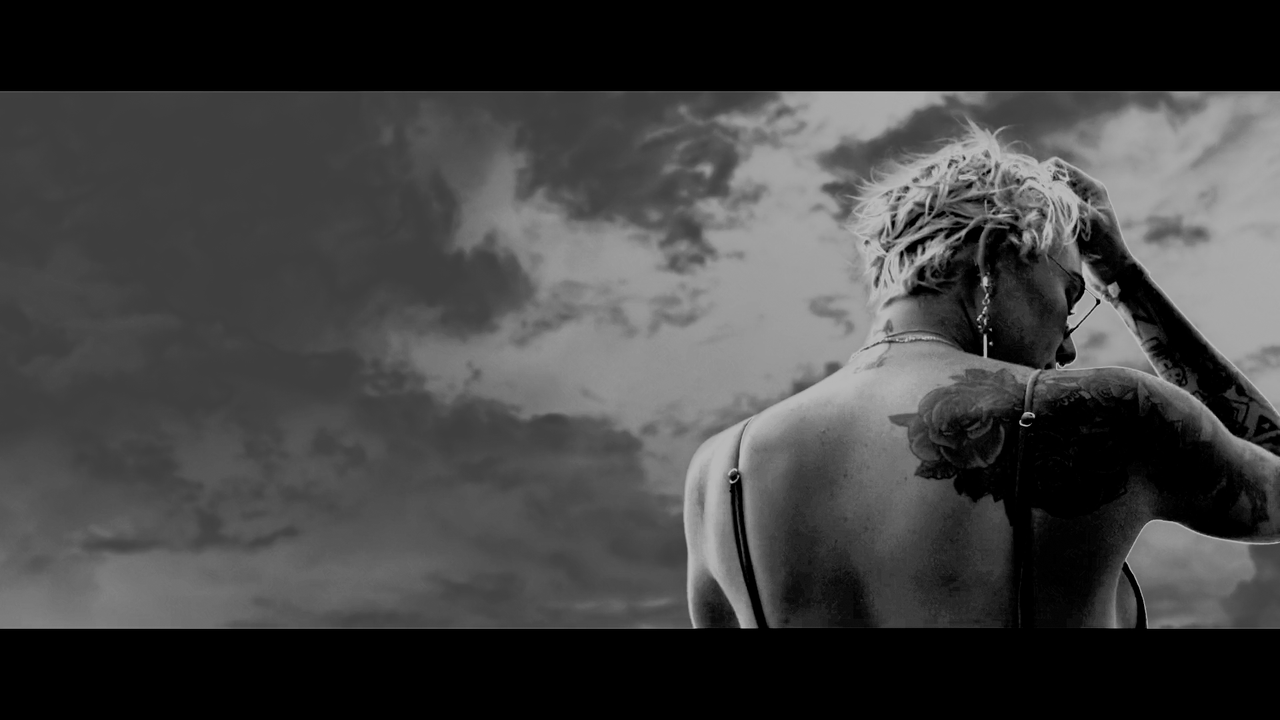
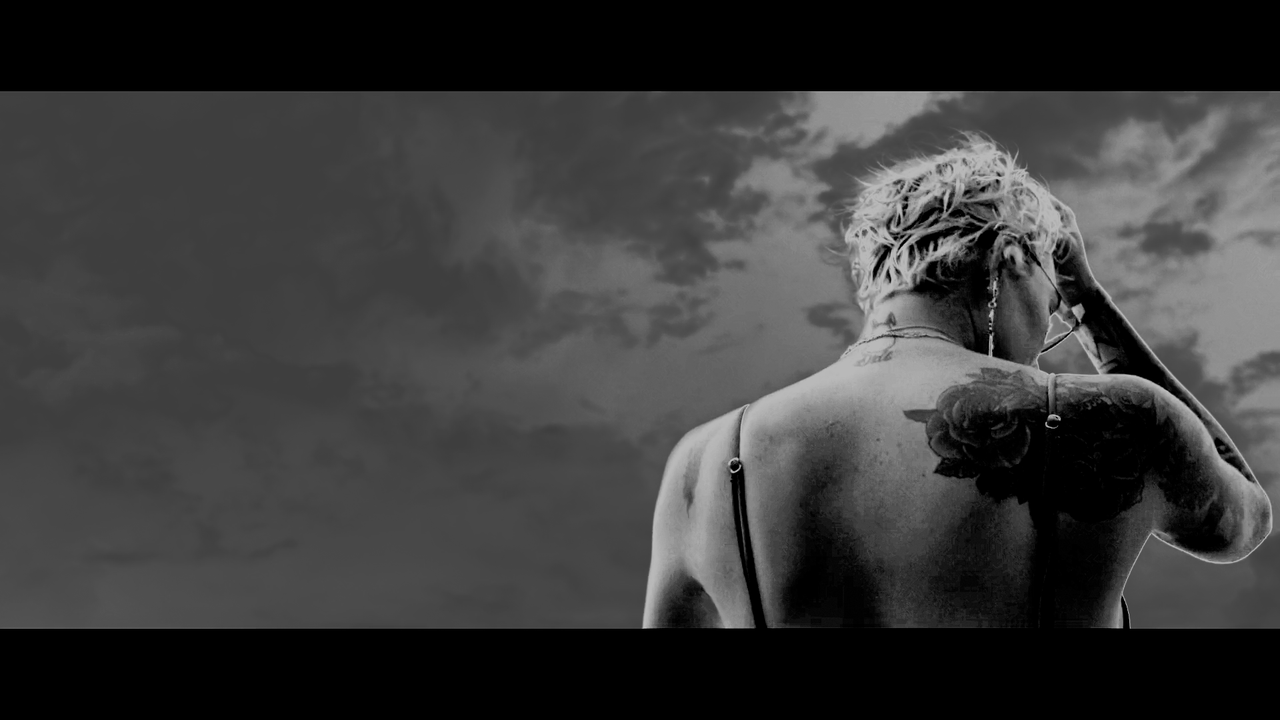
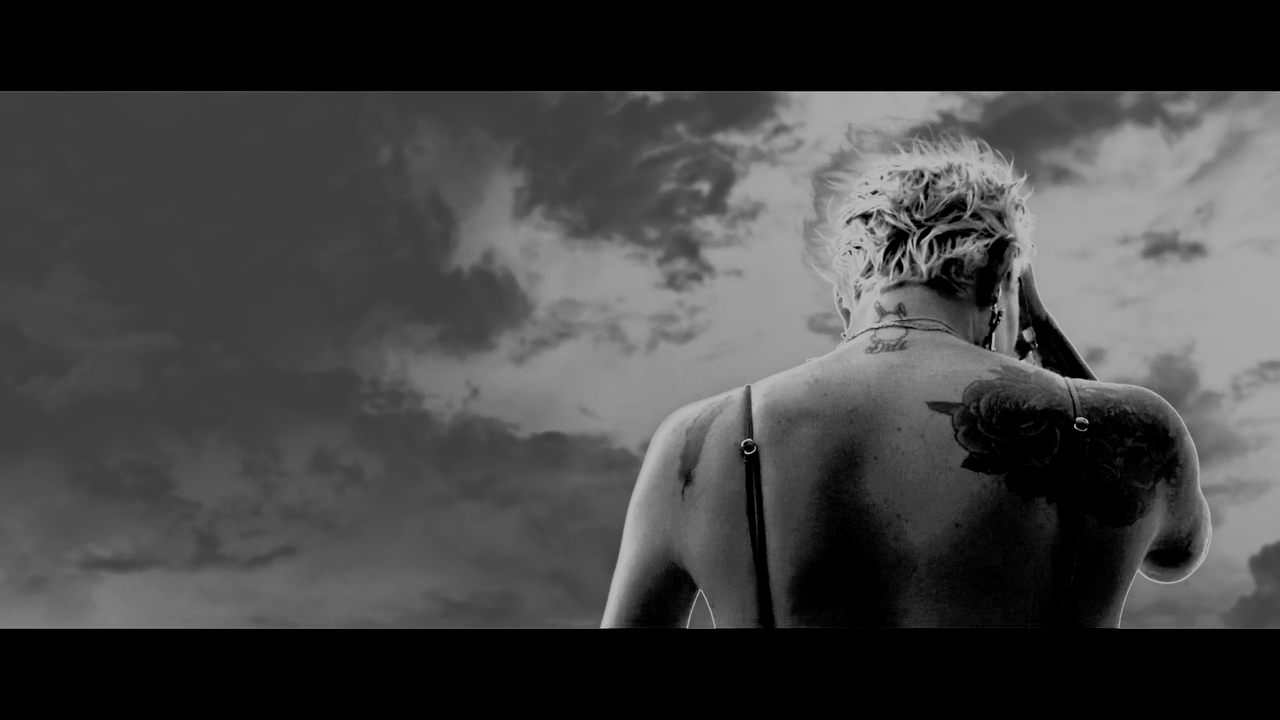
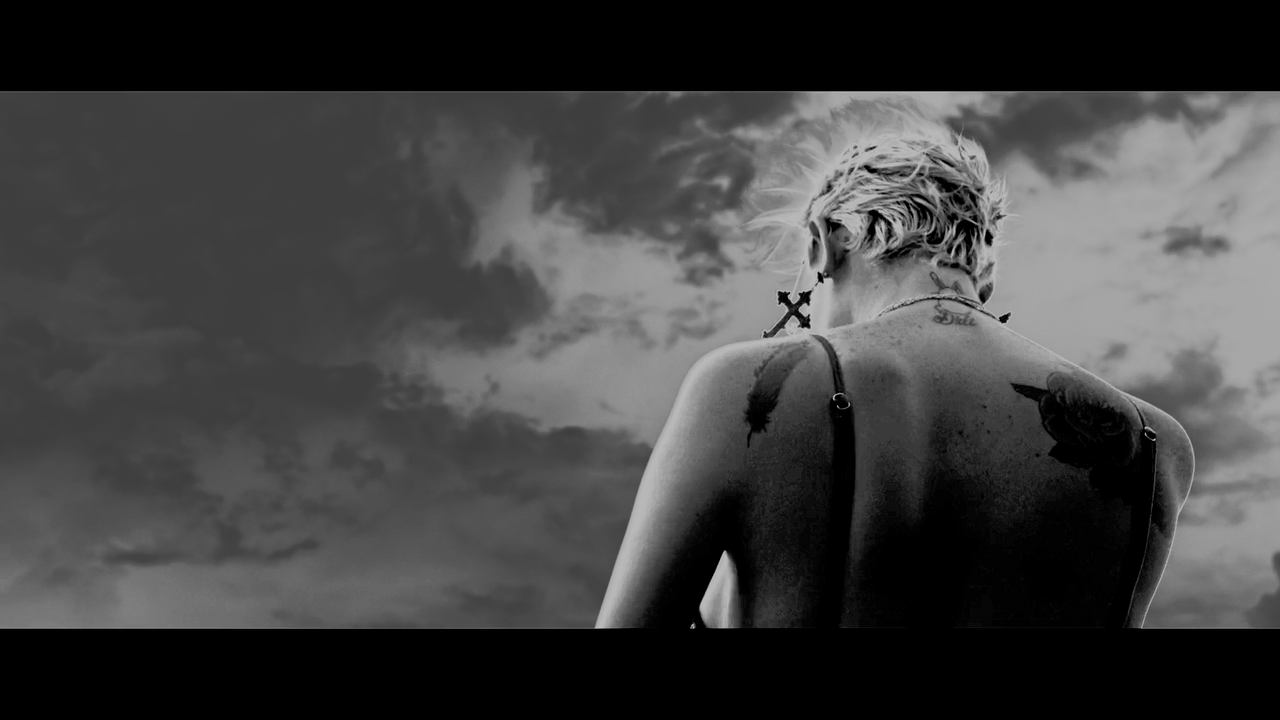
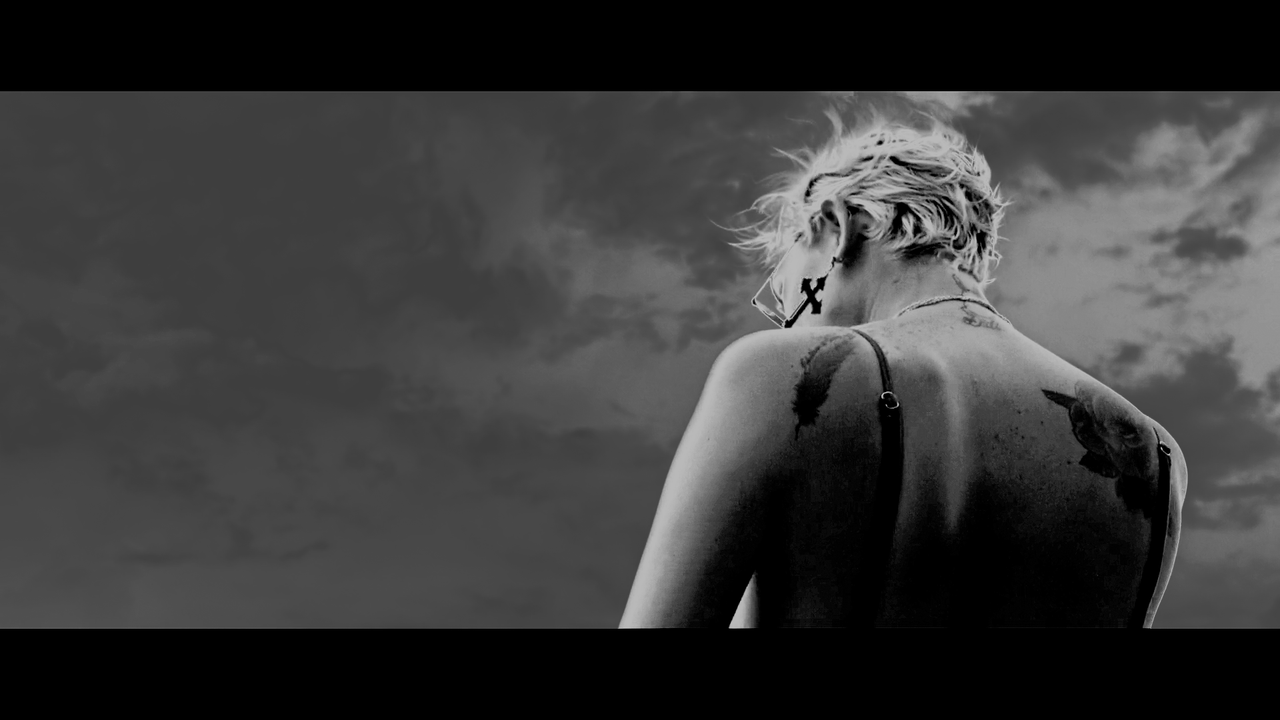
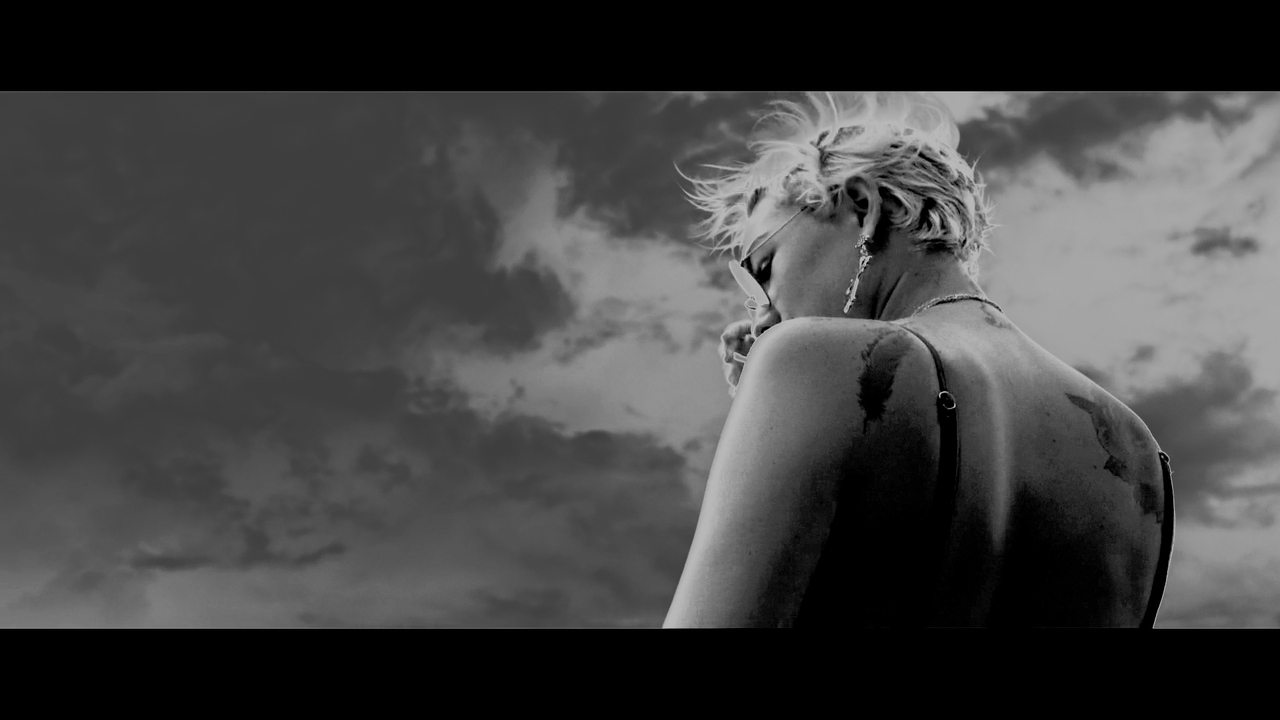
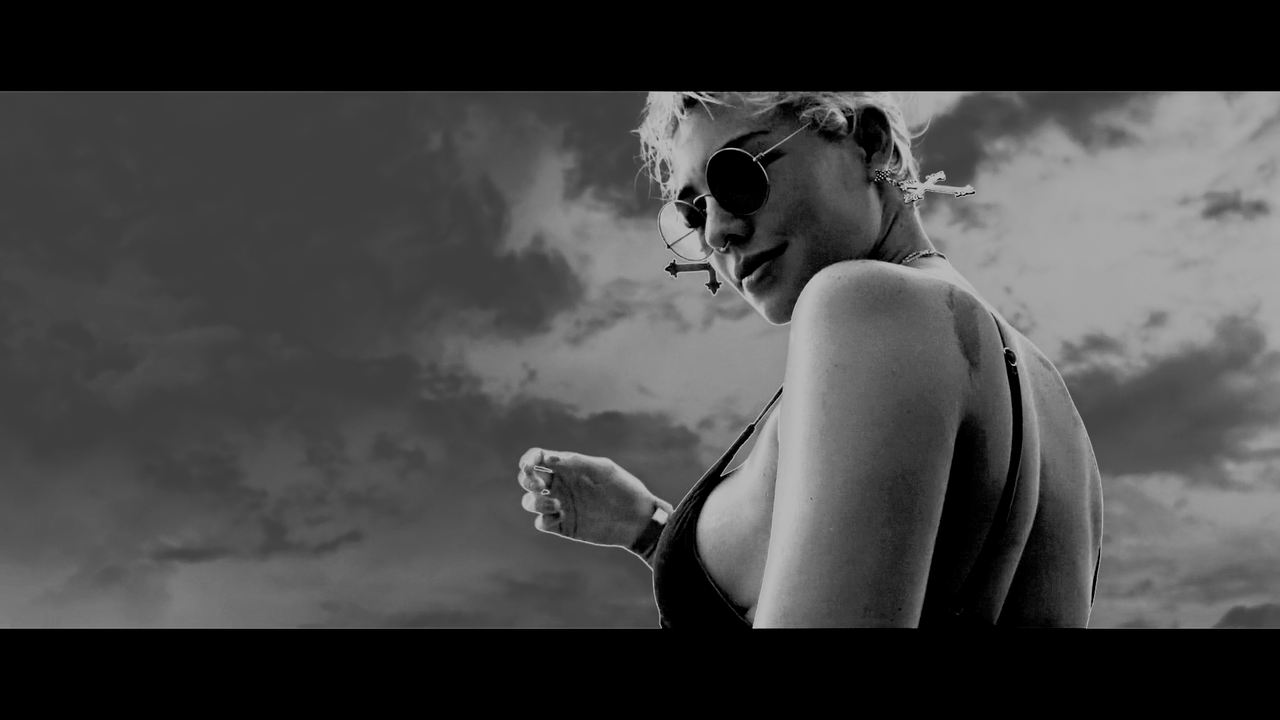
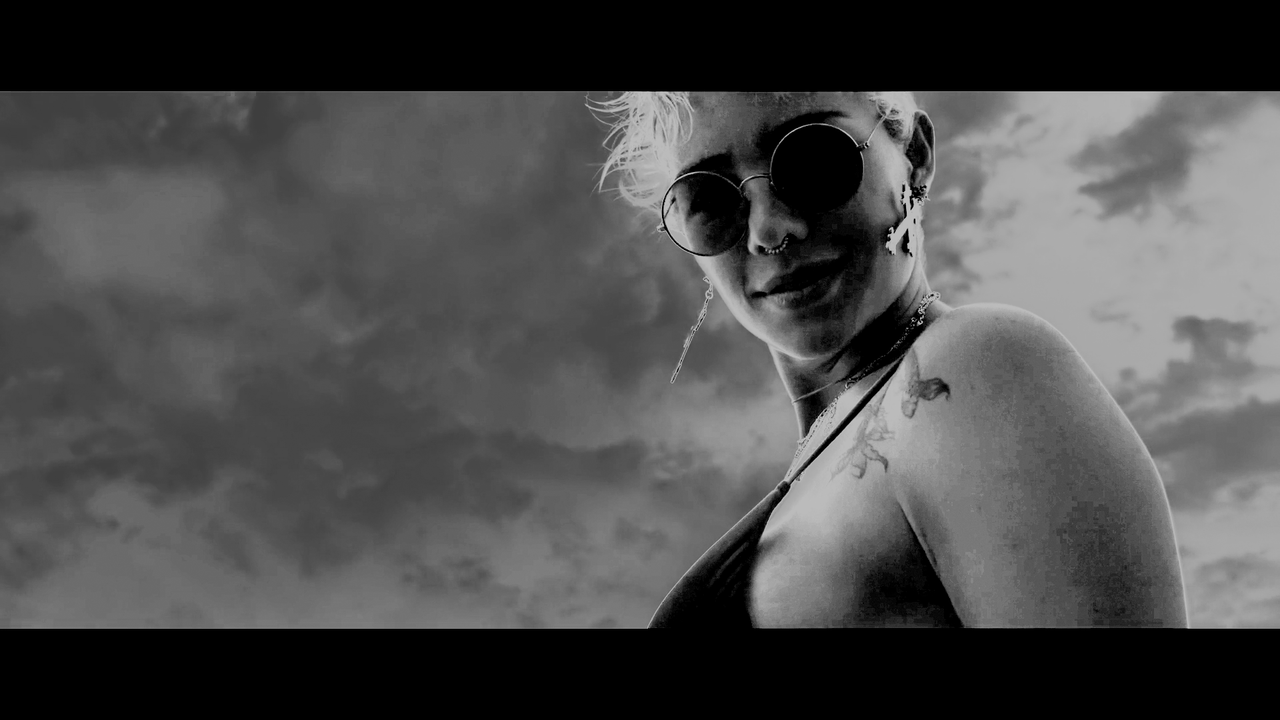

I tried to replicate your grade as I liked it. Here my test in RCX with one curve and some Alchemy. I probably get at the limit of working with one four points curve.
The texture is quite different, it's "color" also, yours has some silver in it. Mine is harsher, like more black and white. Difficult to get that exact look.
I don't use curves for grading. I feel curves are not really easy to use with a simple, non $30k panel) Using curves, if overly aggressive, can introduce bending, halos and solarization, as clearly demonstrated on a lot of grades here. All grades were done with just Basegrade with a couple of masks and the texture was manipulated using Texture Equalizer. Actually, all these are very simple grades.
I've heard that curves are not used by some colorists. I've worked with some of them. I'v seen that the one that don't use them usually don't know how to work with. Probably they never had to learn? I wonder if it's due to the habit of using wheels LGG? But I've used curves since the Online times in 2000 as a postproduction supervisor and never seen any banding nor halos if not torn like crazy (Brandon style ;-) ). (Though Photoshop curves are of no use). It's just mapping the values in more linear ways than using 3 points wheels even if you can modify your 3 points threshold. You can also posterize with wheels. "Key-like" grading changing the value of selected tones are IMHO more dangerous as it's affect the edges of the effect. They are blended from one effect to the other with some kind of opacity. It's not a linear transition. I might be wrong... ;-)
There are a lot of contrast elements that can't be reproduced without the right curve. Some use to keying out the range they want to enhance. But I always stay away of keying and changing luma value.
Perhaps it's due to the poor key engine some color tools had?
The only rule with curves to avoid banding/posterisation is "stay away from low angle, flat or negative slope"
BTW I love your work Jake.
See you.
Pat

Jake,
I love 3D Lut creator also. I was just getting use to the layer based method of during things in the Baselight plugin for Avid Media Composer but Avid Media Composer just kept crashing with it and I just got tired of Avid. I think If I would have started out with Baselight instead of Davinci Resolve, I would be using it instead.