Welcome to our community

Be a part of something great, join today!

  • Hey all, just changed over the backend after 15 years I figured time to give it a bit of an update, its probably gonna be a bit weird for most of you and i am sure there is a few bugs to work out but it should kinda work the same as before... hopefully :)

Color Grading Monochrome RED.

Rodrigo Violante

Well-known member
Joined
Jun 14, 2016
Messages
338
Reaction score
0
Points
16
Location
Miami
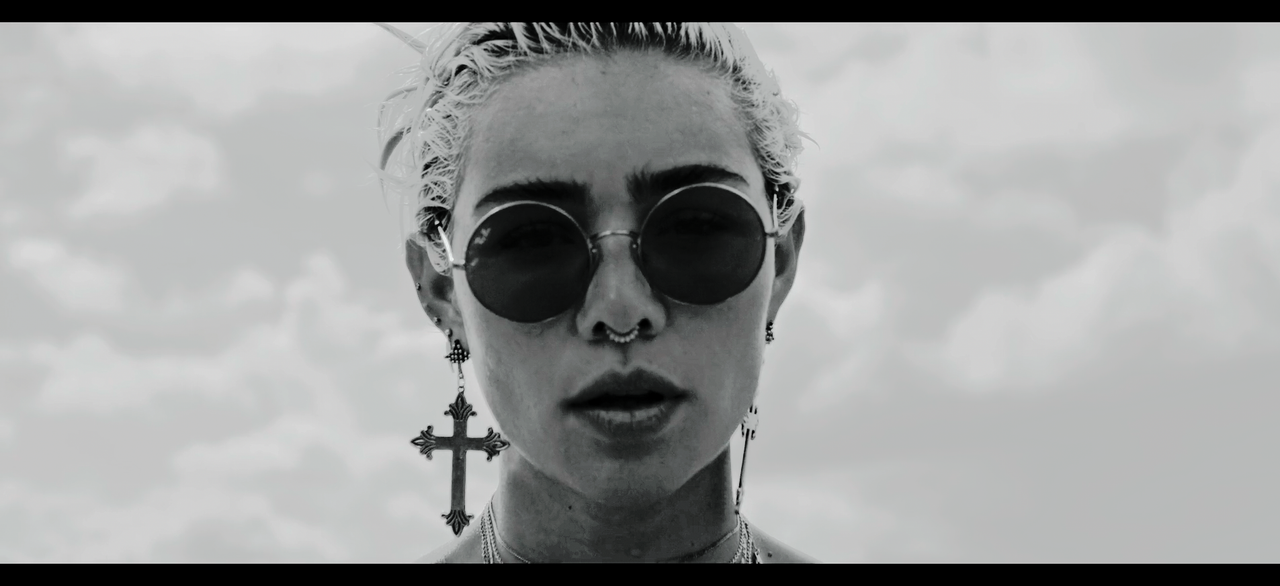
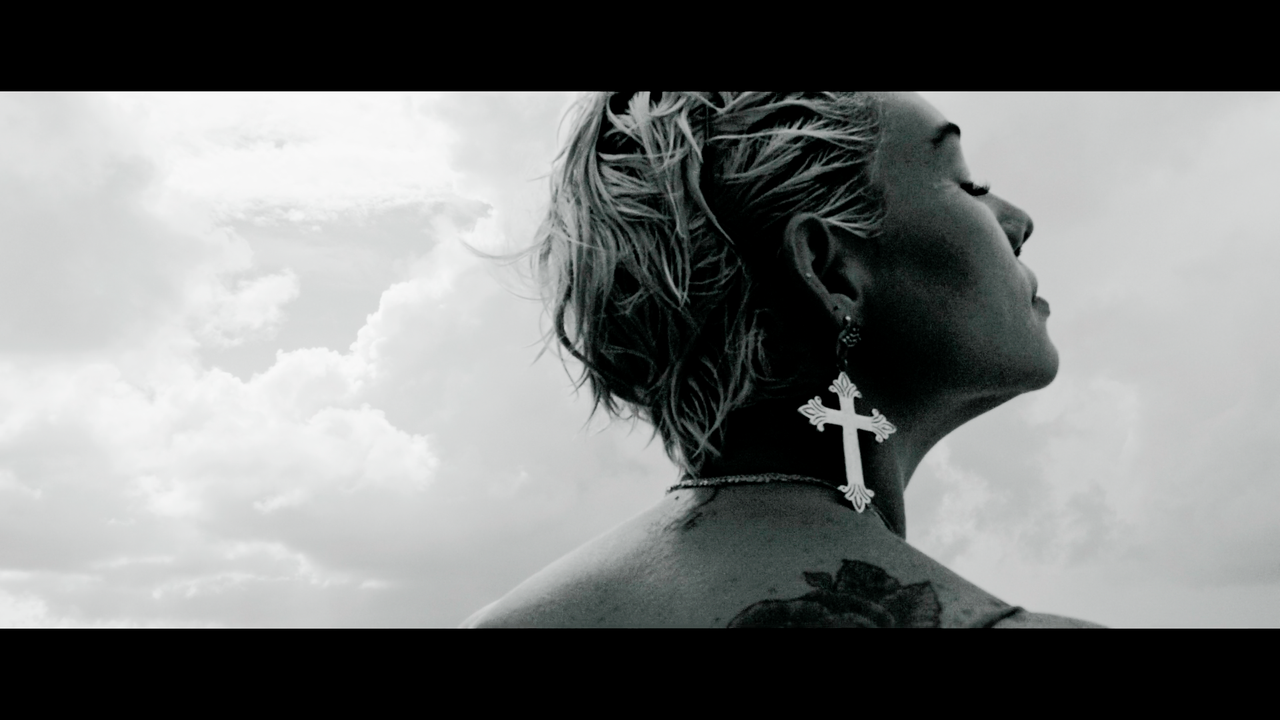
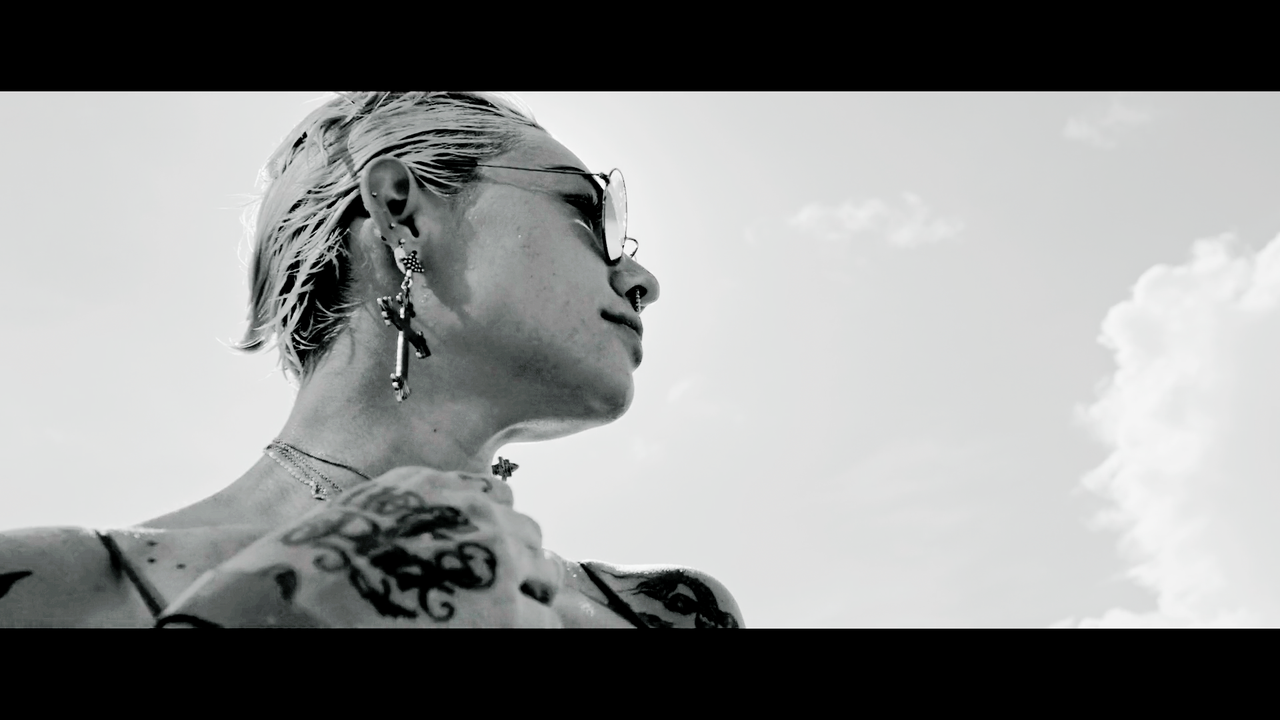
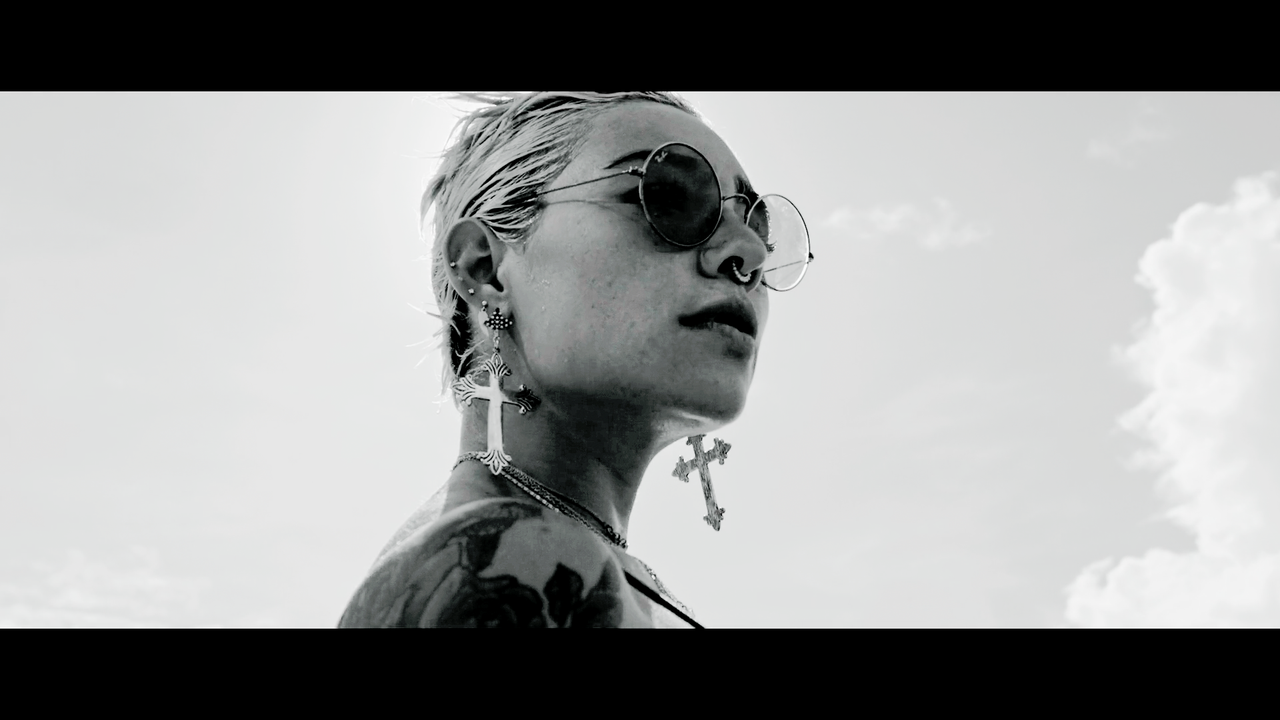
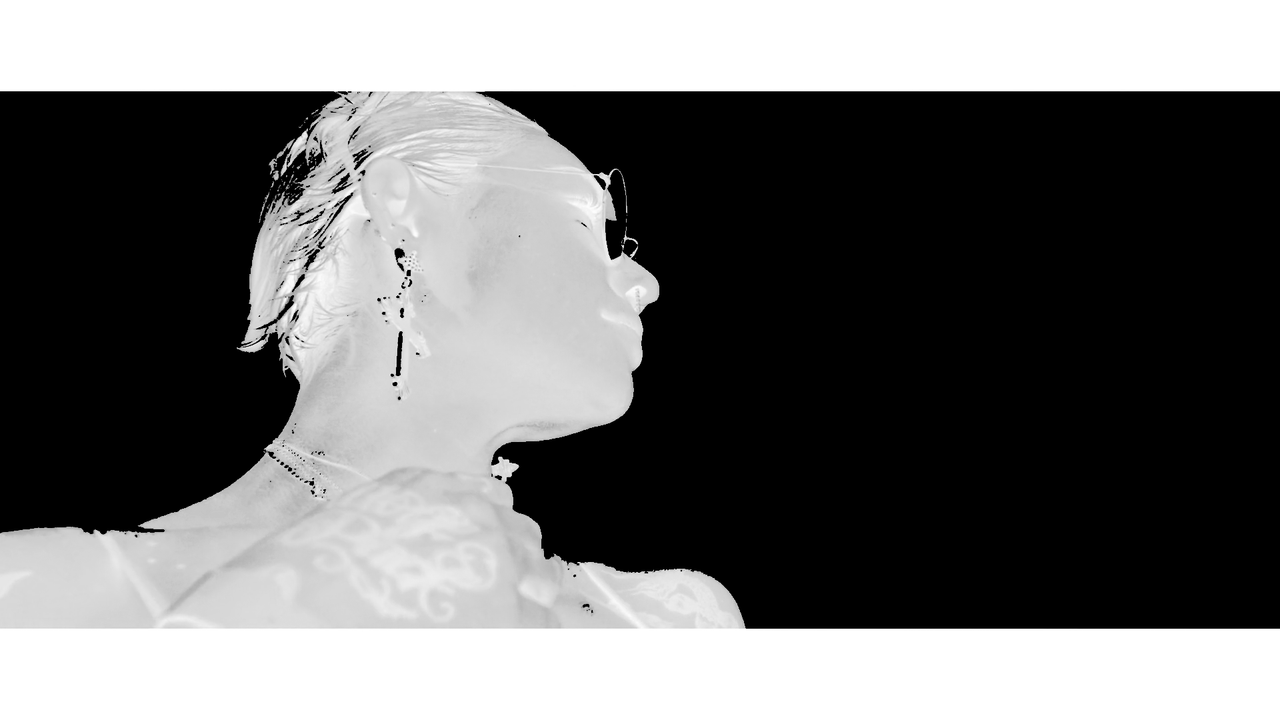
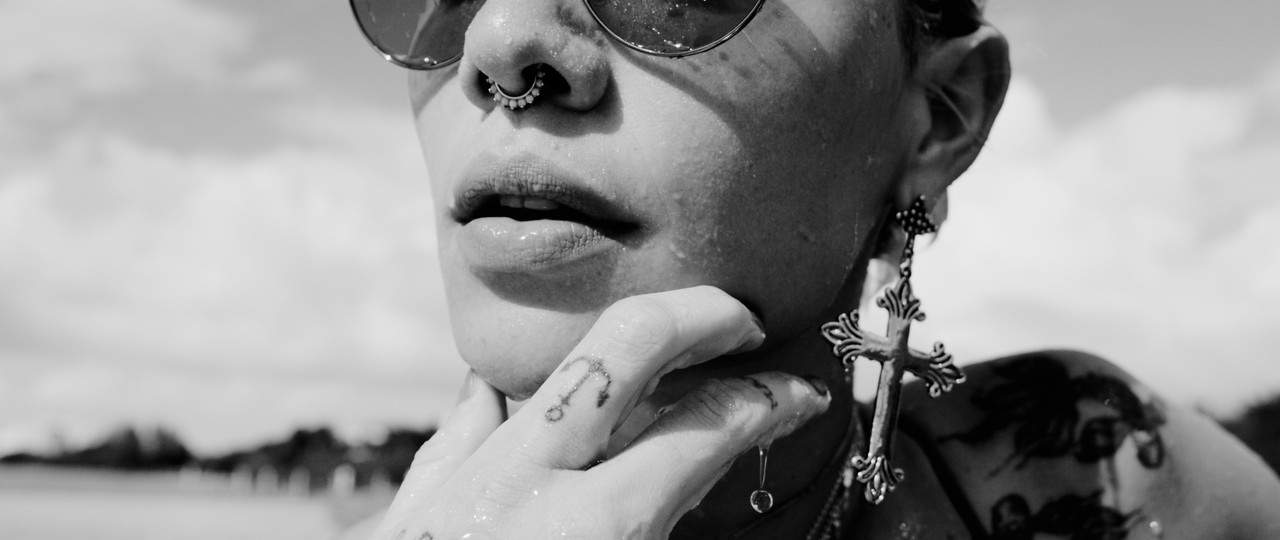
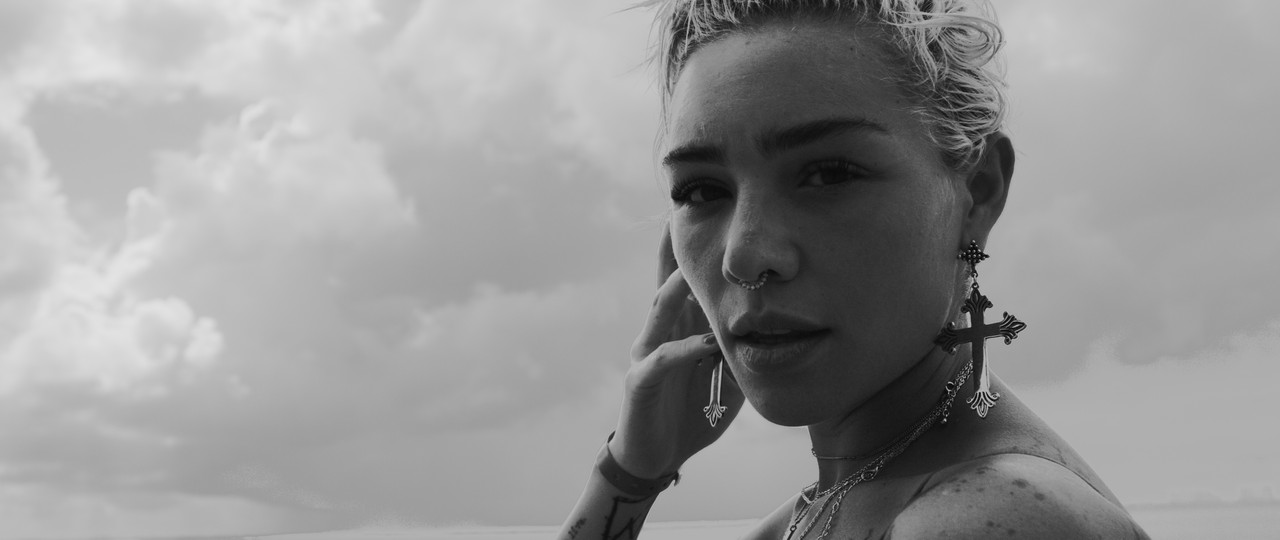
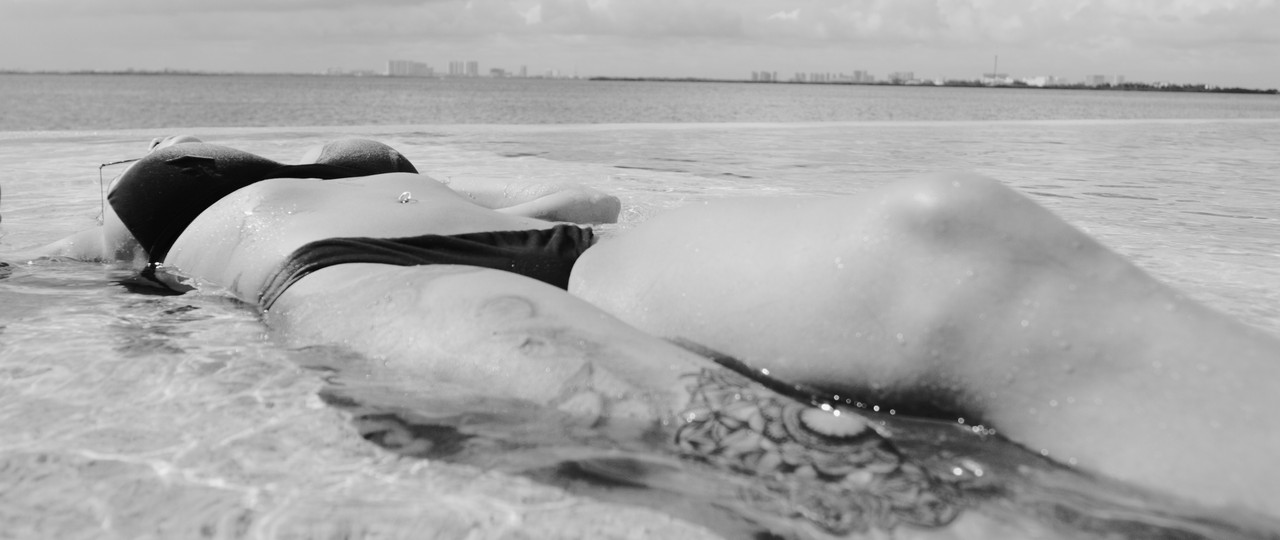
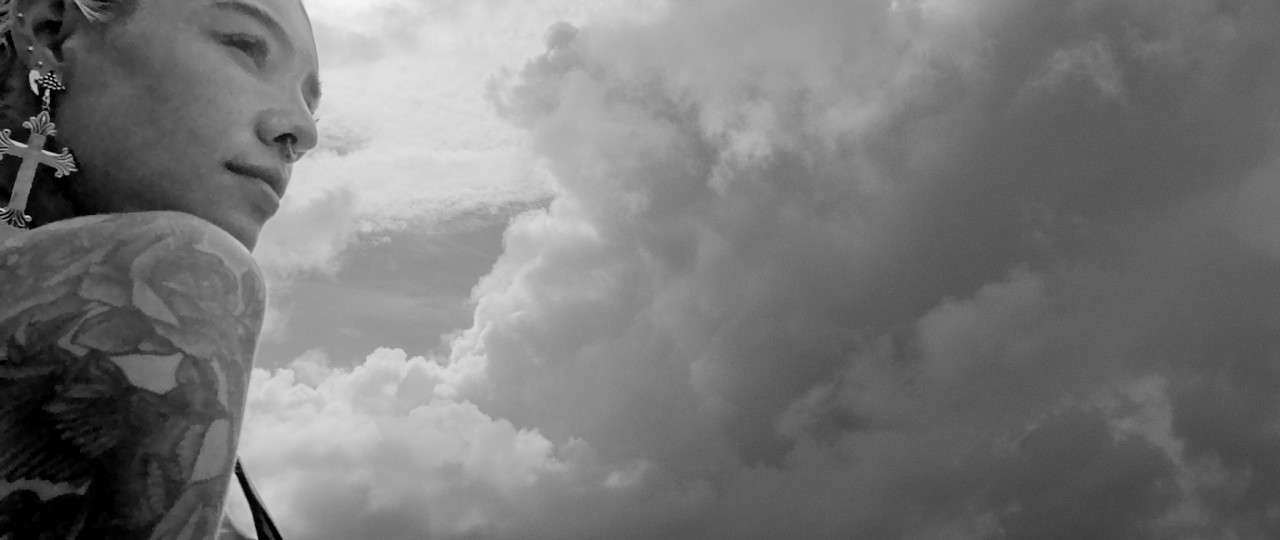
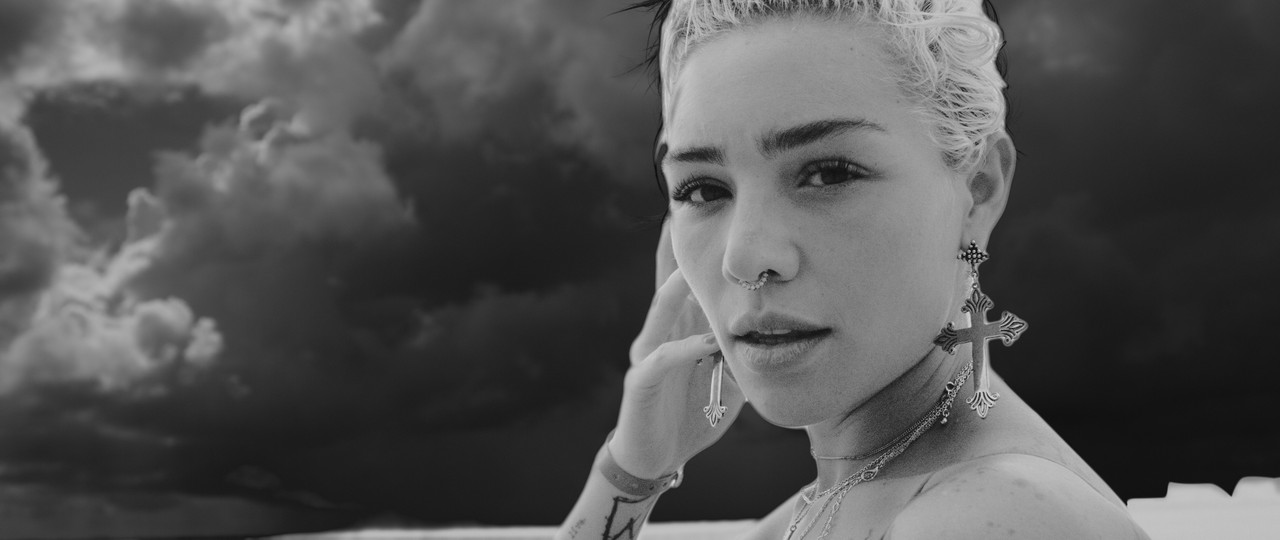
I just shot a video with my Monochrome RED and while I just color graded as I normally do any other file, I was wondering if there are special techniques when going with a Monochrome RED. I'm wondering how many have experience in this level.


Update:
R3D Files if you want to play with them: https://www.dropbox.com/sh/bxqitm4ooemqeg2/AADWcejX-hInfjTHyMZ4GjzWa?dl=0
 
Last edited:
Not much you can do but separate by luminance and splines and pull lift gamma gain around. Monocrome sensor is beneficial for resolution and noise but you also loose the ability to separate an image by color. Chroma key is simply more difficult with the monochrome. Lol.
 
If you are using DaVinci Resolve, checkout the RGB mixer.
 
I'm curious in this as well. Perhaps some advice on filters, and their effect on contrast for different scenes would be helpful...I too have a monochrome and am happy to share my experience with this if DM'ed.
 
I'm curious in this as well. Perhaps some advice on filters, and their effect on contrast for different scenes would be helpful...I too have a monochrome and am happy to share my experience with this if DM'ed.

Exactly, just wondering if there are any guidelines, ideas, etc, since I think Monochrome should be graded different, maybe go harder on contrast? Mid detail softer? Just wanted to share opinions.
 
Rodrigo,


Here is one idea. You can always use different levels of contrast and luminance curves or just color the image in some way.


image.png


image.png


image.png


image.png


image.png


image.png
 
Last edited:

Read up on The Zone System, which represents some of the best thinking on monochromatic grading by one of the best practitioners of the craft.
 
What I find intriguing with high resolving cameras is that: pictures with lots of details. BW often invites one to crush the blacks and push the whites. But all delicacy is gone. Grading in ACEScct, the log derivate of ACES, allows exactly this: puhsing the whites and crushing the blacks without loosing fine detail.
 
First of all, RGB mixer will not help, because all three channels in monochrome image have the same color distribution. In order to to be able to use RGB mixer, you must have a color image with RGB channels, that you then can convert to B/W with RGB mixer while still retaining the control over RGB values. The only proper way to control your RED monochromatic image is a good old fashion color filters, just like with the good old monochromatic film. Also, I can't be 100 percent certain, but based on what I can see, it seems to me, that you left a bit of a beautiful clouds on the "cutting floor", so to speak. It's really not that difficult to use luminance keyer for highlight control or better yet, if you use Baselight, Basegrade is custom made for just this kind of imagery, as it is based on a Zone system. So, with Basegrade you wouldn't even need to key or roto the clouds, just adjust them to your liking) Also, it is my feeling, with monochromatic images, grays are supremely important. Monochromatic camera is custom created to reproduce amazing grays. So, I would try to coax all those mid tones as much as possible. I also would like to point out, that because they are monochrome images, the contrast becomes supremely important. I feel, that contrast through the spot could use a bit more consistency. And finally, to me, it's almost sacrilegious when working beautiful monochromatic images to clip or crash any of it. You can always find a way to manipulate contrast without resorting to it. Just my 2c...
 
I have seen some film emulation filters and honestly they do look very good - pretty much on par with Tri-X tonality. Because there is no colour, there is not much you can do with the image (thank goodness) and so there are fewer affectatious filters and manipulation techniques available. B&w keeps away the Photoshop wankers, for the most part.
 
I've done a lot with b&w, a couple of things to get your skills up is getting some expertice in converting a image to the silver/metalic look. Basically metal grey skin, like oil worker, where everyone looks all semi/metalic is a basic b&w process. Another classic is getting a more silver look on hair, or turning eyes to "glassy". There's a bunch of walk throughs on how to do this with photoshop. It's basically breaking up the pictures in zones, masking, modifying the contrast in the mask, then adding that back. There's also ways of smearing zones to create different chemical efffects, which is also breaking the image up in zones then adding back a zone with some blur.
 
Patrick,


I use a lot of masks, I used some in a few of the pics I posted, then I just got lazy on the other ones.
masks_1.png


mask_2.png


mask_3.png


mask_4.png


mask_5.png


mask_6.png


mask_7.png
 
I've done a lot with b&w, a couple of things to get your skills up is getting some expertice in converting a image to the silver/metalic look. Basically metal grey skin, like oil worker, where everyone looks all semi/metalic is a basic b&w process. Another classic is getting a more silver look on hair, or turning eyes to "glassy". There's a bunch of walk throughs on how to do this with photoshop. It's basically breaking up the pictures in zones, masking, modifying the contrast in the mask, then adding that back. There's also ways of smearing zones to create different chemical efffects, which is also breaking the image up in zones then adding back a zone with some blur.
That is pretty cool, where can I find out more on how to use it properly. I uploaded some R3D Files here: https://www.dropbox.com/sh/bxqitm4ooemqeg2/AADWcejX-hInfjTHyMZ4GjzWa?dl=0
 
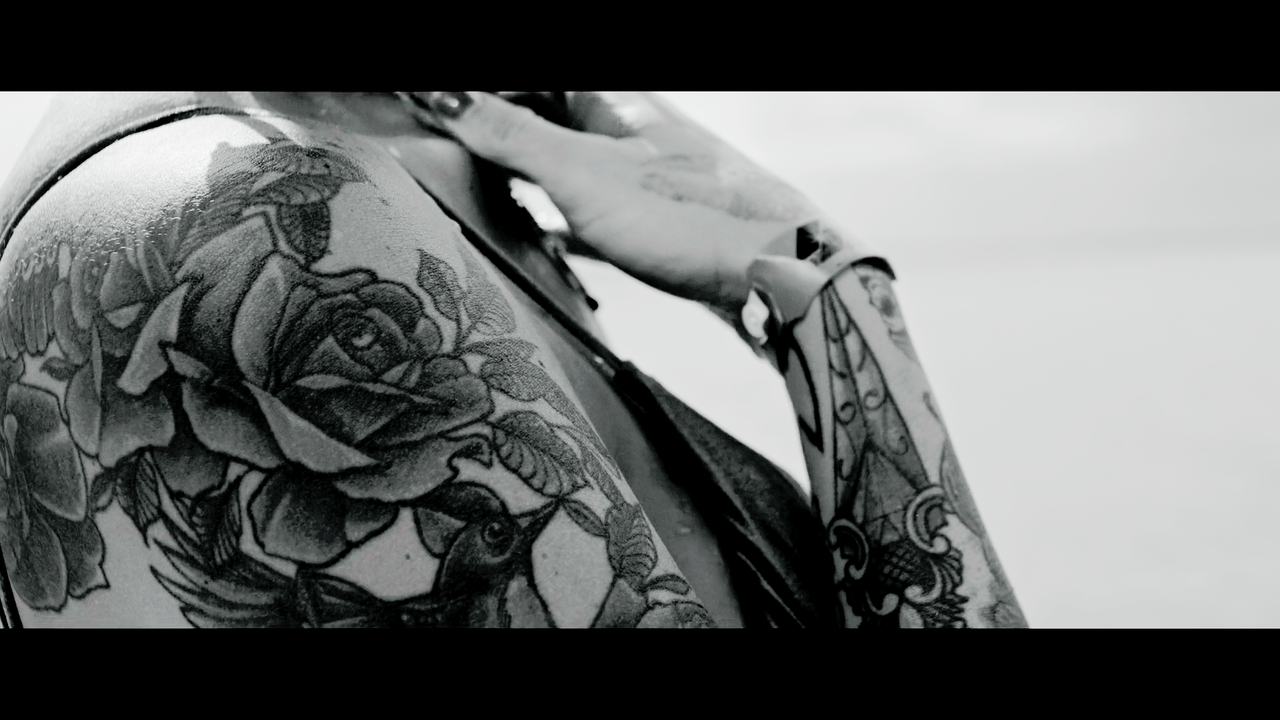
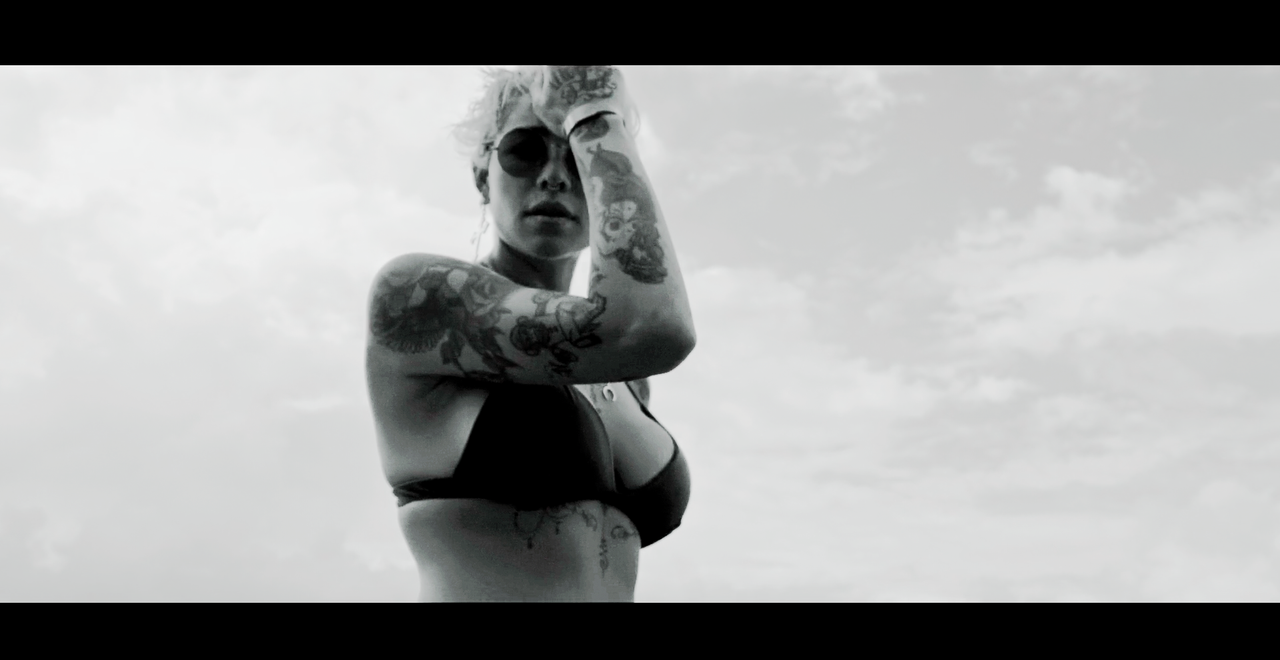
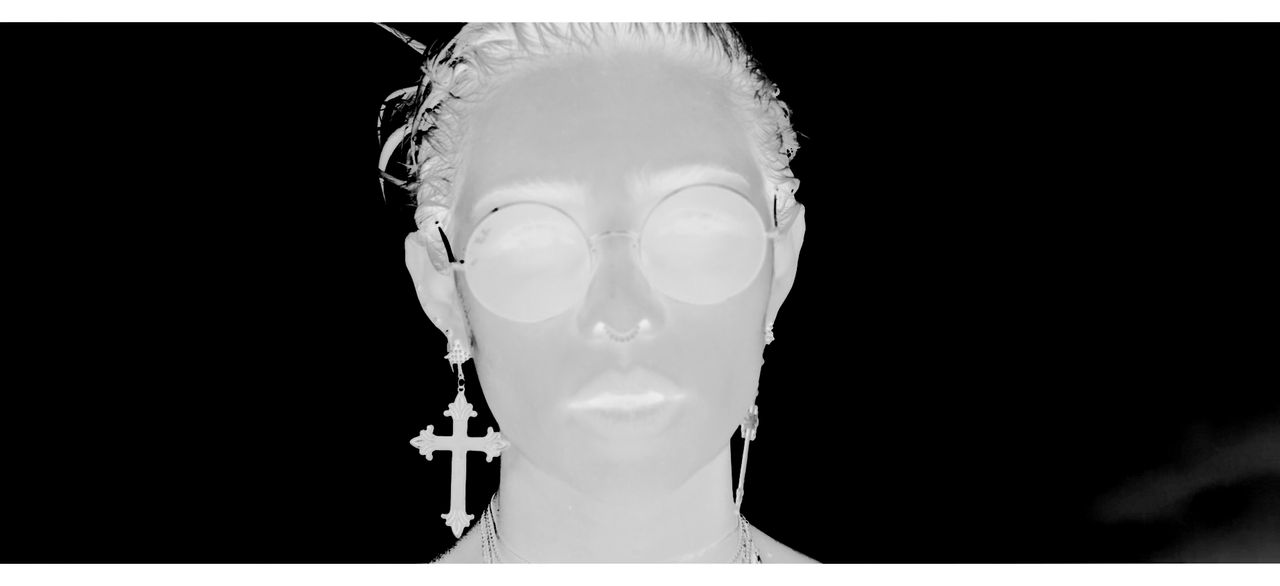
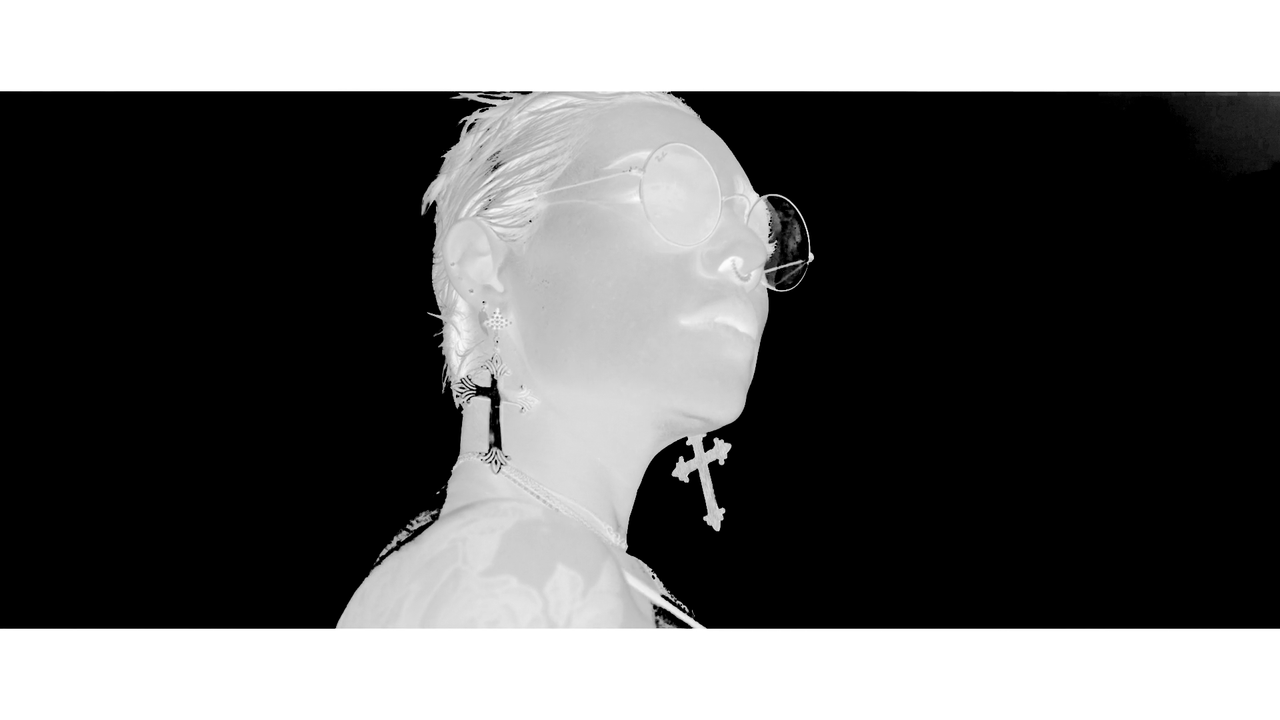
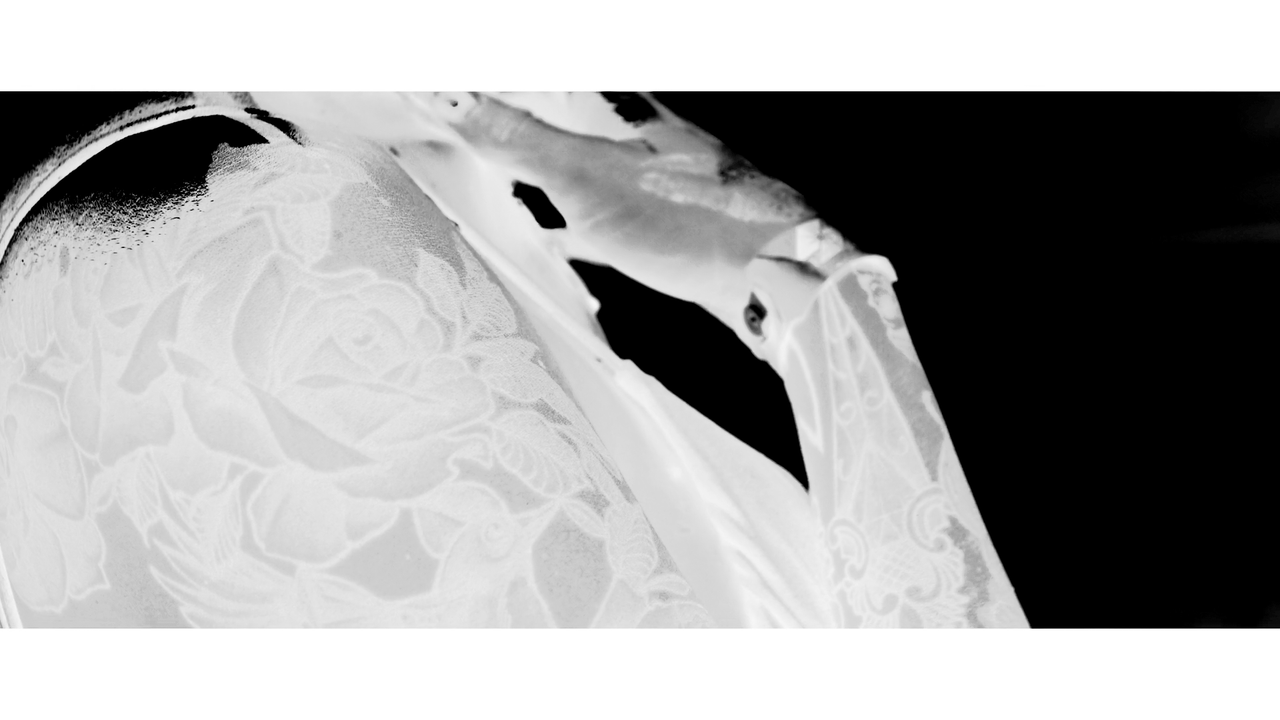
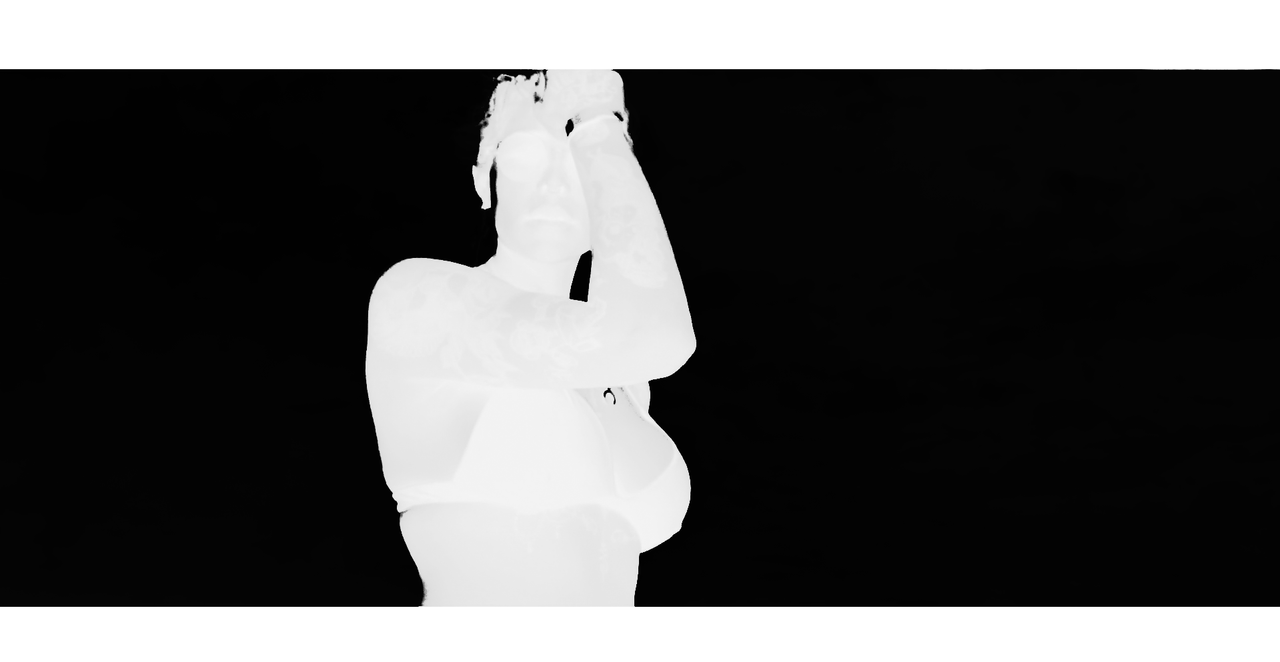
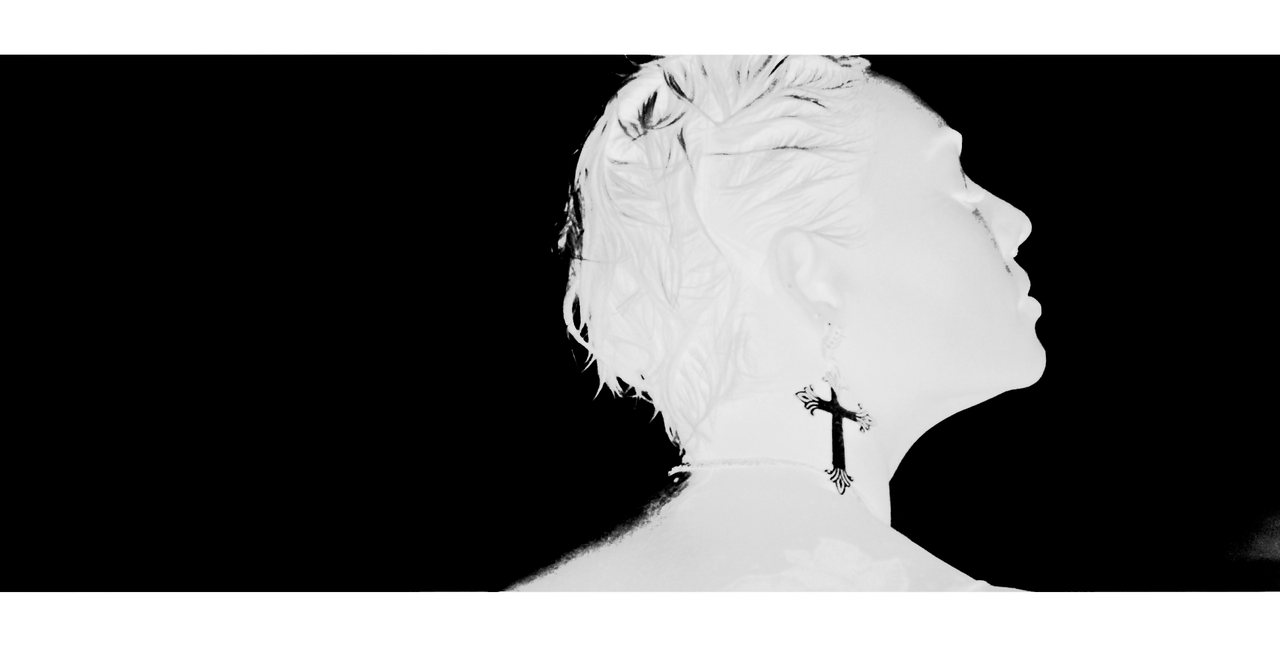
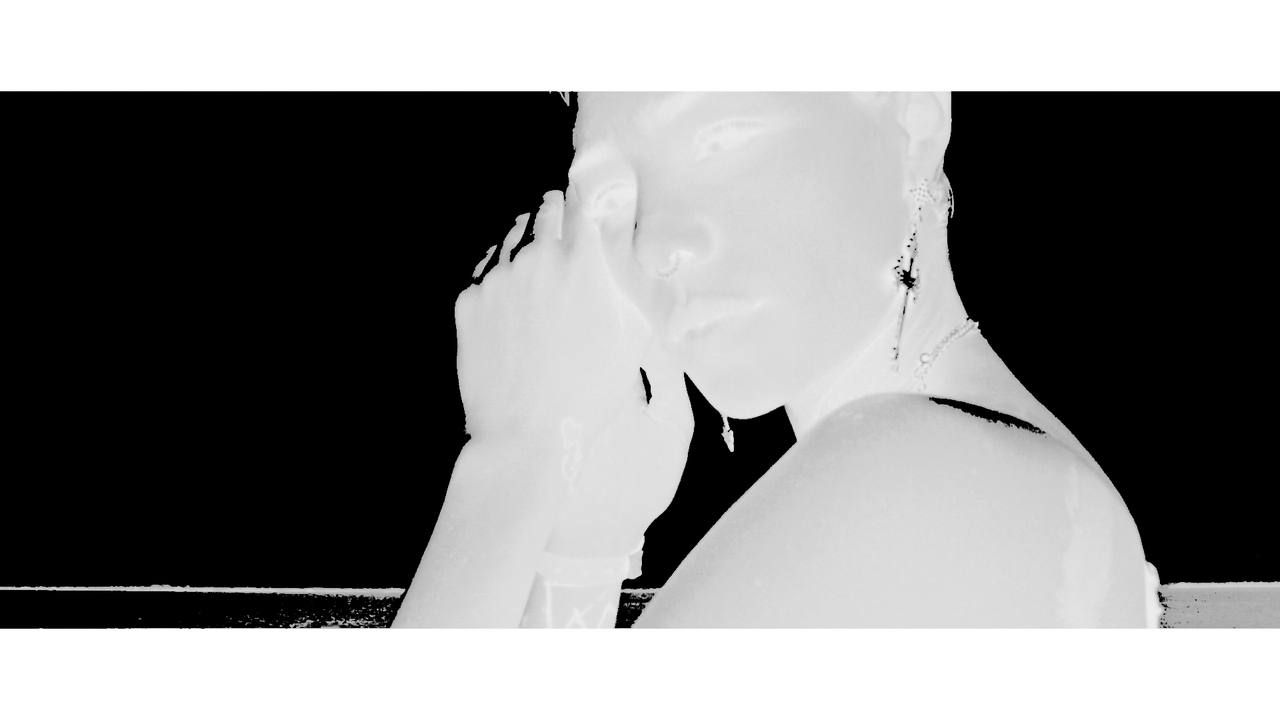
A quick grade. A couple of shots could be a bit over the top, but those easily can be toned down, if needed. I could use some more time working on better masks blending, but I don't want to spend too much time on this. I think, doing more of a silhouette would probably work even better in this case. Also, with this grade, a couple of images could use a bit of noise reduction, but you can't do temporal noise reduction on a single frame, so...


A quick grade. A couple of shots could be a bit over the top, but those easily can be toned down, if needed. I could use some more time working on better masks blending, but I don't want to spend too much time on this. I think, doing more of a silhouette would probably work even better in this case. Also, with this grade, a couple of images could use a bit of noise reduction, but you can't do temporal noise reduction on a single frame, so ......

I love that look/feel. Did you use the baselight's new "base grade", which to me does a more "natural/physically based" approach rather then lift/gamma/gain ? I have had a hard time getting this type of feel with resolve, or have had to do a lot nuke nodes to do that same thing.
 
Yep, plus just a little magic pixel dust from our friends at Filmlight)

I love that look/feel. Did you use the baselight's new "base grade", which to me does a more "natural/physically based" approach rather then lift/gamma/gain ? I have had a hard time getting this type of feel with resolve, or have had to do a lot nuke nodes to do that same thing.
 
Back
Top