Robert Hofmeyr
Well-known member
Hi All, I'm new to Resolve and I'm looking for some help. I was testing the Ursa 12K on my last shoot, and I now have many terabytes of footage to sort. My normal workflow with R3D files, is to import them into Redcine-X, adjust iso, curves, saturation, etc. so they look nice. Then I save everything to rmd files before I bring the footage into Final Cut and create proxies.
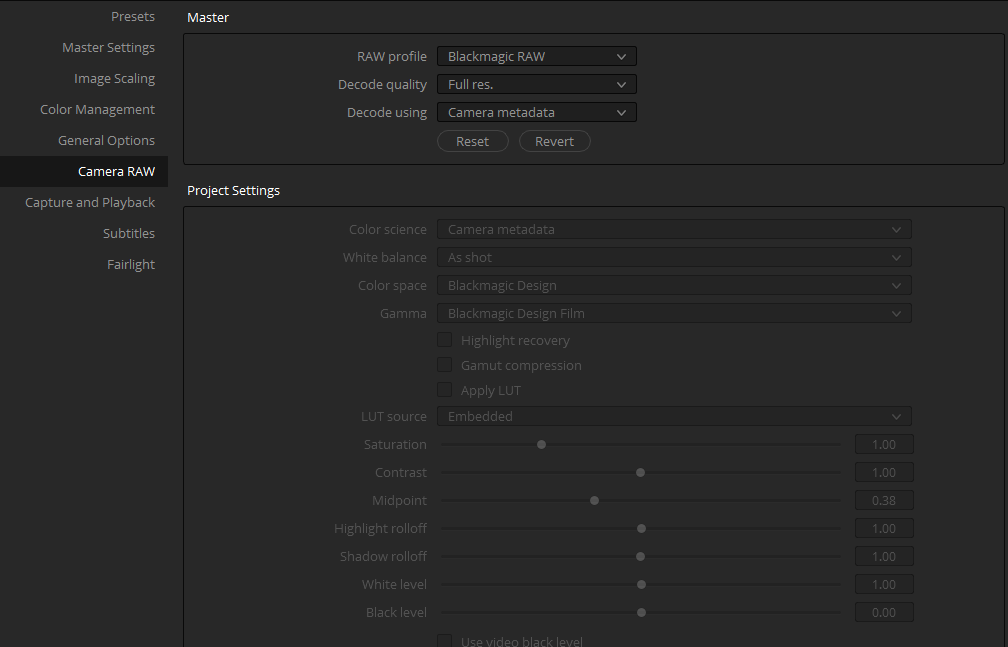
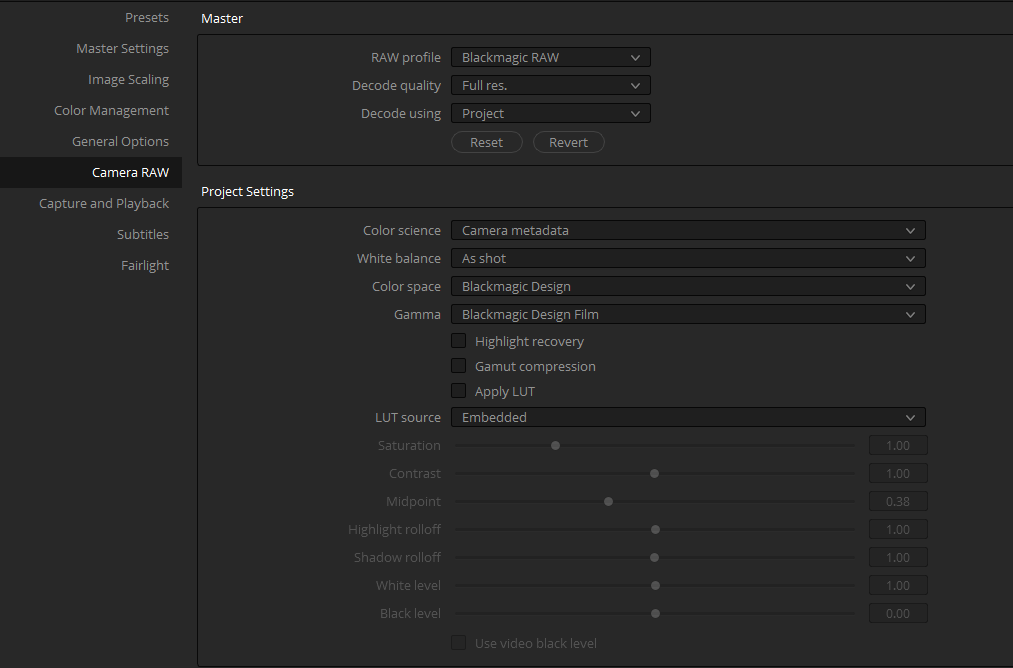
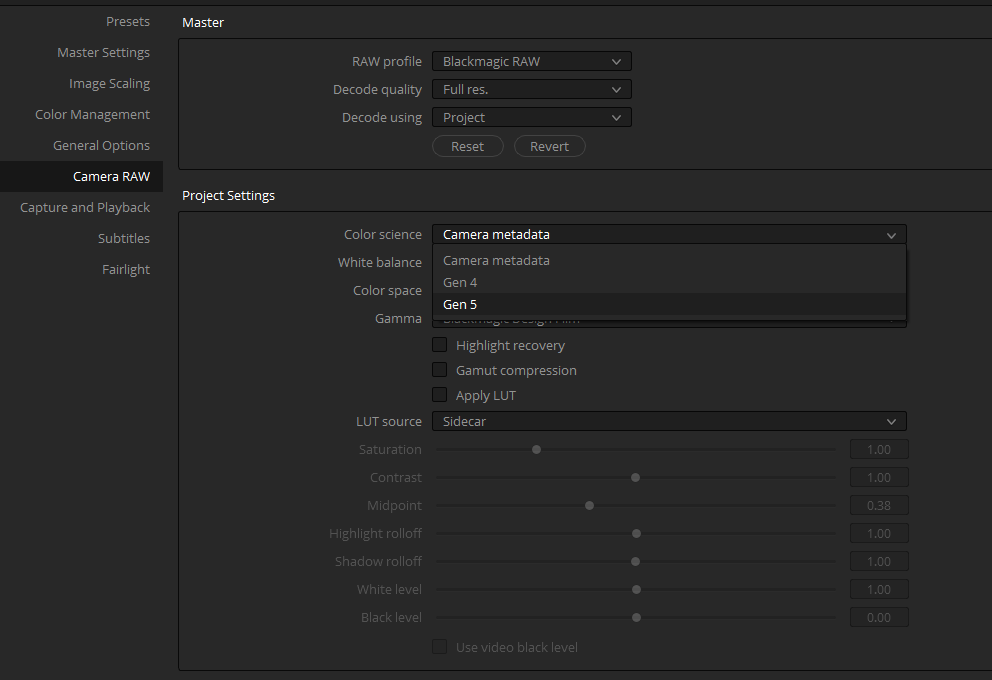
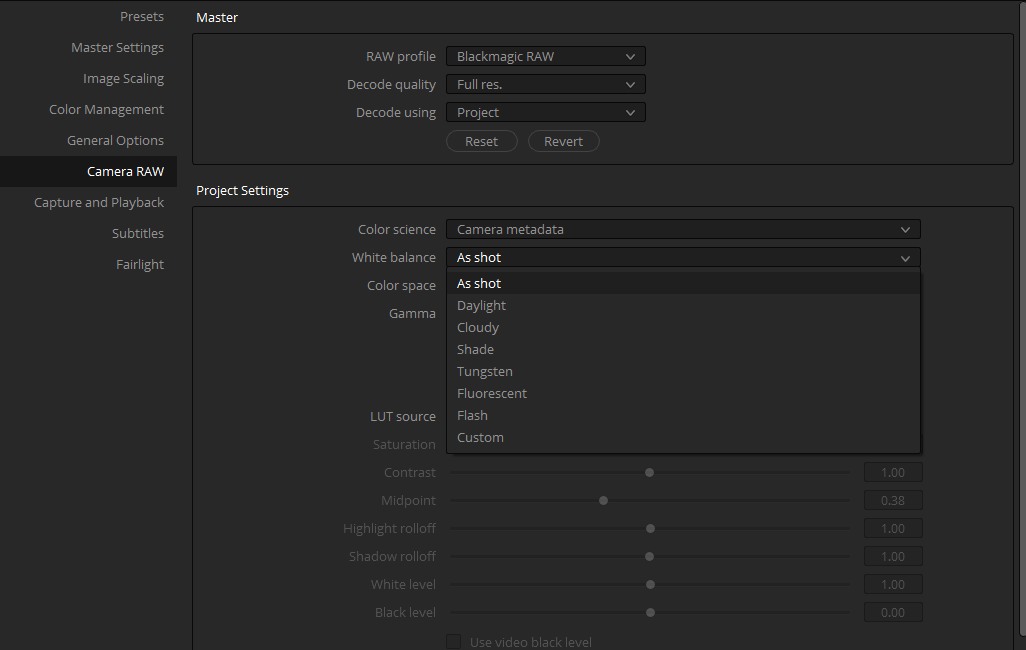
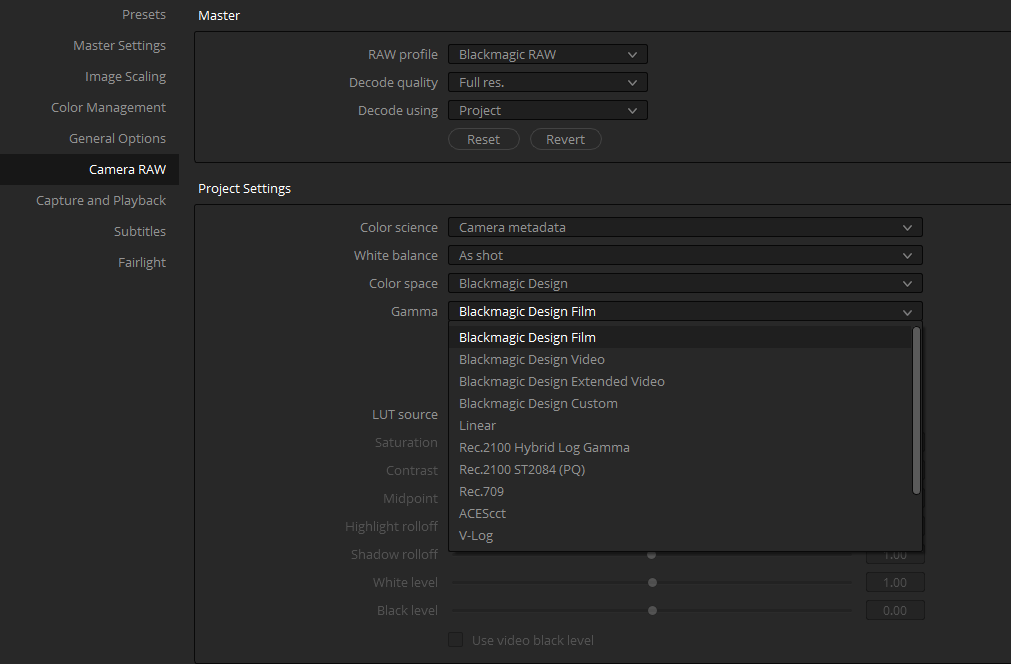
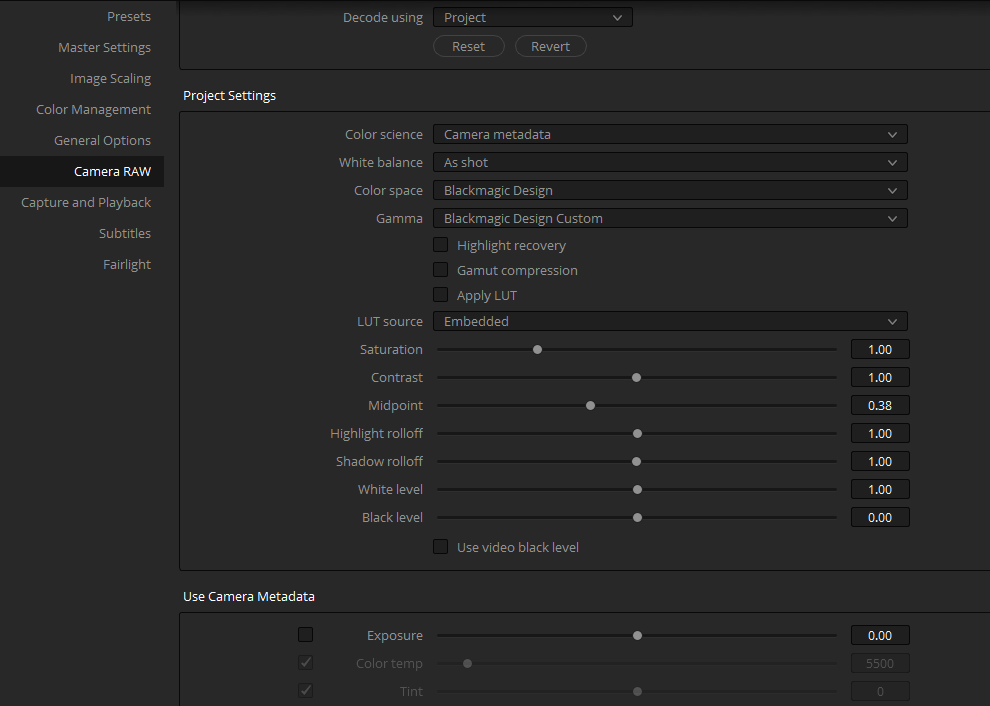
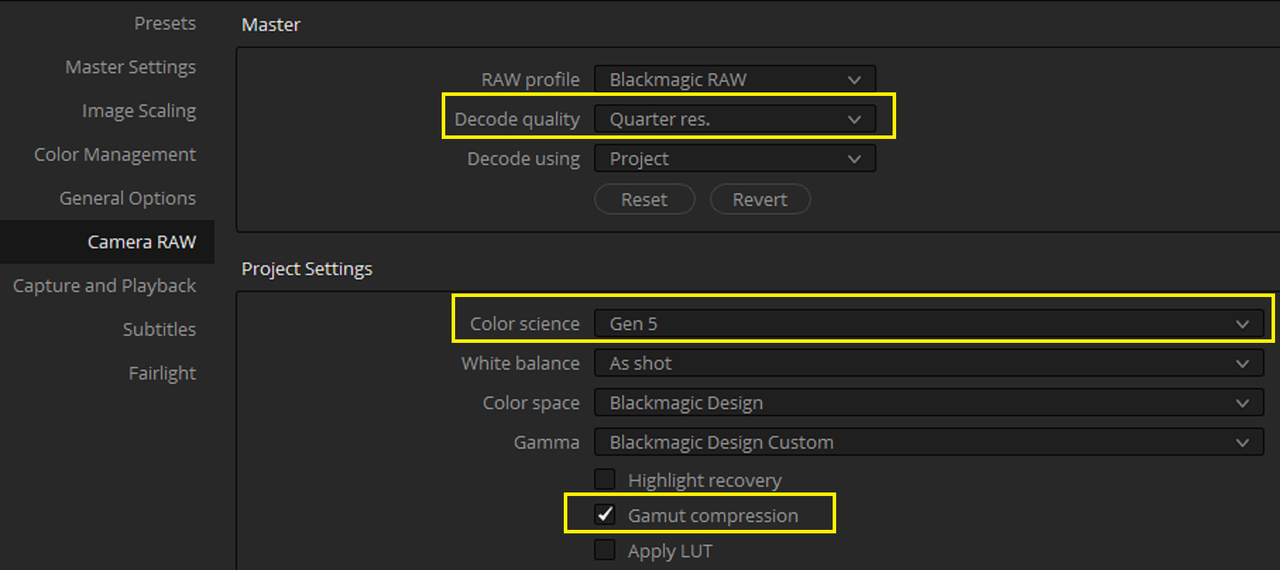
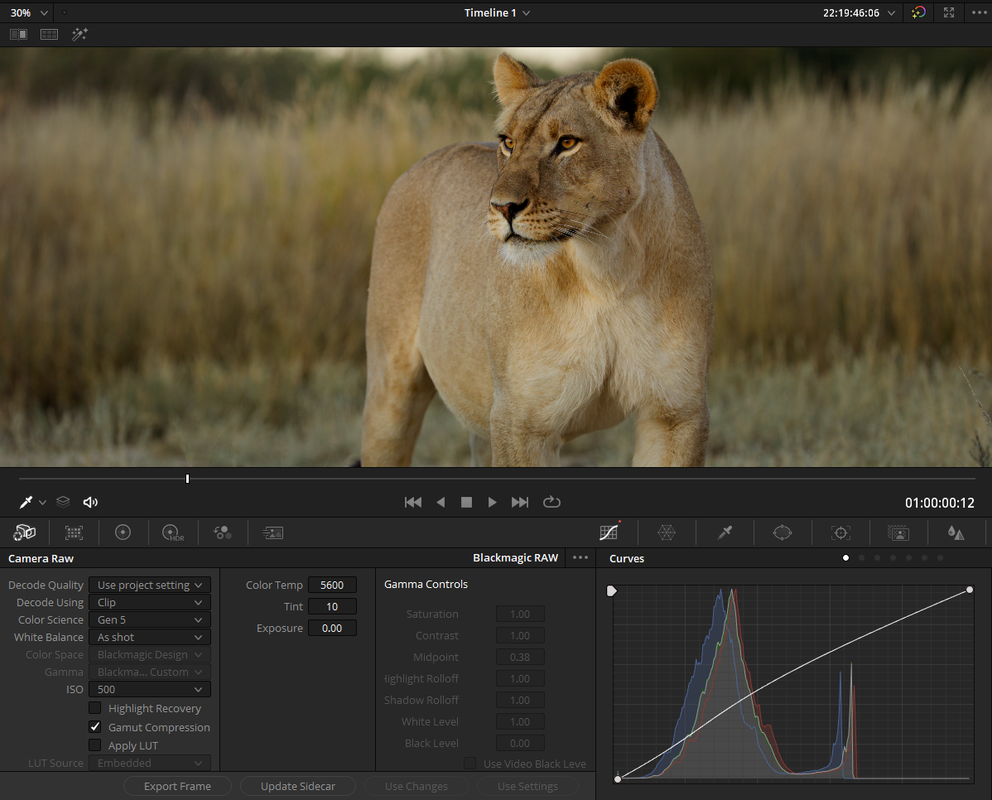
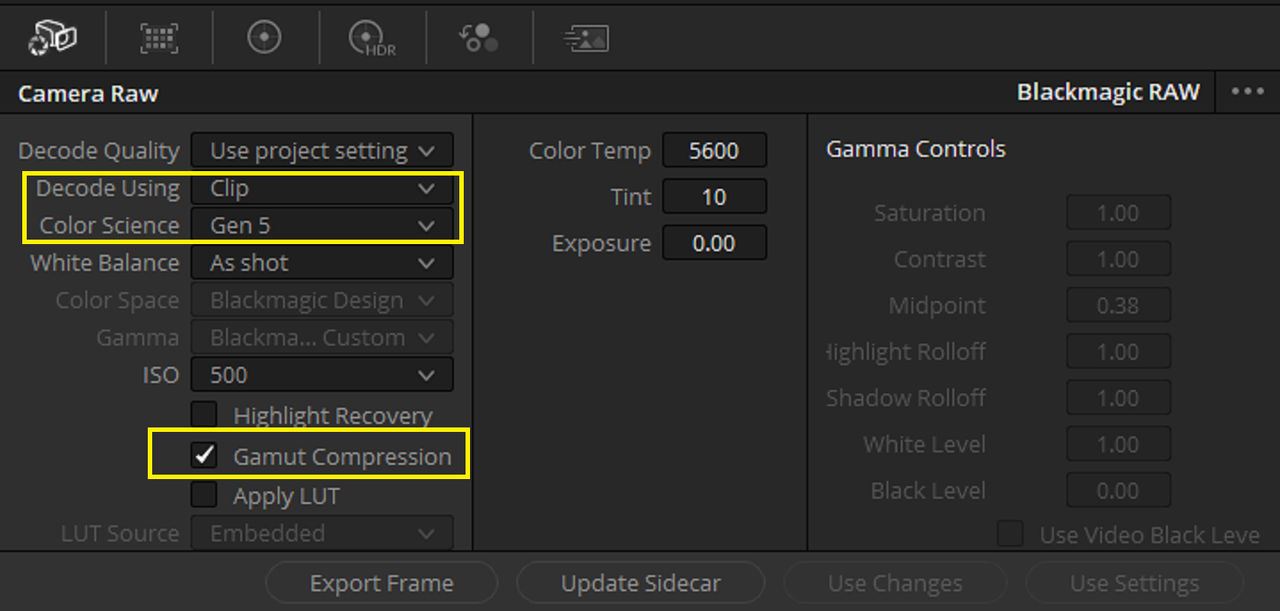
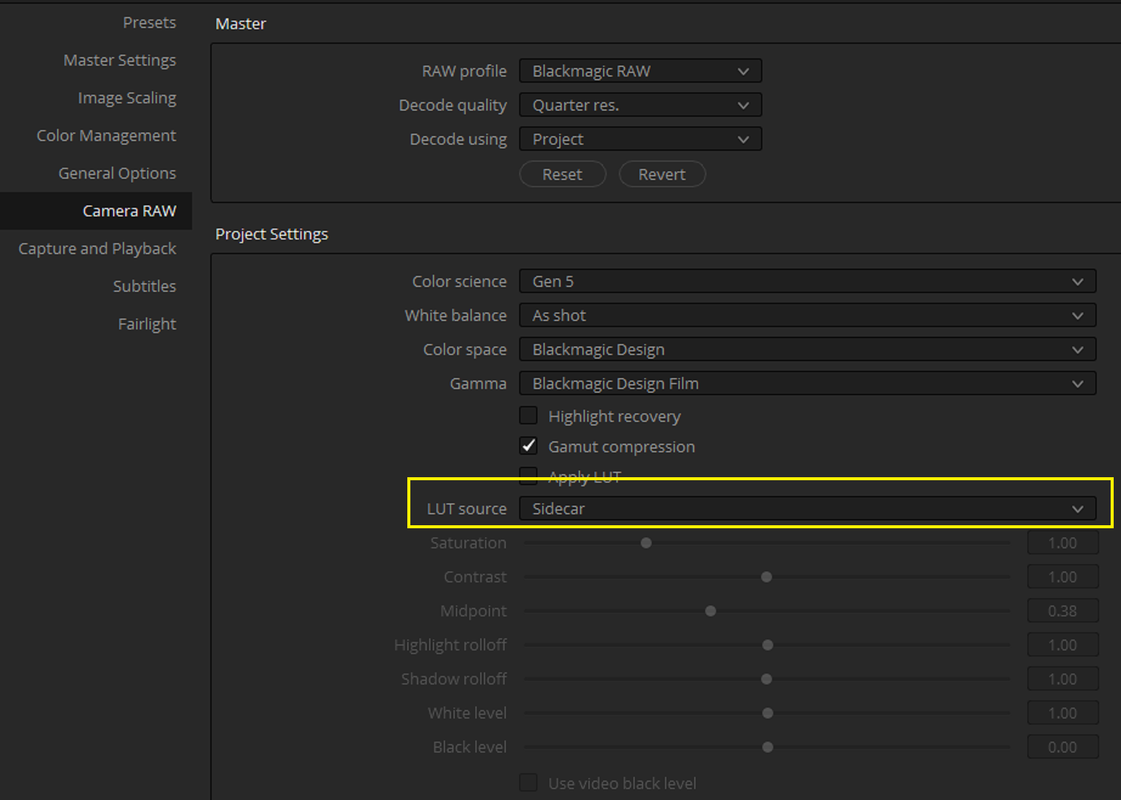
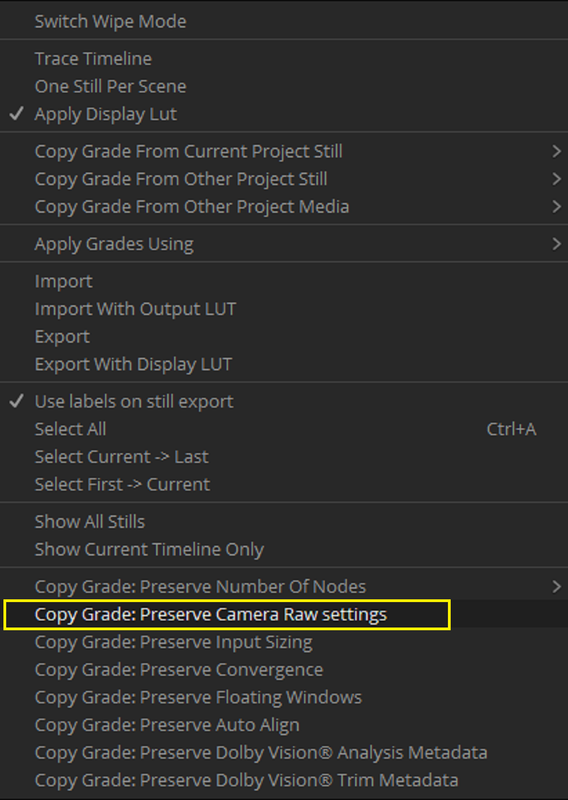
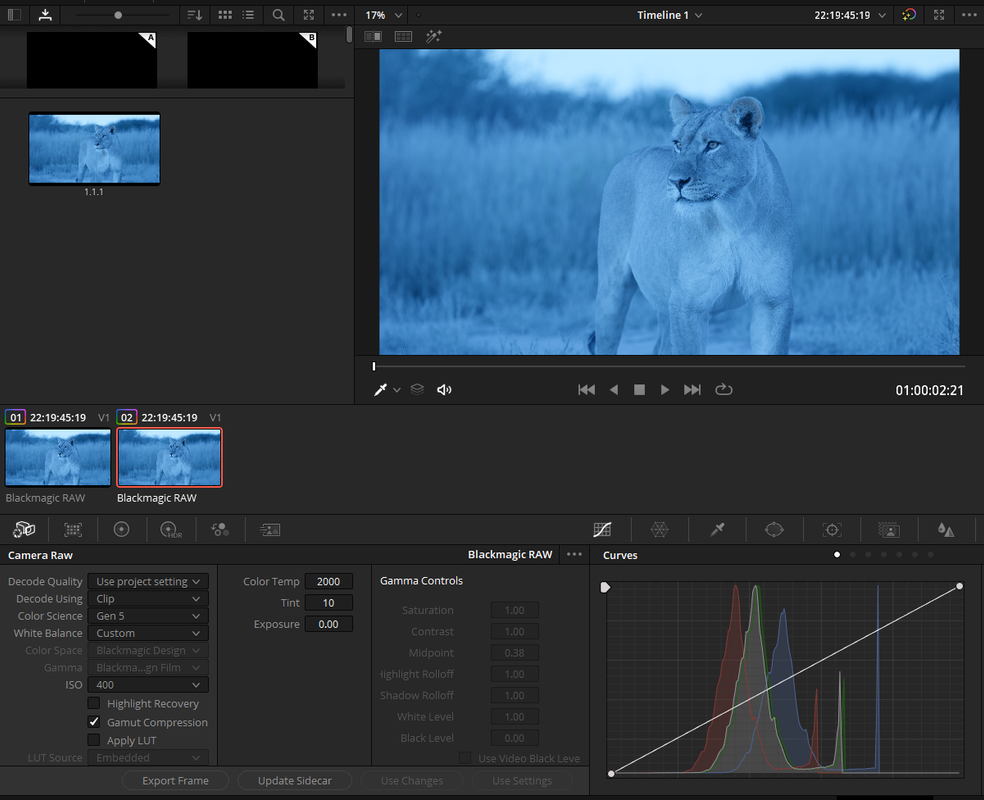
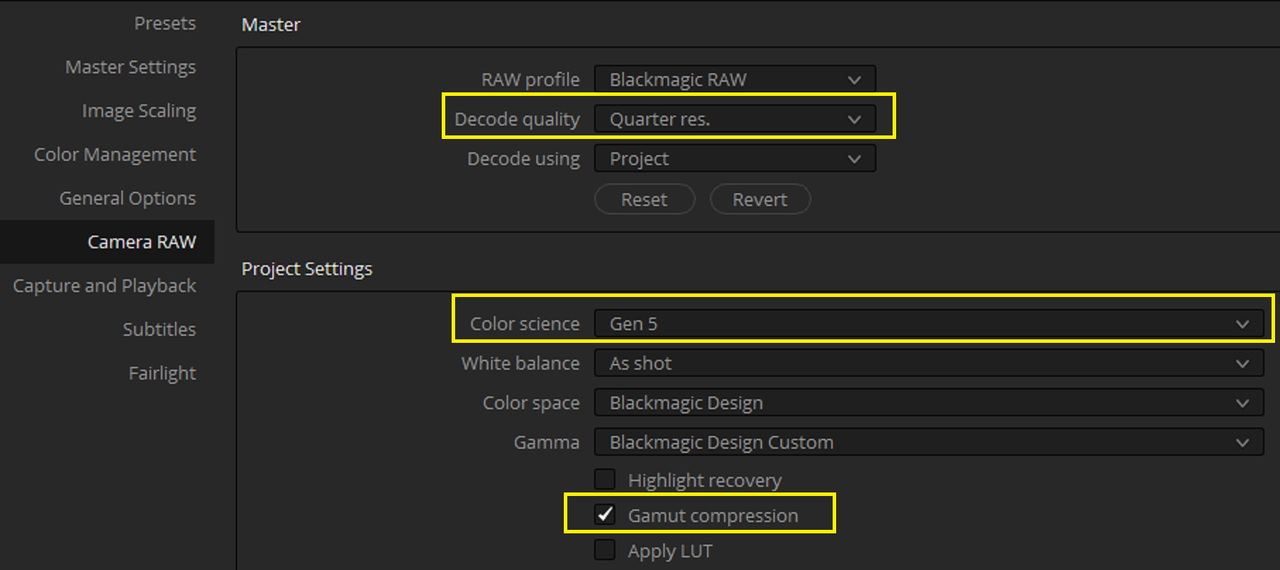
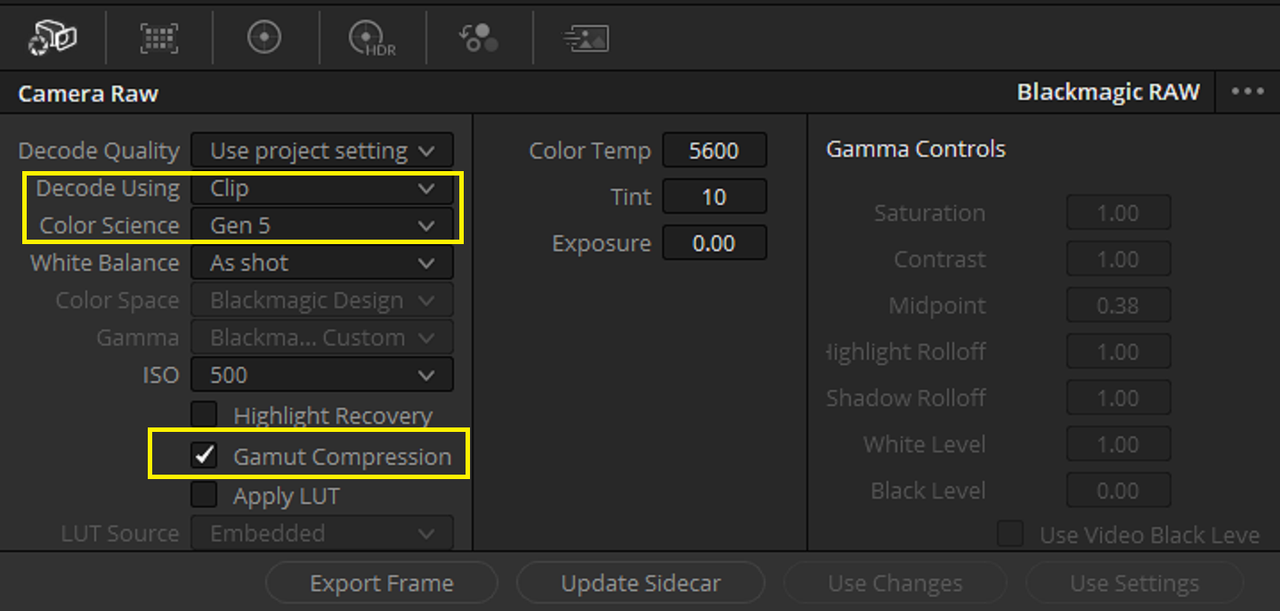
I can't open the braw files in FCPX, so I am using Resolve, but I am not sure how to set up the project correctly (what to choose in Project Settings > Color Management and Project Settings > Camera RAW). I can view and export the shots as rec.709 by applying the embedded LUT in Project Settings > Camera Raw, but I need to adjust ISO etc. and I'd prefer to add curves, contrast, etc. to my own taste then save to a sidecar file.
Any tips or links would be appreciated.
Thanks,
Rob
I can't open the braw files in FCPX, so I am using Resolve, but I am not sure how to set up the project correctly (what to choose in Project Settings > Color Management and Project Settings > Camera RAW). I can view and export the shots as rec.709 by applying the embedded LUT in Project Settings > Camera Raw, but I need to adjust ISO etc. and I'd prefer to add curves, contrast, etc. to my own taste then save to a sidecar file.
Any tips or links would be appreciated.
Thanks,
Rob