Welcome to our community

Be a part of something great, join today!

  • Hey all, just changed over the backend after 15 years I figured time to give it a bit of an update, its probably gonna be a bit weird for most of you and i am sure there is a few bugs to work out but it should kinda work the same as before... hopefully :)

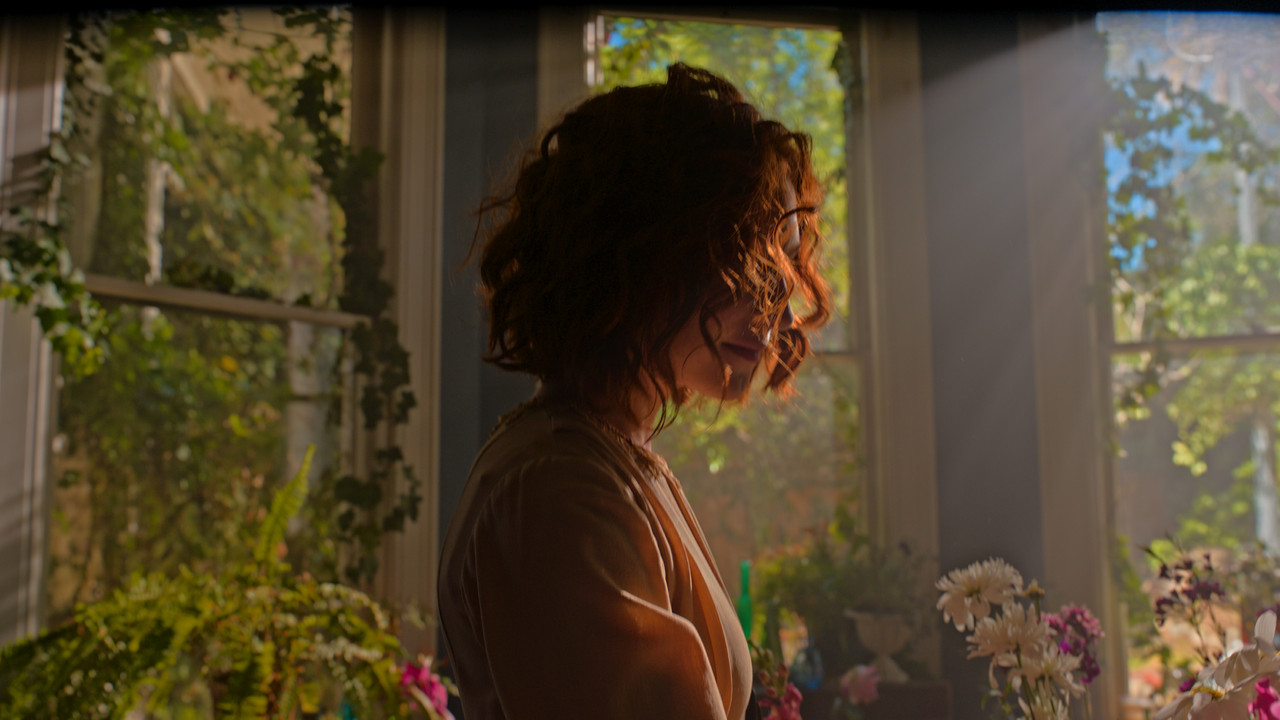
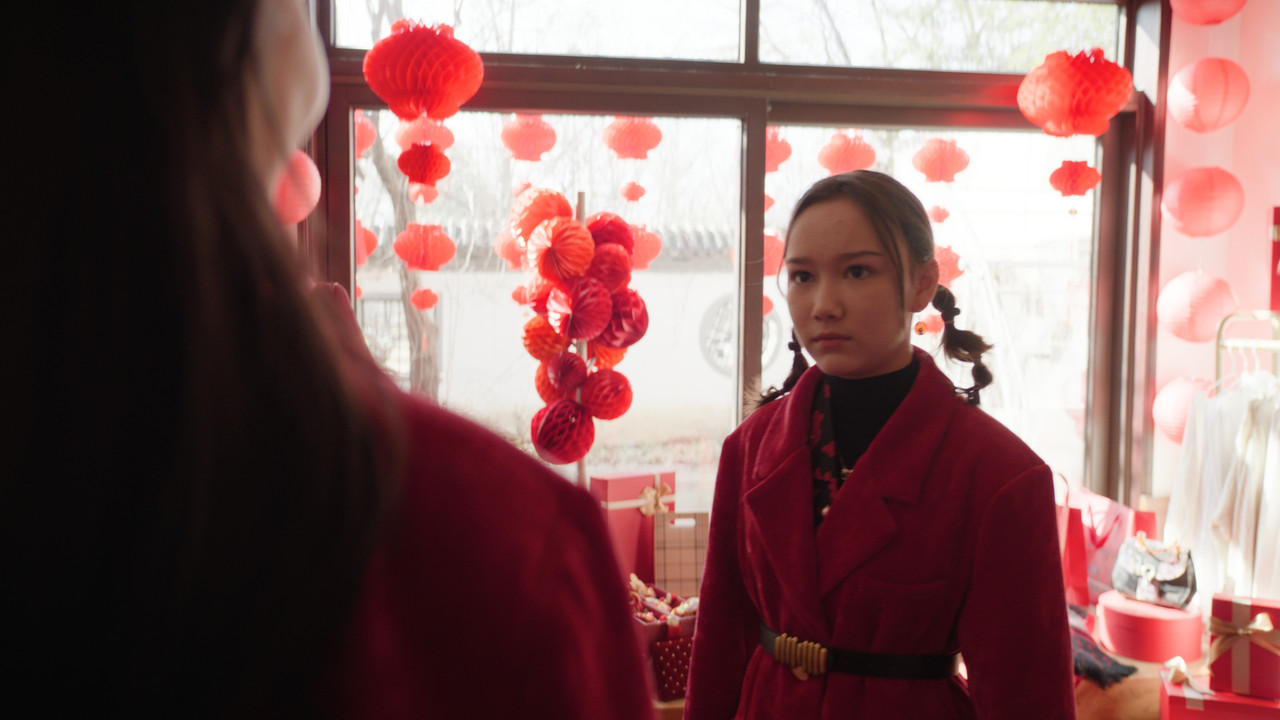
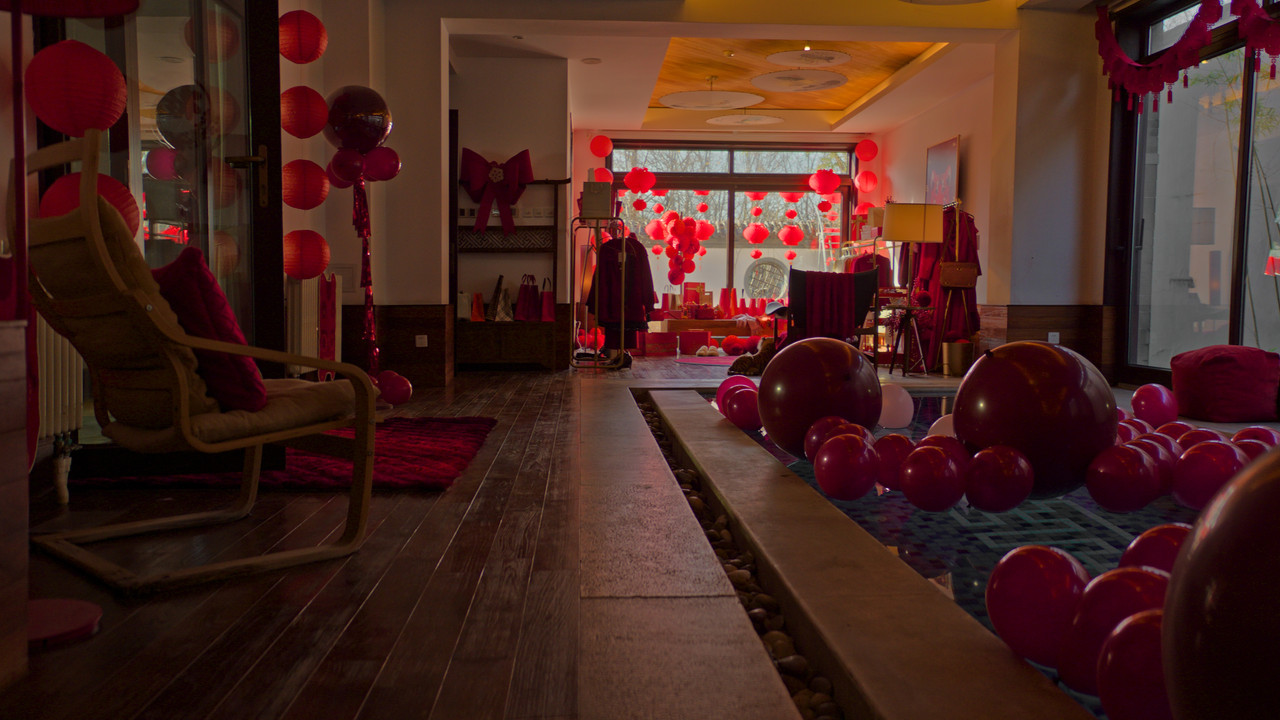
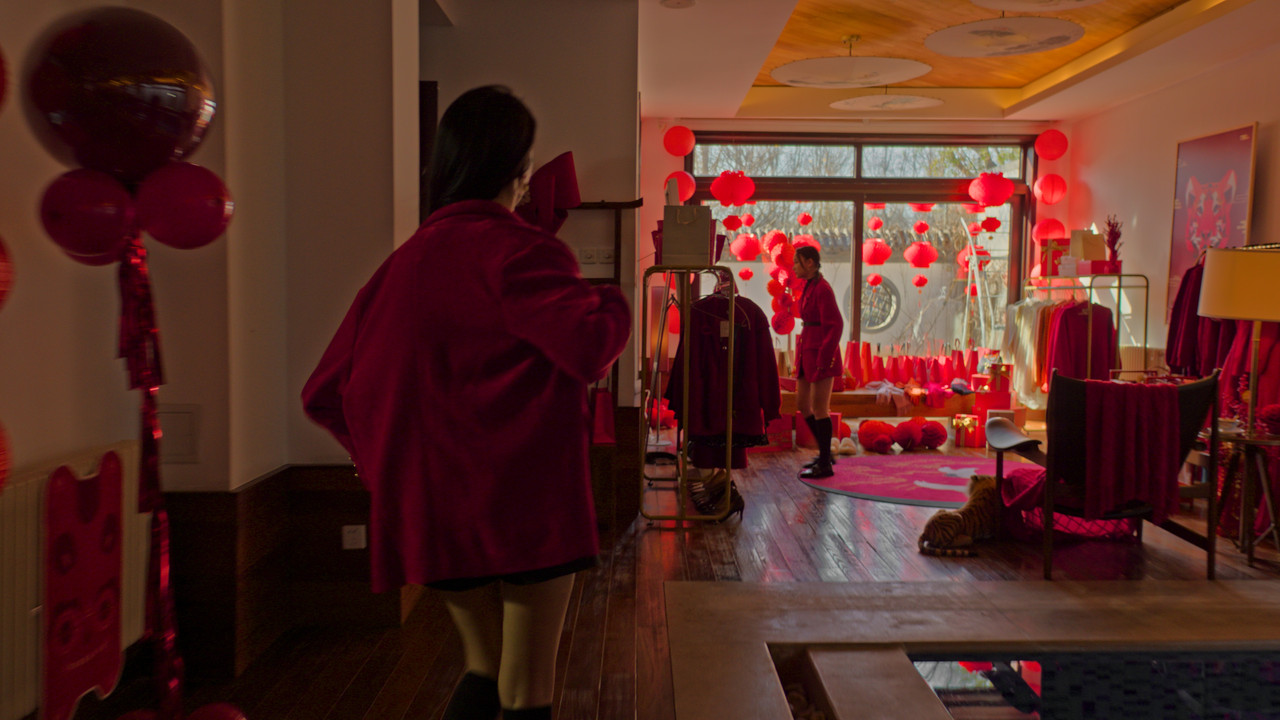
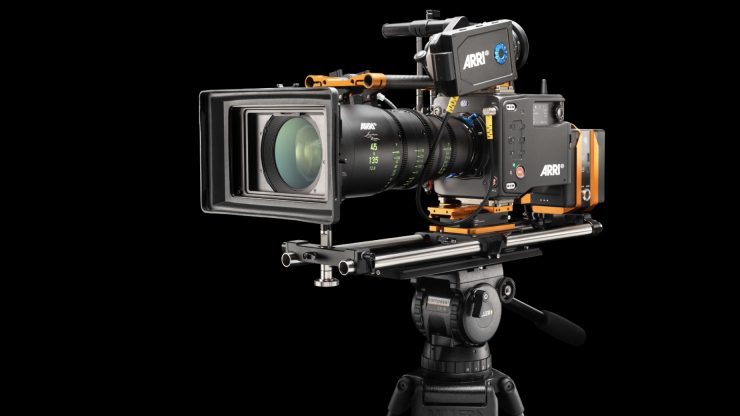
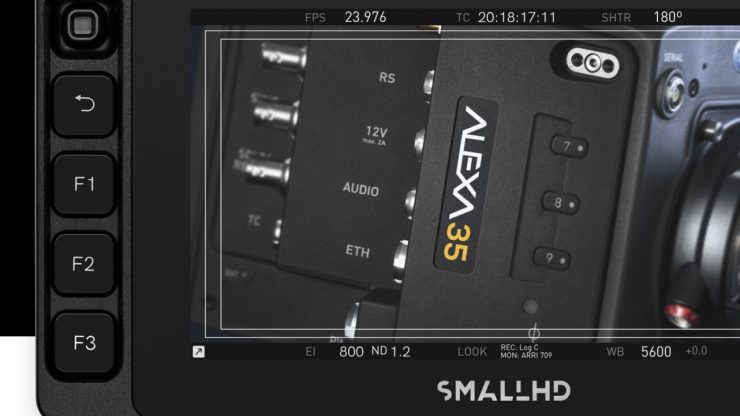
ARRI 4K Super 35 Camera Will be Launched Next Month

Toyota Hilux Revo D Modellista “Trend Leader On The Road”

by
Tone Prot Promprot


Captured By : ARRI Alexa 35 / Leica Summilux-C / Atlas Orion Ananmorphic / Laowa 12mm / Angénieux Optimo Lenses
 
Toyota Yaris Ativ Modellista “Trend Leader On The Road”


by Tone Prot Promprot


Captured by : ARRI Alexa 35 / Atlas Orion Anamorphic / Leica Summilux-C / Angénieux Optimo / Laowa 12mm Lenses
 
ALEXA 35 First Encounters (multilingual - choose your subtitles EN, FR, ES, PT, KO, JA, ZH)
By

ARRIChannel


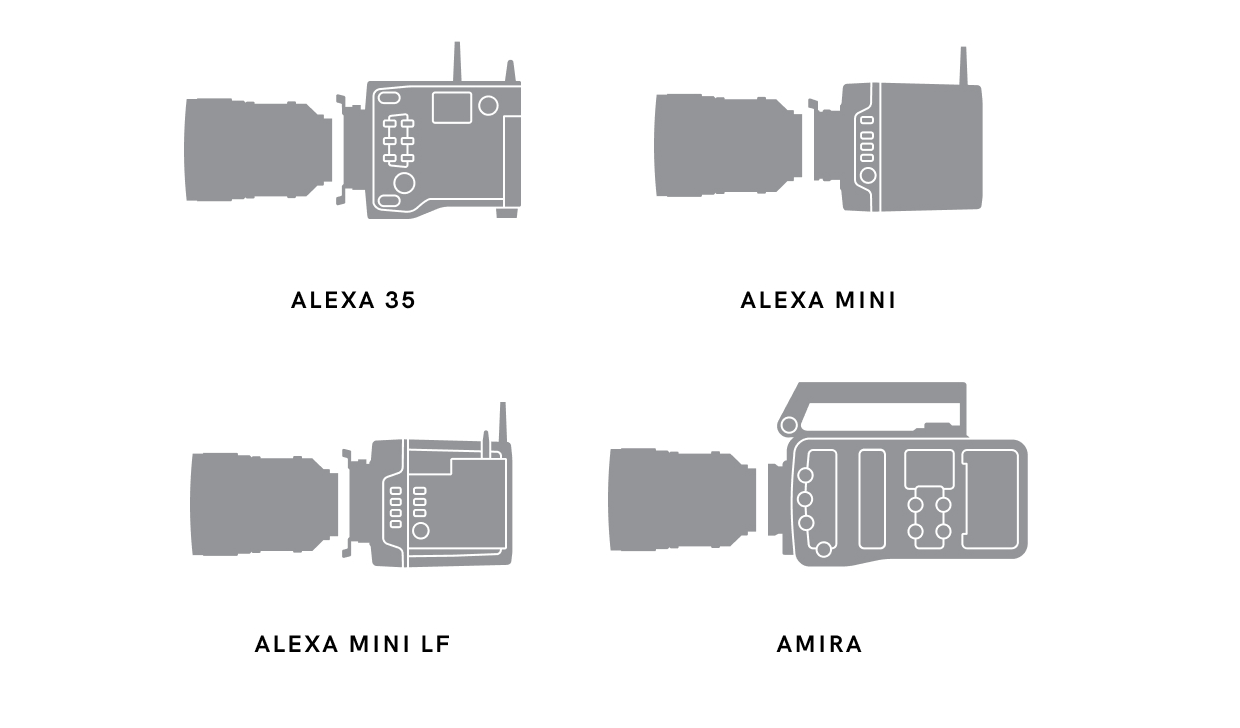
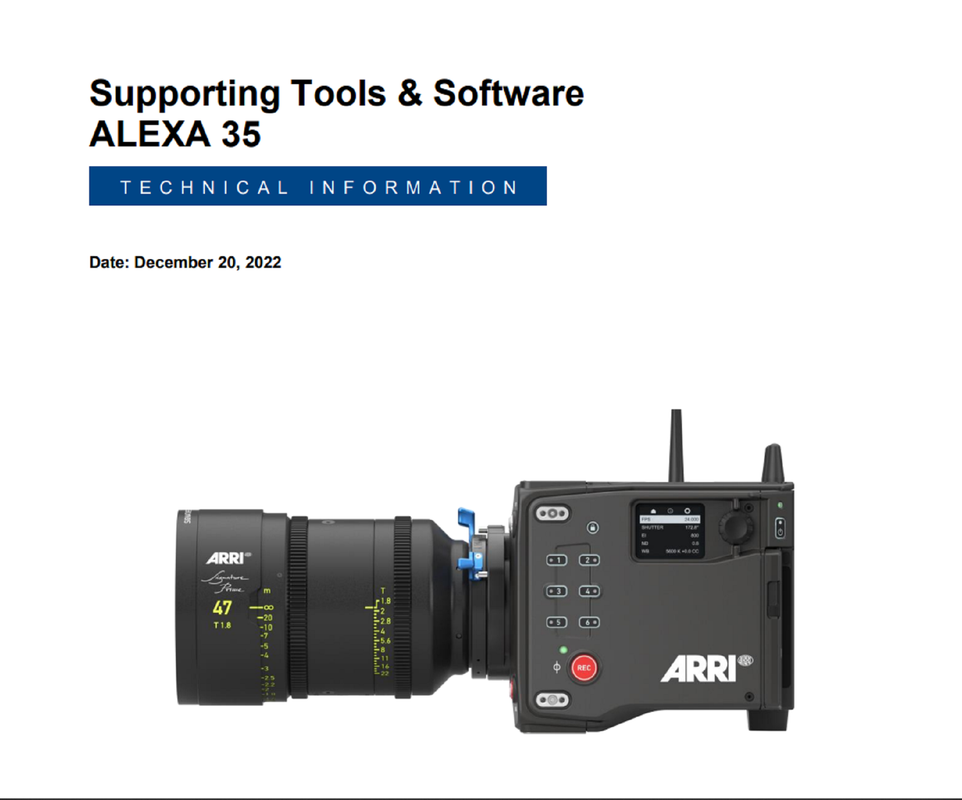
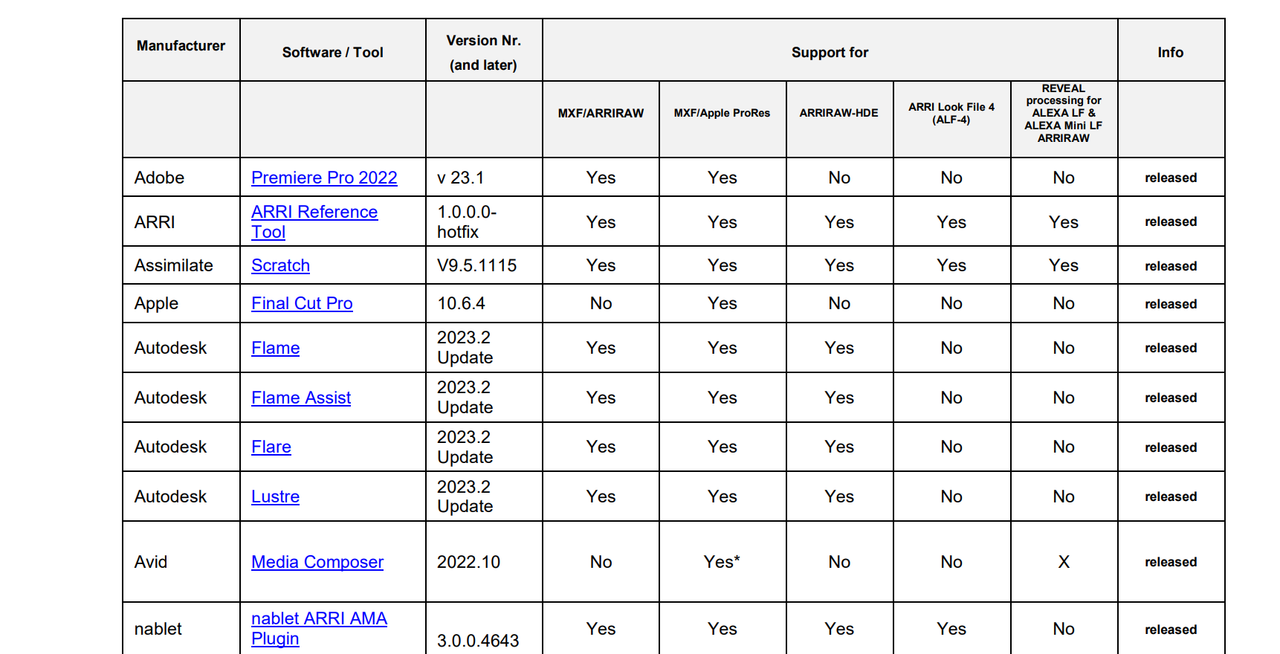
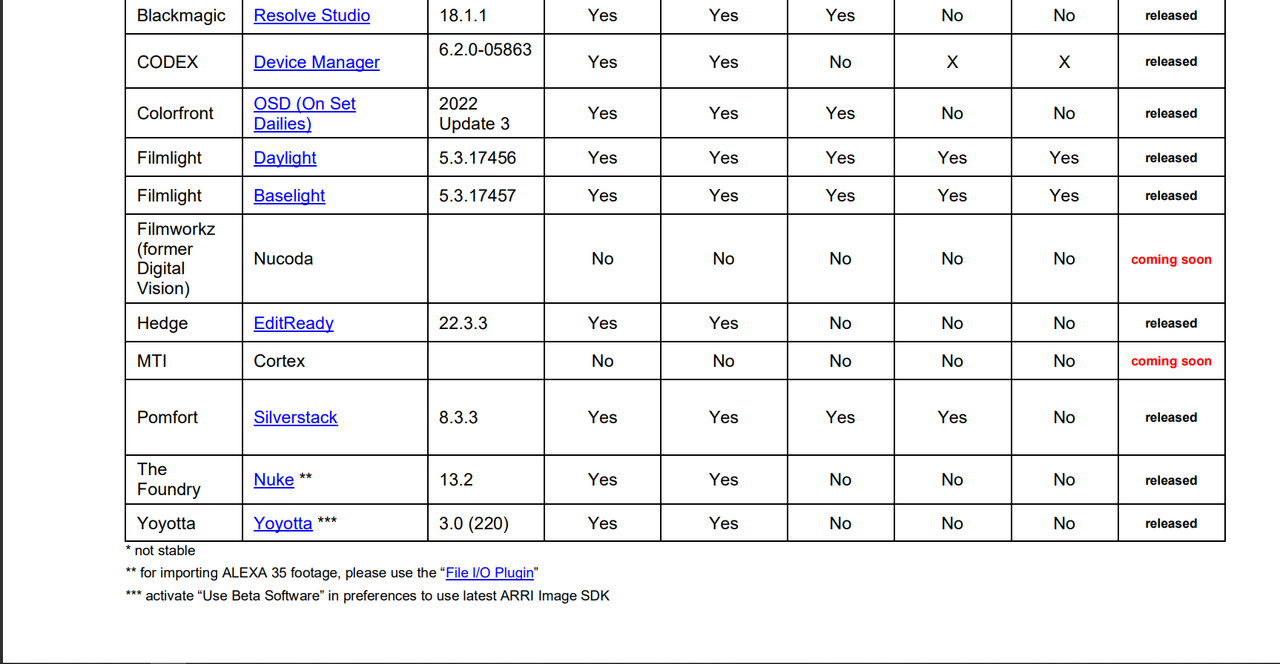
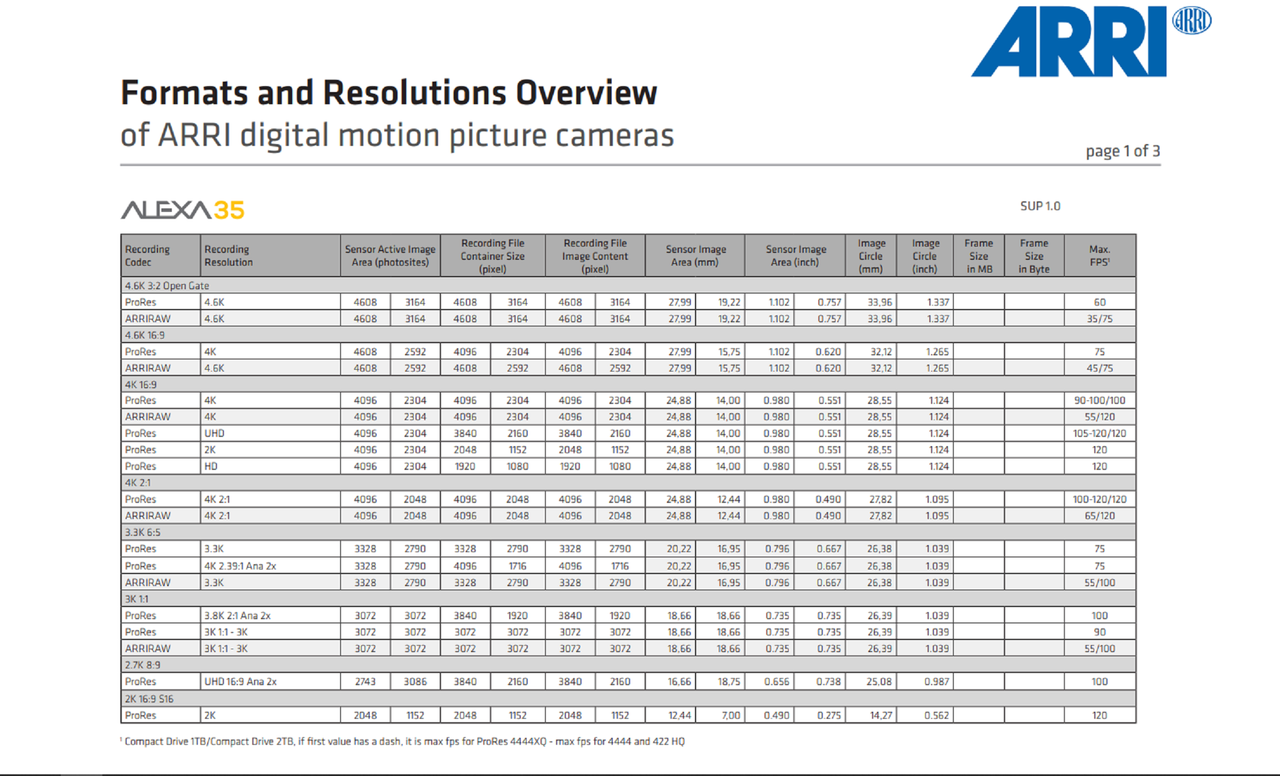
Formats and Resolutions Overview of ARRI digital motion picture cameras
PDF
https://www.arri.com/resource/blob/277386/5b9fe9422dae993a5adf29e513e46c32/2022-05-arri-formatsandresolutionsoverview-4-2-data.pdf

November 30, 2022

Screenshot-7681.png
 
ALEXA 35 First Encounters (multilingual - choose your subtitles EN, FR, ES, PT, KO, JA, ZH)

By

ARRIChannel


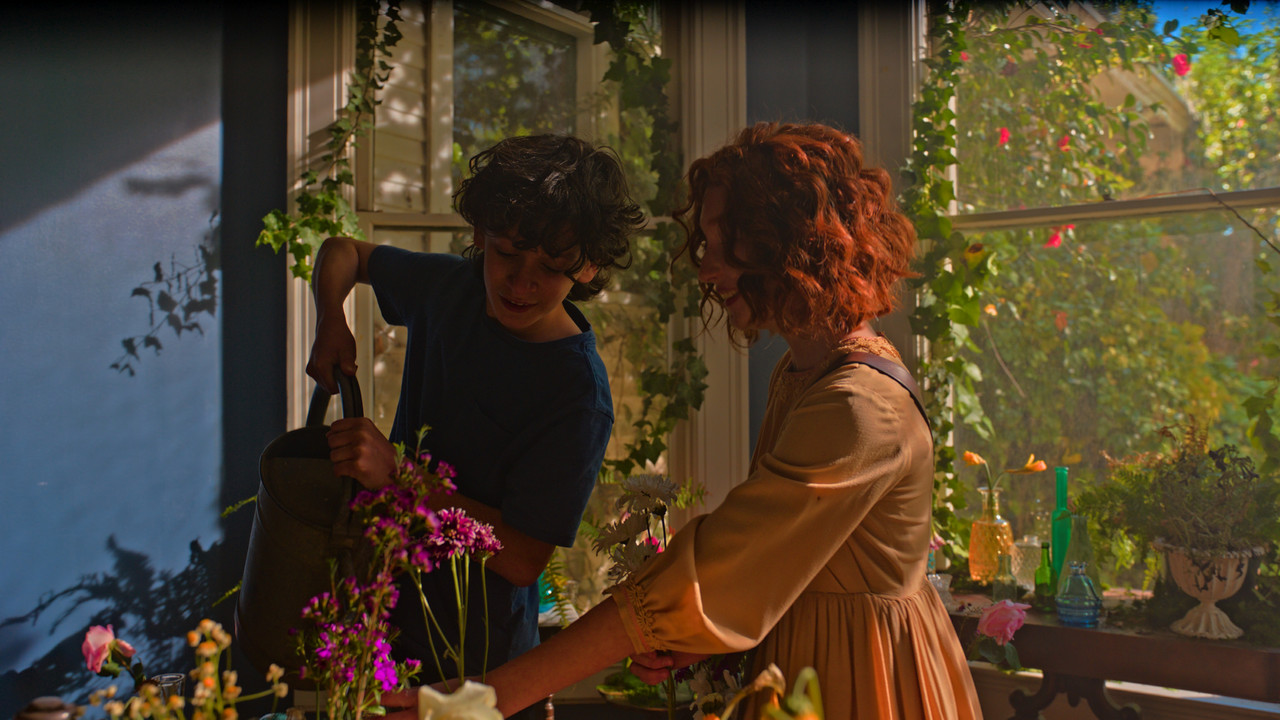
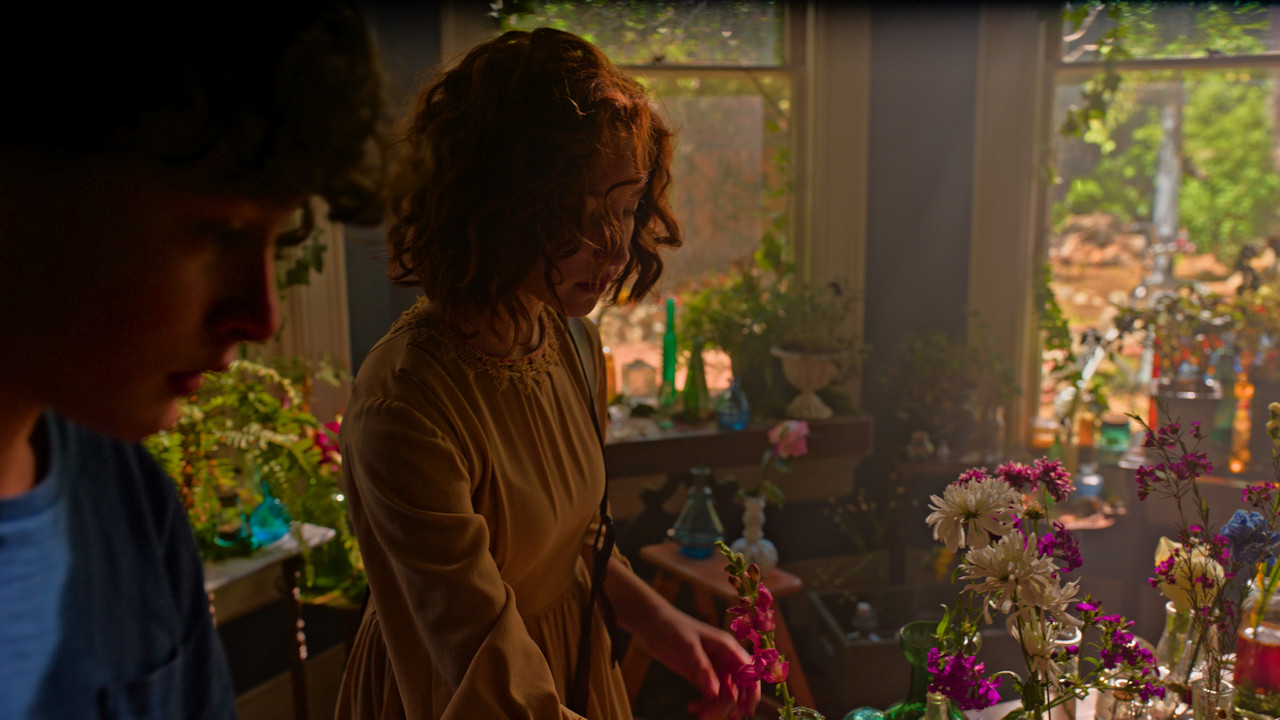
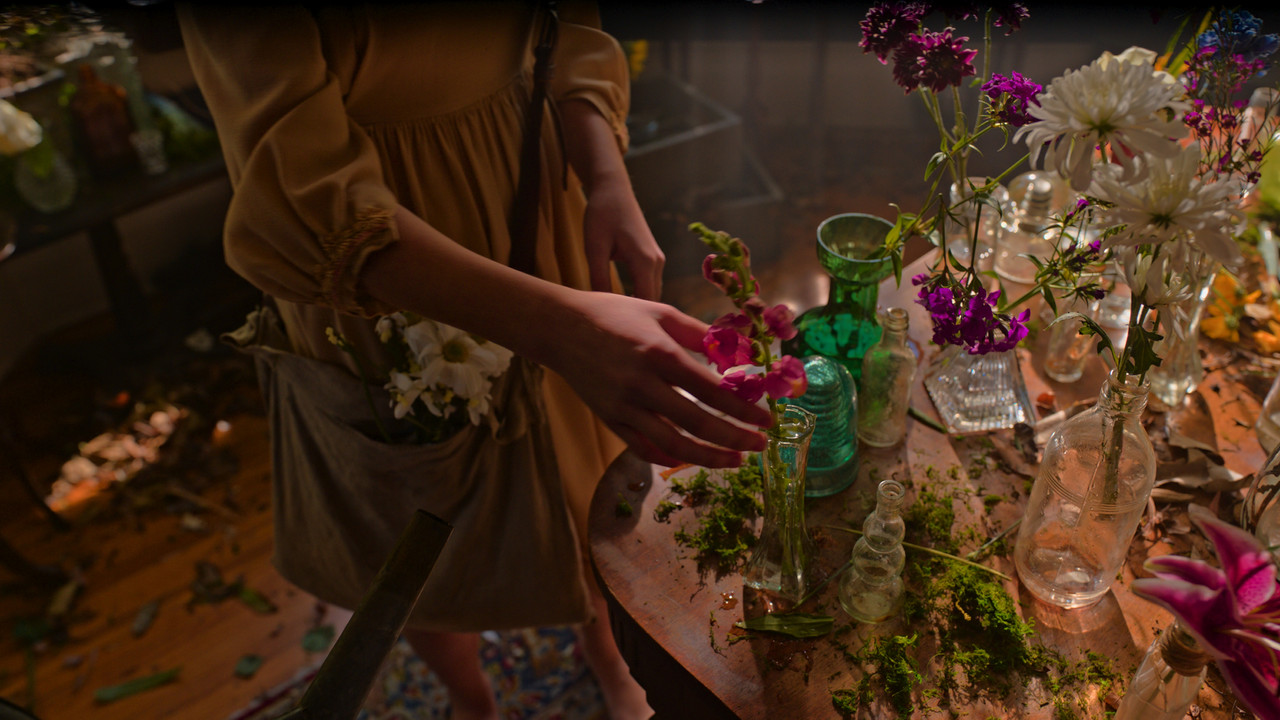
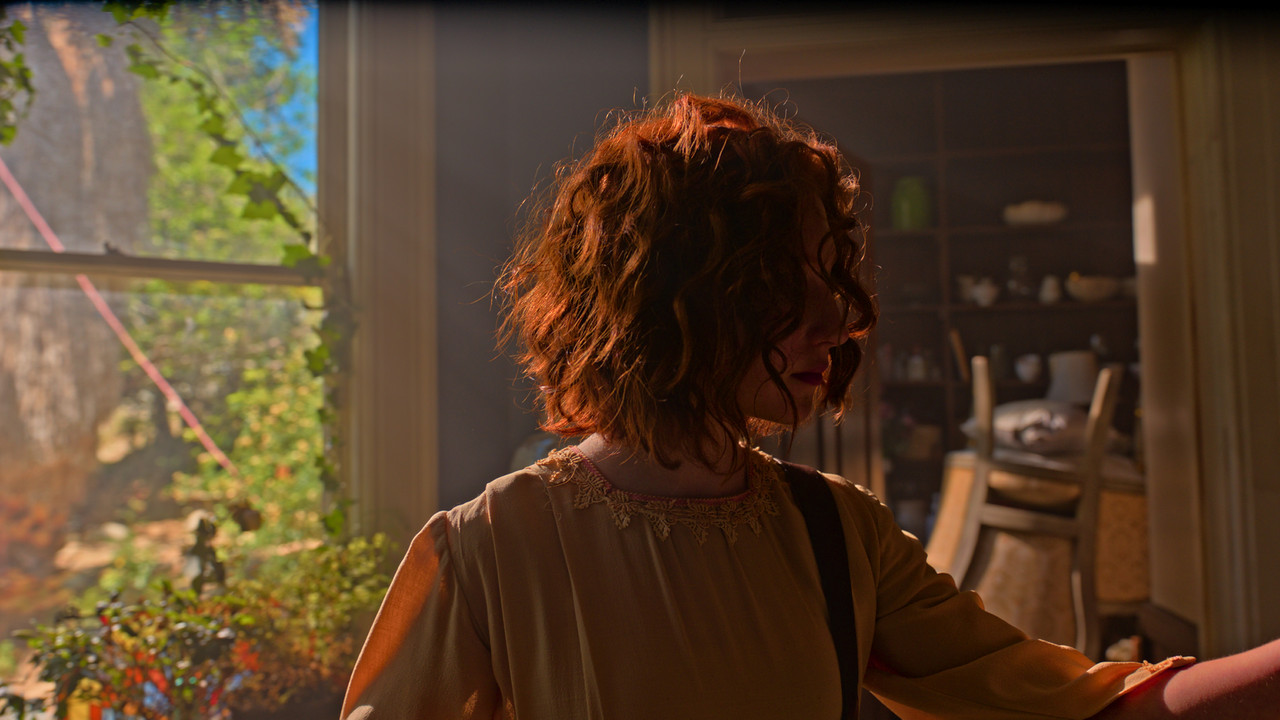
Some seriously clipped highlights and ugly highlight roll off can be seen throughout the Encounters project, so it's interesting in this video to see the words of the DPs praising the dynamic range juxtaposed against the actual pictures, which tell a very different story. ARRI used to have higher production standards I guess.
 
Jon,

Yeah when I first heard of the Alexa 35 and it's 17-Stops of Dynamic range, I was expecting to see some really amazing shit when the sample footage would be released. However when the sample footage did finally come out, I was like "This footage doesn't look any better than any Red Footage I've seen, in fact the Highlights look to be even more "Gone" than in most RED footage" I had seen. However, after trying different workflows I realized that both the Shadows and Highlights had a lot more information that can be revealed( No Pun Intended) than I previously thought.

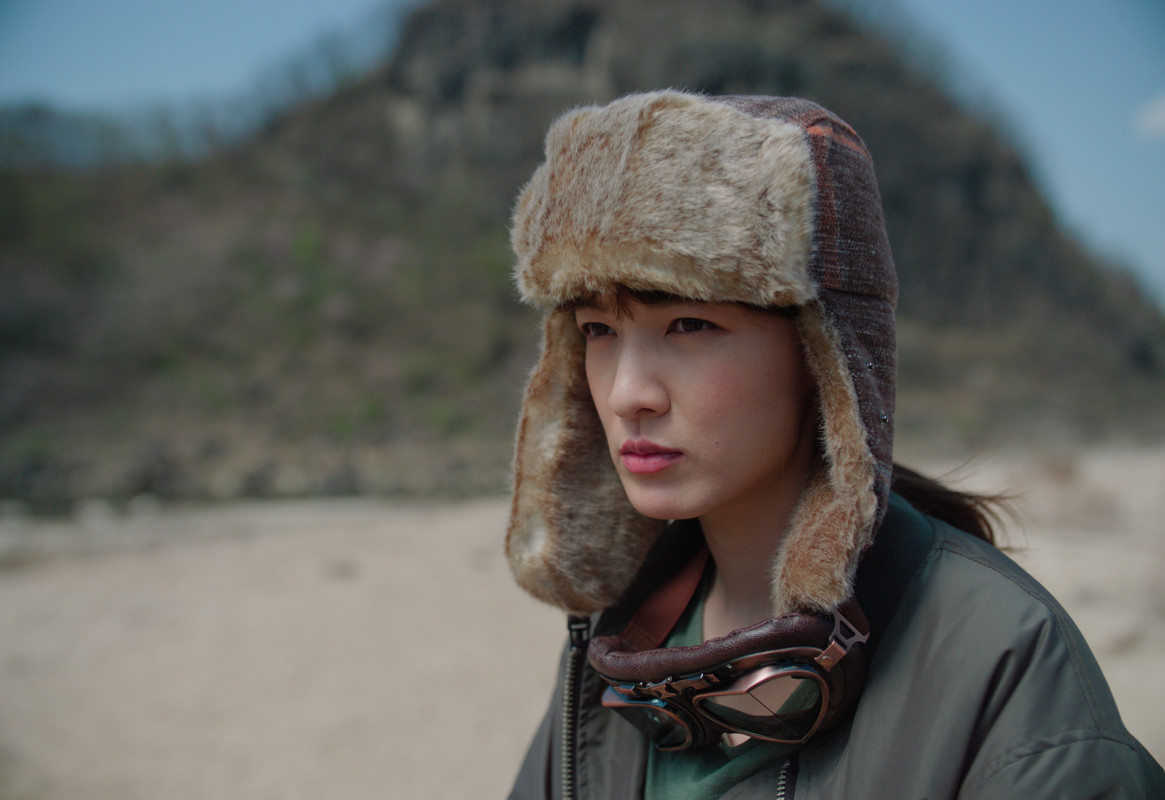
Here are two examples from the "ENCOUNTERS" sample footage that I attempt to reveal more info. in the Highlights.


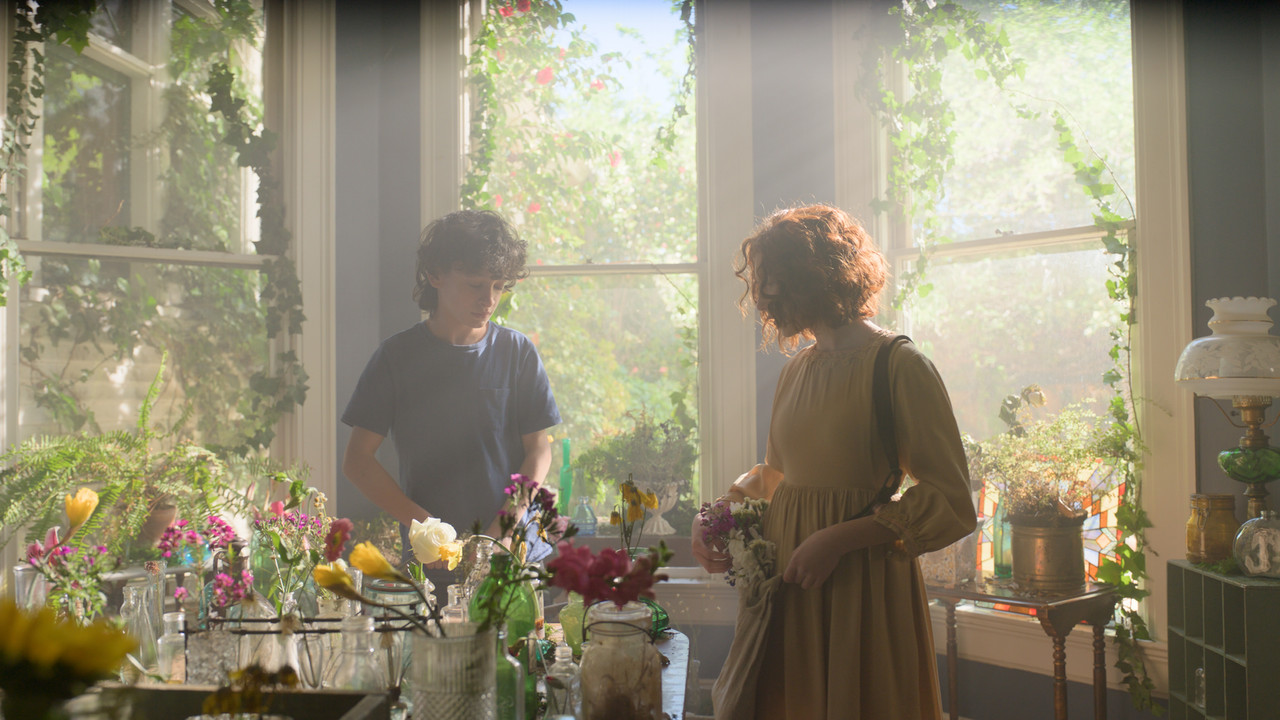
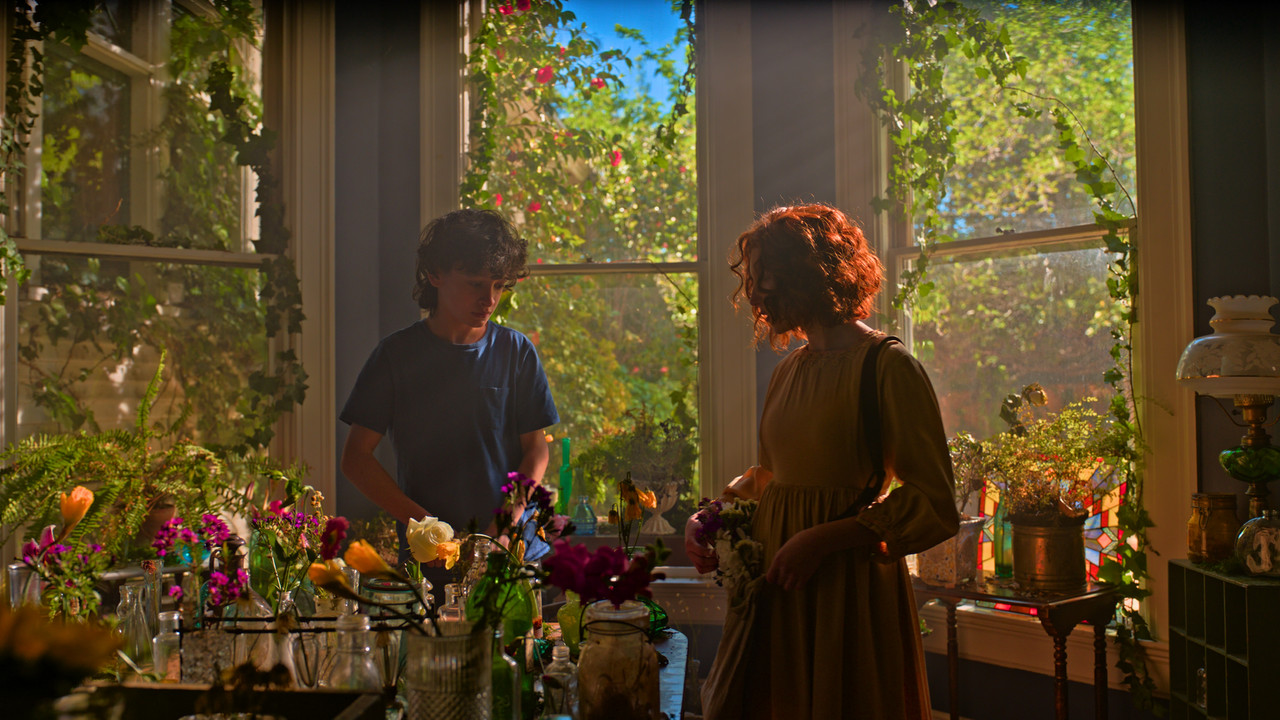
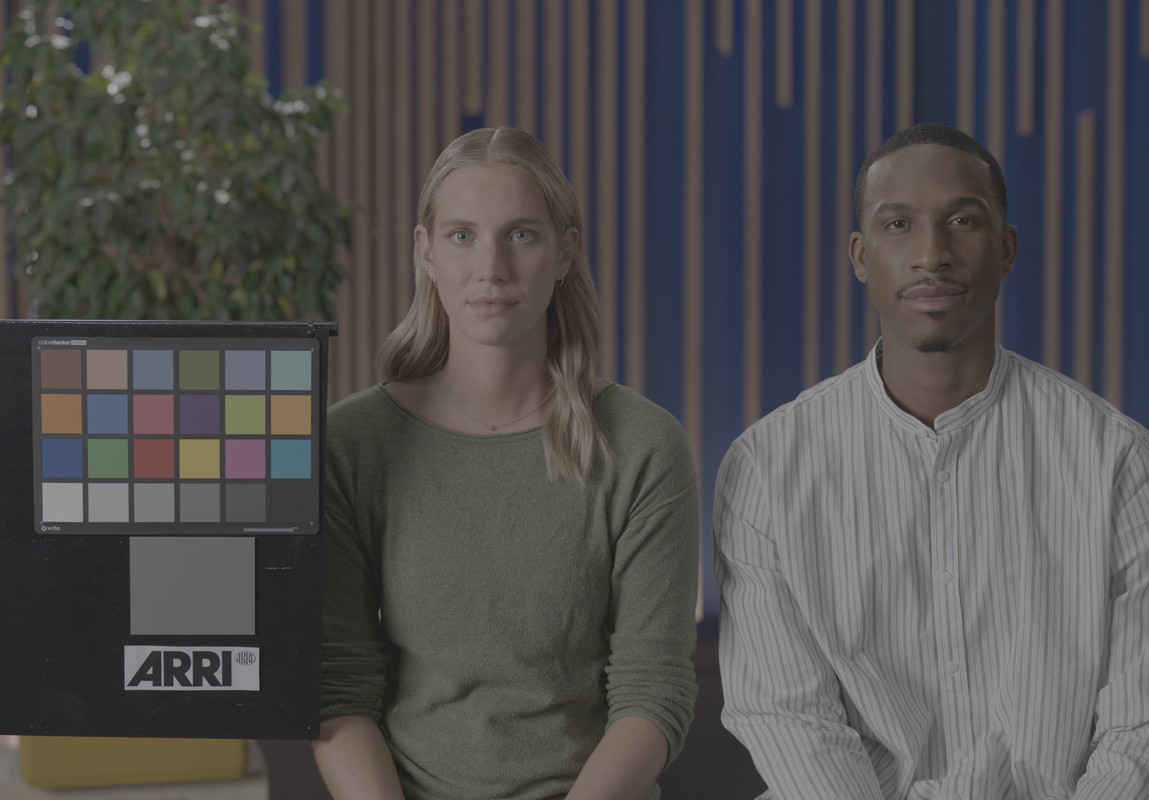
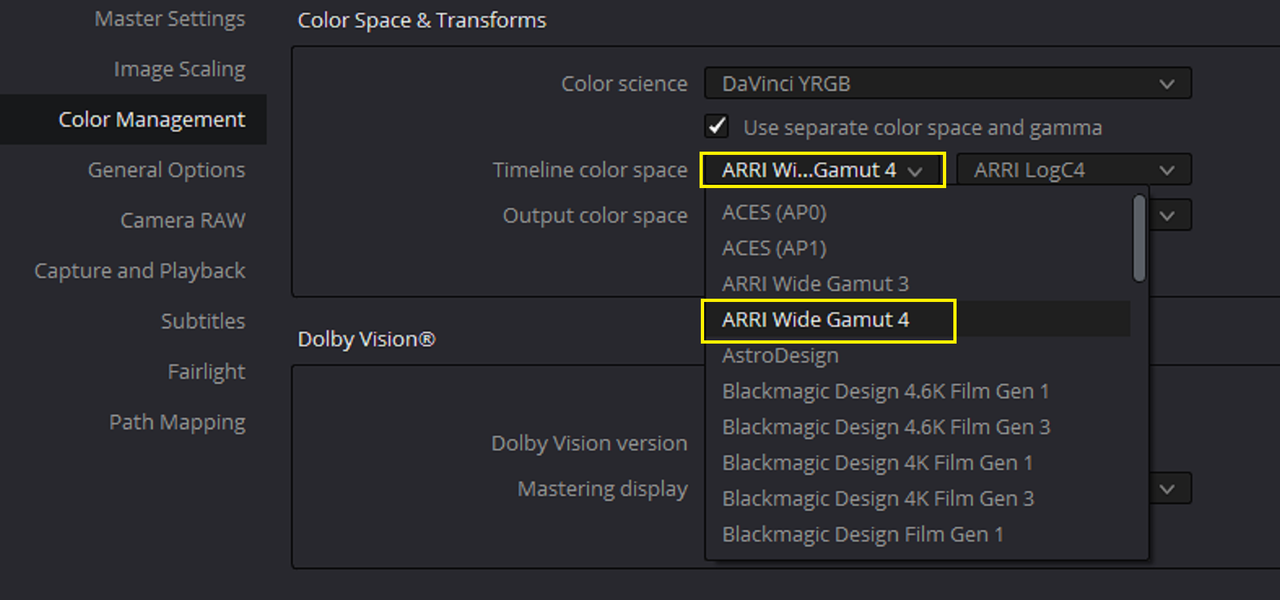
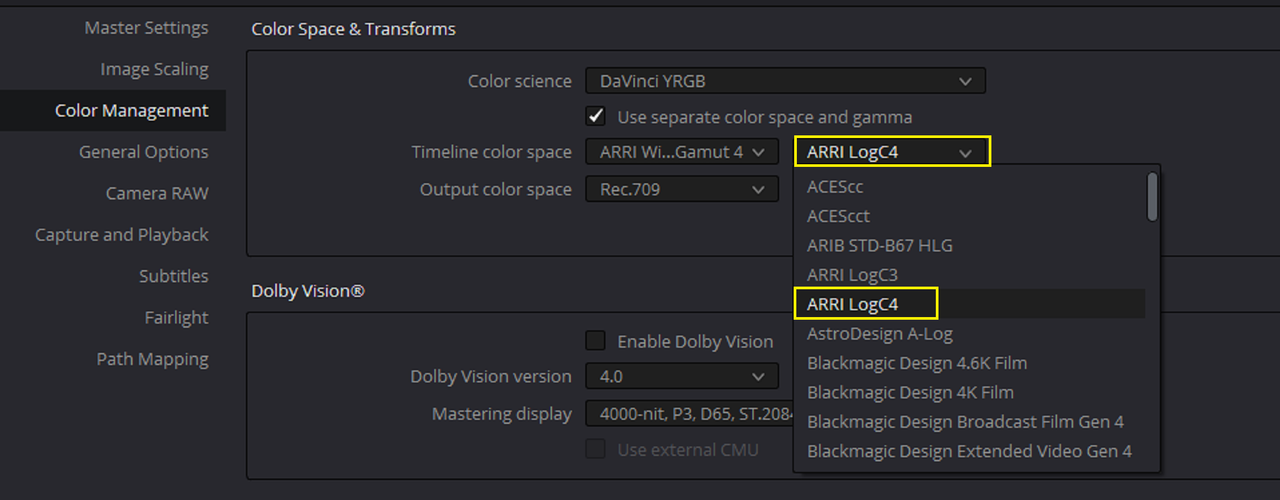
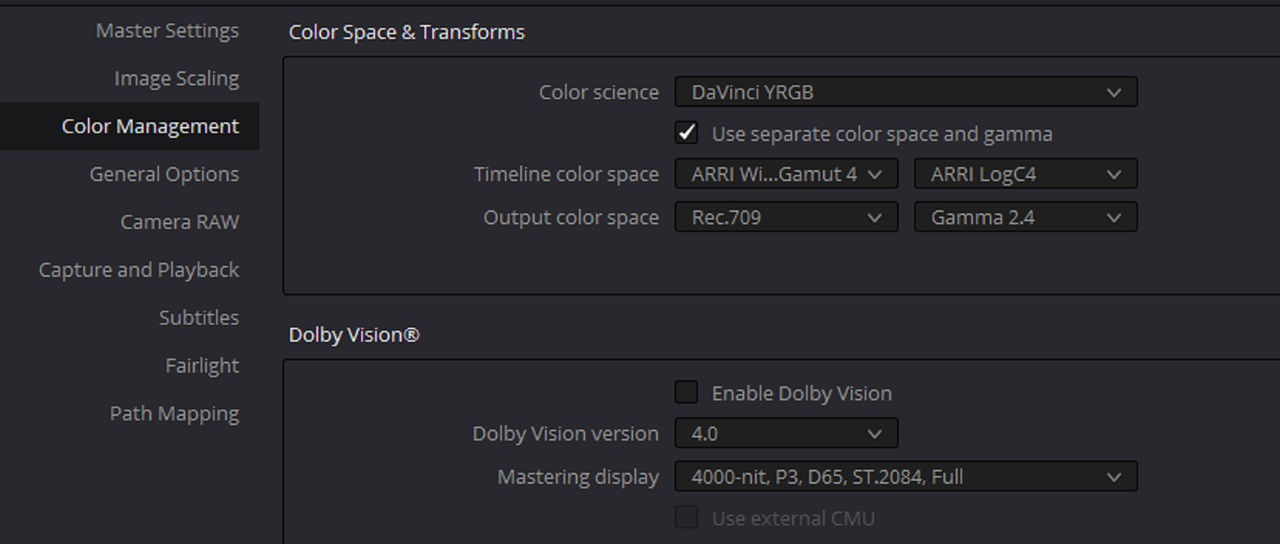
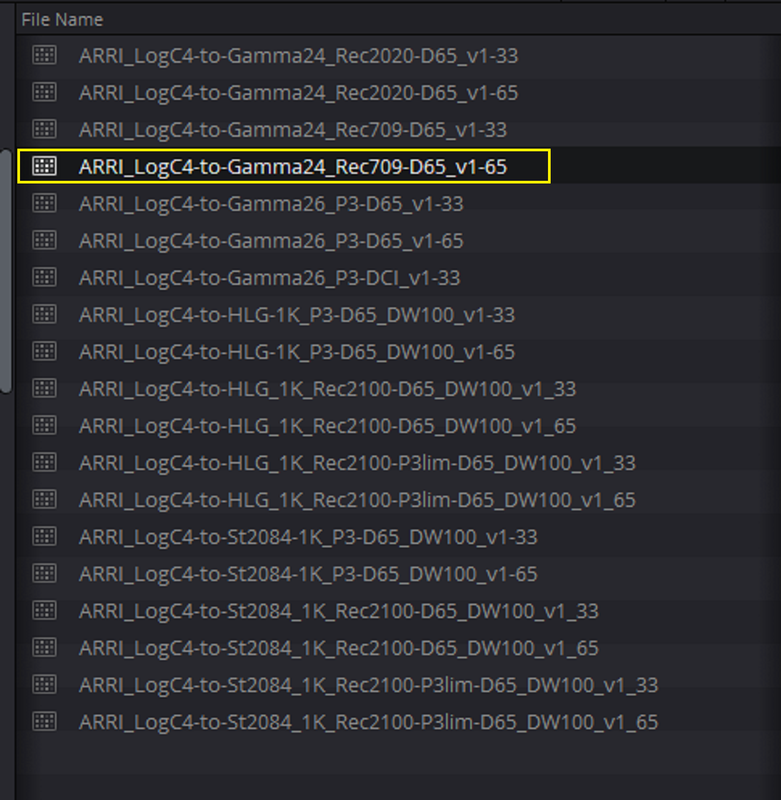
Original with the ARRI Alexa 35 AWG4/ALC4 to Rec709 65cube Transform Lut

SWING-PART-1-mxf-1-4-2.jpg


And the Attempted Reveal of more Highlight info

SWING-PART-1-mxf-1-4-11.jpg


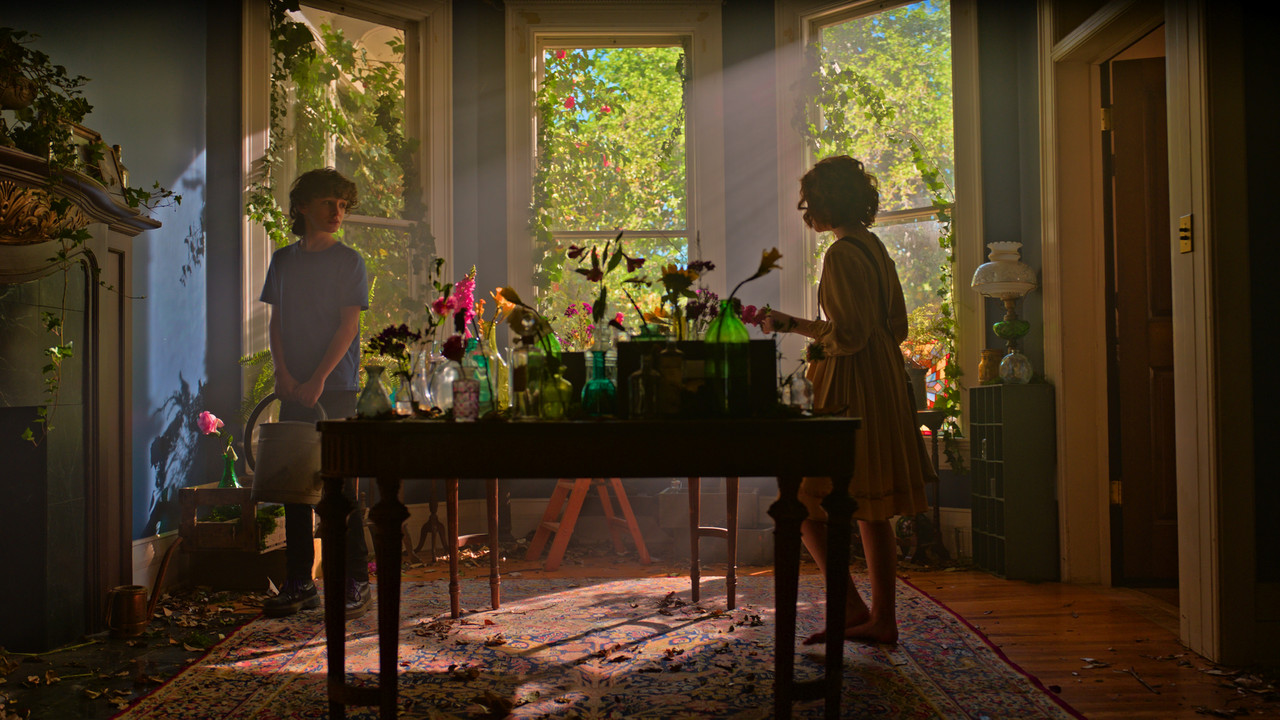
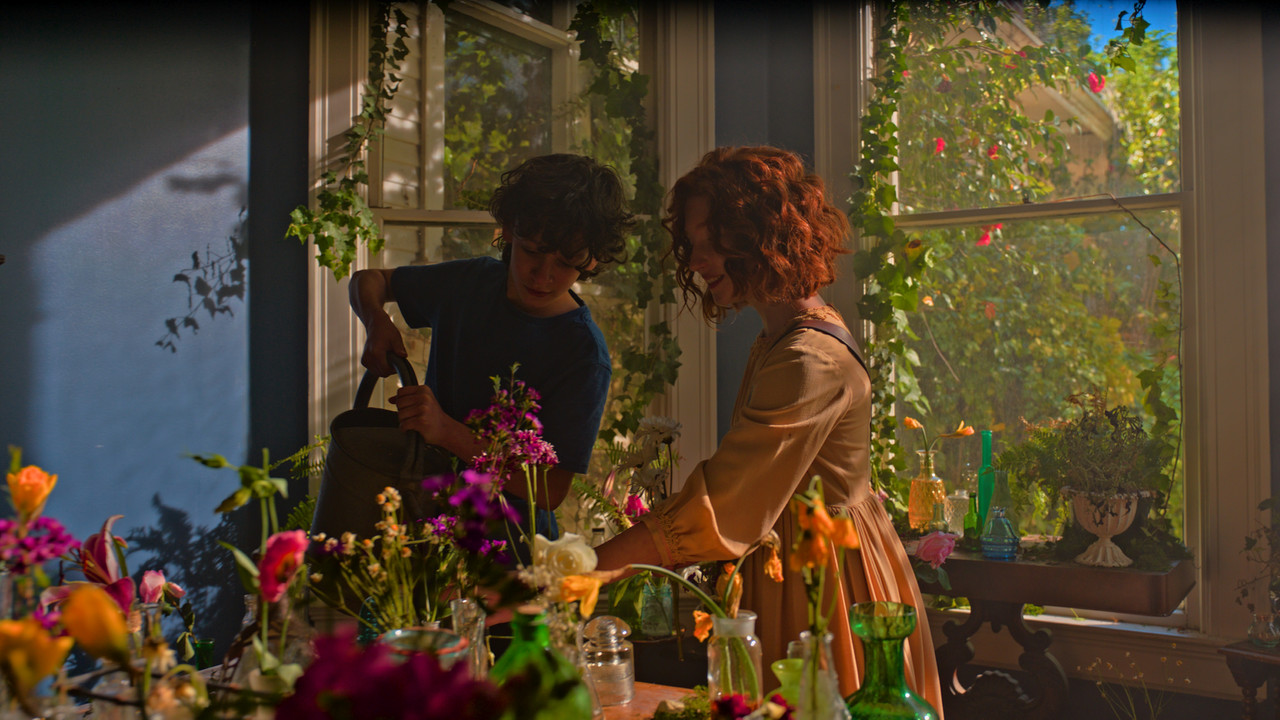
Additional Stills from same video clip

SWING-PART-redo1-mxf-1-4-4.jpg

SWING-PART-redo-22-mxf-1-5-2.jpg

SWING-PART-redo2-mxf-1-5-3.jpg

e-1-7-4.jpg

SWING-PART2-4-mxf-1-7-1.jpg

SWING-PART34-3-mxf-1-6-2.jpg


SWING-PARTD-5-mxf-1-8-1.jpg

Original with the ARRI Alexa 35 AWG4/ALC4 to Rec709 65cube Transform Lut

original-1-2-5.jpg


And the Attempted Reveal of more Highlight info


1-1-2-1.jpg

3-1-2-3.jpg

5-1-2-6.jpg

6-1-2-7.jpg

8-1-2-17.jpg
 
Last edited:
Arri Alexa 35 vs Alexa Mini LF (Holy Highlights!)

BY
Blaine Westropp


''Quick test with the arri alexa 35 and alexa mini LF

As mentioned in the video, all settings remained the same from shot to shot. signature prime 47mm. arriraw. open gate on both the mini LF and alexa 35. both cameras create stunning images. the alexa 35 is a true advancement in tech. love it.''
 

SendGB-105.02MB(with updated PDF included)
https://www.sendgb.com/upload/?utm_source=5qpI4ai0grz

FYLM.Ai Website
https://fylm.ai/

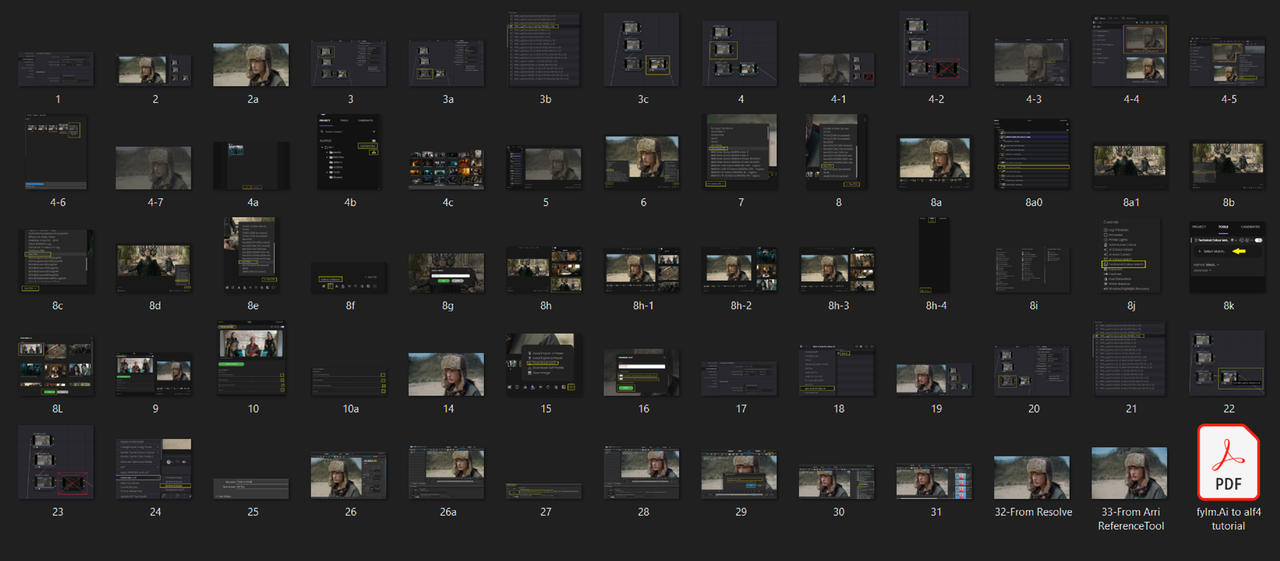
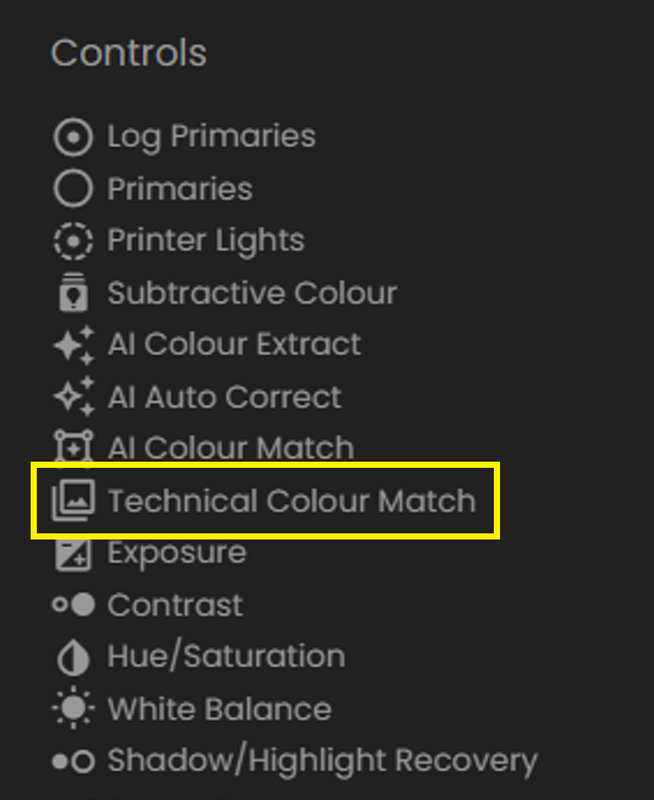
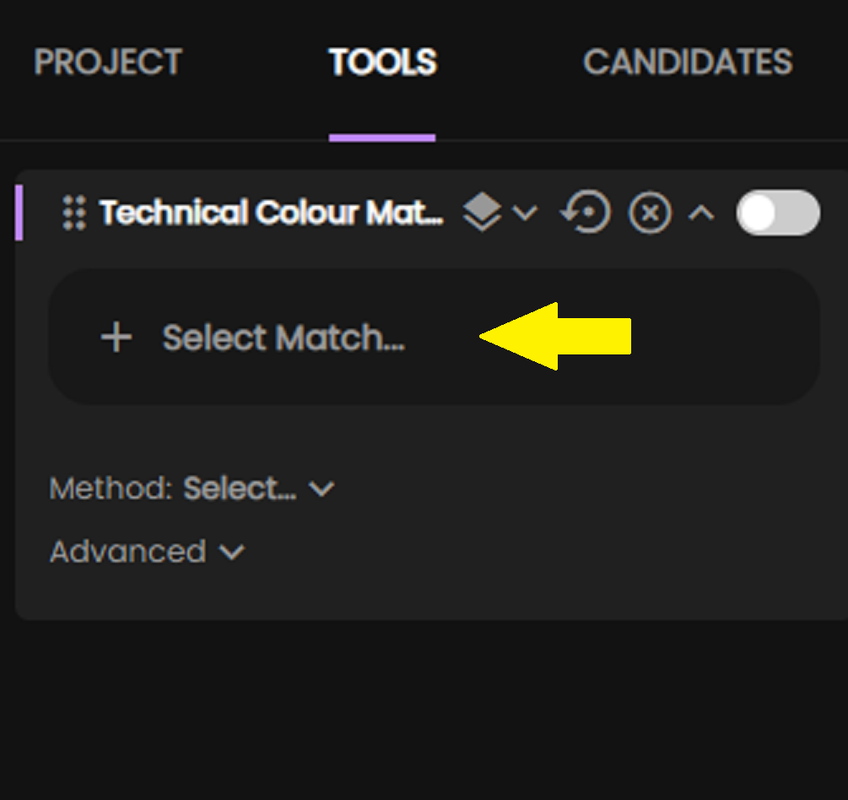
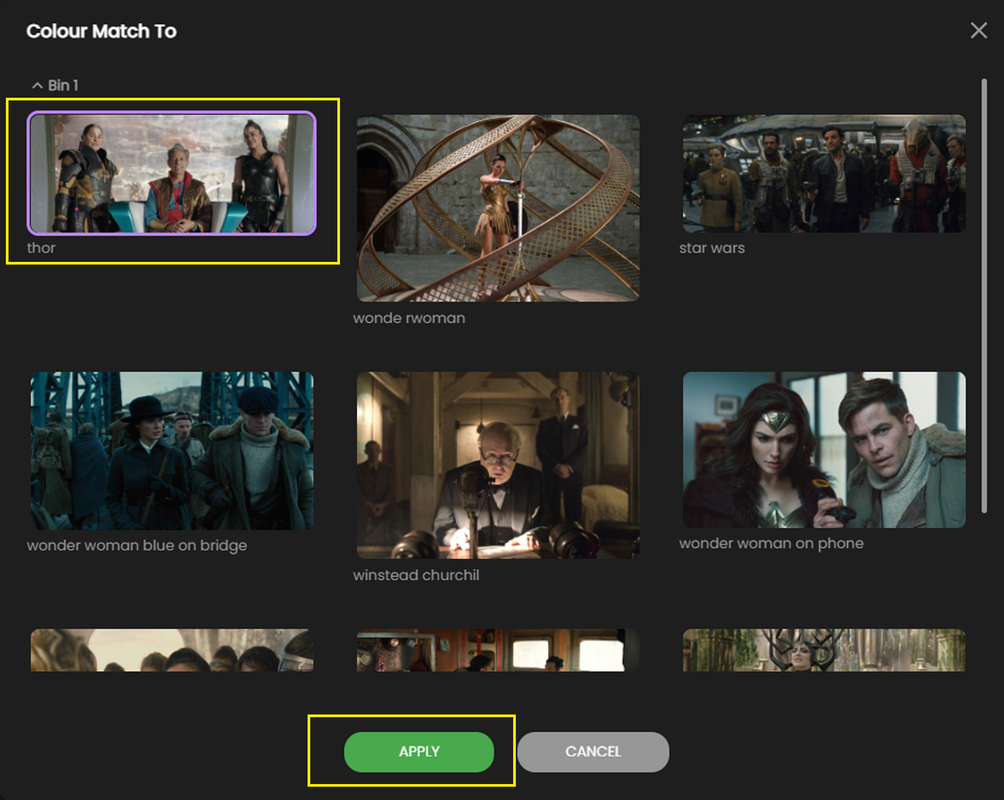
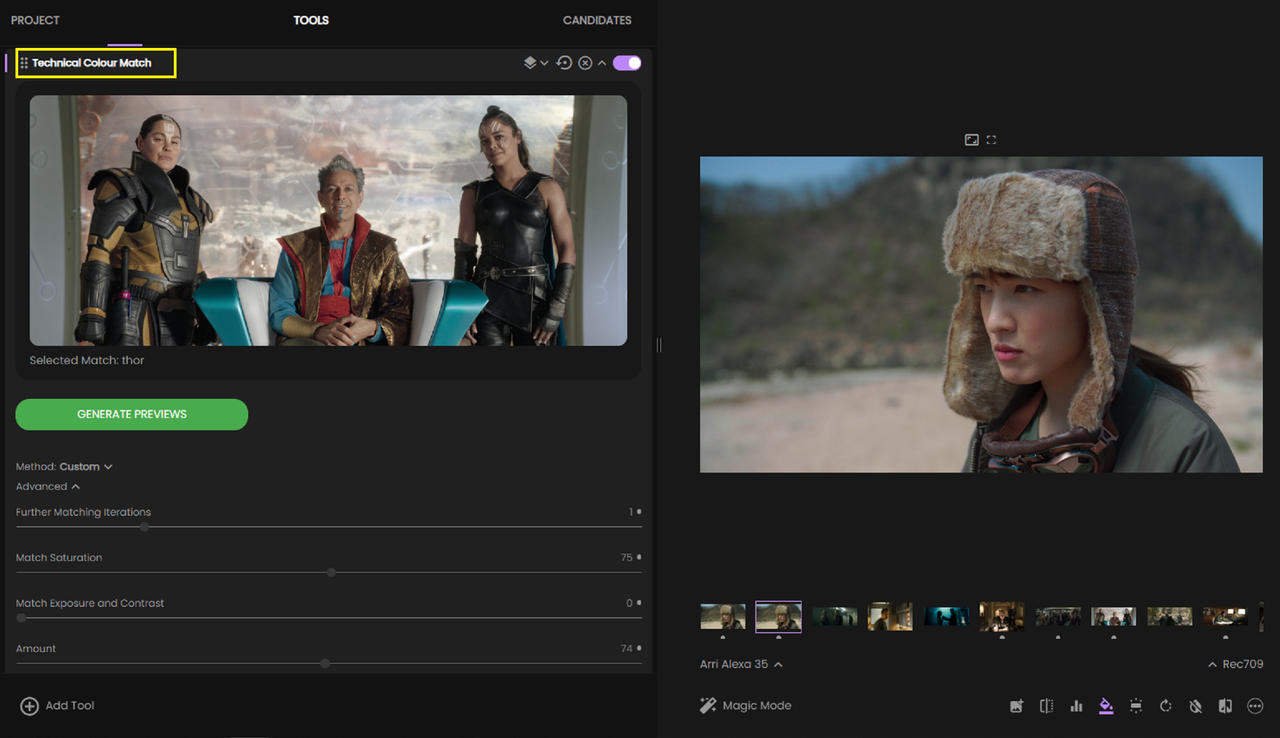
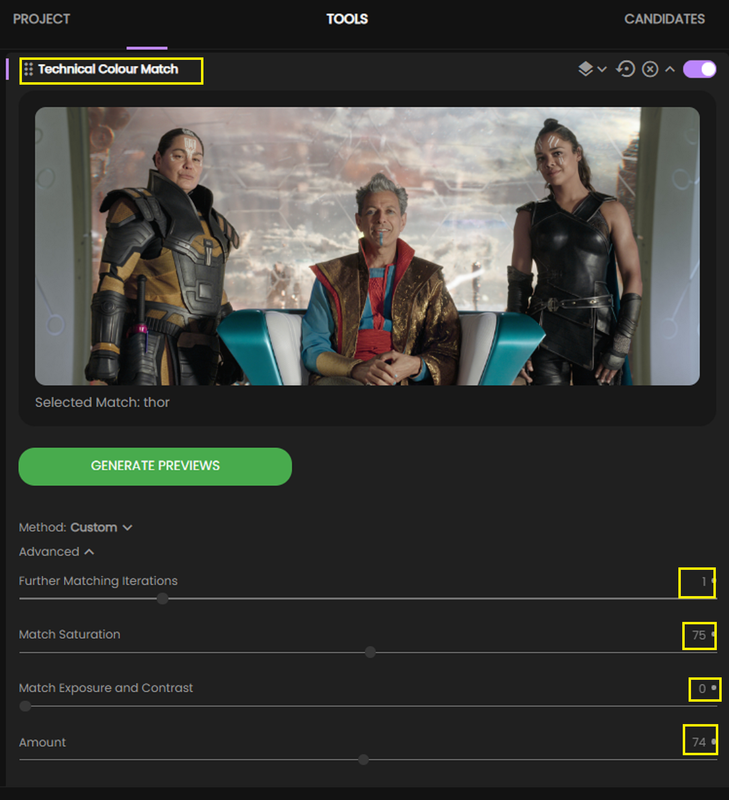
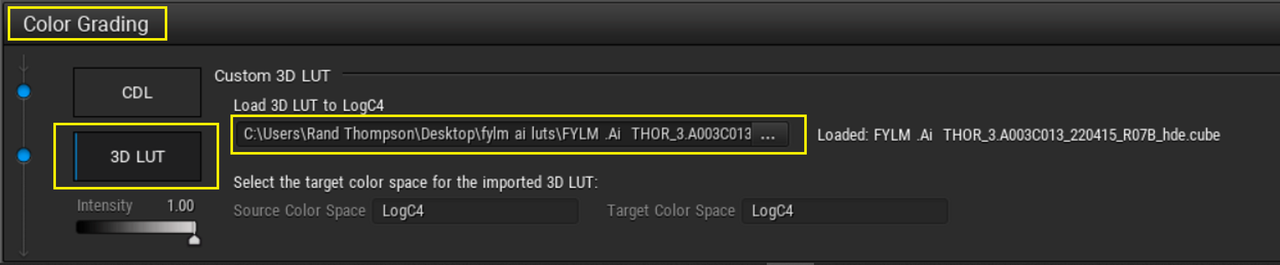
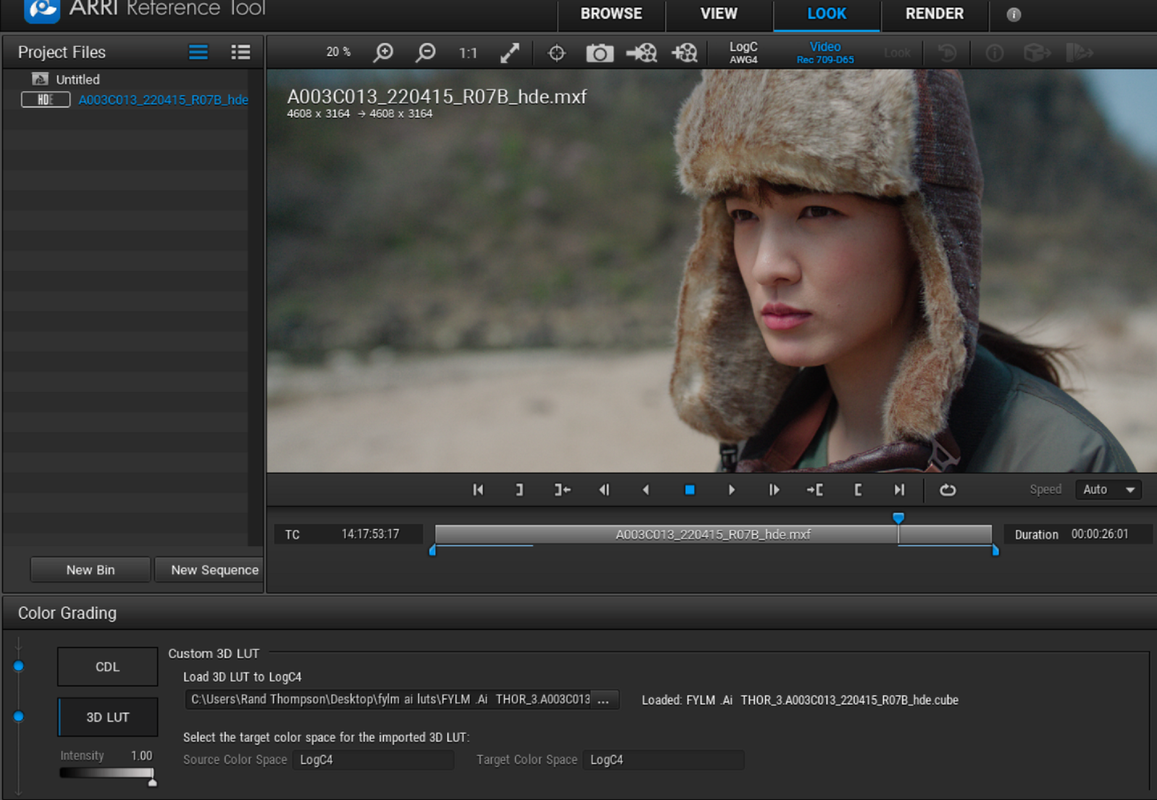
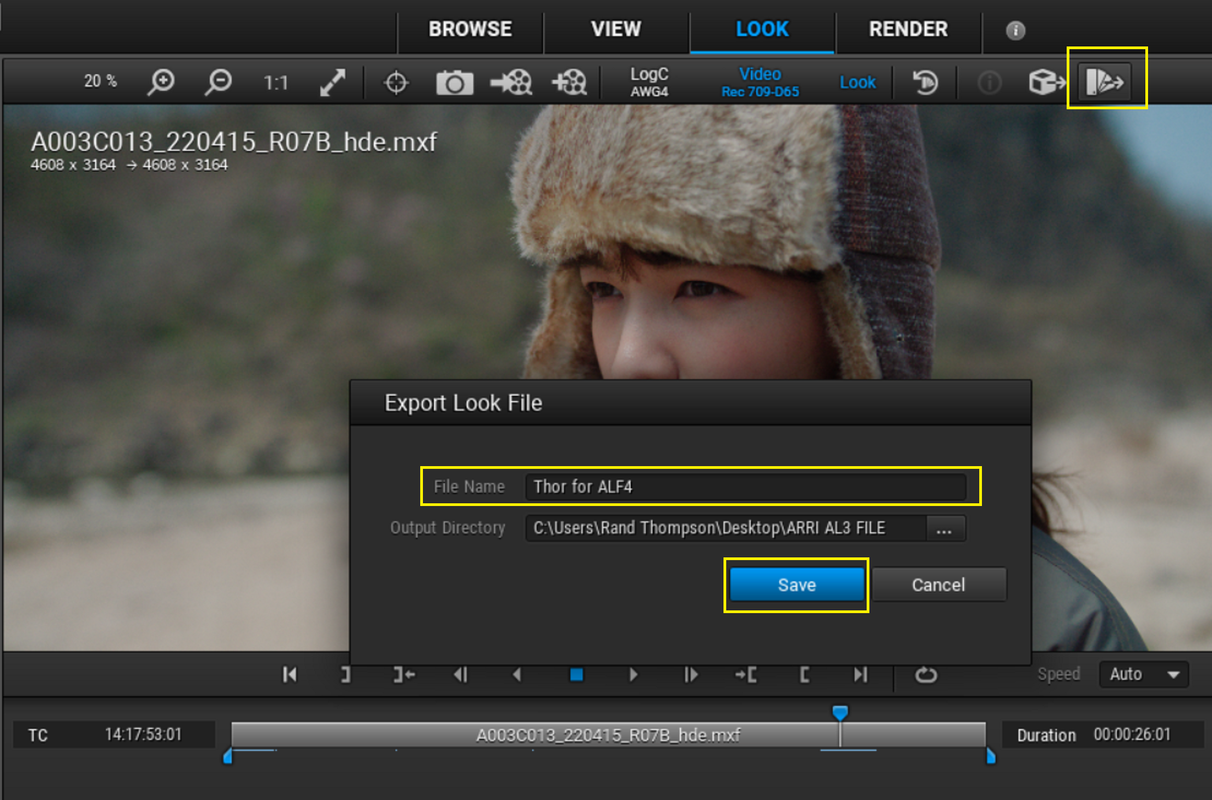
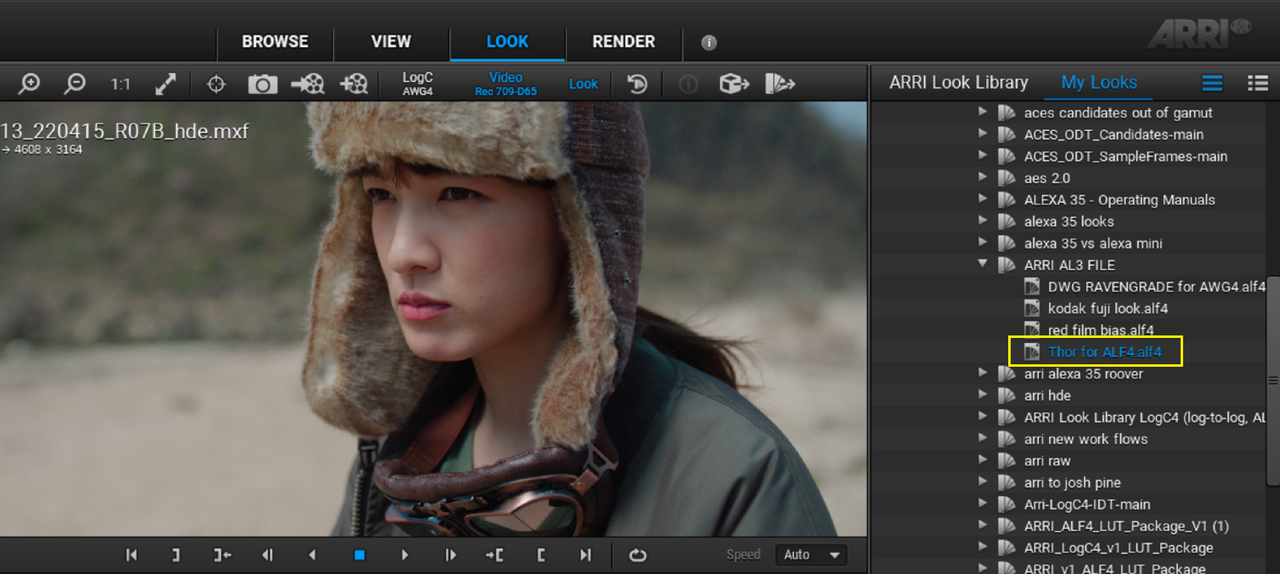
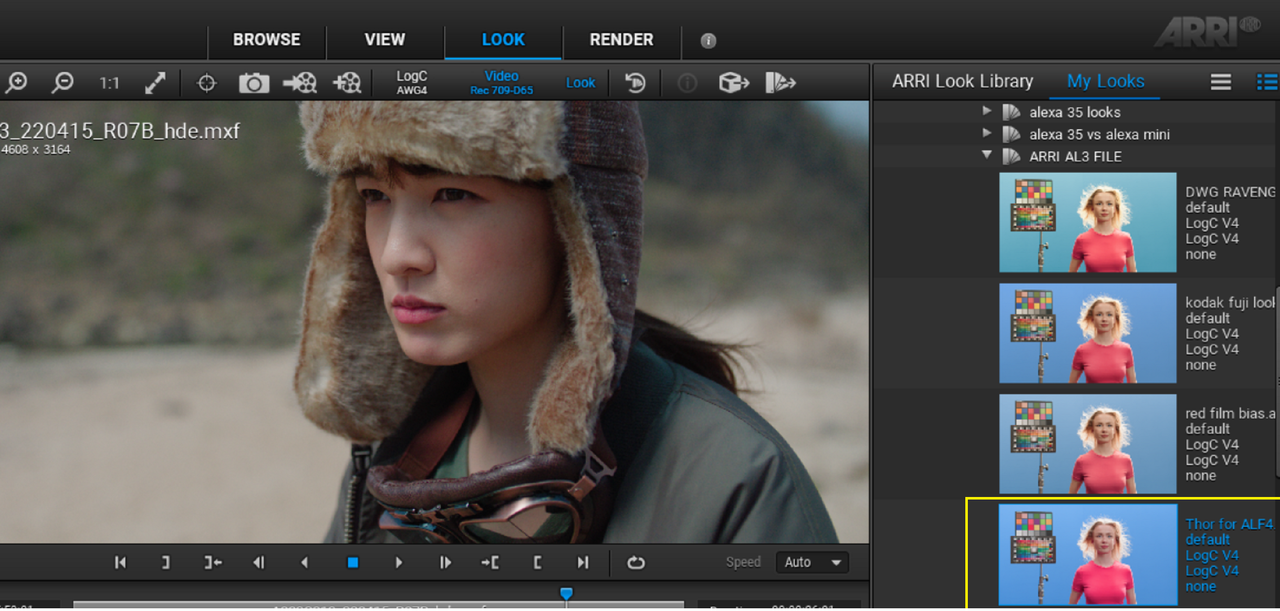
This download contains 65 Screengrabs with a PDF explaining Relevant Screengrabs on how to use the Cloud based FYLM.Ai color grading app to create a Lut that could be used to make an ALEXA 35 ALF4 look file with. I thought uploading all of these screengrabs was just too much to upload over 5 or more posts.

Screenshot-7858.png


Here are 13 of the 65 Screengrabs to help give a brief overview of what's going on

8j.png


8k.png

8L.png


9.png


10.png


14.jpg


26.png


27.png


28.png


29.png


30.png


31.png


33-From-Arri-Reference-Tool.jpg
 
Matching Different Cameras in Davinci Resolve

BY

Blaine Westropp


cameras used:

Arri Alexa Mini LF
Arri Alexa 35
Sony FX3


0:00 Intro
0:32 Matched Footage (quick look)
0:49 Grading Scene 1
3:40 Grading Scene 2
4:21 Grading Scene 3
5:58 Grading Scene 4
7:08 Recap
7:32 Haircut
 
ALEXA 35 Encounters: “Treasure Hunter” - Meet the filmmakers

by
ARRIChannel


Last edited:
ALEXA 35 Encounters: “The Siren” - Interview with filmmakers James Friend BSC & Mike Valentine BSC


by ARRIChannel

 
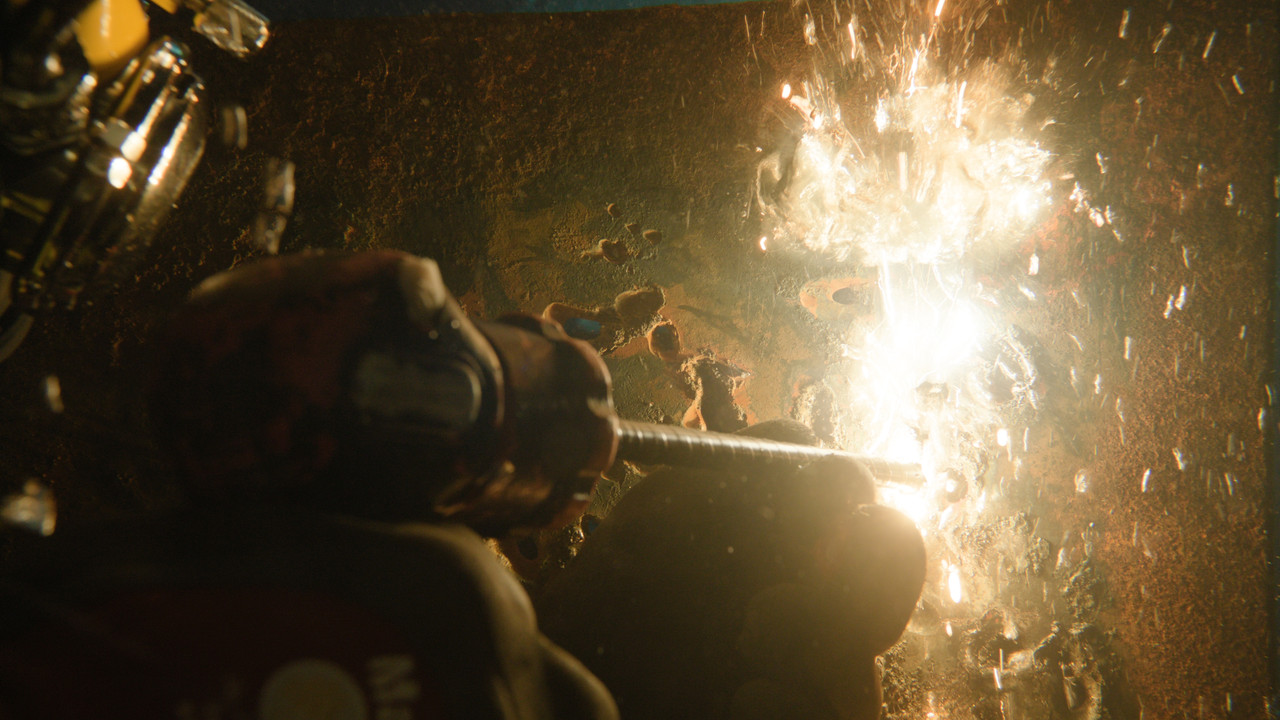
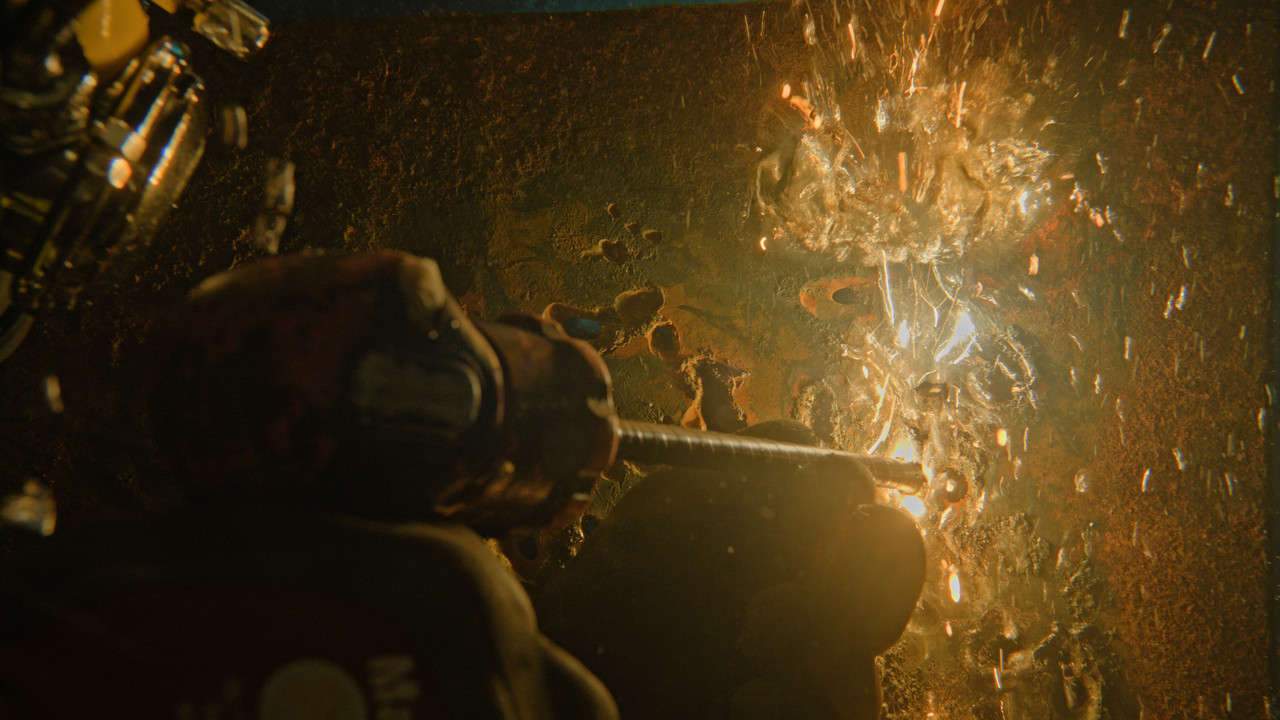
The underwater torch highlight better revealed from the video above

2.jpg


3-1-9-5.jpg
 
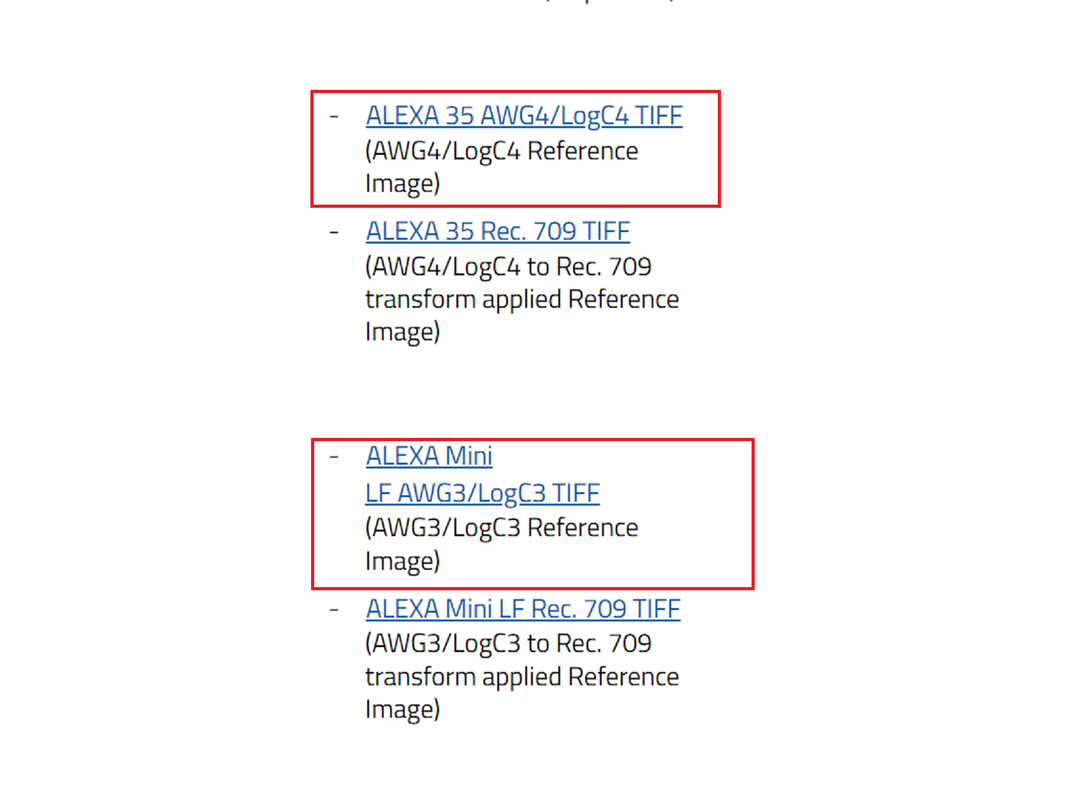
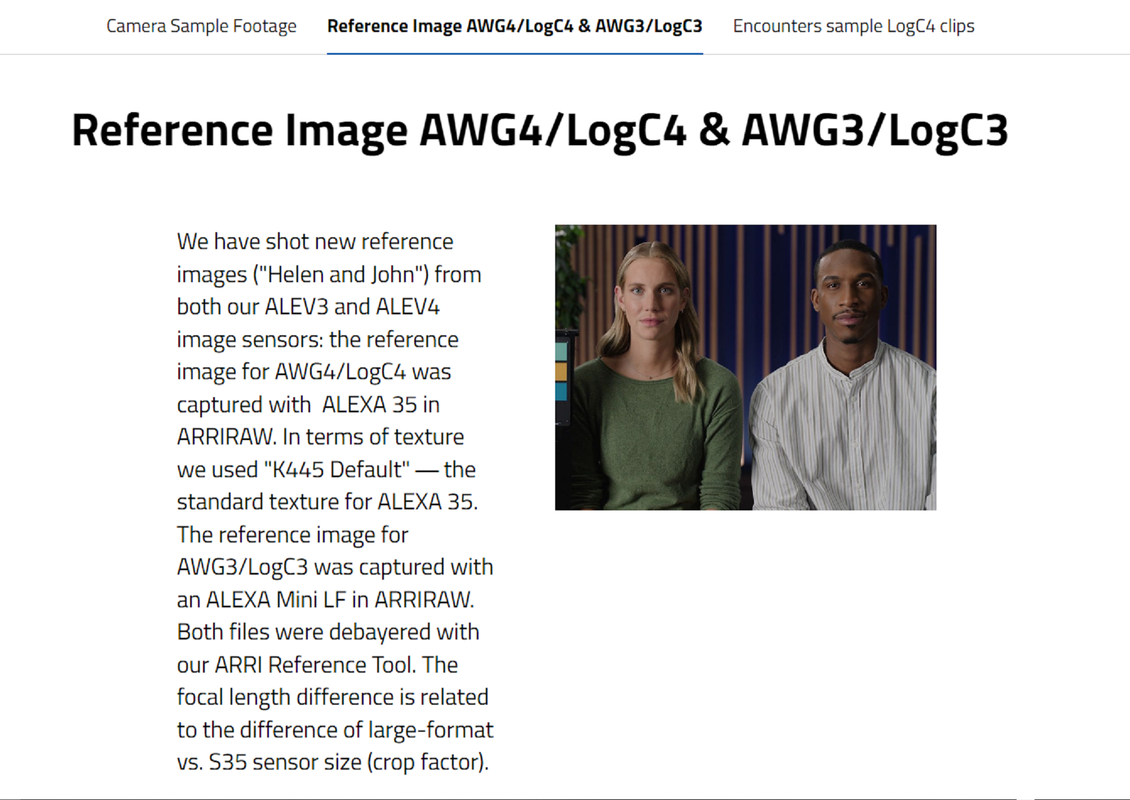
New Reference Images for AWG4/LogC4 & AWG3/LogC3
Camera Sample Footage & Reference Image (arri.com)


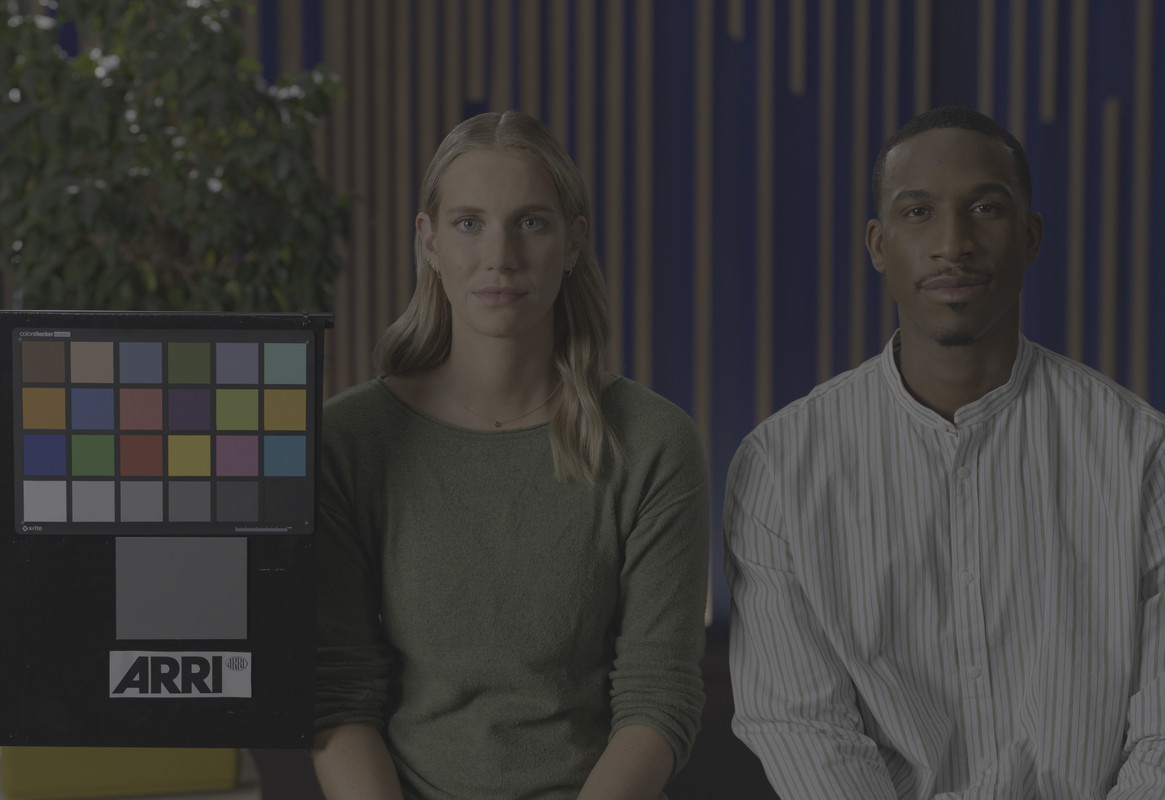
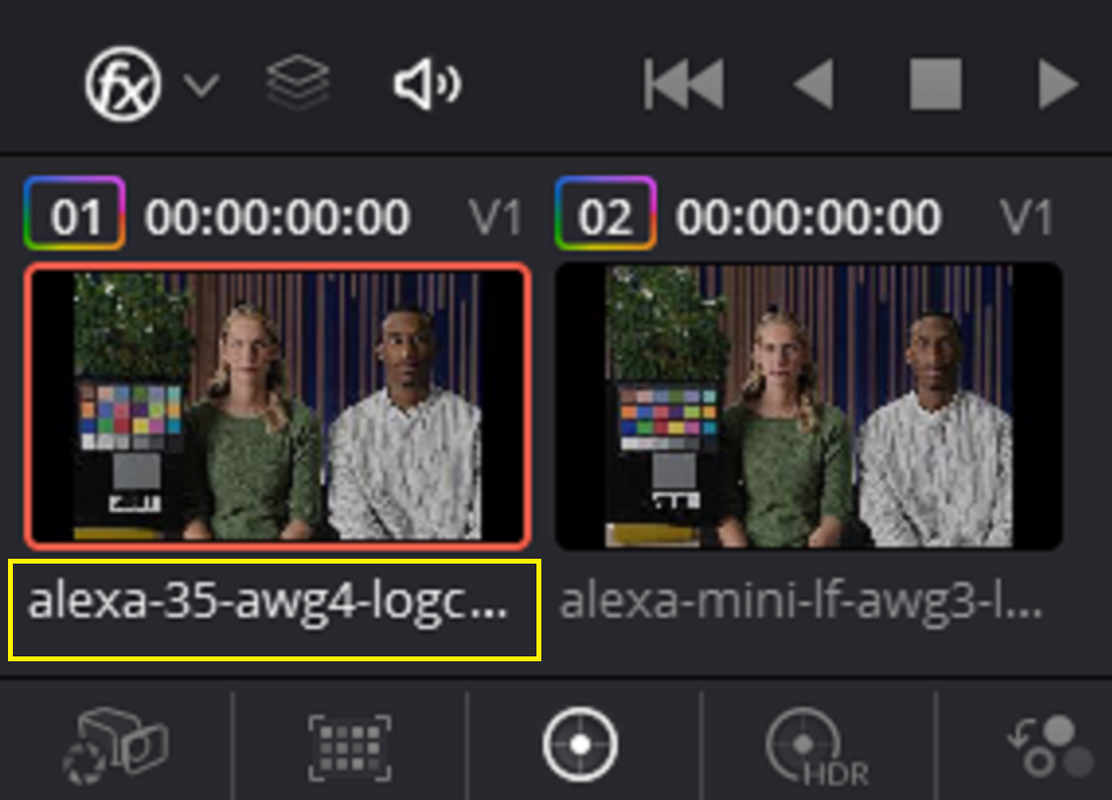
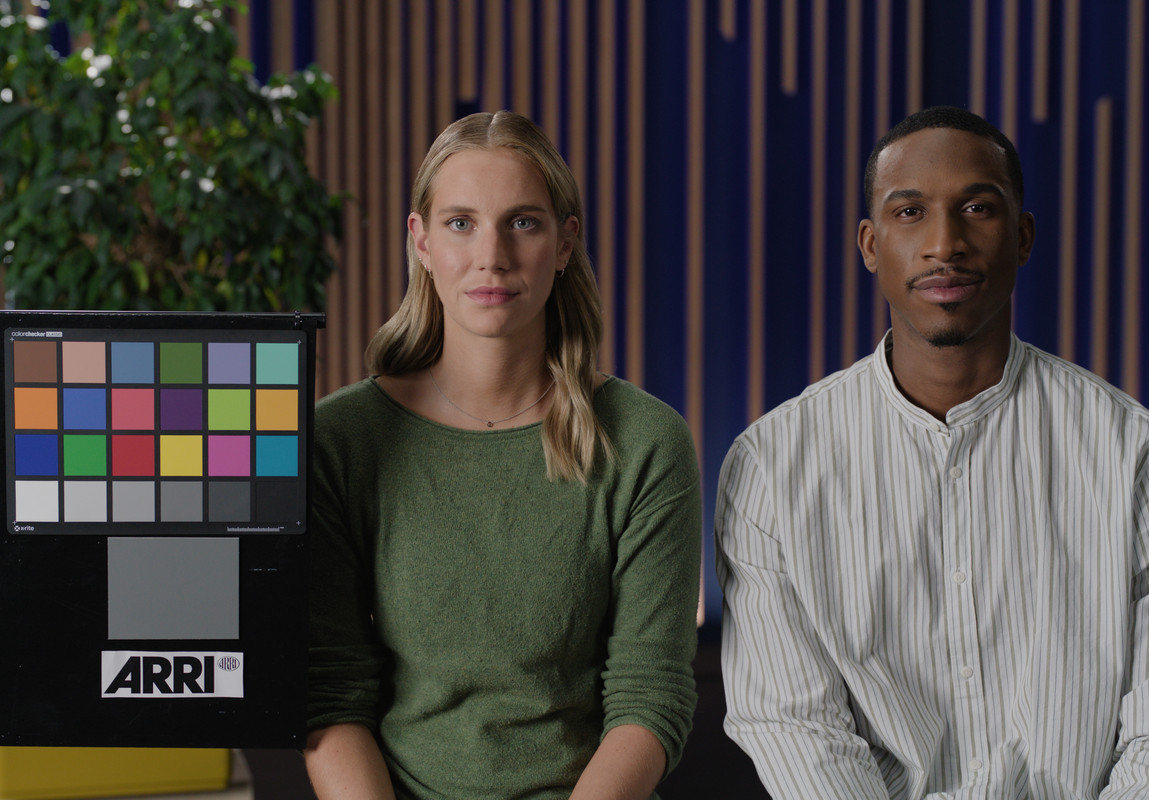
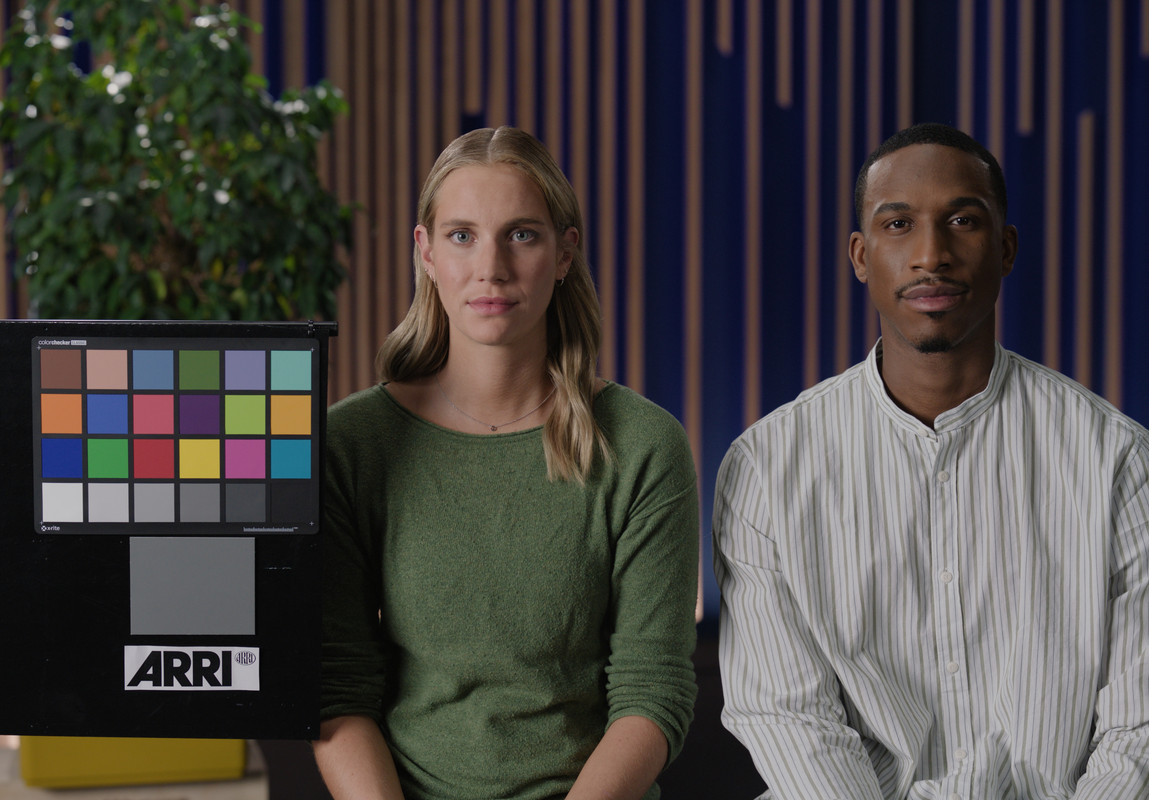
ALEXA 35 AWG4/LogC4 TIFF (AWG4/LogC4 Reference Image)

alexa-35-awg4-logc4-data.jpg


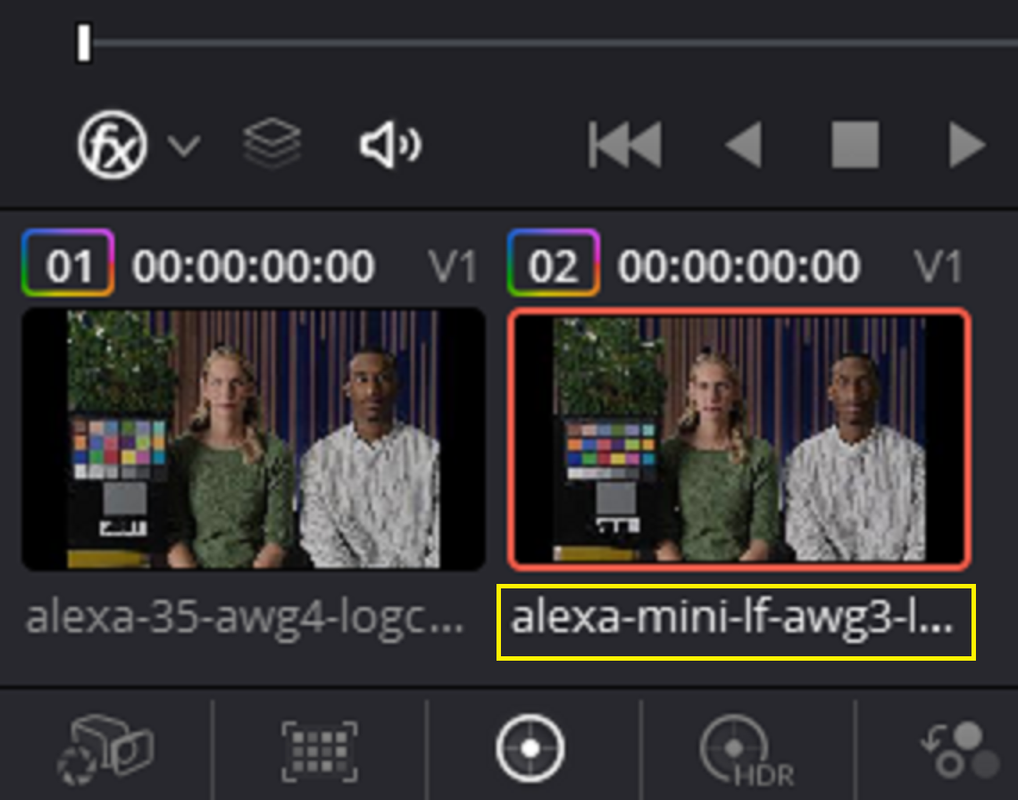
ALEXA Mini LF AWG3/LogC3 TIFF (AWG3/LogC3 Reference Image)


alexa-mini-lf-awg3-logc3-data.jpg


In Davinci Resolve

Screenshot-7874.png

Screenshot-7875.png


Screenshot-7876.png


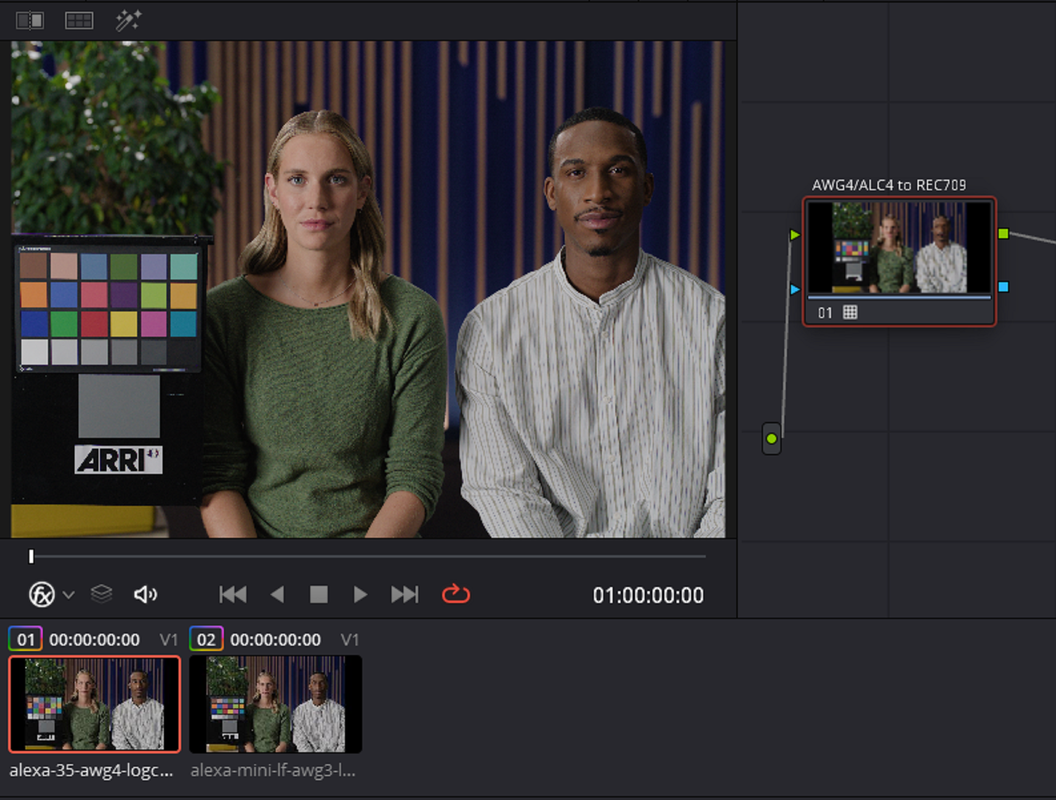
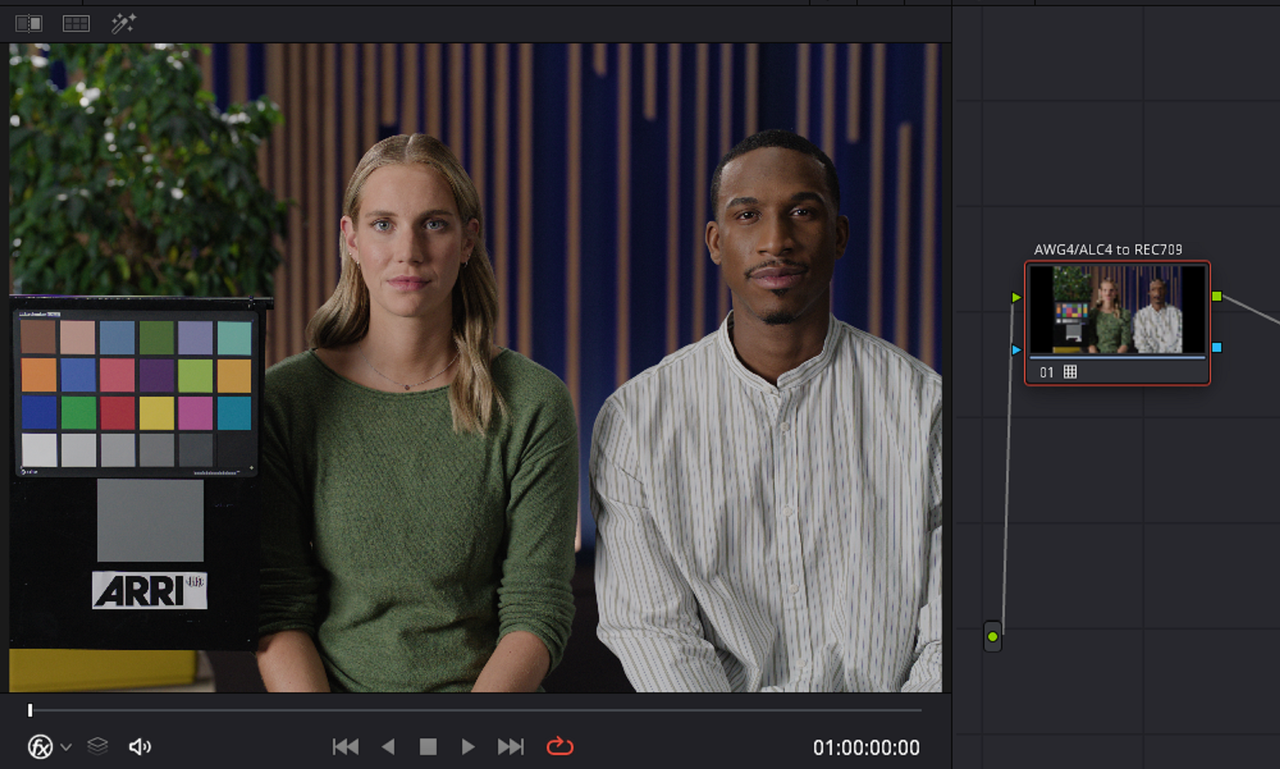
ALEXA 35 AWG4/LogC4 TIFF (AWG4/LogC4 Reference Image) Transformed with the ARRi AWG4/ALC4 to REC709 65cube Transform LUT


Screenshot-7867.png


Screenshot-7868.png


Screenshot-7864.png


21.png


alexa-35-awg4-logc4-data-1-1-1.jpg


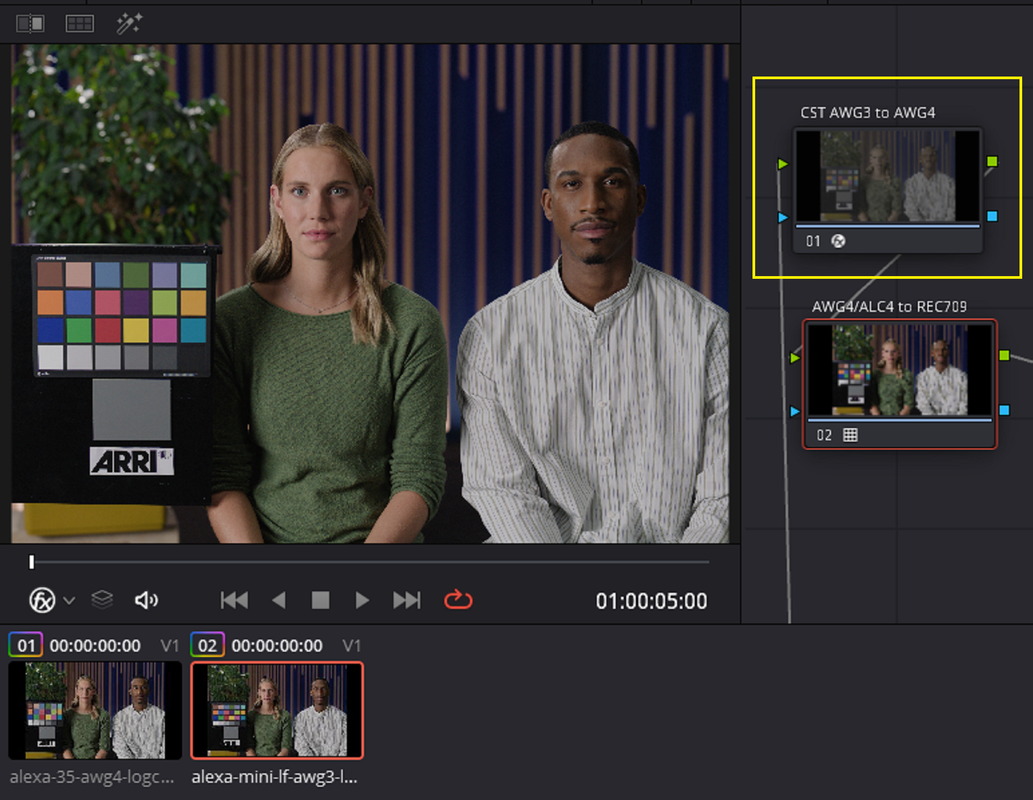
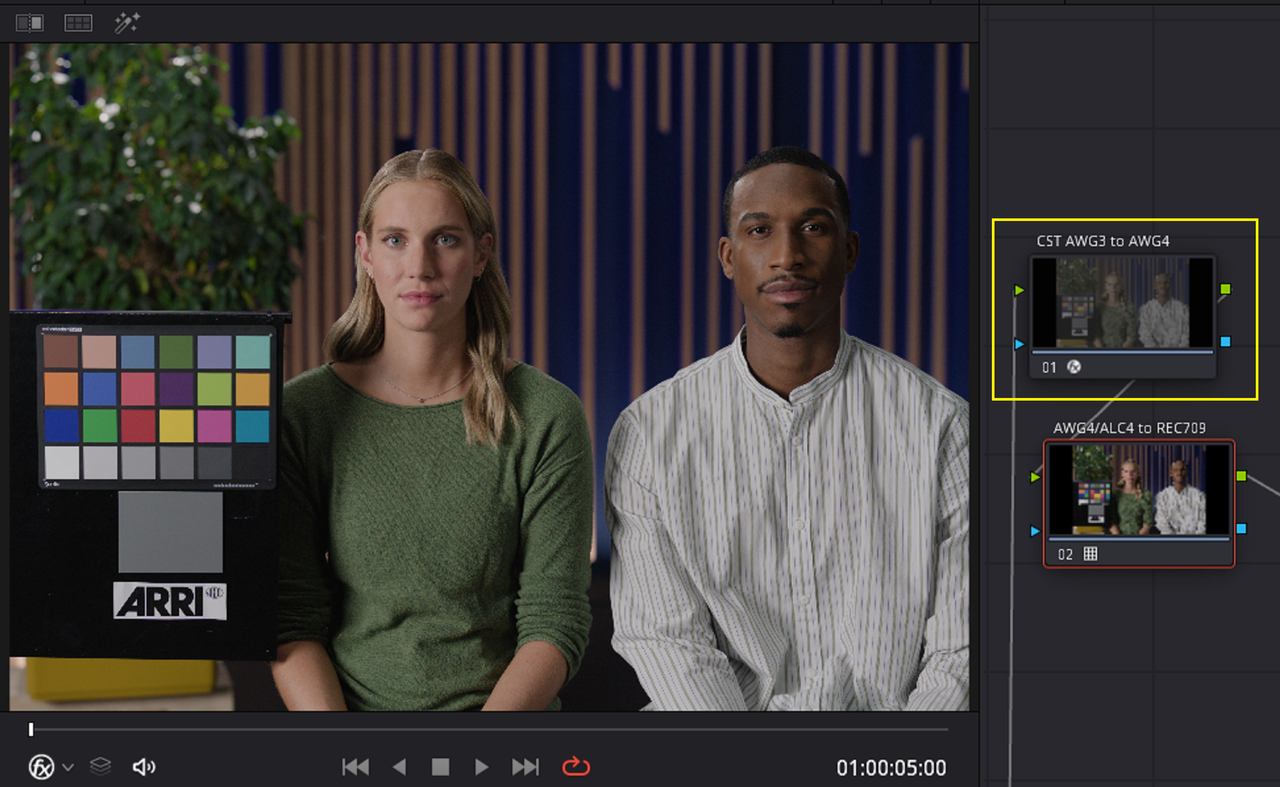
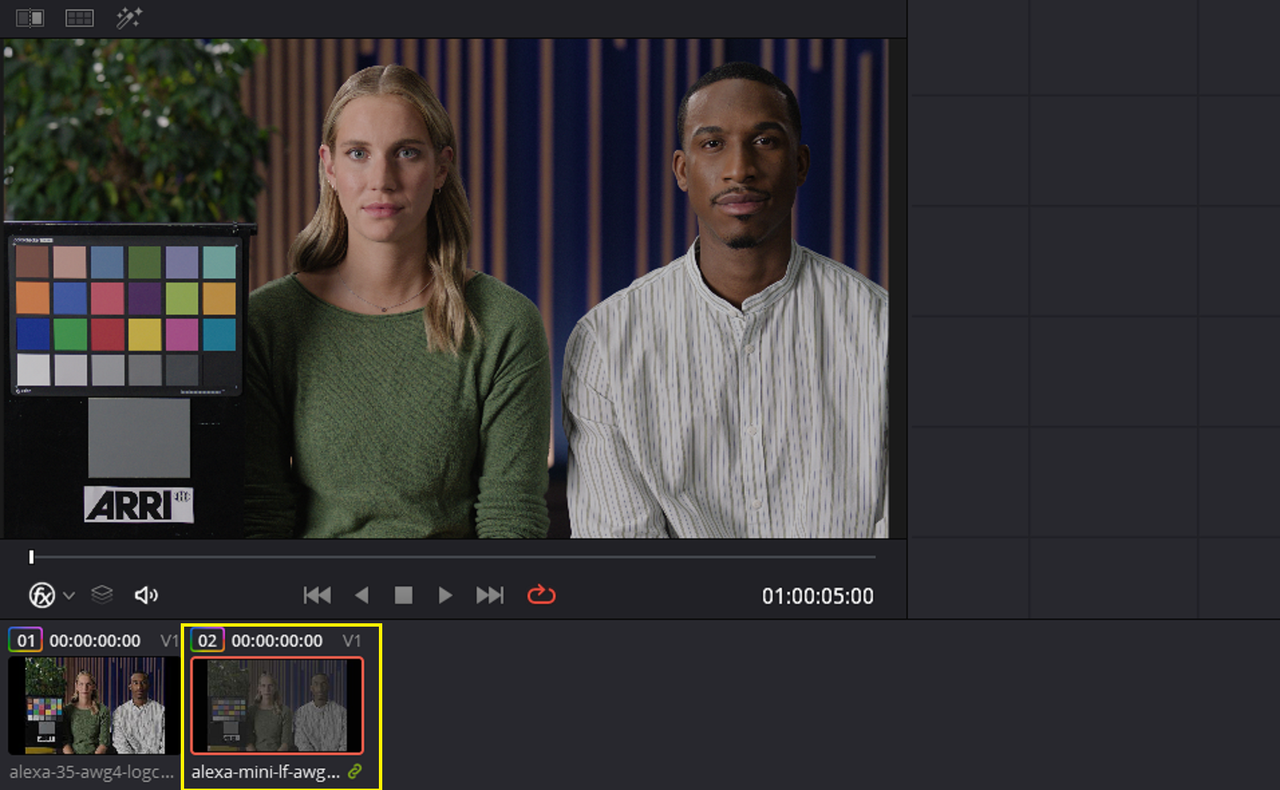
ALEXA Mini LF AWG3/LogC3 TIFF (AWG3/LogC3 Reference Image) Transformed with a Color Space Transform from AWG3/ALC3 to AWG4/ALC4 and with the ARRi AWG4/ALC4 to REC709 65cube Transform LUT


Screenshot-7869.png


Screenshot-7870.png


Screenshot-7865.png


Screenshot-7866.png


21.png


alexa-mini-lf-awg3-logc3-data-1-2-1.jpg


ALEXA 35 AWG4/LogC4 TIFF (AWG4/LogC4 Reference Image) Transformed with the ARRi AWG4/ALC4 to REC709 65cube Transform LUT

alexa-35-awg4-logc4-data-1-1-1.jpg


ALEXA Mini LF AWG3/LogC3 TIFF (AWG3/LogC3 Reference Image) Transformed with a Color Space Transform from AWG3/ALC3 to AWG4/ALC4 and with the ARRi AWG4/ALC4 to REC709 65cube Transform LUT

alexa-mini-lf-awg3-logc3-data-1-2-1.jpg
 
Last edited:
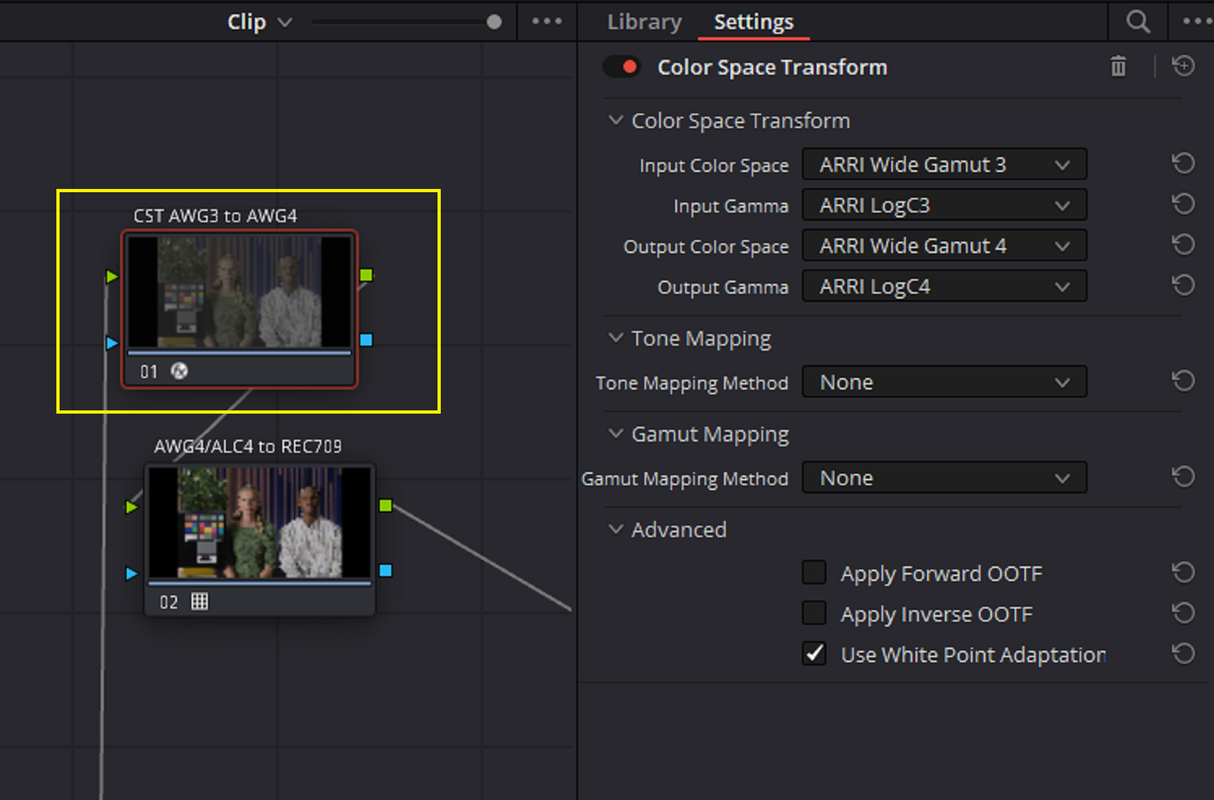
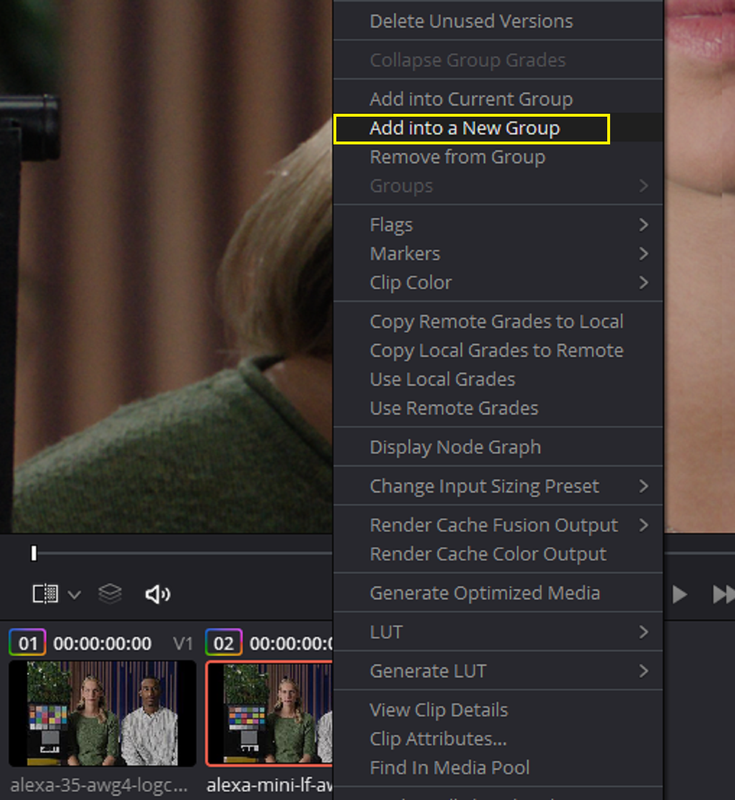
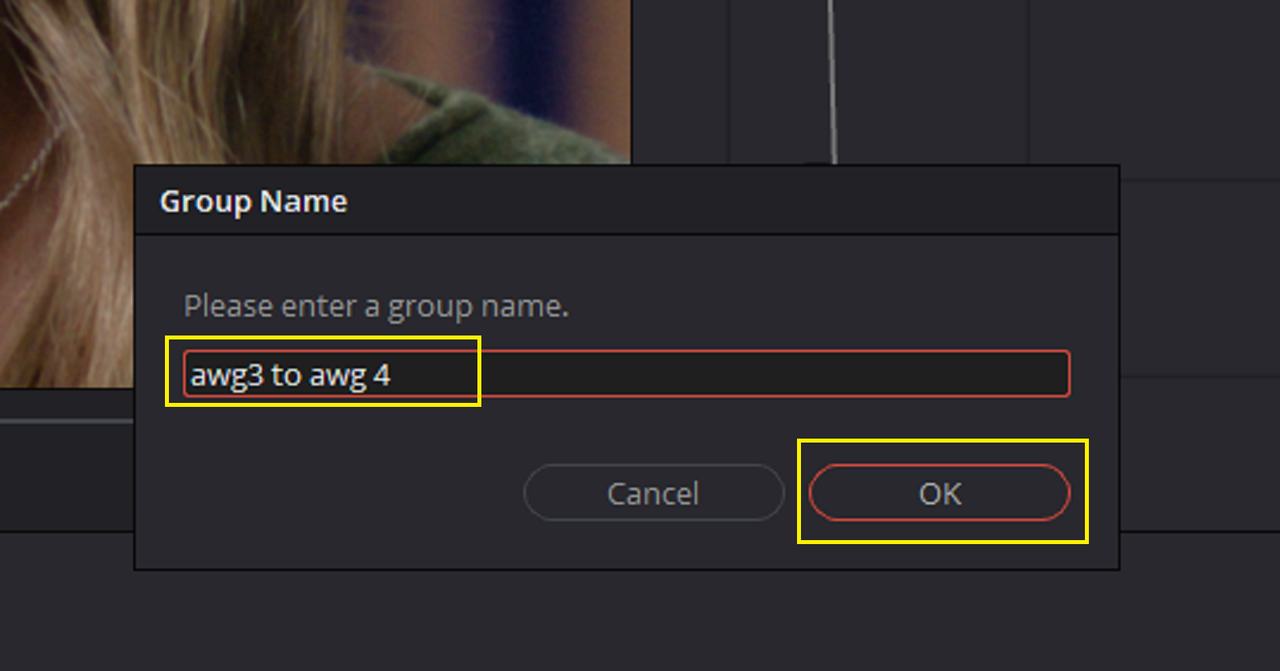
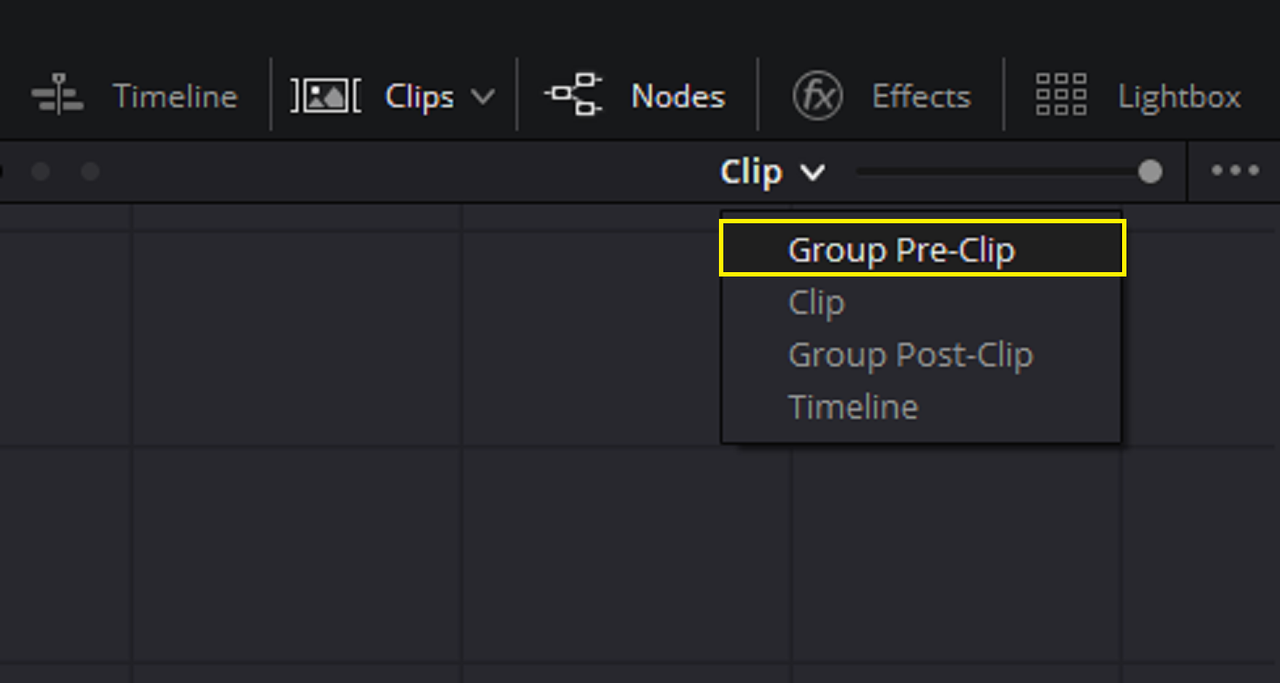
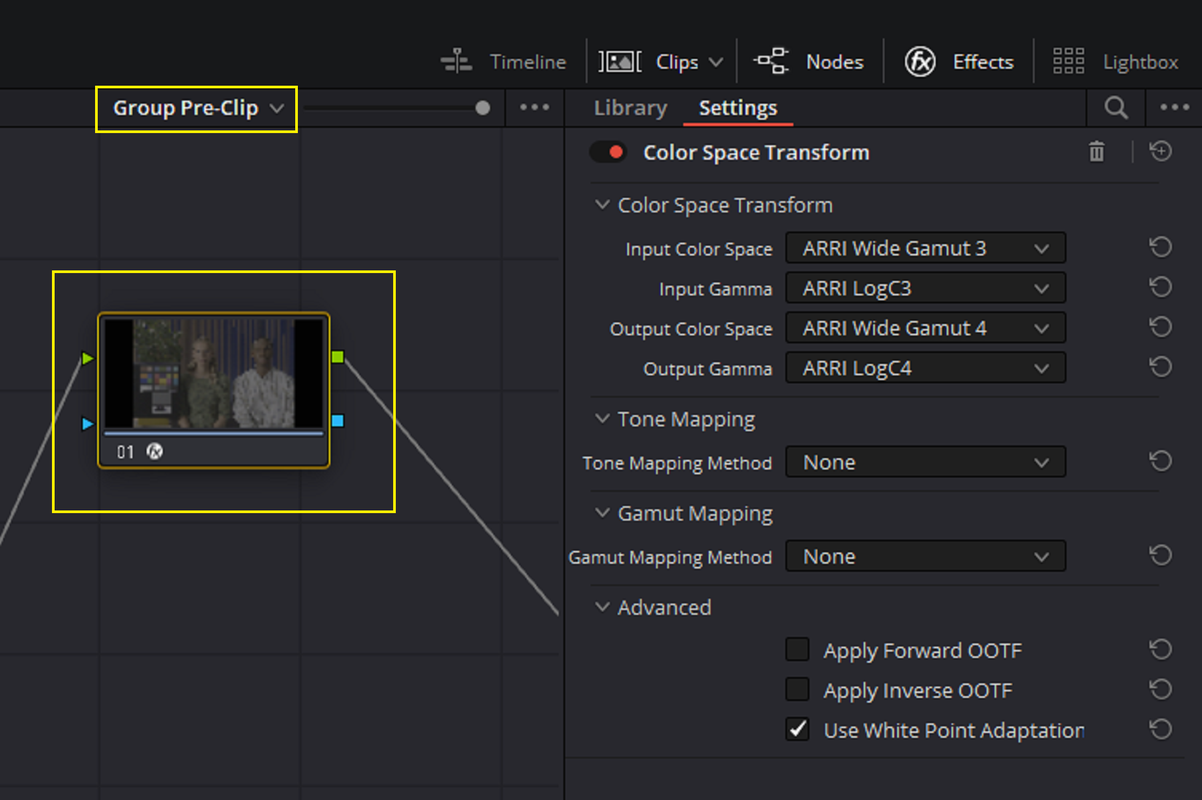
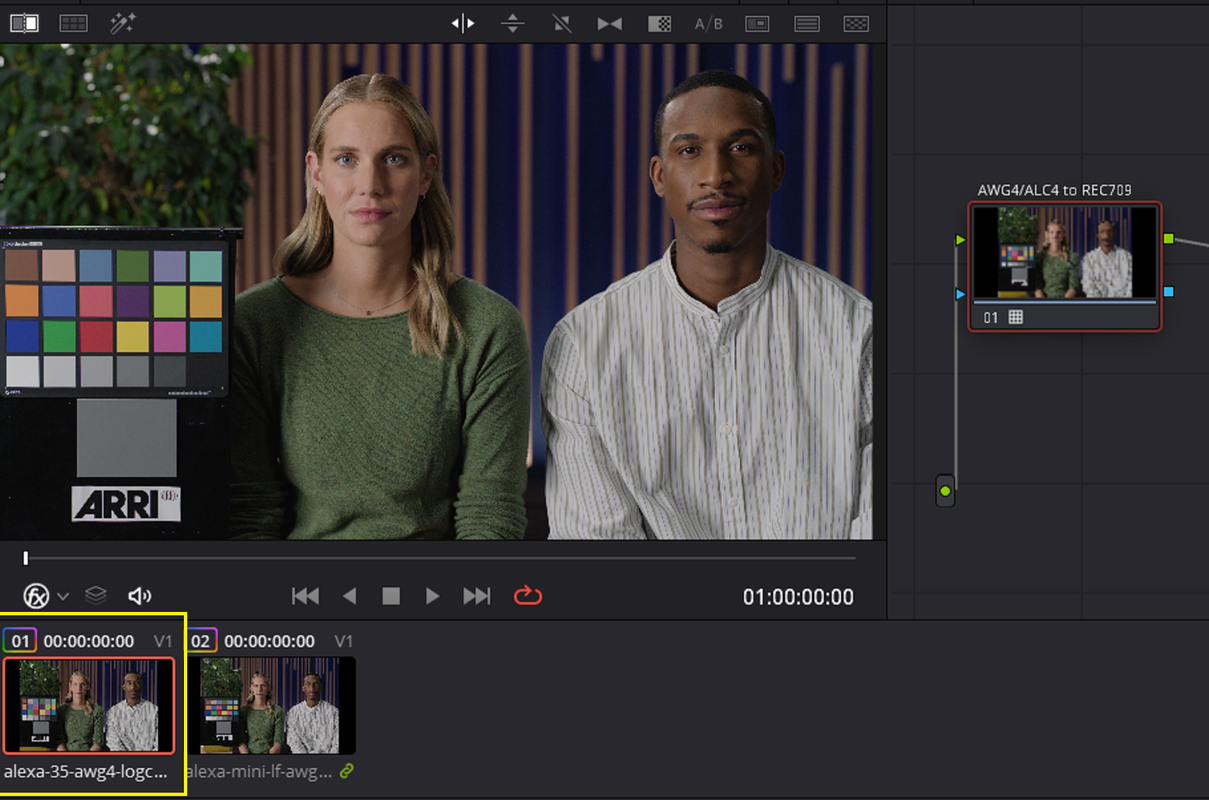
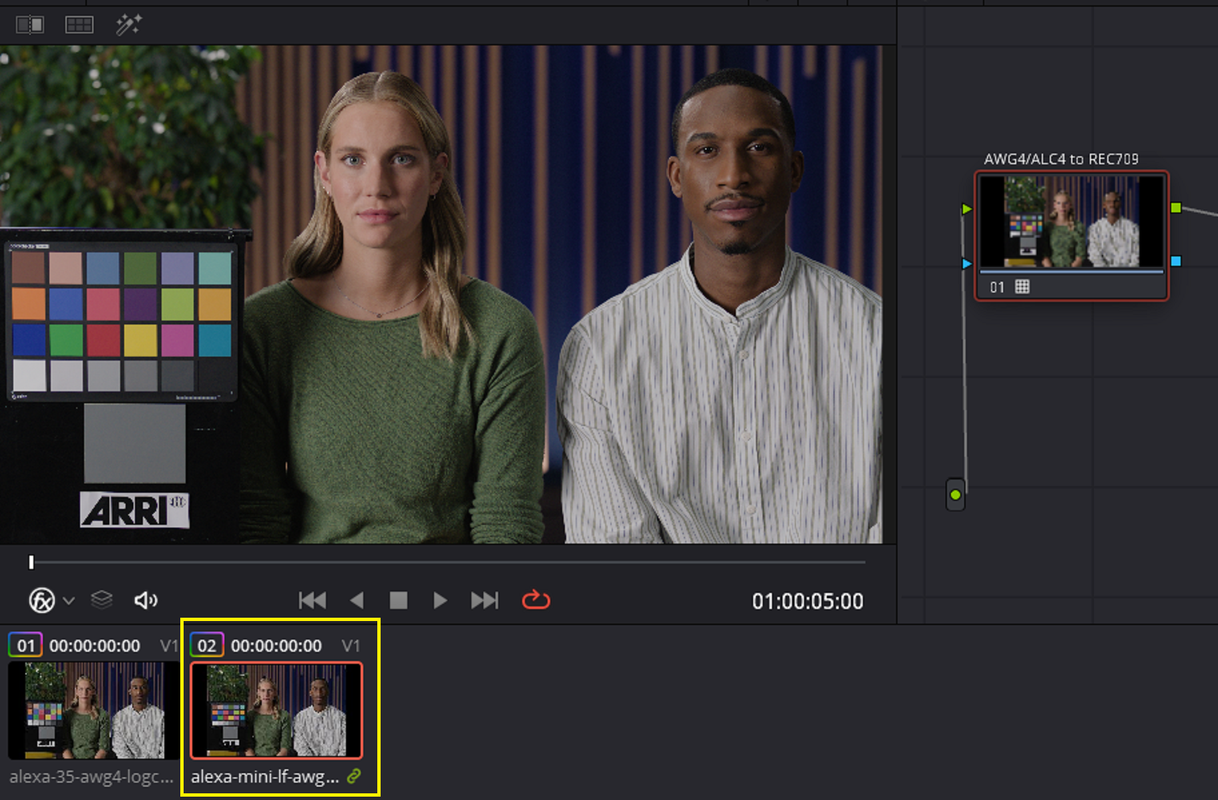
If you didn't want to have to add a COLOR SPACE TRANSFORM to every AWG3 /ALC3 video clip in your timeline to convert it to AWG4/ALC4, You could add the AWG3/ALC3 clips to a "GROUP" and use a "GROUP PRE-CLIP" to apply the AWG3/ALC3 to AWG4/ALC4 COLOR SPACE TRANSFORM. This way all of the AWG3/ALC3 clips that you place in this GROUP would all automatically be converted to AWG4/ALC4 and then you would only have to apply an ARRI AWG4/ALC4 to REC709 Transform Lut to Everything.


1.png


2.png


3.png


4.png


ALEXA 35 AWG4/LogC4 TIFF (AWG4/LogC4 Reference Image) Transformed with the ARRi AWG4/ALC4 to REC709 65cube Transform LUT


5.png


ALEXA Mini LF AWG3/LogC3 TIFF (AWG3/LogC3 Reference Image) Transformed with the ARRi AWG4/ALC4 to REC709 65cube Transform LUT

6.png


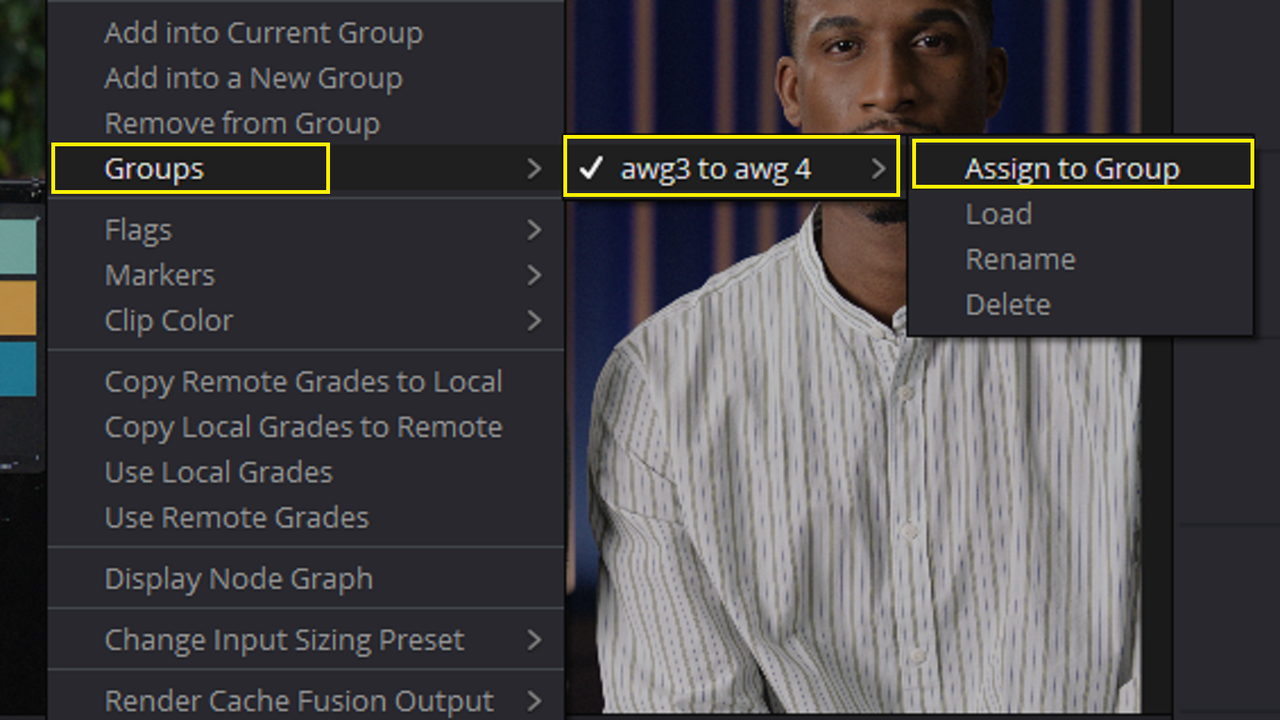
If you didn't assign all the AWG3/ALC3 video clips into the Initial "AWG3 to AWG4 GROUP", you can always "Right-Click" on the AWG3/ALC3 video clips that you either forgot or just recently added and go to "GROUPS" -> AWG3 to AWG4" -> "ASSIGN to GROUP" and they are now part of that Group also.

6a.png


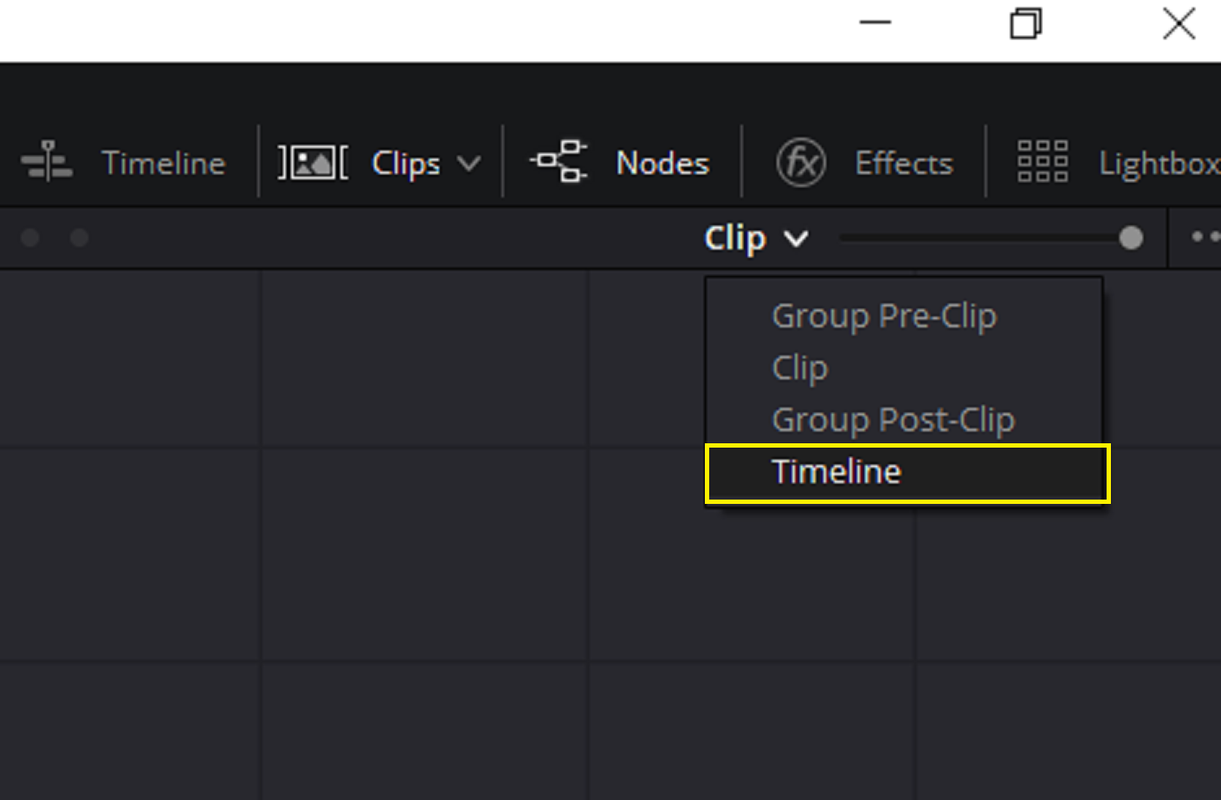
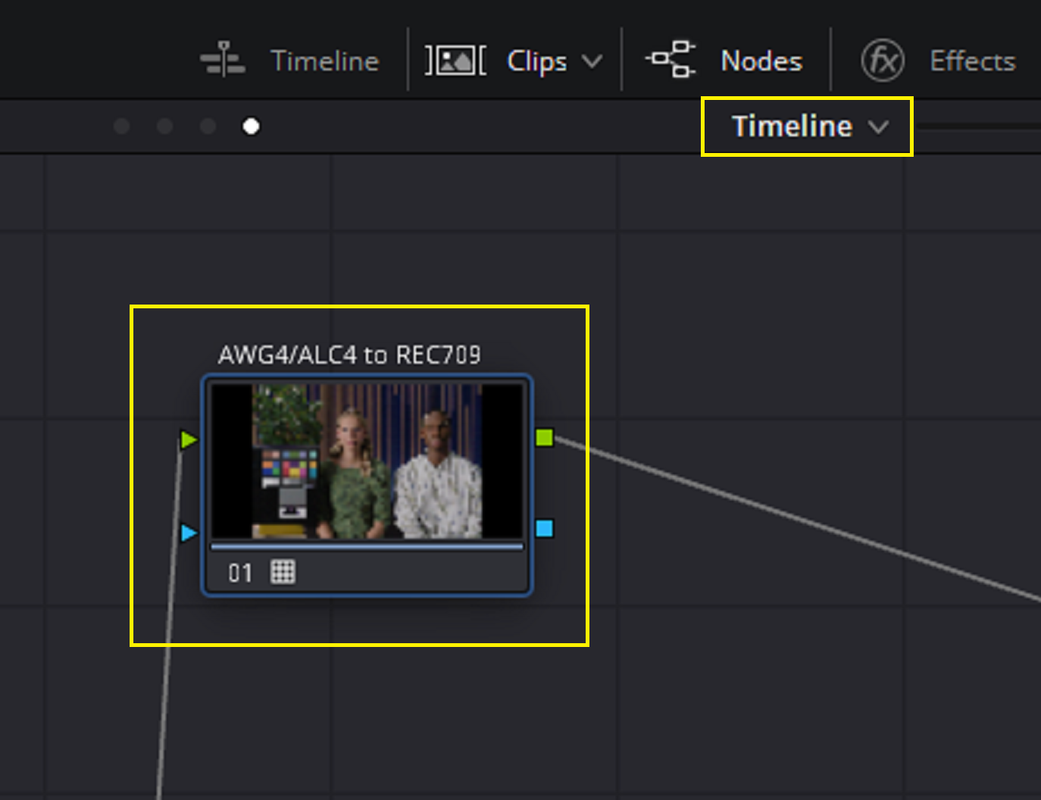
If you didn't want to have to add an "ARRI AWG4/ALC4 to REC709 TRANSFORM LUT" to every AWG4/ALC4 Original files or Converted files, you could add the "ARRI AWG4/ALC4 to REC709 TRANSFORM LUT" in the "TIMELINE" mode instead of in the "CLIP" mode so that every clip on the Timeline will all have an "ARRI AWG4/ALC4 to REC709 TRANSFORM LUT" applied to them and there won't be a need to apply them in the "CLIP" mode.


7.png


8.png


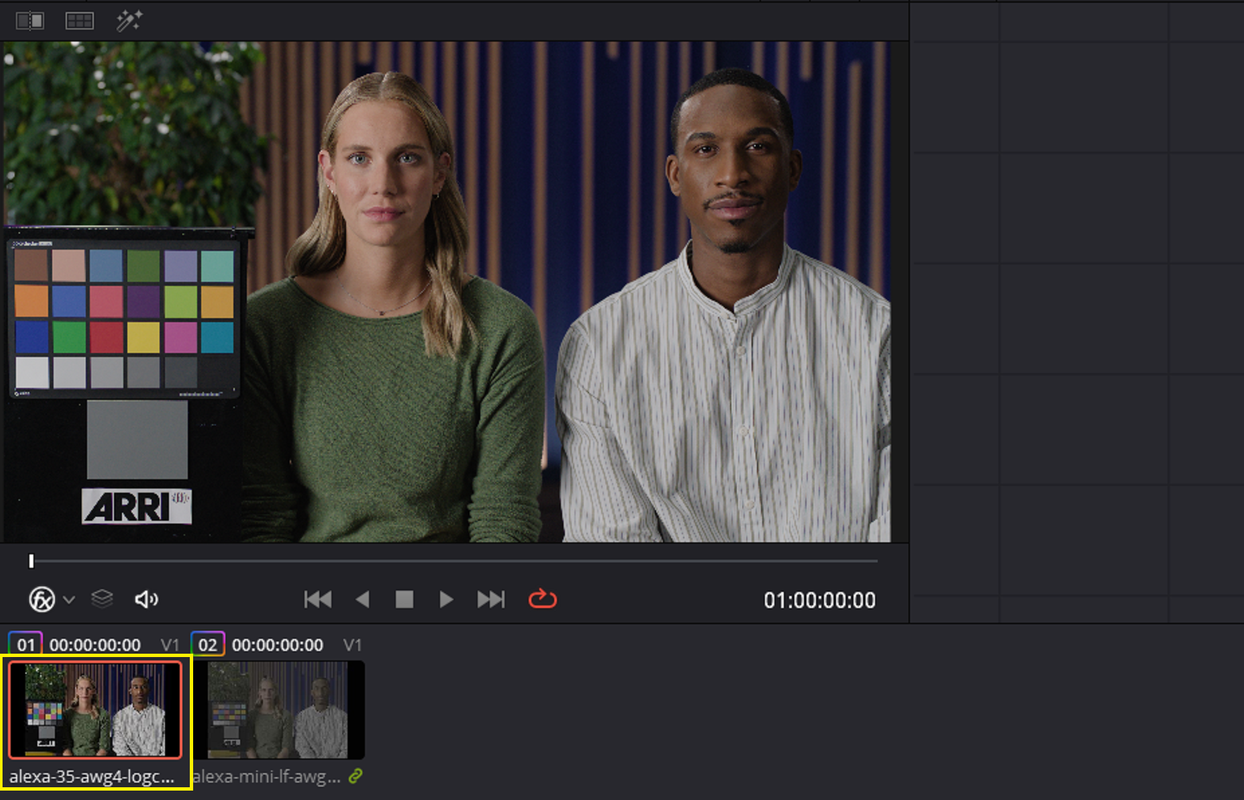
ALEXA 35 AWG4/LogC4 TIFF (AWG4/LogC4 Reference Image) With no ARRi AWG4/ALC4 to REC709 65cube Transform LUT applied in the "Clip" mode.


9.png


ALEXA Mini LF AWG3/LogC3 TIFF (AWG3/LogC3 Reference Image) With no ARRi AWG4/ALC4 to REC709 65cube Transform LUT applied in the "Clip" mode.

10.png
 
Last edited:
SEAT AT THE TABLE BTS (ARRI ALEXA 35)

by

Daniel Scotch

Sorry it's in Dutch and not English. I posted this more for the visual images shown in the video from the Alexa 35.

 
Back
Top