David Zimmermann
Member
Haven't been able to find a good answer for this, so apologies if this topic has been covered somewhere already.
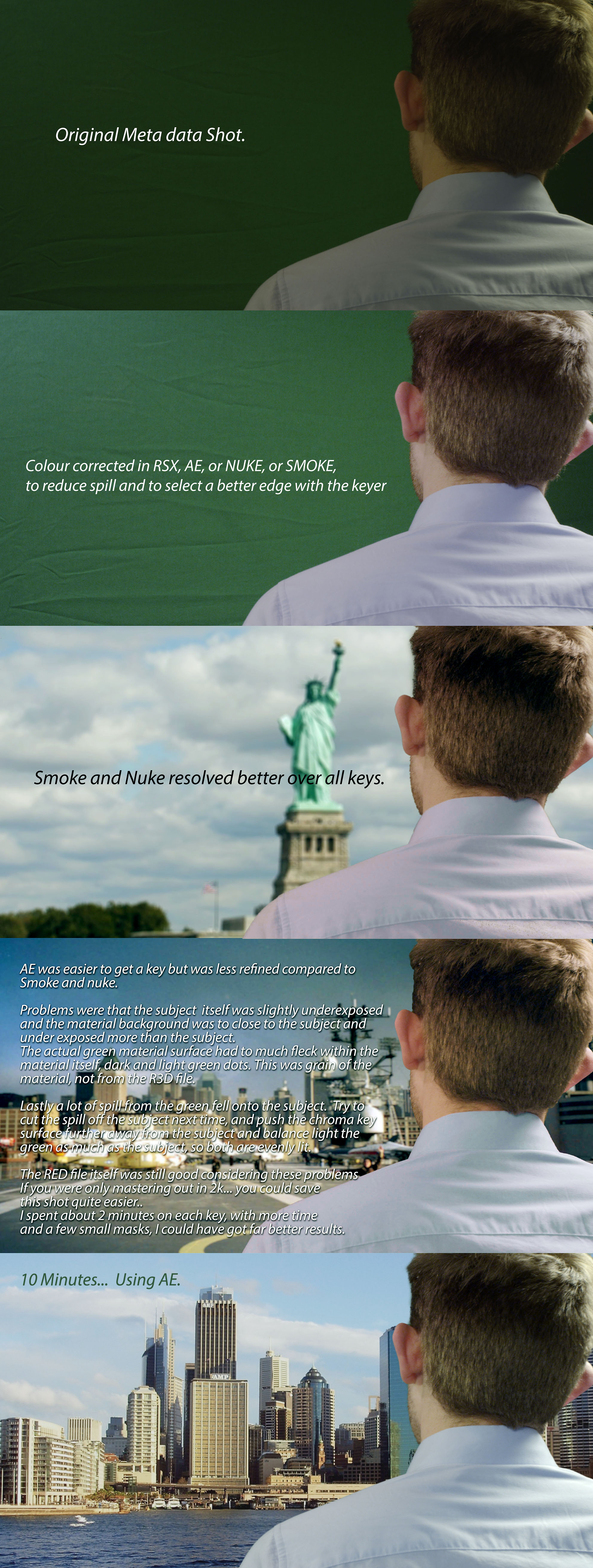
I recently tried keying some green screen footage in AE (using Keylight 1.2), and noticed a lot of grain after pulling the key. Can't seem to get it where it needs to be by adjusting Clip Black/Clip White/Screen Gain/etc., and can not figure out why it looks so bad.
First off, I realize that this isn't an ideal shot... green screen is a little dark on the right side, subject is close to the screen, etc. However, I've been able to pull a good key from footage much worse than this before (lower res footage from a 5D or t2i).
https://mega.co.nz/#!vkwzhZ4S!YT2fK2Z_HVmx7h0L9mKEjiFkI_ICTAoW_4VsmIX7qYY
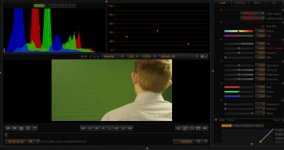
Above is the r3d snapshot... let me know if you have any advice. Thanks in advance!
I recently tried keying some green screen footage in AE (using Keylight 1.2), and noticed a lot of grain after pulling the key. Can't seem to get it where it needs to be by adjusting Clip Black/Clip White/Screen Gain/etc., and can not figure out why it looks so bad.
First off, I realize that this isn't an ideal shot... green screen is a little dark on the right side, subject is close to the screen, etc. However, I've been able to pull a good key from footage much worse than this before (lower res footage from a 5D or t2i).
https://mega.co.nz/#!vkwzhZ4S!YT2fK2Z_HVmx7h0L9mKEjiFkI_ICTAoW_4VsmIX7qYY
Above is the r3d snapshot... let me know if you have any advice.
Thanks in advance!


 osti:
osti: