Welcome to our community

Be a part of something great, join today!

  • Hey all, just changed over the backend after 15 years I figured time to give it a bit of an update, its probably gonna be a bit weird for most of you and i am sure there is a few bugs to work out but it should kinda work the same as before... hopefully :)

Viewing in REDCINE

Spike Baumann

Well-known member
Joined
Mar 1, 2007
Messages
529
Reaction score
0
Points
0
It's been a while since I posted so.. Hi ALL!
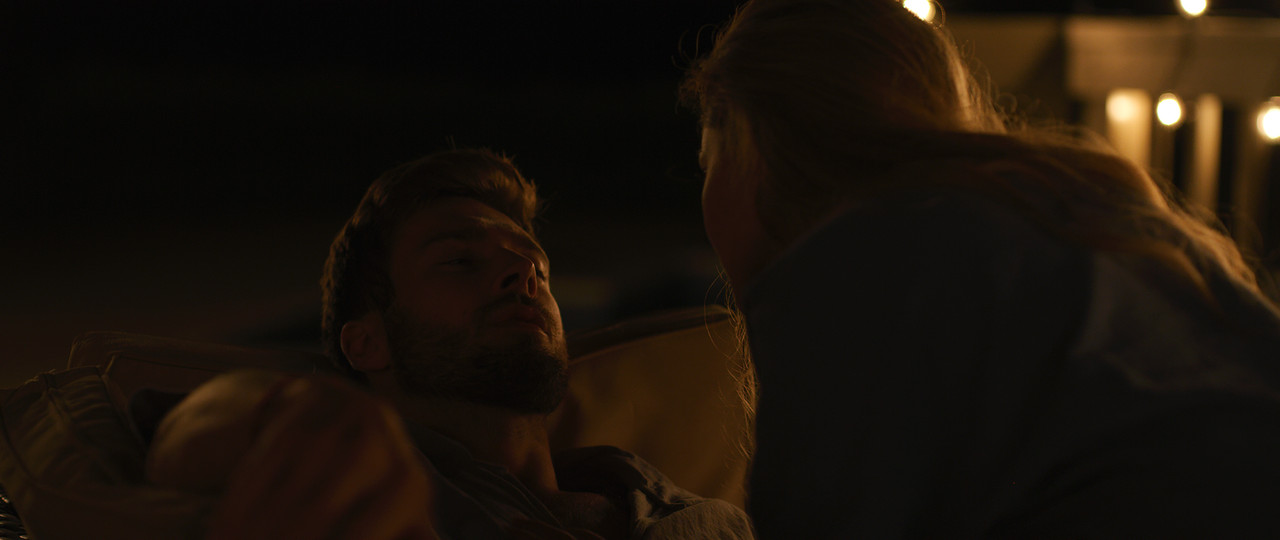
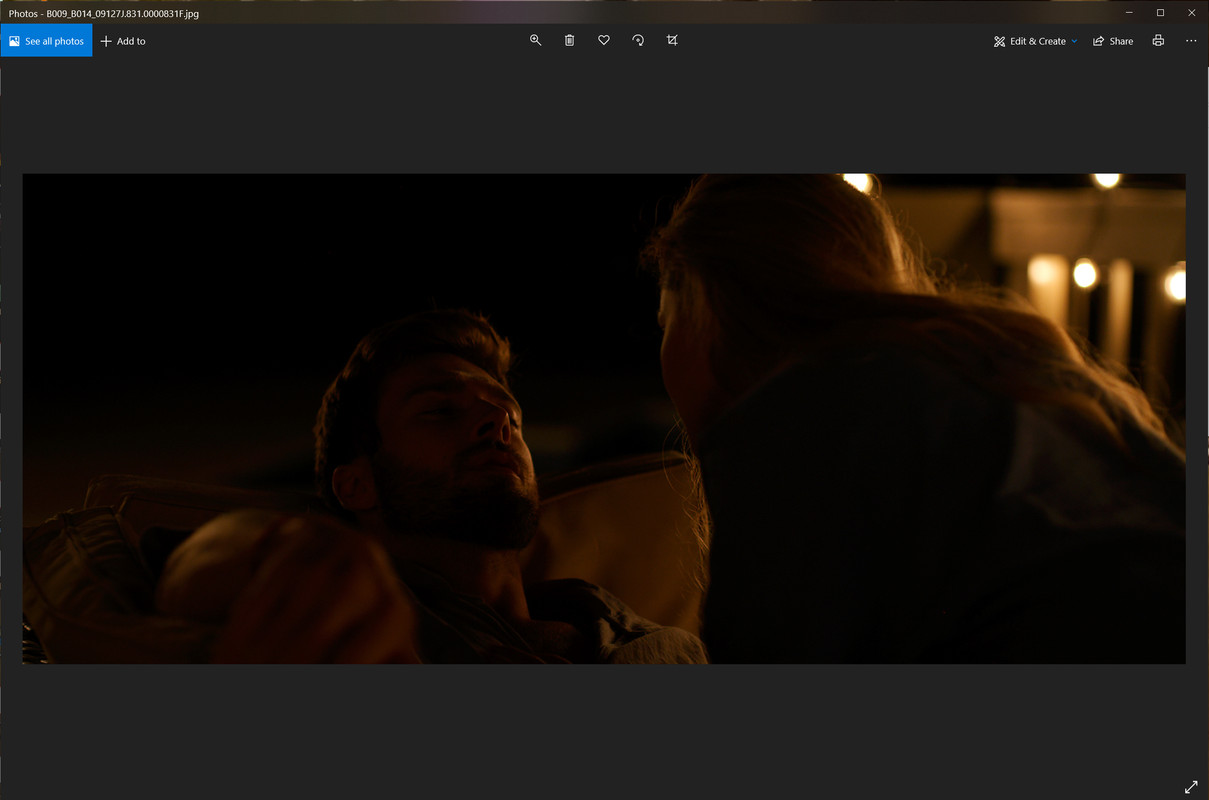
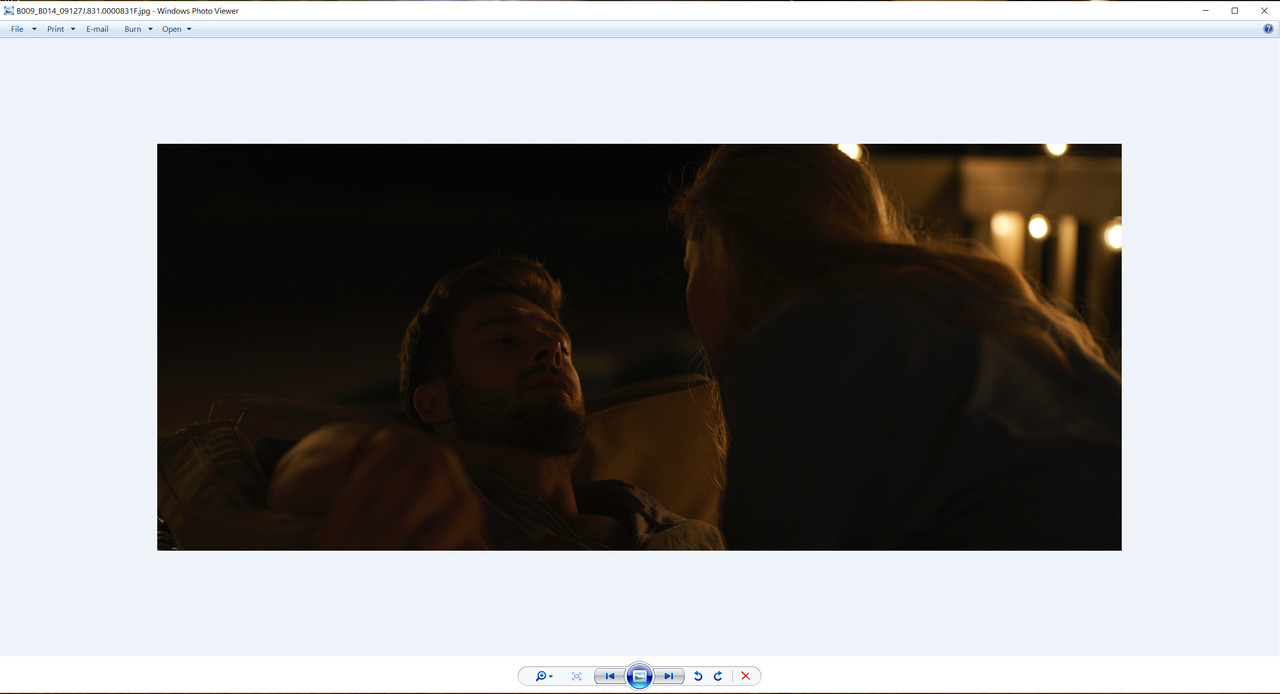
My question is when I'm viewing komodo footage in REDCINE it looks nice and smooth in most gammas for monitoring but when I take a screen grab, ADD screengrab, or R3D screengrab they all look a lot darker and have to bring to photoshop to get it back to what I'm seeing in REDCINE. Is this normal? I never had to do that with any other iterations of the cameras. The screen shots always matched.

Thanks
Spike
 
Spike,

What version of Redcine-X are you currently using?
 
Also are you using,


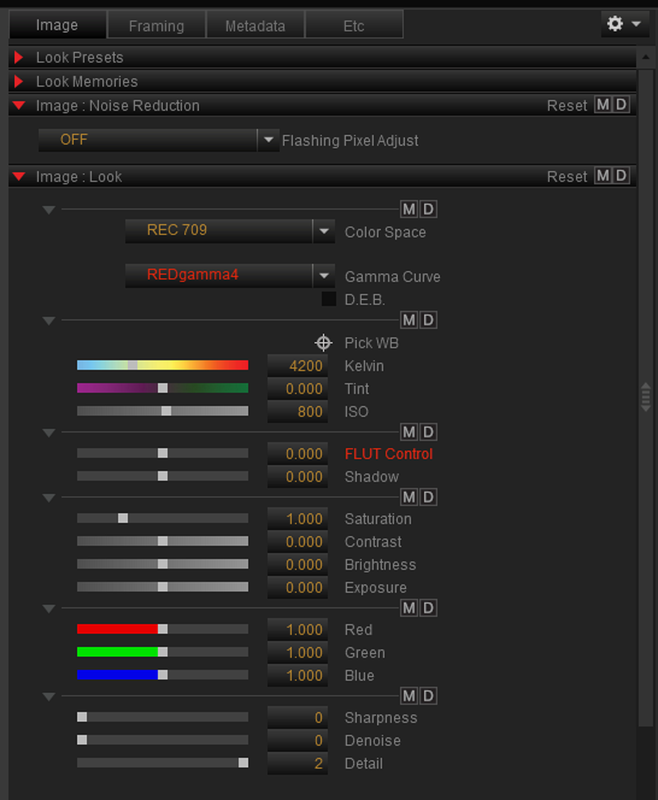
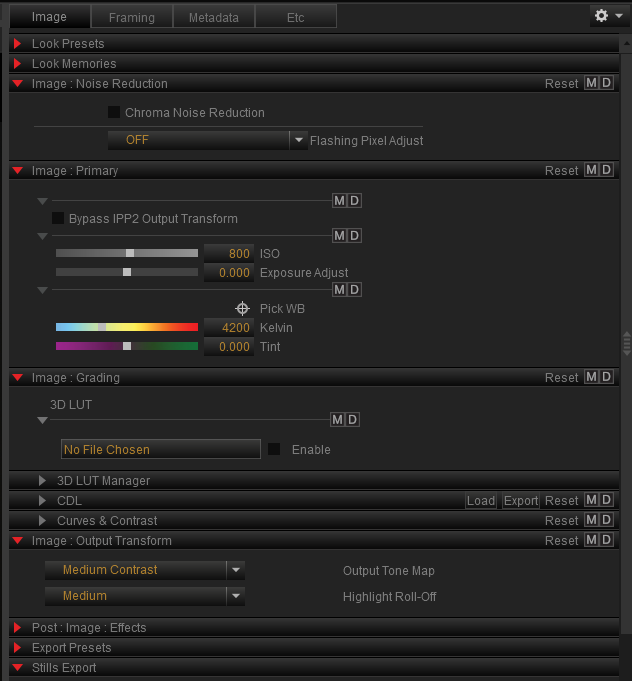
Legacy or IPP2


Legacy

Screenshot-2816.png


IPP2

Screenshot-2817.png


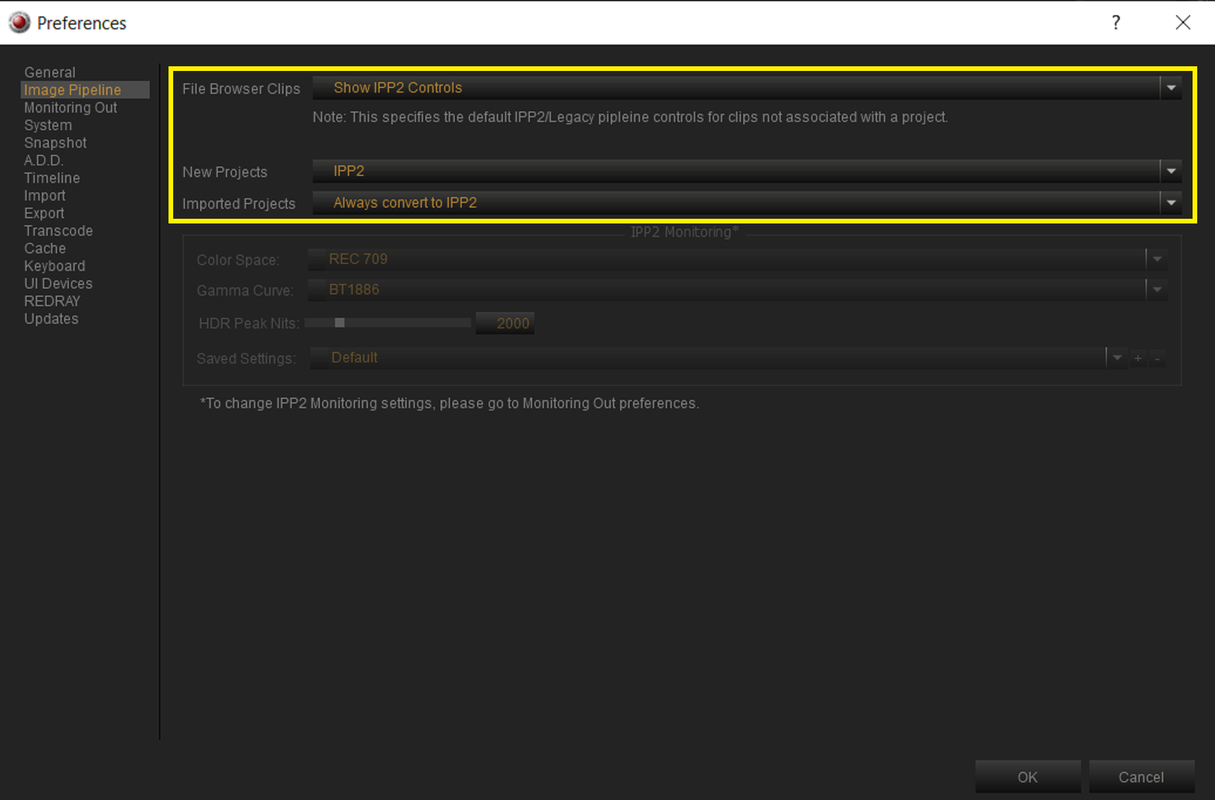
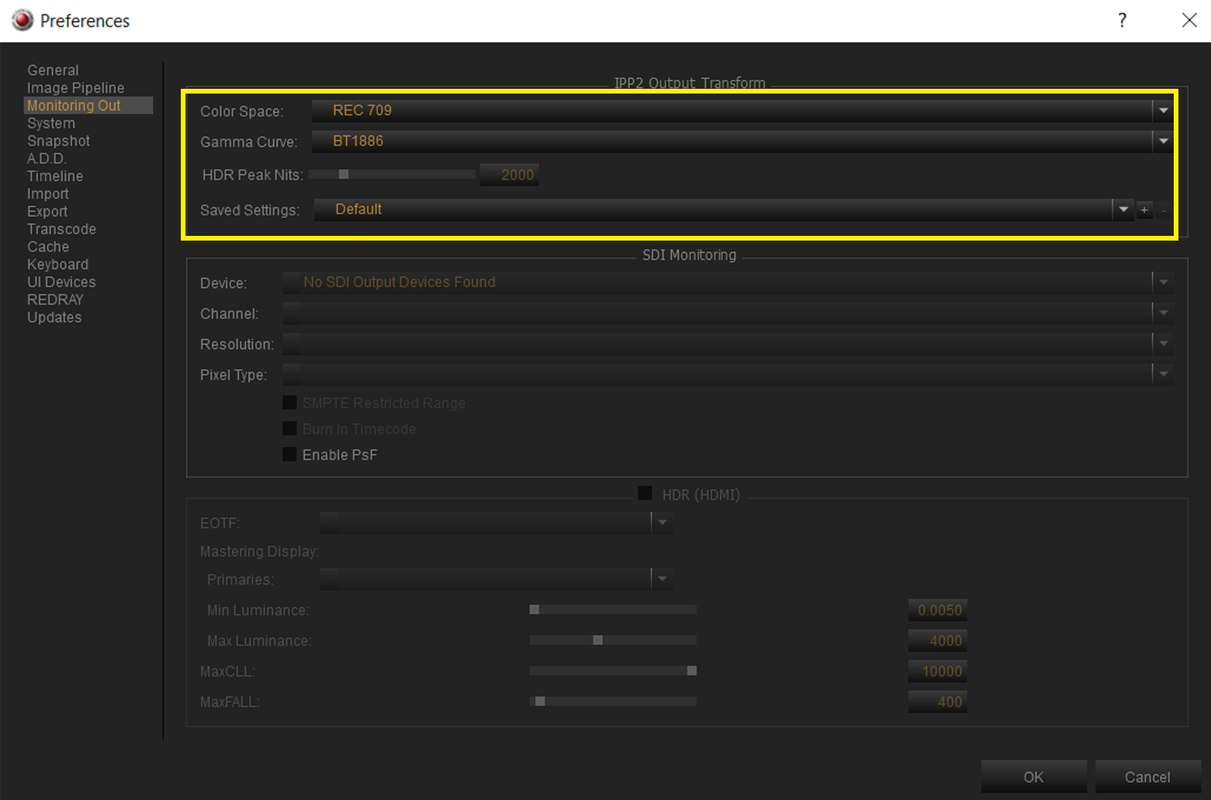
If you are using IPP2, What settings do you have in the settings below


Screenshot-2812.png


Screenshot-2813.png
 
Let me check those settings. I have been using the default since the beginning. I did try to change the monitoring out to see if that changed it. I will get screen shots.
 
Weird... so when I open the screen shot in windows default viewer its dark. When I open the jpeg in photoshop it matches what the REDCINE looks like. I guess it's the default viewer changing the gamma.
 
Weird... so when I open the screen shot in windows default viewer its dark. When I open the jpeg in photoshop it matches what the REDCINE looks like. I guess it's the default viewer changing the gamma.

Maybe you need to update the "Windows" I'm on version OS-Microsoft Windows 10 Pro 64-bit Ver.1909(OS build 18363.1082)

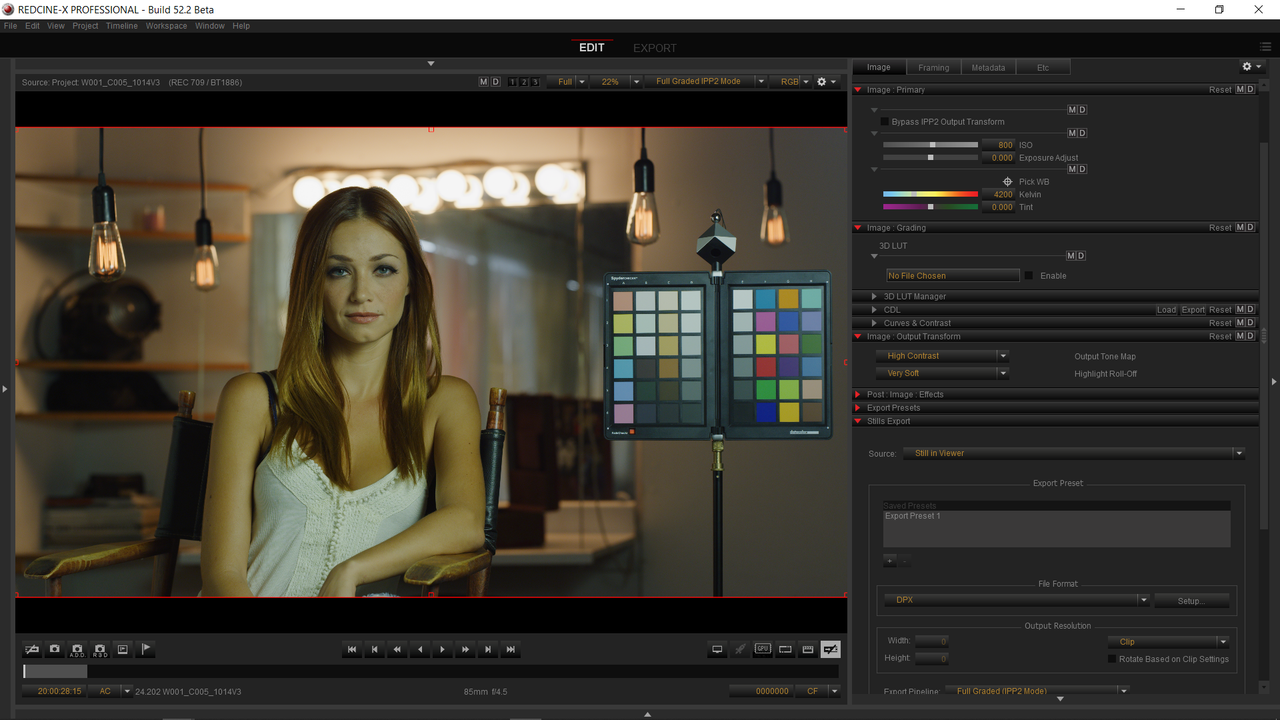
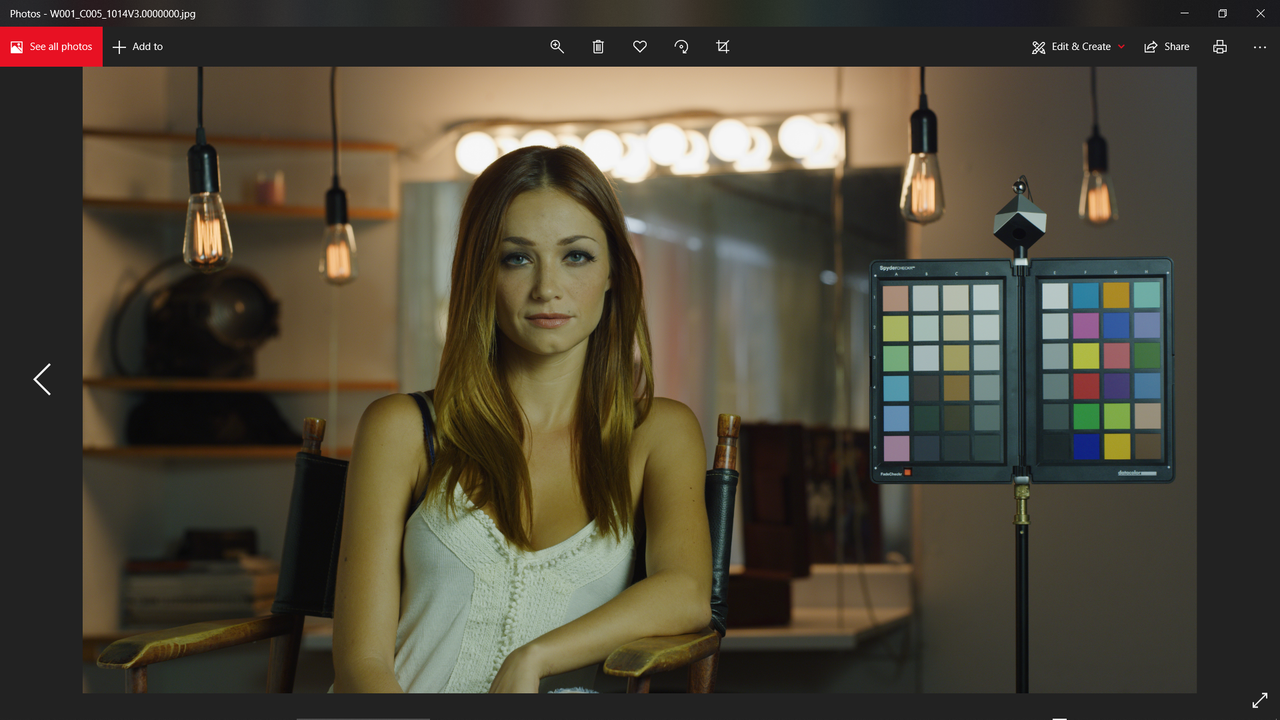
here is what the image looks like in Redcine-X and in my windows default viewer.


Screenshot-2820.png


Screenshot-2821.png
 
Back
Top