Arman Safari
Member
Hi all,
Looking for some help/advice when it comes to the color grading workflow when incorporating vfx.
For the longest time I would avoid color grading in davinci resolve when working on a visual effect ridden video. Eventually I began grading my footage and placing my visual effects on top of that, but it was inefficient and I wasnt happy with the results.
As an example here are two videos demonstrating the extent of the vfx:
https://vimeo.com/276693340
https://vimeo.com/331477571
Currently, I'm wanting to lock my edit in Premiere, move my vfx shots over to after effects and proceed with rotoscoping/effects/compositing. Then hoping I can export out a tiff/dpx sequence to import into Davinci Rresolve. I'd like to grade the original raw footage and paste that grade onto the image sequence.
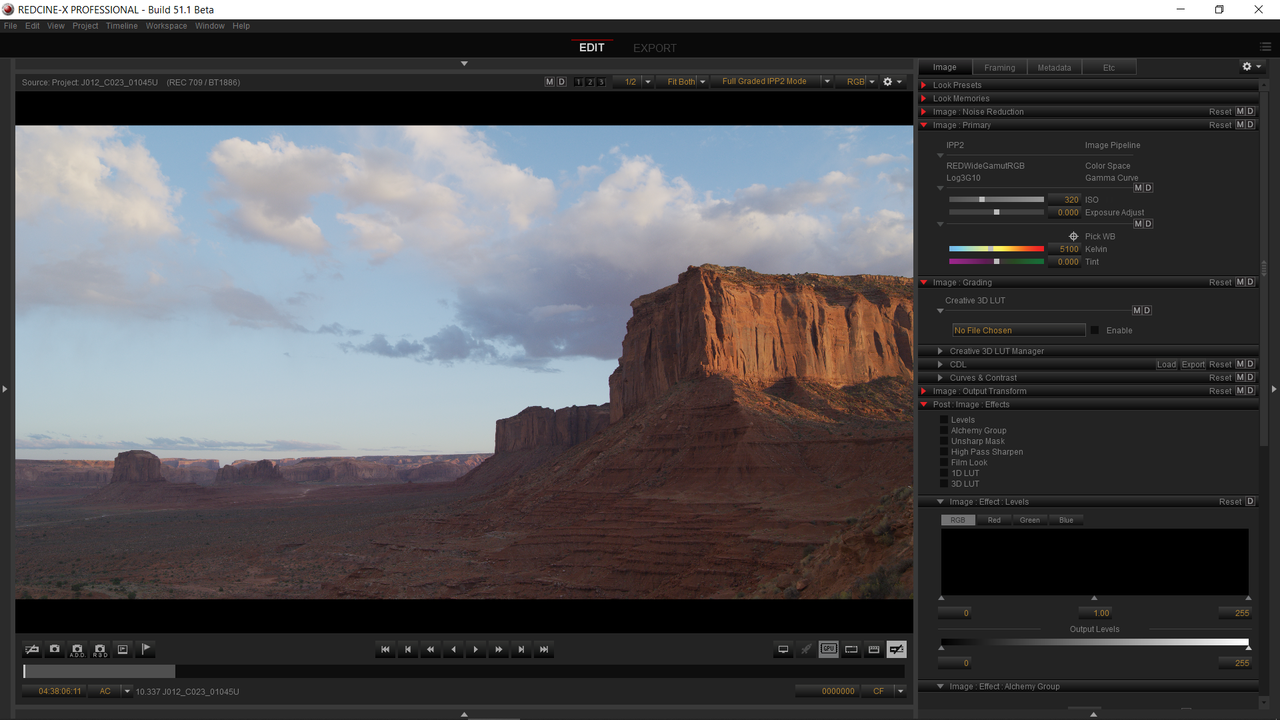
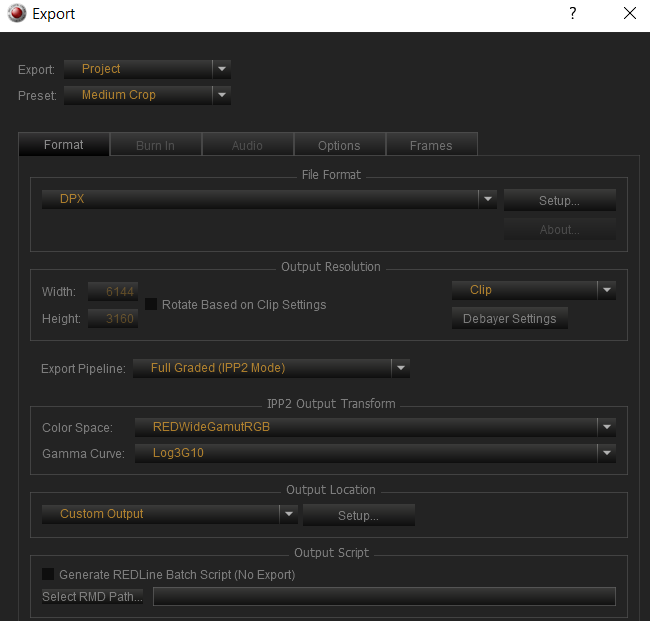
The issue I'm having is my trial didn't work. In After Effects and Premiere, I'm unable to have the clip be both 'redlogfilm' and 'IPP2' unlike Davinci Resolve. On top of that when I brought over a dpx sequence (with the same WB, Tint, ISO, color prof, etc) the grades I would copy and paste onto it didnt look the same as the graded Red clips.
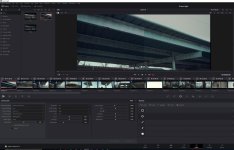
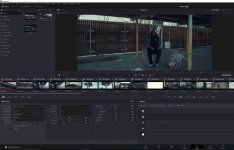
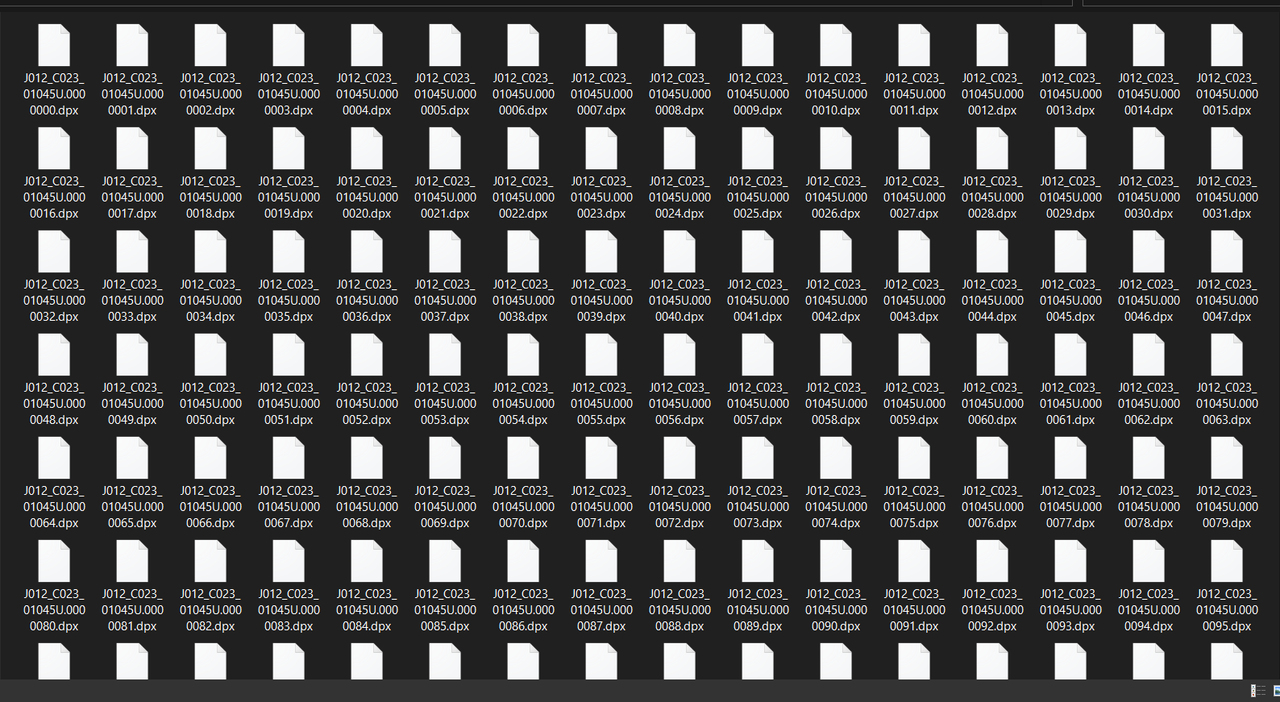
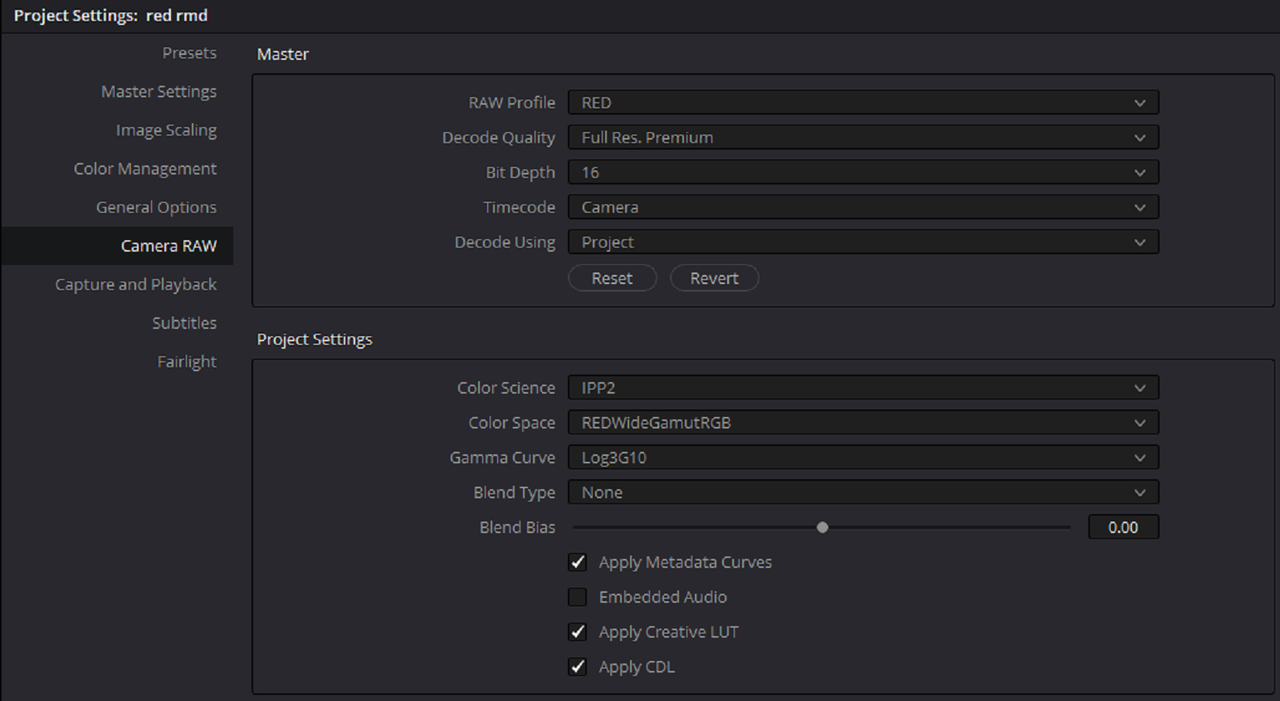
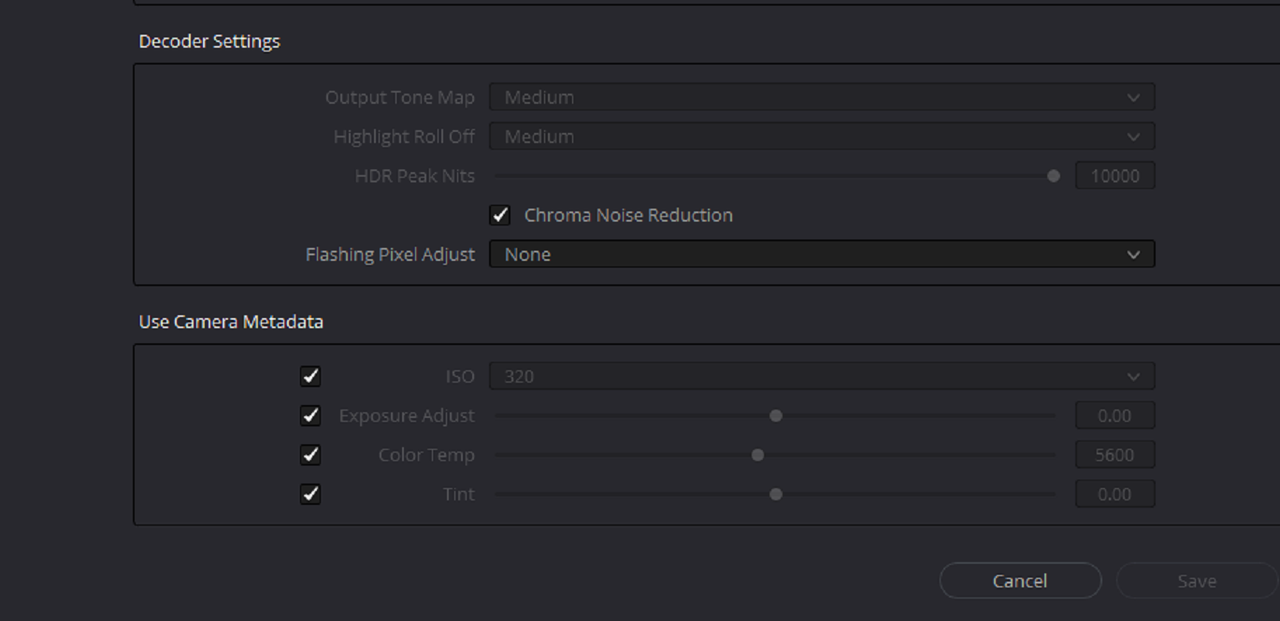
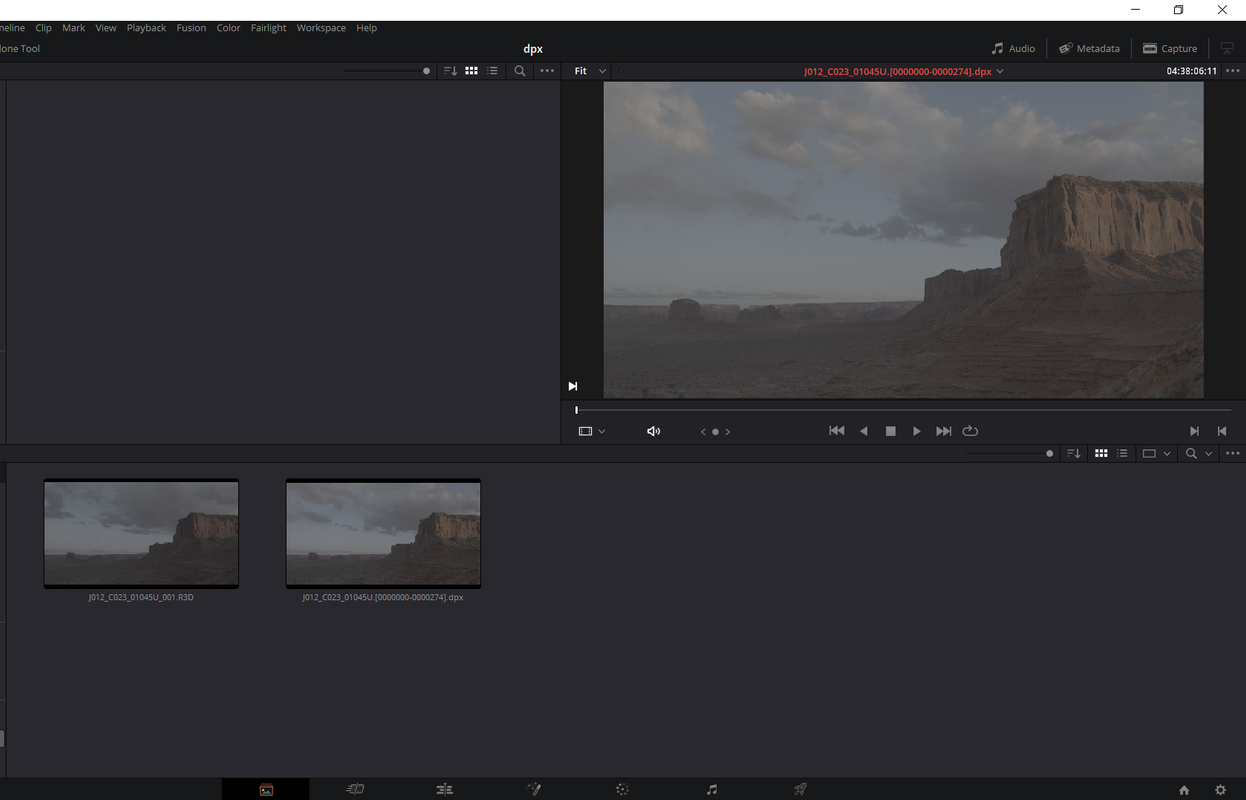
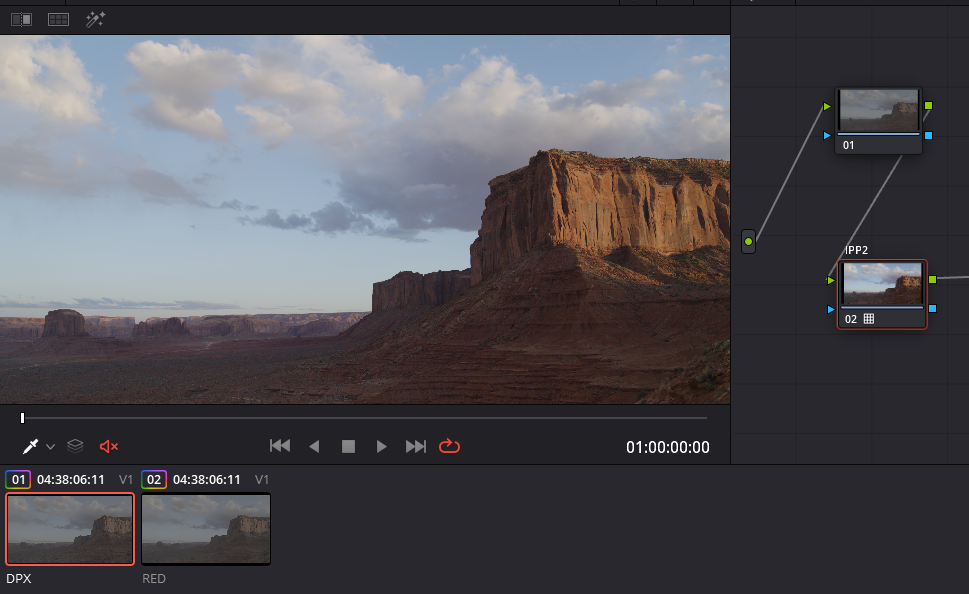
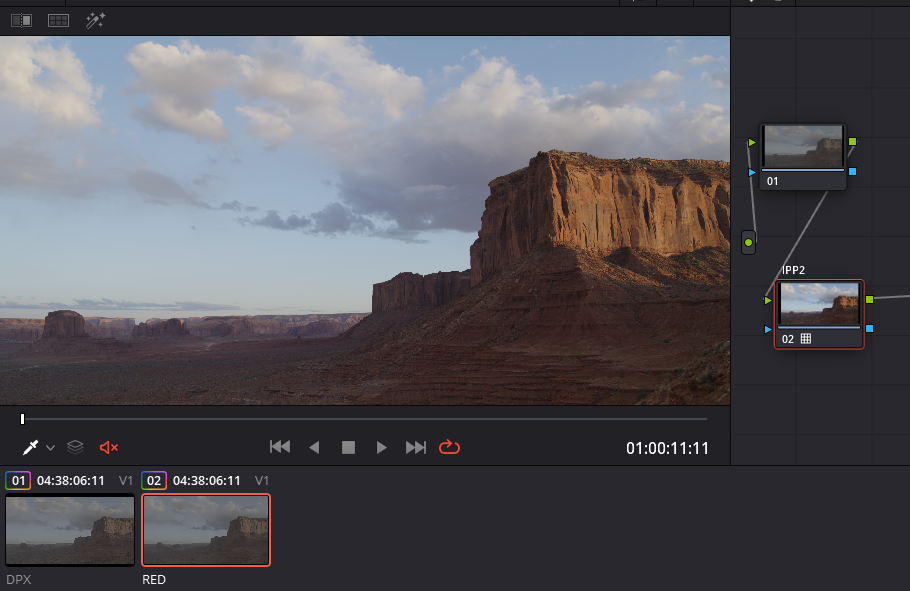
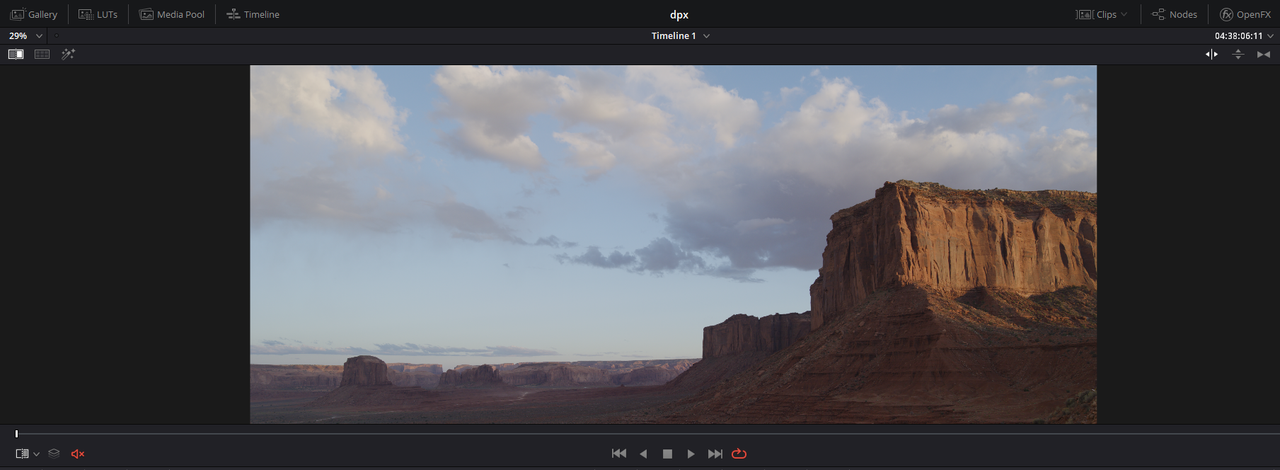
I've attached a few screenshots illustrating my point. The Side by side shows the original red clip I graded on the left with the exact same grade applied to the dpx sequence on the left.
Overall these are new waters for me so I would appreciate any insight or advice on the issue. I would hate to compromise the color or the vfx and rather have the two live in harmony. Thank you
Looking for some help/advice when it comes to the color grading workflow when incorporating vfx.
For the longest time I would avoid color grading in davinci resolve when working on a visual effect ridden video. Eventually I began grading my footage and placing my visual effects on top of that, but it was inefficient and I wasnt happy with the results.
As an example here are two videos demonstrating the extent of the vfx:
https://vimeo.com/276693340
https://vimeo.com/331477571
Currently, I'm wanting to lock my edit in Premiere, move my vfx shots over to after effects and proceed with rotoscoping/effects/compositing. Then hoping I can export out a tiff/dpx sequence to import into Davinci Rresolve. I'd like to grade the original raw footage and paste that grade onto the image sequence.
The issue I'm having is my trial didn't work. In After Effects and Premiere, I'm unable to have the clip be both 'redlogfilm' and 'IPP2' unlike Davinci Resolve. On top of that when I brought over a dpx sequence (with the same WB, Tint, ISO, color prof, etc) the grades I would copy and paste onto it didnt look the same as the graded Red clips.
I've attached a few screenshots illustrating my point. The Side by side shows the original red clip I graded on the left with the exact same grade applied to the dpx sequence on the left.
Overall these are new waters for me so I would appreciate any insight or advice on the issue. I would hate to compromise the color or the vfx and rather have the two live in harmony. Thank you