Hey all, just changed over the backend after 15 years I figured time to give it a bit of an update, its probably gonna be a bit weird for most of you and i am sure there is a few bugs to work out but it should kinda work the same as before... hopefully :)
Ahh, sorry about that. It's the early stages of Red workflow development. Hopefully we'll have really solid workflow choices in the near future that give us most of everything we need.
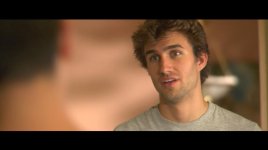
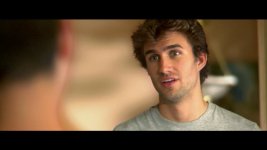
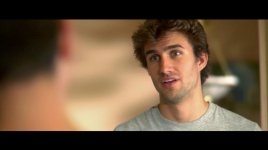
Took me long enough, but I hit those damn triangles and VOILA!!! Perfect! it looks fan-freaggin' tastic, no need to go to AE!!!
I got some serious grade in there now, and all in Vegas Baby!
BTW, thanks for re-viving this thread! Believe it or not I was wondering about this thread, not knowing which it was where the it was mentioned and PUF, someone brings it back from the dead and I am reminded of the triangle tip, thanks.
I think it has it's uses though! If you look at the shoulders of the guy in focus on the one with the bad gradient, it could use that separation, only maybe a bit more subtle... not sure. So I think I might cut it a bit more and make the smooth gradients only for the guy on the left!