Welcome to our community

Be a part of something great, join today!

  • Hey all, just changed over the backend after 15 years I figured time to give it a bit of an update, its probably gonna be a bit weird for most of you and i am sure there is a few bugs to work out but it should kinda work the same as before... hopefully :)

Transform Creative LUT to IPP2 Workflow

Yannik Markworth

Active member
Joined
Feb 14, 2010
Messages
33
Reaction score
0
Points
0
Hey guys,

I promise I tried using the search and Google, but I have not been able to find an answer to this.

We are a small production in Germany (pardon my English...) that produces a weekly web-sitcom. It has been running for two years and although you should never change a working system, we are trying to upgrade to the IPP2 workflow.
Part of our grade is a show-LUT, that is designed to work on rec709 and sits as a final grade on the entire timeline. I would love to get this creative LUT into the IPP2 system. There are many reasons, why this would be beneficial to us... seeing pregraded footage on set would be great for all parties, including Hair/Make-Up/Set-Design, having the look baked into the R3D files could simplify our post-workflow, have the ability to perhaps later reexport episodes for HDR without having to regrade everything, ...

What I have not been able to do is to convert the LUT that is designed to work on rec709 footage to work as a creative LUT before the IPP2 Transform LUT is applied and get an identical end result.

Is there anyone who can help me with that? I am willing to pay for software if required, but since I am not a pro image technician, I am looking for some step by step guidance :D

Thanks a lot!
 
Yannik,


Could you provide the lut you are using and a .r3d frame grab of a scene? Could you also provide a .jpeg of a scene with your Lut applied to it.
 
Last edited:
Yannik,


What software are you using, Adobe, Final Cut Pro or Davinci Resolve? And, Do you use Redcine-X Pro?
 
Yannik,


Here is what I was able to do with 3DLut Creator. Unfortunately, I don't use Premiere Pro so I will have to demonstrate this in Davinci Davinci Resolve.


I'm using a Rec709/Gamma 2.4(BT1886) RedwidegamutRGB/ Log3G10 Project


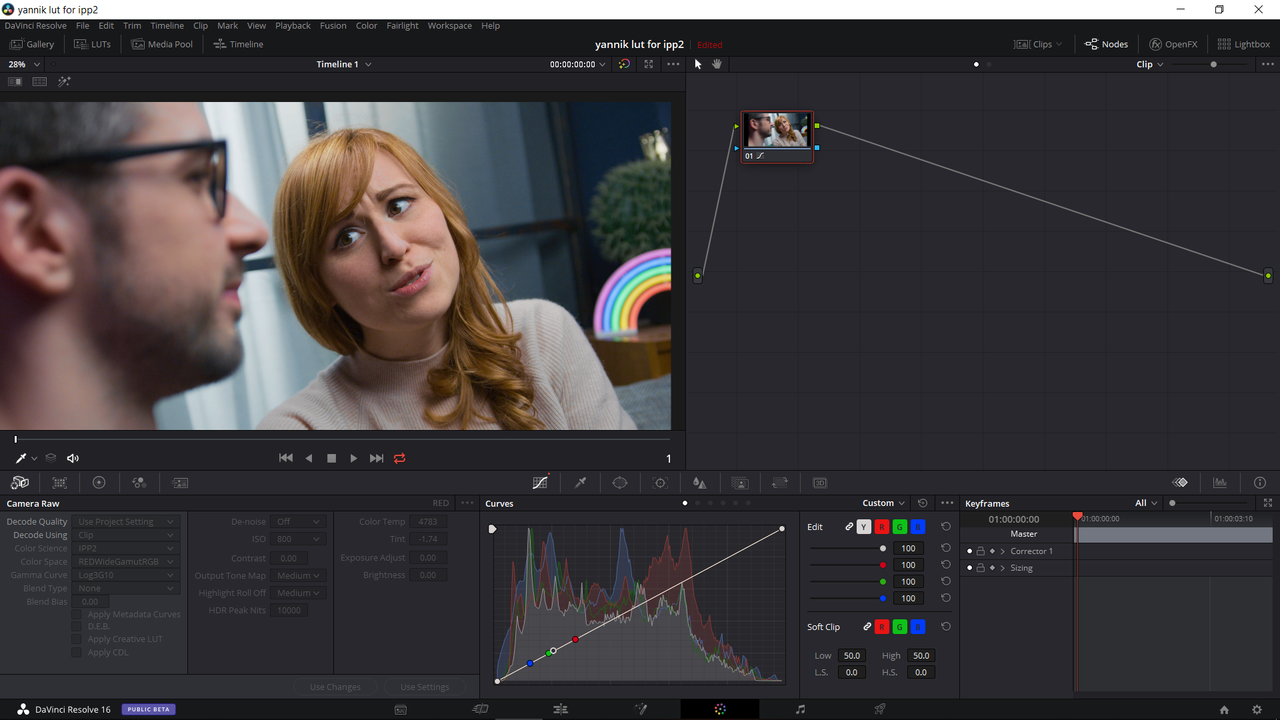
Here is the jpeg you sent with your Lut applied to it.

Jpeg-of-your-lut-applied.png


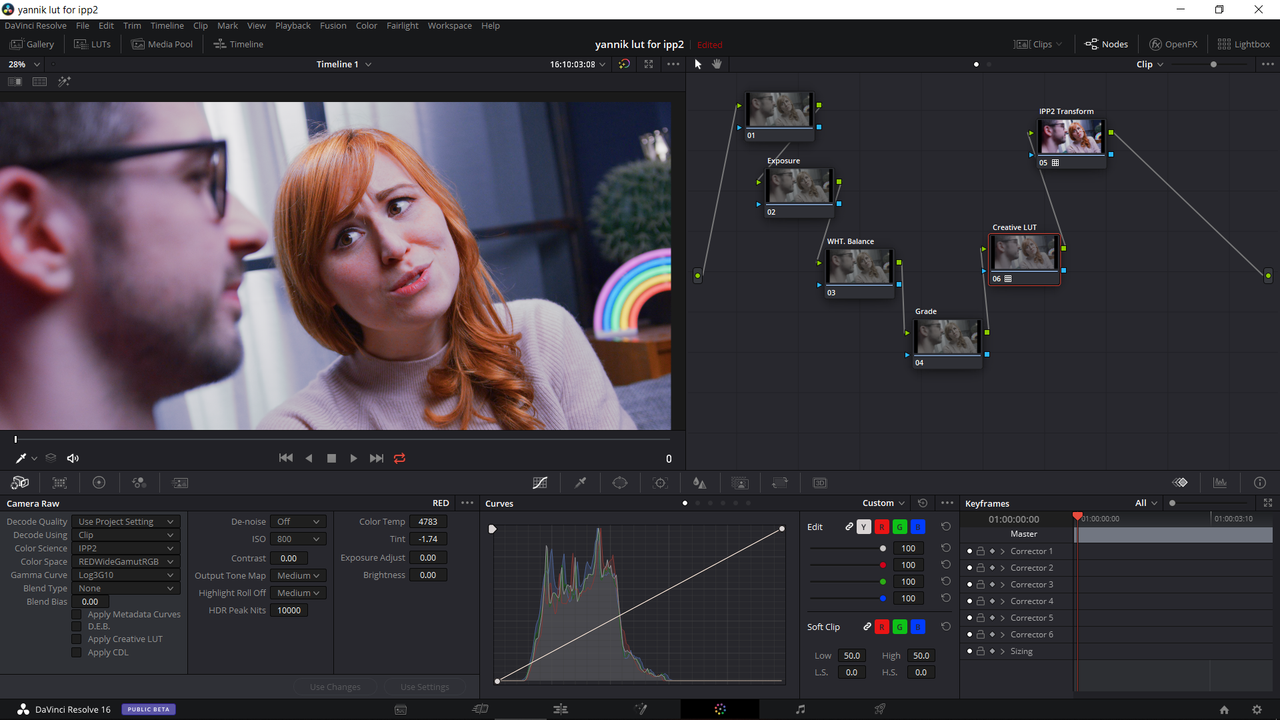
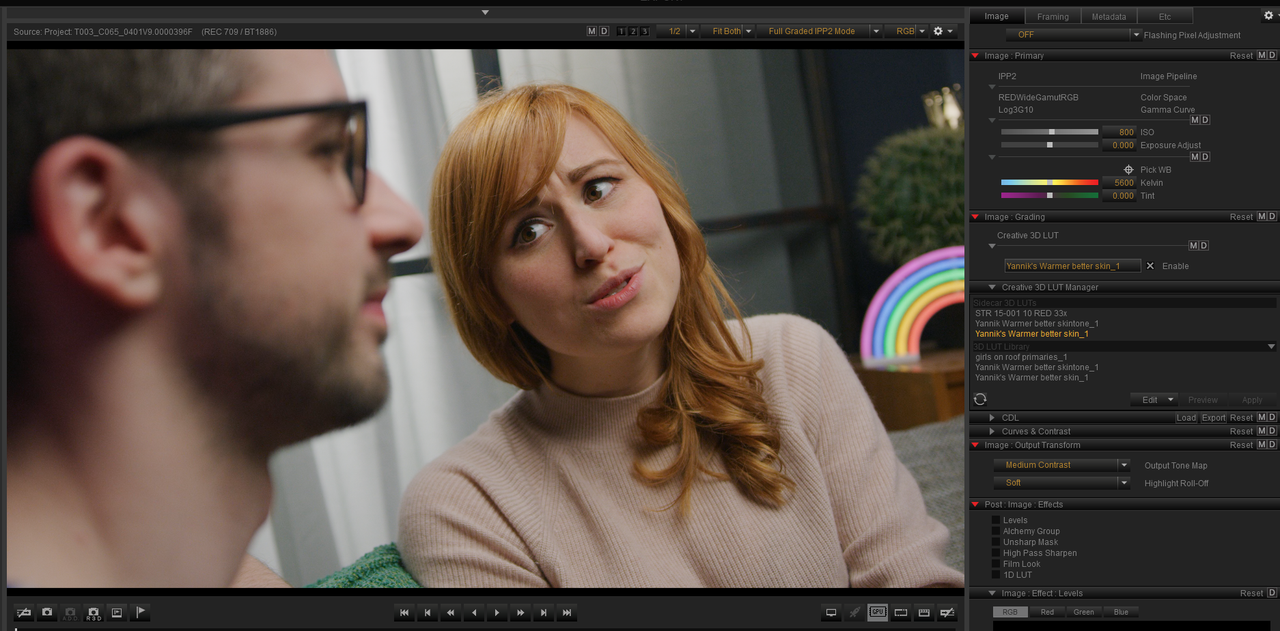
Here is what the R3d file you sent looks like in an IPP2 Workflow with an IPP2 Medium/Medium Output Transform applied at the end of the Node chain and with your lut added as a Creative Lut.


IPP2-with-your-Lut-applied.png


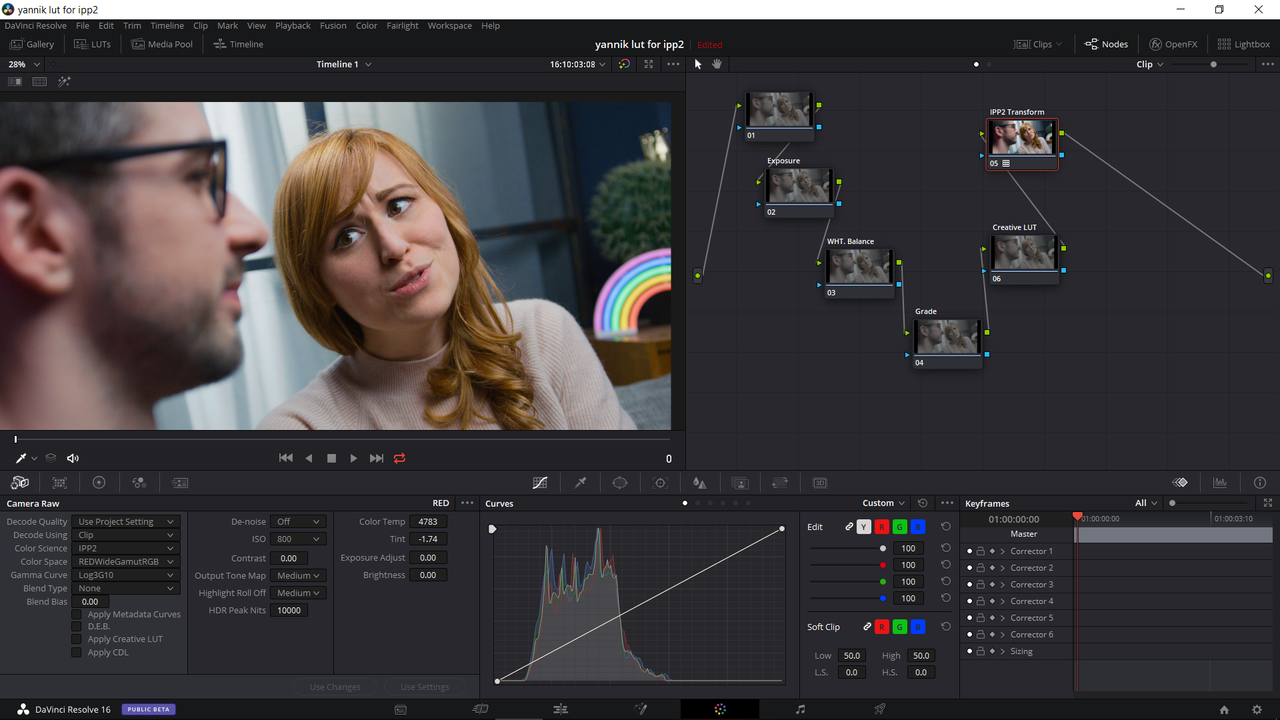
Here is what the R3d file you sent looks like in an IPP2 Workflow with an IPP2 Medium/Medium Output Transform applied layered with your Lut in 3DLut Creator at the end of the Node chain.


Yannik-Medium-Medium.png


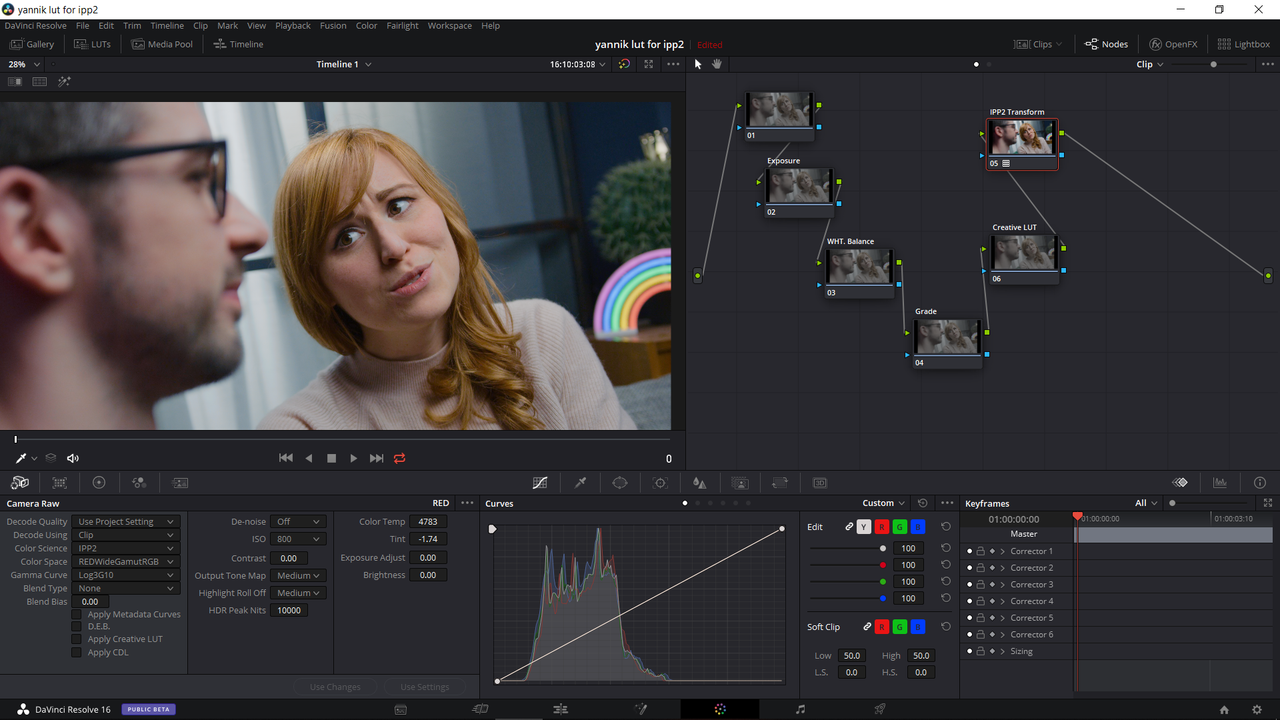
Here is what the R3d file you sent looks like in an IPP2 Workflow with an IPP2 Medium/Soft Output Transform applied layered with your Lut in 3DLut Creator at the end of the Node chain.


Yannik-Medium-Soft.png


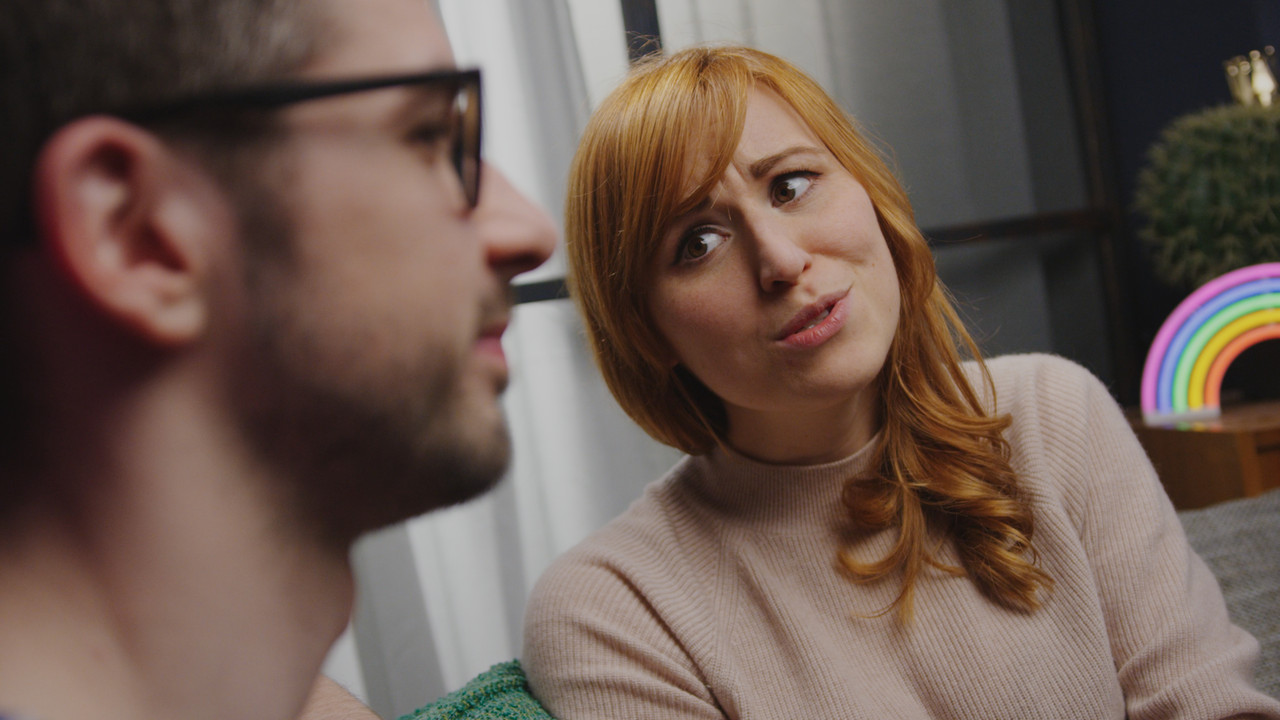
Your original Jpeg with your lut apllied


TOA060-R3-D-Stills-00-00-52-16-Still001.jpg


Your R3d. inside an IPP2 workflow with your lut added as Creative Lut with a Medium/Medium Output Transform at the end of the Node chain.


Yannik-s-Lut-Medium-Medium-adding-your-lut-1-2-3.jpg


Here is what the R3d file you sent looks like in an IPP2 Workflow with an IPP2 Medium/Medium Output Transform applied layered with your Lut in 3DLut Creator at the end of the Node chain.


Yannik-s-Lut-Medium-Medium-1-2-2.jpg


Here is what the R3d file you sent looks like in an IPP2 Workflow with an IPP2 Medium/Soft Output Transform applied layered with your Lut in 3DLut Creator at the end of the Node chain.


Yannik-s-Lut-Medium-soft-1-2-3.jpg


Here is a link to the folder that contains your "Original Lut Layered with an IPP2 Medium/Medium-Rec709/Gamma 2.4 Output Transform" and your "Original Lut Layered with an IPP2 Medium/Soft-Rec709/Gamma 2.4 Output Transform". They combine your Creative Lut and an IPP2 transform Lut into one Lut with the IPP2 Transform Conversion being done first then adding your Lut grade last. Let me know if this helped any.

https://www.dropbox.com/sh/e9ph76tz8a4jdpx/AAA-mx9-1pyAfj_JwYGGSX8Ba?dl=0


Rand
 
Last edited:
Yannik,


If you're interested in learning how to create a "Creative Lut" for the IPP2 Workflow from scratch inside of Davinci Resolve let me know.
 
We are a small production in Germany (pardon my English...) that produces a weekly web-sitcom. It has been running for two years and although you should never change a working system, we are trying to upgrade to the IPP2 workflow.
Part of our grade is a show-LUT, that is designed to work on rec709 and sits as a final grade on the entire timeline. I would love to get this creative LUT into the IPP2 system. There are many reasons, why this would be beneficial to us... seeing pregraded footage on set would be great for all parties, including Hair/Make-Up/Set-Design, having the look baked into the R3D files could simplify our post-workflow, have the ability to perhaps later reexport episodes for HDR without having to regrade everything, ...

What I have not been able to do is to convert the LUT that is designed to work on rec709 footage to work as a creative LUT before the IPP2 Transform LUT is applied and get an identical end result.

Is there anyone who can help me with that? I am willing to pay for software if required, but since I am not a pro image technician, I am looking for some step by step guidance :D

Thanks a lot!


If you want to use a specific signal pipeline with applying a look, you should design a look within a same pipeline.

If you have designed a creative look based on Log3G10 & RWG basis on 709 viewing and applied it in the camera in legacy mode on Log3G10 & RWG to avoid other transforms, you should get the same image on a 709 setup monitor.
 
However, As Hrvoje stated above, its best to create a Lut specifically designed for the RedwidegamutRGB/Log3G10 Colorspace.


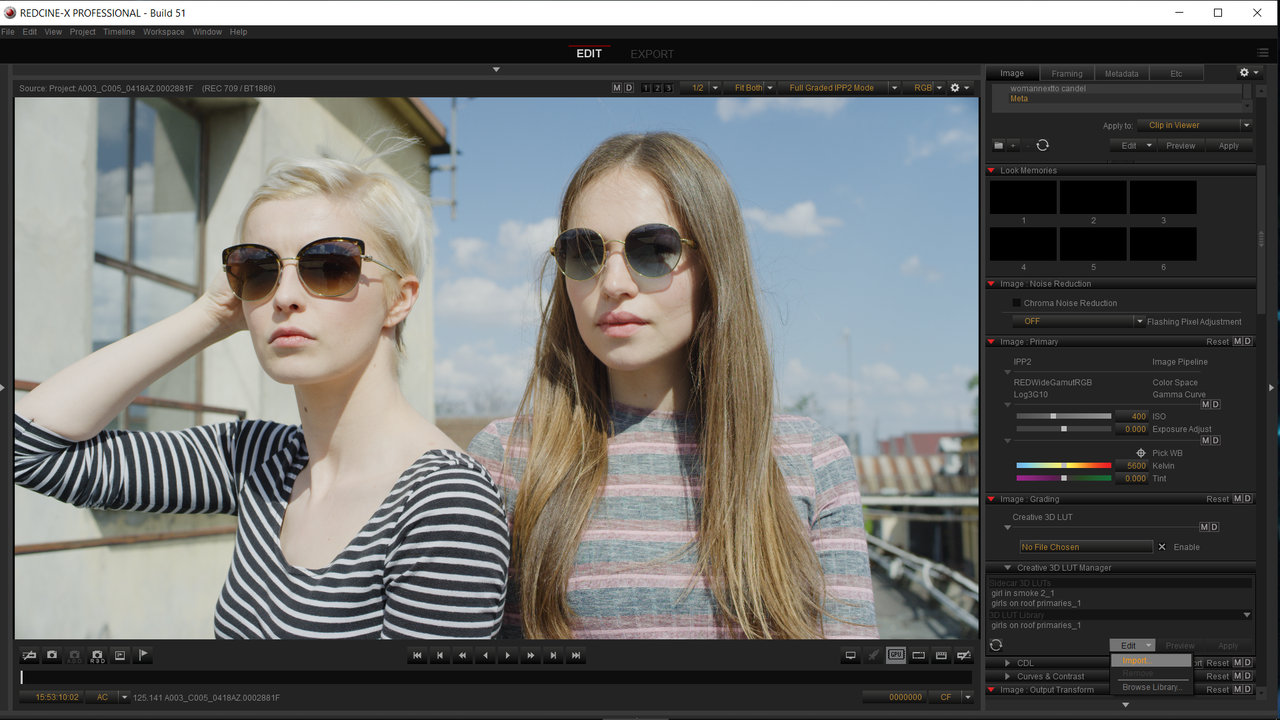
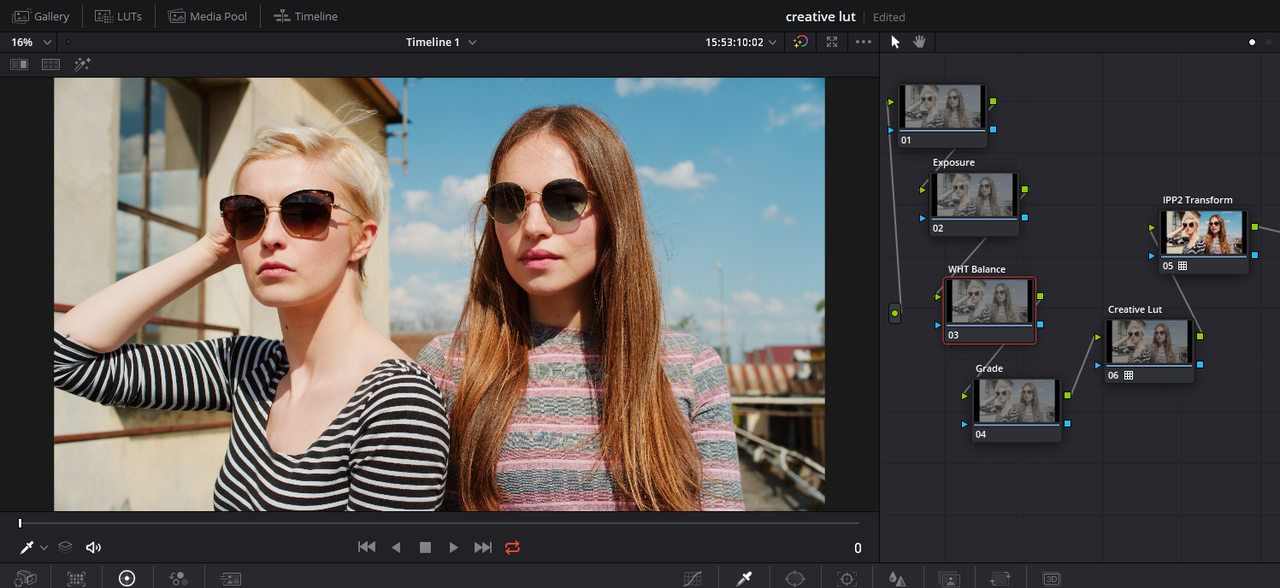
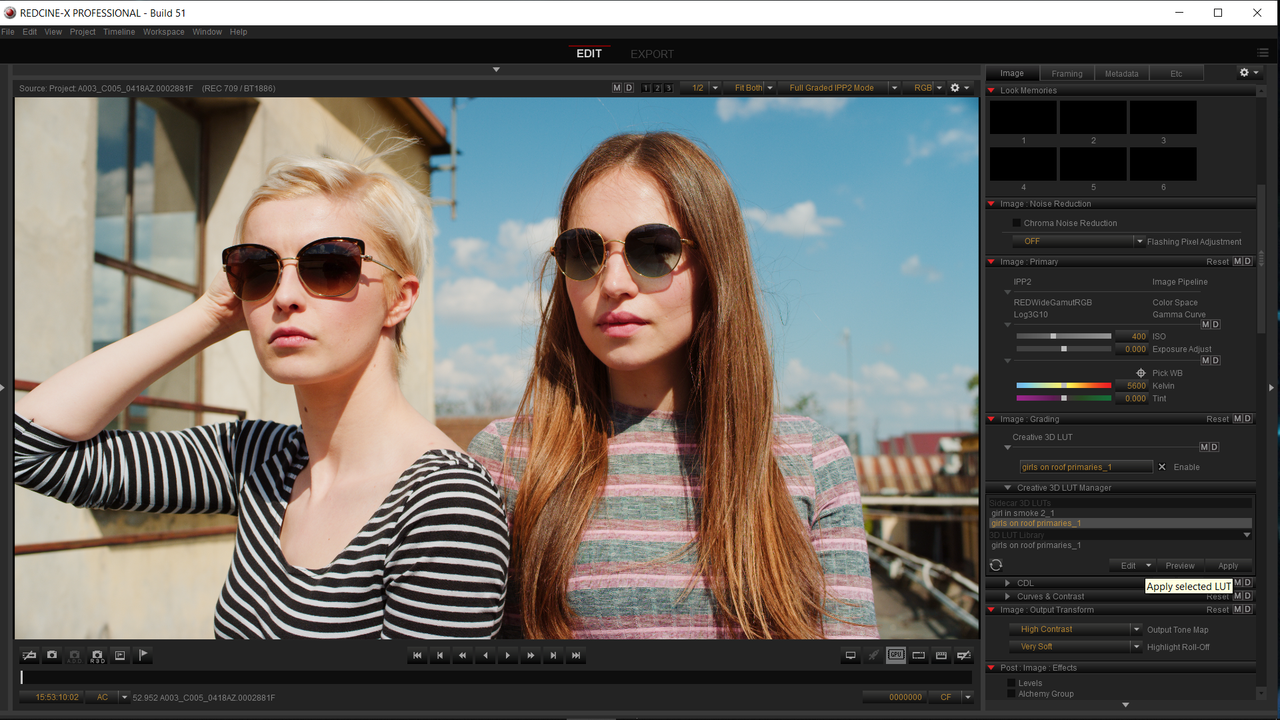
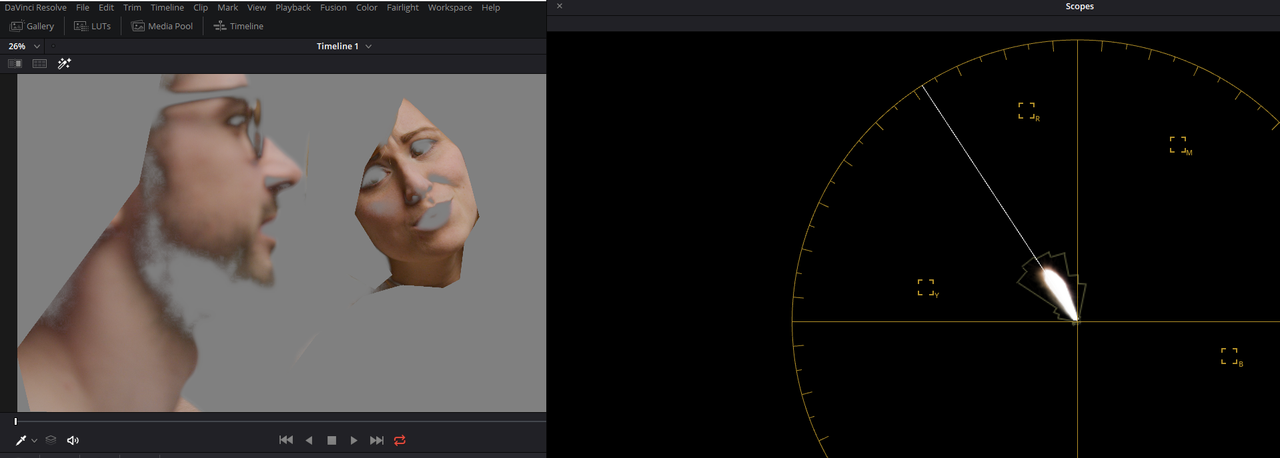
Here are example images from a creative Lut I made Called "Girls On roof Primaries" that I used in both Davinci Resolve 16 and Redcine-X Pro.

Image from Luigi Valtulini


Original Image

Screenshot-308.png


Resolve 16

Screenshot-345.png


Redcine-X Pro

Screenshot-310.png
 
Last edited:
Last edited:
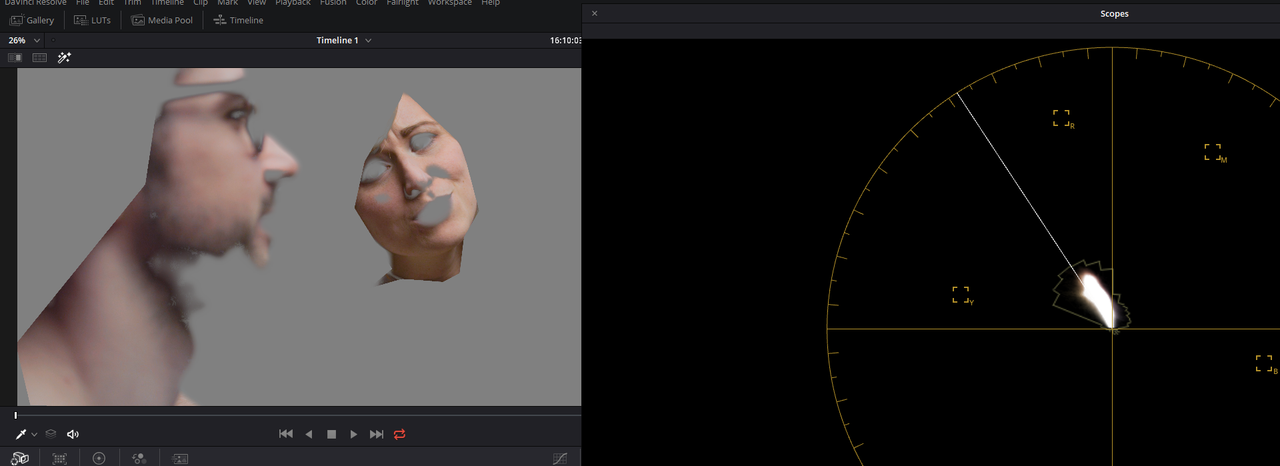
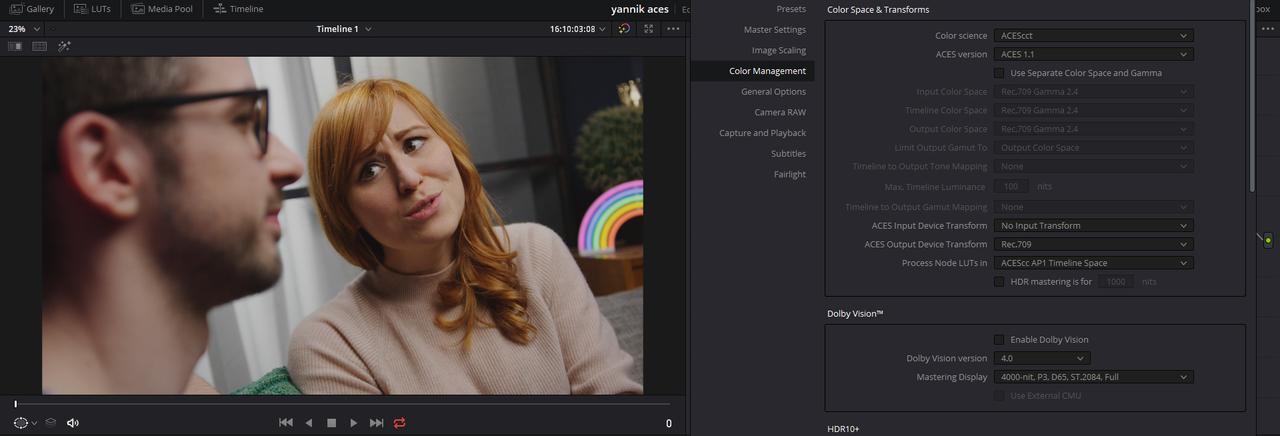
If you use the same numerical values in an ACEScct project plus Tone and Gamut Mapping as were used in the warmer lut, you'll get almost the same results.

Instead of a -0.01 Blue Gamma correction as in the IPP2 compatible Lut, I used a 0.00 Blue Gamma Correction in ACEScct to get a closer match

Screenshot-344.png


Yannik-Aces-3-1-1-2.jpg
 
Last edited:
Dear Rand,

I'm new to RED too (and to daVinci, too). So I have this question: what is the difference between the aforementioned transformation that it's applied layered with your Lut and the same transformation applied at the end of the node tree? I mean, I see the difference in the results you posted, but I don't know how to do this and why is the color difference (which is huge)?

Thank you

Cristian
 
Christian,

Welcome to Reduser! In the example I posted a while back, the final Lut I made allows for the IPP2 transform lut to complete its transformation of the image from the REDWIDEGAMUTRGB/LOG3G10 colorspace to the Rec709 colorspace first then Yannik's REC709 Lut is applied last but all at the same time.

To put it simply , Yannik's REC709 Lut only saw a REC709 image not a REDWIDEGAMUTRGB/LOG3G10 image. When you just try to add two colorspaces together, in this case two Luts for two different colorspaces, you get colors that are not meant to work together and the resulting bad looking image. However, if you could combine them in one Lut whereas you allowed for the transformation from one colorspace to the colorspace that the REC709 Lut was meant for but as two completely separate processes within the same Lut it would work.


Do you have a Rec709 Lut you were trying to use, I could give you a demonstration.
 
Rand - I want to thank you for all you do around here. I've been away from RedUser for a while, and got stuck in my old habits of working with footage. You have really helped out with bringing me back into the IPP2 'game'.


G.
 
Back
Top