Welcome to our community

Be a part of something great, join today!

  • Hey all, just changed over the backend after 15 years I figured time to give it a bit of an update, its probably gonna be a bit weird for most of you and i am sure there is a few bugs to work out but it should kinda work the same as before... hopefully :)

Timelapse fixed noise problem

Christoffer Glans

Well-known member
Joined
Jun 11, 2007
Messages
4,993
Reaction score
36
Points
48
Age
42
Location
Stockholm, Sweden
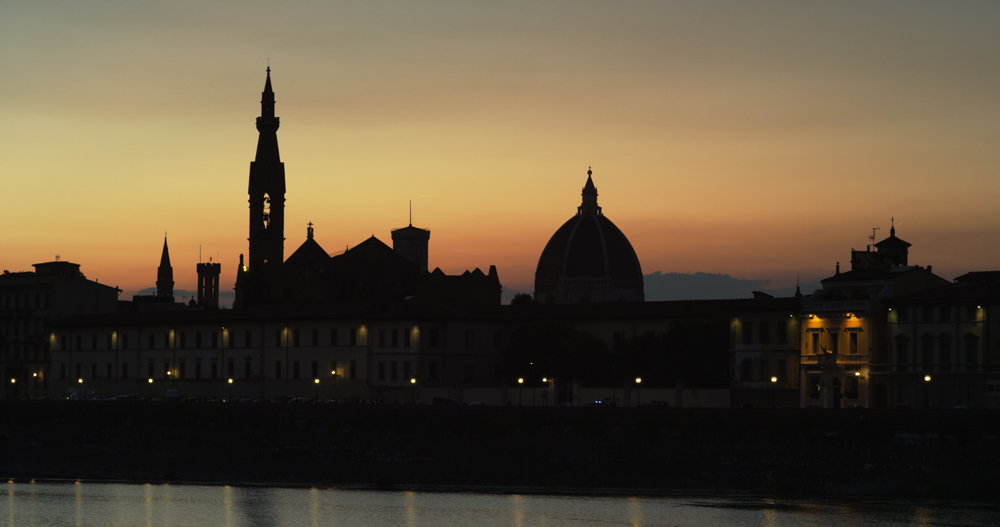
So I'm trying my new Epic to the limits and I just did a test out through my window to test the timelapse capabilities. Now, I didn't do a black calibration for this exposure so I recon that it's the reason why this fixed colorful noise is showing up. But I thought I should share it and see what you think. I will do a proper test when I have my quickplate and battery capability.

Download R3D timelapse
 
+1 on what Ben said. It's pretty much mandatory to do a Blackshading calibration for time-lapse work. Looked at your file. This looks like a "normal blackshade" used on a 360 degree shutter at 1 FPS. You do that and you will get sparkles.

Battistella

Pulled from a time-lapse stream...

cupola.jpg
 
Yeah, that's what I thought. Gonna do a calibration and a real test soon. Right now, I'm saving the calibration to my media and then offload them into a calibration folder on my laptop. Am I right in that I could just reload any of them based on what I'm going to shoot? So I don't have to do a calibration each time I want to change settings?

Also, is there any trick to get the sensor temperature to the right level fast? So I don't have to wait minutes before being able to shoot.
 
Yeah, that's what I thought. Gonna do a calibration and a real test soon. Right now, I'm saving the calibration to my media and then offload them into a calibration folder on my laptop. Am I right in that I could just reload any of them based on what I'm going to shoot? So I don't have to do a calibration each time I want to change settings?

Also, is there any trick to get the sensor temperature to the right level fast? So I don't have to wait minutes before being able to shoot.

yes,

get the camera warm and save the calibrations to an SSD, then your laptop. The calibrations will only work with the camera that made them, so if you have two cameras they are not interchangeable.

If you want to warm the sensor up some people say to run a couple of high frame rate clips to get the sensor warm, then just reformat the card and start shooting.

im just in the habit of turning on the camera first and then attaching rods, lenses, mattebox, etc, by the time that is done, it's usually at temperature.

Battistella
 
Back
Top