Welcome to our community

Be a part of something great, join today!

  • Hey all, just changed over the backend after 15 years I figured time to give it a bit of an update, its probably gonna be a bit weird for most of you and i am sure there is a few bugs to work out but it should kinda work the same as before... hopefully :)

Star time-lapse with Scarlet possible?

Omar N

Well-known member
Joined
May 30, 2011
Messages
232
Reaction score
0
Points
0
Hello Red community,

Does anyone know if the Scarlet would be capable of capturing a time-lapse of the stars? Specifically that amazing film entitled "Timescapes" by Tom Lowe keeps coming to mind. I found it very inspirational and I feel like those same kind of shots would fit perfectly in a shoot I have coming up. I know that he used the 5D which is much more sensitive, but what about the sensor in the Scarlet? If I opened a lens to 1.2, would such a shot be possible?

What are peoples thoughts? Am I dreaming?

More over, if anyone has low light footage of the night sky, I would love to see it!

Thank you all for your help,
~Omar
 
I think what you need is something the scarlet can not yet do... You need to be able to much slower fps than is currently available, and you need to have long exposures which you also can not do with the Scarlet. I think the sensor is probably sensitive enough if you can get the exposers on the right time, and at the right fps but we'll have to wait for what I assume will be added in a future update when stills mode is activated.
 
A scarlet star timelapse test

A scarlet star timelapse test

I am just trying out my new Scarlet and star timelapse was one of the first things I wanted to test. I can't go far yet (still tethered to a power outlet), but the initial results are reasonably promising.

I ran the Scarlet at 1 frame per second with an exposure of 1 second. The ISO rating was 800, and I was using a Canon 50mm f/1.2 wide open. I actually got some really good results using a Leica 180mm at f/2.8 as well.

I just opened the r3d file in RedCineX Pro, applied a slight curve and exported to a Quicktime video which I then uploaded to Vimeo. All of the noise and artifacting is not in the original video, it's actually quite clean.

Because the video is only short and at 1 frame per second, there isn't much movement in there, but that will come in the next round of testing.

Note that this is my first real post on Reduser (although I have been lurking here since the DvxUser days), and it's my first ever video on Vimeo, so if it all doesn't work, please take it easy on me. Any advice would be greatly appreciated.

[video]vimeo.com/39757505[/video]
 
I would strongly recommend against shooting stars with your lens all the way open, as the lens doesn't approach its sharpest resolution until stopped down to about a T5.6. You don't want your stars all coma'd and blurry.
Here's a clip I shot with Venus and Jupiter brightly visible over Manhattan.
Obviously the H.264 encoding ruins things a bit, but the RAW looks great.
Shot on an Epic-M at 800ISO, 1fps with a 360 degree shutter with a Red Pro Prime 18mm at T4.
 
Unfortunately with out further control of the shutter you're never going to get what you want out of the Scarlet. You need a DSLR and an intervalometer to accomplish what you're looking to accomplish...but man, i hope they make some sort of time-lapse, long shutter function for the scarlet soon :cry:
 
I would strongly recommend against shooting stars with your lens all the way open, as the lens doesn't approach its sharpest resolution until stopped down to about a T5.6. You don't want your stars all coma'd and blurry...

It all depends on the lens. I have no problem opening my lenses to f/1.2 and they are just as sharp if not sharper than at f/5.6 :)
 
Wow guys, thanks for the responses. Andrew, that was incredible that you got that much detail from the Scarlet! That is a lot better than I would have initially thought. From what I've gathered, it seems like to really get the stars to show such as in the example Pawel provided, a DSLR is the way to go. My shoot is in June, so hopefully there will be some more stills features implemented by then, but if not, I could probably settle with what the scarlet can do currently based on the example Andrew gave. I would love to see something a bit longer if you ever get around to it :001_cool:

I guess my question now is, and I am sorry if this is naive, but why do some shots show more stars than others even when the night is totally clear. For instance, in the fantastic shot Keith provided, why are there not quiet as much stars visible as in the example Pawel gave? Both skies seem clear.

Thank you,
~Omar
 
Hi guys,

Seeing that we are a few firmwares past the OP, I was wondering if anyone could tell me if doing a long exposure time-lapse is now possible with the Scarlet/Epic cameras. I did some poking around online and saw that with the new frame summing feature you can do up to 16 seconds, but that is all the information I could find. Can anyone tell me how that translates to real life? By that, I mean is that enough to do long exposures and see the stars in the sky similar to some of those time-lapse shots we see with the DSLR's? I'm guessing with the MX sensor you would never get as much detail as you would with a DSLR due to the DSLR's having much higher sensitivity, but I have never tried the Scarlet in real life so I can't be certain.

All help greatly appreciated. Thanks!
 
you are still far better off using a dslr for astro timelapse. A Red can get you some good effects in the daytime or at night in the city but for stars you're always going to be fighting a losing battle against even the cheapest canon dslr.
 
Here you go:
Vimeo

Personally I was surprised at seeing the stars, given I was shooting a waxing Gibbon over Midtown NYC.
This was definitely not an astrophotography friendly environment.

I set the camera to 5K, 360 degree shutter, Frame-summing at 16 frames and used a Sigma 18-35 at f1.8
 
hold the door...

todd's got it right. 5k, 360 degrees, 3:1, lens @ 1.2-2.8, 16-summed 1sec exposures... alternatively, you can do the summing/averaging yourself in post or use some mix of in-camera and post processing. summing gets you brighter, averaging reduces noise...

the good thing about canon's is that they do have good noise reduction built-in (doesn't mean you don't still need to get rid of some).

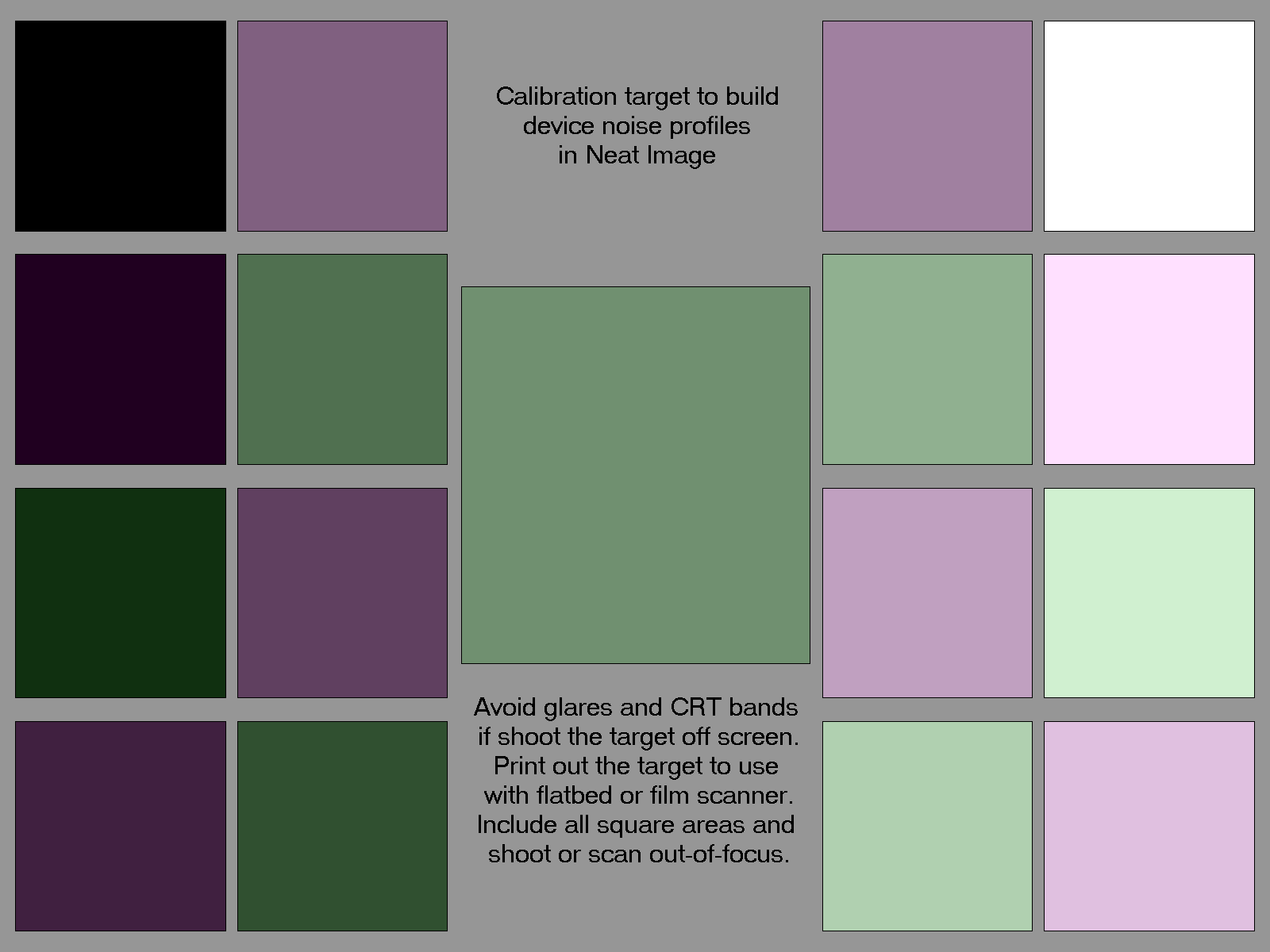
on red, you def want to take your time... get warmed up and do a blackshade at temp. the thing about red is that you can shoot 5k and continously record without any gaps, which is not the case on any other camera as i'm aware. for noise reduction, i highly recommend neat video... you can shoot a calibration target or capture a dark frame with the lens cap on, or you can try to find an open area of sky and let the software do it's thing.

NICalibrationTarget1600color.png


http://cleardarksky.com/csk/

^this is a great resource for seeing conditions. there are many variables as to why some nights and locations may be clearer (more stars out) than others.

canons are really great for high-quality timelapse.
i've found that reds are really good, too, and allow you to get things no other camera can capture if you're able to use a professional workflow.
 
Very nice. This is a great example of how to use the frame-summing feature.

Here you go:
Vimeo

Personally I was surprised at seeing the stars, given I was shooting a waxing Gibbon over Midtown NYC.
This was definitely not an astrophotography friendly environment.

I set the camera to 5K, 360 degree shutter, Frame-summing at 16 frames and used a Sigma 18-35 at f1.8
 
[SUB]Tthanks for the info guys! I am at work right now, but I am going to read through these these link thoroughly on e I get home. Thank you!

Really quick, does anybody know if these frame summing and timelapse options are available on the red one camera?[/SUB]
 
They are only available on Epic/Scarlet.

[SUB]Tthanks for the info guys! I am at work right now, but I am going to read through these these link thoroughly on e I get home. Thank you!

Really quick, does anybody know if these frame summing and timelapse options are available on the red one camera?[/SUB]
 
The Scarlet can do this with the frame summing modes set to 16 and lenses set to 4 or 5.6 as people suggest.

most important is to black shade at temperature and with the shutter mode you are using.

battistella
 
Can somebody explain what frame-summing is and how it works? I imagine it would be a big drain on your battery too.
 
Back
Top