Welcome to our community

Be a part of something great, join today!

  • Hey all, just changed over the backend after 15 years I figured time to give it a bit of an update, its probably gonna be a bit weird for most of you and i am sure there is a few bugs to work out but it should kinda work the same as before... hopefully :)

Splitting two smaller R3Ds from one bigger one in Red Cine-X

Josh Rainey

Active member
Joined
Oct 19, 2010
Messages
42
Reaction score
10
Points
8
I've trimmed down a mountain of footage from a recent shoot and wanted to just recreate new R3D trims from these. Editing in Resolve > exported timeline > imported in Red Cine X > Re-exported the trims. All works fine, except...

I have a few shots that are have a few pulled from the same long clip, and these just get one R3D on export (I think the first one present).

Any way to create new file/folder names and split the clips completely while still staying in R3D?
 
Josh,


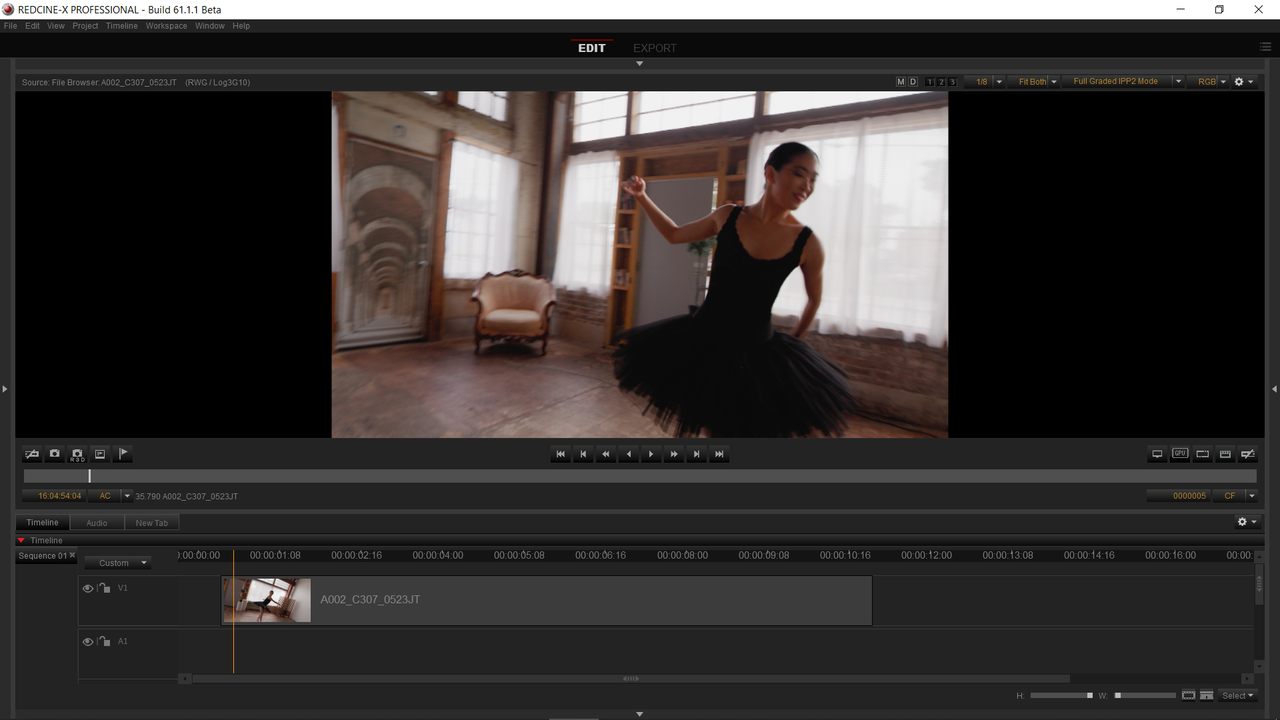
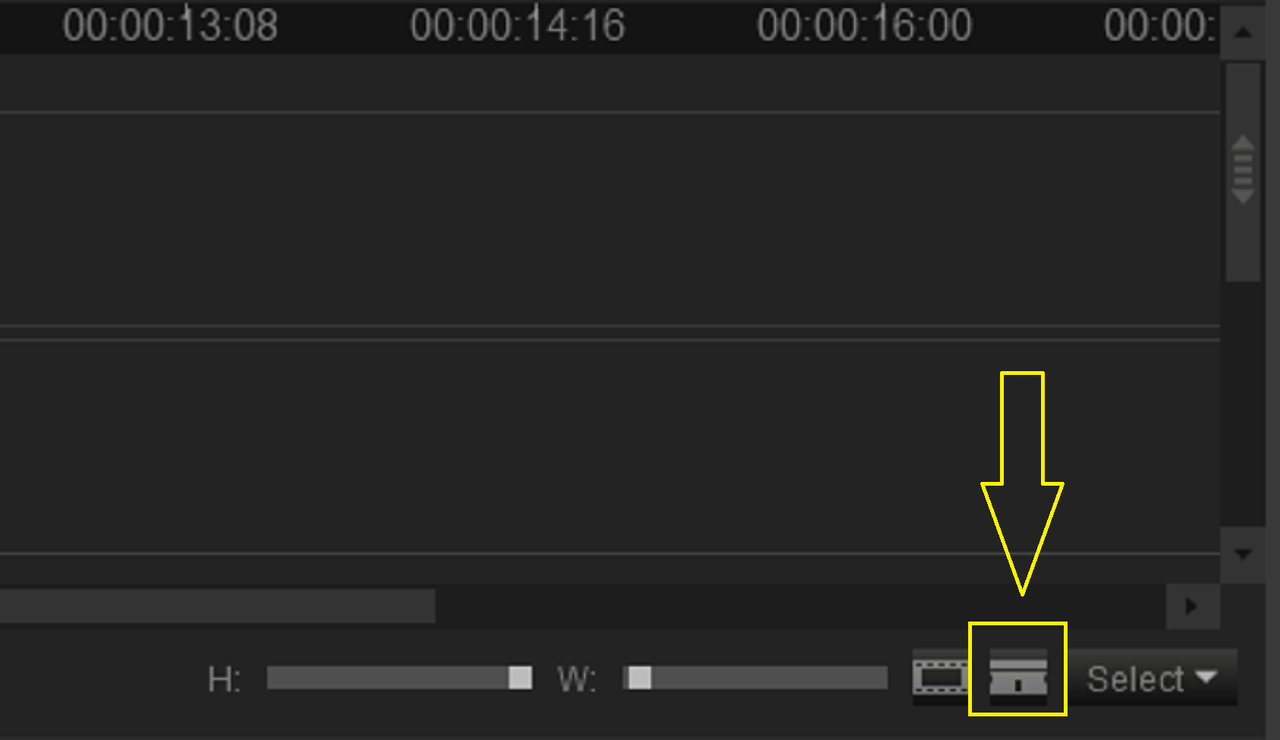
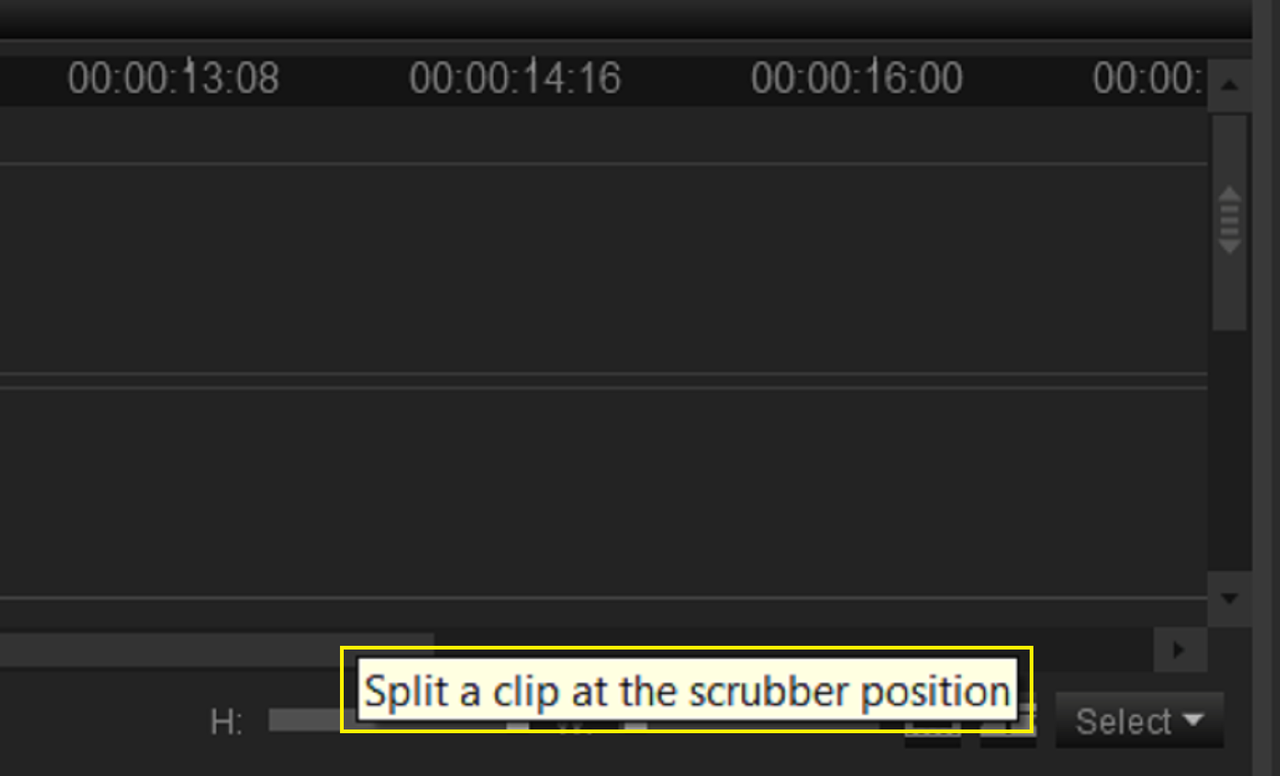
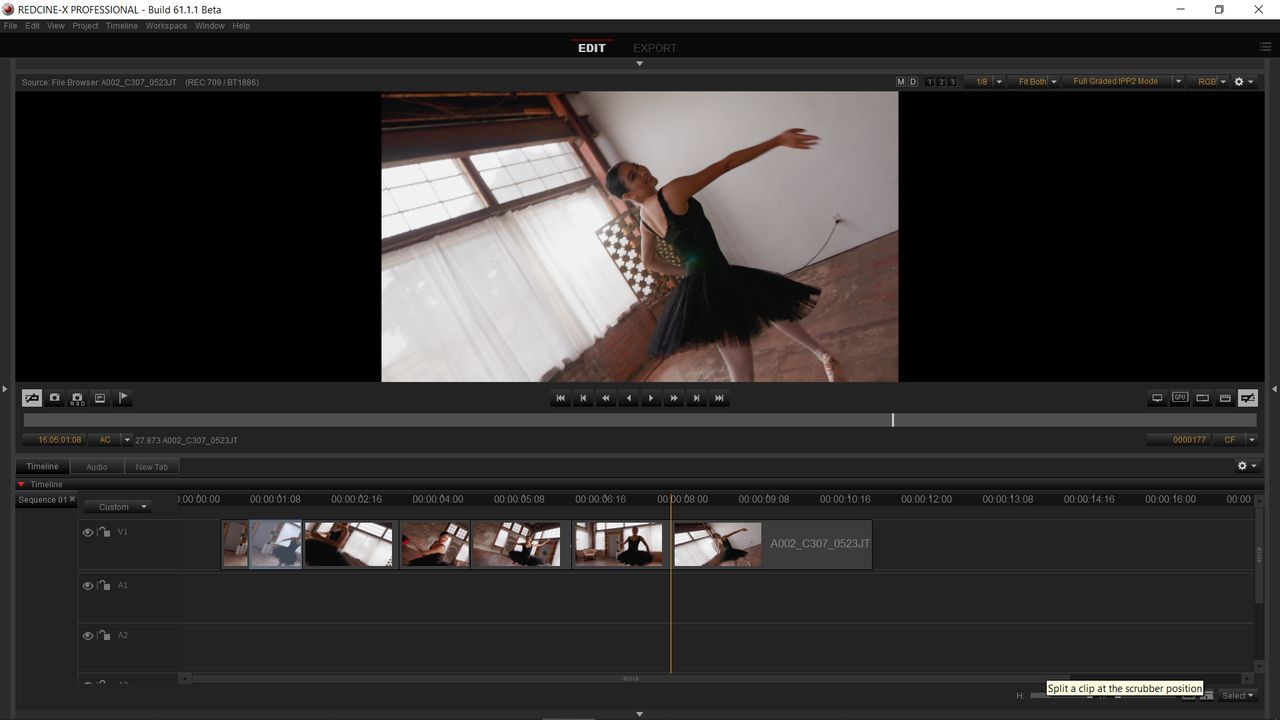
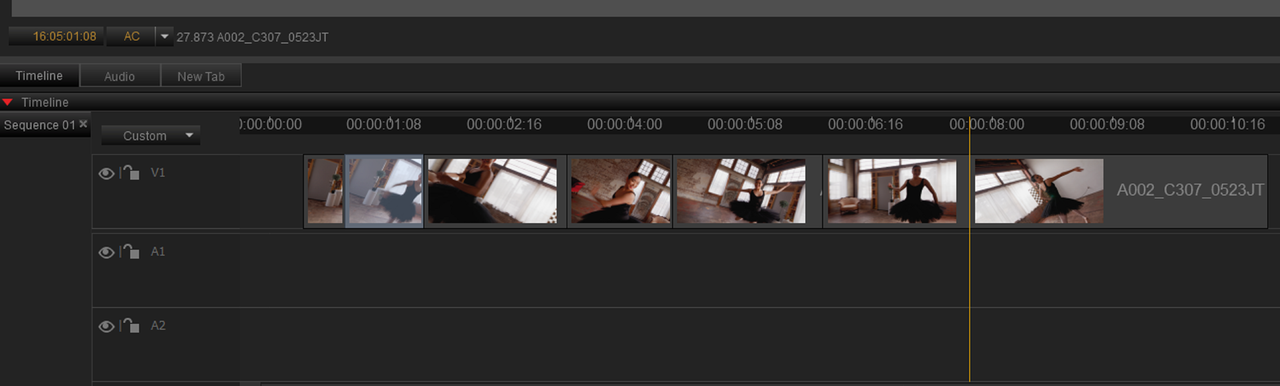
1) First, you can put the R3D Clip/s on the "TIMELINE" in REDCINE-X. Then use the "Razor Blade" Tool to separate them at whatever point you wanted to.


0.png


1.png

2.png


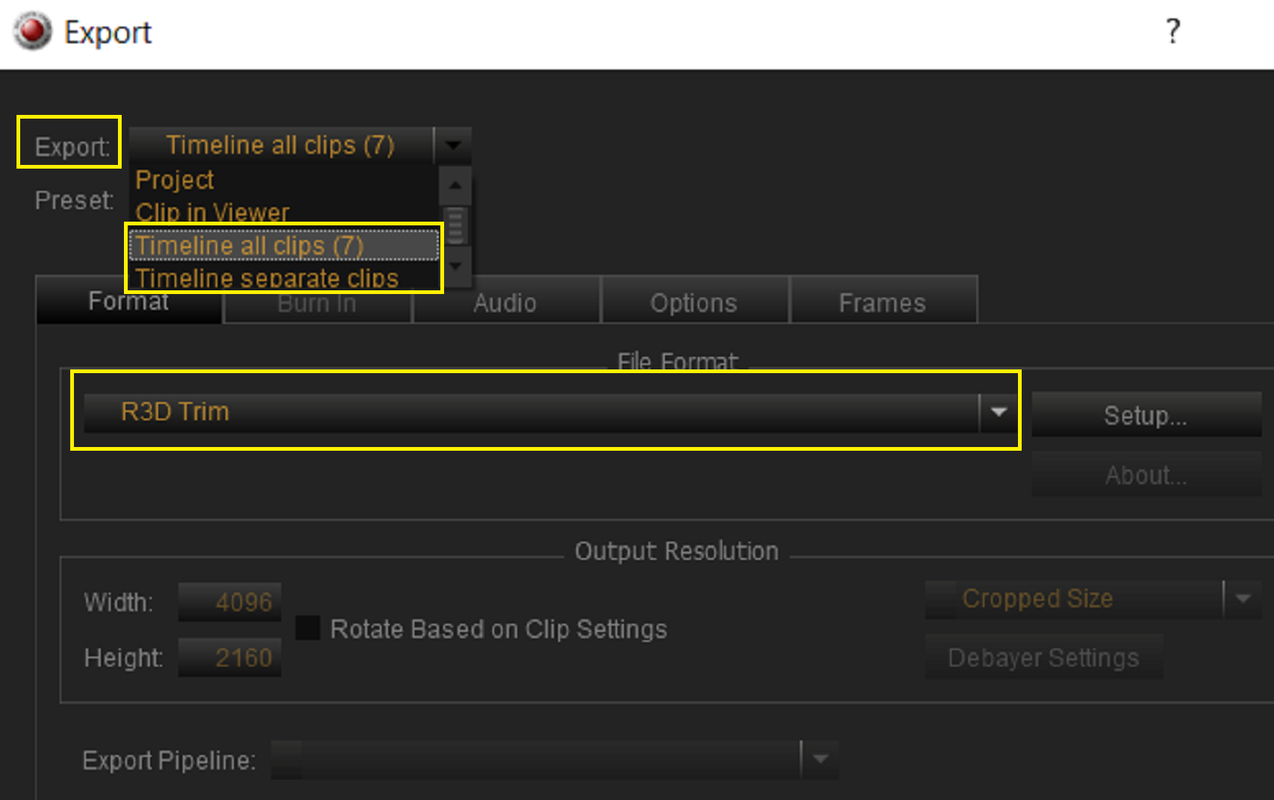
2) Once you had them split into however many separate R3D files you wanted, I chose 7, you would press "CTRL+E" to go to the "EXPORT" menu. Next, either select "TIMELINE ALL CLIPS(number of separate clips you split the file into)" or "TIMELINE SEPARATE CLIPS". Plus select "RED TRIM" from the drop down menu.


3.png


4.png


5.png


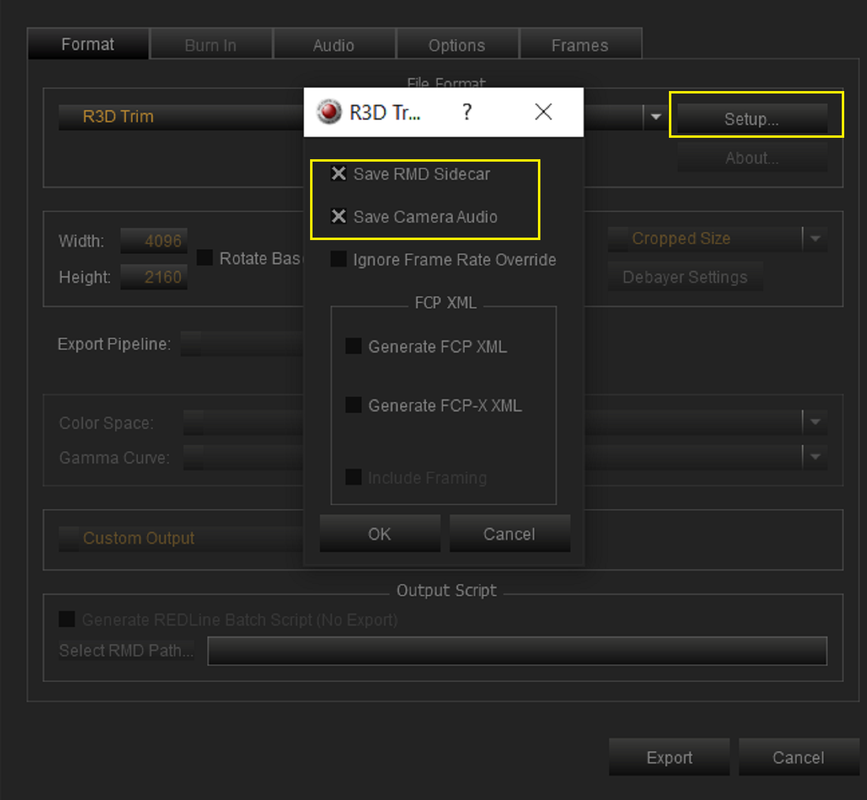
3) Under "SETUP", select "SAVE RMD SIDECAR" and or "SAVE CAMERA AUDIO". Select a File location to put them then "EXPORT".


6.png


7.png


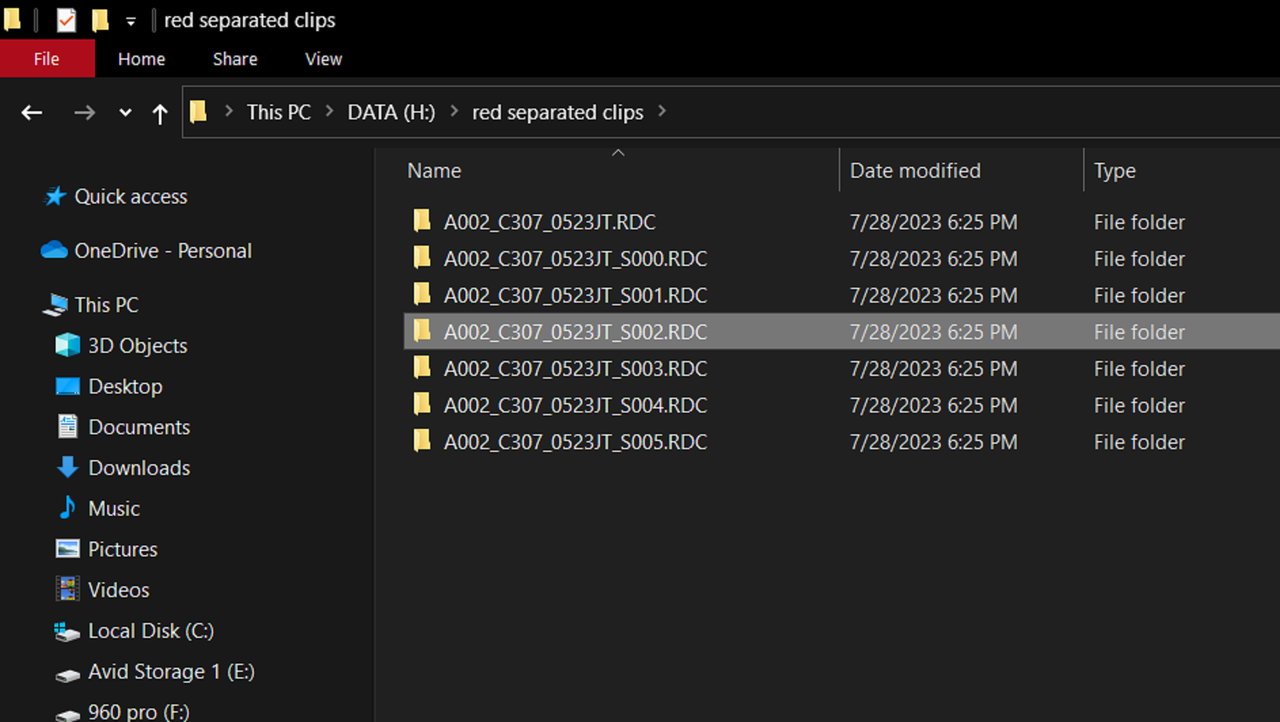
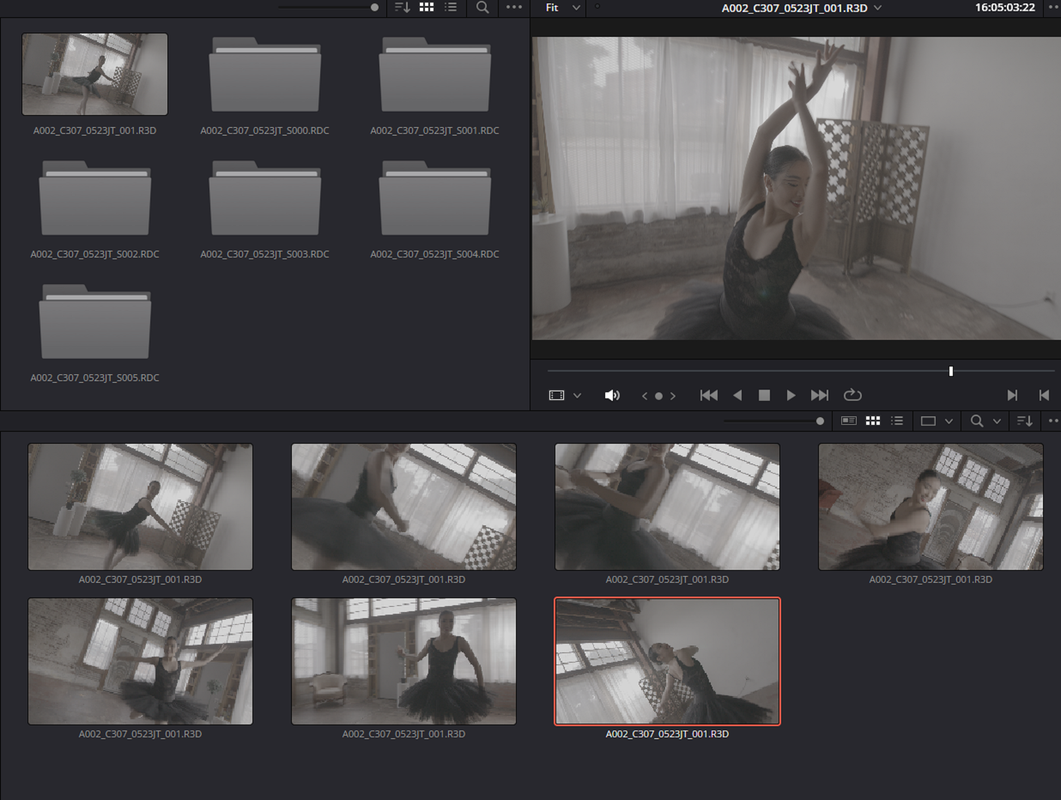
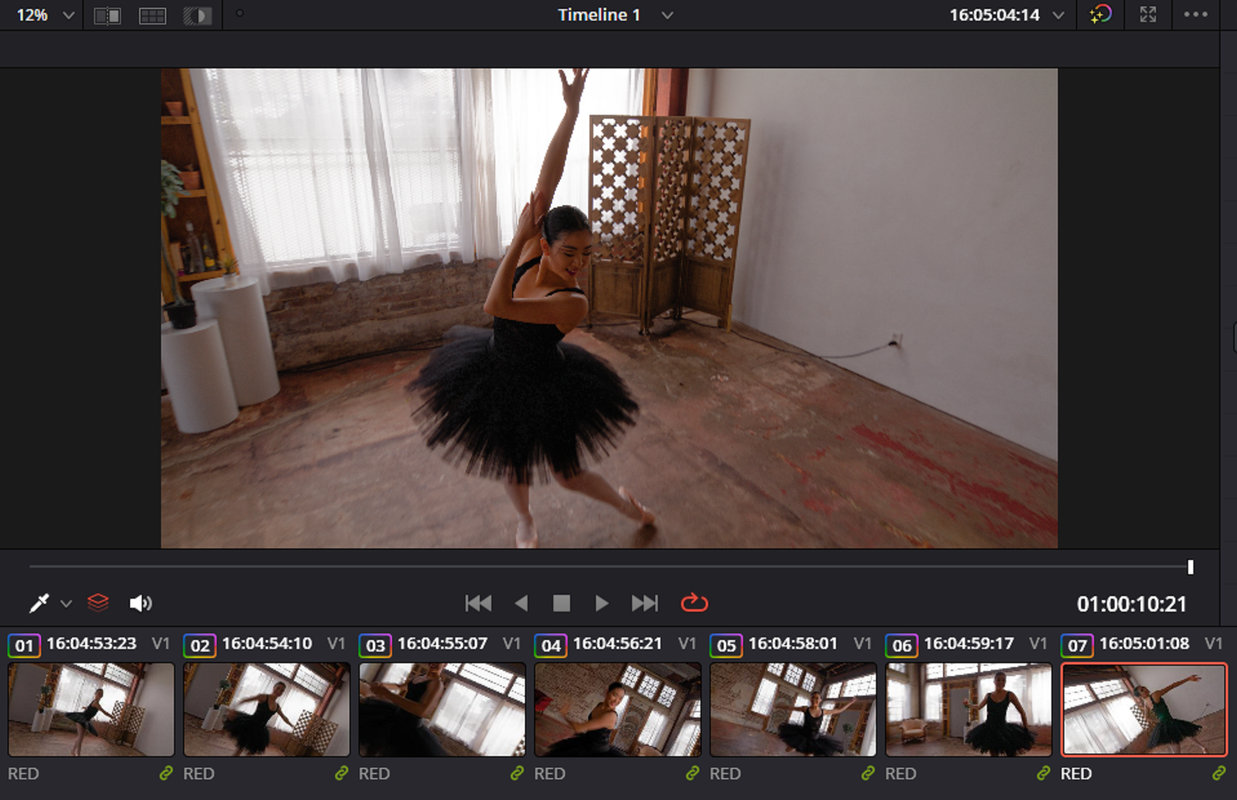
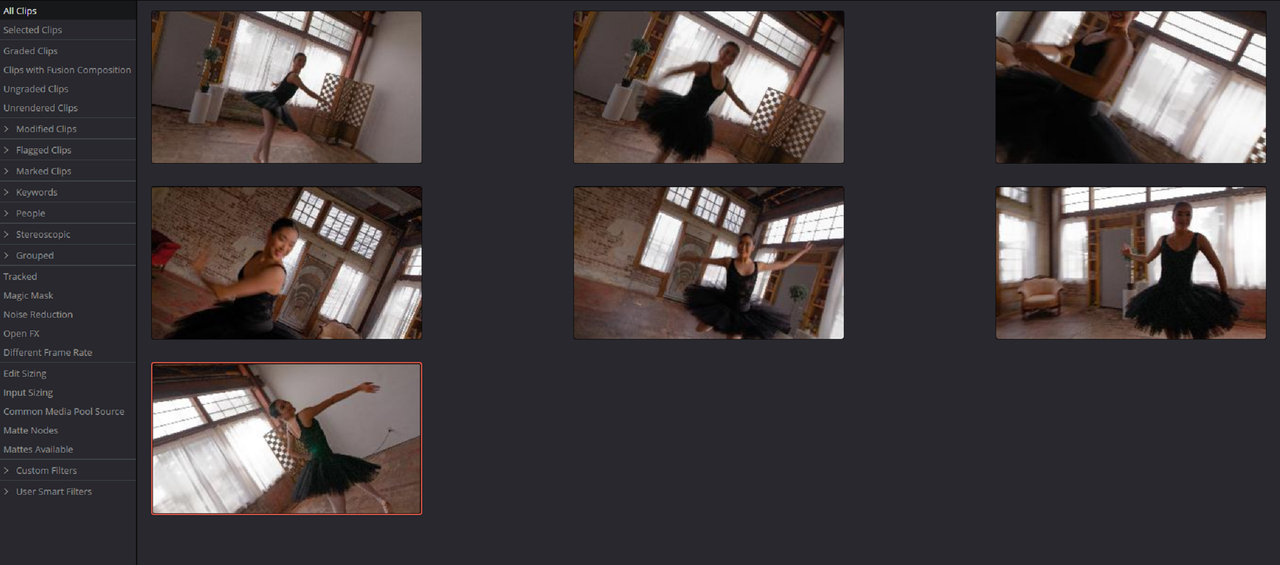
In RESOLVE, the seven split R3D files


Screenshot-10901.png


Screenshot-10904.png


Screenshot-10905.png
 
Last edited:
Back
Top