Welcome to our community

Be a part of something great, join today!

  • Hey all, just changed over the backend after 15 years I figured time to give it a bit of an update, its probably gonna be a bit weird for most of you and i am sure there is a few bugs to work out but it should kinda work the same as before... hopefully :)

Several corrupt clips at 2K on Epic-X

Antony M

Well-known member
Joined
Jul 24, 2009
Messages
782
Reaction score
0
Points
0
Location
Sussex, England & Sachsen, Germany
I was out shooting footage today with my Epic-X at several settings (5K WS, 5K, 2K WS, 2K).

Several of the 2K shots are corrupt and won't open in RedCineX v10.

To avoid the obvious comment - this is NOT due to a corrupt copy. I still have the files on the SSD, and the same problem occurs even reading direct from the SSD.

I raised a support ticket on red.com earlier today, but haven't had any reply yet.

Does anyone here have any ideas?
Are many people getting corrupt clips at 2K?
Can it be fixed?

I am PC-based, not Mac.
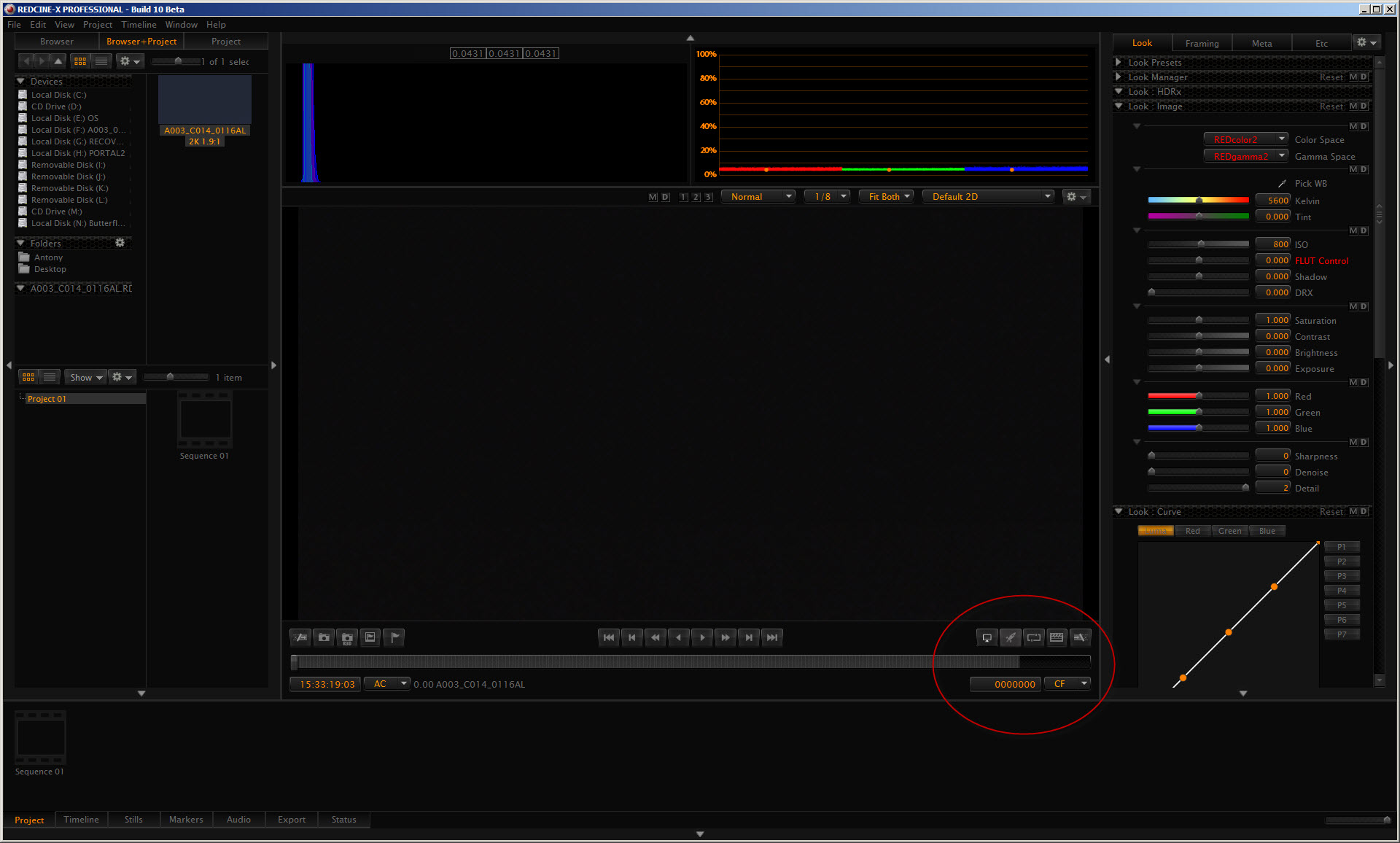
RCX10_clip_load_error.jpg


RCX10_clip_load_error2.jpg
 
Hi Antony,

I can confirm that we did receive the support ticket you sent us and our techs have been attempting to replicate on our end. One of our techs will be in direct contact with you soon.

NICK
 
Anthony,
Whenever I thought I had a corrupt clip in the old R1 days, I would try different versions of RCX and often found it opened in older versions for some reason. Sometimes minor code tweaks bring up issues that aren't actually there.

Have you tried opening in other ways? What about Adobe stuff? Perhaps the clips are viable but just need a kickstart.
 
Anthony,
Whenever I thought I had a corrupt clip in the old R1 days, I would try different versions of RCX and often found it opened in older versions for some reason. Sometimes minor code tweaks bring up issues that aren't actually there.

Have you tried opening in other ways? What about Adobe stuff? Perhaps the clips are viable but just need a kickstart.

Hi Jim,

Thanks for those tips.
The clips don't open in Adobe either.

They do play back on the camera.

Antony
 
Last edited:
OK, I have tried repeating exactly what I did yesterday, and there seems to be a pattern.

This error only occurs when shooting at Varispeed, e.g. 25fps base rate, but shooting at 100fps or 240fps, and the image starts as black.

Interesting.
 
Back
Top