Peter Chamberlain
Well-known member
- Joined
- Apr 26, 2009
- Messages
- 482
- Reaction score
- 5
- Points
- 18
- Location
- Singapore
- Website
- www.blackmagic-design.com
We are pleased to announce the release of DaVinci Resolve Studio 17.4.5 which is available at no charge for existing customers from our support page.
https://www.blackmagicdesign.com/sup...lve-and-fusion
Important information regarding database management
DaVinci Resolve 17.4.x requires a database upgrade from DaVinci Resolve 16.2.7 and previous versions. We strongly recommend that you back up your existing database (both DiskDB and PostgreSQL) and then restore that database for the upgrade before upgrading to this release.
There is no database change from 17.x.
What's new in DaVinci Resolve Studio 17.4.5
* Improved nested timeline decompose for audio, plugins and automation.
* Support for decoding 6K and 8K clips from the Sony Venice 2.
* Faster 12K Blackmagic RAW decode and playback on Apple silicon.
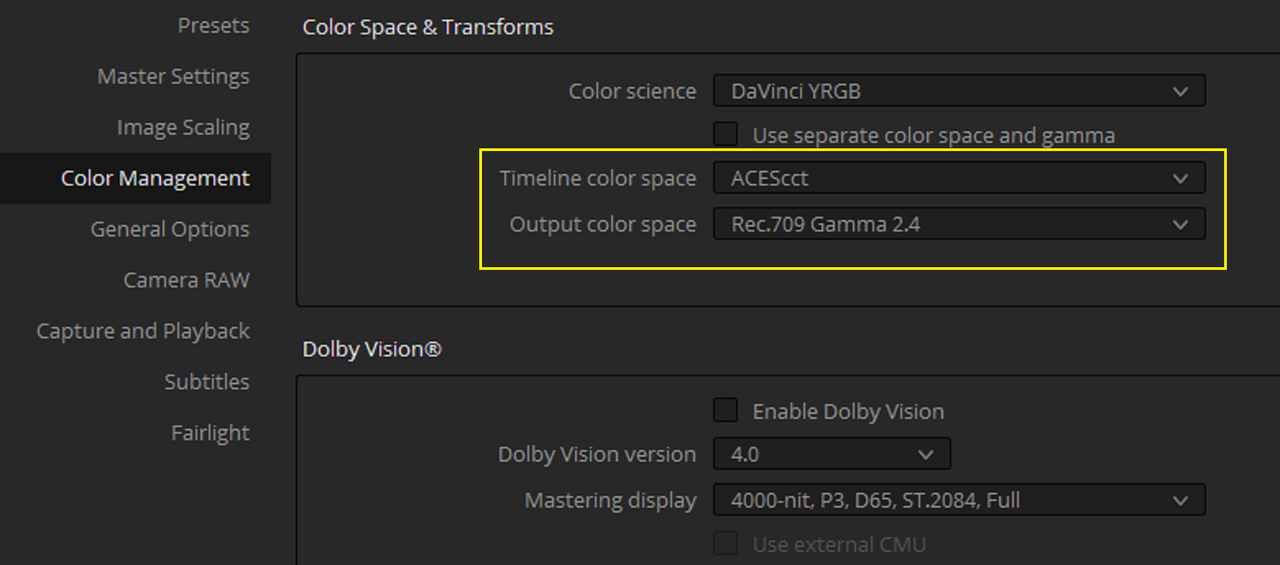
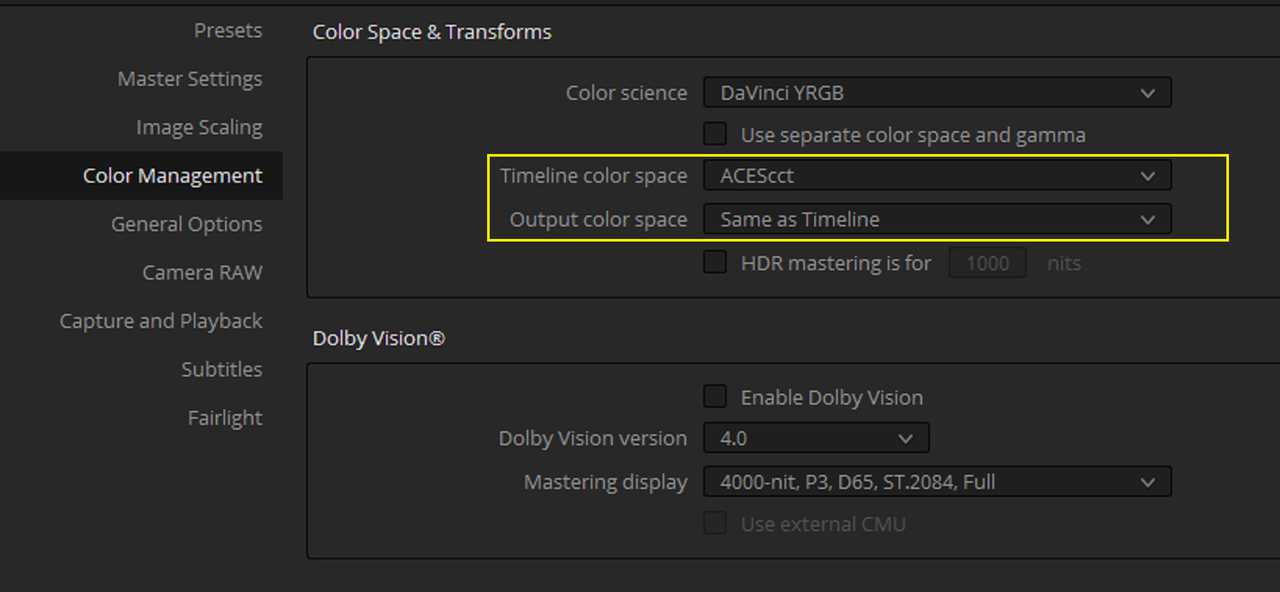
* Ability to set output colorspace in DaVinci YRGB projects.
* Addressed Dolby Vision tone mapping for DaVinci YRGB projects.
* Addressed layout and refresh issues after using the cinema viewer.
* Addressed an issue with missing Text+ fonts in Mac OS Monterey.
* Addressed issues when extruding 3D text from specific TrueType fonts.
* Addressed retime and mixed frame rate issues when importing AAFs.
* Addressed an issue rendering additional outputs with data burn.
* Addressed trims not applied from imported Dolby Vision 2.9 XML metadata.
* Support for H.265 multi-pass renders on Apple silicon.
* Addressed ProRes 422 artifacts for some rendered clips on Apple silicon.
* Addressed playback glitches for some long GOP formats in Apple silicon.
* General performance and stability improvements.
https://www.blackmagicdesign.com/sup...lve-and-fusion
Important information regarding database management
DaVinci Resolve 17.4.x requires a database upgrade from DaVinci Resolve 16.2.7 and previous versions. We strongly recommend that you back up your existing database (both DiskDB and PostgreSQL) and then restore that database for the upgrade before upgrading to this release.
There is no database change from 17.x.
What's new in DaVinci Resolve Studio 17.4.5
* Improved nested timeline decompose for audio, plugins and automation.
* Support for decoding 6K and 8K clips from the Sony Venice 2.
* Faster 12K Blackmagic RAW decode and playback on Apple silicon.
* Ability to set output colorspace in DaVinci YRGB projects.
* Addressed Dolby Vision tone mapping for DaVinci YRGB projects.
* Addressed layout and refresh issues after using the cinema viewer.
* Addressed an issue with missing Text+ fonts in Mac OS Monterey.
* Addressed issues when extruding 3D text from specific TrueType fonts.
* Addressed retime and mixed frame rate issues when importing AAFs.
* Addressed an issue rendering additional outputs with data burn.
* Addressed trims not applied from imported Dolby Vision 2.9 XML metadata.
* Support for H.265 multi-pass renders on Apple silicon.
* Addressed ProRes 422 artifacts for some rendered clips on Apple silicon.
* Addressed playback glitches for some long GOP formats in Apple silicon.
* General performance and stability improvements.