Welcome to our community

Be a part of something great, join today!

  • Hey all, just changed over the backend after 15 years I figured time to give it a bit of an update, its probably gonna be a bit weird for most of you and i am sure there is a few bugs to work out but it should kinda work the same as before... hopefully :)

RedCine-X Ver 50.3 suddenly stopped saving applied Look Presets

Joe Taylor

Well-known member
Joined
Jun 29, 2007
Messages
1,146
Reaction score
0
Points
36
Location
Las Vegas, Nevada
Website
www.joetaylorcinema.com
This is a new development that just started out of seemingly nowhere and a really bad time during a crunch. On some shots in the browser the color grade seems there but when opening the file in RedCin-X for touchups, all the raw metadata has been reset and the "look preset" gone.

Just tried phoning Red and sen them a ticket.... but it's nearly 5 on a Friday. Can anybody lend some knowledge?

Attached is a screen grab and the log file.
 

Attachments

  • Screen Shot 2019-05-17 at 4.48.21 PM.jpg
    Screen Shot 2019-05-17 at 4.48.21 PM.jpg
    98.5 KB · Views: 0
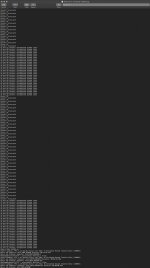
Here is the Log File as a screen grab. Hope it helps.
 

Attachments

  • Screen Shot 2019-05-17 at 4.58.10 PM.jpg
    Screen Shot 2019-05-17 at 4.58.10 PM.jpg
    81.3 KB · Views: 0
Joe,


Are you intentionally in Legacy Mode? Or Are you wanting to be in IPP2?
 
Joe


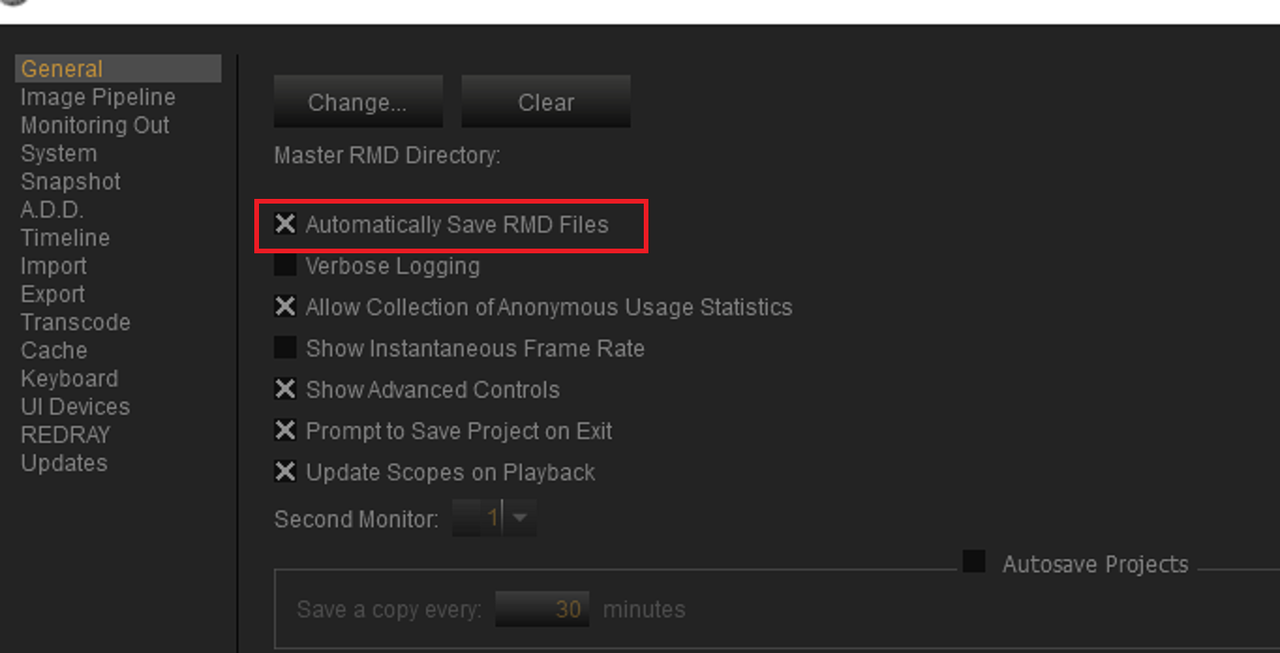
Also make sure "Automatically Save RMD Files" is checked in the "General" tab in "Preference"

Screenshot-420.png


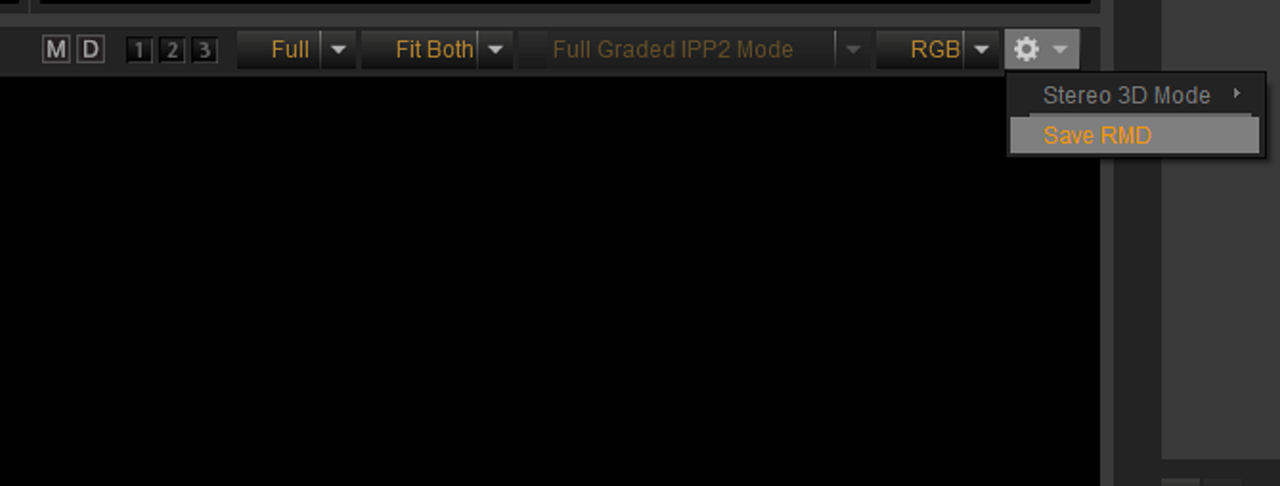
And you can always do it manually if you choose

Screenshot-422.png
 
Joe,


Are you intentionally in Legacy Mode? Or Are you wanting to be in IPP2?


I am. In fact, you are the one who first helped setup RCX into legacy mode. Been using it that way for years. I'm using a Red Epic X if that makes any difference.
 
Joe


Also make sure "Automatically Save RMD Files" is checked in the "General" tab in "Preference"

Screenshot-420.png


And you can always do it manually if you choose

Screenshot-422.png

Excellent. I''l give that a shot. Thank you Rand.
 
No Problem Joe! let me know if I can help you further.
 
I am. In fact, you are the one who first helped setup RCX into legacy mode. Been using it that way for years. I'm using a Red Epic X if that makes any difference.


Joe

it shouldn't, I used the IPP2 workflow with some Red One Footage. What settings do you have in "preferences" and "image pipeline", the same as before?

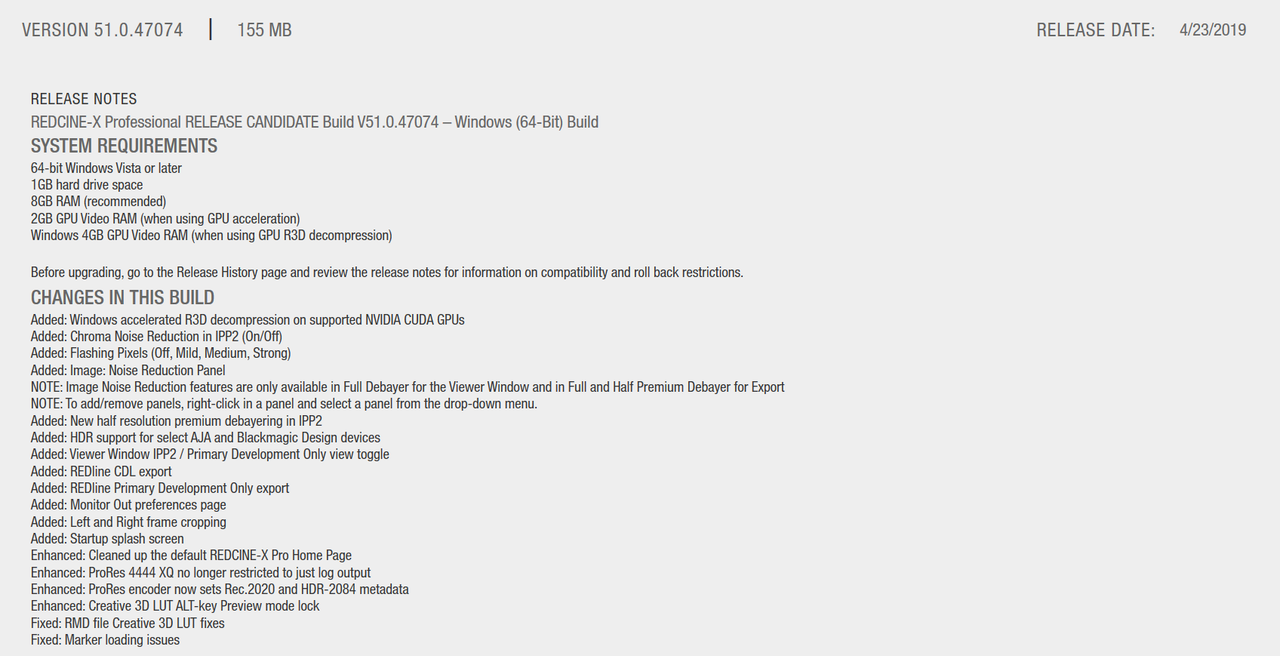
in Version 51.0 for IPP2, "image pipeline" and "monitoring output" are now in two separate tabs.


Screenshot-428.png


Screenshot-429.png


In Legacy, all though these settings will all be under "Image Pipeline" for version 50.3, these are the settings you should still have.


Screenshot-430.png


Screenshot-429.png
 
Last edited:
Joe,


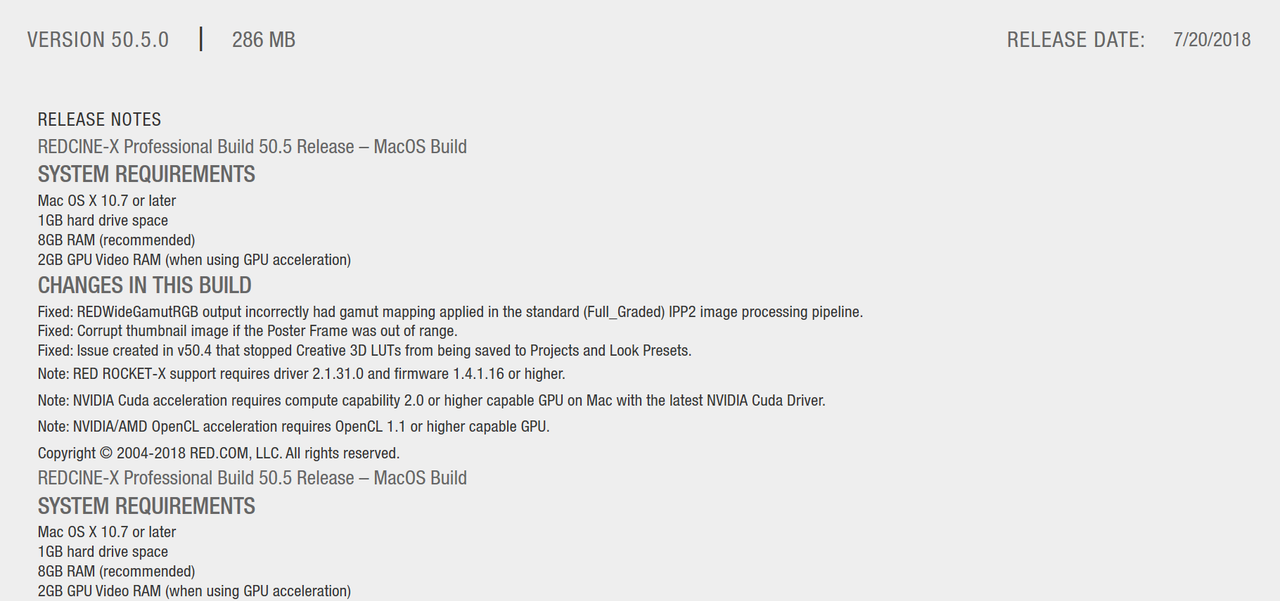
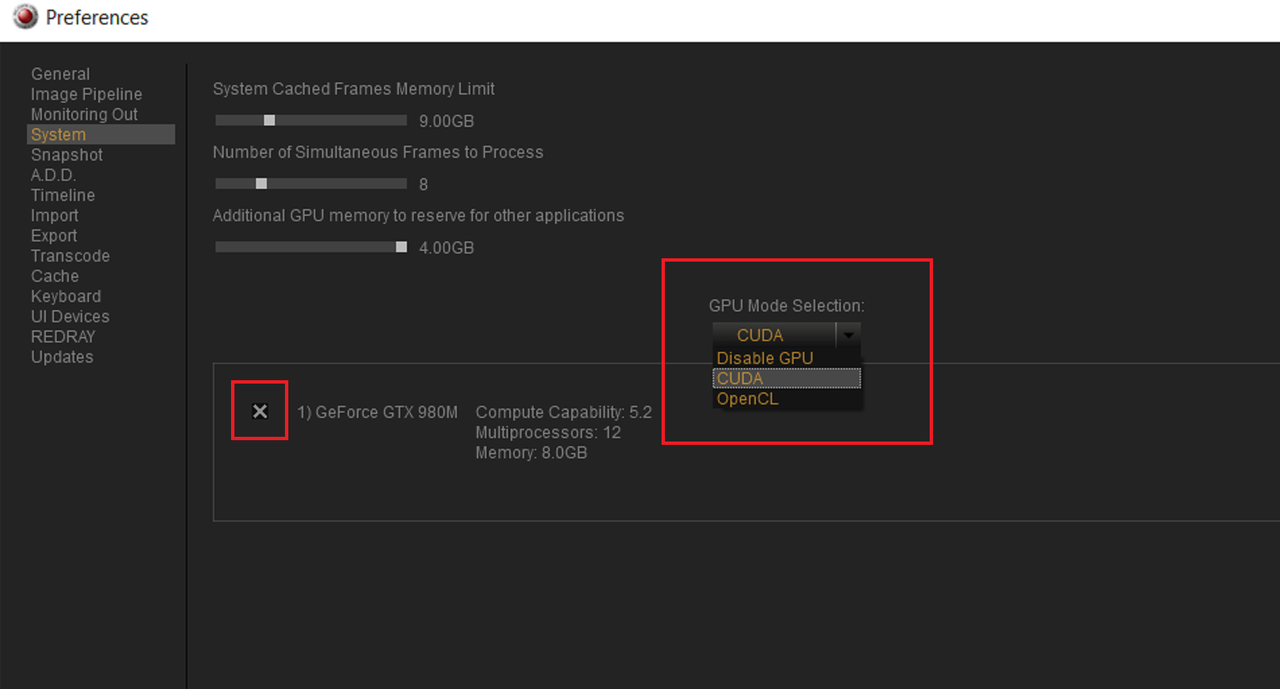
Also, make sure you have the latest version of you OS and Graphics card drivers. Make sure that you have the proper settings in "System" tab and that your Graphics card is selected.


Screenshot-431.png
 
Will do Rand. For some reason in Ver 50.0 when selecting "check for updates" it tells me I am "up to date." I'll follow through on your suggestions later tonight. Many thanks.
 
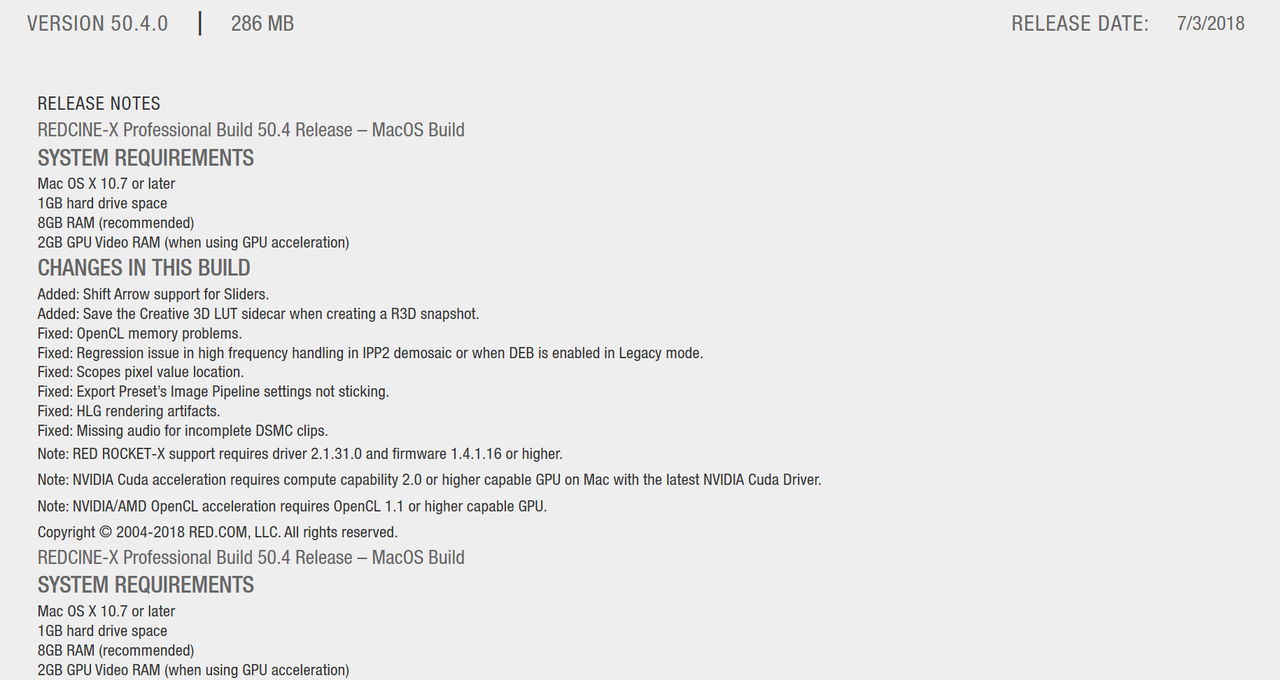
I updated RedCine-X to ver. 51 and the browser shows the R3D I'm working with but now none of the raw files open in the editor. I'll go back and look through Rabd's suggestions. I've been doing this for 14 hours and I'm burned to a crisp.
 
Joe,


Hate to hear this. Joe, what do you remember being the last "stable" version of Redcine-X you used?
 
Joe,


Hate to hear this. Joe, what do you remember being the last "stable" version of Redcine-X you used?


Hi Rand. I'd been using 50.3 for I don't know how long with no issues. Then suddenly it stopped saving looks. This flared up yesterday evening and i'd been color grading with no issues for two hours. Now I can't open any raw files on my main system with Ver. 51. I'd go back and use an older version but I don't want to mess anything else up since I'm on a deadline this weekend so I'm grading on a MacBook pro for now.
 
Joe,

Don`t know what is causing the problems with 51.0. Were the R3d files originally on another harddrive or in a different folder or directory? Again, are you graphics card drivers and OS up to date?
 
The RAW files I'm working with are all on the same drive and same folder.

I'm using Mac 10.14.4, OSX Mojave. The graphics drivers are updated when ever the latest OS is updated. 10.14.5 is now available and I'll update it now.
 
Hopefully this update will fix this problem, hopefully. Its seems something maybe going on between Redcine-X and possibly your current version of the Mac OS.
 
Hello Rand. Indeed, the upgrade to the latest OSX fixed the issues! But it's more streamlined and efficient thanks to your suggestions, something I would have not dug deeper into without your help, once again, thank you so much. And thank you to Red's Stacey Spears for reaching out to help. We are all in good hands here!
 
Joe,


I am very glad you got this fixed! And you can PM me anytime you need to!
 
Back
Top