Johnny Friday
Well-known member
- Joined
- Feb 11, 2007
- Messages
- 3,367
- Reaction score
- 0
- Points
- 36
- Location
- La Paz, Baja Ca. Sur, Mexico
- Website
- bajaproductions.com
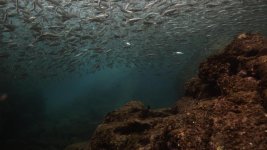
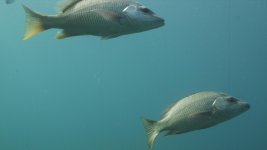
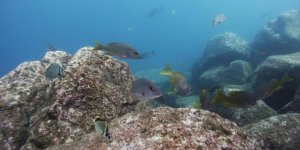
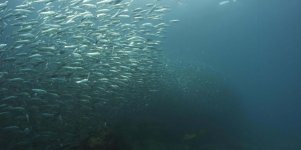
So, shot over a terabyte of footage last week underwater using firmware 20.1.3 and just now doing quick color correction via redcine version 20. I have just noticed on a few shots that there is a red dotted vertical line on some of them. From day one through three. The lines seem to be in the same place on each shot and seem to be related when shooting into the sun or in bright conditions.
the shots in question are not in any sequence but randomly scattered through three days of shooting. Some shots that were taken with bright litht are ok and others have this line. Is this a redcine bug or firmware bug? can i get some help so that i don't loose these valuable shots. I obviously can not recreate them since they are wild animal behavior.
I have some jpgs to post with this to show what i mean.
I have tried rebooting redcine and still i see them.
Thanks for any help red team.
The lines in question are located at the left 1/3 side of the photos
the shots in question are not in any sequence but randomly scattered through three days of shooting. Some shots that were taken with bright litht are ok and others have this line. Is this a redcine bug or firmware bug? can i get some help so that i don't loose these valuable shots. I obviously can not recreate them since they are wild animal behavior.
I have some jpgs to post with this to show what i mean.
I have tried rebooting redcine and still i see them.
Thanks for any help red team.
The lines in question are located at the left 1/3 side of the photos
Attachments
Last edited: