Welcome to our community

Be a part of something great, join today!

  • Hey all, just changed over the backend after 15 years I figured time to give it a bit of an update, its probably gonna be a bit weird for most of you and i am sure there is a few bugs to work out but it should kinda work the same as before... hopefully :)

RED Cine-X Creative Lut Issue

Benjamin Jarvis

Well-known member
Joined
Aug 1, 2017
Messages
49
Reaction score
0
Points
0
Location
Texas
Hey everyone - I noticed an issue with RED Cine-X when saving Look Presets.

In the previous versions I was able to include the Creative LUT in the Look Presets, but the option is no longer available. Was this intentional or is this a bug in build 50.4.45354?

I'm also having an issue after I save my project. Once I save, the Creative LUT is no longer applied to my footage. Is anyone else having these issues? Any help would be fantastic!

Thanks!

RED Cine-X Build: 50.4.45354
Computer Specs:
Intel Xeon CPU E5-2620 v3 @ 2.40 GHz (2 Processors)
64GB RAM
GTX 1080
Windows 10 Enterprise
 
Benjamin,

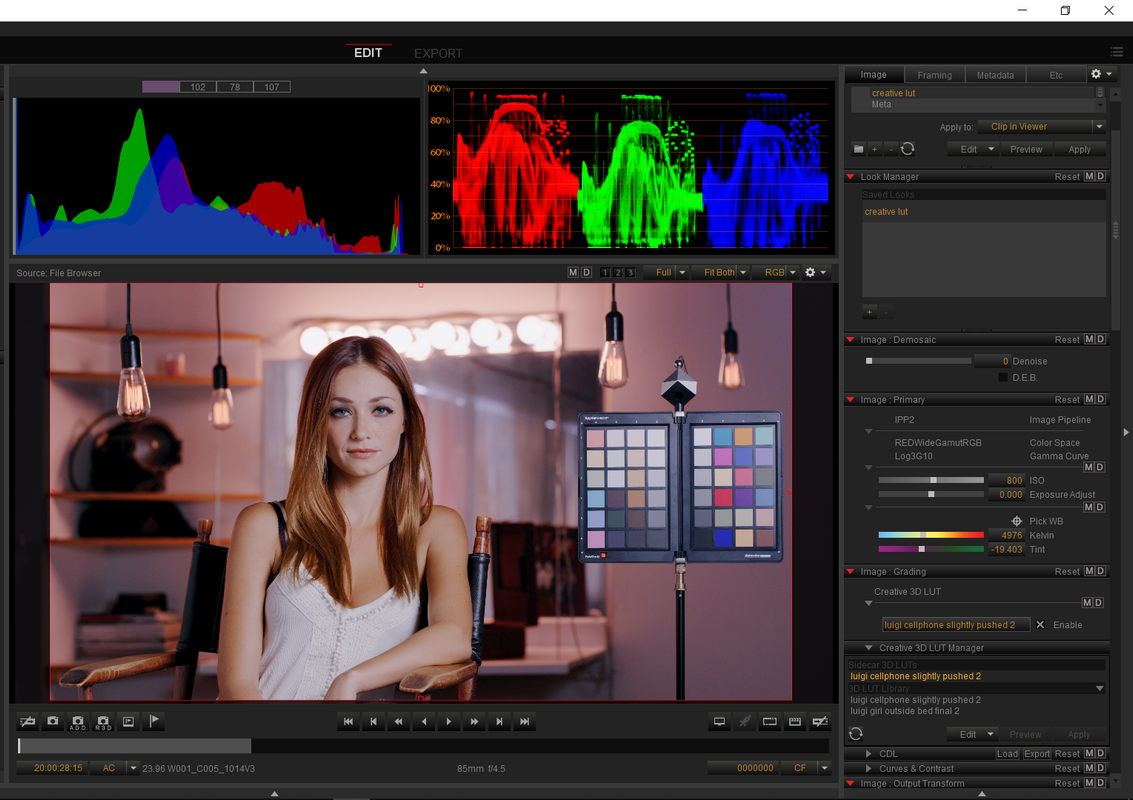
I used any Lut I could find on my system for this example so excuse the resulting image. I saved it as a "Look" called "Creative Lut" with the creative lut "Enabled" in that section, I closed Redcine-X and opened it several times, and every time I went to find and open that clip, the creative lut was still attached. Could you post your workflow or a screen grab from Redcine-X with the creative lut attached?


Screenshot_150.png
 
Hey Rand - Thanks for posting and looking for a solution to my problem. Steven Yaeger reached out and was able to reproduce my issue. Steven sent me a RED Cine-X build that fixed my problem.

My issue wasn't the Look Manager, but instead the Look Presets not saving Creative 3D LUTs to the Look Presets. Big thanks to you and Steven for jumping in to help!
 
I had this issue Benjamin. I went back to previous version as it's quite a problem for me. Good to hear they have a fix.
 
Hey Benjamin, stumbled across this thread here while troubleshooting the same issue. Can you please share what the fix was that Steven Yaeger shared with you? I'm using RedCine X Pro 51.

Thanks for any help!

----------

Hey Rand - Thanks for posting and looking for a solution to my problem. Steven Yaeger reached out and was able to reproduce my issue. Steven sent me a RED Cine-X build that fixed my problem.

My issue wasn't the Look Manager, but instead the Look Presets not saving Creative 3D LUTs to the Look Presets. Big thanks to you and Steven for jumping in to help!
 
Kyle,


I believe Redcine-X Pro VERSION 52.0.49422 fixed that problem

you can download it here

For Windows
https://www.red.com/download/redcine-x-pro-win


For Mac
https://www.red.com/download/redcine-x-pro-mac


Although some of us are experiencing some cropping issues in this and the most recent version.

http://www.reduser.net/forum/showthread.php?182565-Re-Framing-in-RedCine-X-not-working


CHANGES IN THIS BUILD
Added: Ability to create AP0 Color Space Creative Luts.
Added: IPP2 Image : Noise Reduction [M]eta and [D]efault buttons.
Added: REDline CDL output file name can now be specified. If not specified it use the clip's output file name root.
Added: REDline and REDCINE-X PRO now include the clip's UUID in their metadata display.
Added: REDline metadata now includes the original file name.
Added: Playback Device checkbox to the System Preferences tab, to optimize CUDA playback for a specific CUDA card.
Added: Bypass IPP2 Output Transform.
Added: CDL Enable.
Fixed: Slower playback with multiple CUDA GPUs decoding than with one.
Fixed: Playback isn't as smooth as it should be when the system can't keep up with the requested frame rate.
Fixed: Occasional issues displaying the first frame when multiple GPUs are in use.
Fixed: Moving any of the middle User Curve points to either edge resets all the curve points.
Fixed: Using the back arrow to scrub backwards in the timeline yields unexpected results.
Fixed: Viewer will occasionally jump to the wrong frame when some settings are changed.
Fixed: REDline image artifacts.
Fixed: RED Player has issues playing some clips.
Fixed: LL indicator not displaying.
Fixed: Look Preset issues with Creative 3D LUT setting
Fixed: Curve adjustments not being applied in legacy mode.
Fixed: Exporting an occasional black horizontal line at top of image.
Fixed: Problems switching export between Fully Graded and Primary Raw.
Fixed: NVidia Series M & K cards don't work.
Fixed: Post : Image : Effects image corruption issues.
Fixed: Project Clip's Frame Rate Selection dialog box doesn't indicate if 71.928 and 72 FPS are selected.
Fixed: Some controls on Tangent controllers are not working.
Fixed: Excessive logging when trimming.
Fixed: Rocket-X not used with IPP2 and GPU enabled.
Fixed: IPP2 Image : Primary [M]eta and [D]efault buttons don't work.
 
Last edited:
Many thanks to you Rand, this solved the issue.

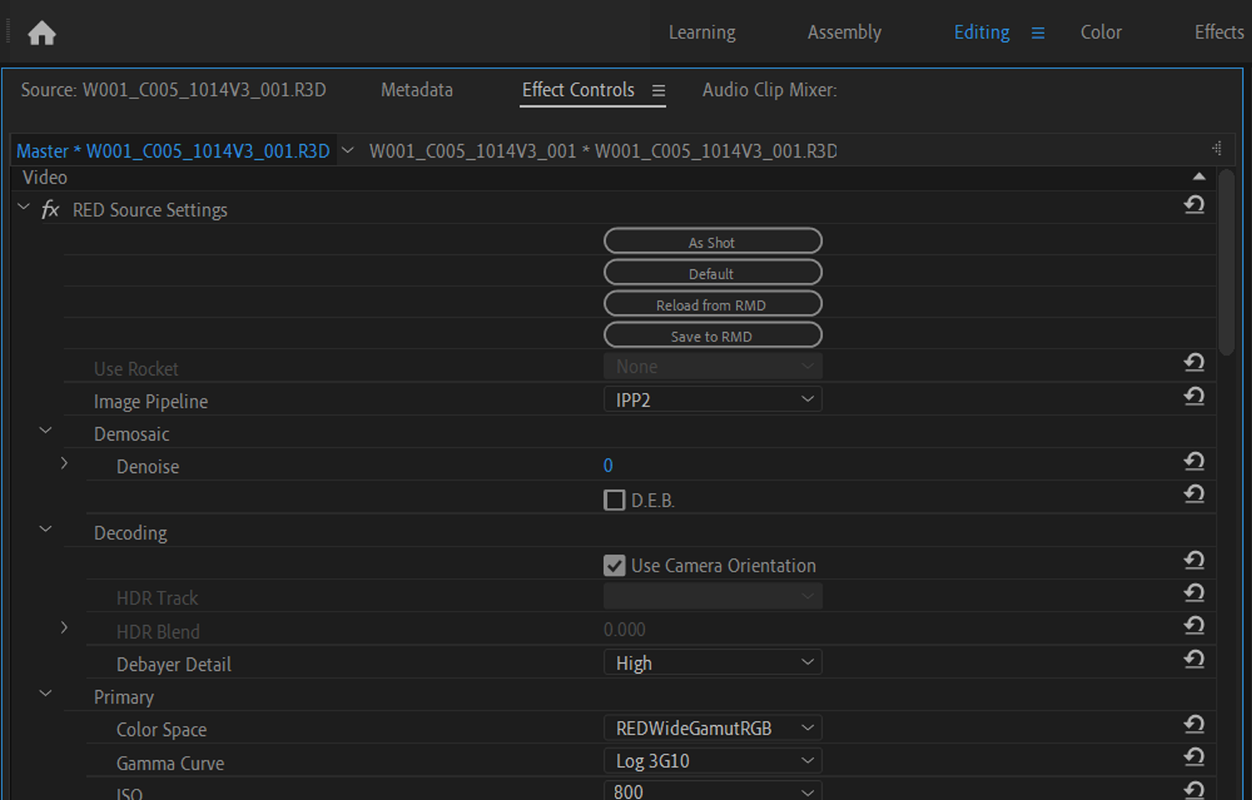
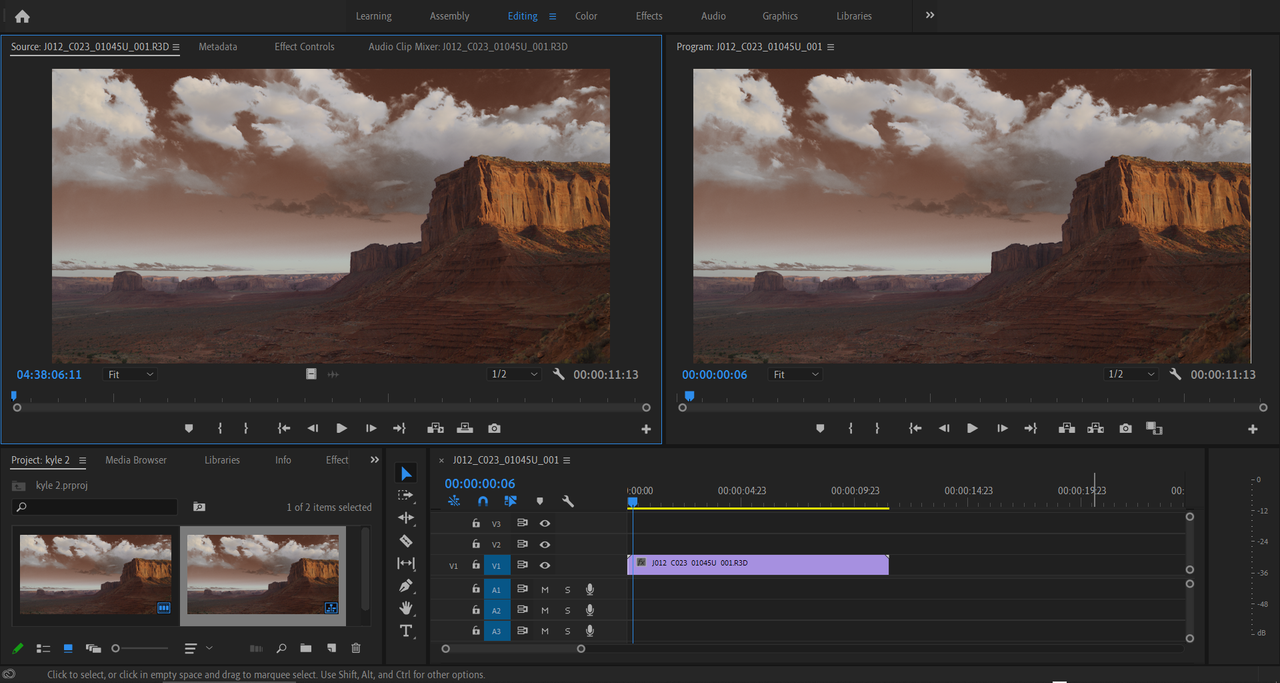
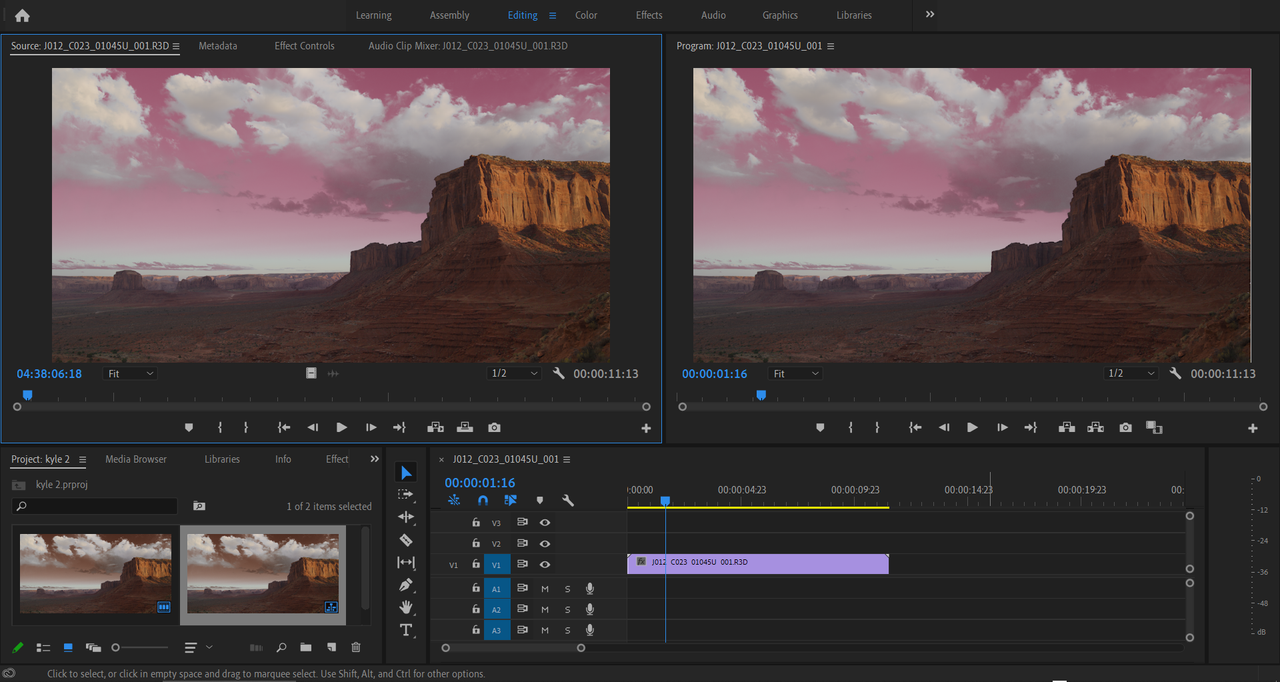
However now I'm seeing that "source settings" is greyed out in Premiere Pro CC so I cannot load the RMD settings From RCX footage in my PP project. Any expert thoughts on this issue? It seems I'm not the only one having experienced it.

thanks again :)
 
Kyle,

You're welcome! Unfortunately, I don't use Premiere Pro at all. But I will look around the internet to see what I can find, if someone who does use PP doesn't chime in first.
 
Kyle,

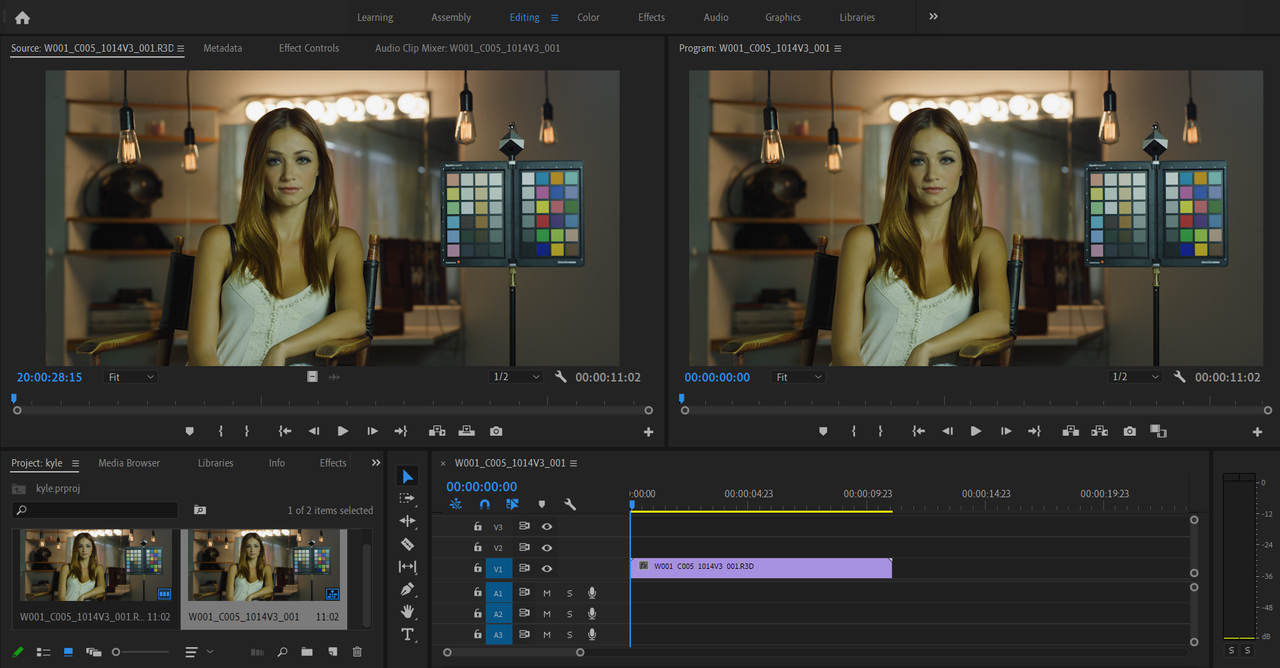
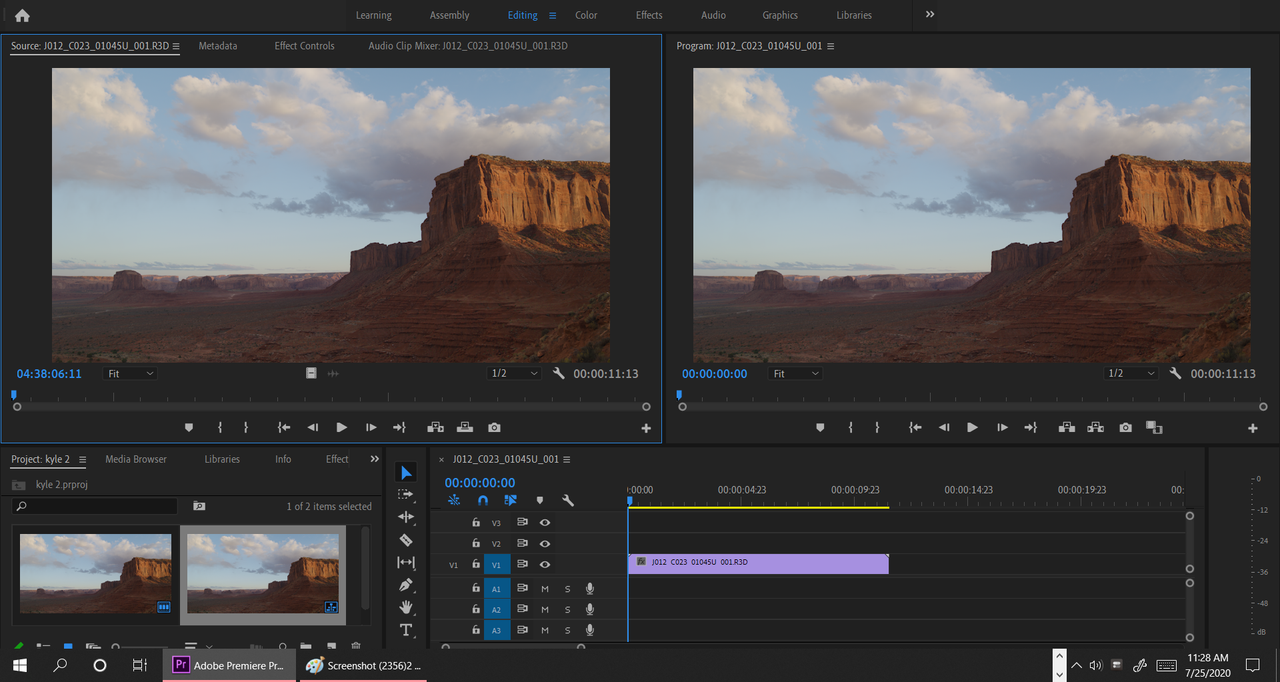
I downloaded a trial version of Premeire Pro


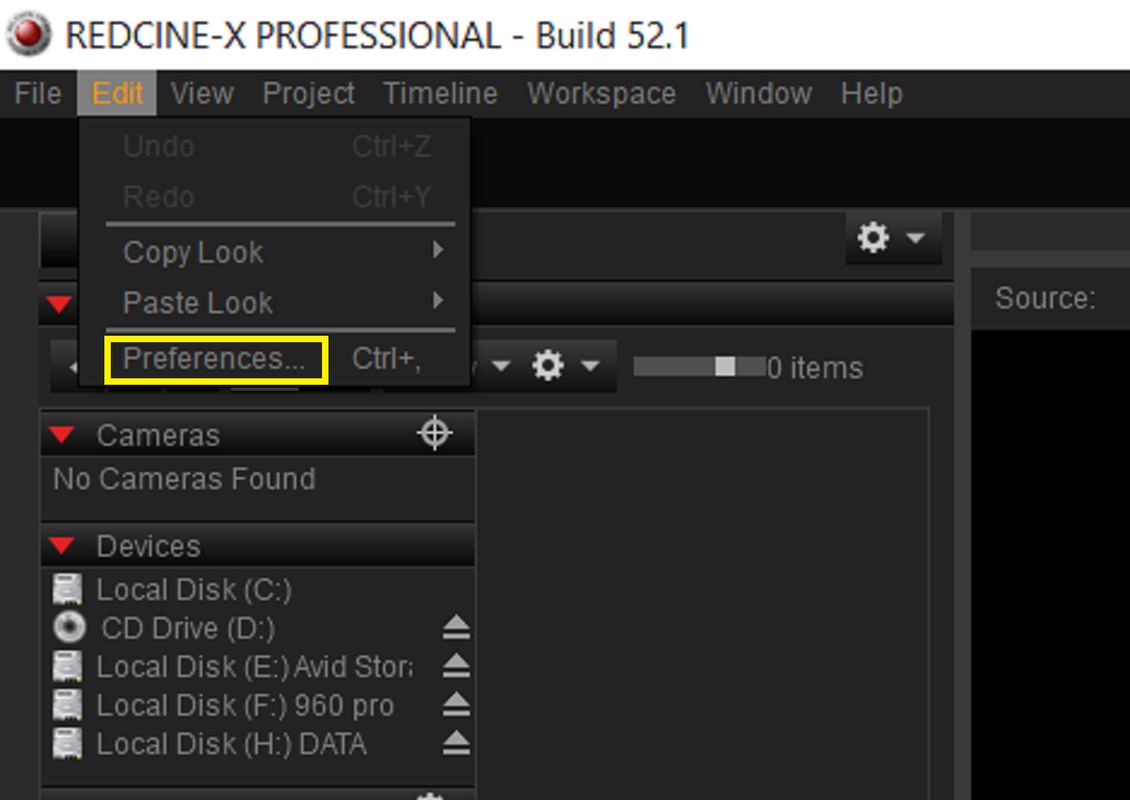
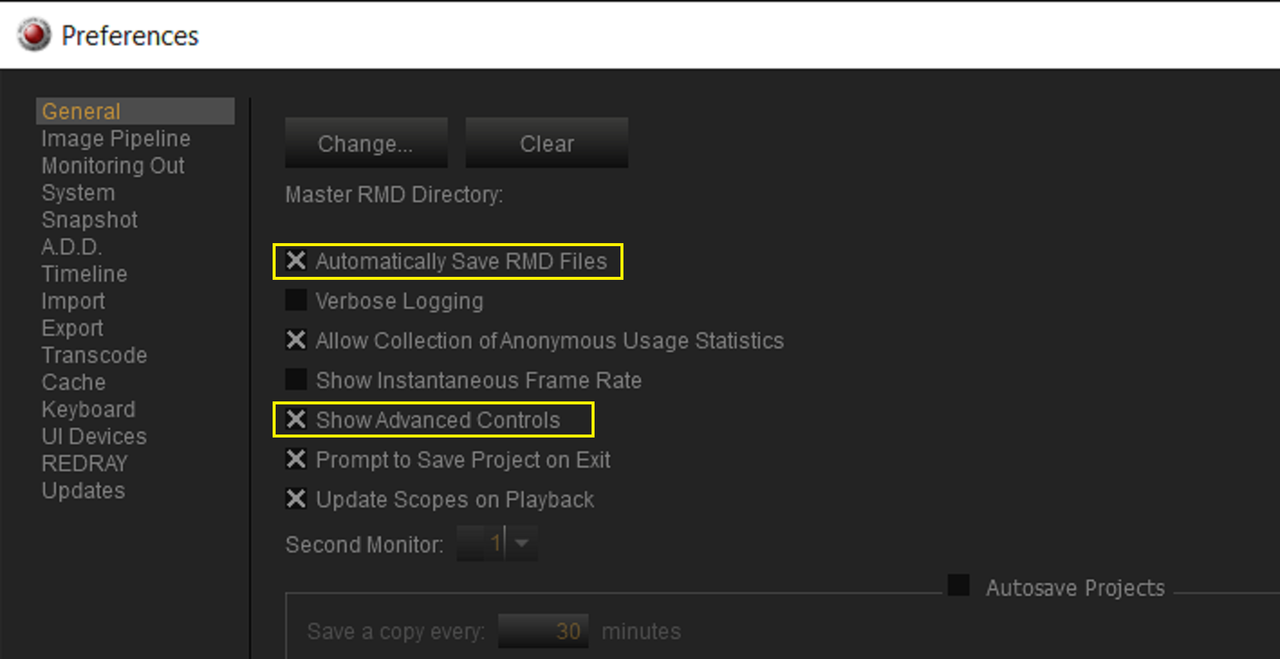
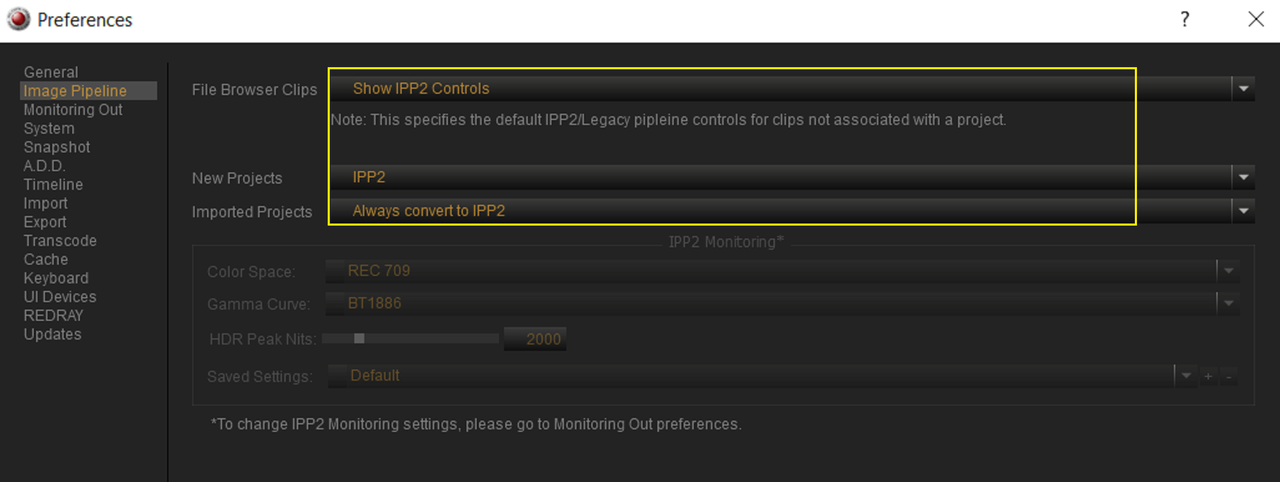
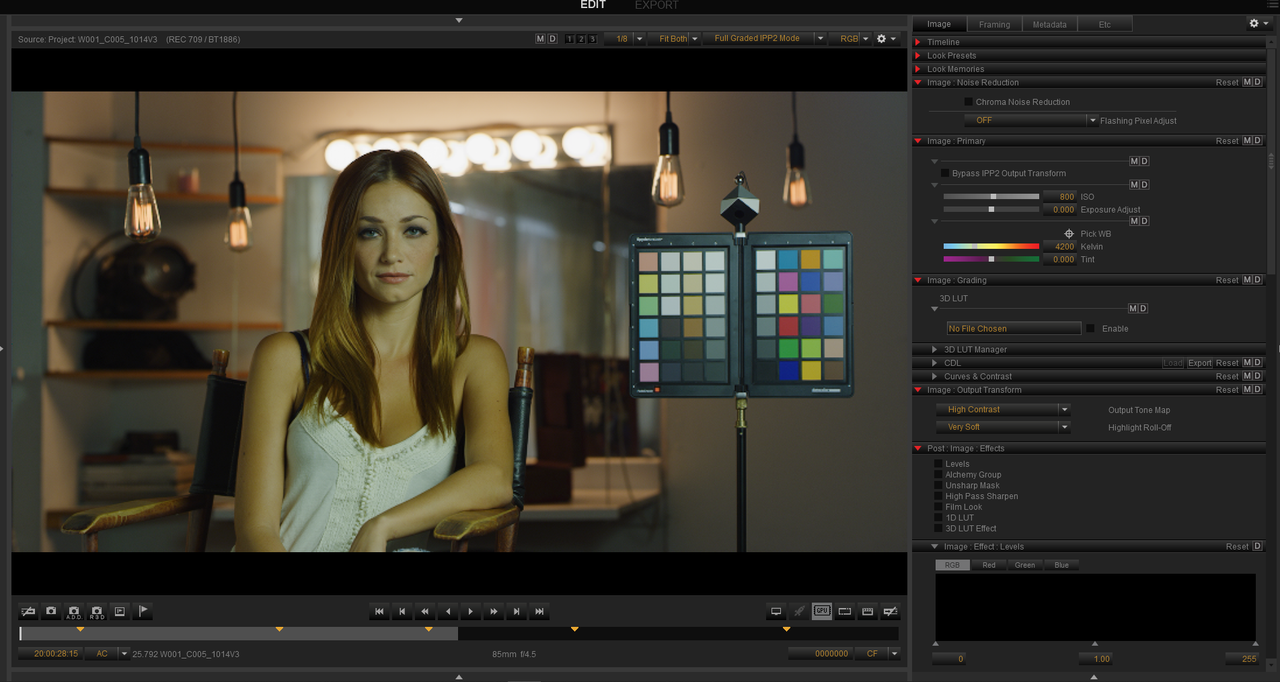
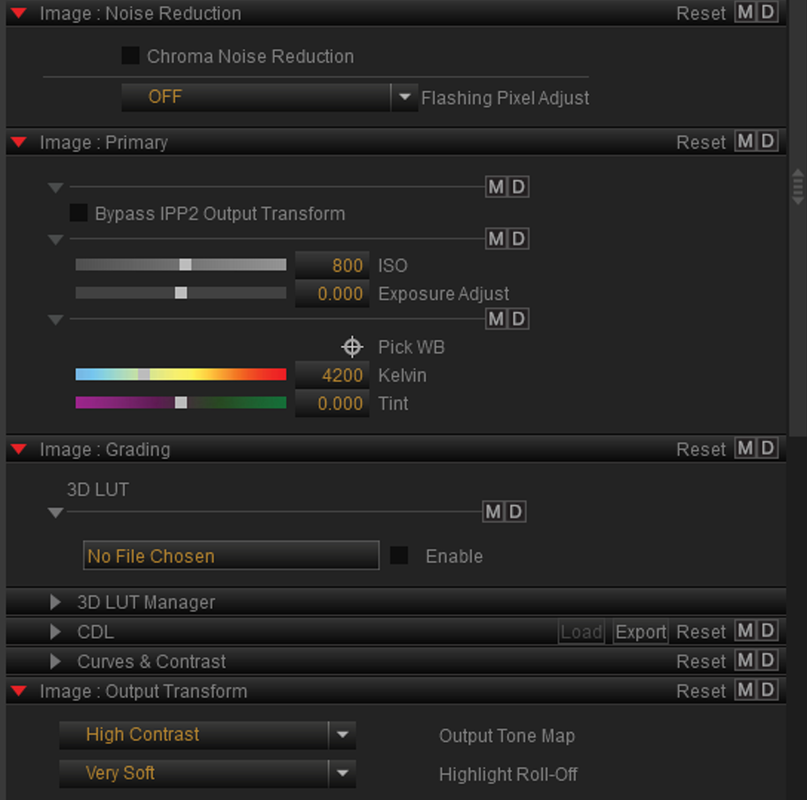
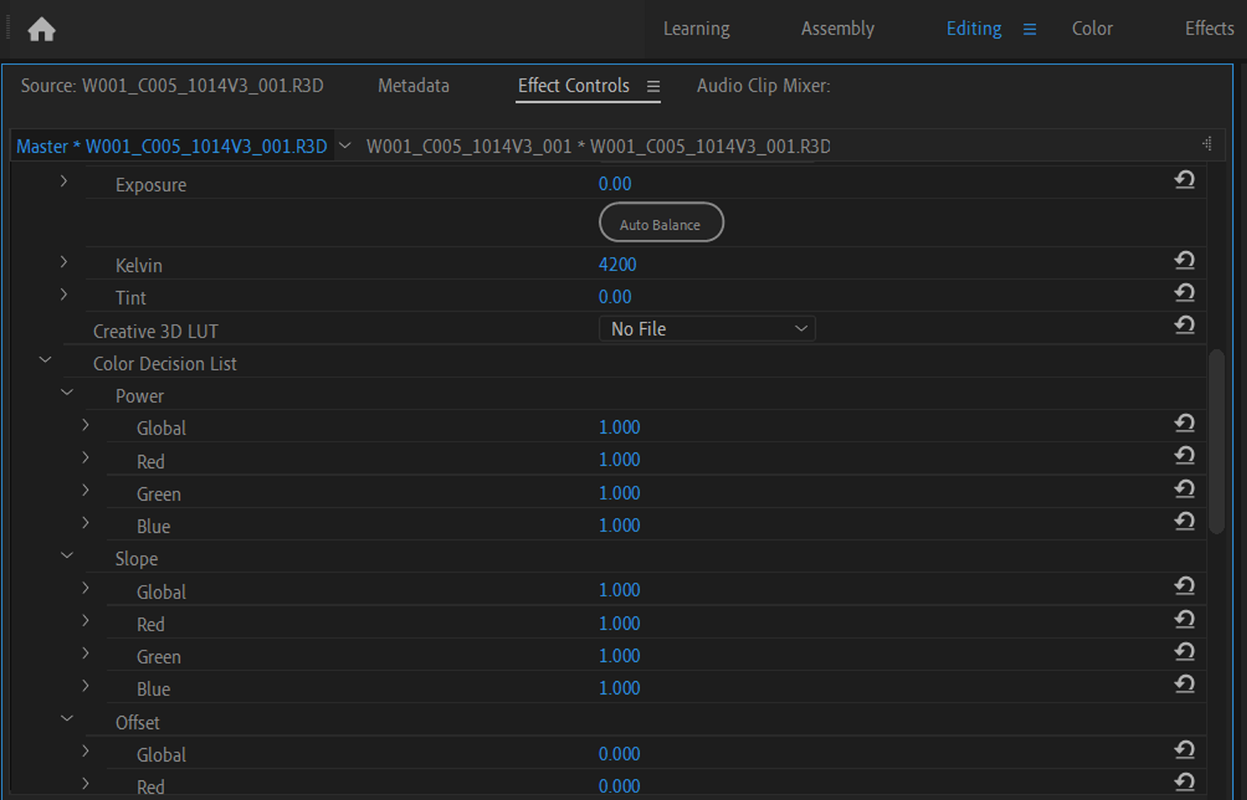
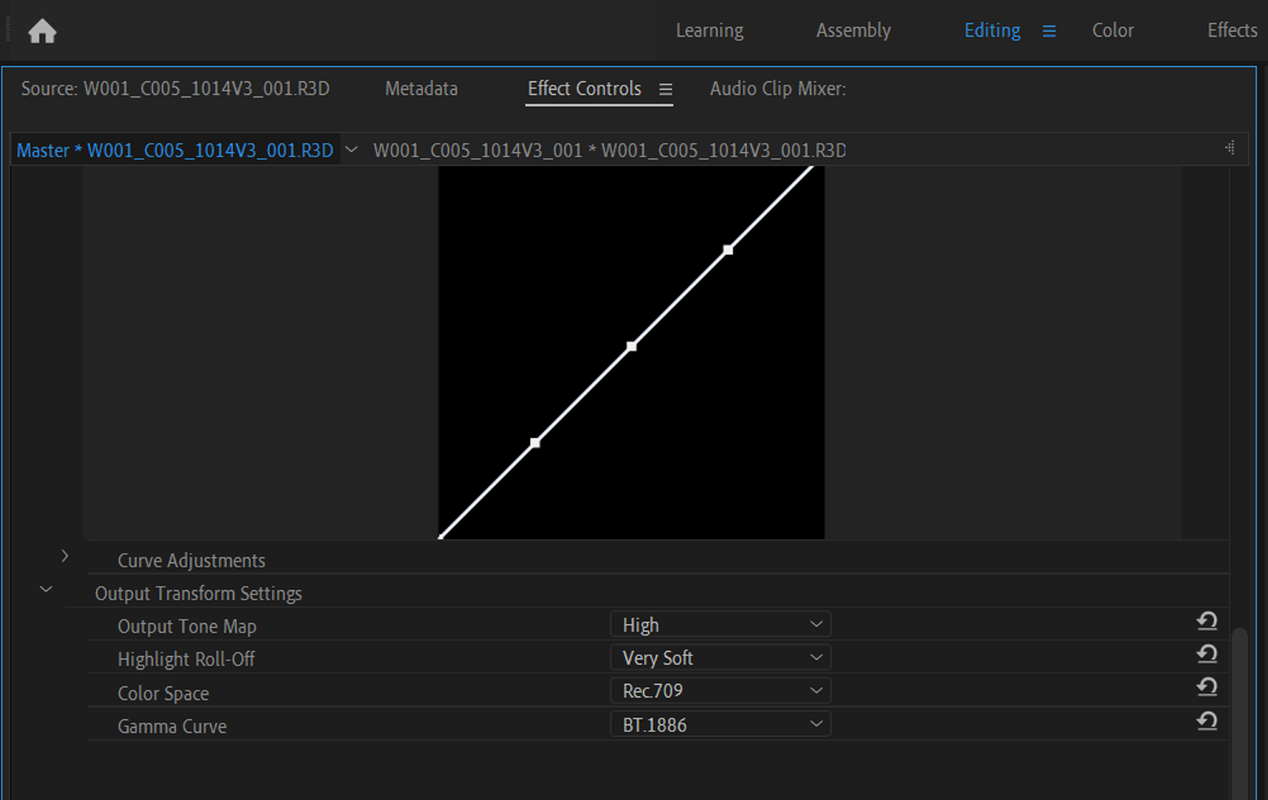
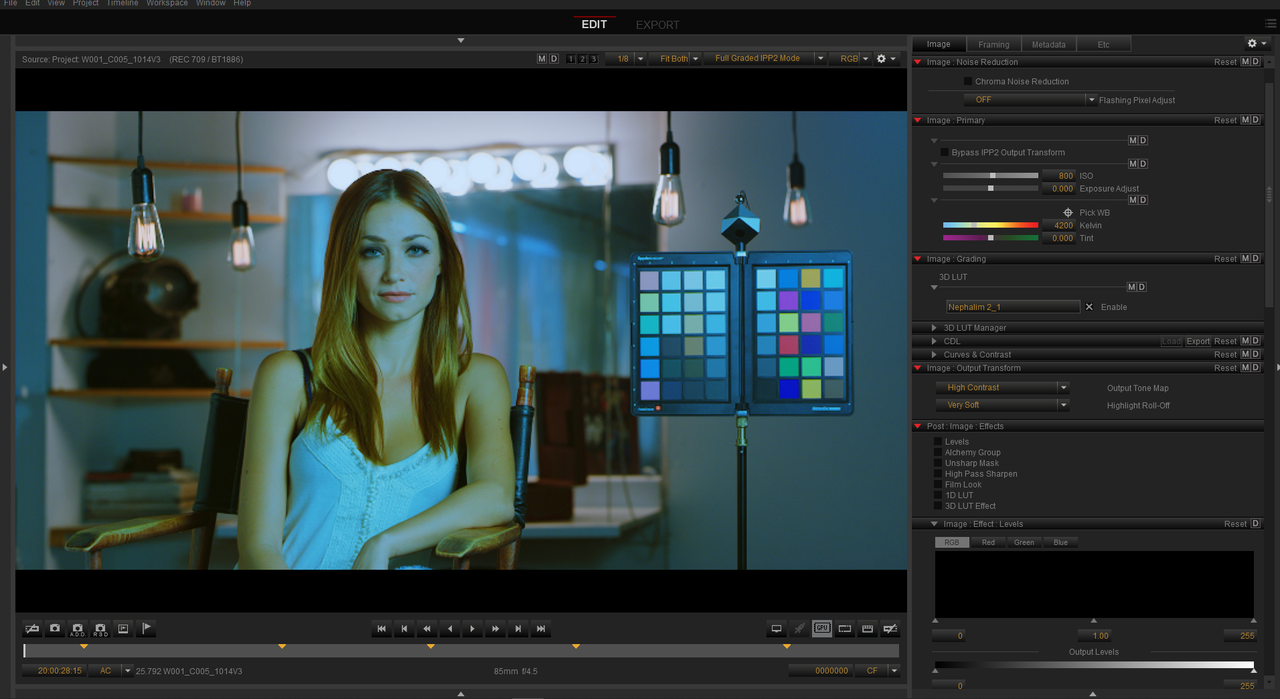
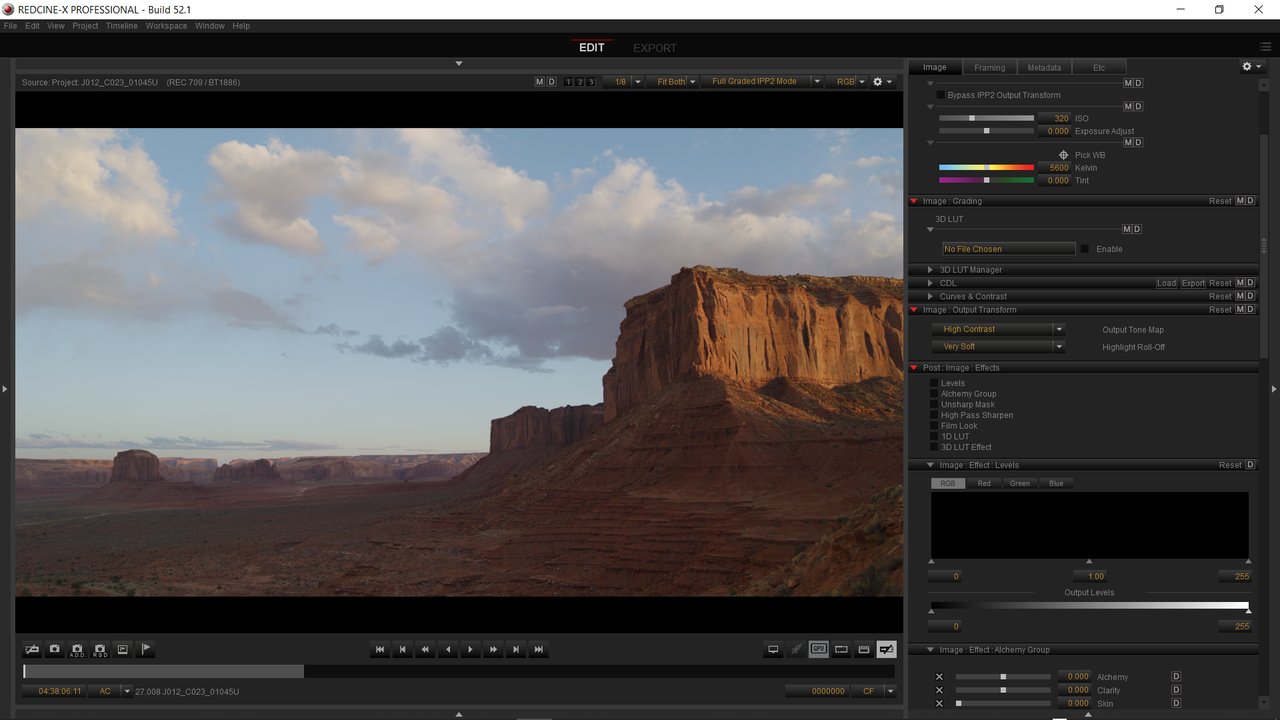
First the Settings in Redcine-X


Part 1


Redcine-X Pro 52.1.49582


Screenshot-2339.png


Screenshot-2340.png


Screenshot-2341.png


Screenshot-2346.png


Screenshot-2347.png


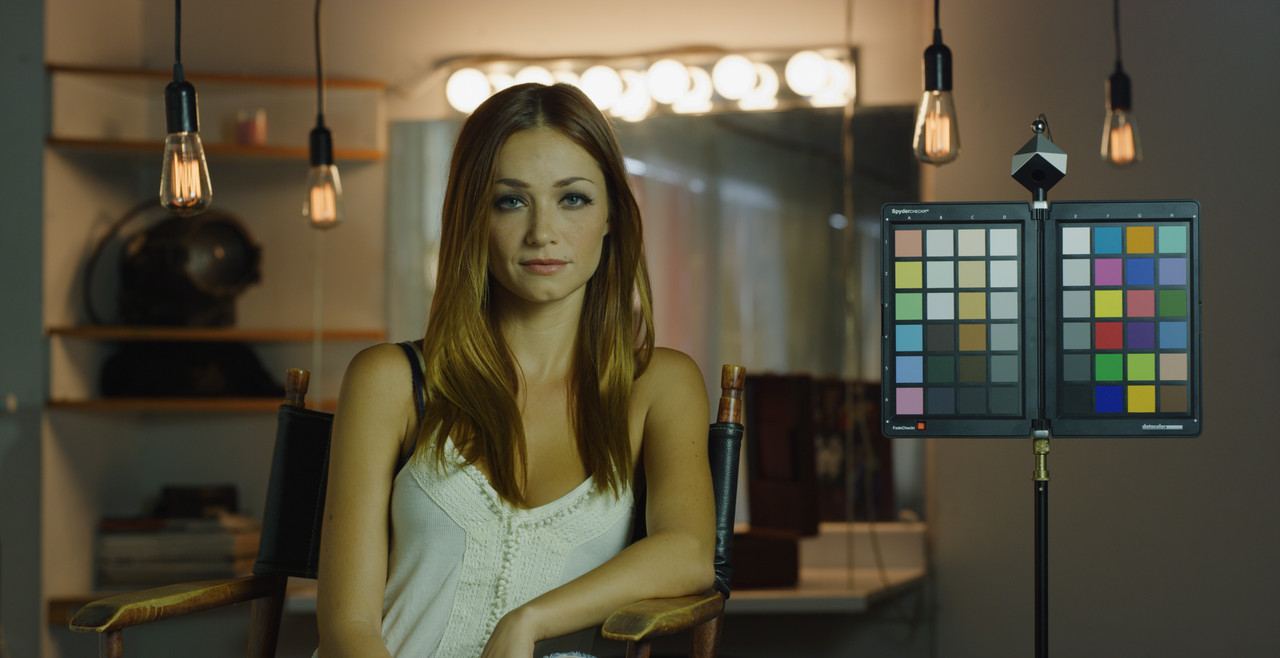
W001-C005-1014-V3-0000000.jpg


Premiere Pro Trial


Screenshot-2352.png


Screenshot-2353.png


Screenshot-2354.png


Screenshot-2351.png


W001-C005-1014-V3-001-R3-D-20-00-28-15-Still001.jpg


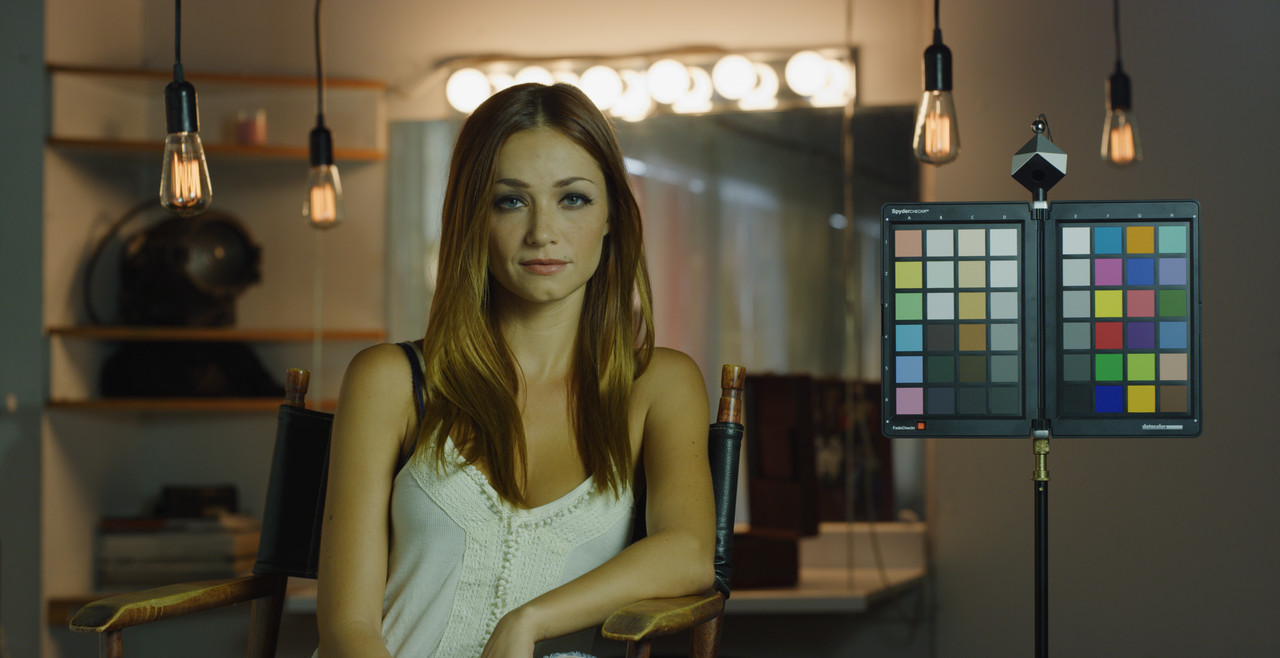
Redcine-X Pro

W001-C005-1014-V3-0000000.jpg


Premiere Pro

W001-C005-1014-V3-001-R3-D-20-00-28-15-Still001.jpg
 
Last edited:
Part 2


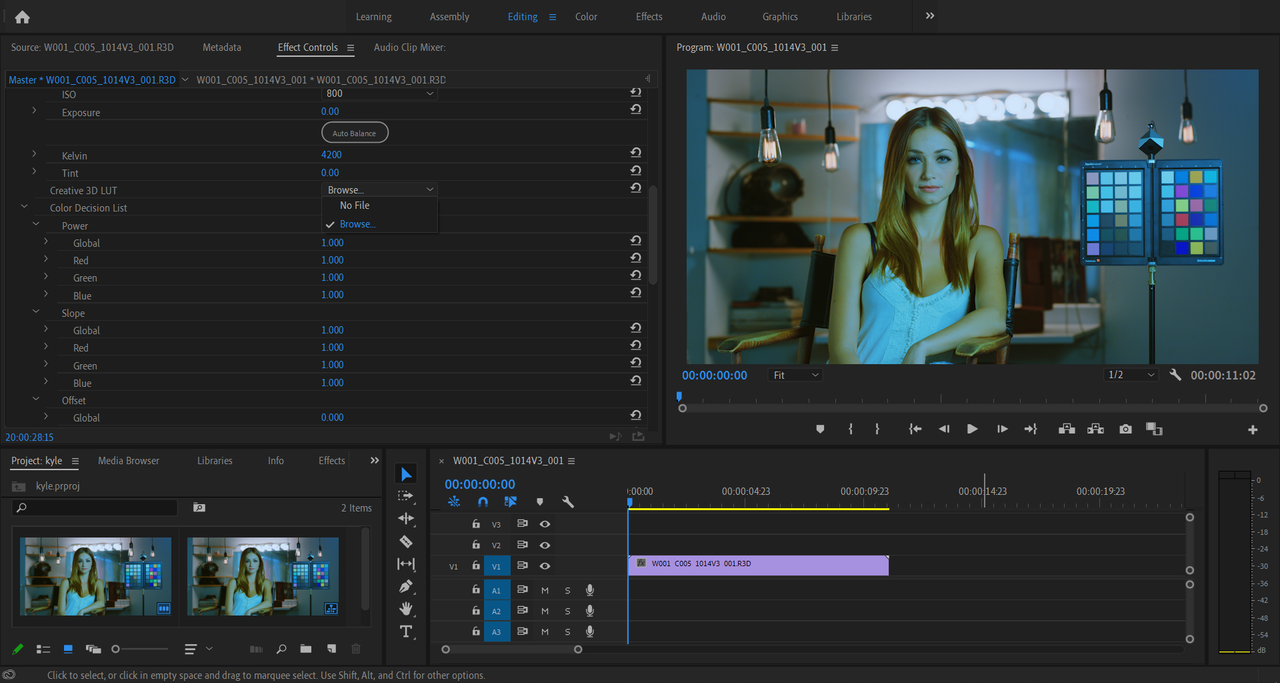
With both Redcine-X Pro and Premeire Pro Open at the same time, then closing Redcine-X


Creative Lut applied in Redcine-X then closing the Program. It automatically updated with both programs still opened. It's also important that the Creative Lut was accurately designed for the IPP2 workflow.


Screenshot-2355.png


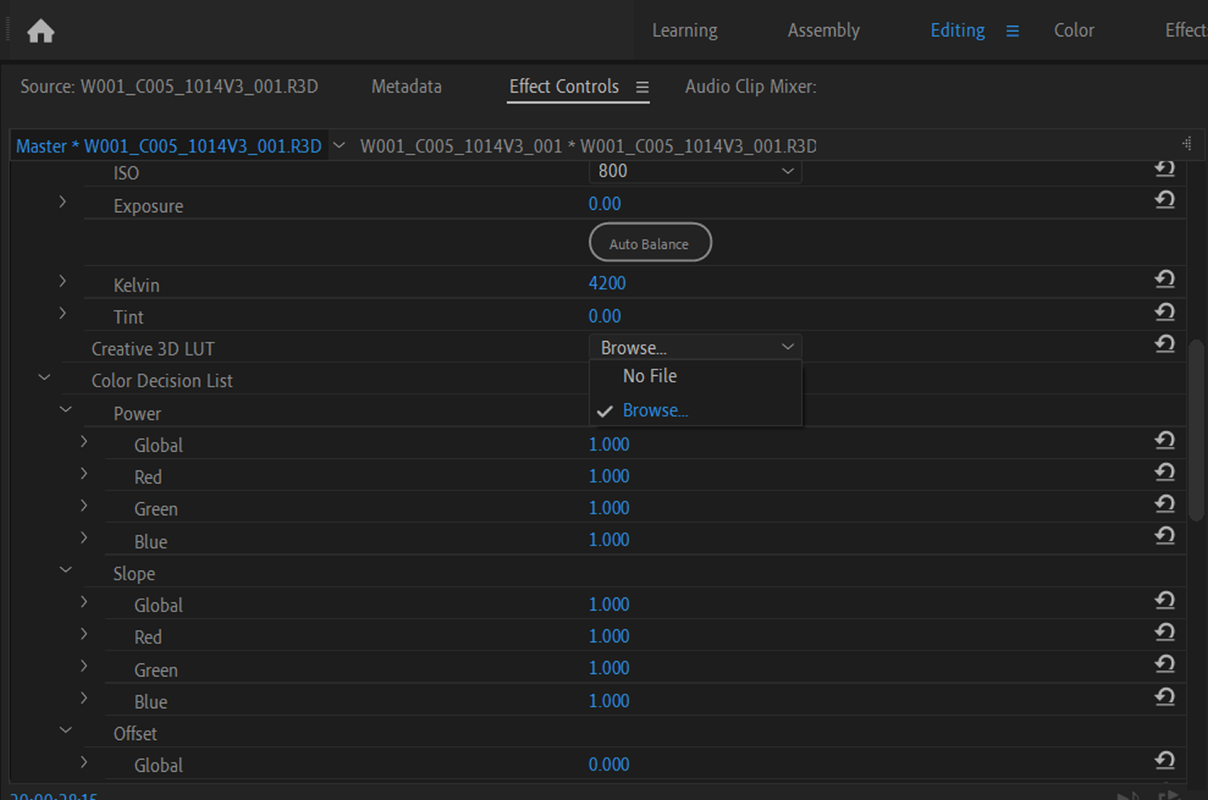
Back in still open version of Premeire Pro and choosing "Browse" next to "Creative 3D Lut" instead of "No File"


Screenshot-2356.png


Screenshot-2356-2.png


Screenshot-2357.png


Redcine-X Pro


creative-lut-redcine-x.jpg


Premiere Pro


W001-C005-1014-V3-001-00-00-00-00-Still001.jpg
 
Last edited:
Kyle,


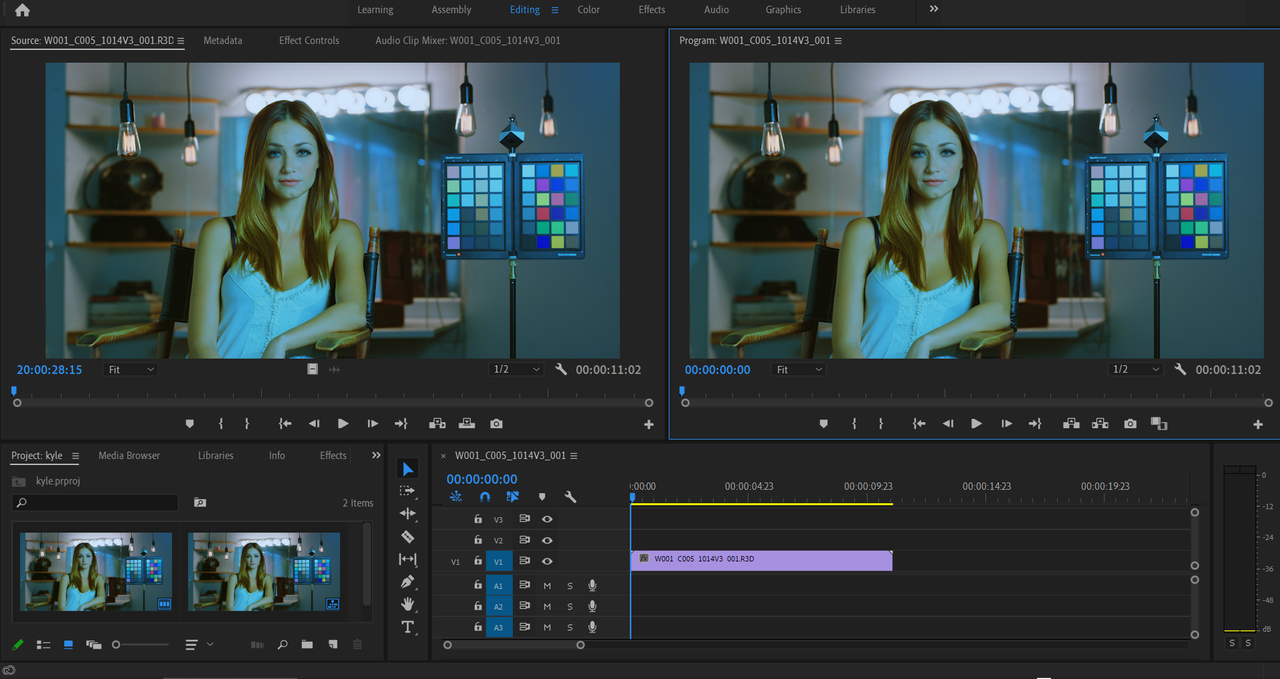
In the three examples below, I start with original file then to two different creative Luts I made. In each of the Creative Luts that were applied in Redcine-X, were then updated in Premiere Pro.


Screenshot-2362.png


Screenshot-2363.png


Screenshot-2364.png


Screenshot-2365.png


Screenshot-2366.png


Screenshot-2367.png
 
Thanks Kyle!

I did some demonstration Luts, don't know if I would actually use them in a professional workflow, in a thread a while back that you can see at the link below.


http://www.reduser.net/forum/showthread.php?179993-RED-CREATIVE-LUT-KIT&highlight=creative+luts


The "dropbox" links are still active but the "wetransfer" links have expired. I basically made the sky Luts in " 3D Lut Creator Pro" by remapping the color blue to another color. So anything blue would have its color remapped. Then I had to duplex an IPP2 transform Lut with the blue remapping Lut. This was done in a way where the IPP2 Output Transform Lut carried out it's transform function first , then the remapping Lut was applied last. It was more involved than just adding two Luts together which would have looked like crap.

If you're interested I could remake it again, just let me know.
 
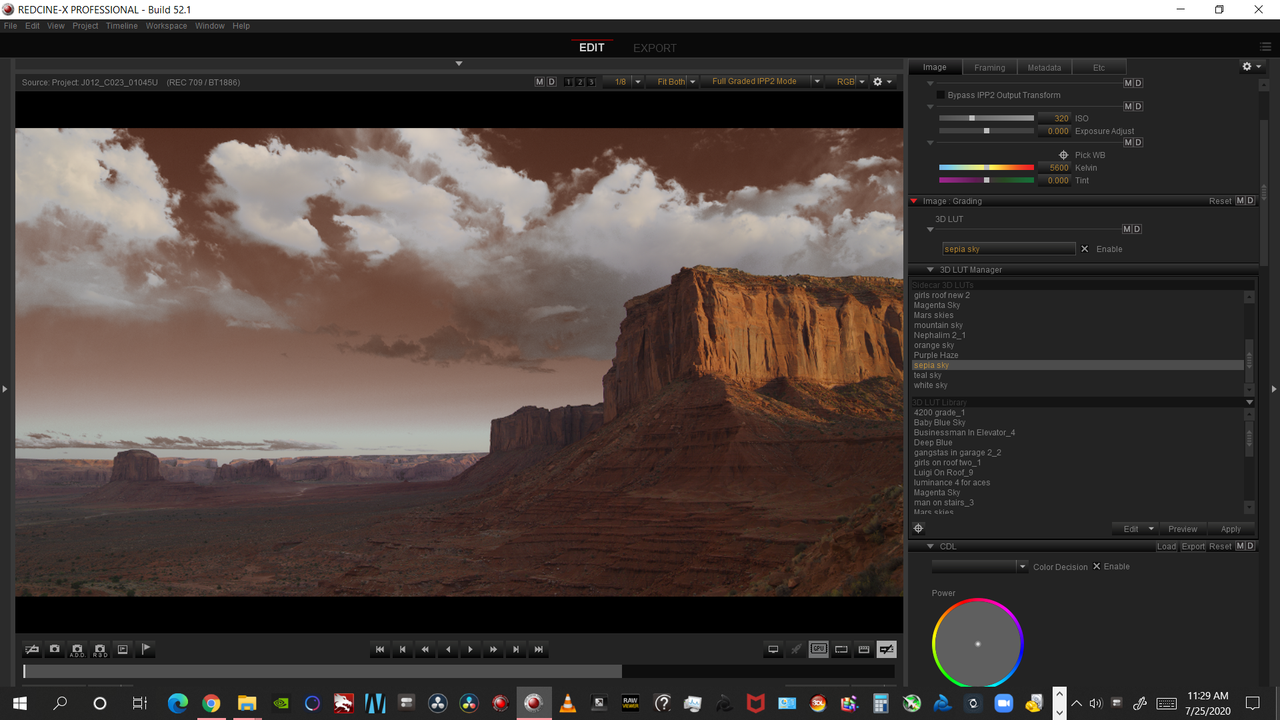
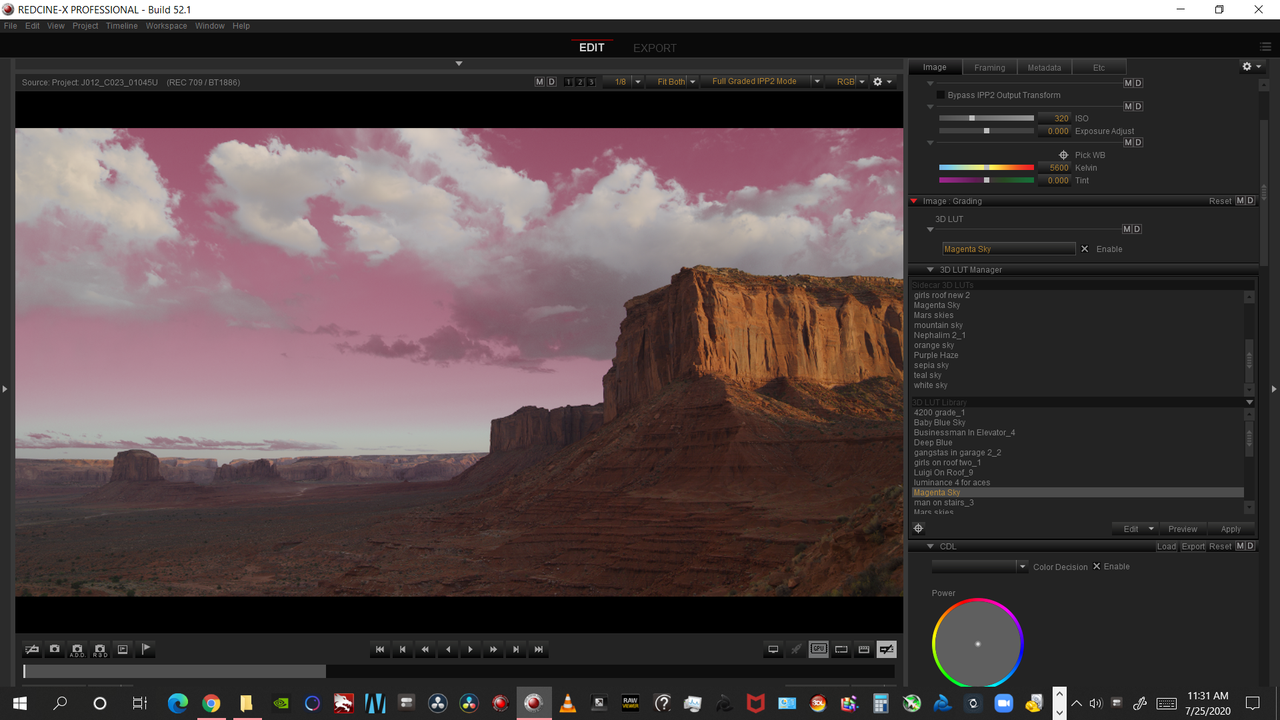
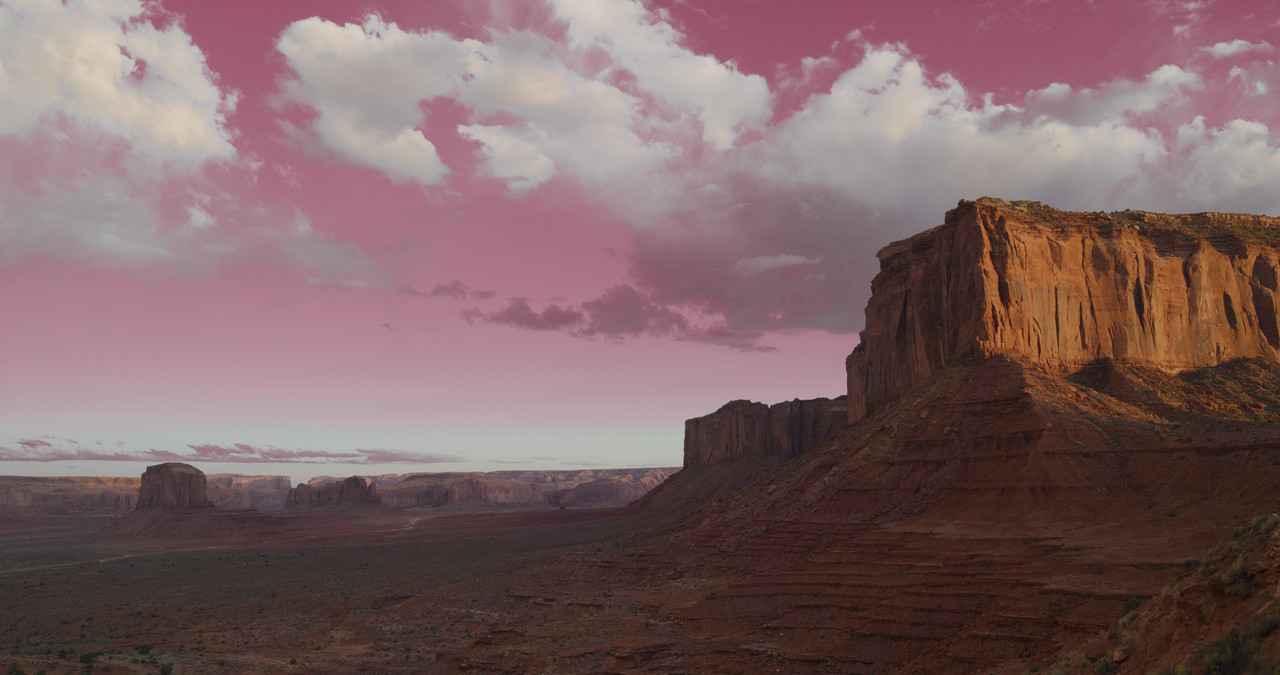
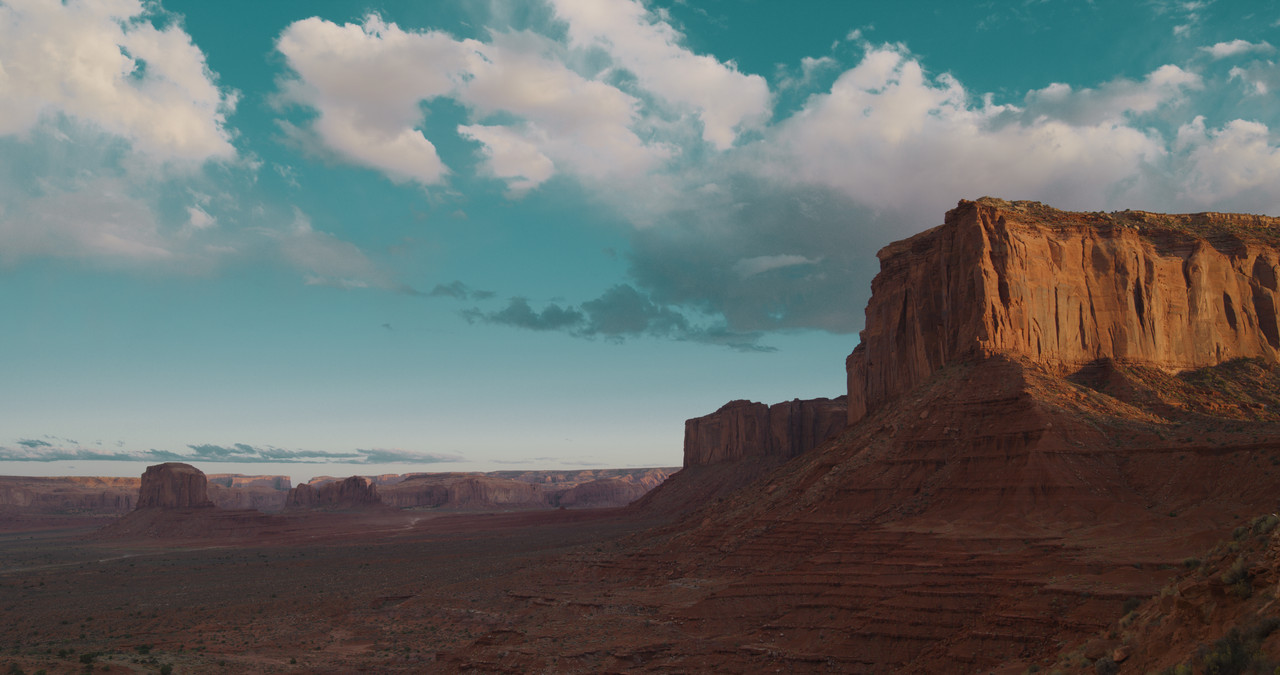
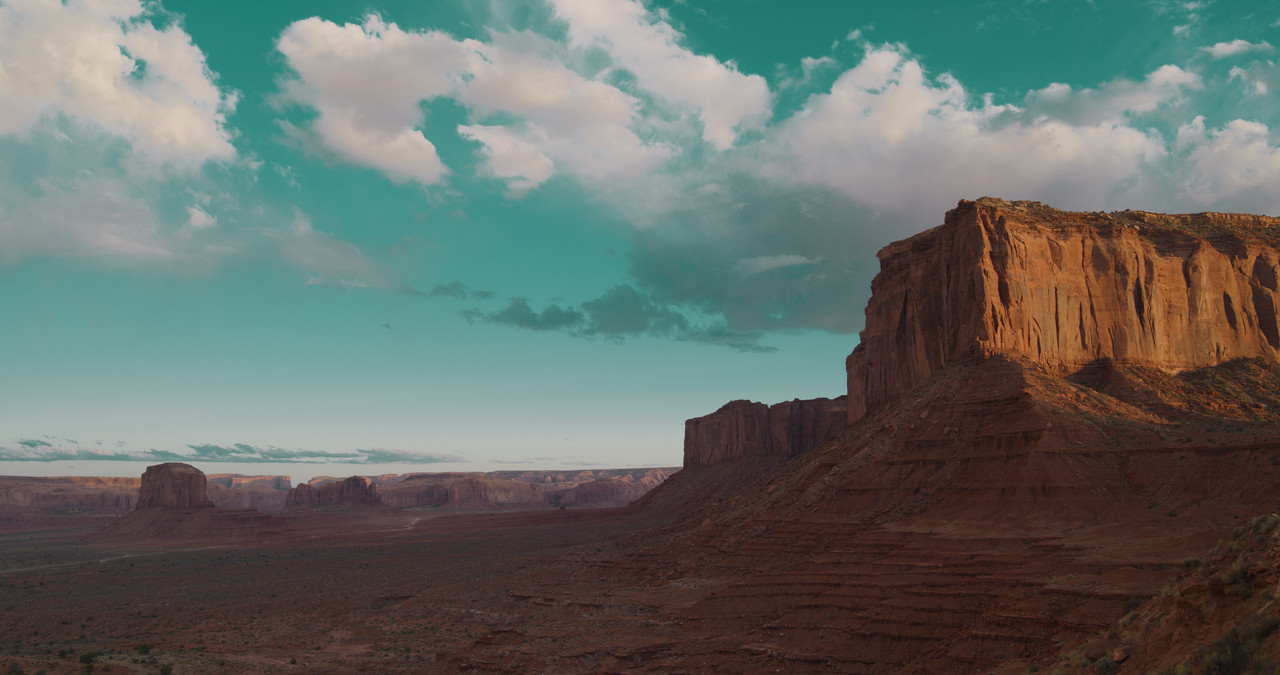
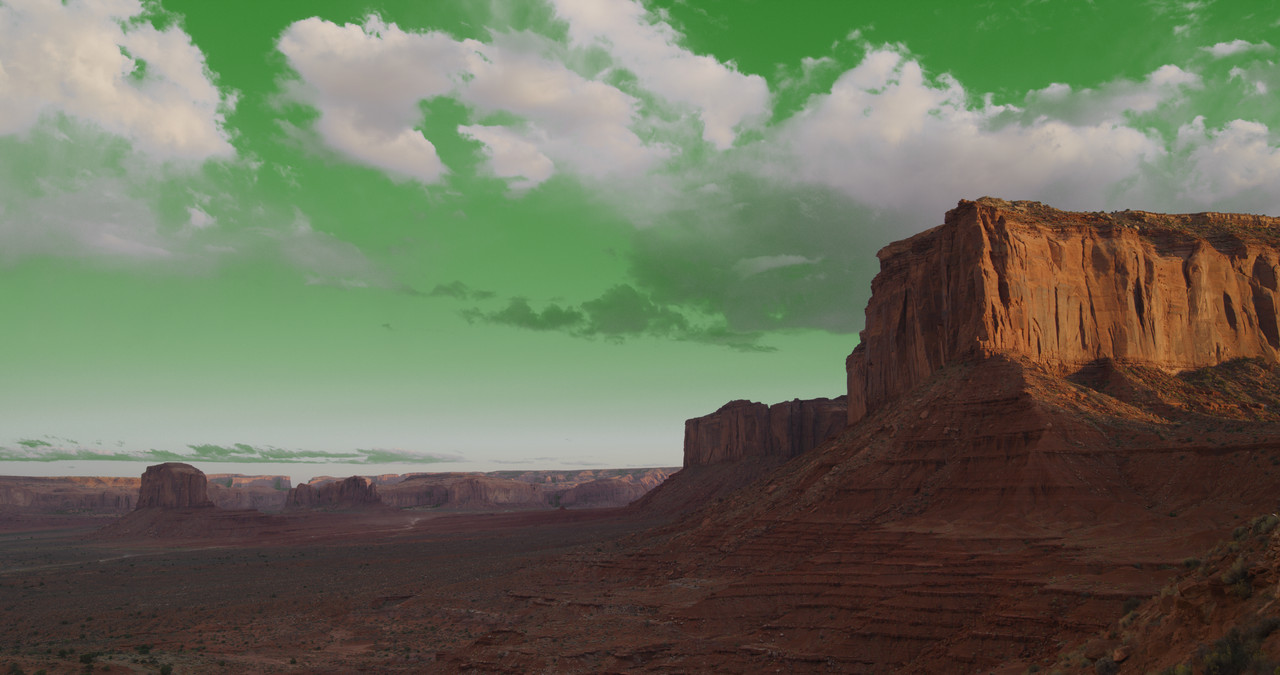
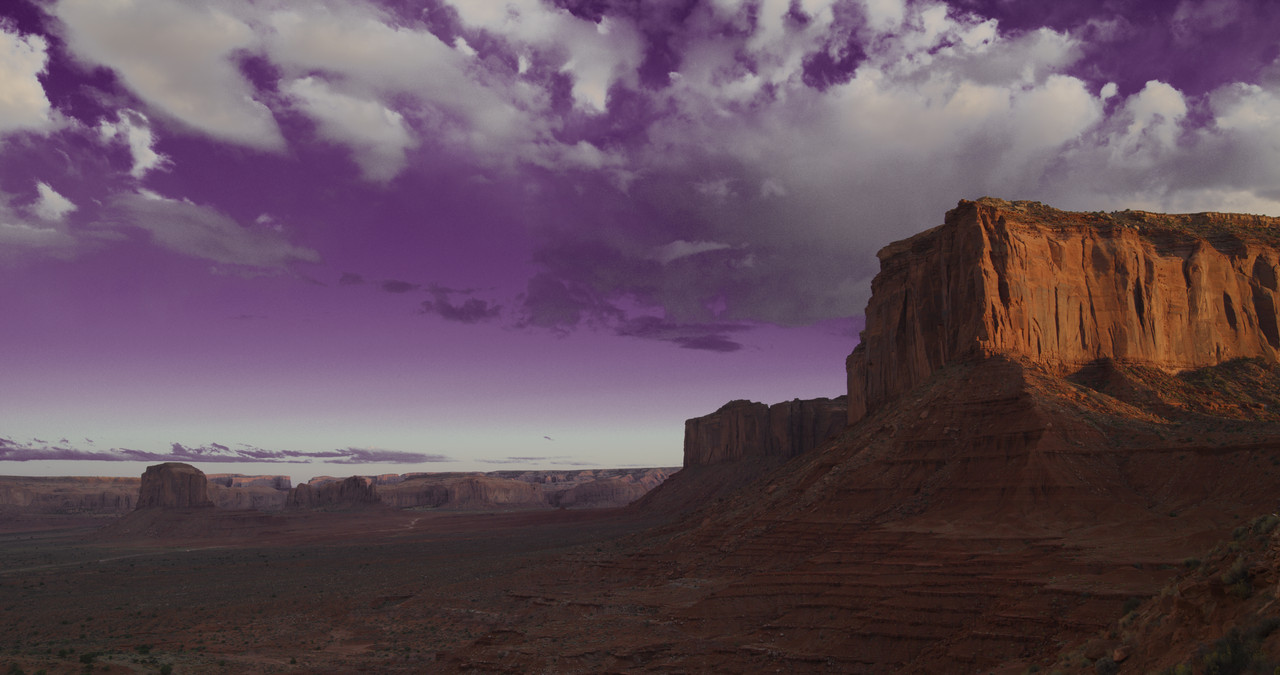
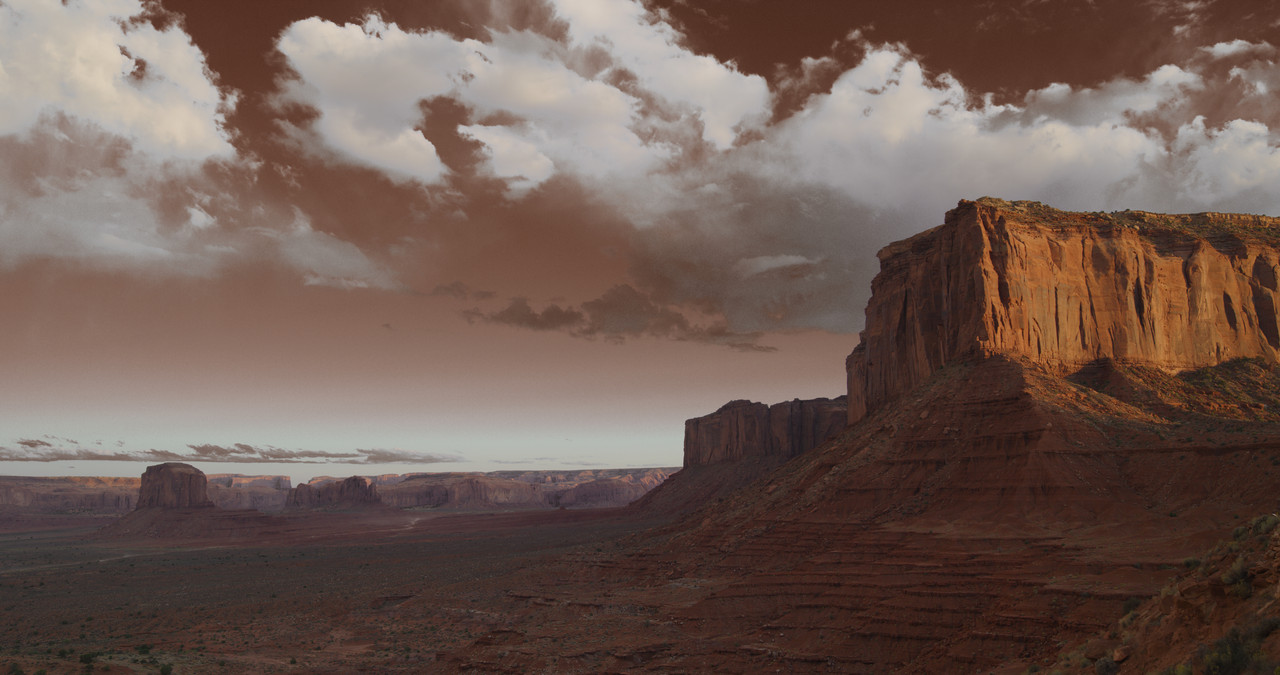
Here are a Couple of Sky transform Red Creative Luts


Link to Luts if you want to demo them, it includes the Stills below. Good for 7 days
https://we.tl/t-N61kcufybt


Magenta Sky

J012-C023-01045-U-0000000.jpg


Deep Blue Sky

J012-C023-01045-U-S000-0000000.jpg


Baby Blue Sky

J012-C023-01045-U-S002-0000000.jpg


Mars Sky- I was thinking about "Little Green Men" from Mars. I think the actual colors are red

J012-C023-01045-U-S001-0000000.jpg


Purple Haze Sky

J012-C023-01045-U-0000092.jpg


Sepia Sky

J012-C023-01045-U-S003-0000000.jpg
 
Back
Top