Manuel_Rey
Member
- Joined
- Mar 26, 2024
- Messages
- 6
- Reaction score
- 1
- Points
- 3
Hello, hardworking people! Redcine newbie here.
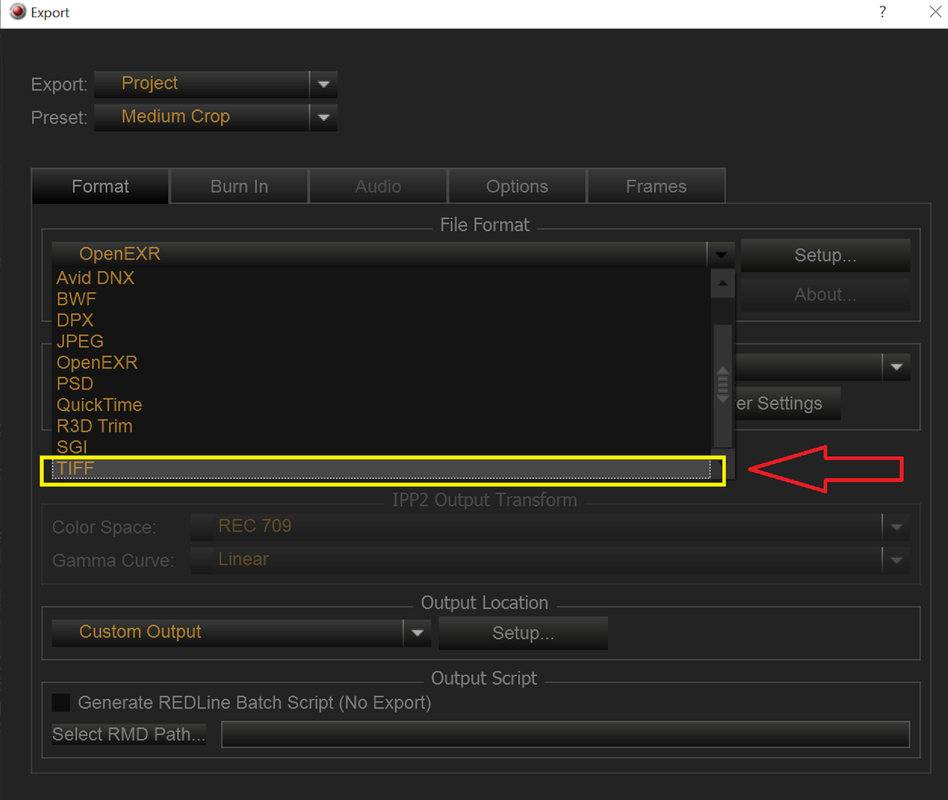
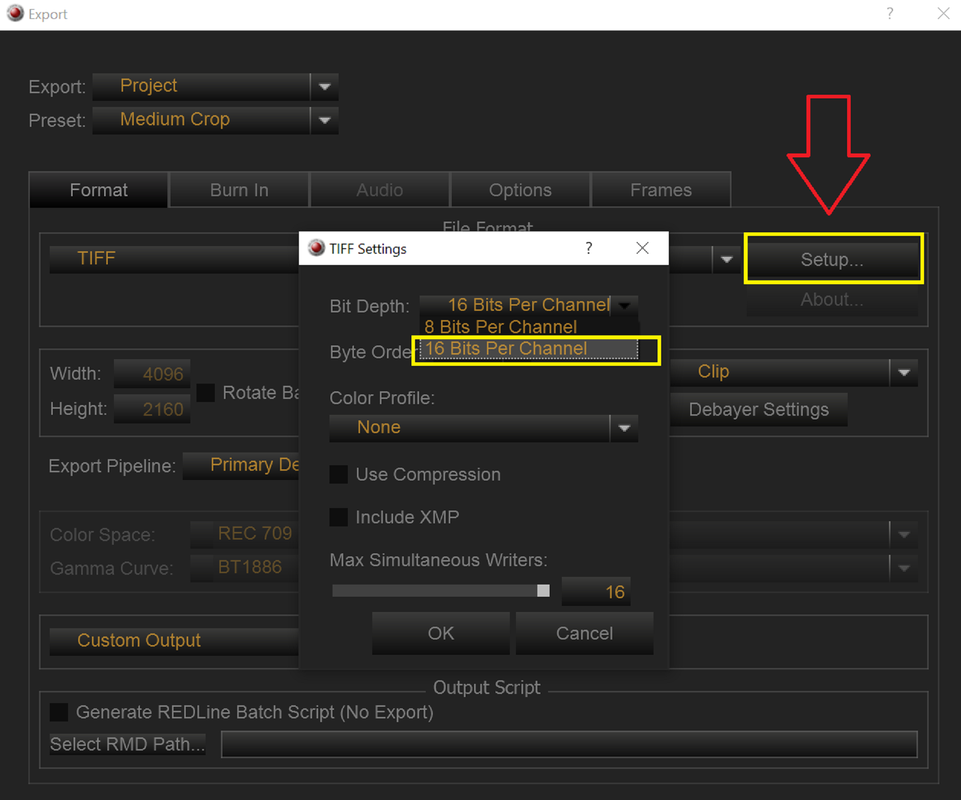
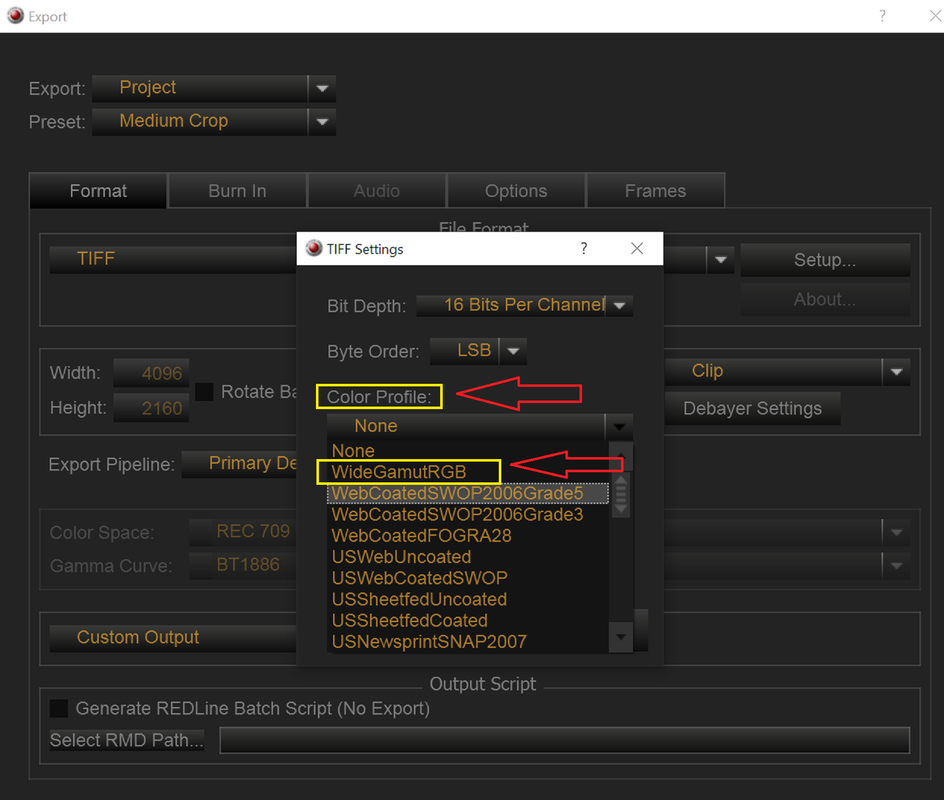
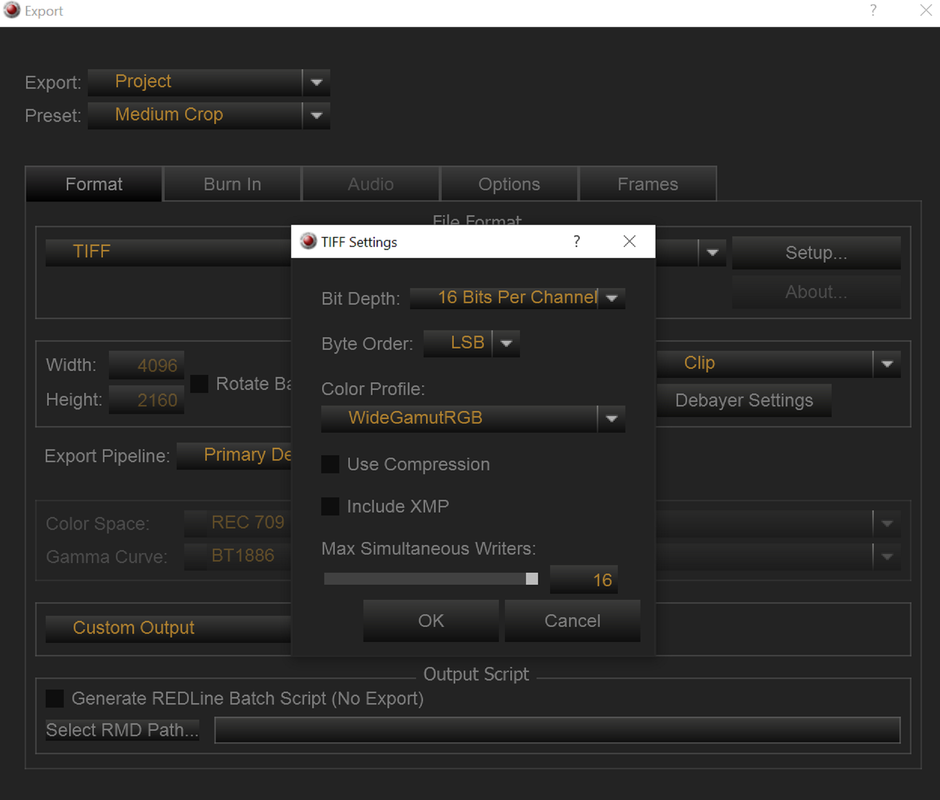
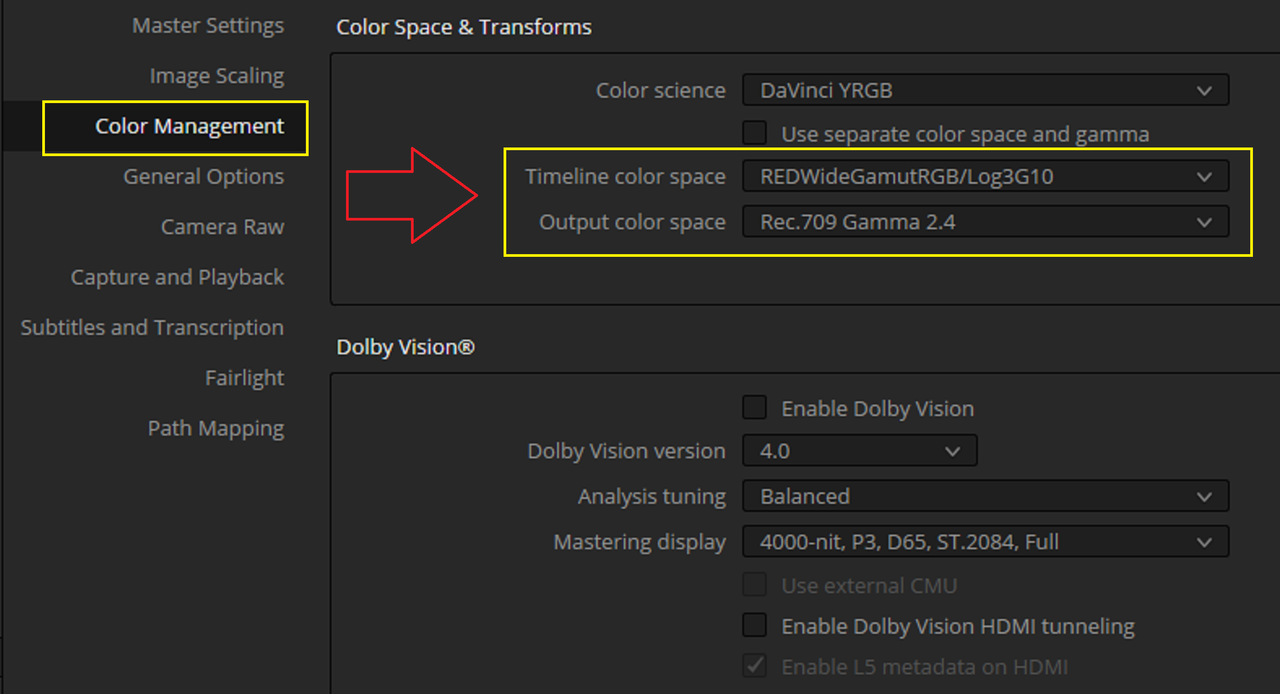
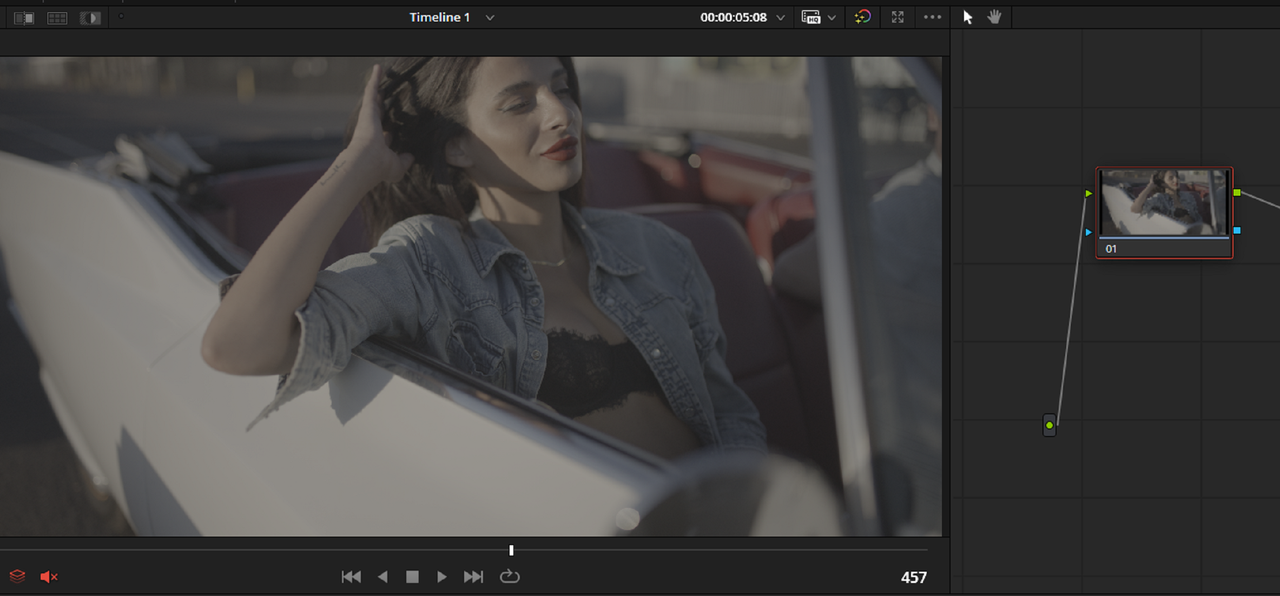
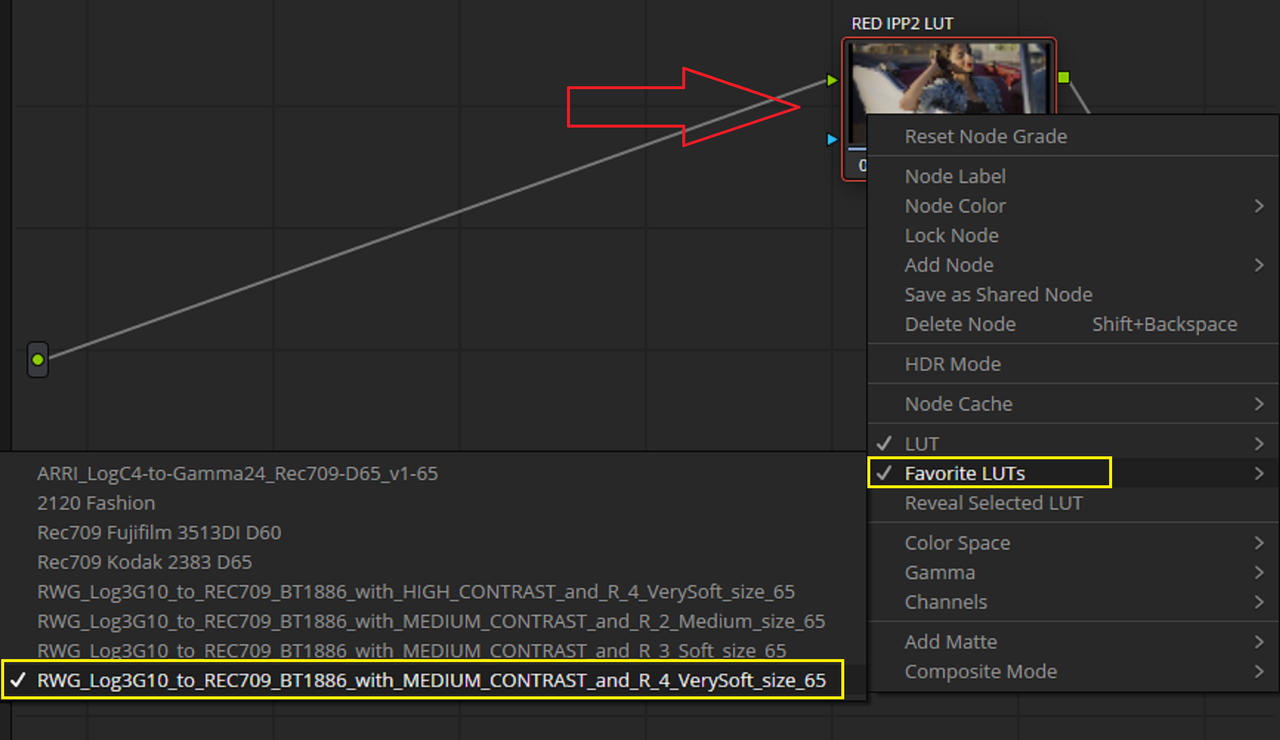
I'm having a hard time converting an R3D file into EXR. I'm a VFX guy helping a friend, and I'm attaching some screenshots to illustrate what the director wants and my workflow.
In order to do my work, I need to export the R3D files to EXR while keeping them in log space. This way, I can bring them into Nuke, linearize the files, do my work, revert them back to log space, and send them to the director for final color correction.
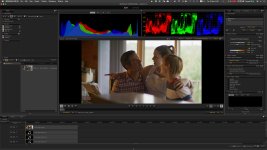
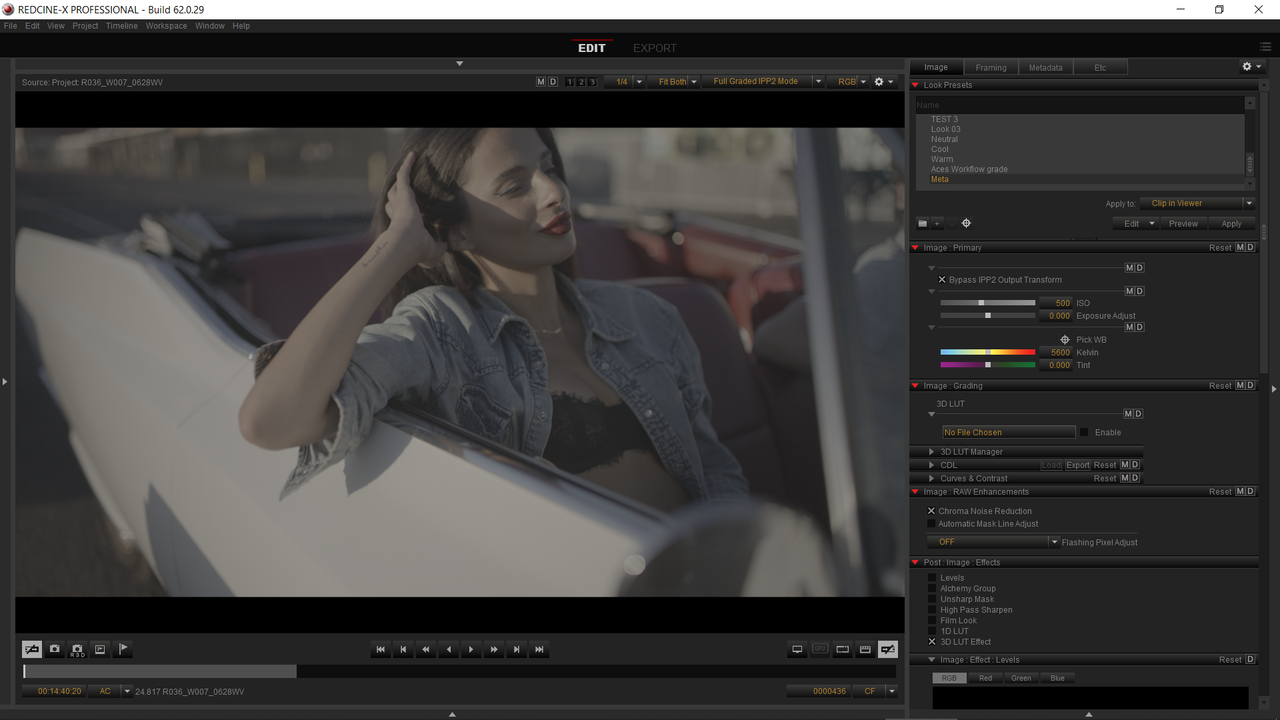
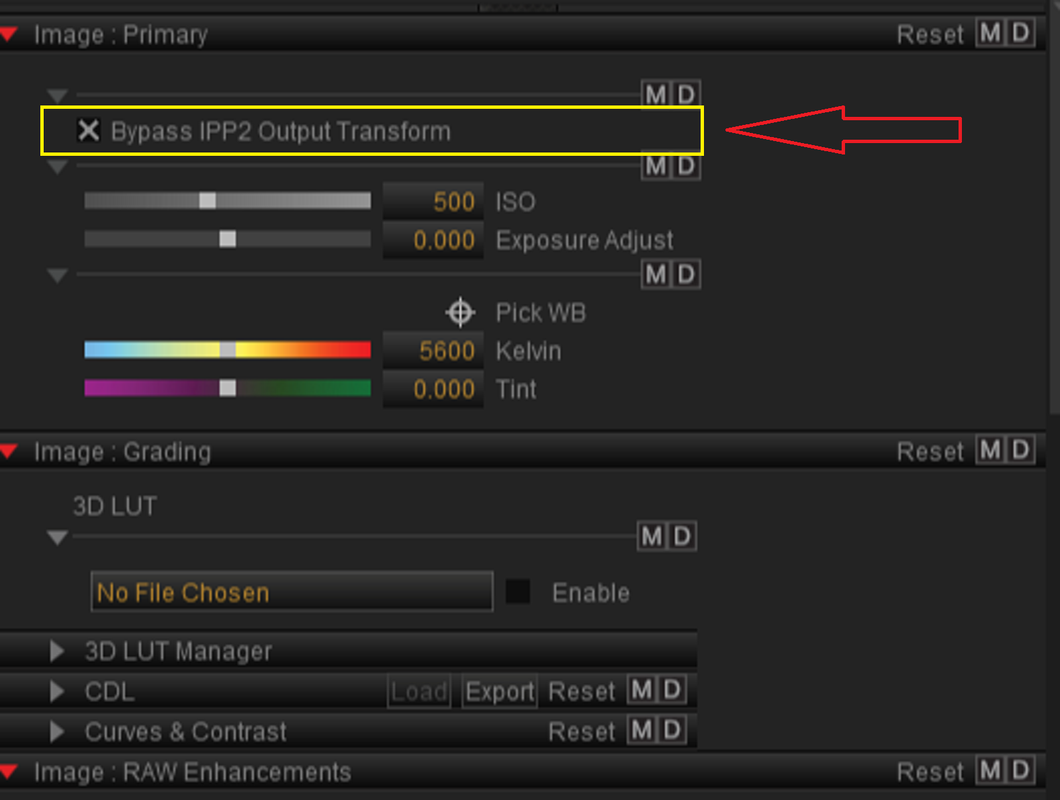
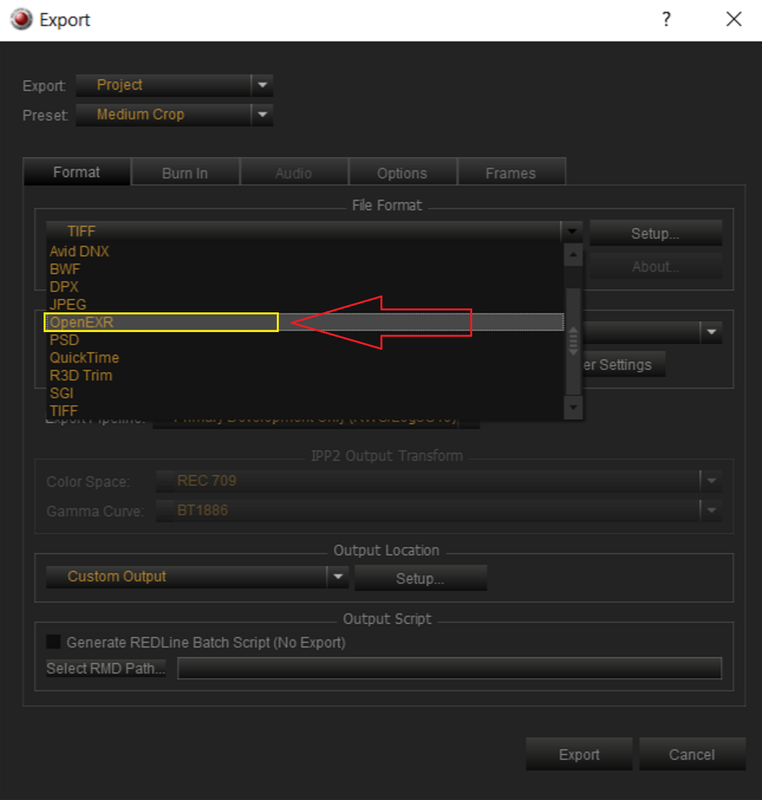
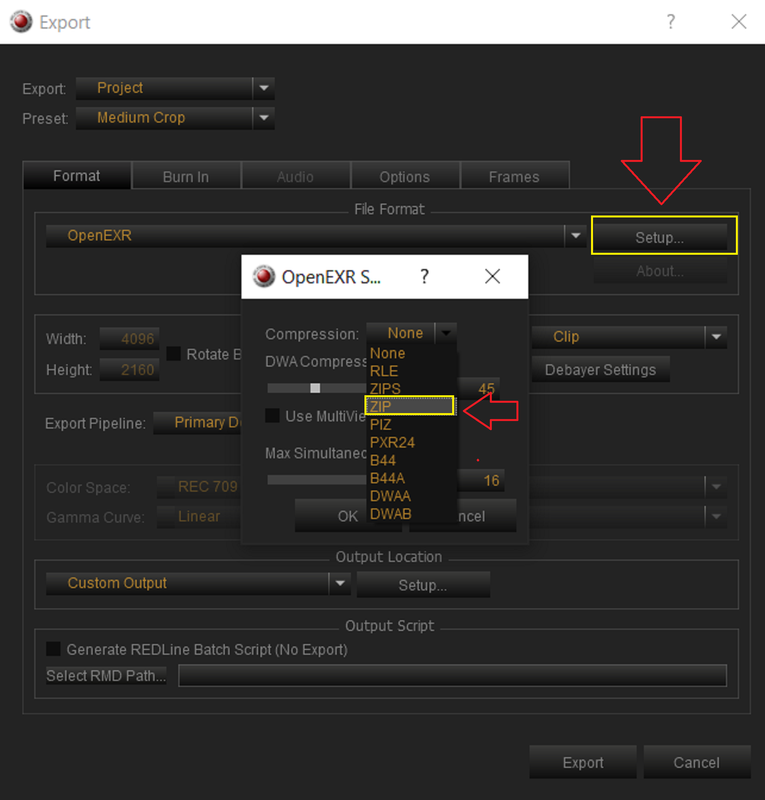
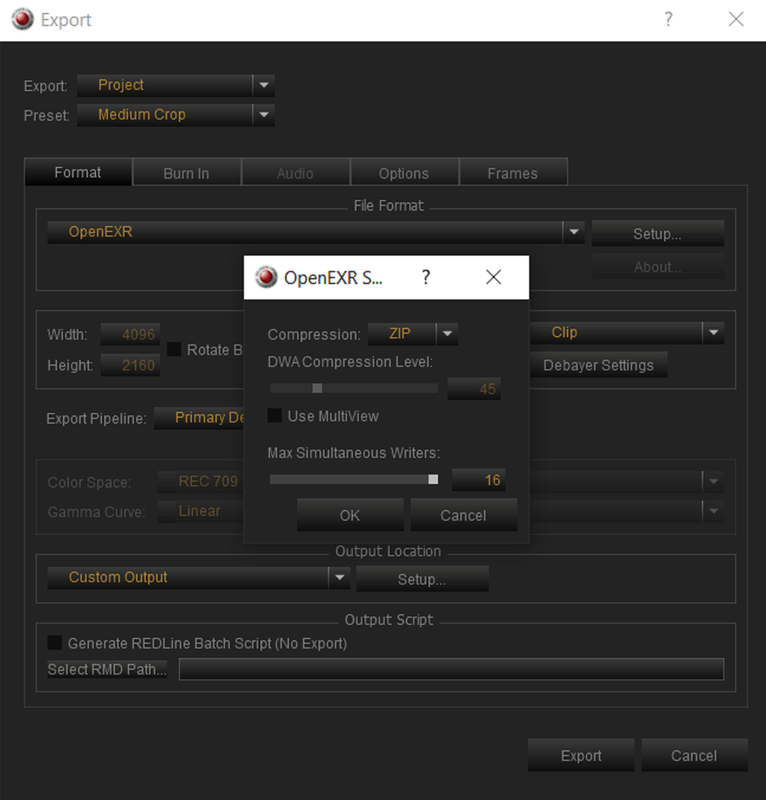
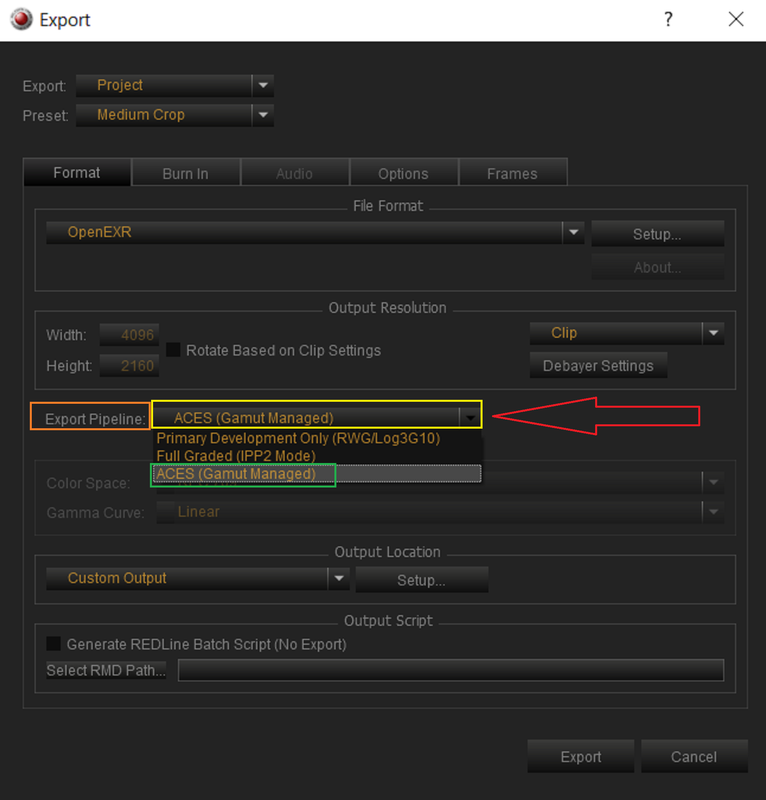
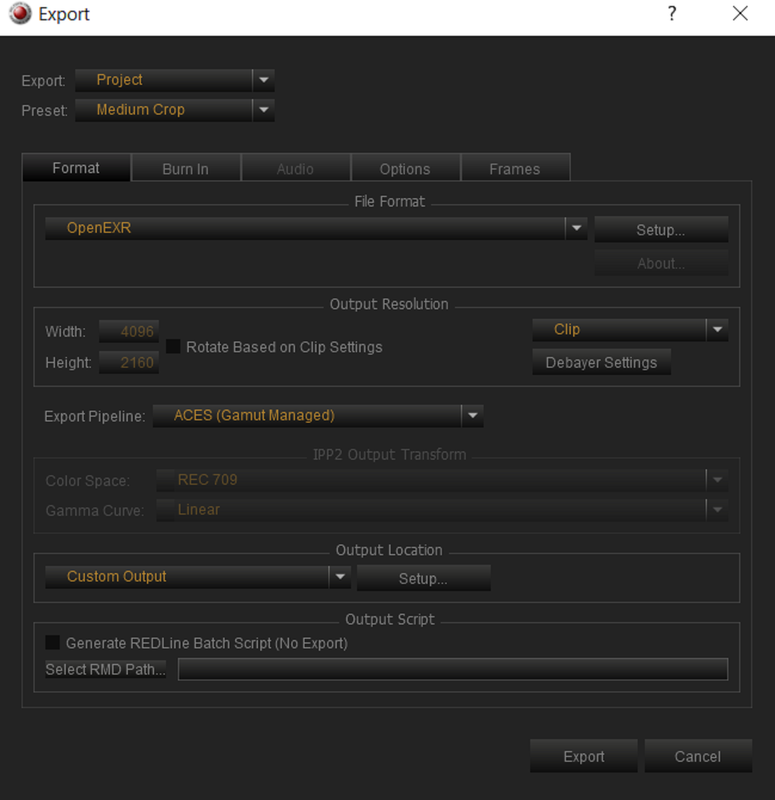
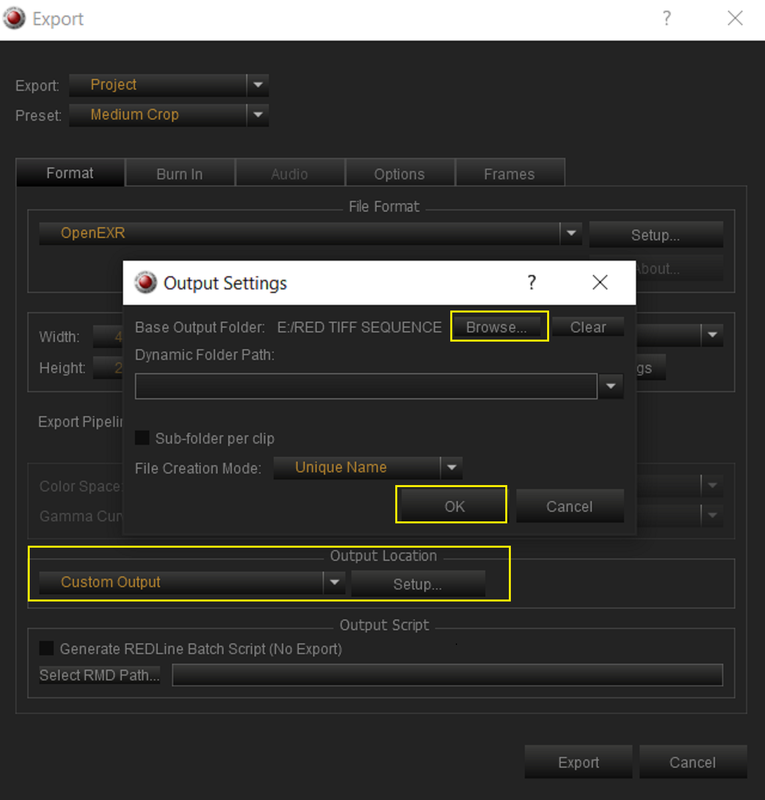
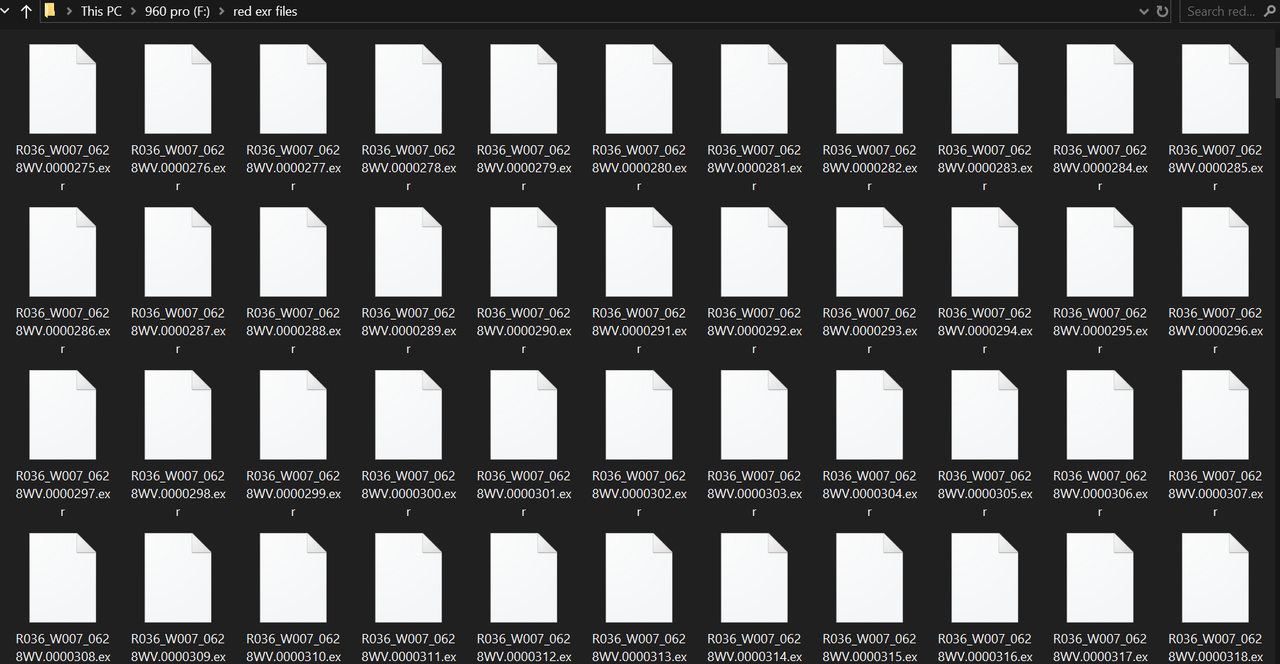
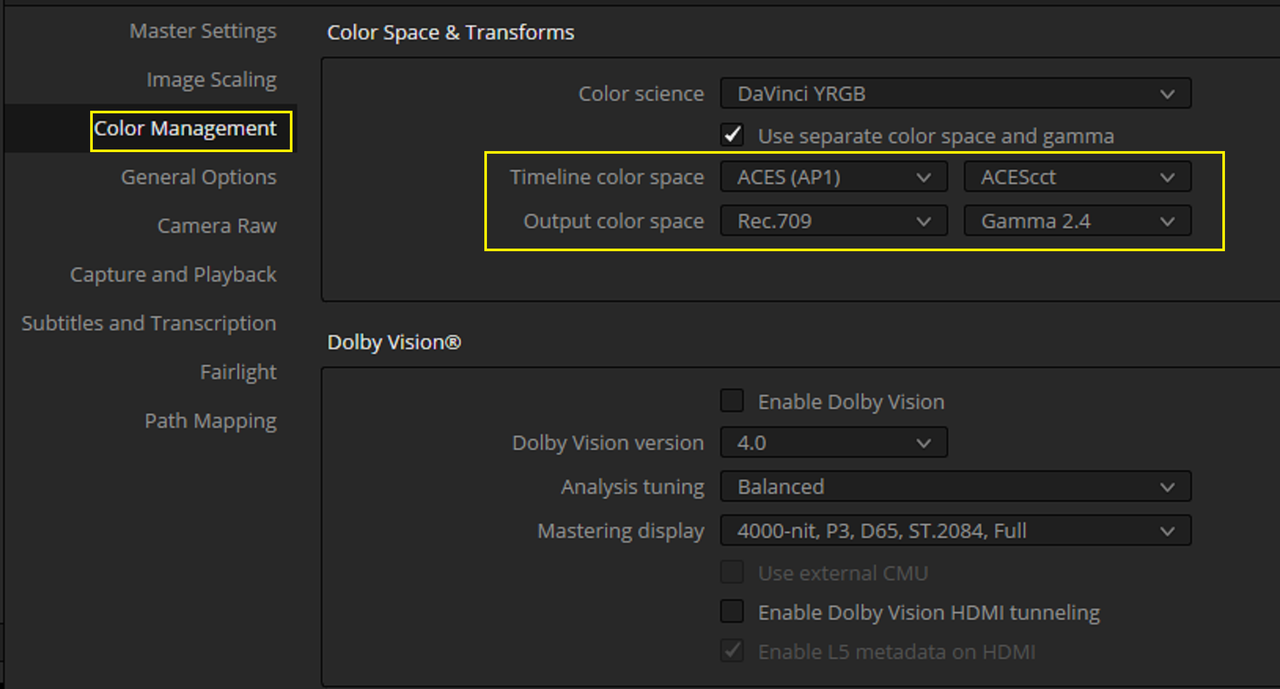
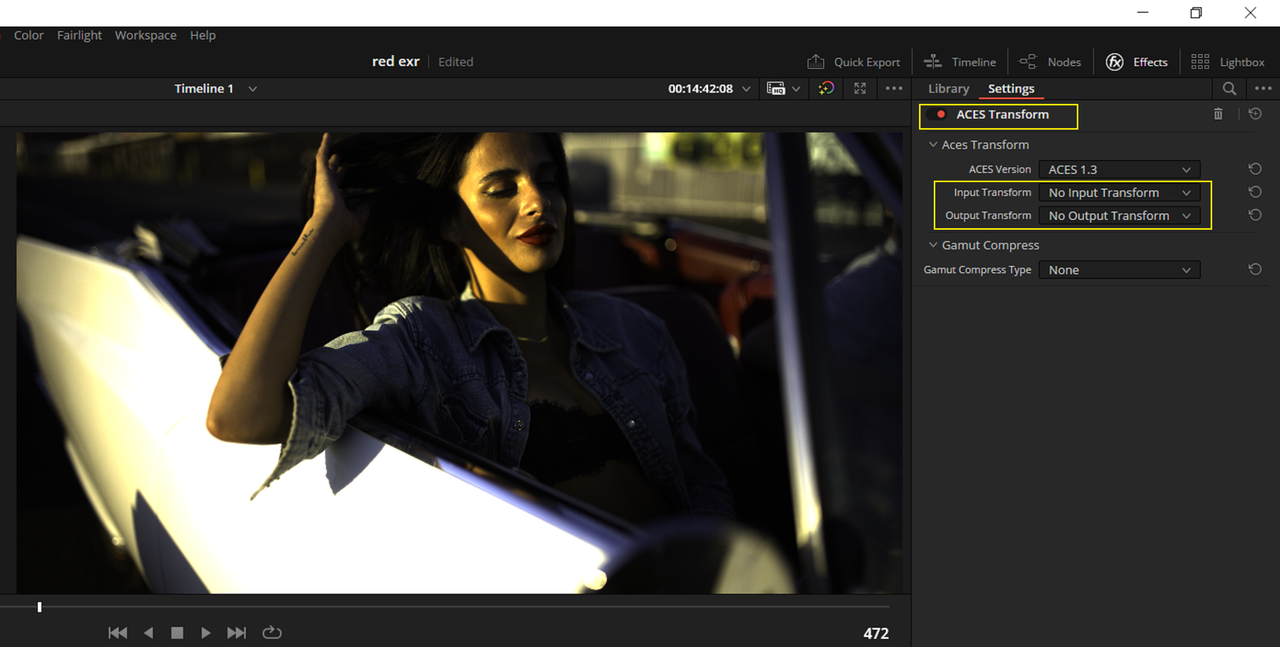
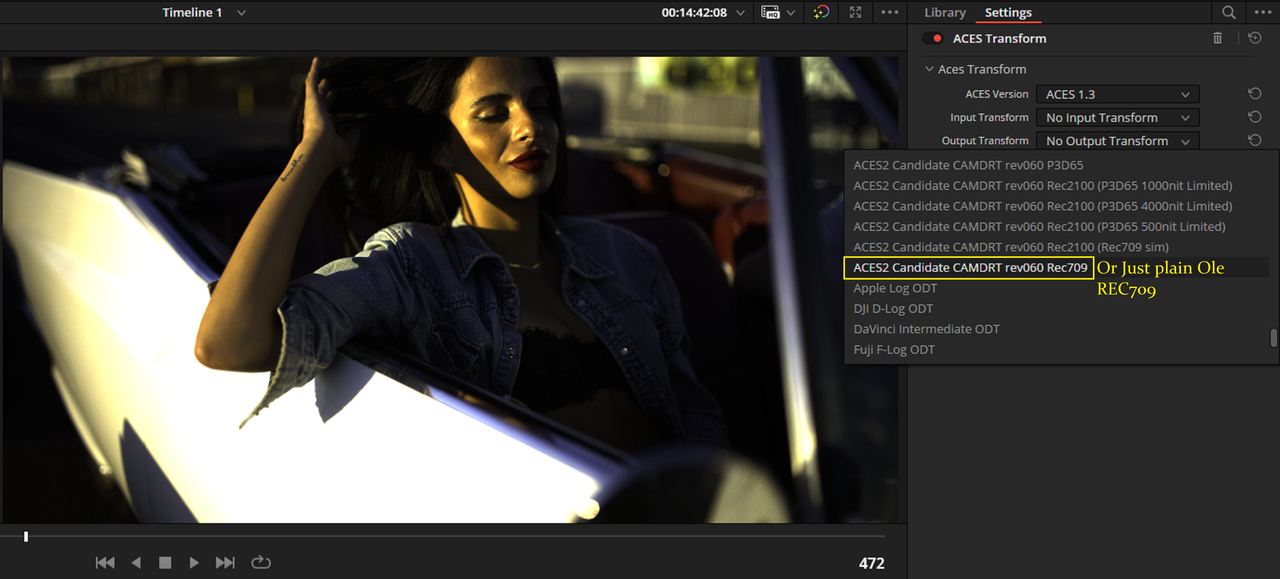
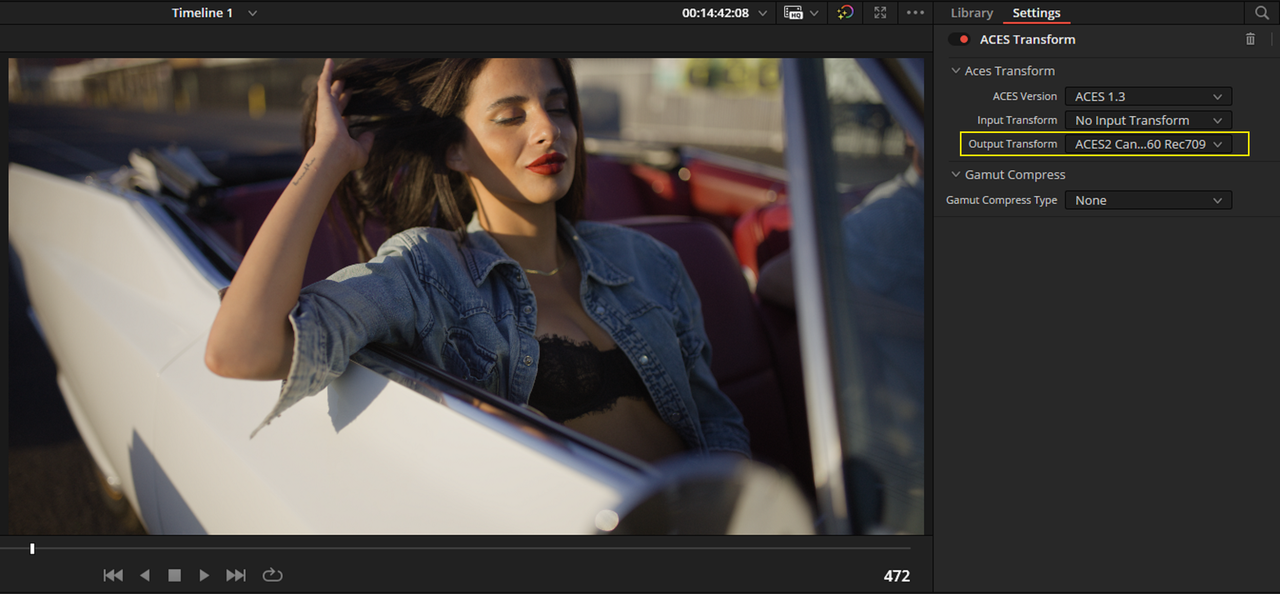
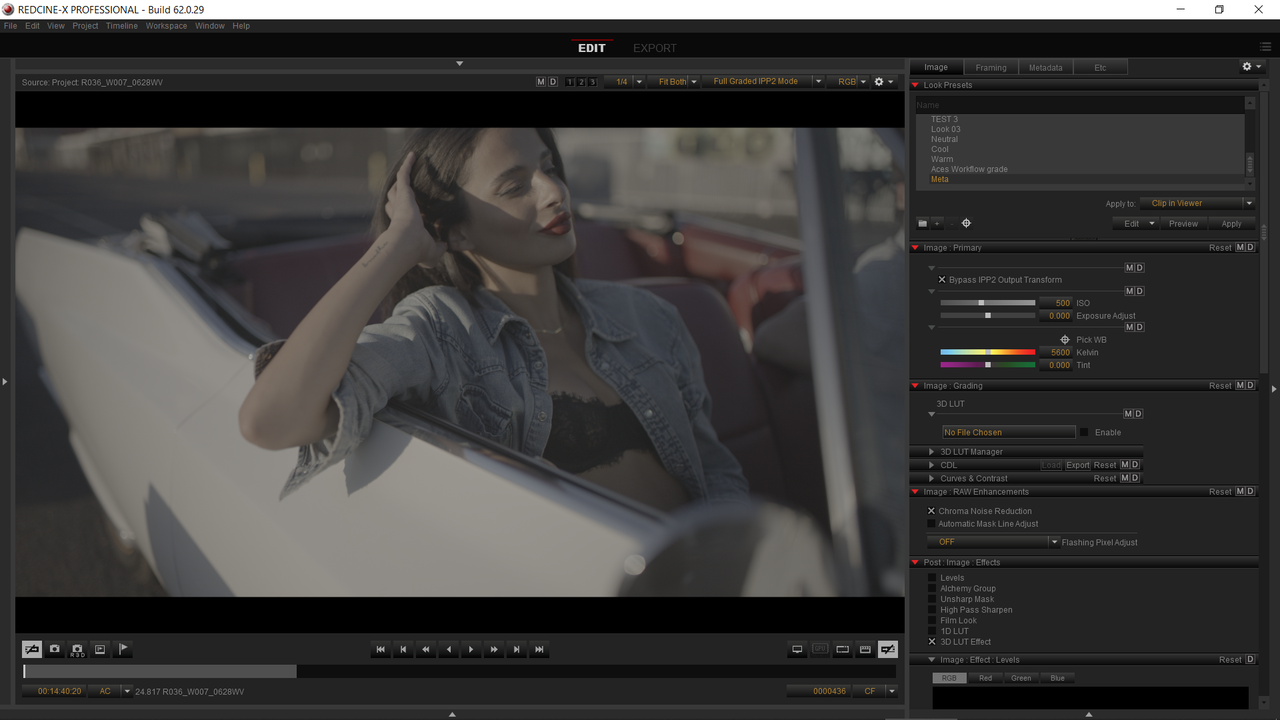
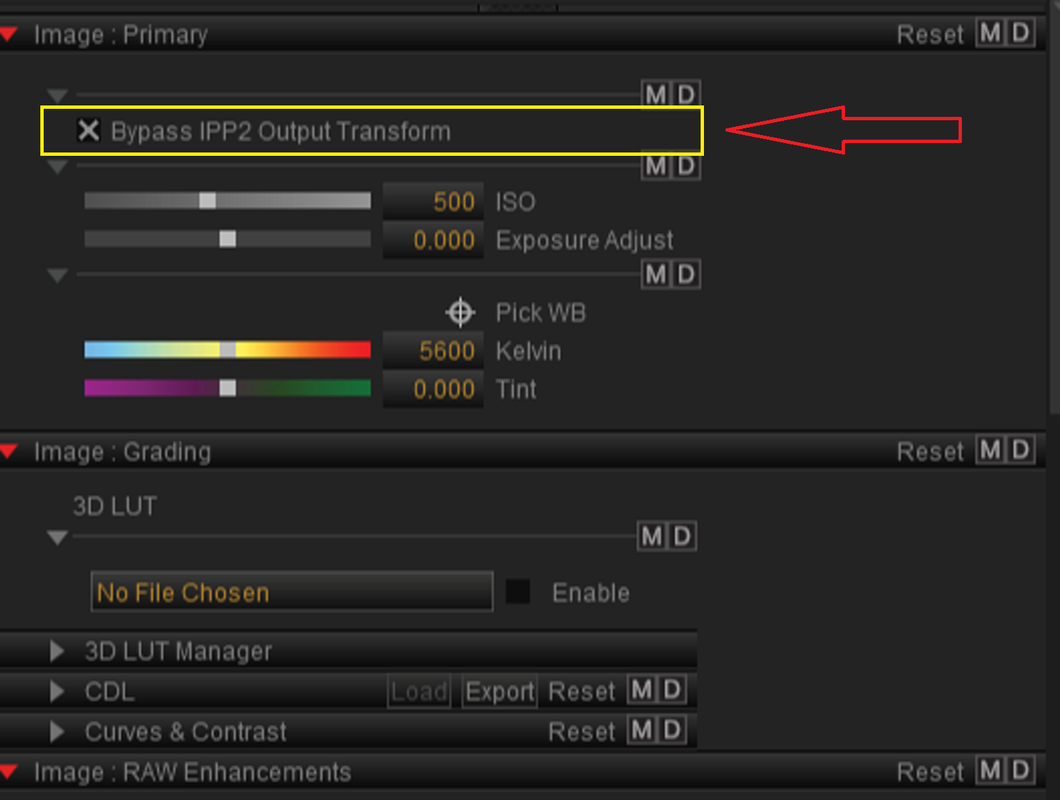
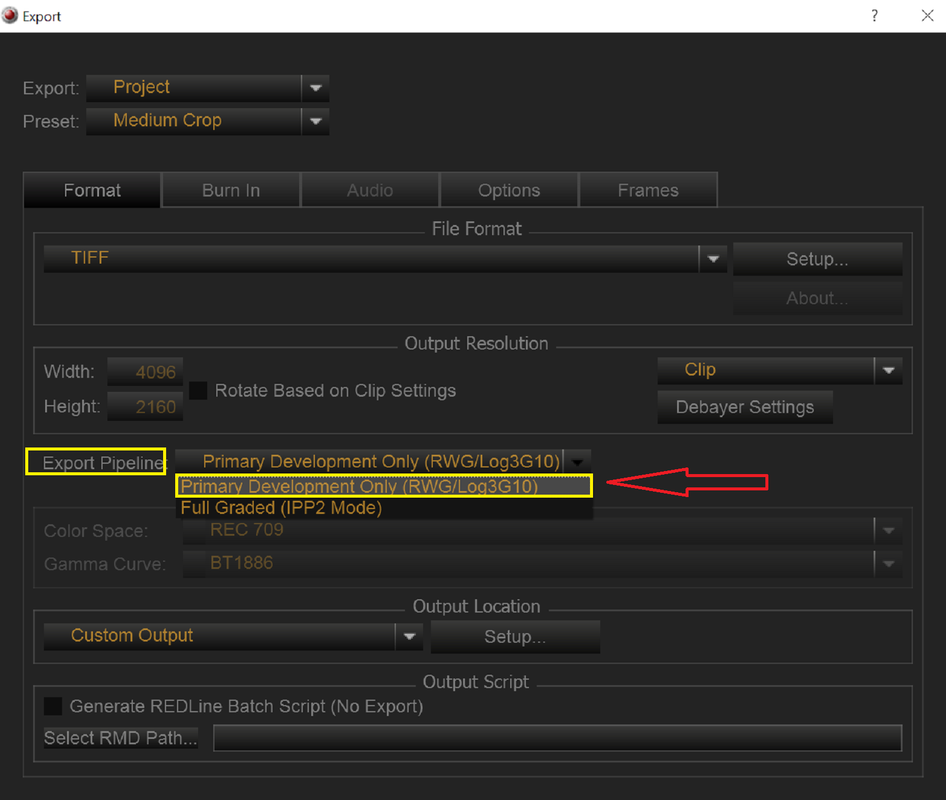
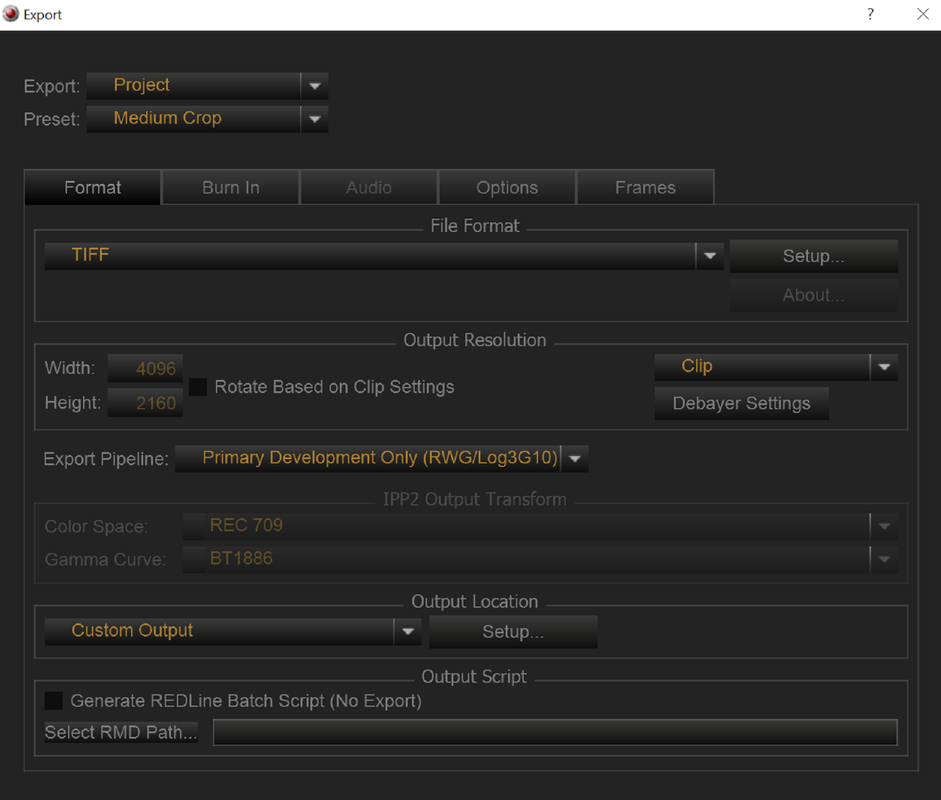
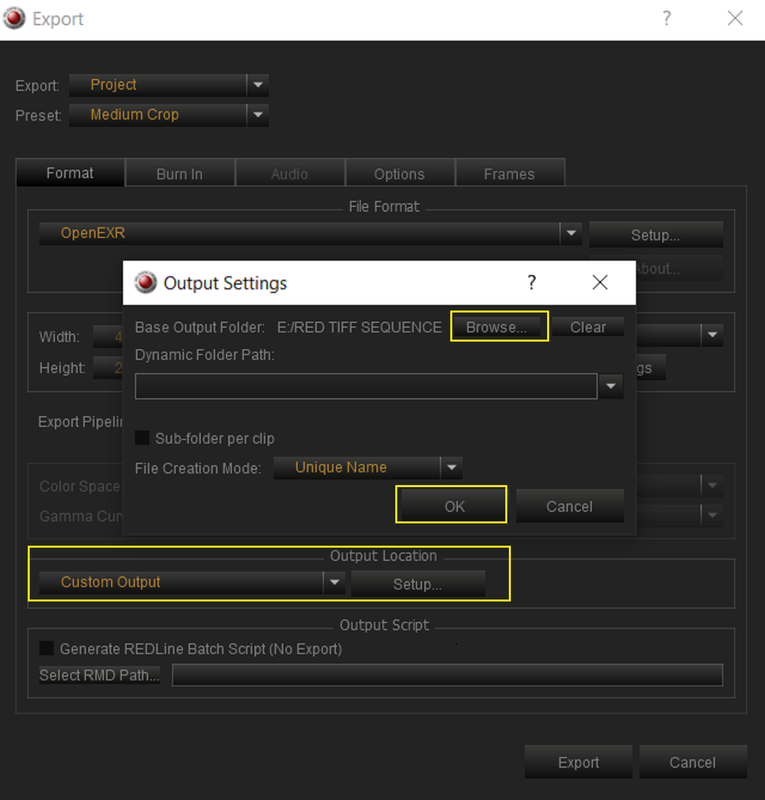
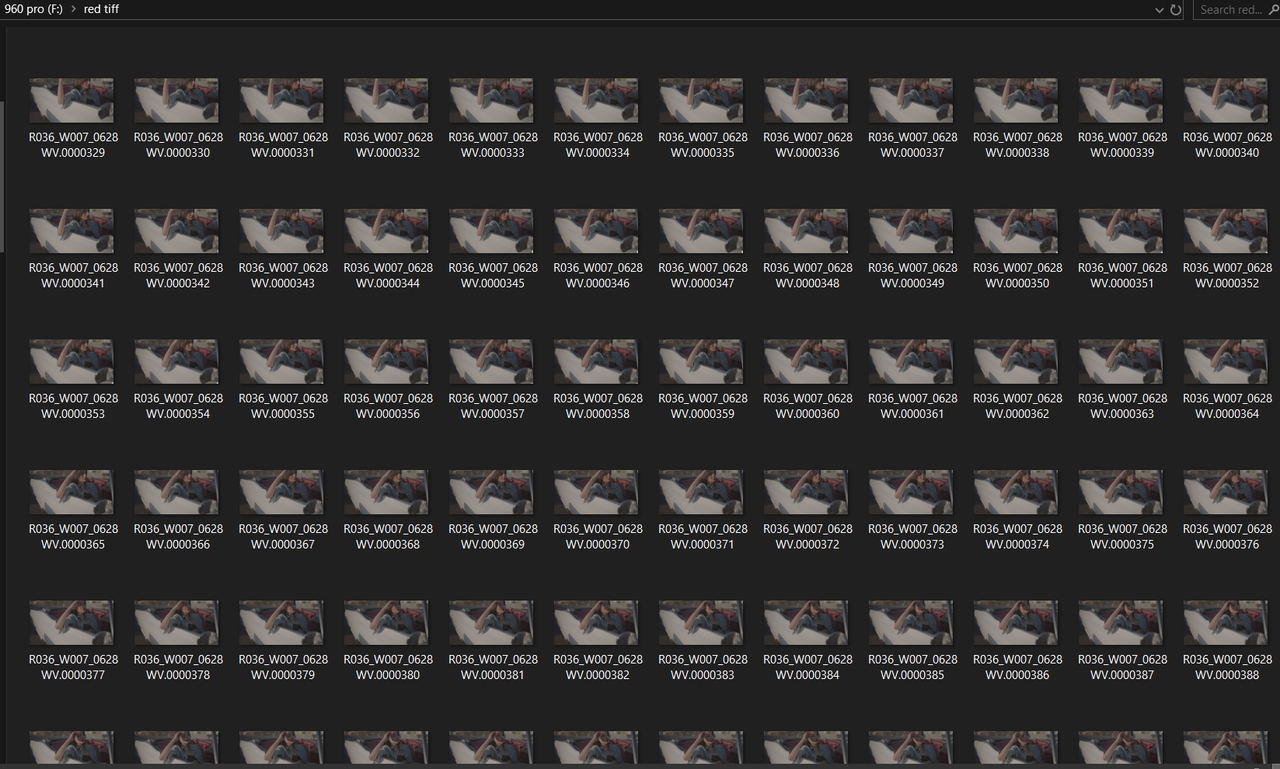
In the screenshots, you can see: the 1st file shows what the director wants when everything is done, the 2nd shows the flat look that I need the EXR to match, the 3rd is my export with settings that I think make sense, and the 4th is the result of the render in Nuke (RAW data).
Clearly, I'm missing something. If anyone could shed some light on what I'm doing wrong, I'd appreciate it.
Thanks for your time!
Kind regards,
Manuel Gonzalez
I'm having a hard time converting an R3D file into EXR. I'm a VFX guy helping a friend, and I'm attaching some screenshots to illustrate what the director wants and my workflow.
In order to do my work, I need to export the R3D files to EXR while keeping them in log space. This way, I can bring them into Nuke, linearize the files, do my work, revert them back to log space, and send them to the director for final color correction.
In the screenshots, you can see: the 1st file shows what the director wants when everything is done, the 2nd shows the flat look that I need the EXR to match, the 3rd is my export with settings that I think make sense, and the 4th is the result of the render in Nuke (RAW data).
Clearly, I'm missing something. If anyone could shed some light on what I'm doing wrong, I'd appreciate it.
Thanks for your time!
Kind regards,
Manuel Gonzalez