Welcome to our community

Be a part of something great, join today!

  • Hey all, just changed over the backend after 15 years I figured time to give it a bit of an update, its probably gonna be a bit weird for most of you and i am sure there is a few bugs to work out but it should kinda work the same as before... hopefully :)

Premiere Legacy / IPP2

Joined
Feb 20, 2018
Messages
10
Reaction score
0
Points
1
Hi guys,

Does anyone know a simple way to change all of your footage from Legacy to IPP2 without changing the Kelvin / Tint etc?
Since the latest update of Premiere, all of my Dragon 6K footage is being read as Legacy. Before the update it opened in IPP2.
I can ofcourse make preset a in Premiere itself, but that it would also change the kelvin / tint etc.

Thanks!
 
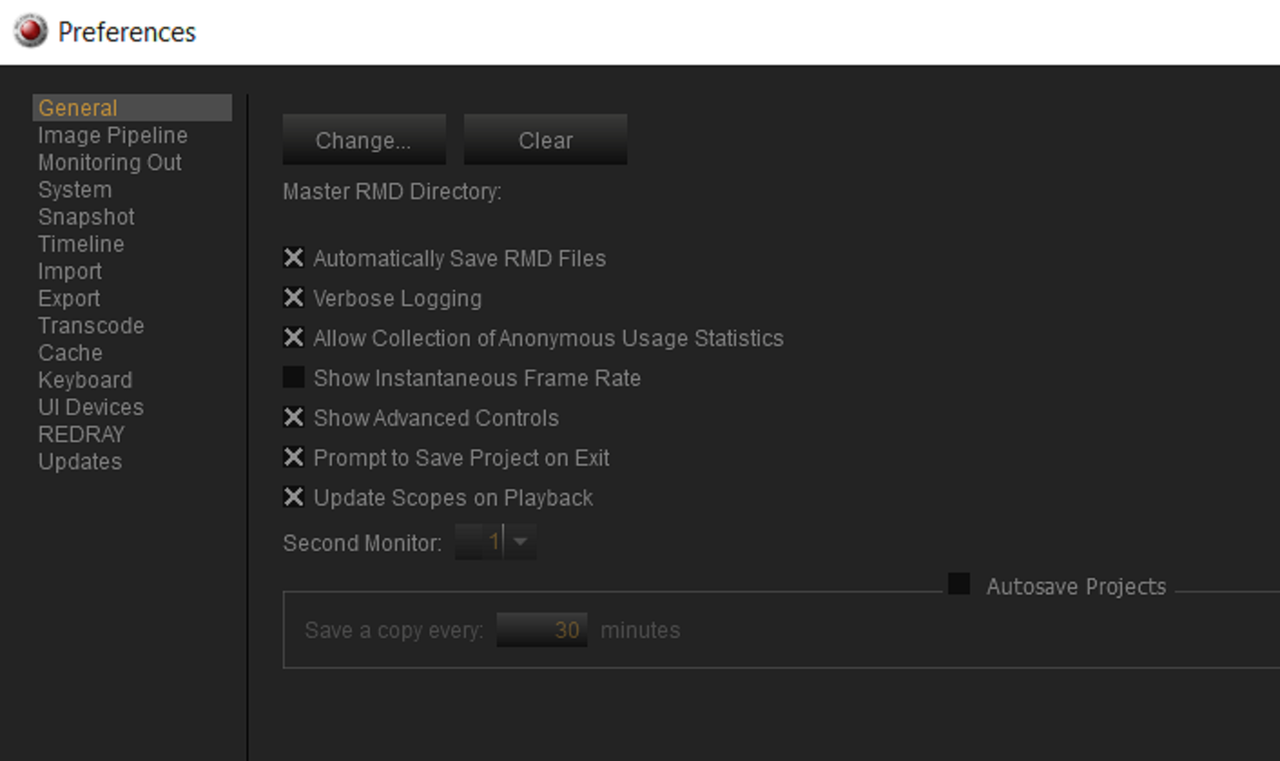
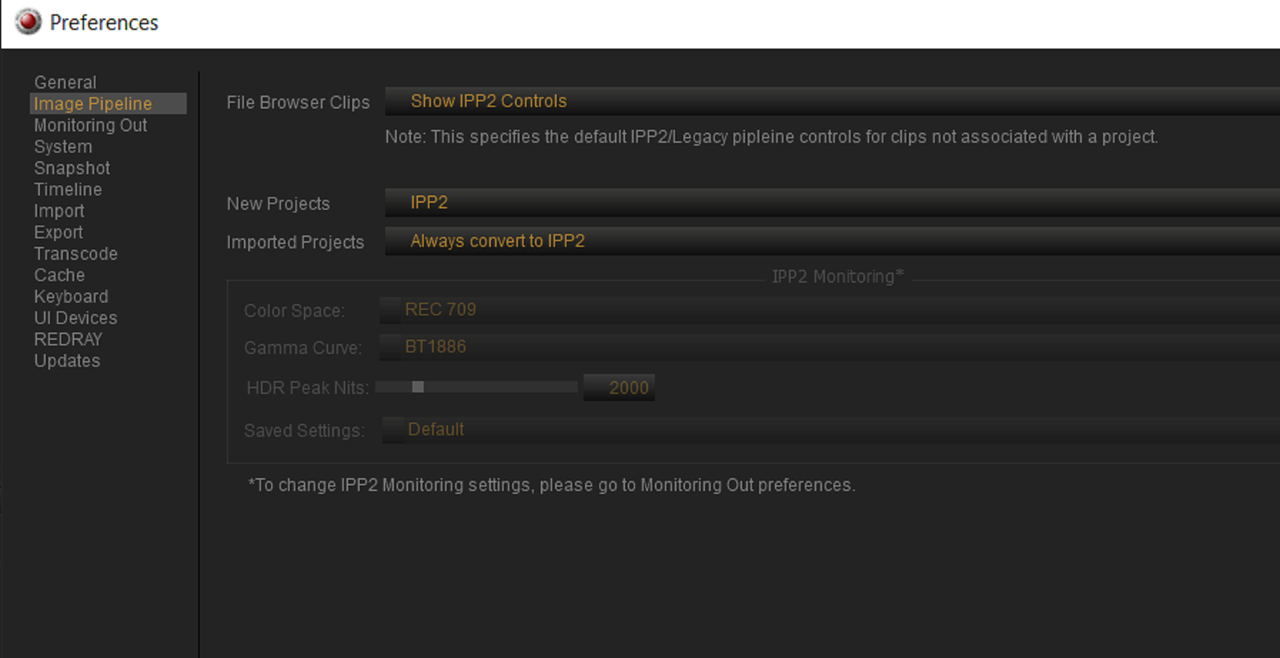
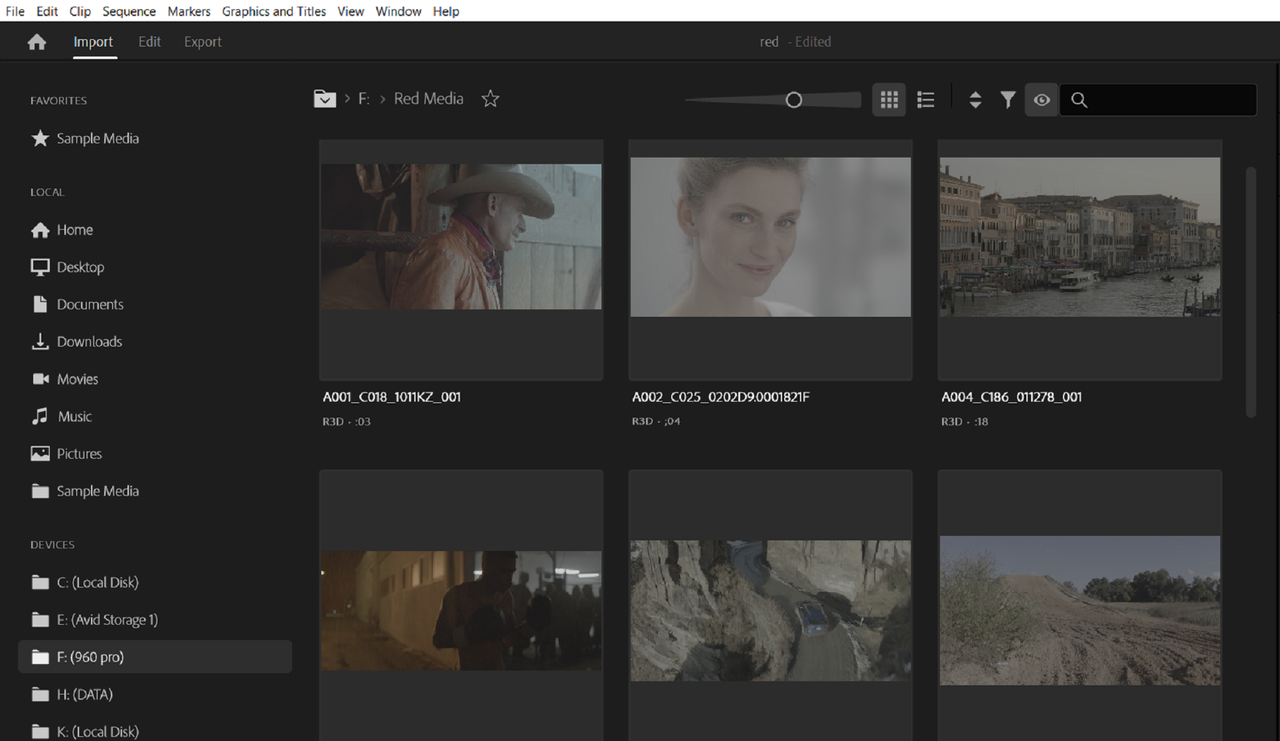
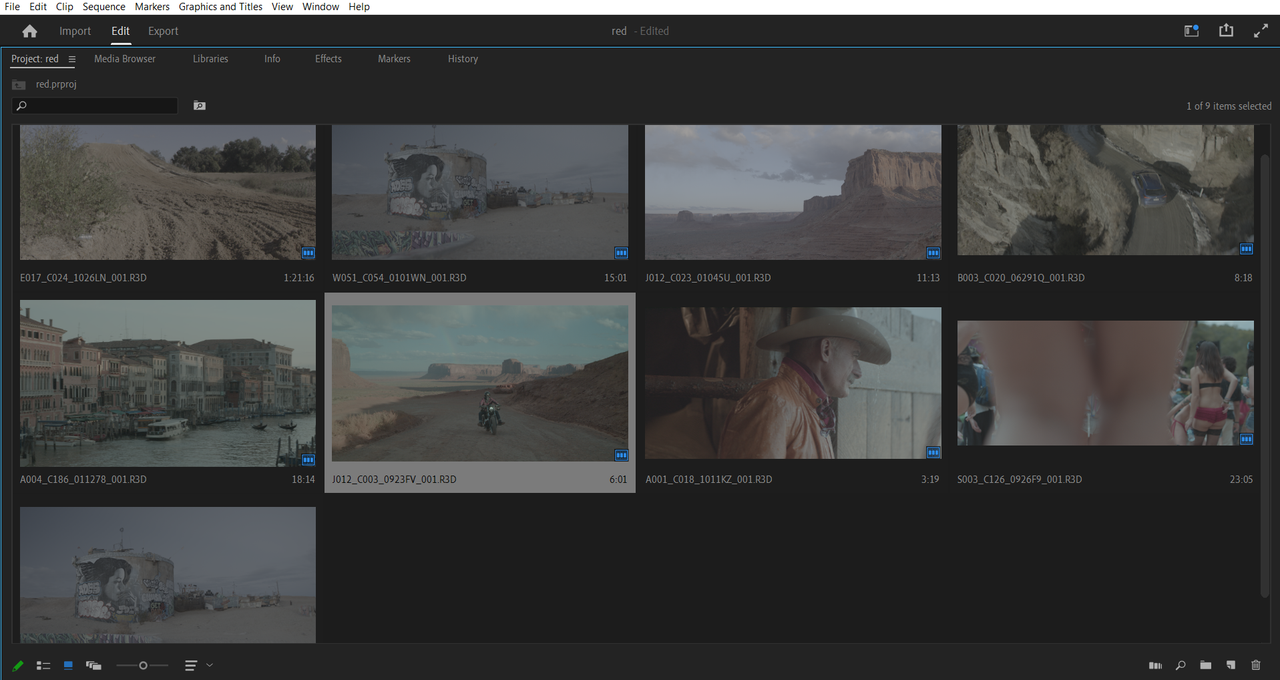
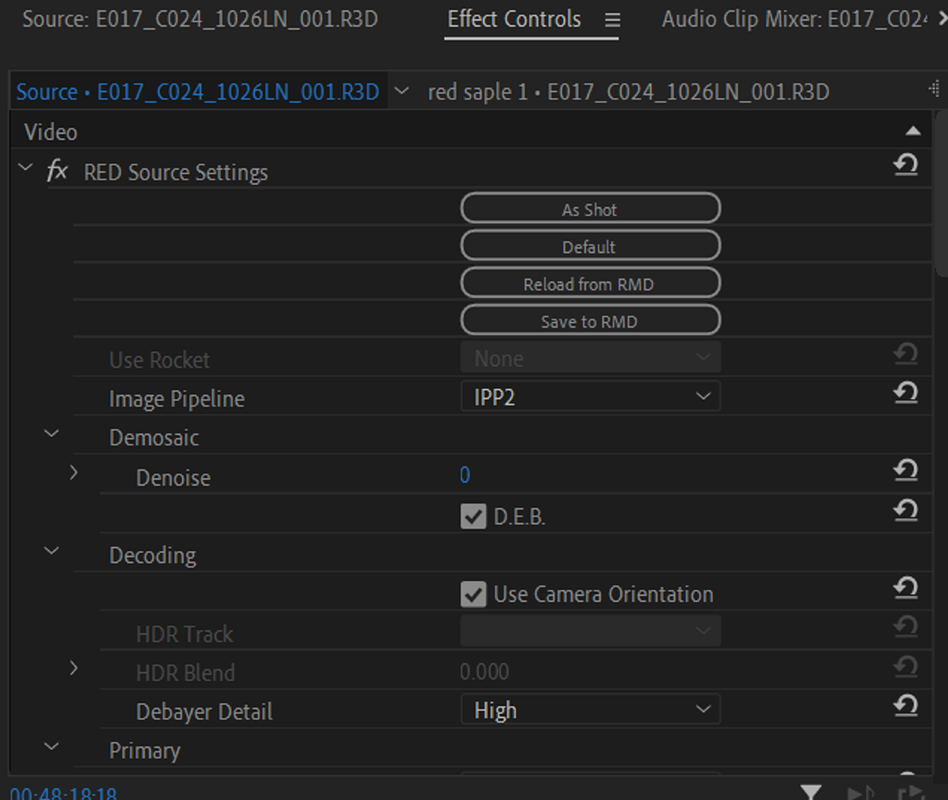
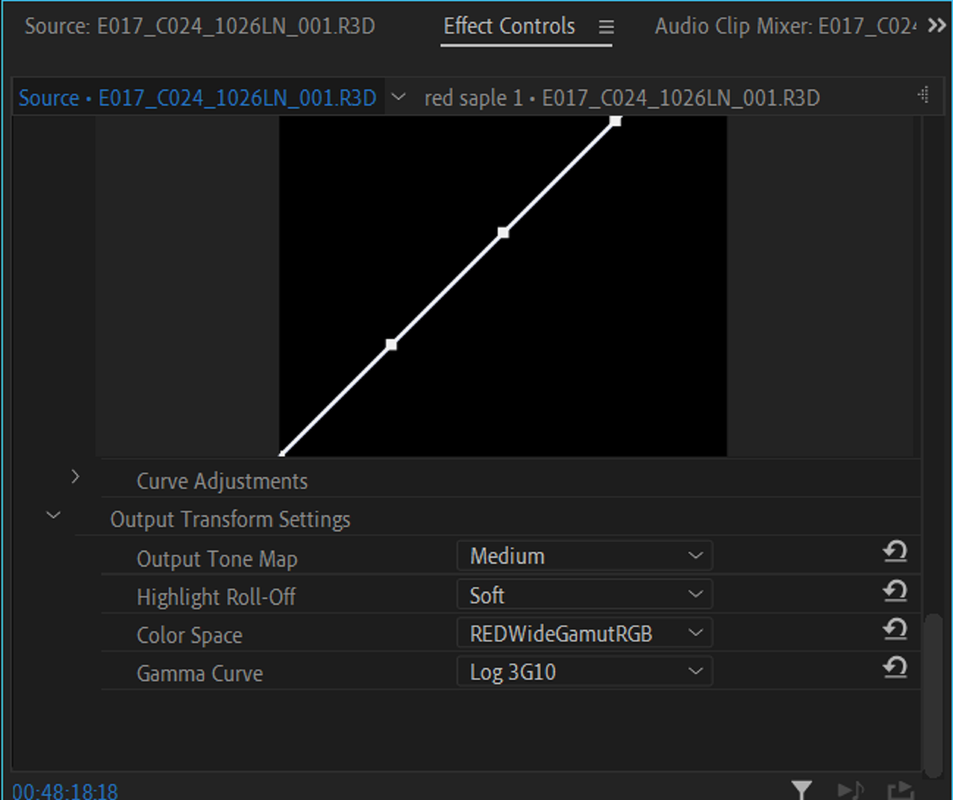
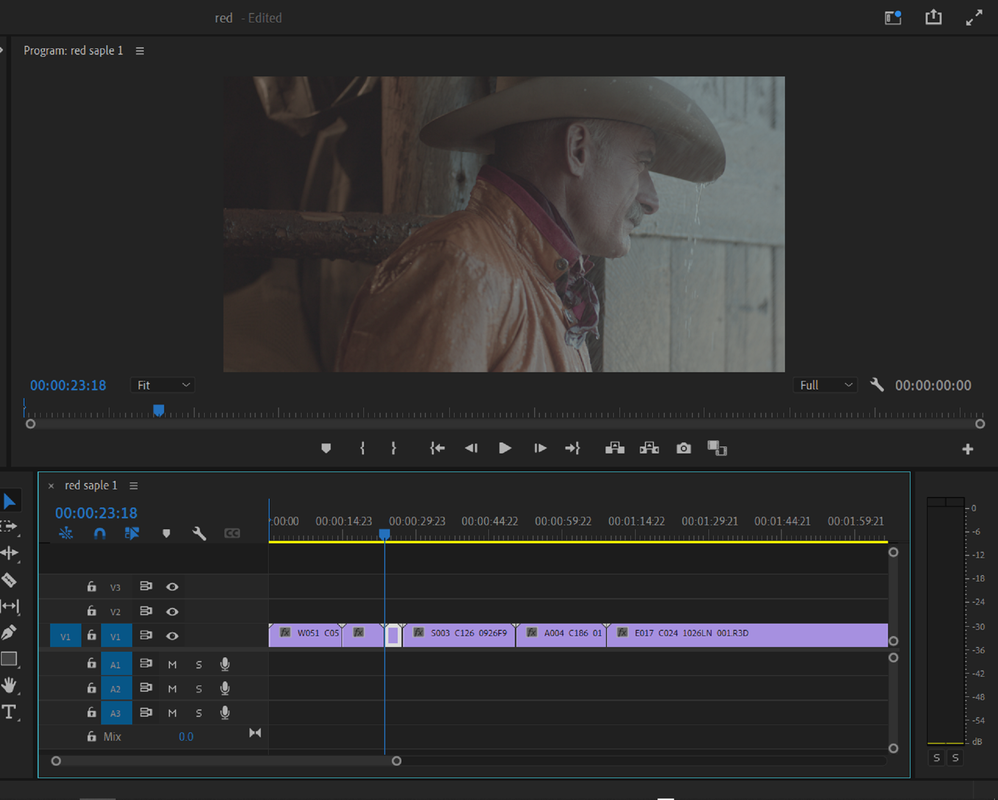
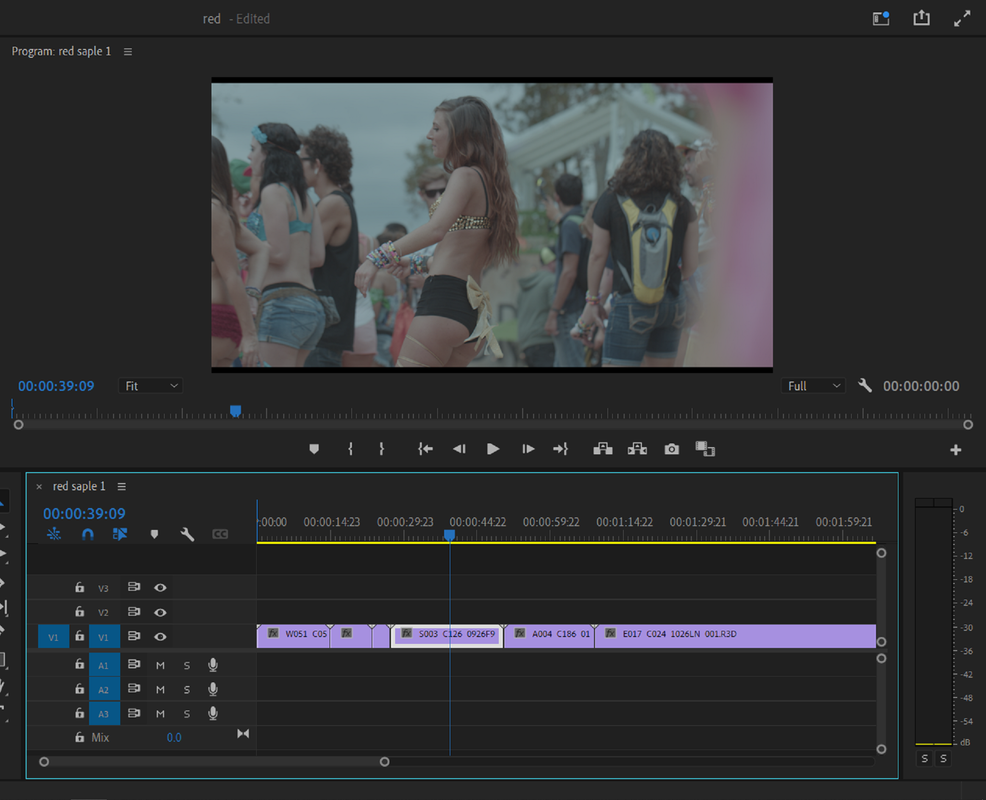
I'm on Adobe Premiere 2022 V22.6.1 on my Computer, At Import and in the Project the RED .r3d files came in as RWG/LOG3G10. I don't really use Premiere Pro all that much but are you on the Latest version which I believe now is Version 22.6.22? Have you done anything recently in REDCINE-X to any of your clips that might have reverted them back to legacy like in the "GENERAL" or "IMAGE PIPELINE" settings?

Screenshot-6925.png


Screenshot-6926.png


Screenshot-6918.png


Screenshot-6920.png


Screenshot-6921.png


Screenshot-6922.png


Screenshot-6923.png


Screenshot-6924.png
 
Hi Rand,

Thanks for the reply. Thats really helpful. I've check my Redcine-X settings, and changed them to the same settings you've showed above. Then restarted my computer, and loaded in some new footage from 2 camera's, a Komodo, and a Dragon 6K. To see the difference. I'm indeed on Premiere 22.6.2 (Build 2).

This is the Dragon 6K after import: Legacy mode, but with RedWideGamutRGB / Log3G10. There is a significant difference in the image, when i change 'Legacy' to 'IPP2'. I want this to be IPP2 on import.Screenshot 2022-10-06 at 09.25.37.jpg - Click image for larger version  Name:	Screenshot 2022-10-06 at 09.25.37.jpg Views:	0 Size:	73.3 KB ID:	3802121

This is the Komodo after import: all settings correct.

Screenshot 2022-10-06 at 09.25.37.jpg - Click image for larger version  Name:	Screenshot 2022-10-06 at 09.25.37.jpg Views:	0 Size:	73.3 KB ID:	3802121
 

Attachments

  • Screenshot 2022-10-06 at 09.23.33.jpg
    Screenshot 2022-10-06 at 09.23.33.jpg
    71.5 KB · Views: 0
  • Screenshot 2022-10-06 at 09.23.33.jpg
    Screenshot 2022-10-06 at 09.23.33.jpg
    71.5 KB · Views: 0
Hi Thomas,

from looking at you IPP2 settings, it just seems like that your Dragon Footage hadn't either undergone the IPP2 transformation in Redcine X or if it had that it wasn't updated to the .RMD file. Have you tried using the settings I showed above in Redcine-X then closing Redcine-X then opening up Recine-X again and importing the Dragon footage with the settings I showed above then closing Redcine- X. Then try to import the Dragon footage back into Premiere again.Also are you on a Mac or PC?

EDIT;


I also don't know where the parameters for "Color Settings" came from in your Dragon IPP2 settings. Under my "TINT" setting I have "CREATIVE 3D LUT" as in your Komodo Settings.
 
Last edited:
Hi Rand,

That seems to work! If i open all my footage in RedCine-X, and then close it, everything is correctly changed to IPP2 when importing in Premiere, without changing ISO, Kelvin, Tint etc. Thanks for that :)

To me it seems strange also, that the Dragon footage is imported as 'Legacy', but the color space and gamma curve are 'REDWideGamutRGB' and 'Log3G10'. This shouldn't be possible in Legacy mode, right?
 
Hi Rand,

That seems to work! If i open all my footage in RedCine-X, and then close it, everything is correctly changed to IPP2 when importing in Premiere, without changing ISO, Kelvin, Tint etc. Thanks for that :)

To me it seems strange also, that the Dragon footage is imported as 'Legacy', but the color space and gamma curve are 'REDWideGamutRGB' and 'Log3G10'. This shouldn't be possible in Legacy mode, right?


Thomas,

I'm really glad everything worked out! Yeah, I kept trying to figure out why it was coming in as Legacy since some of the footage in my example above were from an Epic Dragon. I think the RWG/ LOG3G10 setting is probably just some kind of default setting in Premiere for anything it detects as Red Footage. I believe in the last few SDKs from Red that in any NLE or other program that can use Red .R3d files that RWG/ LOG3G10 will be the default starting point from which to develop the image.
 
Last edited:
Back
Top