rand thompson
Well-known member
- Joined
- Aug 9, 2011
- Messages
- 18,999
- Reaction score
- 622
- Points
- 113
BY NEWSSHOOTER
Article
 www.newsshooter.com
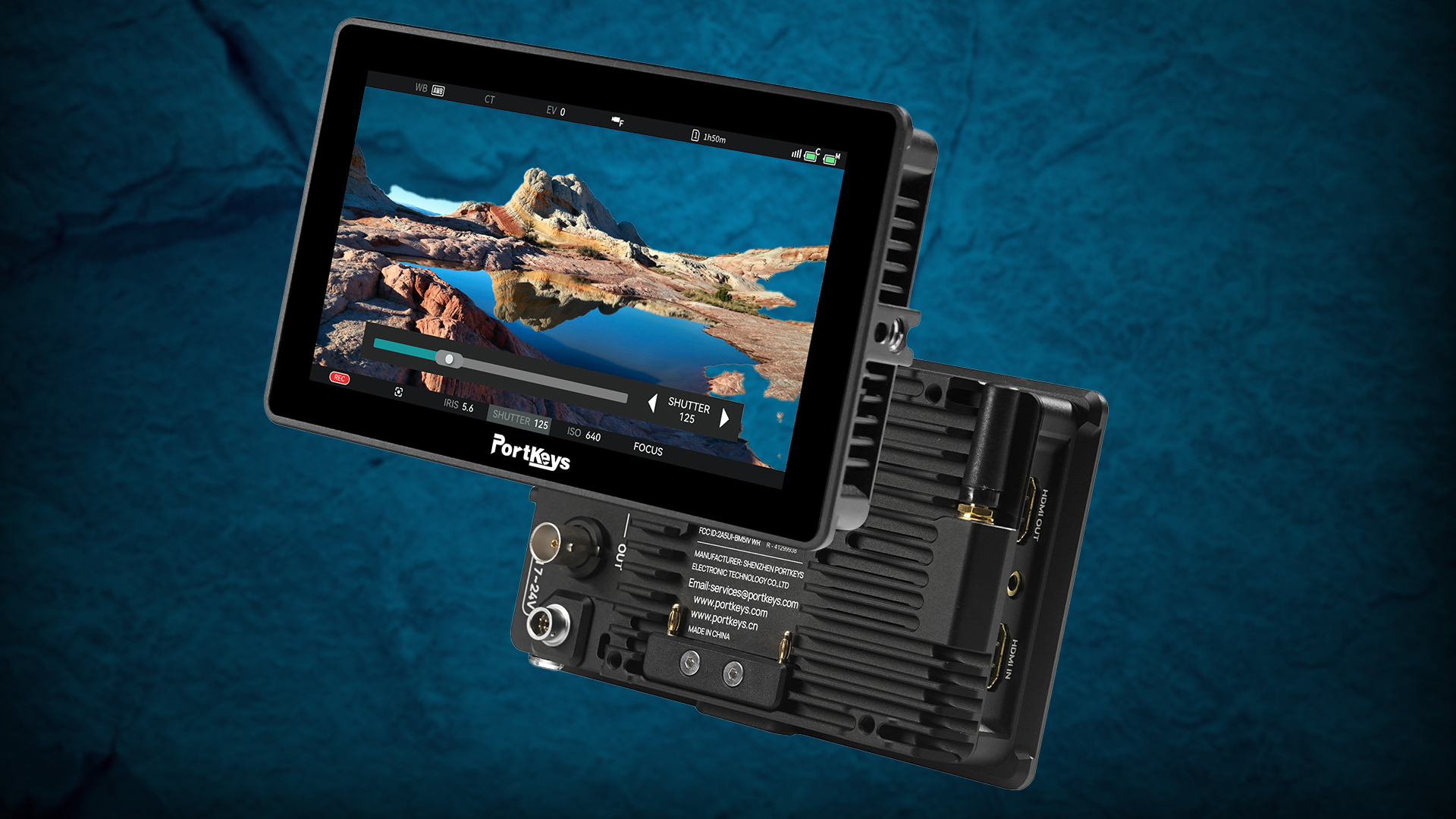
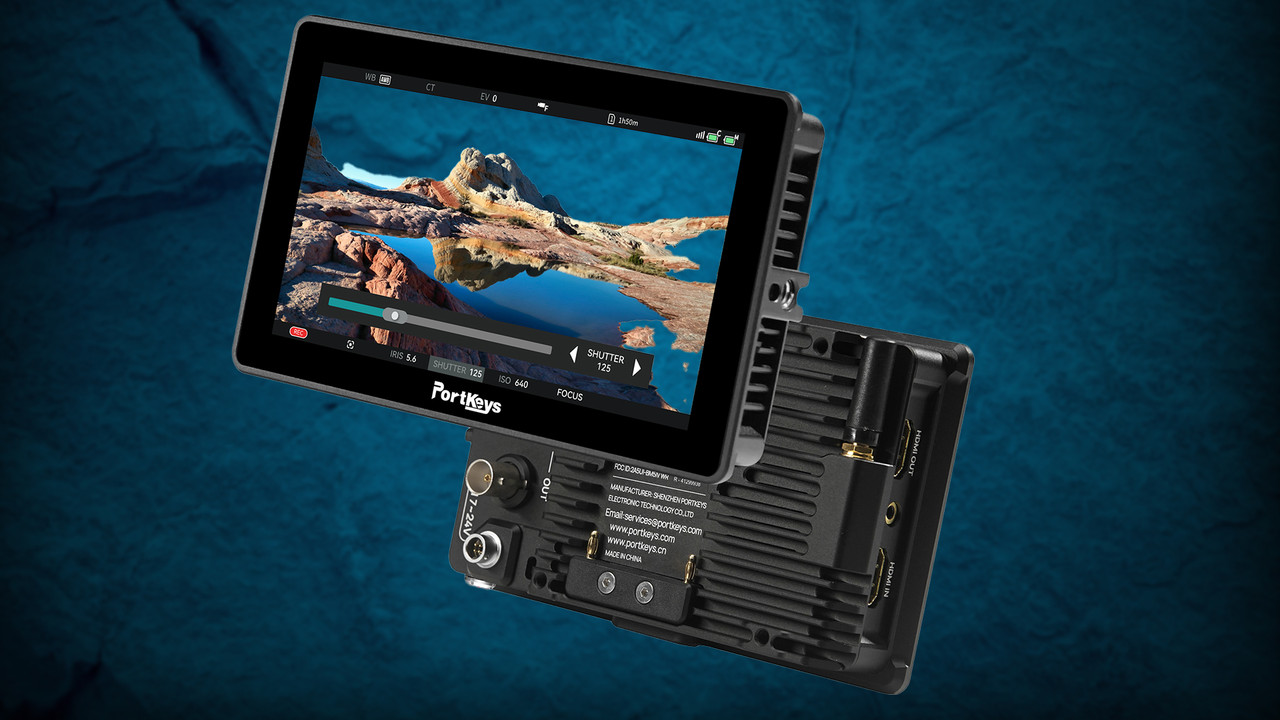
Portkeys BM5IV- $599
www.newsshooter.com
Portkeys BM5IV- $599
https://www.portkeys.com/portkeys-bm5iv/
 www.portkeys.com
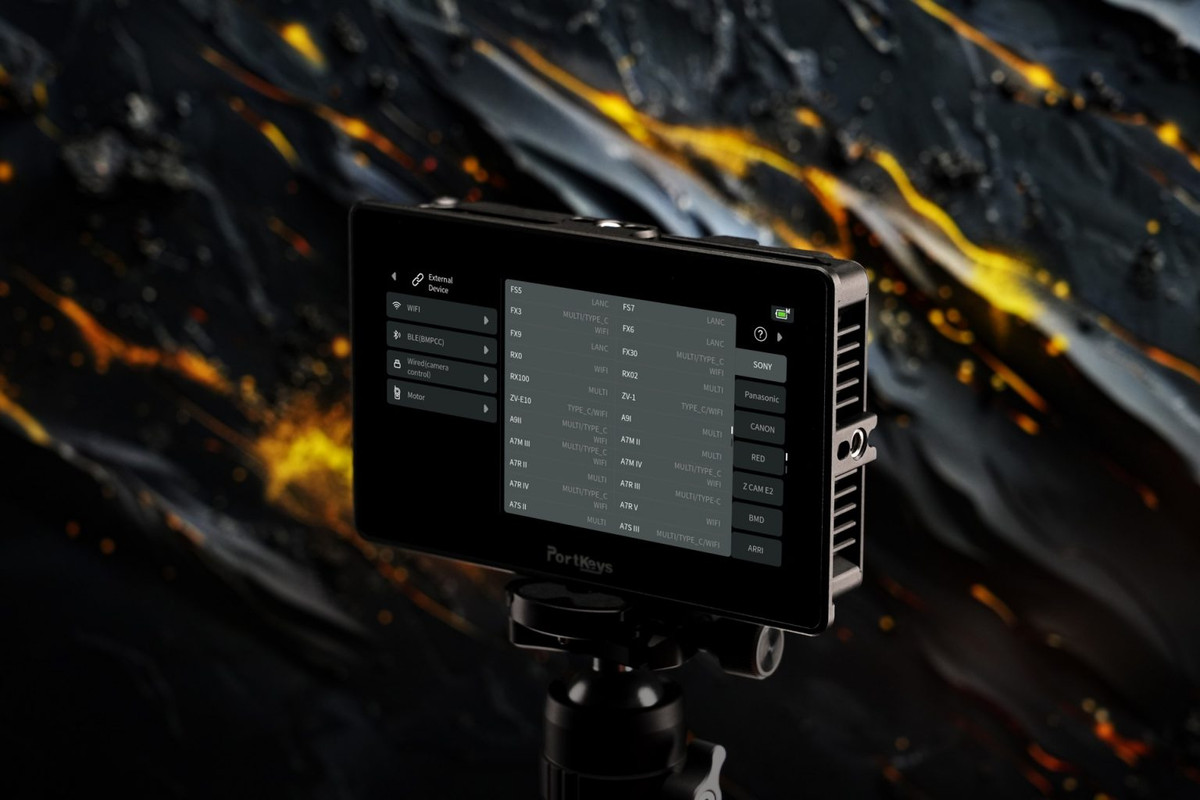
Here is a list of all the cameras supported by the BM5 IV WR:
Article
Portkeys Releases Flagship BM5 IV & BM5 IV WR On-Camera Monitor with New CINENORM OS - Newsshooter
The Portkeys BM5 IV and BM5 IV WR are rugged and fully-featured 5.5-inch touchscreen monitors with DCI 4K60P HDMI input/output ports, 3G-SDI input/output ports, wired and wireless camera controls, and a full suite of professional monitoring tools powered by the entirely revamped CINENORM OS...
www.newsshooter.com
https://www.portkeys.com/portkeys-bm5iv/
Portkeys BM5IV WR-$749
Portkeys BM5IV WR
The Portkeys BM5IV WR is a lightweight, rugged 5.5-inch Wide Color Gamut on-camera monitor with 2,000nits of brightness, HDMI/SDI video input and output ports, and wired/wireless camera control capabilities.Key features: 5.5-inch, 10-bit (8+2 FRC) panel with a resolution of 1920 x 1080 and a...
www.portkeys.com
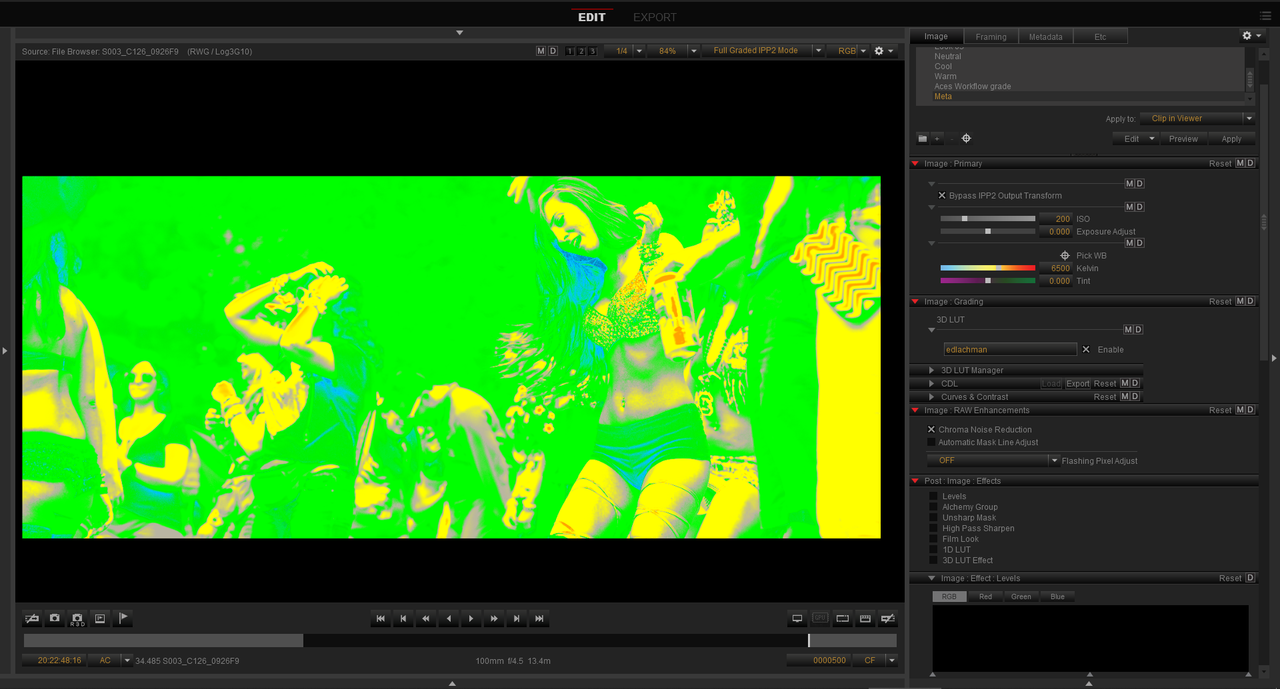
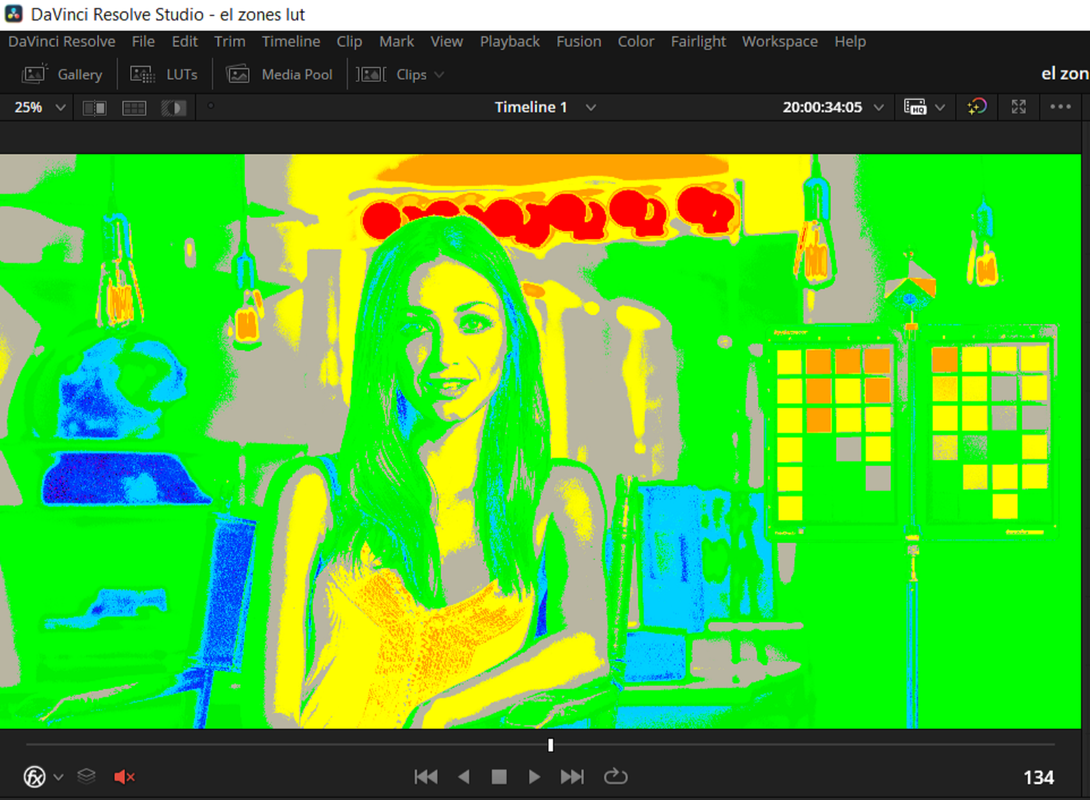
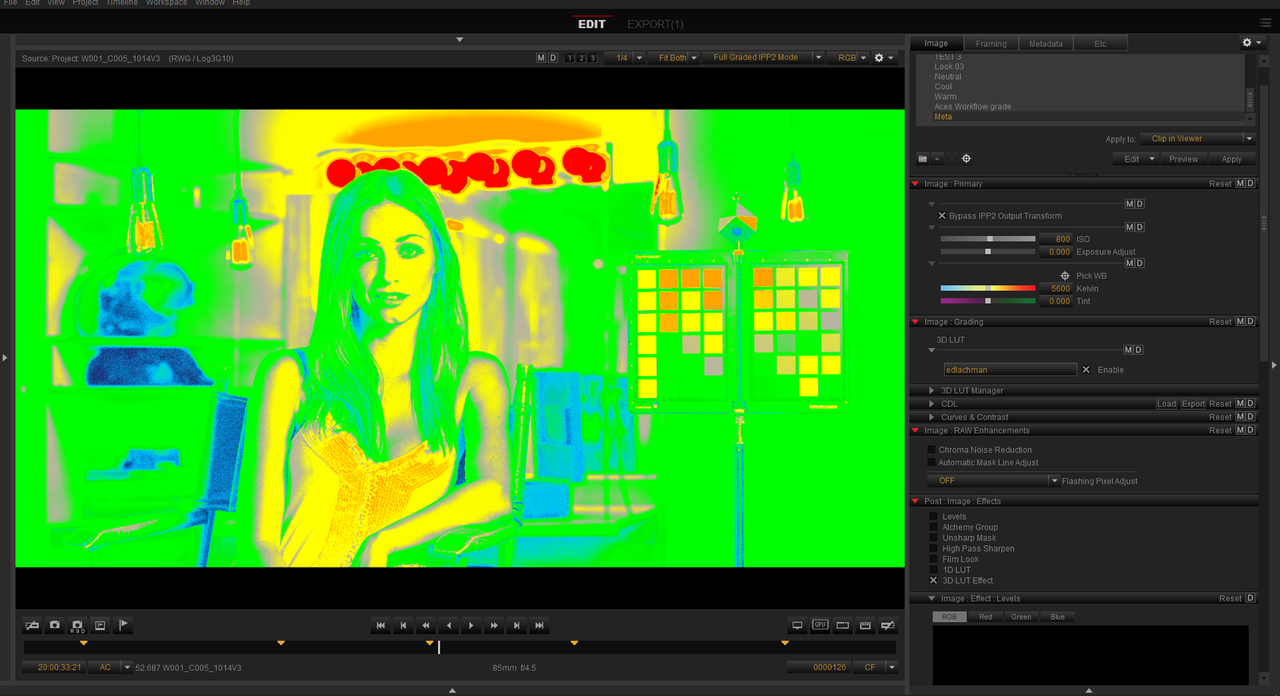
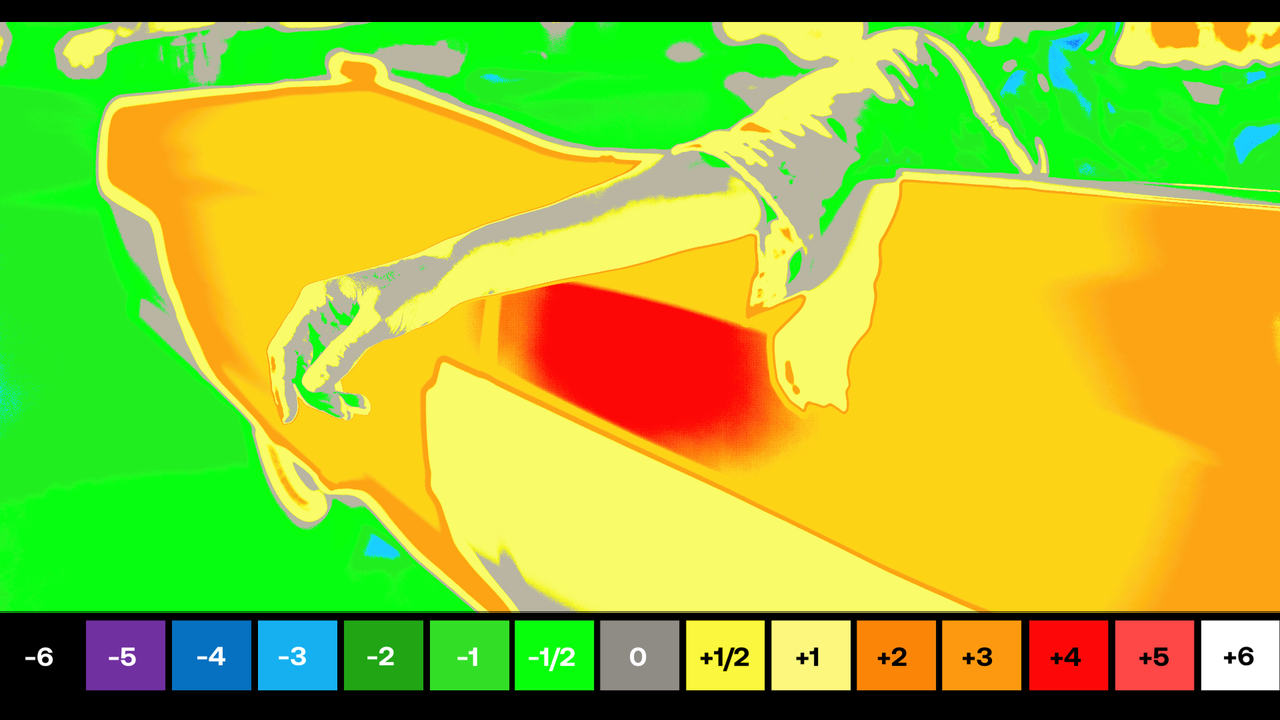
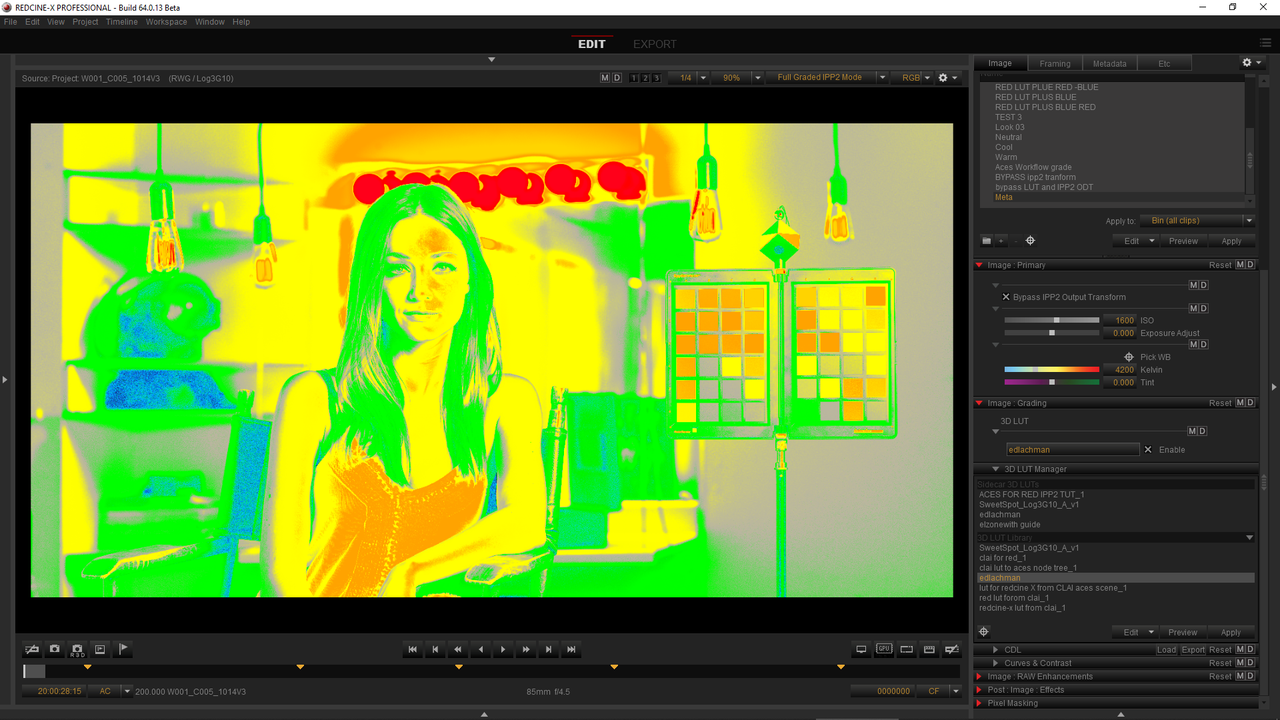
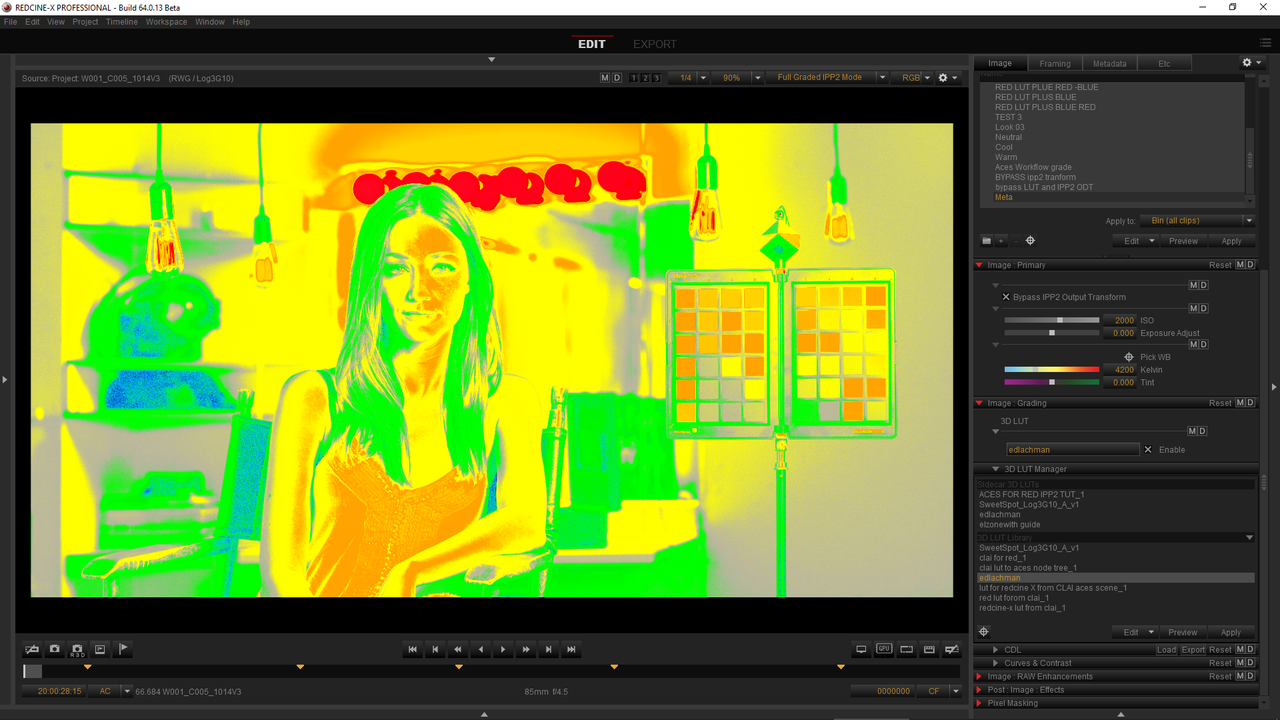
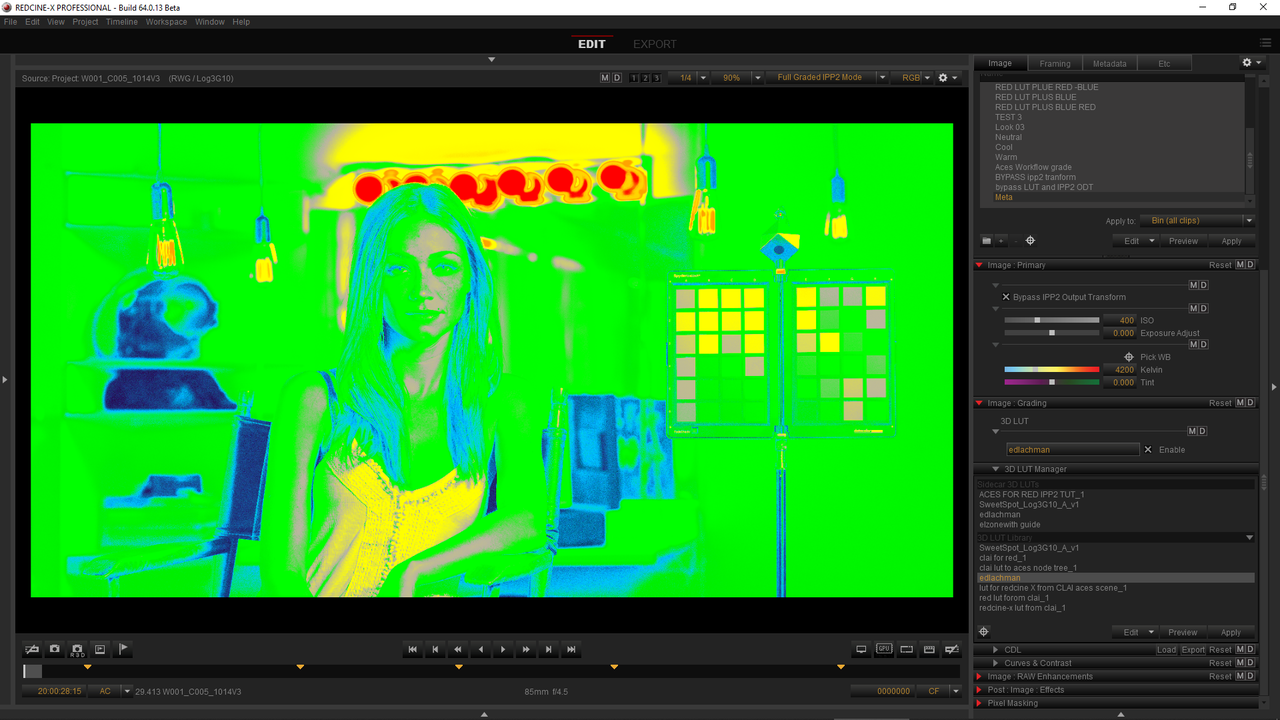
- Exposure: Zebra, False Color, ARRI False Color, LOG False Color, and user- defined mode. A high-precision Waveform that can be displayed full- screen. Waveform SDI output is also possible. Histogram and Zebra tools are also available.
- Image analysis: with Waveform, Luma and RGB Waveforms, Vectorscope, Luma and RGB Histograms, and Audio Meters, you can judge your exposure and white balance parameters with ultimate confidence.
- Focus: nailing focus has never been easier, thanks to the new Peaking algorithm. Grayscale, Colour, and Edge enhance modes are also available, as well as a Zooming feature.
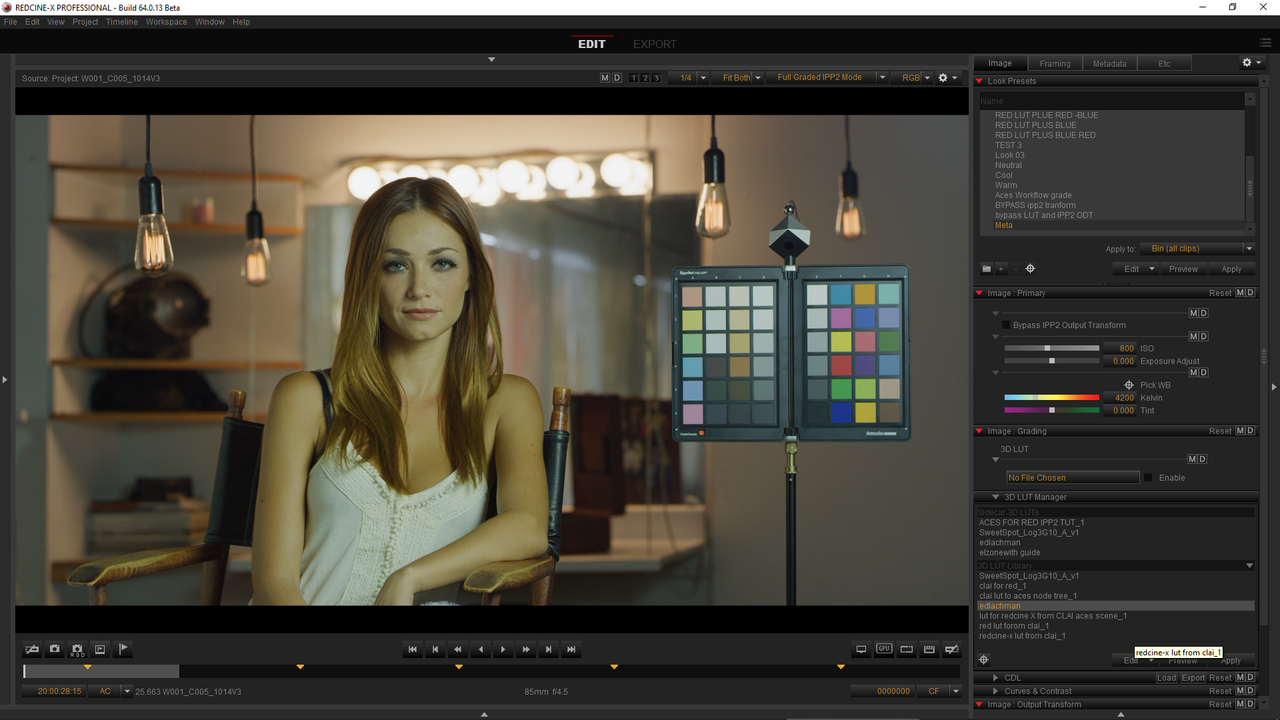
- Color: 3D LUT monitoring and 3D LUT SDI output. Users can load custom LUTs via the USB port at the bottom of the monitor and the included USB key. An HDR (HLG) mode is also available.
- Framing and Image Monitoring: precisely frame your shots with multiple tools, including framing guides, grids, crosshair, check field, rectangle crop, aspects. Also, the monitors support anamorphic image de-squeeze with all the standard ratios (1.33x, 1.5x, 2.0x) and the possibility of entering a custom aspect ratio of 0.25 to 4.0x. Lastly, the Image Capture feature allows you to take a snapshot of the HDMI or SDI video input and save it to the monitor’s memory. Then, you can recall the image and adjust its transparency/opacity with the Image Overlay feature.
- Monitor Adjustments: you can adjust the sharpness, chroma, backlight, tint, and color temperature. Users can also load a 3D calibration LUT via the USB port. The Portkeys BM5 IV has a maximum power draw of only 16W (17W for the BM5 IV WR) and can be powered for hours by one Sony NP-F-style battery at the back of the monitor.
Designed with versatility in mind, both monitors feature a 4-pin aviation 7.4V- 24V power input port. If you use a V-Mount or Gold-Mount battery, you can power the monitors infinitely with the included D-Tap to 4-pin aviation cable. Last but not least, the BM5 IV WR also has an industry-standard 2-pin LEMO power input port.
Here is a list of all the cameras supported by the BM5 IV WR:
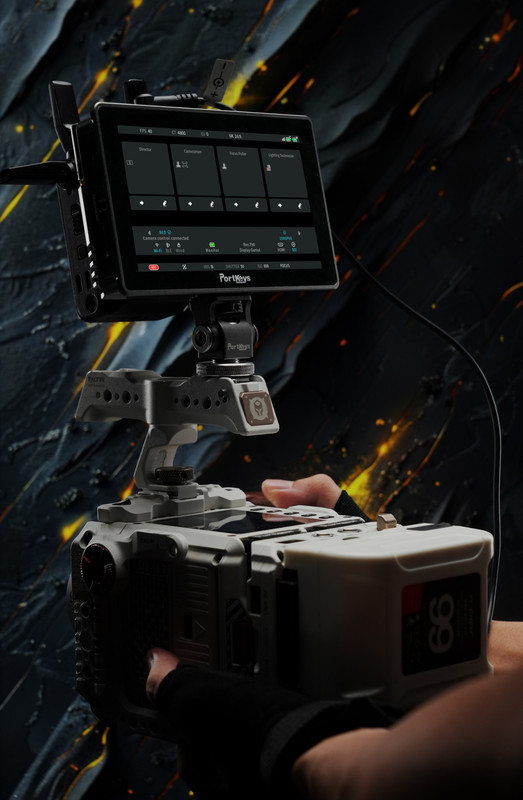
- RED DSMC2 and KOMODO, KOMODO-X, V-RAPTOR, and V-RAPTOR XL cinema cameras: the BM5 IV WR is RED Approved and can connect wirelessly to KOMODO/V-RAPTOR series cameras. You can change your camera settings directly from the monitor and even touch to focus.
- Wireless control of the ARRI Alexa Mini cinema camera.
- Wireless control of the Nikon Z8 and Z9 mirrorless cameras.
- Sony: a plethora of cameras can be controlled wired/wirelessly, including Zoom and Touch Focus capabilities on the Sony A1, A7M and II/III/IV, Sony A7S II/III, Sony A6000/6300/6400/6500, Sony RX0 and RX10, and so on. Also, multiple cinema cameras are supported via a LANC, USB-C, or MULTI control cable, including the Sony FX3, FX30, FS5, FS7, FX6 and FX9.
- The monitor supports Bluetooth connection and camera control for Blackmagic Design users with the BMPCC 4K, 6K, 6K Pro, and URSA Mini Pro 4.6K.
- Canon: wireless control of the EOS R5, EOS R6/R6 Mark II, EOS R7 and EOS R8. Wired camera control is also available for the Canon EOS C70, EOS C300 Mark II/III, and EOS C100/200/700.
- Panasonic: support for the LUMIX S1/S1H/S1R/S5/S5 Mark II/S5X Mark II via a USB-C cable. The Panasonic BGH1/BS1H supports wireless camera control.
- Wired control is also available ZCAM E2 cameras.
* Wireless control does not mean wireless video transmission; the video signal cable still needs to be connected.