Welcome to our community

Be a part of something great, join today!

  • Hey all, just changed over the backend after 15 years I figured time to give it a bit of an update, its probably gonna be a bit weird for most of you and i am sure there is a few bugs to work out but it should kinda work the same as before... hopefully :)

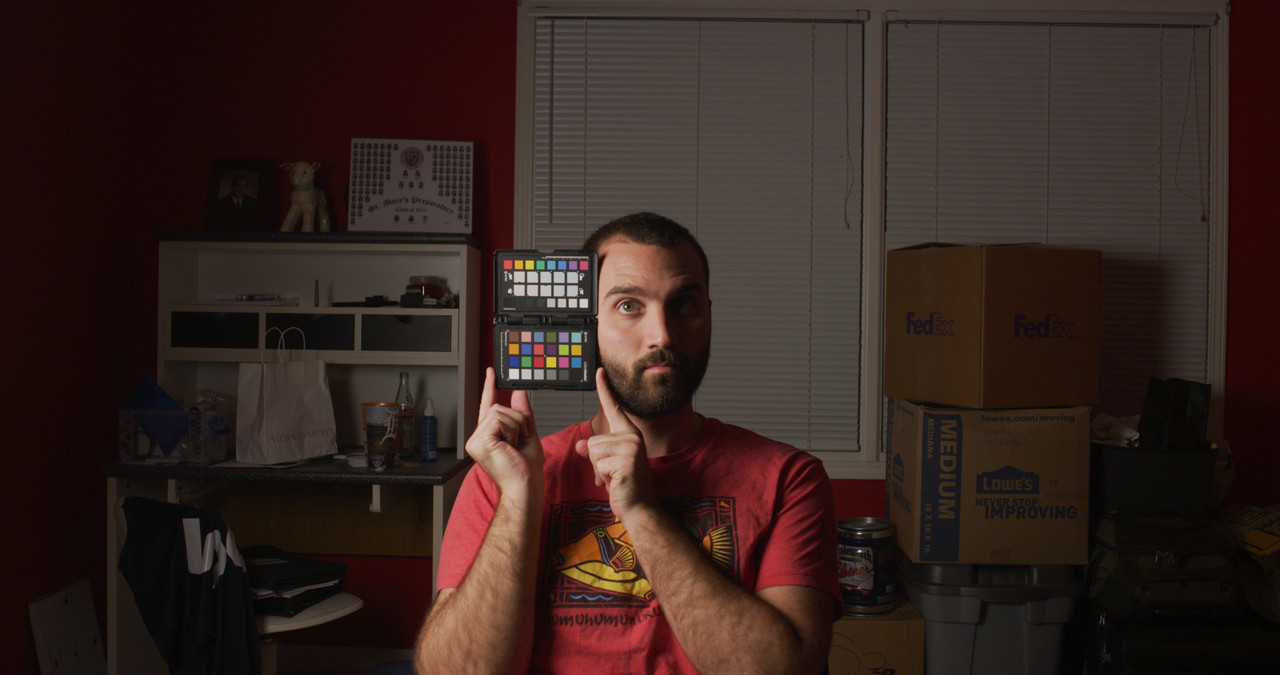
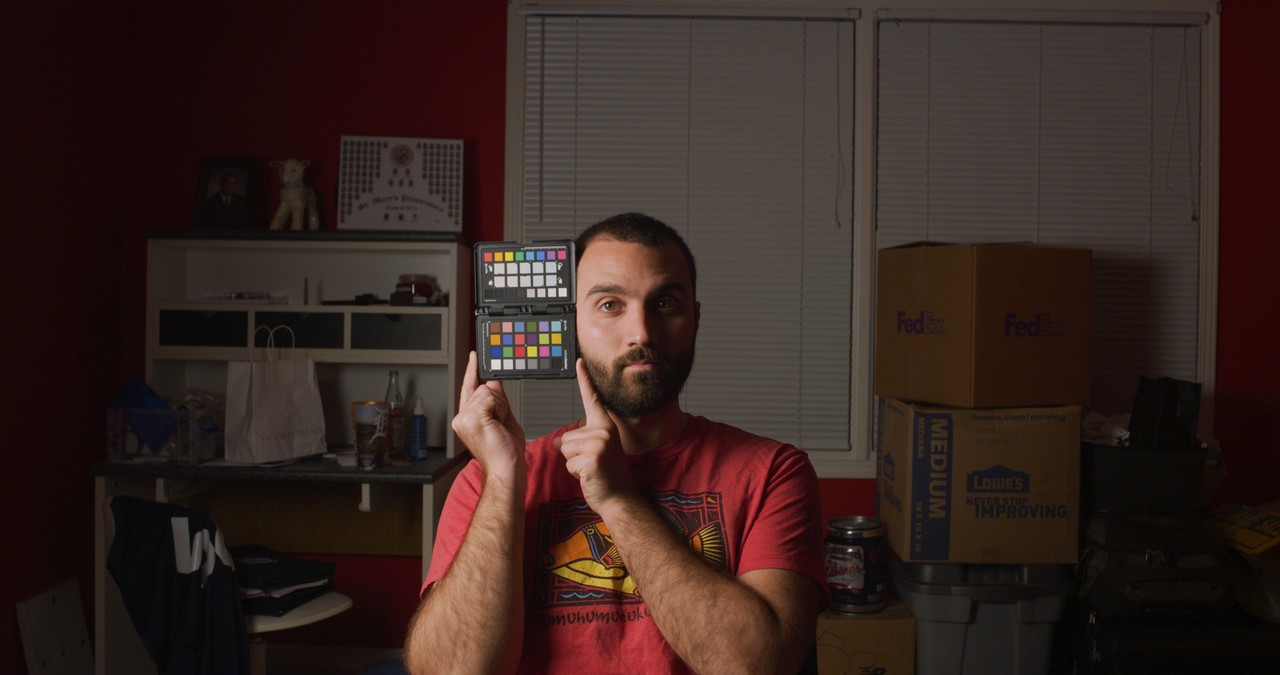
On-going MX OLPF tests

Graded to try to match each other. Redcine-X


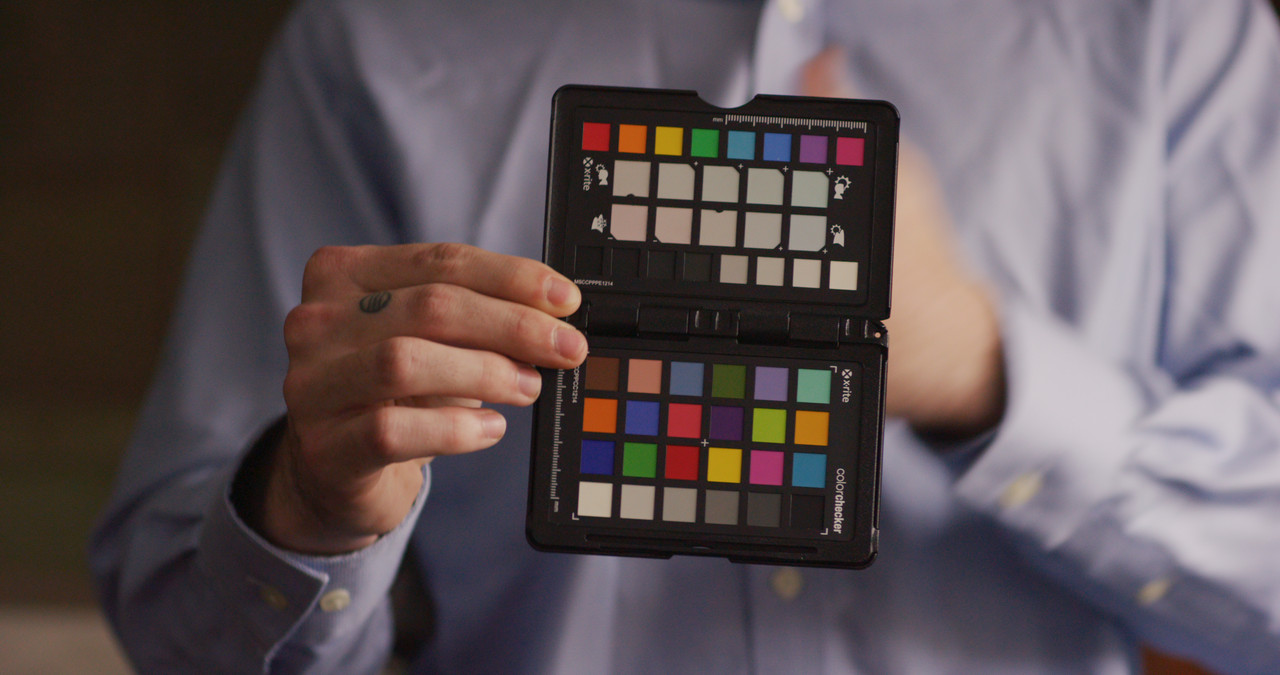
C001-SkinTone
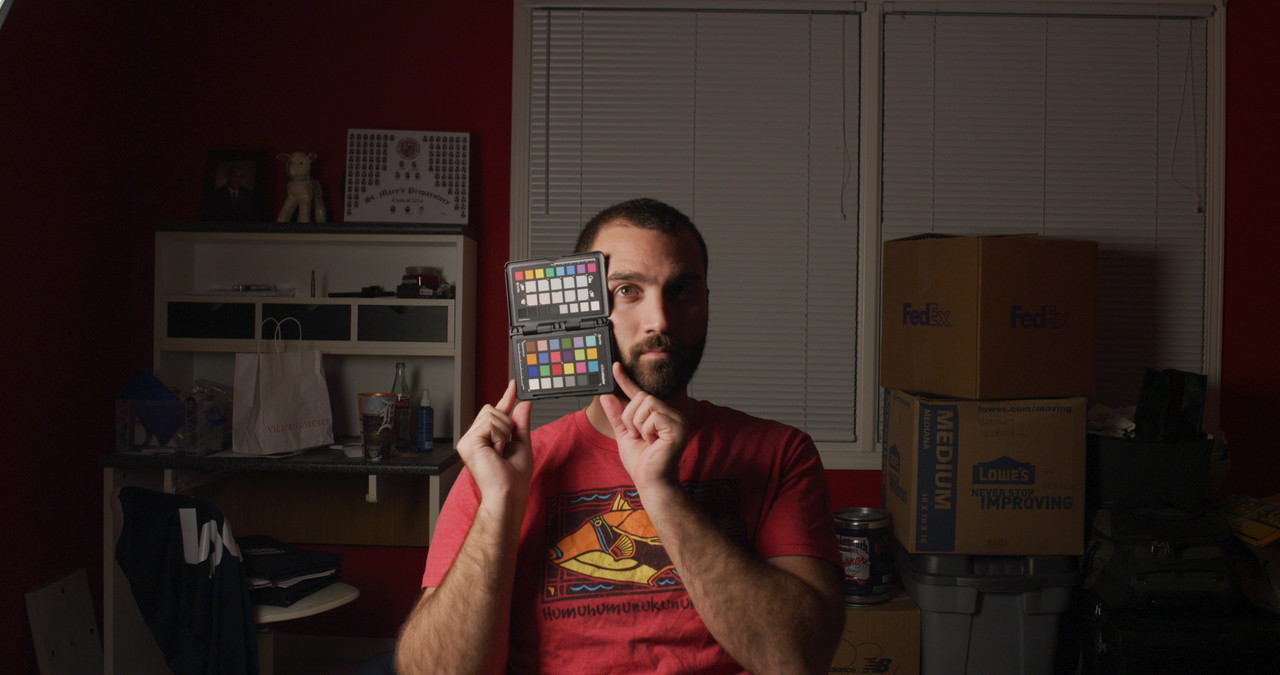
A001-C001-010195-0000357-F-0000000.jpg


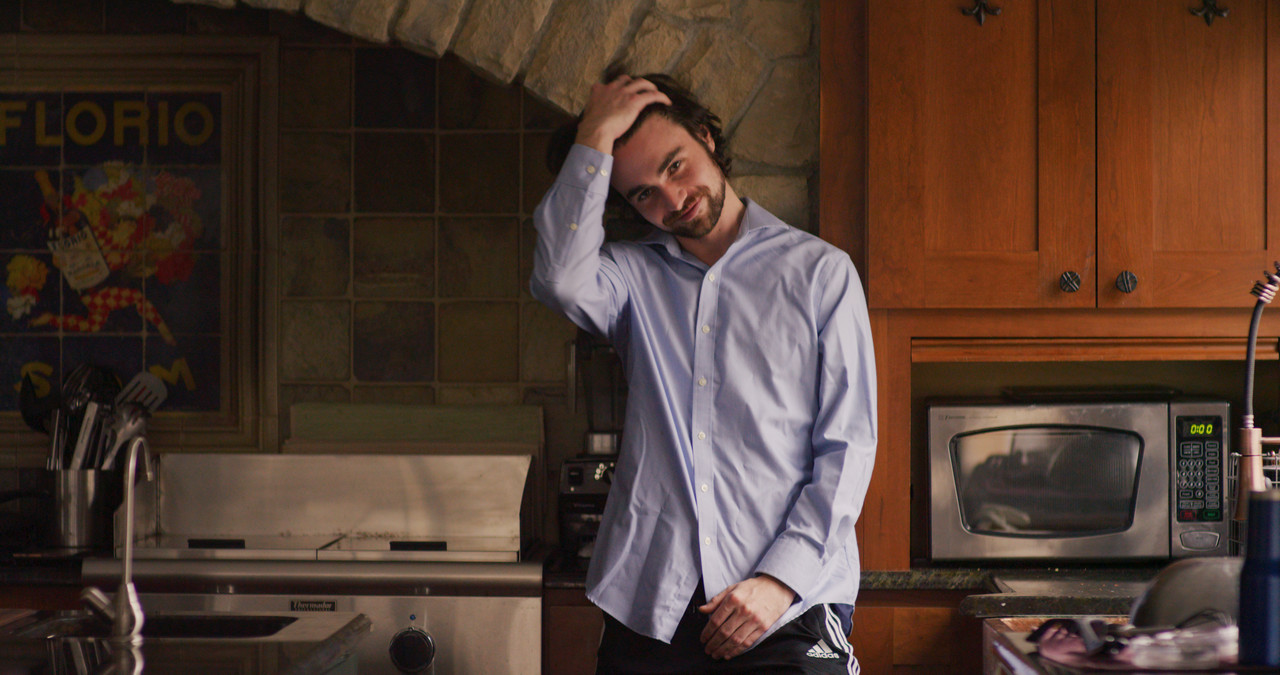
C002-Low-Light

A001-C002-0101-CM-0000224-F-0000000.jpg


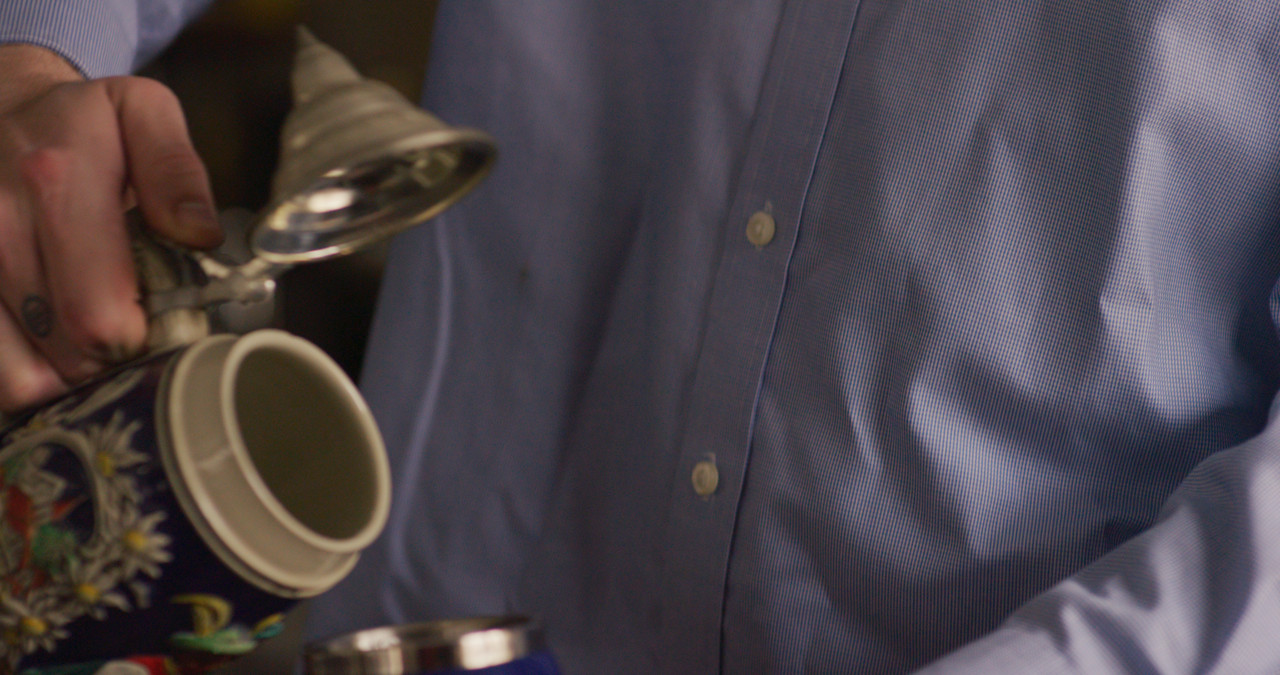
C003-Factory

A001-C003-0101-LM-0000263-F-0000000.jpg
 
Last edited:
Warm day today! Skin-tone OLPF test results coming tomorrow :)

HnMOjcy.jpg
 
Tyler,


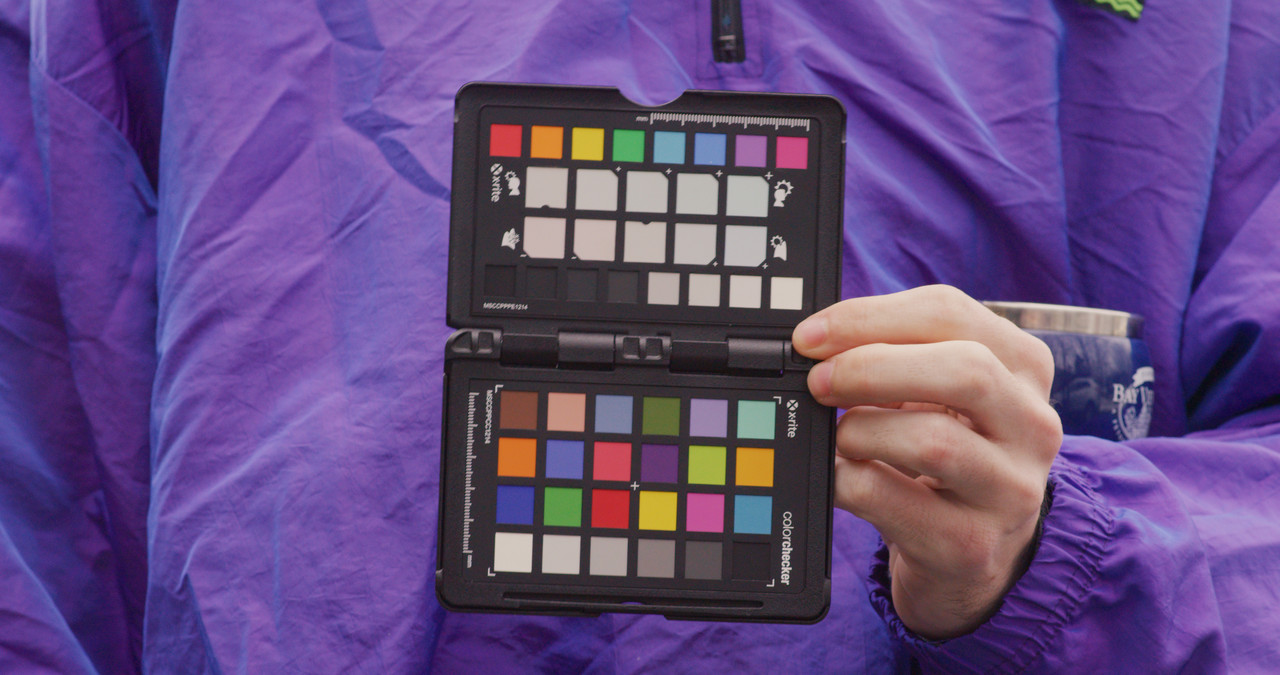
Thanks! I wish Redcine-X had a Vectorscope so that I could better match the skin tones and saturation levels between multiple clips.
 
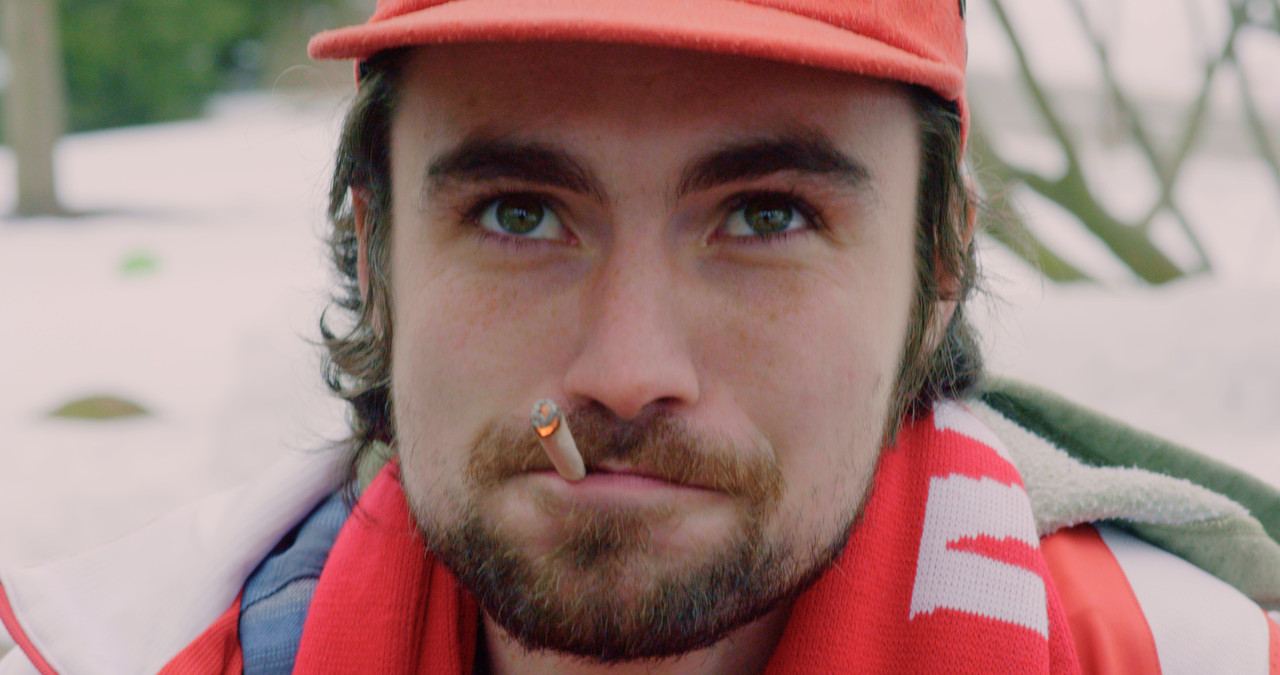
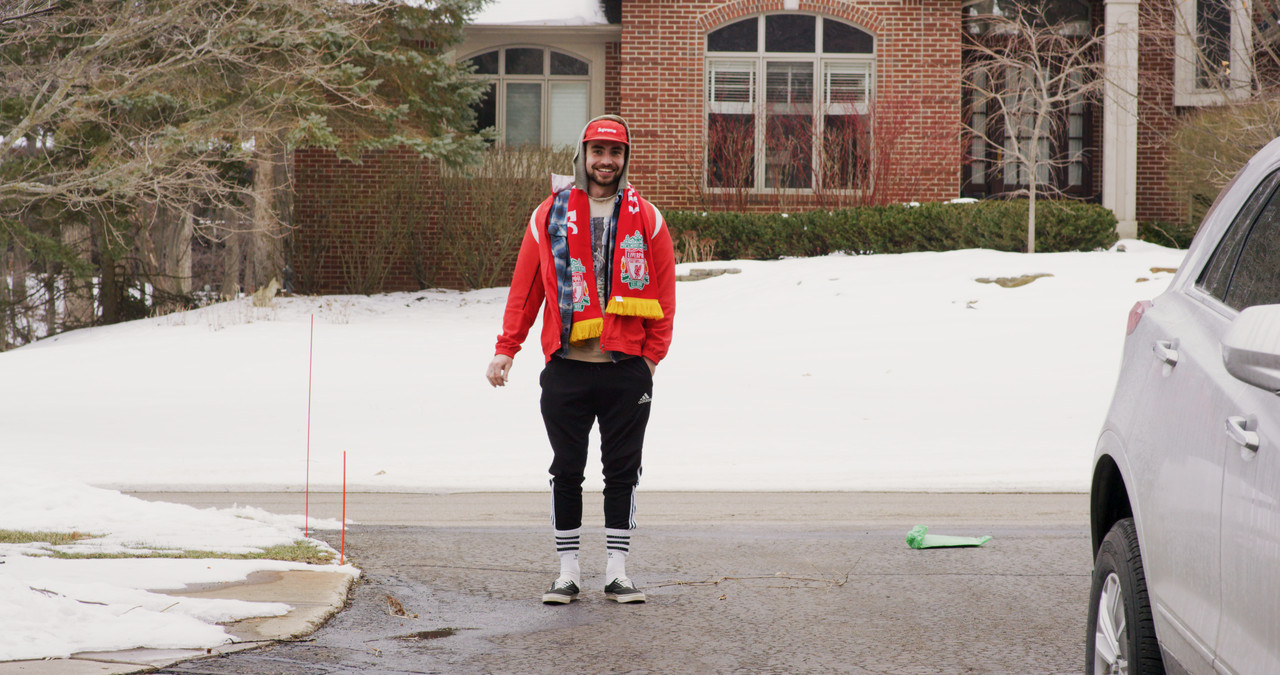
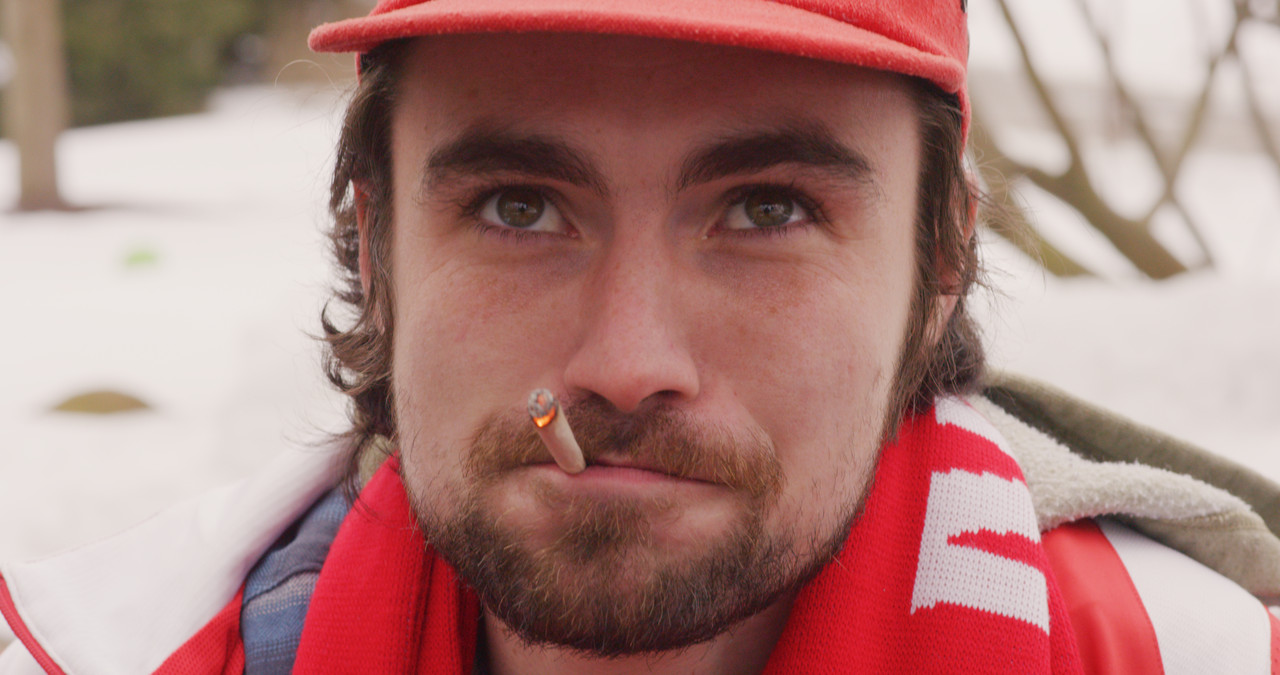
Here is a regrade of the guy in snow with cig.


guy-in-snow-1-1-1.jpg


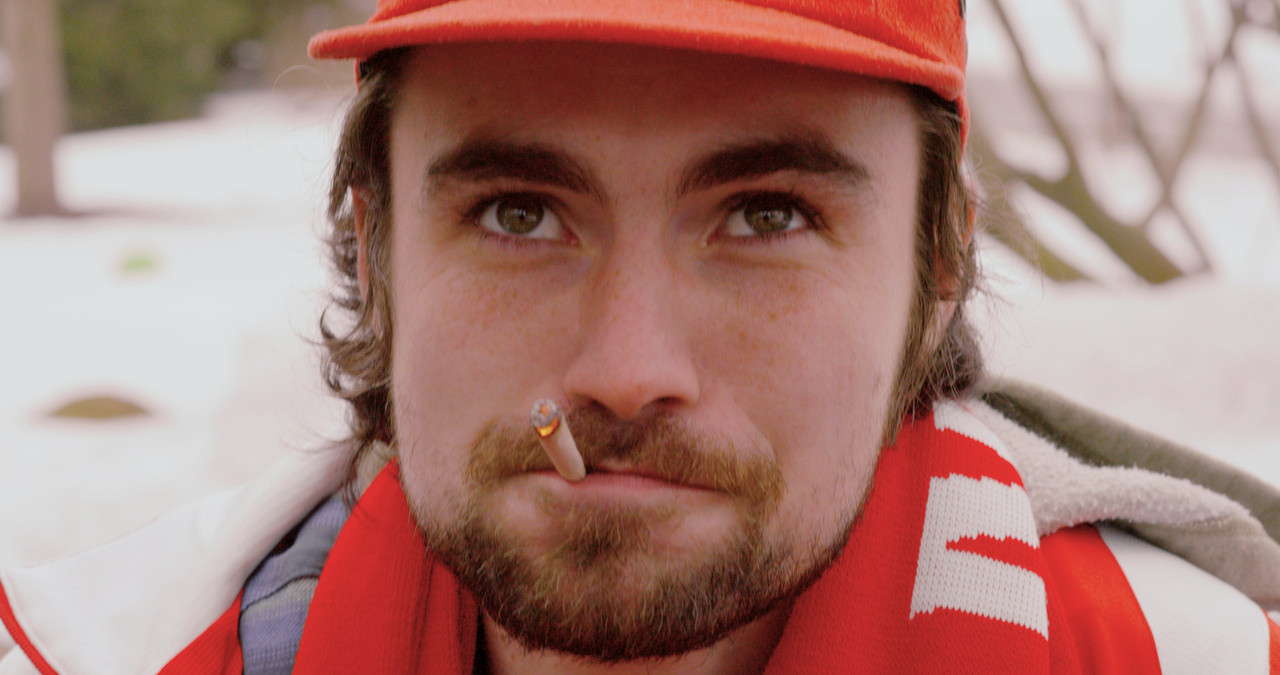
Alternate grade


guy-snow-cig.jpg
 
Last edited:
Tyler,


I didn't think it was a problem. If you want, since all of these were done in redcine-X, I can either just post the .R3D graded frame from each of these with the grade info in it or export the saved "look" .RMD if that helps you any.
 
RESULTS

Again, here is the full testing web page where everything is compiled in one place:
http://trustydigitalmedia.com/olpf/


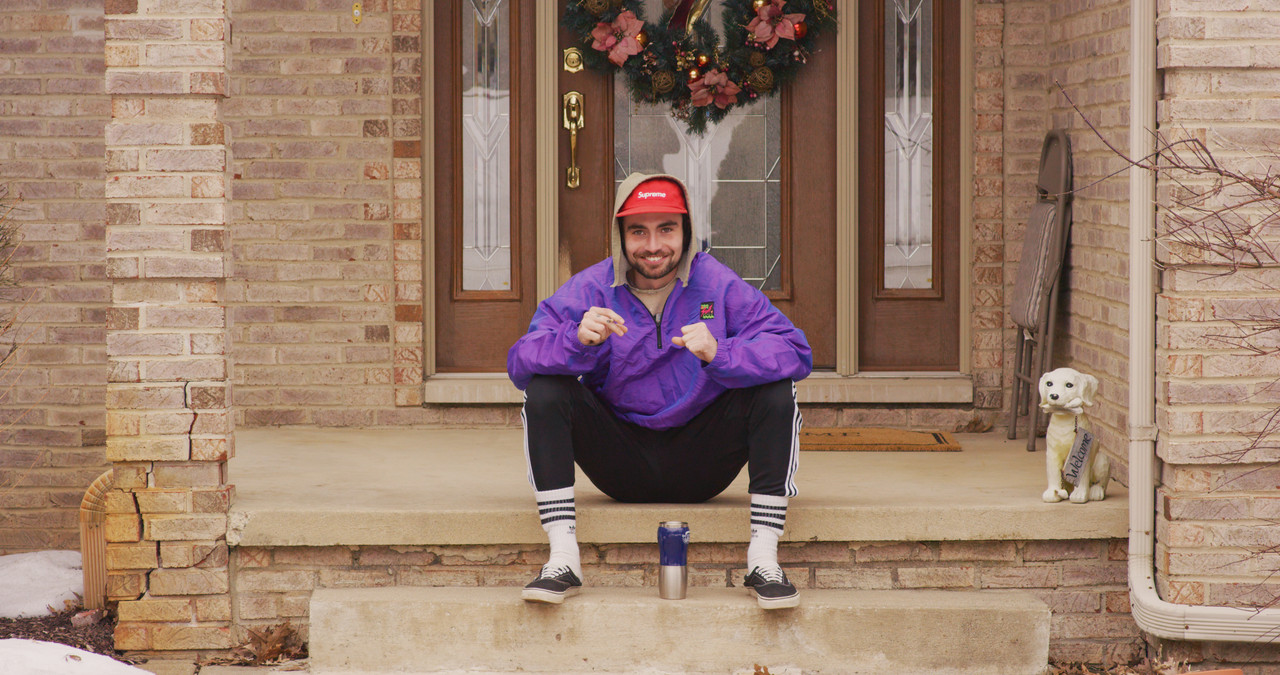
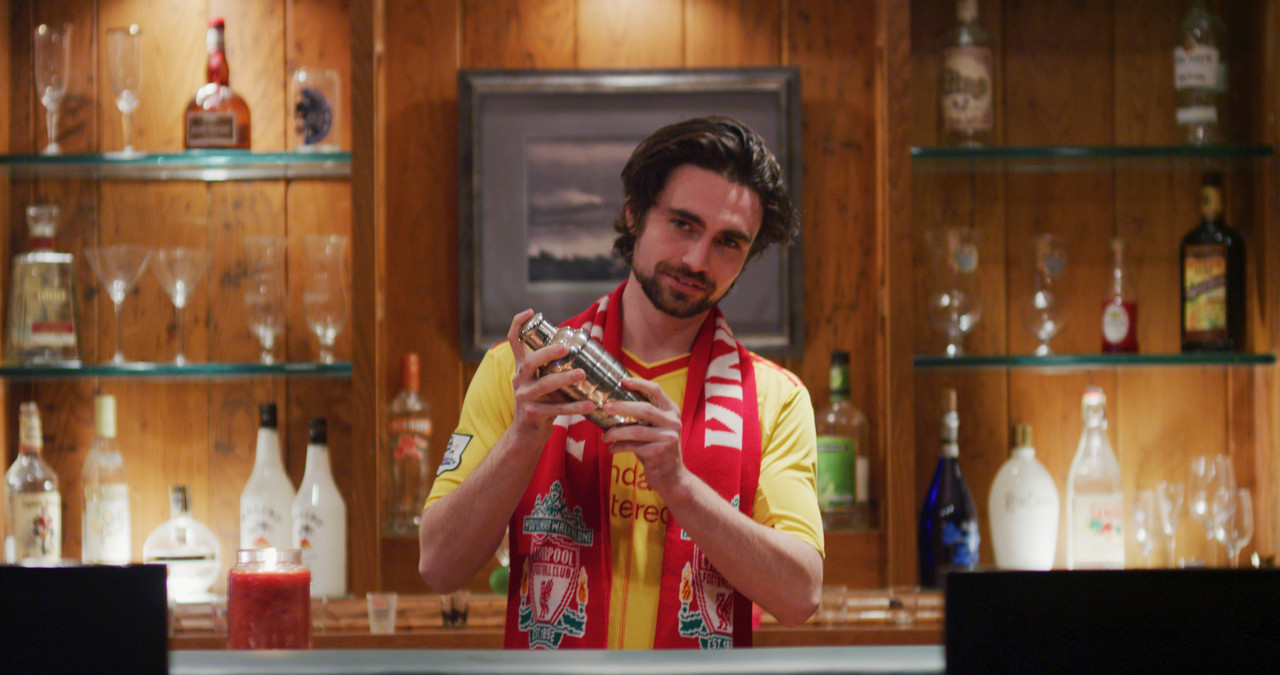
Here is the skin tone OLPF footage:
https://youtu.be/JI7nyOpByRM


And my conclusion:
I set out, first, just looking to see if the Dragon OLPFs could be placed in front of the MX sensor. After showing this possible, my next hope was to reduce the infamous red channel in the MX footage. I saw that the low light OLPF and the factory MX “color filter” were essentially the same piece of glass. The low light OLPF did not add another stop to the MX sensor and this is why I will assume they’re quite literally the same piece.

With that said, it needs to be noted again that the MX software is not written to adjust to different OLPFs in front of the sensor. So, it is not making the adjustments to color data that would be made, say, on the Dragon. Maybe because of this, the sensor-only footage is unusable for “normal” purposes but does provide a cool infared-type-look that could be used for experimental projects.

With the skin tone OLPF retrofitted in front of the MX sensor, I was glad to see it did indeed dramatically reduce the red channel in the footage. Although, it did cast a green tint on most of it as well. Personally, I will be keeping the skin tone OLPF in from now on, after testing showed all footage in 3200k and 5600k scenarios is 100% usable. I don’t like to spend hours on color grading and the skin tone OLPF gets me closer to a balanced image and adds contrast as well.

All in all, my wish would be for an OLPF right in the middle of the skin tone and the low light. I’d assume this would give me the most balanced image for the MX sensor. A man can dream.


Thanks for hangin' out along the ride!
 
Back
Top