Welcome to our community

Be a part of something great, join today!

  • Hey all, just changed over the backend after 15 years I figured time to give it a bit of an update, its probably gonna be a bit weird for most of you and i am sure there is a few bugs to work out but it should kinda work the same as before... hopefully :)

Low shutter blackshades super sensitive

Hello Graeme,

Why can't my Epic Dragon shoot long multi-second exposures like my Canon 5D etc.?
 
Lack of physical shutter to capture a true black frame after the real frame is the main difference for very long exposures. For shorter (but still long exposures) it's the difference between designing a sensor for high-speed continuous shooting rather than single frame stills shooting. That's why we put in the frame averaging mode though to mitigate some of the disadvantages of the compromise chosen for the sensor, with the ability to add some benefits too as I outlined earlier. In the end it's all about what use cases you design a sensor for.

Graeme
 
And I will just add Graeme.

The 5D etc, has a mechanical shutter that releases, but RED's electronic shutter has a read reset time (something a traditional mirror camera does not have), so the RED has the limitations of an electronic shutter geared towards motion capture over long exposure single frames.

One thing I can say is that any kind of frame averaging with the Dragon sensor whether it be, 2, 4, 8 or 16 frames gets you some very stunning results.

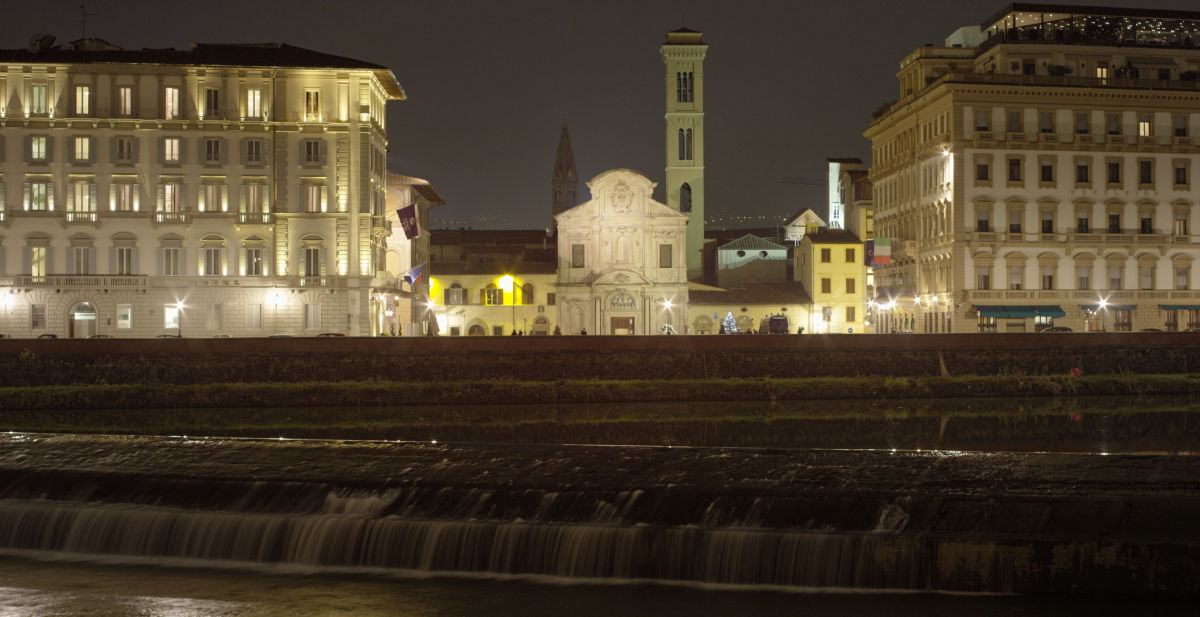
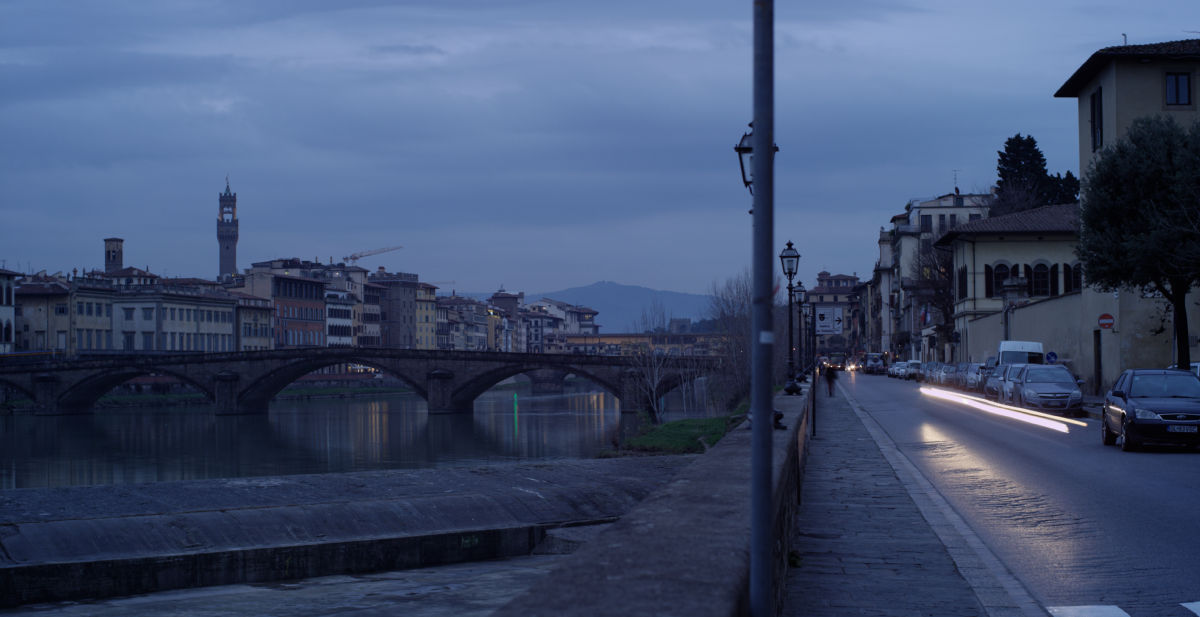
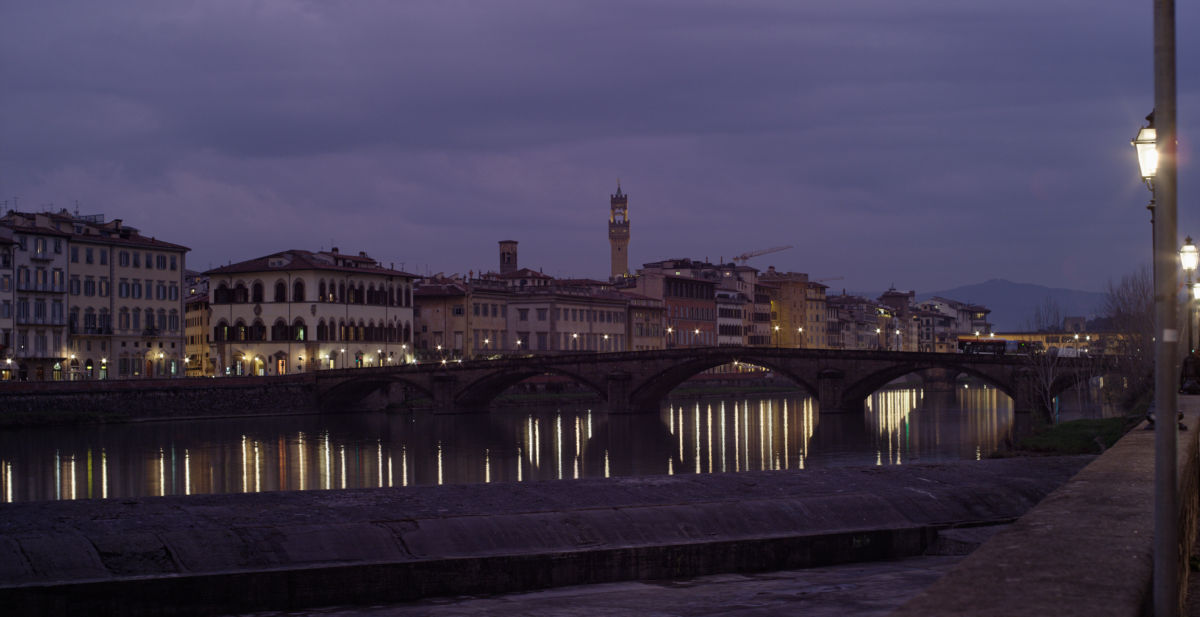
I'll post a frame or two of stuff I was able to capture at 250 ISO 5.6 at night that is much cleaner than some DSLR stuff I have done.

You really only miss the change to expose for longer than a 1/2 second with Dragon BUT, the summing and averaging modes are really one of the most underrated features because you get AMAZING stuff.

David
 
Thanks Graeme for the explanation. So I take it that my camera is working properly. I'll experiment with frame averaging later. Side question to anyone and maybe I should open a new thread for that but how would I get a 1/2th exposure at 1/48 using frame averaging? I see 2,4,8,16 option etc..
 
If you average 1/48 you'll keep the exposure of 1/48.

If you want the motion blur of 1/2 for each frame while averaging an exposure of 1/48 you need to integrate 24 frames.

I haven't checked but I think motion blur gets a little weird. You might want a 360 degree shutter to make sure that you're not averaging discontinuous moments in time. i.e., 180 degrees meens the shutter is 'closed' half the time, averaging these frames leaves gaps in the motion and therefore in the resulting motion blur.

The timelapses I've needed to do so far haven't had a need for motion blur so I haven't worried about it. Would be good to know though.
 
Lack of physical shutter to capture a true black frame after the real frame is the main difference for very long exposures. For shorter (but still long exposures) it's the difference between designing a sensor for high-speed continuous shooting rather than single frame stills shooting. That's why we put in the frame averaging mode though to mitigate some of the disadvantages of the compromise chosen for the sensor, with the ability to add some benefits too as I outlined earlier. In the end it's all about what use cases you design a sensor for.

Graeme

Thanks Graeme,

This is this first time I have heard this, and it all makes sense, but then why not allow, say, ten second black shades
to be used with ten second exposures etc.

Also, I don't recall my Canon stopping me from shooting the next long exposure while it builds up a 10 seconds black frame etc.?

Also, since I really want Digital Cinema Cameras to be as good, or better, than film.....perhaps best to also make a
Red camera that does have a physical shutter....yes? This way when Film is no longer made we will have Red Cameras
that can do ALL that old film cameras could.
 
For long black-shades to work they have to be near contemporaneous with the exposure. That is why such a scheme can work when a DSLR does the dark exposure after it's taken the main exposure, but not when you do it in advance. There is a setting for the long exposure dark frame, which maybe you have turned off?

Graeme
 
For long black-shades to work they have to be near contemporaneous with the exposure. That is why such a scheme can work when a DSLR does the dark exposure after it's taken the main exposure, but not when you do it in advance. There is a setting for the long exposure dark frame, which maybe you have turned off?

Graeme

Are longer exposure more sensitive with calibration on Dragon?

I remember shooting miniatures at 1/10th with my Epix MX without blackshading and it was still clean and colors were accurate. (in retrospect I should have done that but it looked great and I didn't think about it)

Looking at my results (granted that it's at 1/2th this time) I don't think I can do that on Dragon.
 
For long black-shades to work they have to be near contemporaneous with the exposure. That is why such a scheme can work when a DSLR does the dark exposure after it's taken the main exposure, but not when you do it in advance. There is a setting for the long exposure dark frame, which maybe you have turned off?

Graeme

Thanks Graeme! You're the best!
 
I don't know if Dragon is that different in this regard than MX. The noise floor on the sensor is much lower though, and that noise can mask black level differences that are more readily apparent on the better sensor.

Graeme
 
I don't know if Dragon is that different in this regard than MX. The noise floor on the sensor is much lower though, and that noise can mask black level differences that are more readily apparent on the better sensor.

Graeme
I don't have issues with noise but at 1/2th, when the sensor temp goes off + or - 1 degree, color channels are shifting resulting in very strange colors. For instance when the temp gets hotter, the blue channel crushes / slowly collapses. You can see this in the video I shared.

Anyhow - i'll stop here as this is a normal phenomenon. Maybe something can be done in the future? Thanks Graeme for all the information.
 
Just adding a few pics about what I am talking about.

leicaR19mm103.jpg


leicaR19mm104.jpg


leicaR19mm105.jpg
 
David, they're excellent examples of what you can achieve with the frame averaging. I note that the water looks nice and smooth. How many frames did you average? If you gain up the R3D to look into the shadows, how well do they hold up? In my experiments with frame averaging for still subjects, I can easily go to ISO6400+ and not have any noise issues when using 16 frames to average.

Graeme
 
Hey Graeme,

im fairly certain this was two or four frame averaging and the images are really nice in the shadows. What you see above is 250 ISO at 5.6 from a 50mm Leica. I think with this type of neg you can easily push the ISO because there is a clean signal to start with. The frame averaging modes are a must for timelapse because stuff ends up so tack sharp and clean and you aren't forced to capture at insanely wide apertures. The other thing I try to do is to capture at low compression which helps as well.

Ive ce used these modes enough now to get super clean night time-lapse and pretty much not worry about DSLR's and the added workflow but pack all those frames into a nice R3D file which I find advantageous.
 
I'm really interested in this topic as I'm trying to phase out the SLR. I've had a lot of success with long exposures as long as everything is calibrated right. Plus it's great to hear about how you can push the image with frame averaging, I'll really have to start using that a lot more.

But where I really start to experience problems is with frame summing. I'll start to get artifacts that robino is talking about. The image will start to shift colors and the blacks get crushed, but I might have to test it more to really get an idea of how summing works. Could I get some tips on how to get frame summing to work well?


Anyways, here's a long exposure test for ya. It was shot at 1fps, 360 shutter, Redcode 4:1, ISO 1600, LLOLPF


Are you blackshading with the number of frames to sum or average and the exposure set to where it is when you record?

In terms of the difference. Summing adds up the exposures to create a frame, and averaging takes the average exposure to make the frame.

Basically, because the RED dragons electronic shutter can only open for a 1/2 second, you can extend that by using these modes.

You our can sum or average 2,4,8 or 16 frames but you have to also double your interval to do that.

2 frames, 4 second interval
4 frames, 8 second interval

etc.

because what the camera does is take several 1/2 second exposures and uses the onboard computing power to combine them and write one frame based on several exposure.

If you want super clean exposures you average, if you want long light streaks, you sum.

Also an excellent mode to use for tabletop photography. Where you can use a 2 frame sum and burst mode to record short clean clips to extract photos.

Maybe be the most underused feature on the dragon, but if you want to squeeze the most out of your camera, this is the way to do it.
 
Although frame summing is in camera, I'd advise to use averaging instead. Although you'd think summing would be best for low light, averaging is the best mode, even upon boosting to very high ISO, especially if you're averaging lots of frames.

Graeme
 
I'm not with my camera right now, does averaging or summing with 180 degree shutter cause any artefacts in the motion blur? I imagine it must but it would be great to have an explicit answer.
 
It depends on the desired effect and the subject matter. Since the mode does use several exposures to create a frame, then you it can have an effect, like any other shutter/motion blur artifacts when doing time-lapse shots.

If you want a true 180 degree shutter then it's best to capture one frame rather than averaging, but you can get some excellent results. Each shot is so different, but you can pull off some nice motion blur depending on what you are capturing of course.
 
Back
Top