Welcome to our community

Be a part of something great, join today!

  • Hey all, just changed over the backend after 15 years I figured time to give it a bit of an update, its probably gonna be a bit weird for most of you and i am sure there is a few bugs to work out but it should kinda work the same as before... hopefully :)

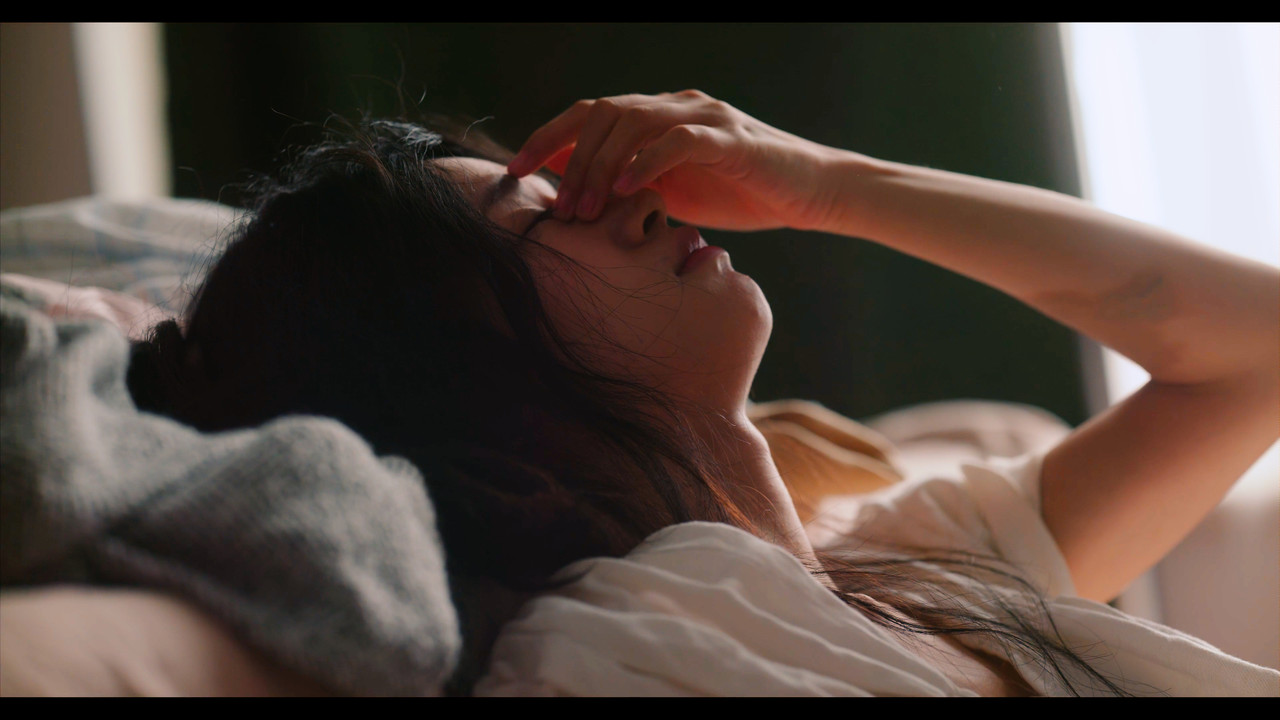
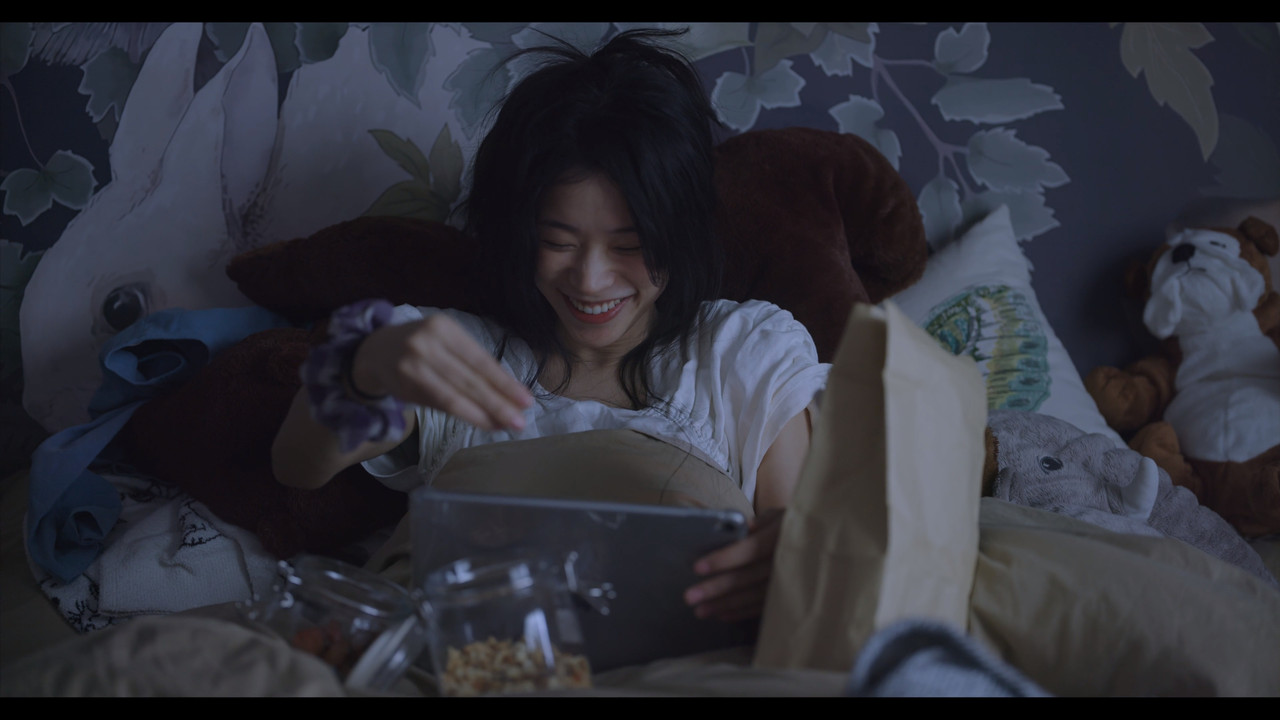
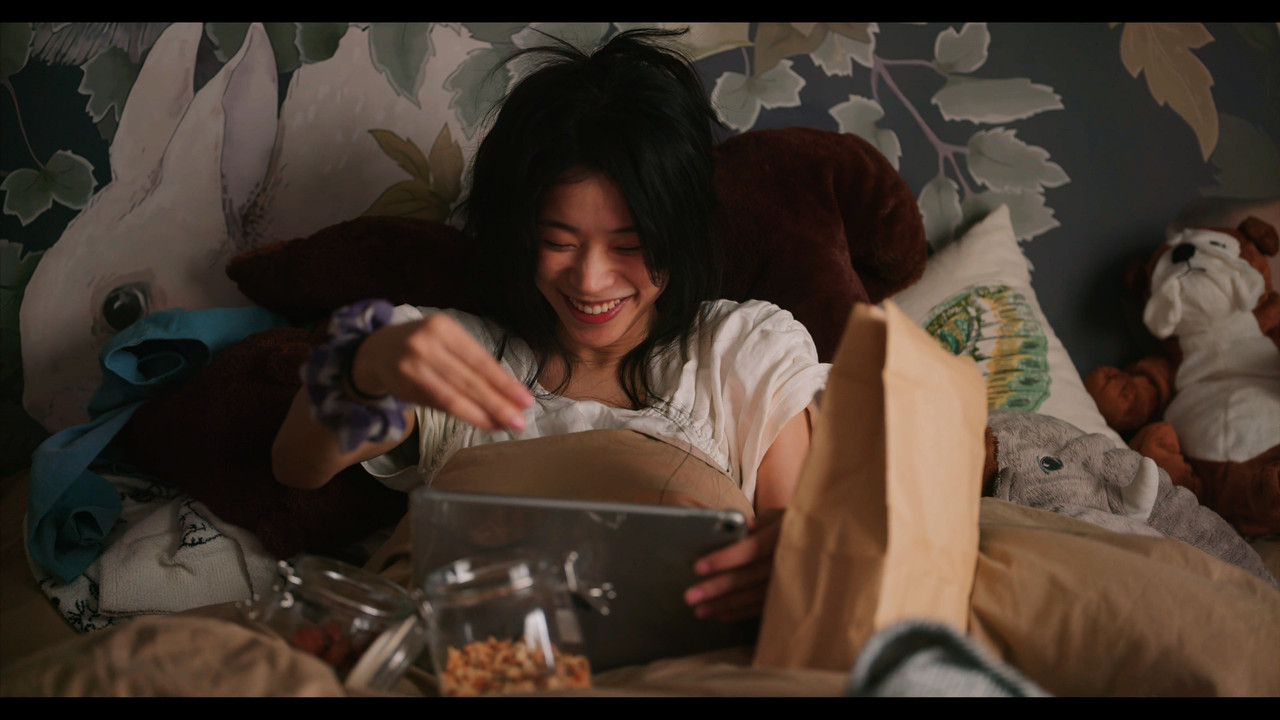
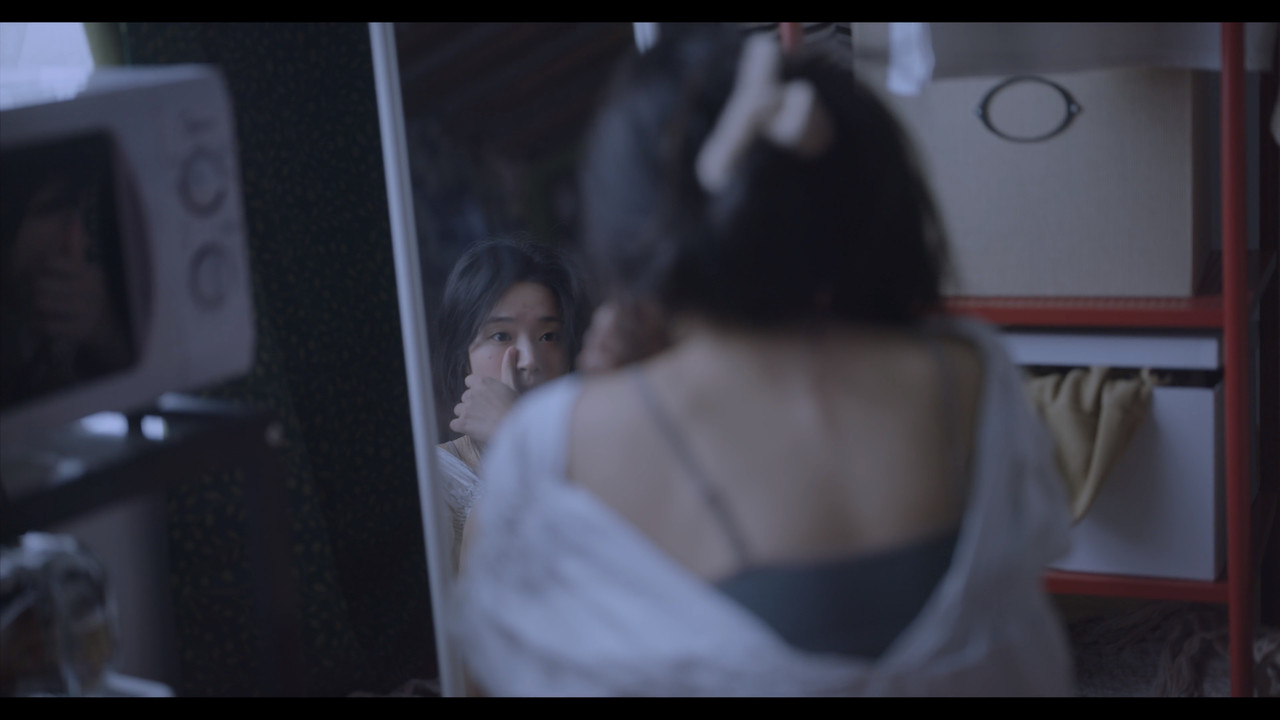
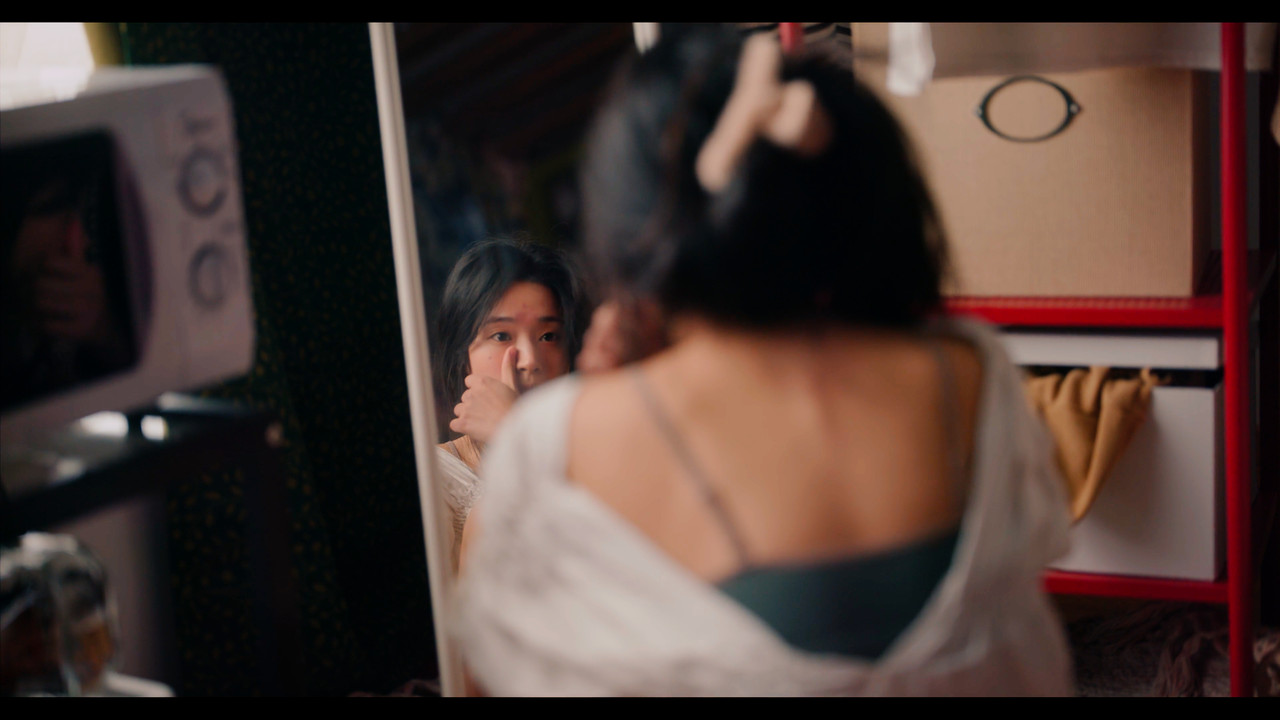
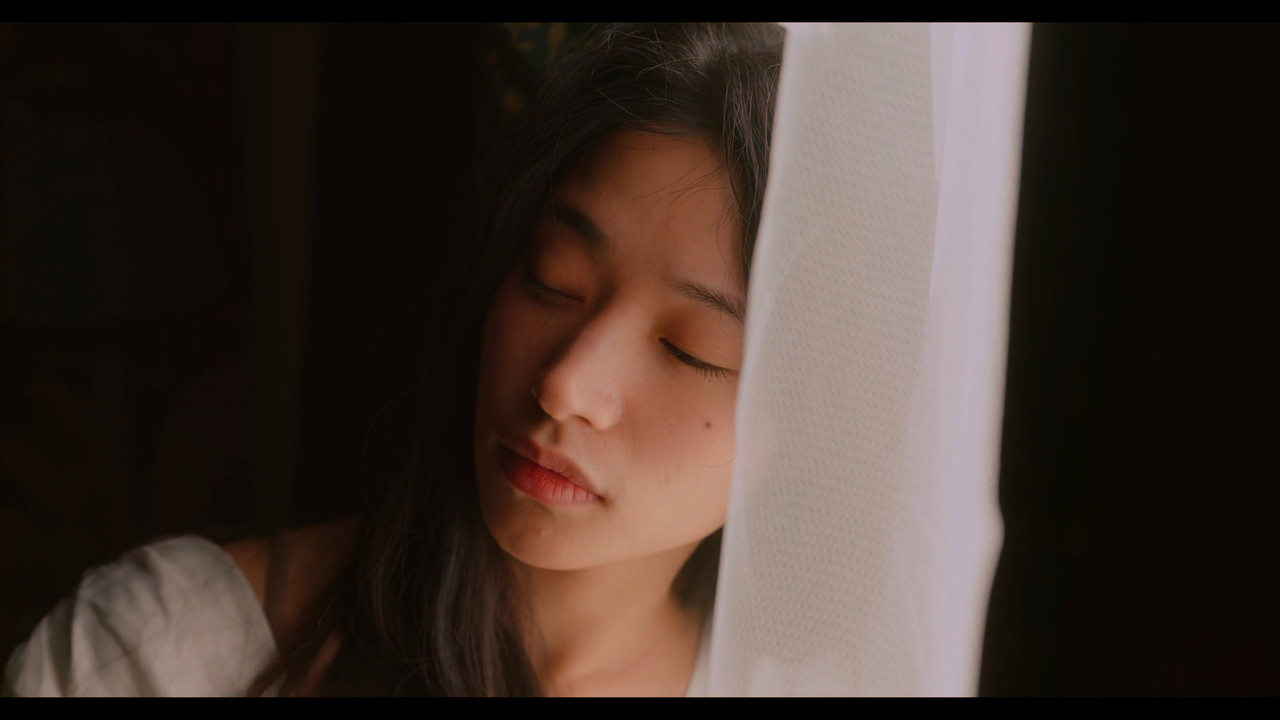
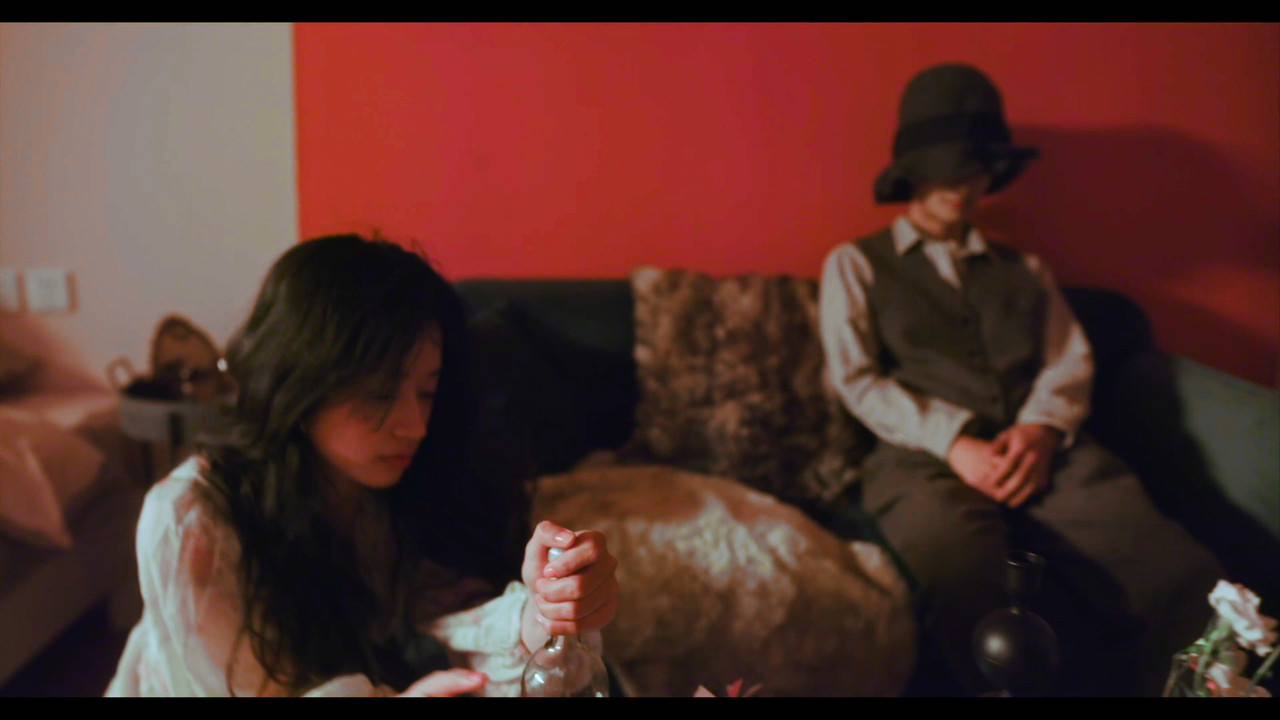
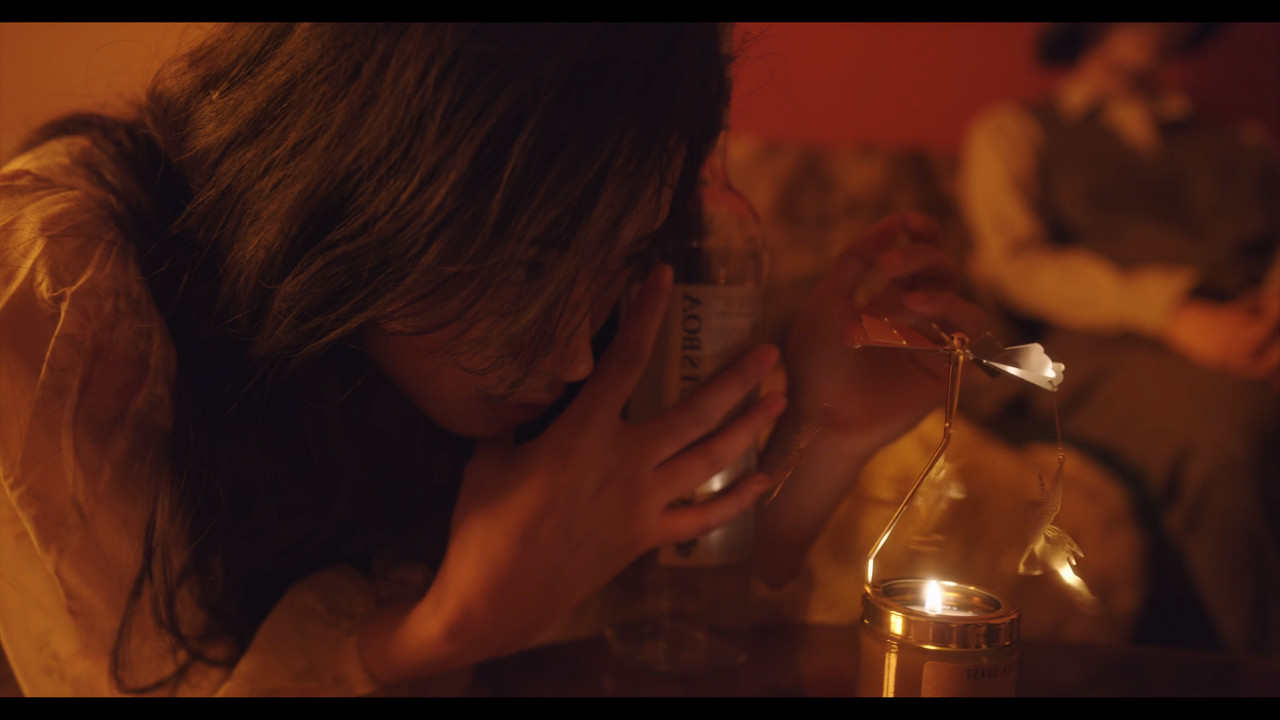
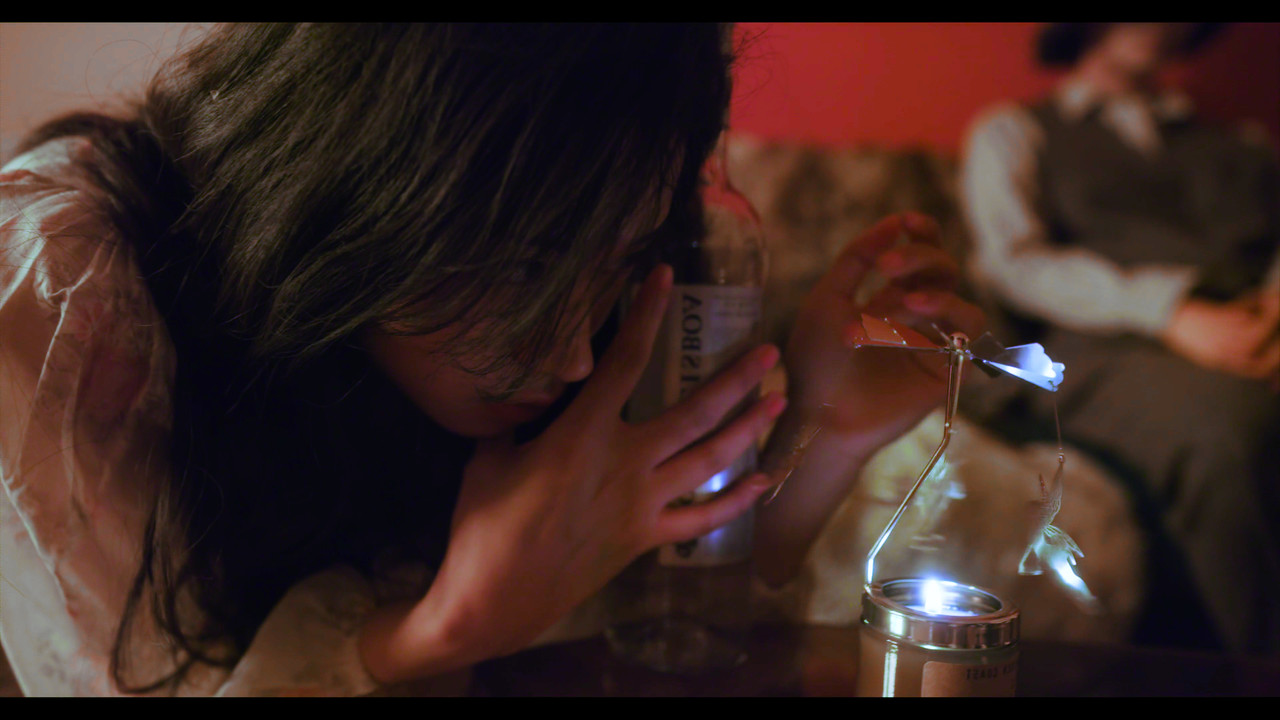
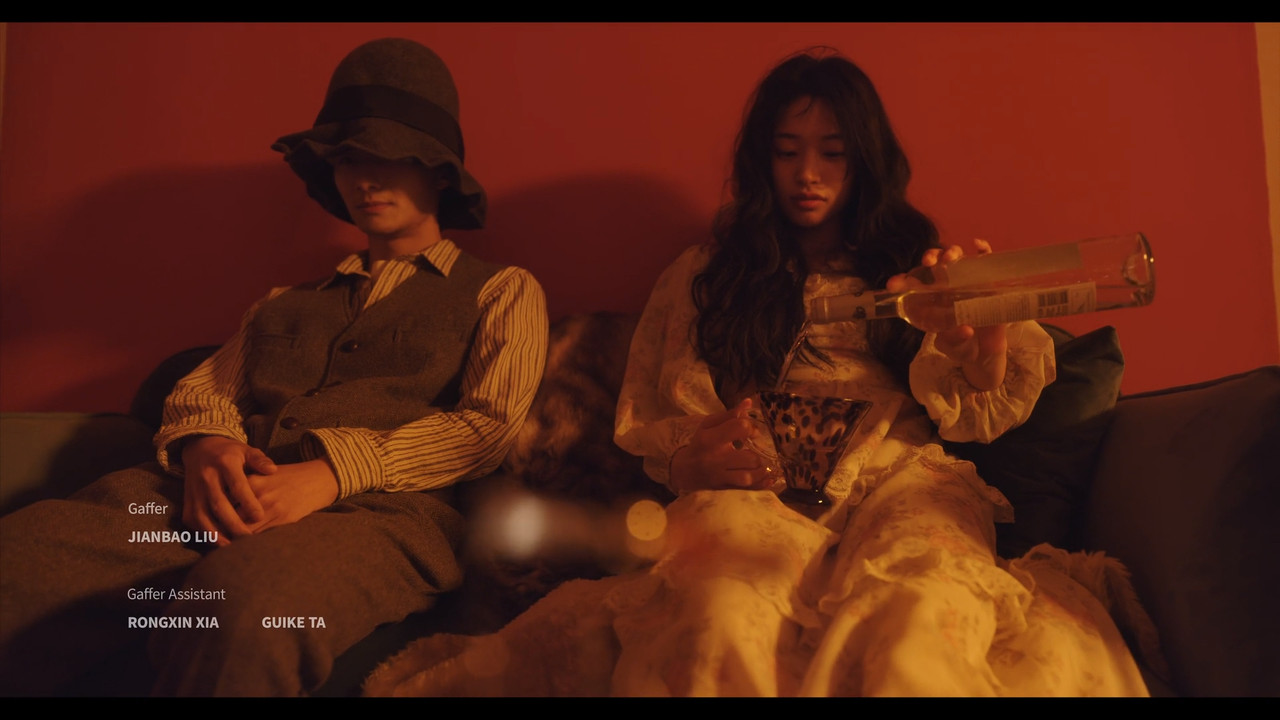
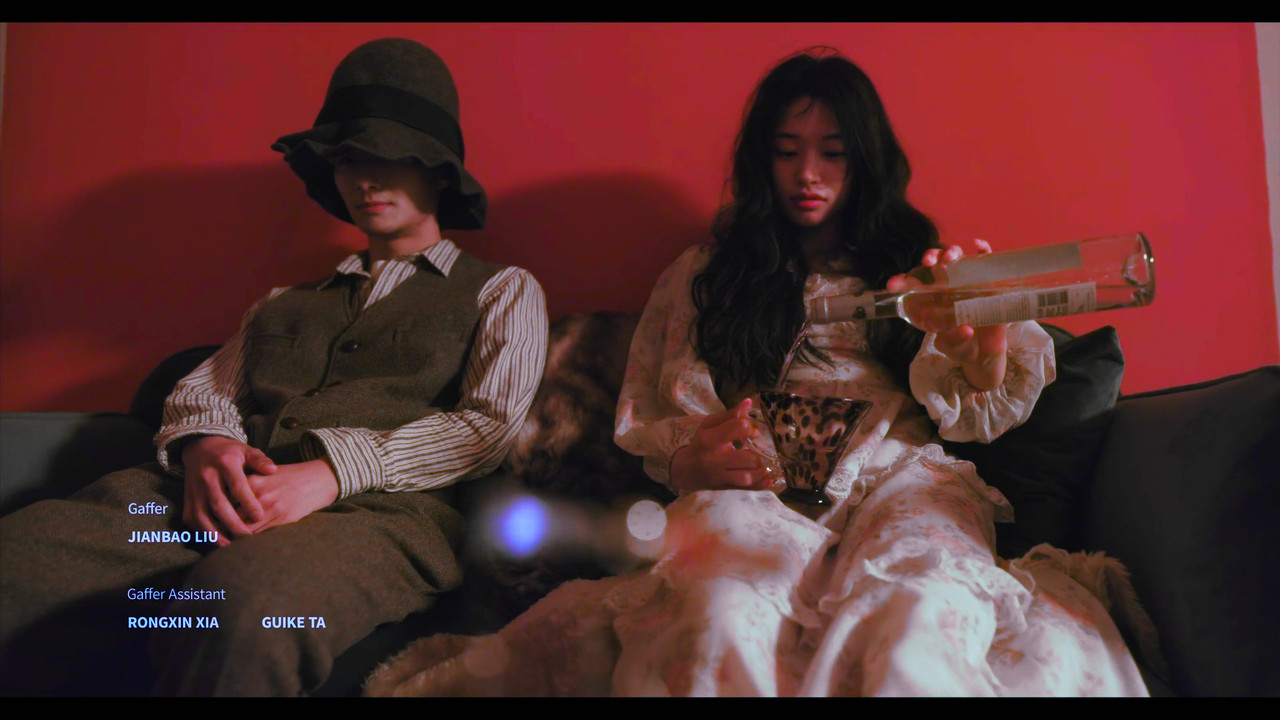
Kinefinity MAVO Edge

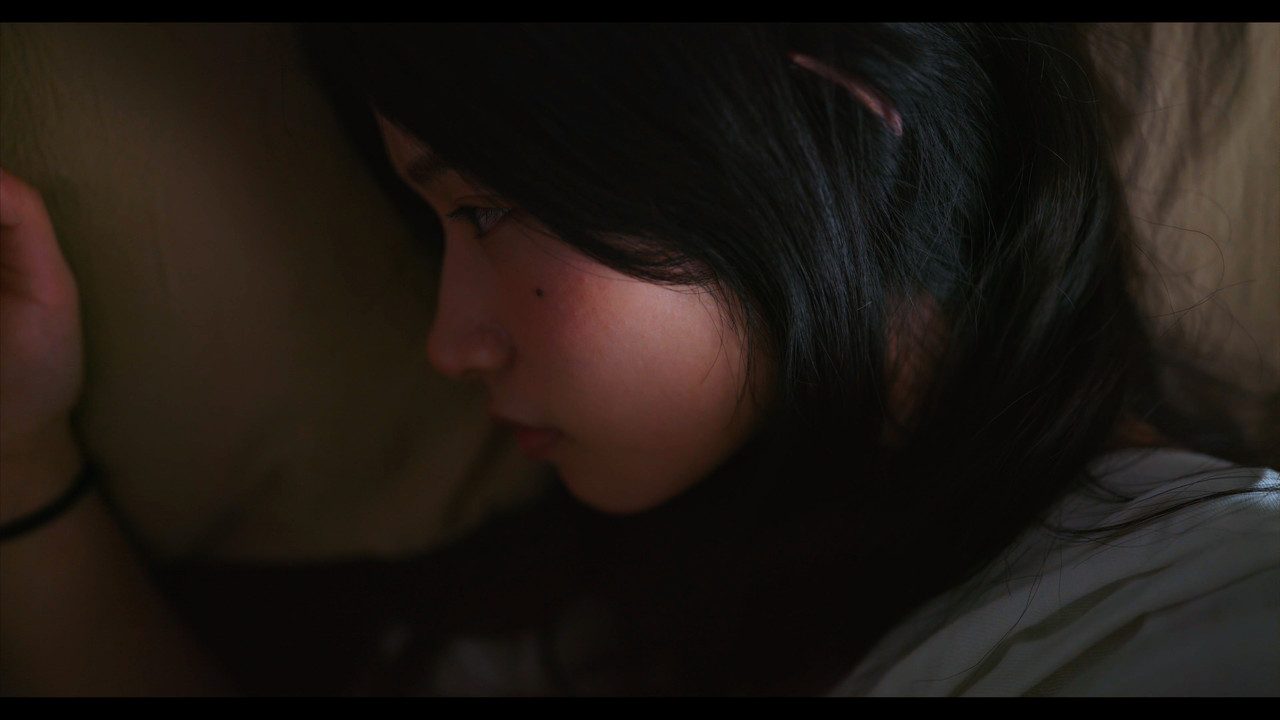
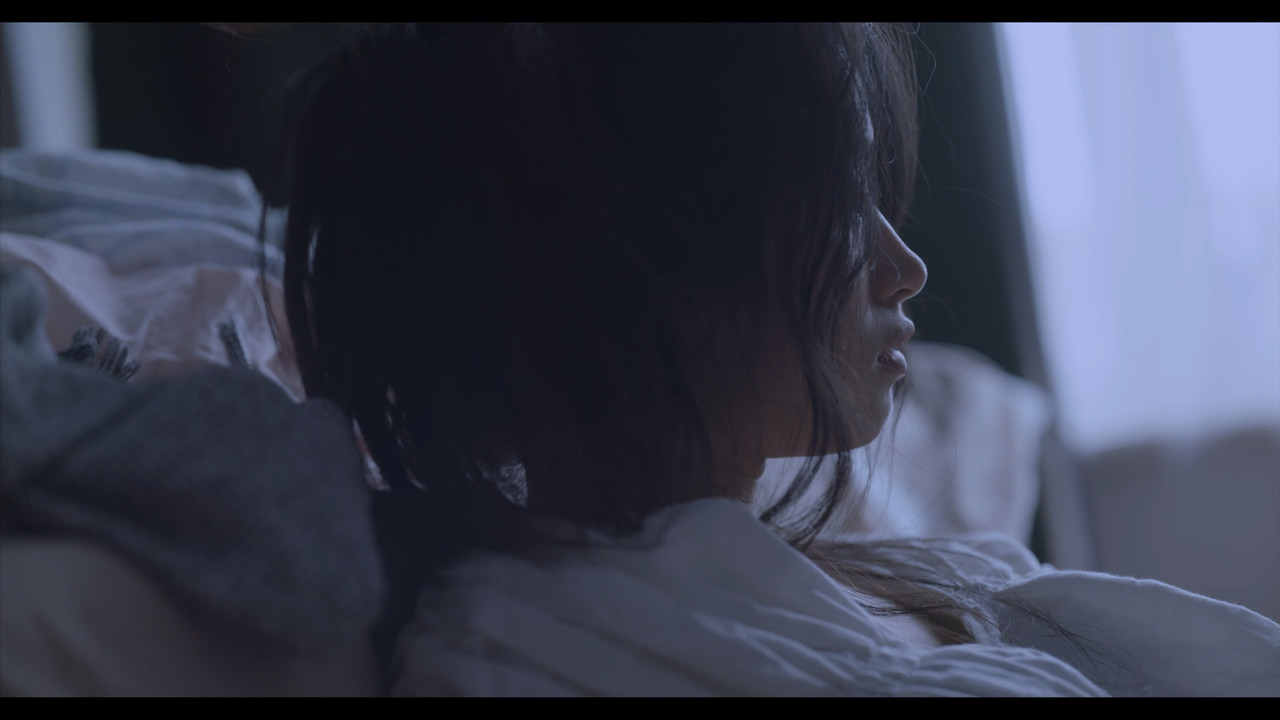
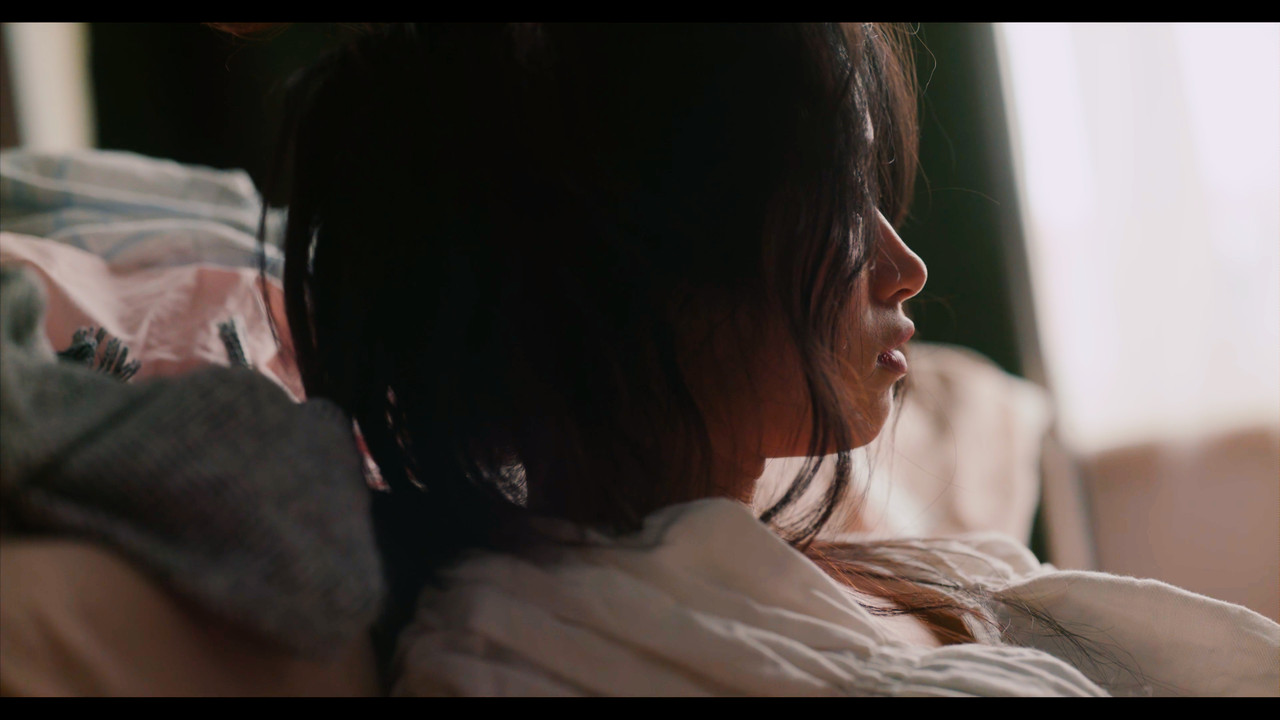
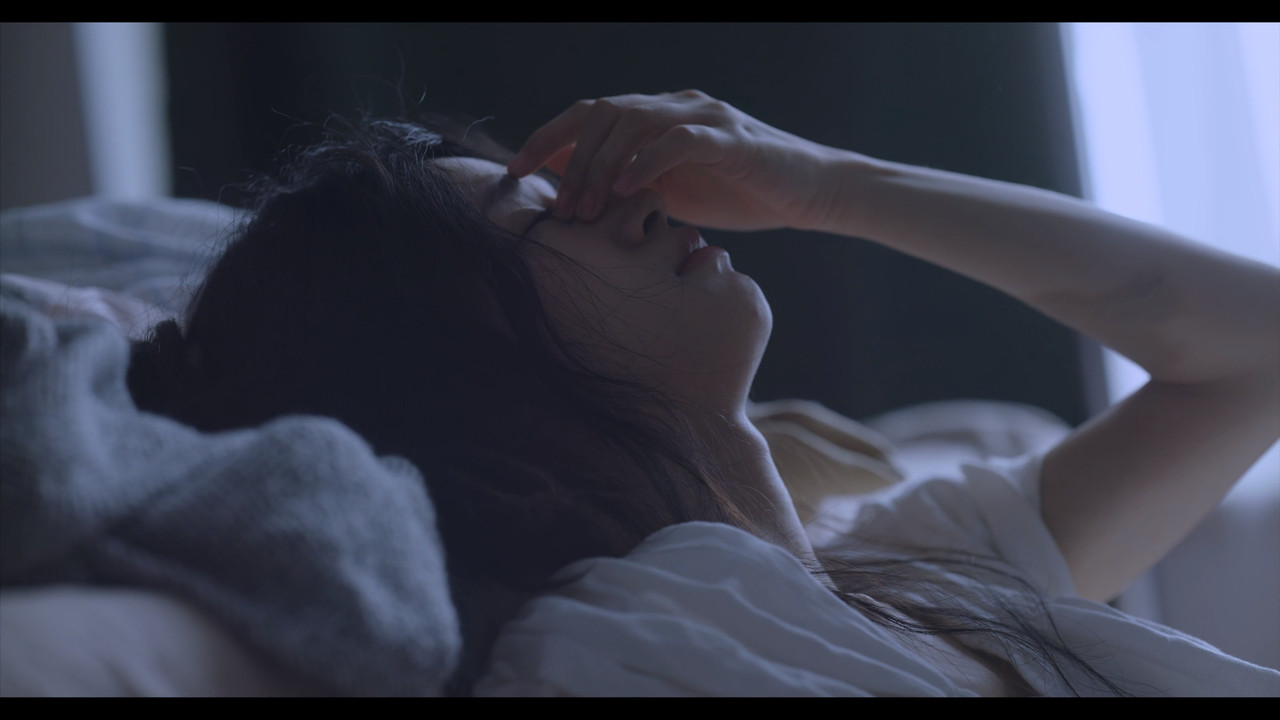
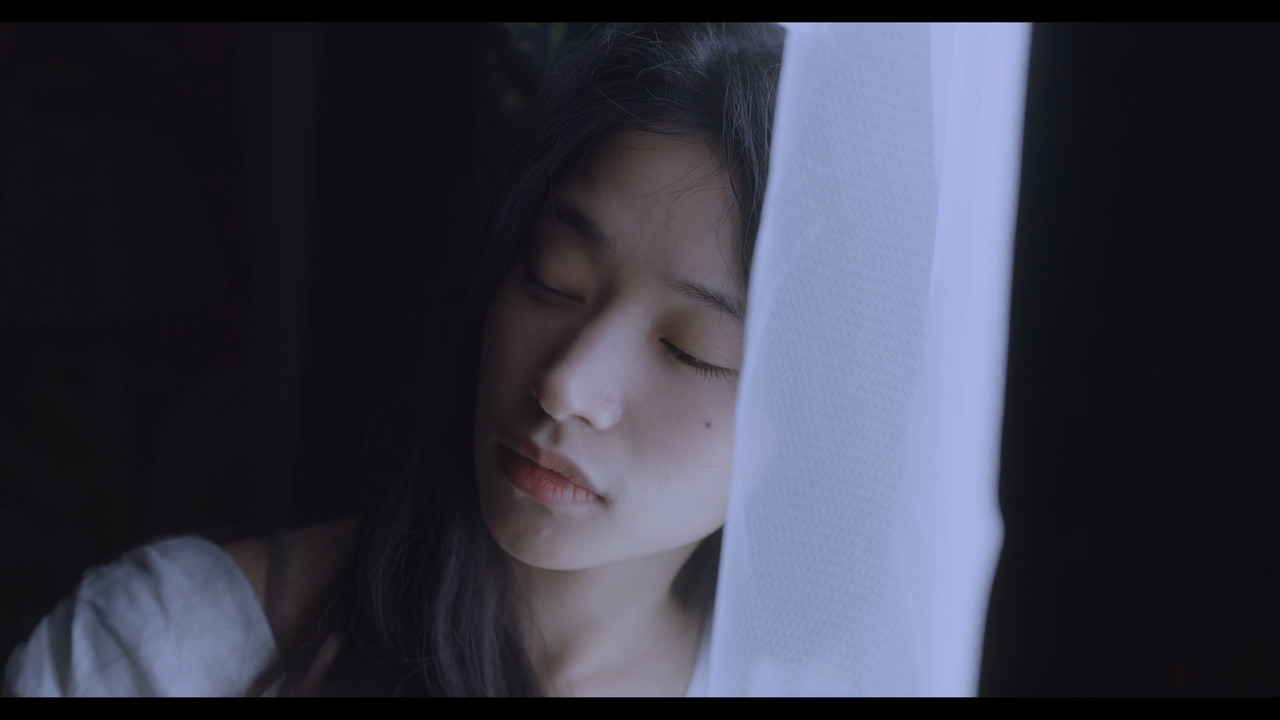
I also noticed that in the comments section of this video one of the posters commented that the way the highlights looked wasn't that good in some shots. I don't know how well versed the Director and Director Of Photography are with how to expose for the Kinefinity camera or how closely they worked with Kinefinity on how to get the best results out of the camera,


Here are 4 better more clearly explained tutorials about how to get better exposure/images from the Mavo LF which will also be about the same for the Mavo Edge


Exposure Tutorial with Kinefinity MAVO LF - Part 1 - ISO vs. EI modes


By Kinefinity Europe


Exposure Tutorial with Kinefinity MAVO LF - Part 2 - ISO Highlight Stops


By Kinefinity Europe


Exposure Tutorial with Kinefinity MAVO LF - Part 3 - ETTL monitoring


By Kinefinity Europe


Exposure Tutorial with Kinefinity MAVO LF - Part 4 - DUAL ISO Sweet Spot


By Kinefinity Europe


Last edited:
I've so far only had one experience with ProResRaw, and it was... adequate. Hampered by a mediocre cinematographer shooting late in the evening with no lighting, so matching to the rest of the show's footage was quite a trial, since the rest of the show had lighting, and I shot it with an Epic-W.

:)

Are you saying it's the codec or the lack of exposure that was problematic with ProRes RAW? I run EVA1 to ProRes RAW and the noise I get is not that dissimilar to what I would expect coming from this camera. Didn't really feel the codec is introducing anything that isn't already there.
 
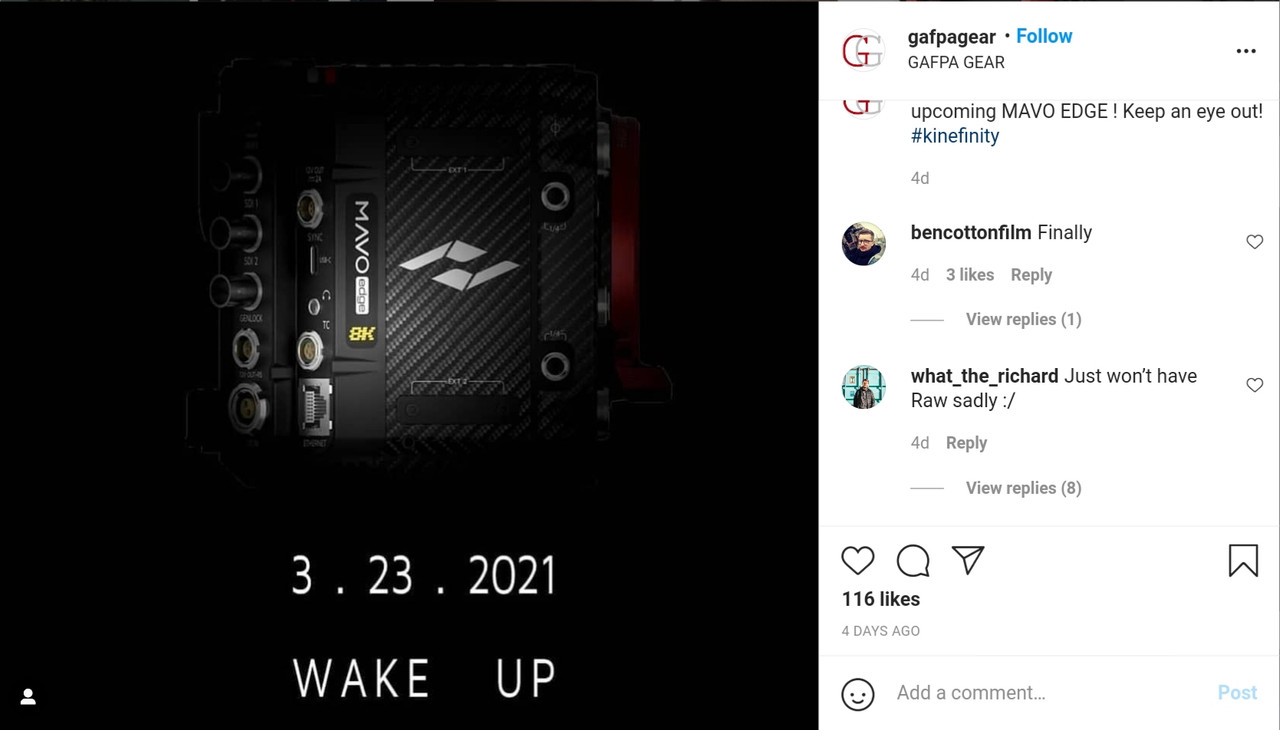
I see that I missed the fact that the YM Cinema Article says that the Mavo Edge is supposed to be released tomorrow along with the full version of the"Wake Up" film, my bad!!
 
Steve,

I personally, due to possible inexperience with Assimilate Scratch on my part, just didn't like how I had to develop the ProRes Raw files. I also tried working with the ProRes Raw files in a copy of Premiere Pro a friend gave me, however I still personally didn't like the final developed image. But again, this could greatly be due to my lack of knowledge with both Scratch and Premiere.
 
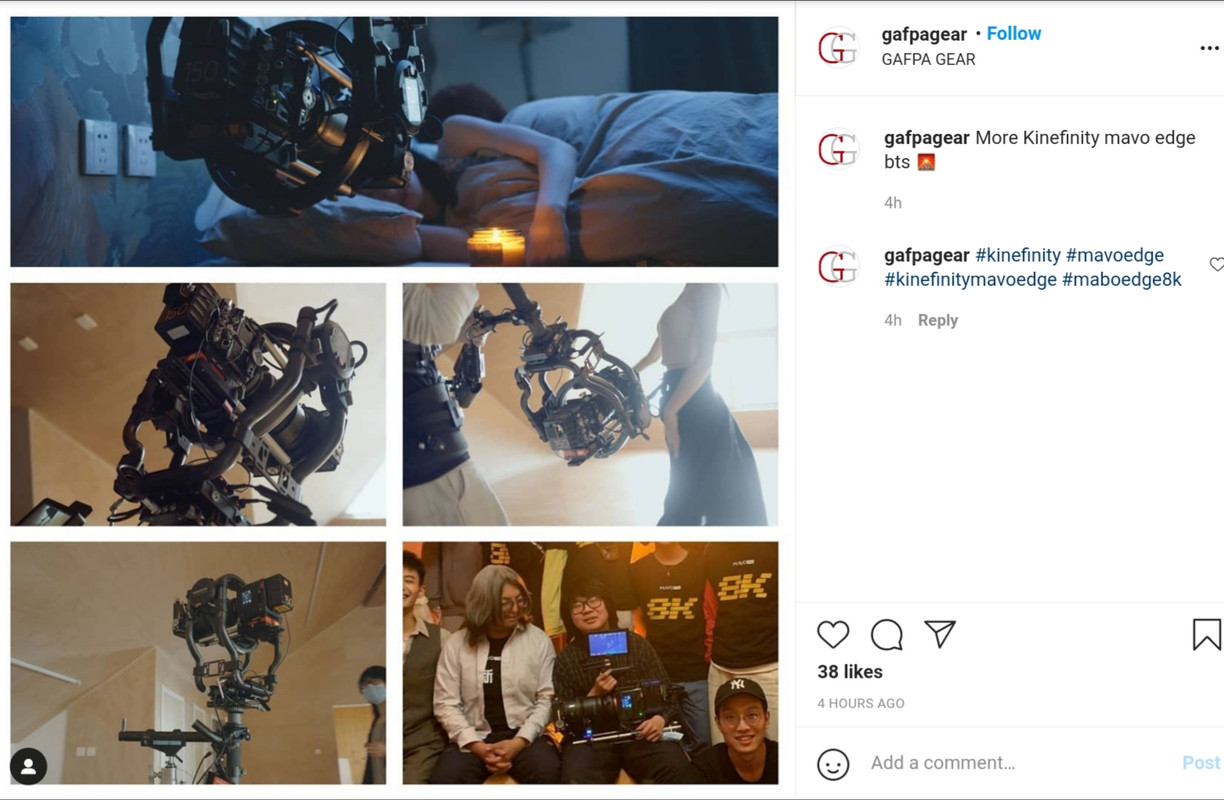
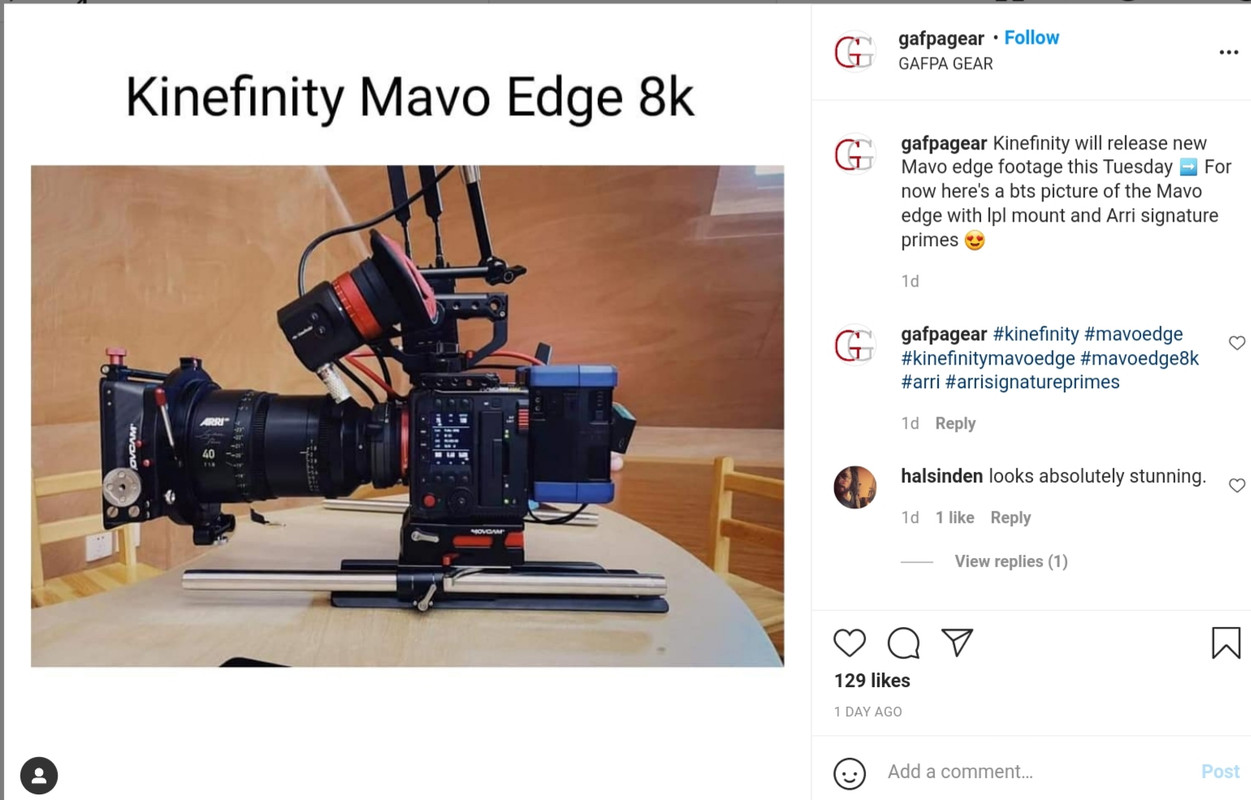
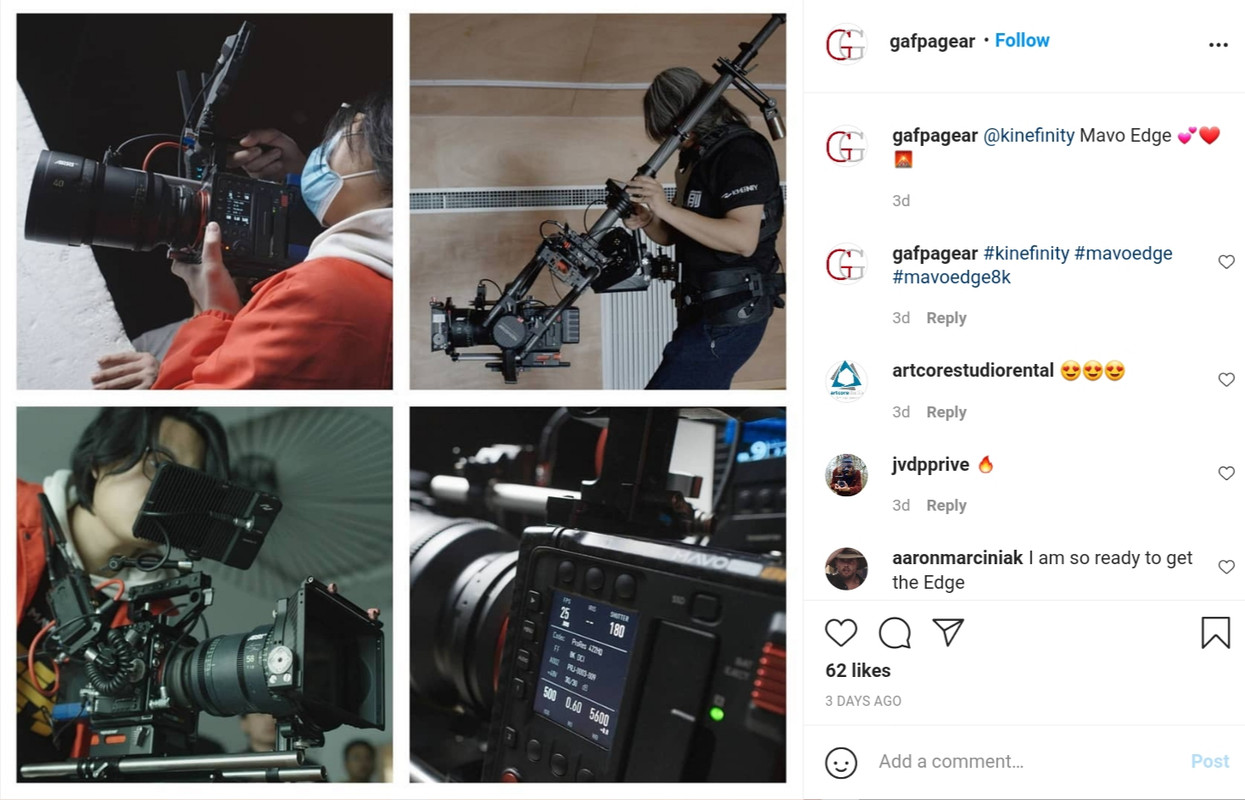
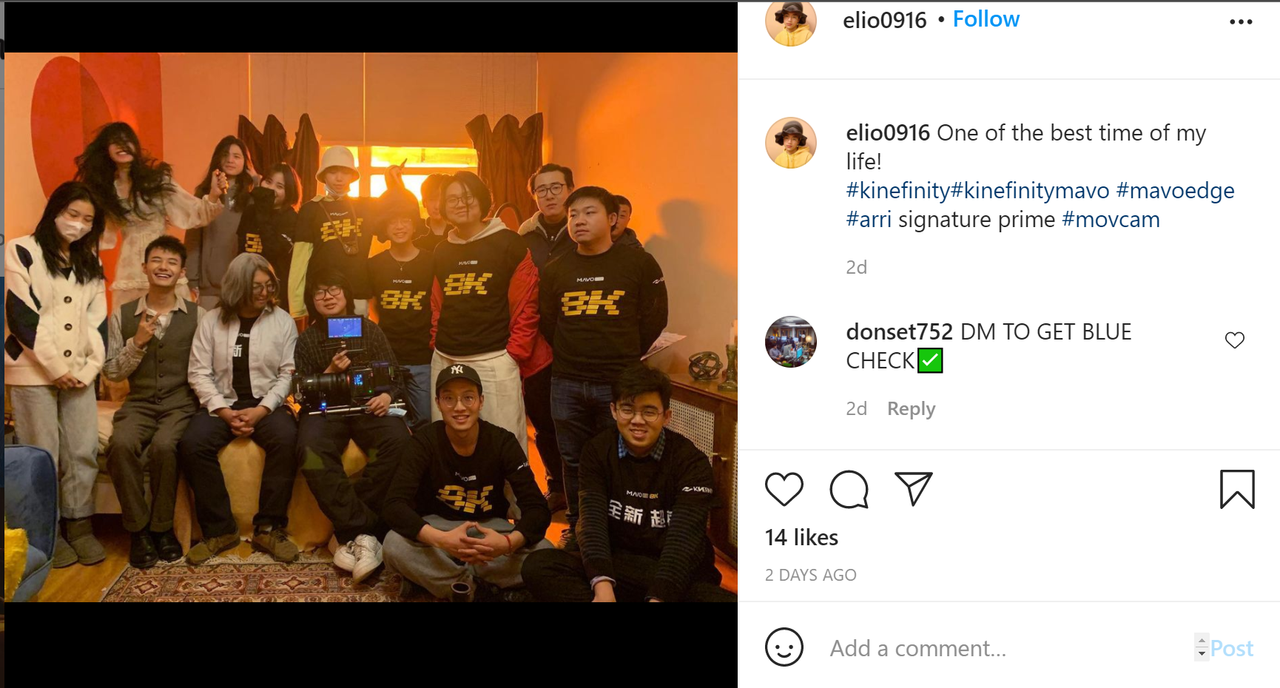
Here's two Instagram posts showing some BTS photos of the "Wake Up" short film shot with the Mavo Edge camera. It looks like they used the Arri Signature Prime Lenses for the Film.

20210322-162244.jpg


20210322-162820.jpg
 
Steve,

I personally, due to possible inexperience with Assimilate Scratch on my part, just didn't like how I had to develop the ProRes Raw files. I also tried working with the ProRes Raw files in a copy of Premiere Pro a friend gave me, however I still personally didn't like the final developed image. But again, this could greatly be due to my lack of knowledge with both Scratch and Premiere.

No worries Rand. My main experience with ProRes RAW has been the EVA1, so it's possible that other cameras combined with PRR might be less workable.
 
Steve,

I don't think I ever worked with any ProRes Raw footage recorded from any of the Panasonic cameras capable of recording it externally. Maybe that's probably why I didn't have as good of an experience with ProRes raw as you did.

It just always seemed, to me atleast, that ProRes Raw had a little more noise after the final transformation than I remember seeing in a similarly transformed Red Raw file. And like I'm sure about everyone else, I wish it had more "Raw" parameters that could be modified.
 
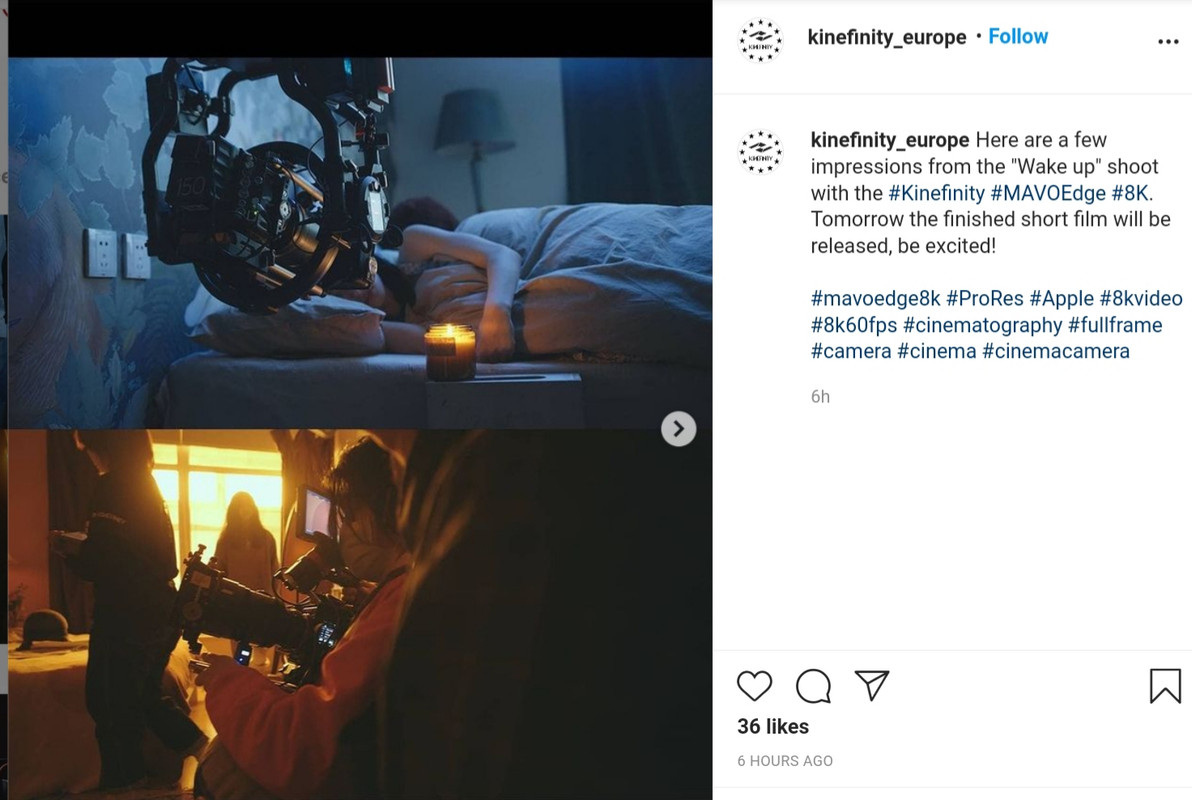
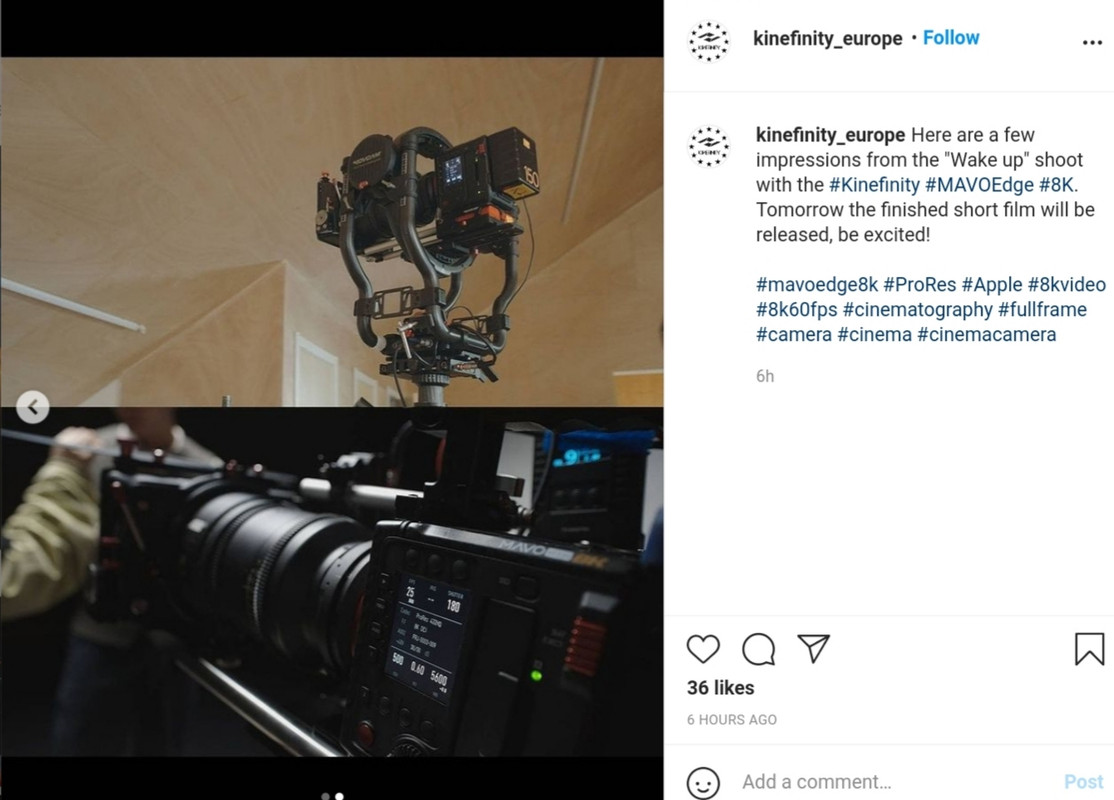
Additional, Instagrram posts of BTS photos from the Kinefinity Mavo Edge " Wake Up" short film.

20210322-190454.jpg


20210322-183750.jpg


20210322-183832.jpg


Screenshot-1039.png


20210322-183655.jpg
 
Last edited:
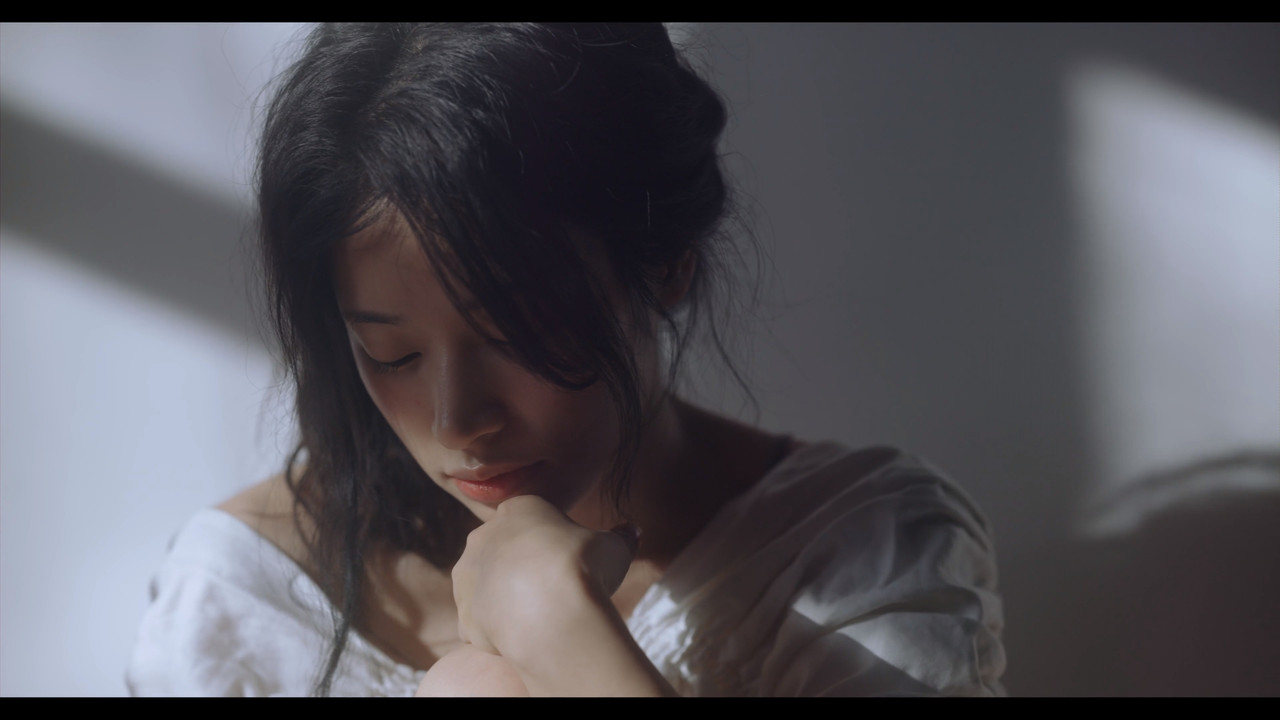
Steve,

I don't think I ever worked with any ProRes Raw footage recorded from any of the Panasonic cameras capable of recording it externally. Maybe that's probably why I didn't have as good of an experience with ProRes raw as you did.

I haven't either, only with a Sony camera. I don't remember which one, but it was poorly shot footage.

It just always seemed, to me atleast, that ProRes Raw had a little more noise after the final transformation than I remember seeing in a similarly transformed Red Raw file. And like I'm sure about everyone else, I wish it had more "Raw" parameters that could be modified.

I think the noise is due to the camera more than due to the codec, but it seems like the raw parameters available are more a software than codec thing. That said, it's hard to compete with the robustness of Red's codec.
 
Rakesh,

Yeah, I believe you're right about the noise coming more from the camera than possibly from the codec. I really wanted to see how well ProRes Raw performed when it was recorded "internally" at 8k from the Mavo Edge then compared maybe to an externally recorded Panasonic 5.7k EVA1 or SH1 file.
 
Dan,

Kinefinity said that they will be releasing additional footage tomorrow and who knows what else.
 
I think a lot of the scenes looked great but some didn't. I got nauseated from all of the moving shots, couldn't they have had more static scenes? I appreciated them using available lighting to illuminate scenes, but more staged lighting scenes would have been really nice. I also wish each individual scene would have been longer.
 
Also,

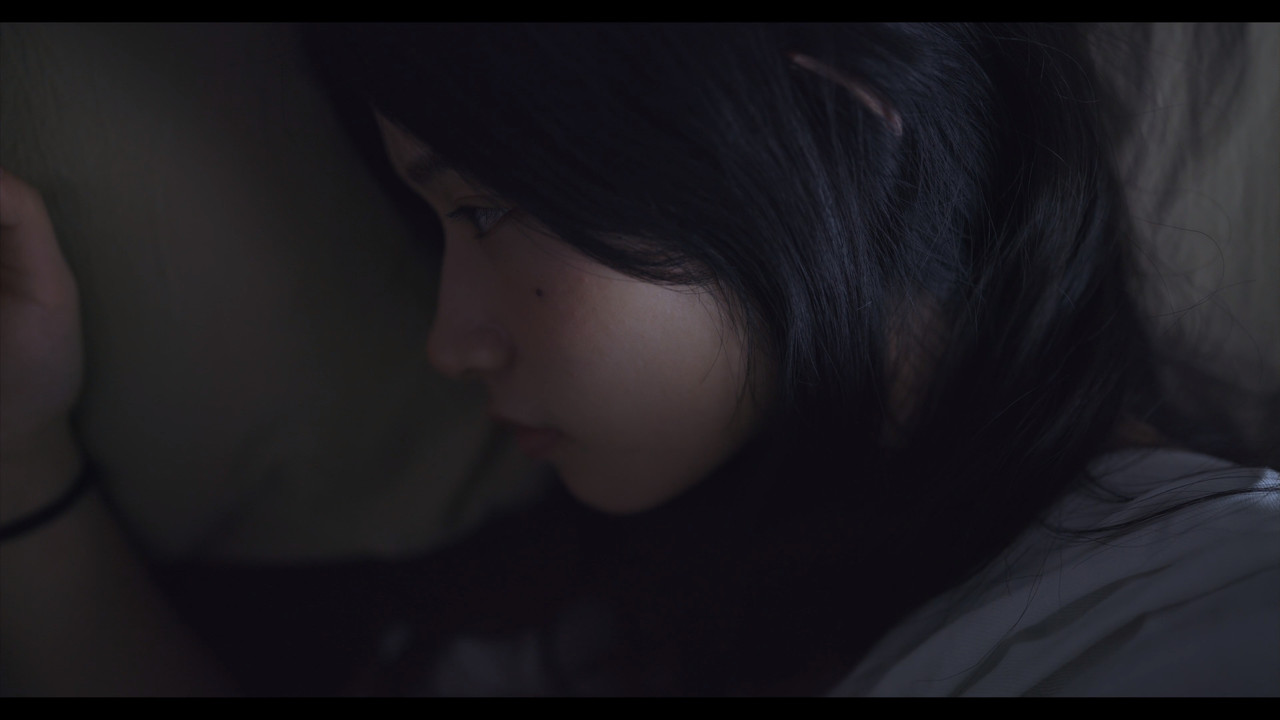
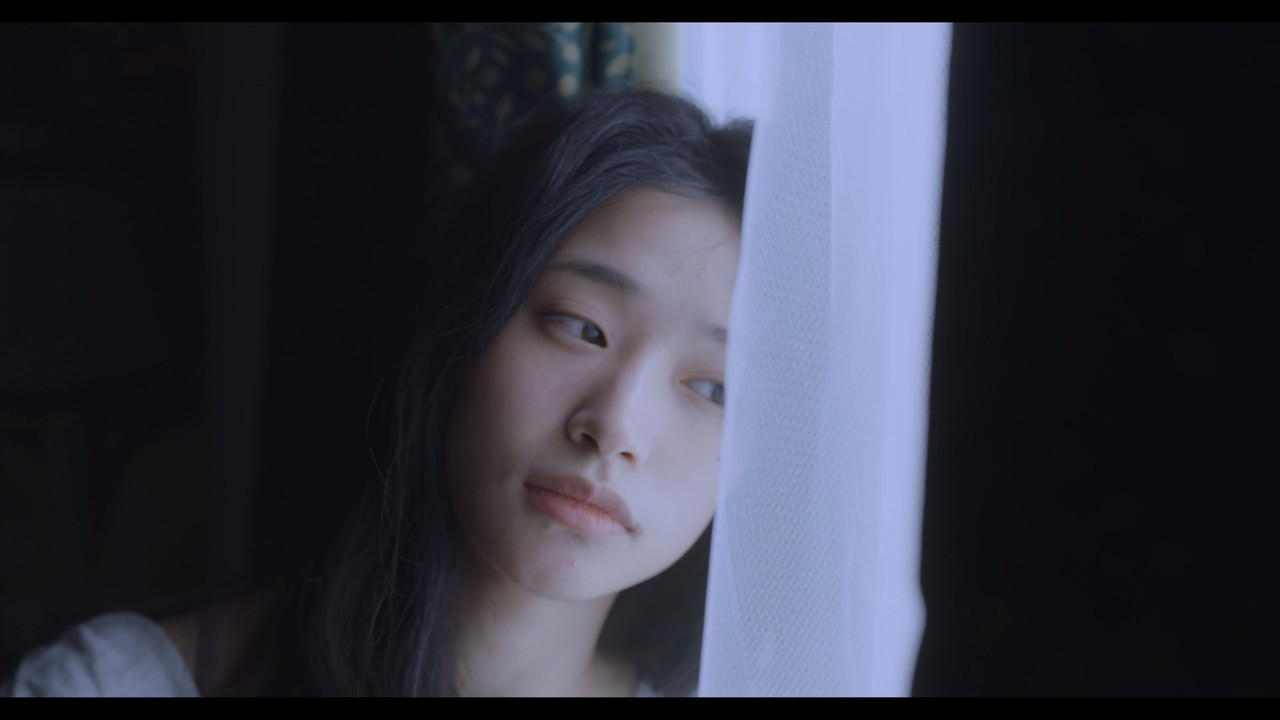
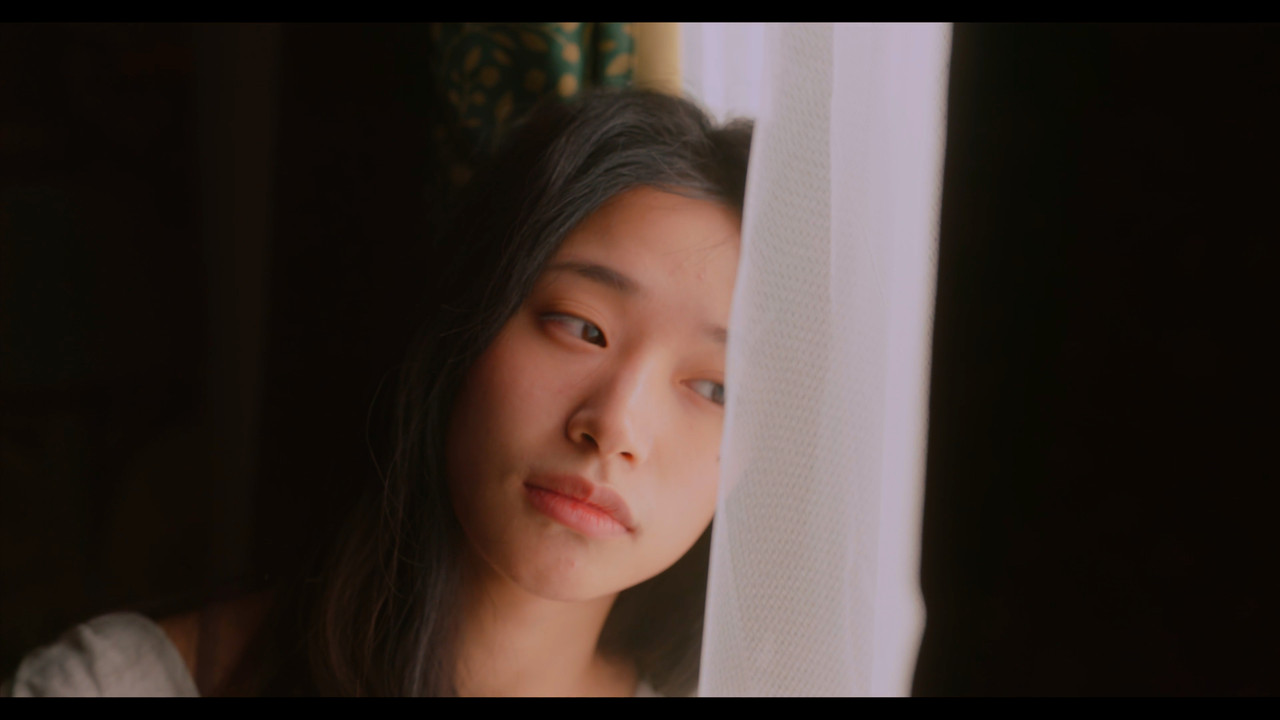
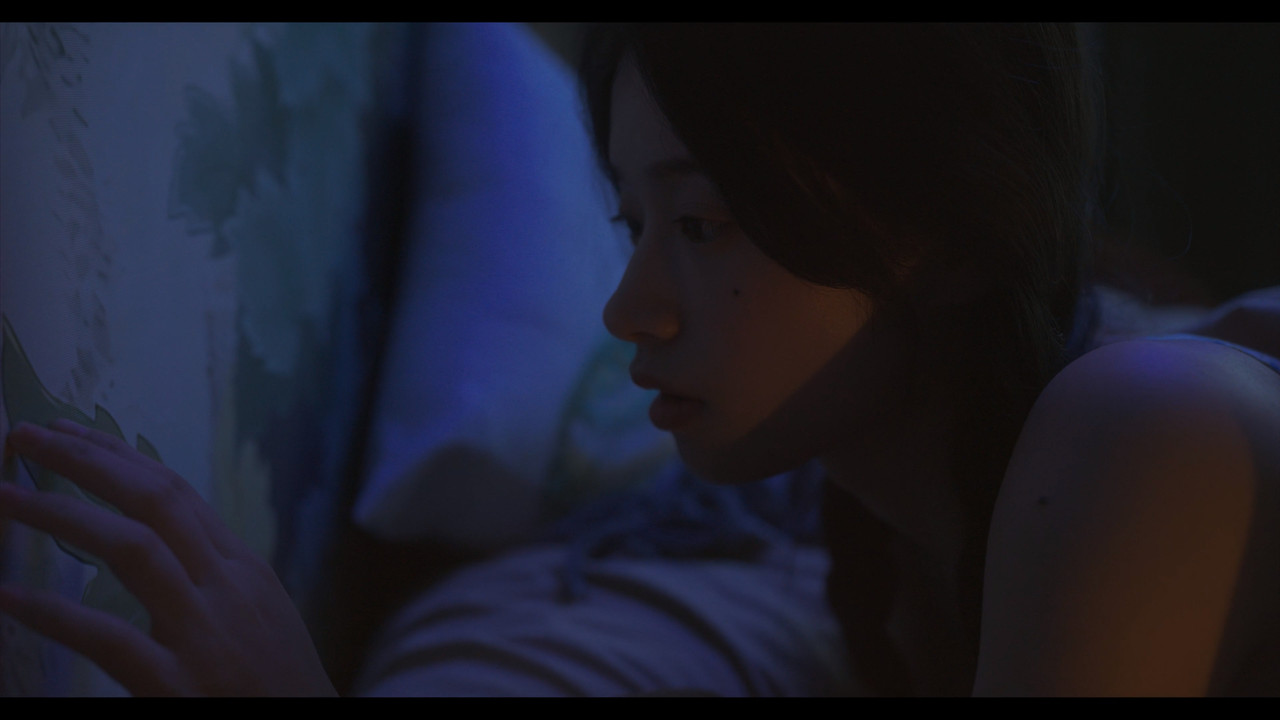
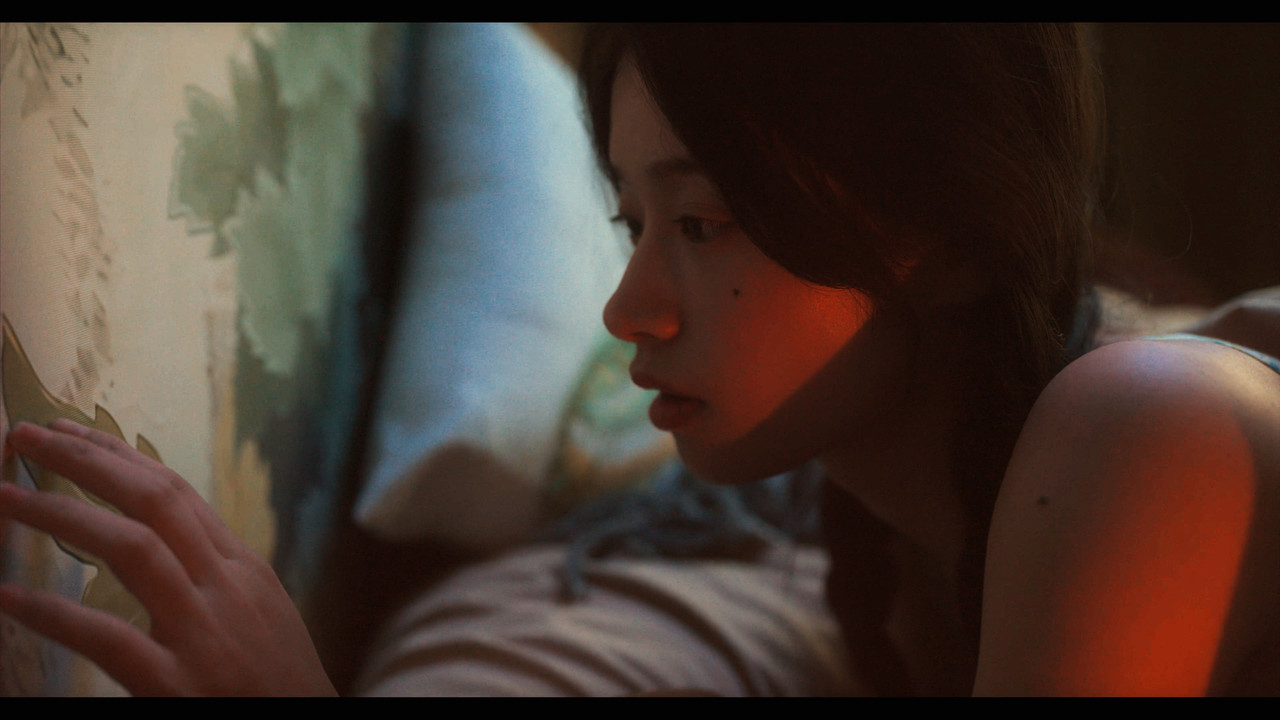
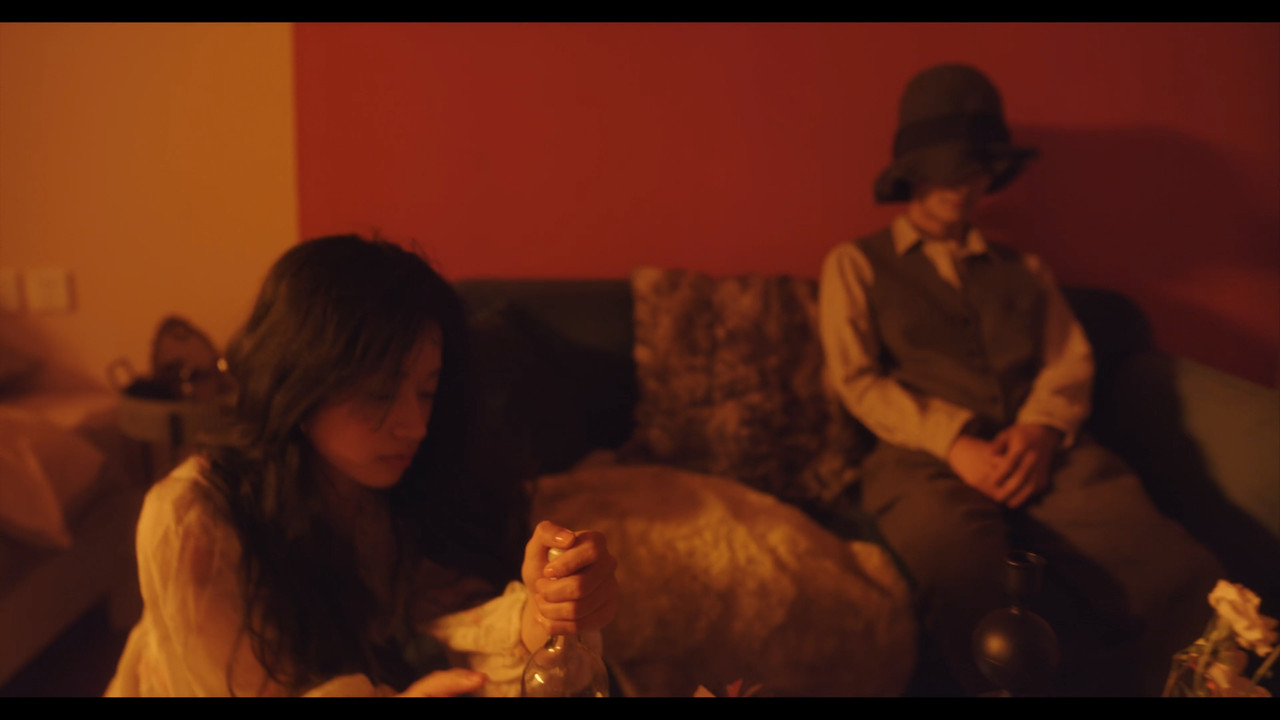
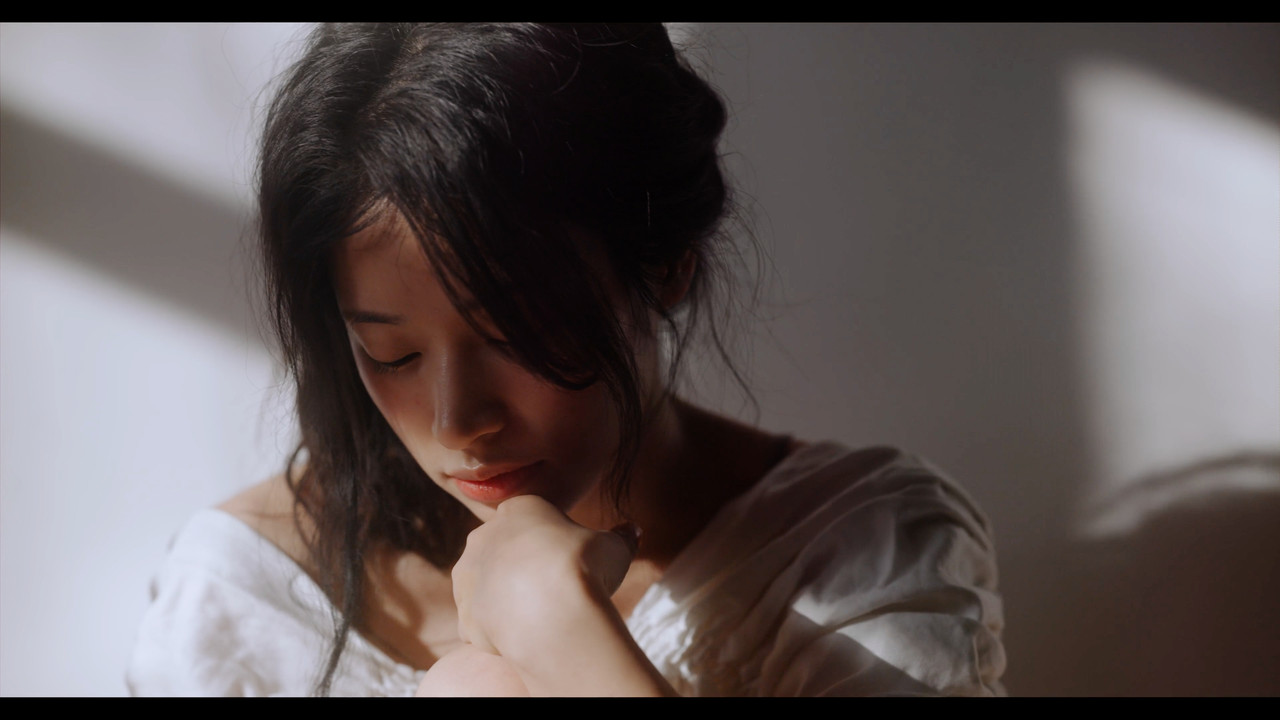
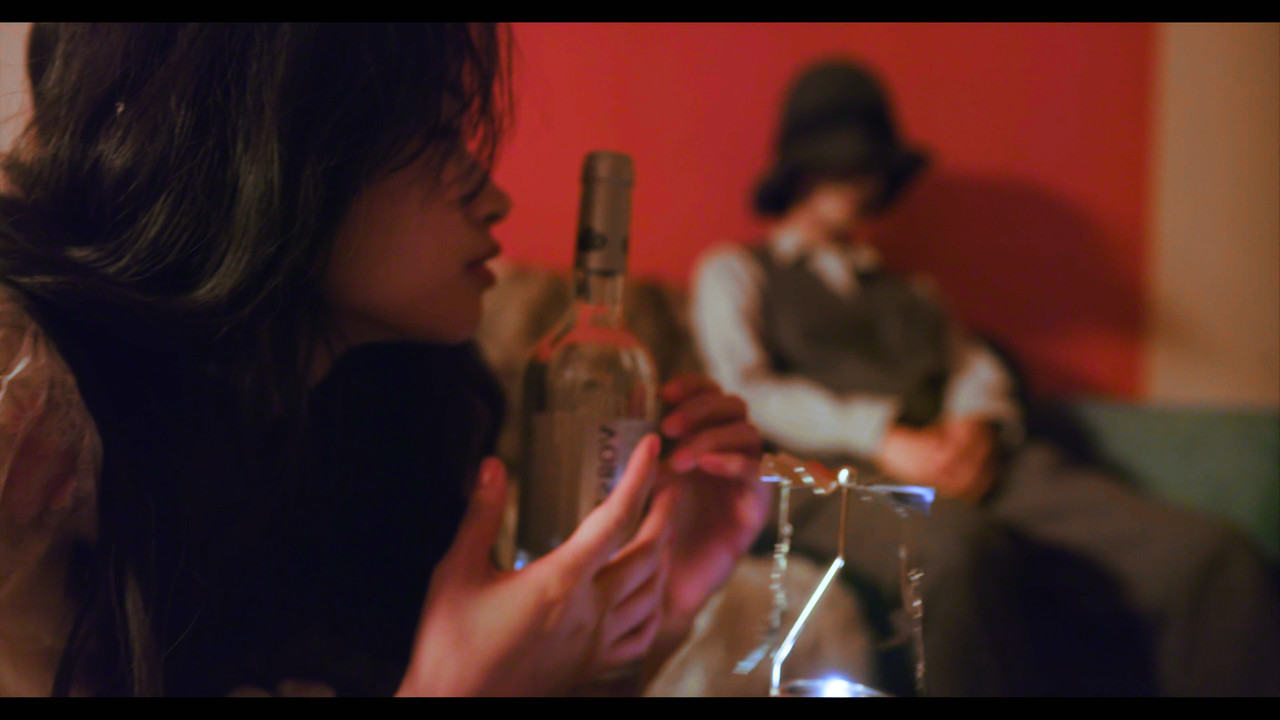
I didn't really like the Magenta, Orange, Low Contrast Blue, Low Saturation looks in this film. Here are a few quick personal suggestions of how I would have graded these few scenes. And before you tear me a new asshole, I know these were grading decisions that were made by the Director, Director Of Photography..Etal. My grades are no more important than anyone else's I just wanted to give my 2 cents.


grade-15-1-13-1.jpg


grade-16-1-13-2.jpg


grade-1-1-2-2.jpg


grade-2-1-2-3.jpg


grade-5-1-4-3.jpg


grade-6-1-4-4.jpg


grade-7-1-5-3.jpg


grade-8-1-5-4.jpg


grade-11-1-8-1.jpg


grade-12-1-8-2.jpg


grade-13-1-11-2.jpg


grade-14-1-11-3.jpg


1-18-3-1-18-32.jpg


1-18-2-1-18-2.jpg


grade-3-1-3-2.jpg


grade-4-1-3-3.jpg


grade-9-1-7-1.jpg


grade-10-1-7-2.jpg
 
Last edited:
Thanks Andrew!

But I do realize that these grades go against the original intent of the film maker. Also lighting was specifically used to get the colors that I just corrected from. So again, I've seen the original color grades in this film in many successful films. Most adhering to ASC Vittorio Storaro`s famous color wheel. I just personally prefer a more natural look with sometimes a slightly more saturation look.

However, everyone is different so I learned to appreciate others works even if I would have made different choices.
 
Some additional technical info about "Wake Up" from the Kinefinity Website.

http://www.kinefinity.com/wake-up-by-edge-8k/

"Recording code: ProRes444 and ProRes 422HQ; Recording resolution: DCI 8K, 8192×4320 s25, 50fps;"


So I'm guessing 8k 24fps, 25fps maybe 30 fps can be recorded in ProRes 444 and probably from 30Fps to 75Fps Wide and 60fps DCI in ProRes 422HQ.
 
Last edited:
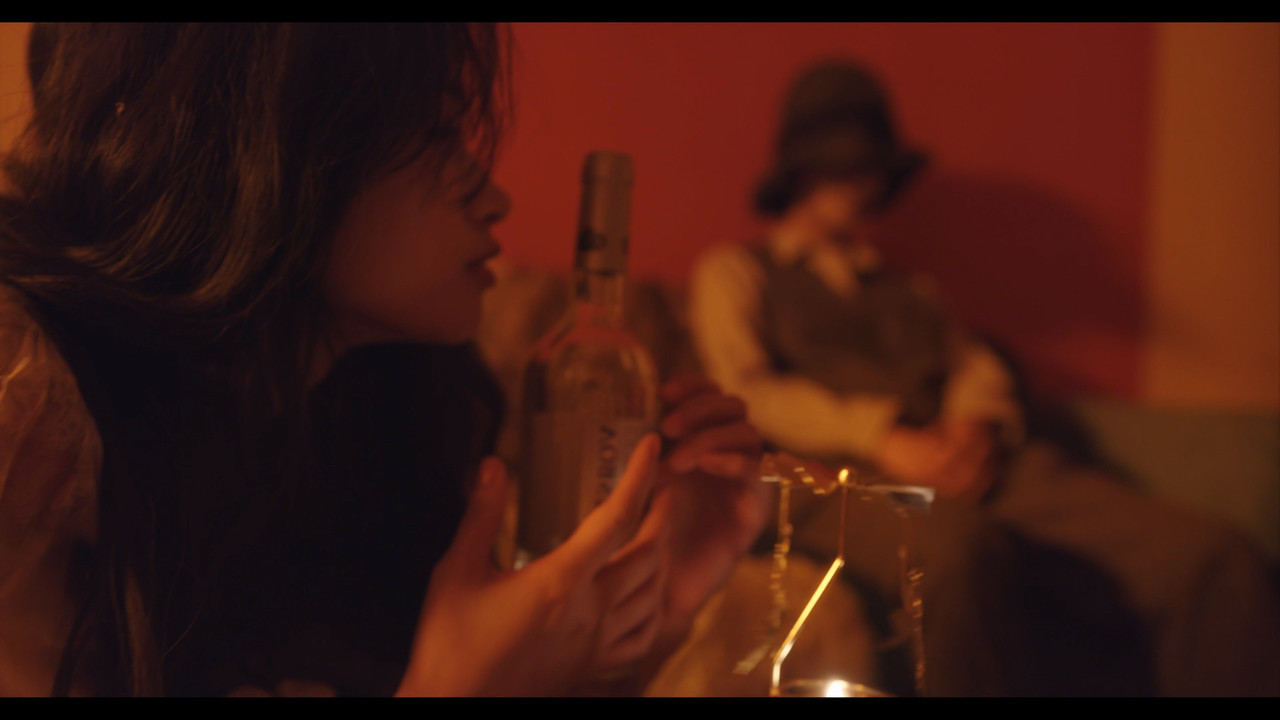
I tackled the Blue stuff, now I just thought I would try to tackle that orange crap. Other than a Blue flame now, HaHaHa, it looks okay.


gade-1-1-25-1.jpg


1-25-4-1-25-4.jpg


grade-3-1-26-1.jpg


1-26-4-1-26-4.jpg


grade-5-1-27-4.jpg


1-27-7-1-27-7.jpg


grade-new1-1-15-9.jpg


1-15-11-1-15-11.jpg
 
Last edited:
Also,

I didn't really like the Magenta, Orange, Low Contrast Blue, Low Saturation looks in this film. Here are a few quick personal suggestions of how I would have graded these few scenes. And before you tear me a new asshole, I know these were grading decisions that were made by the Director, Director Of Photography..Etal. My grades are no more important than anyone else's I just wanted to give my 2 cents.


grade-15-1-13-1.jpg


grade-16-1-13-2.jpg


grade-1-1-2-2.jpg


grade-2-1-2-3.jpg


grade-5-1-4-3.jpg


grade-6-1-4-4.jpg


grade-7-1-5-3.jpg


grade-8-1-5-4.jpg


grade-11-1-8-1.jpg


grade-12-1-8-2.jpg


grade-13-1-11-2.jpg


grade-14-1-11-3.jpg


1-18-3-1-18-32.jpg


1-18-2-1-18-2.jpg


grade-3-1-3-2.jpg


grade-4-1-3-3.jpg


grade-9-1-7-1.jpg


grade-10-1-7-2.jpg

I prefer your grade, Rand, tbh. Great job.
 
Back
Top