Welcome to our community

Be a part of something great, join today!

  • Hey all, just changed over the backend after 15 years I figured time to give it a bit of an update, its probably gonna be a bit weird for most of you and i am sure there is a few bugs to work out but it should kinda work the same as before... hopefully :)

IPP2 Workflow - Missing Controls

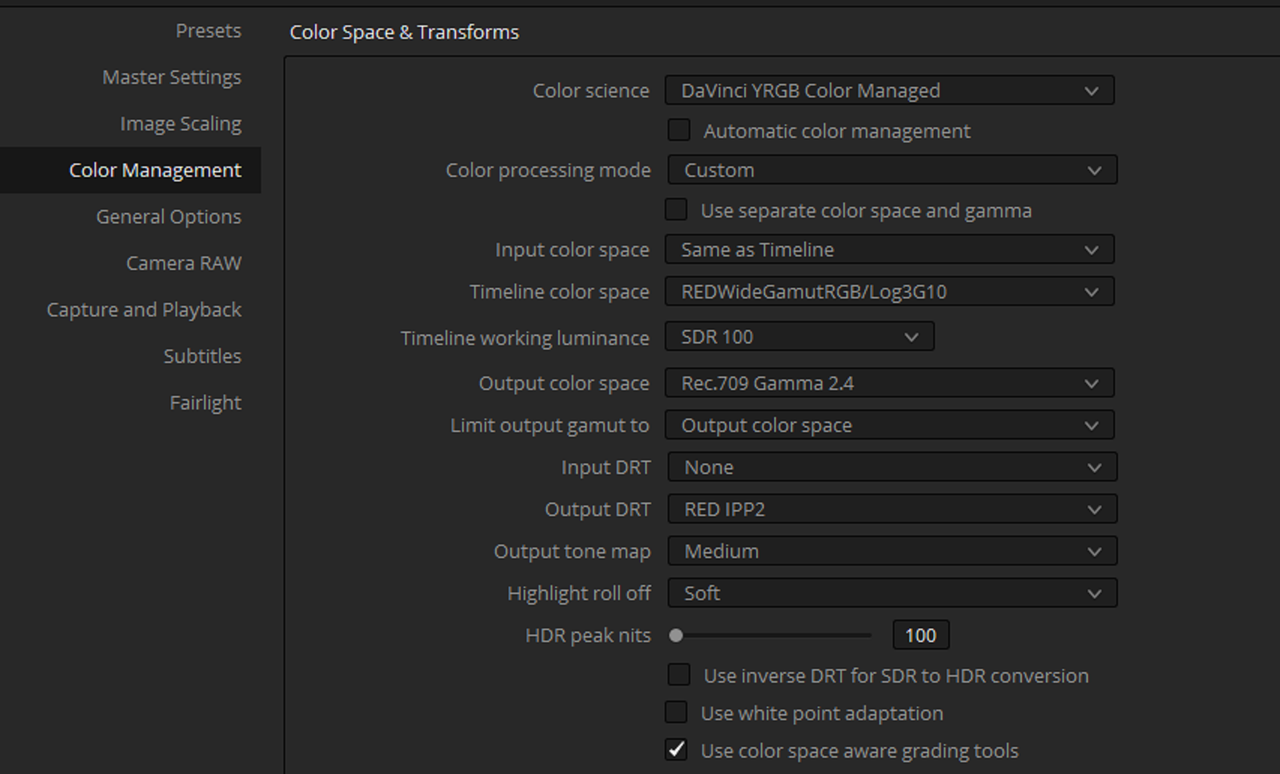
I just noticed that in the latest release of Resolve (v17.4.4), I can use IPP2 Saturation mapping in Resolve Color Management, even when my timeline colorspace isn't RedLog3G10, e.g. my timeline color space is set to Davinci Wide Gamut. Since Resolve can, now, do this, I assume IPP2 saturation mapping is relevant, even outside of RedLog3G10?
 
Bill,

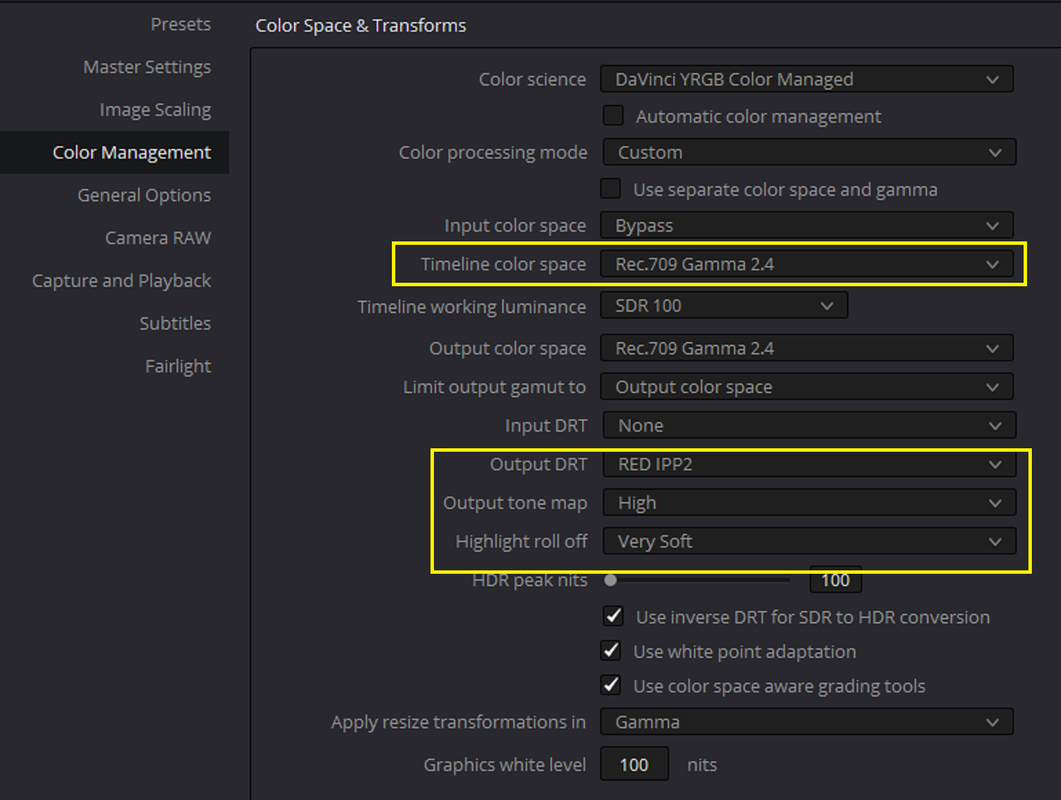
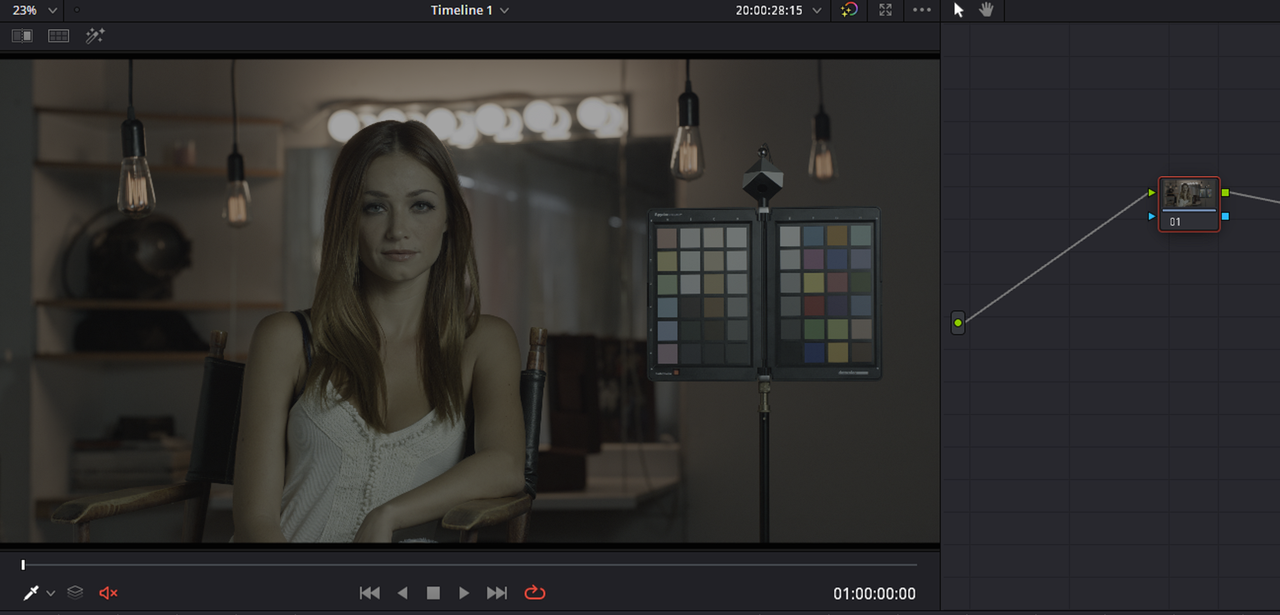
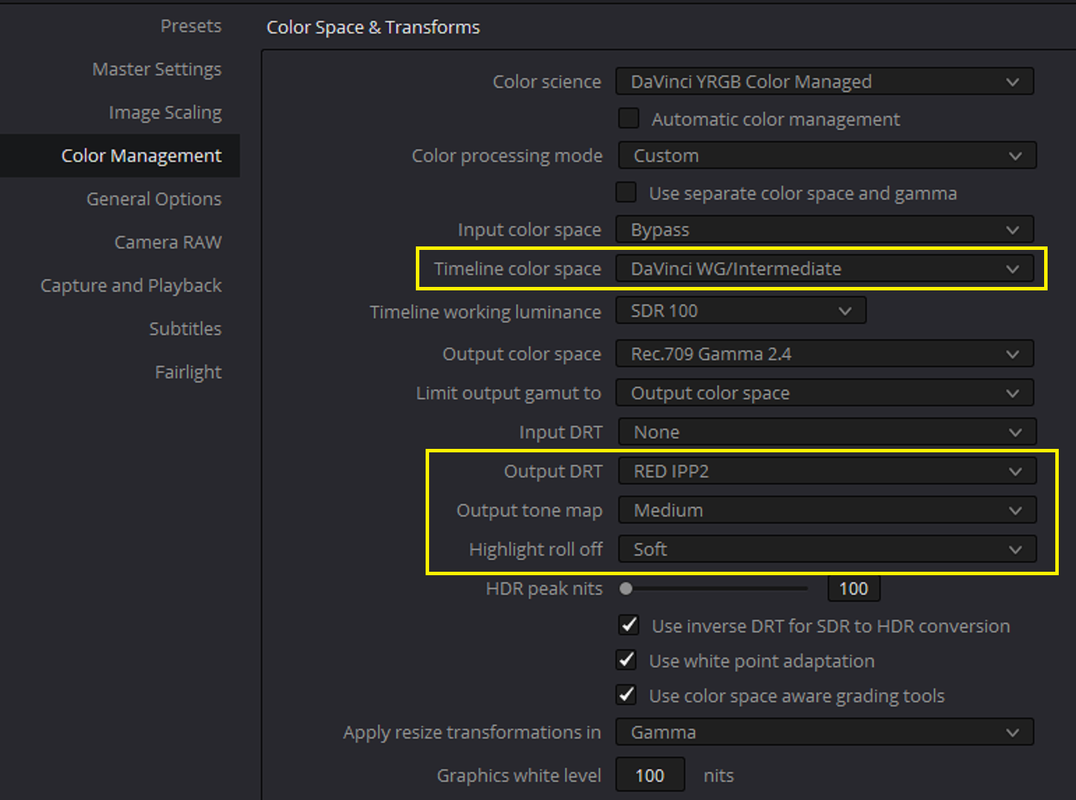
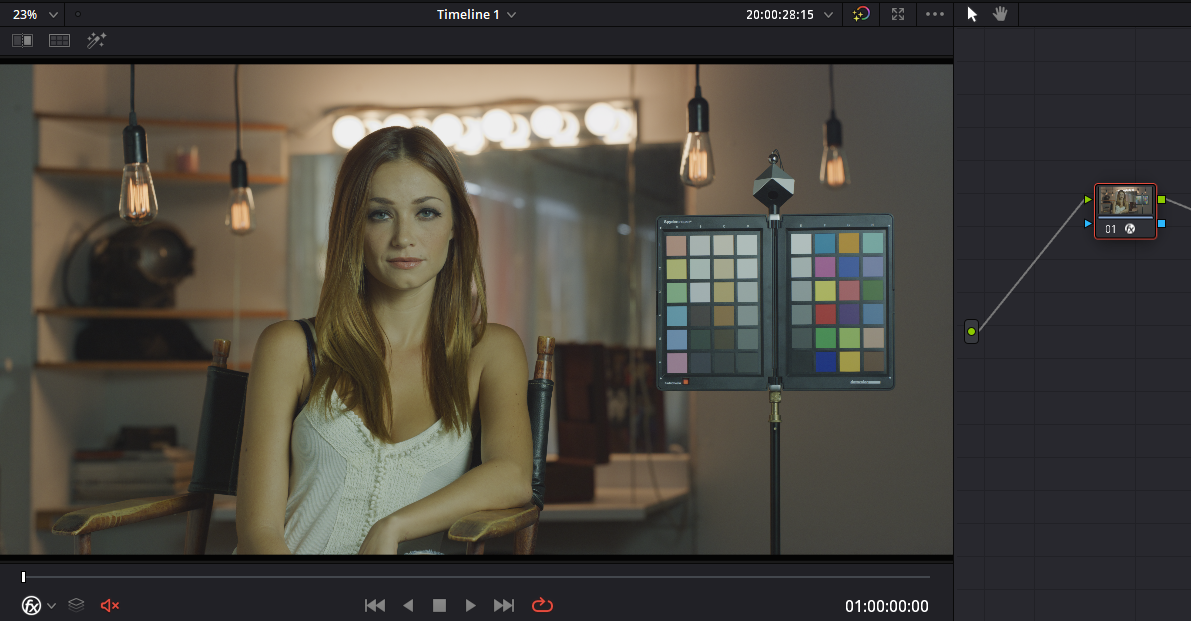
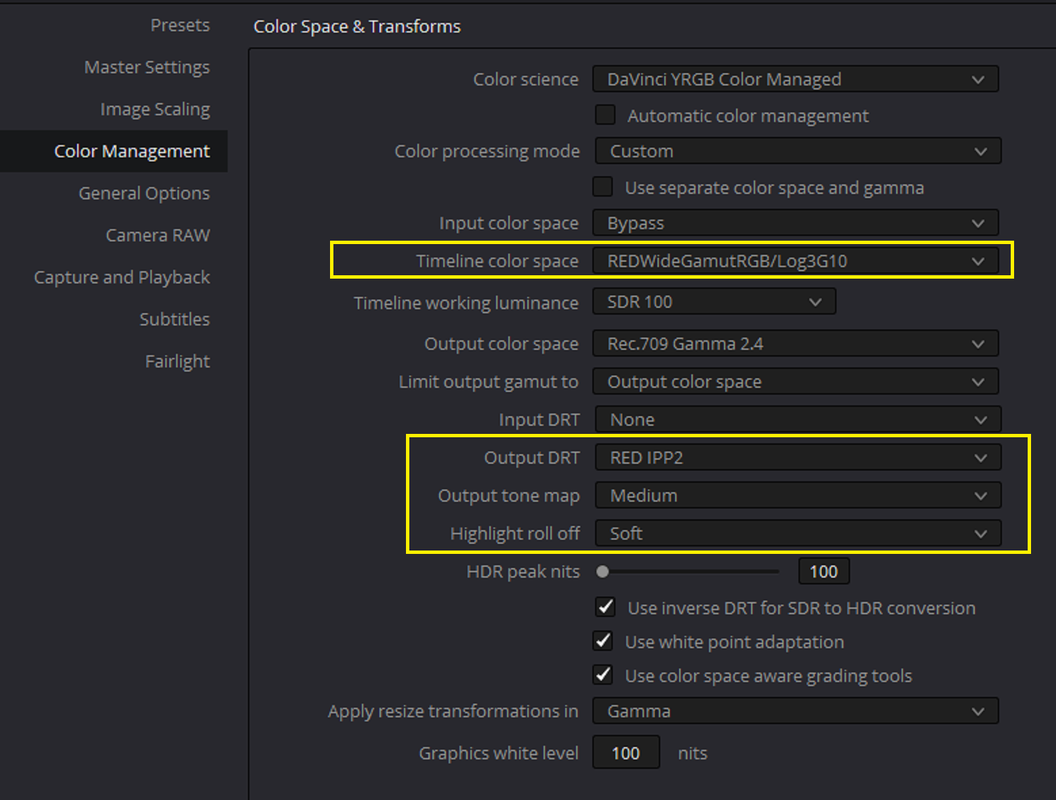
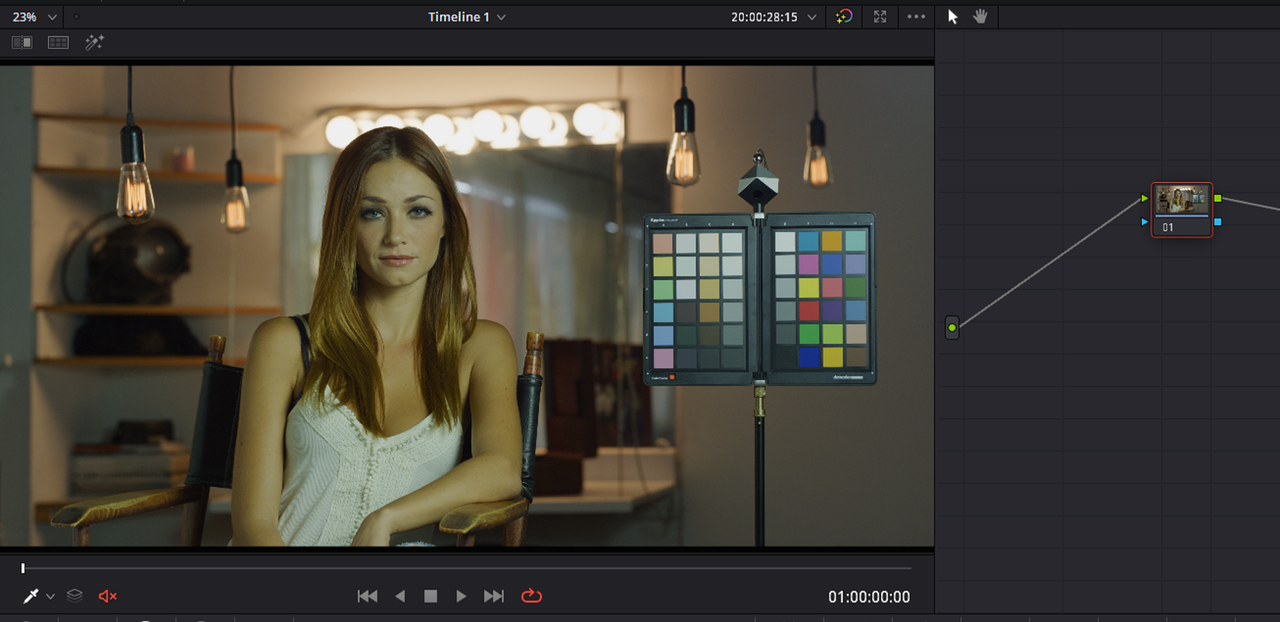
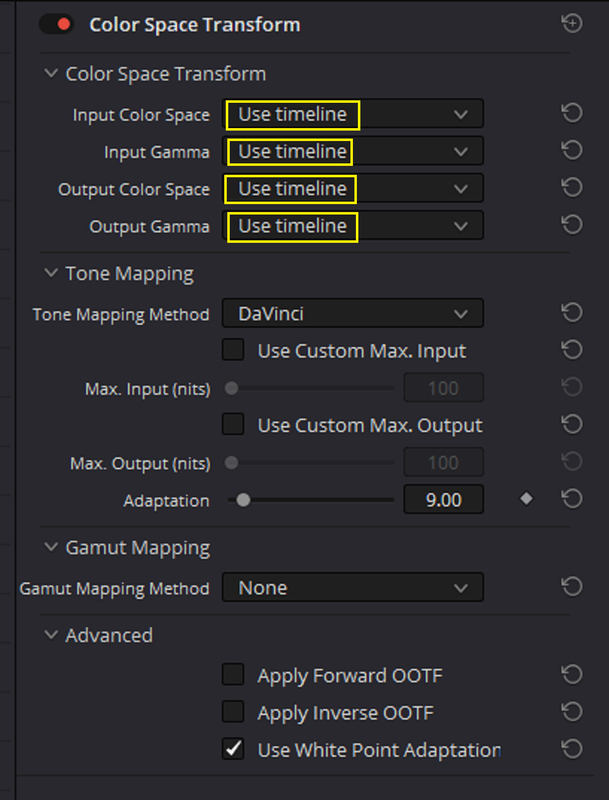
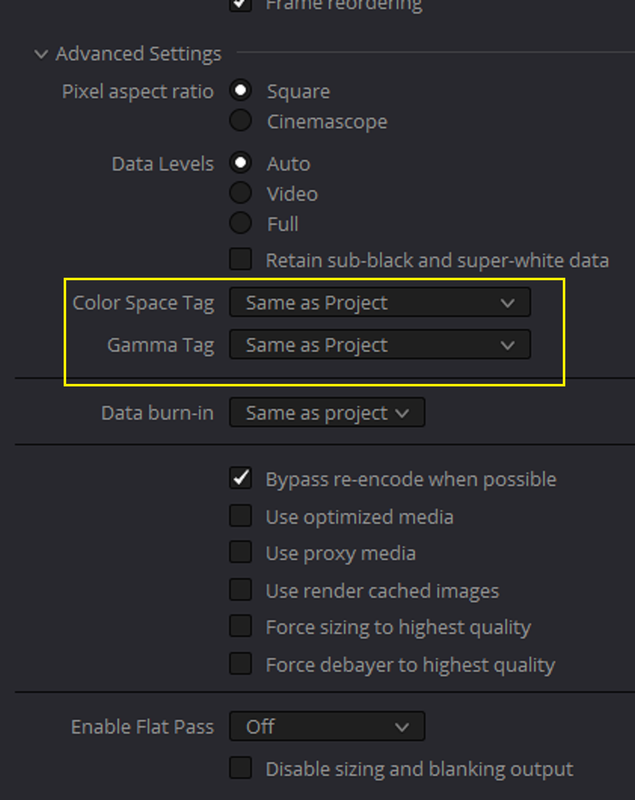
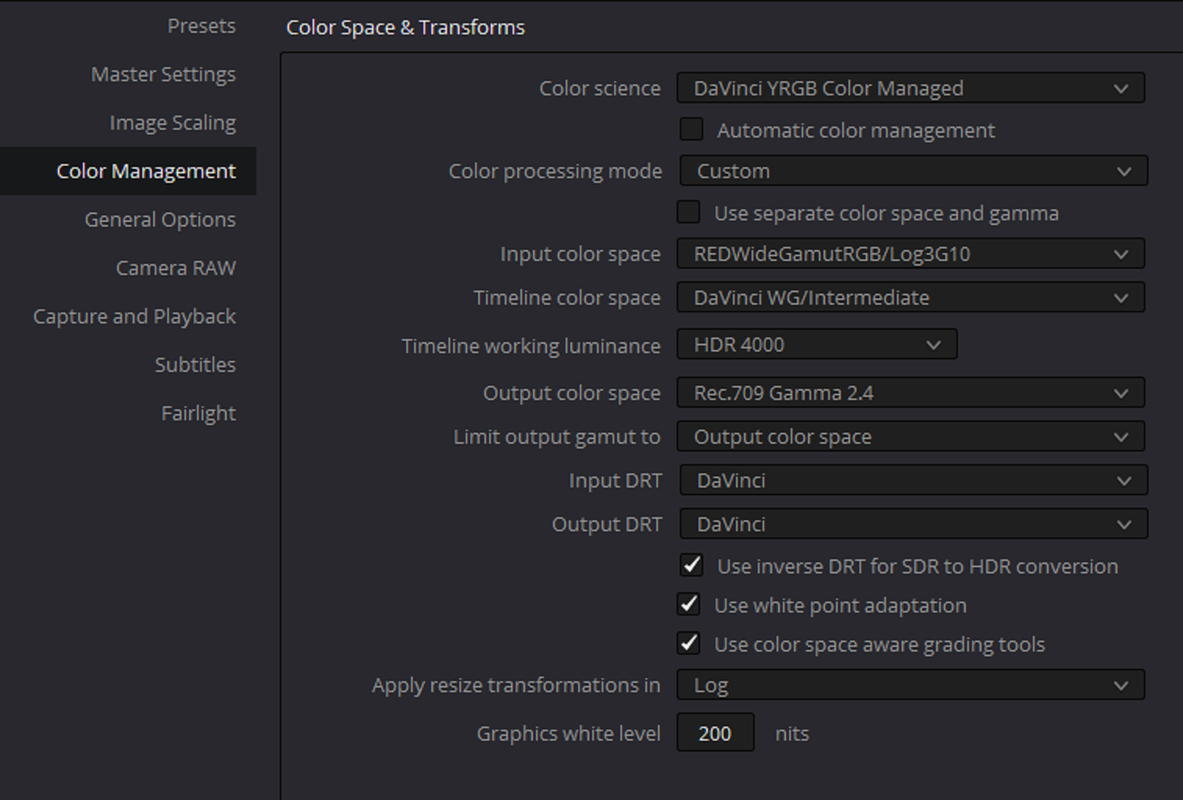
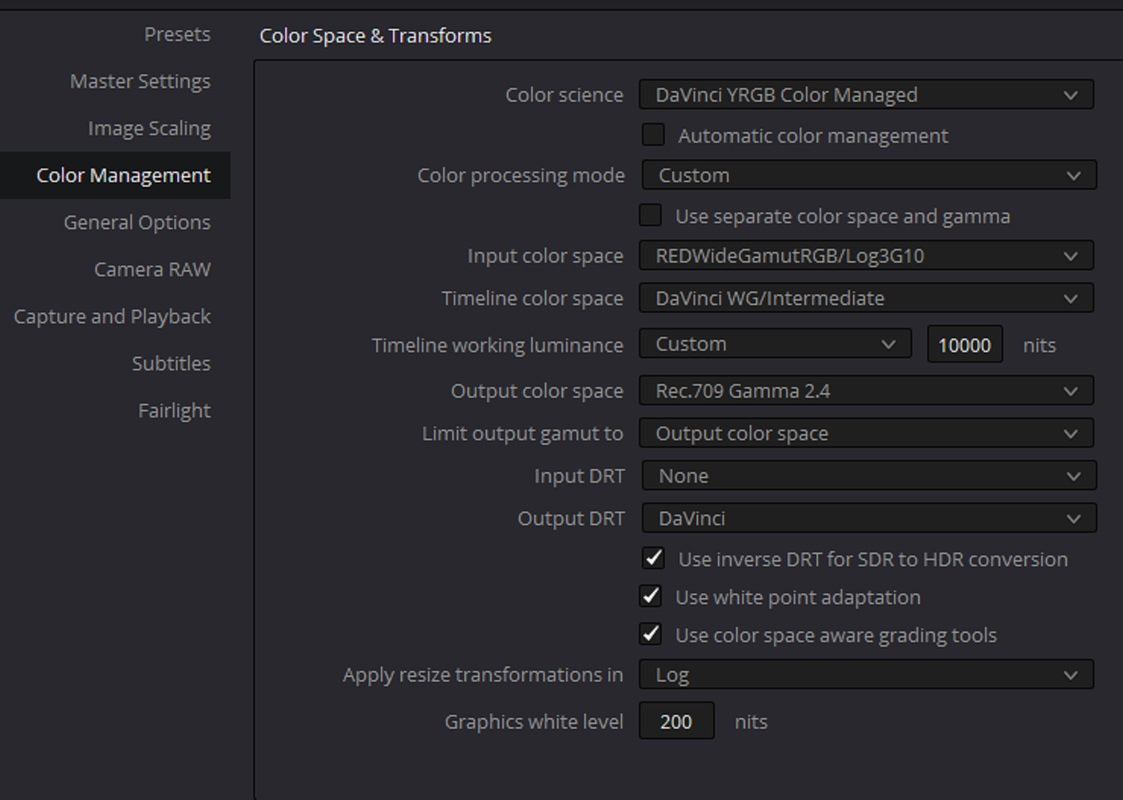
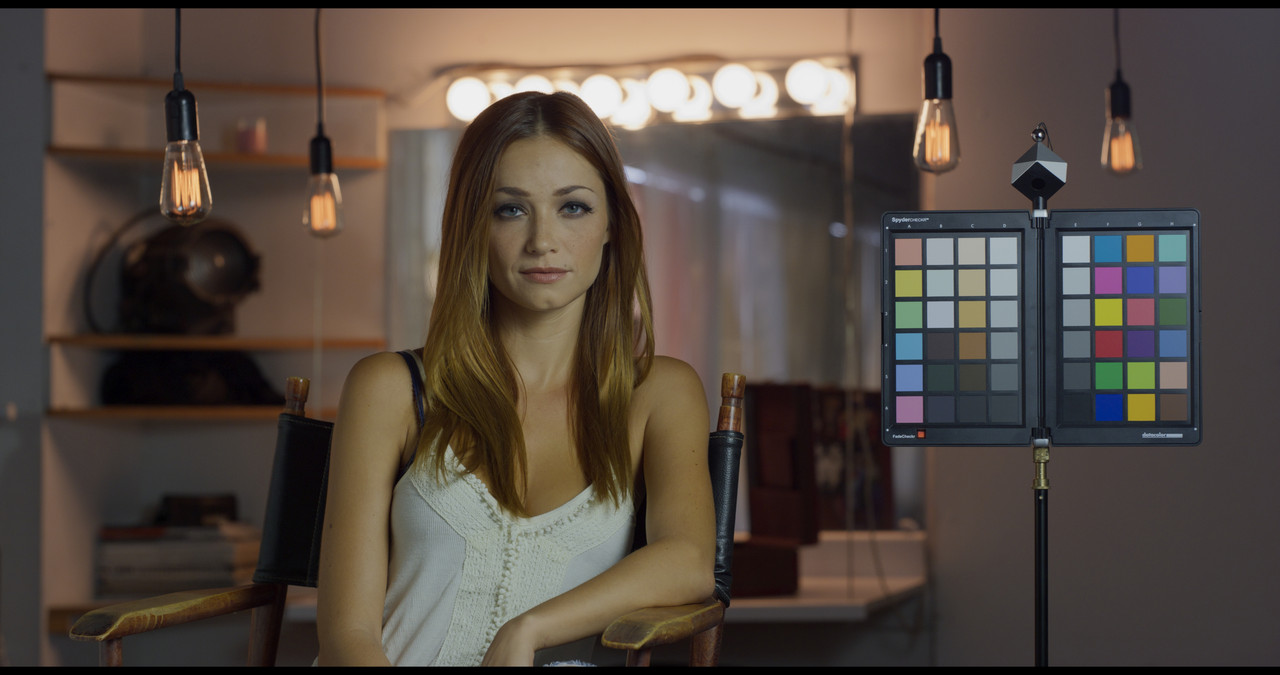
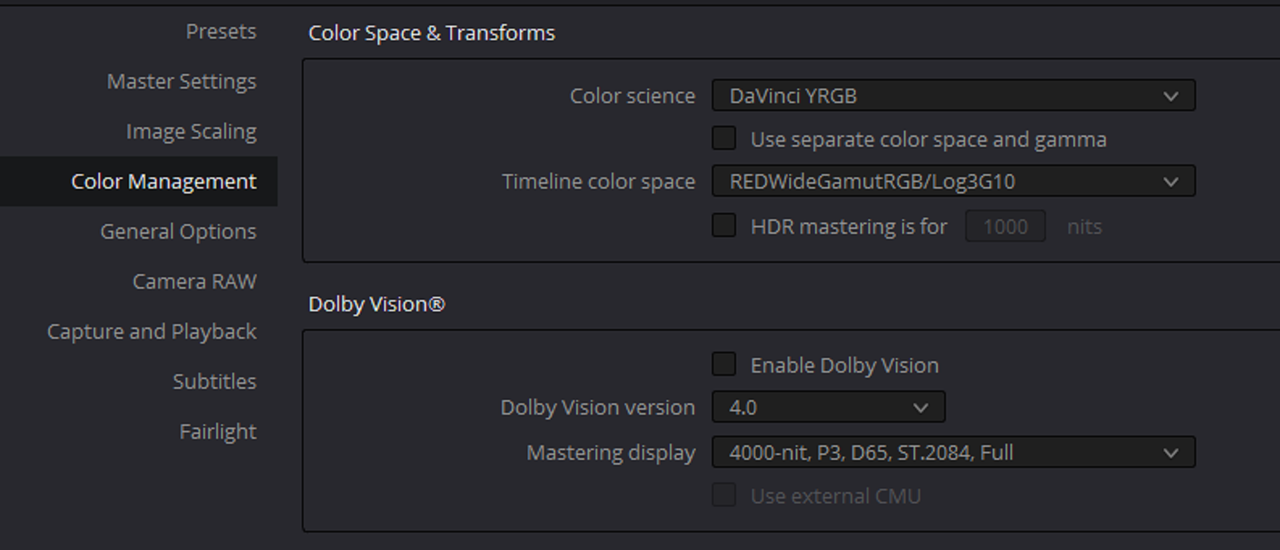
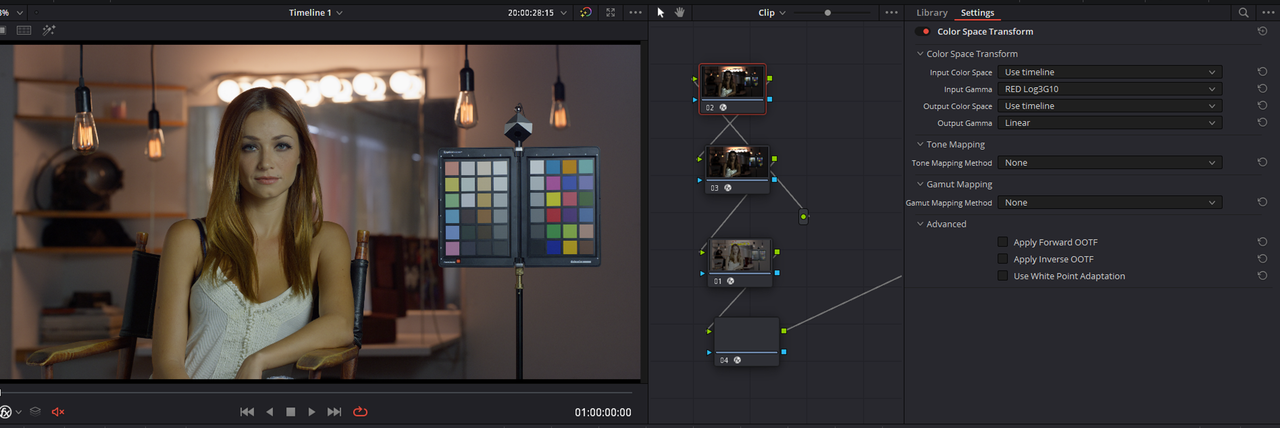
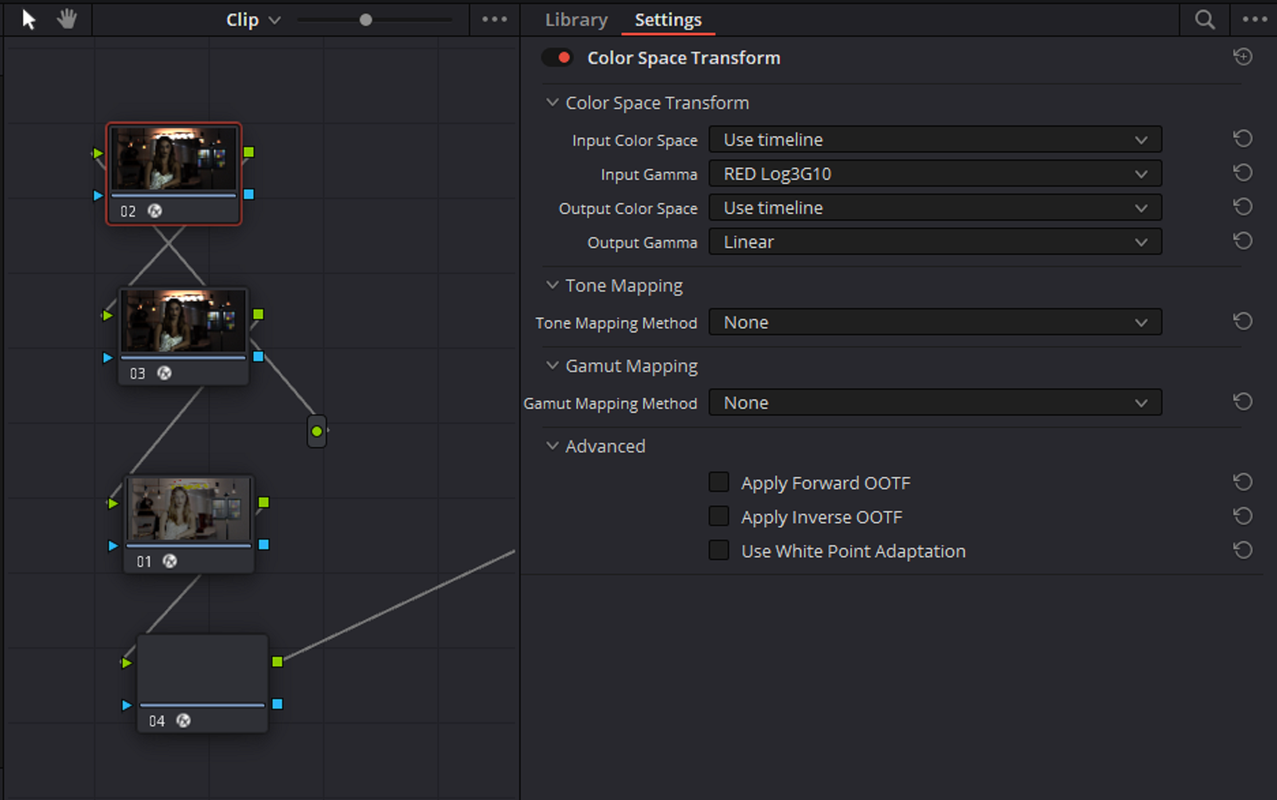
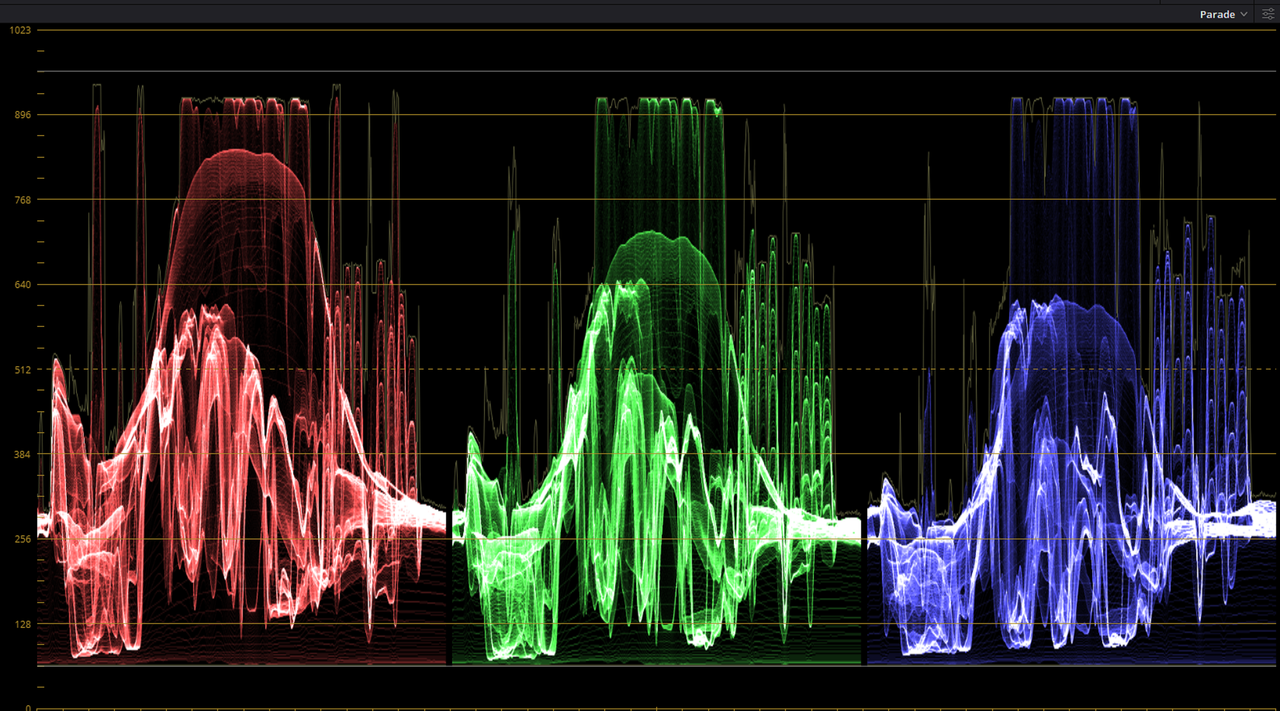
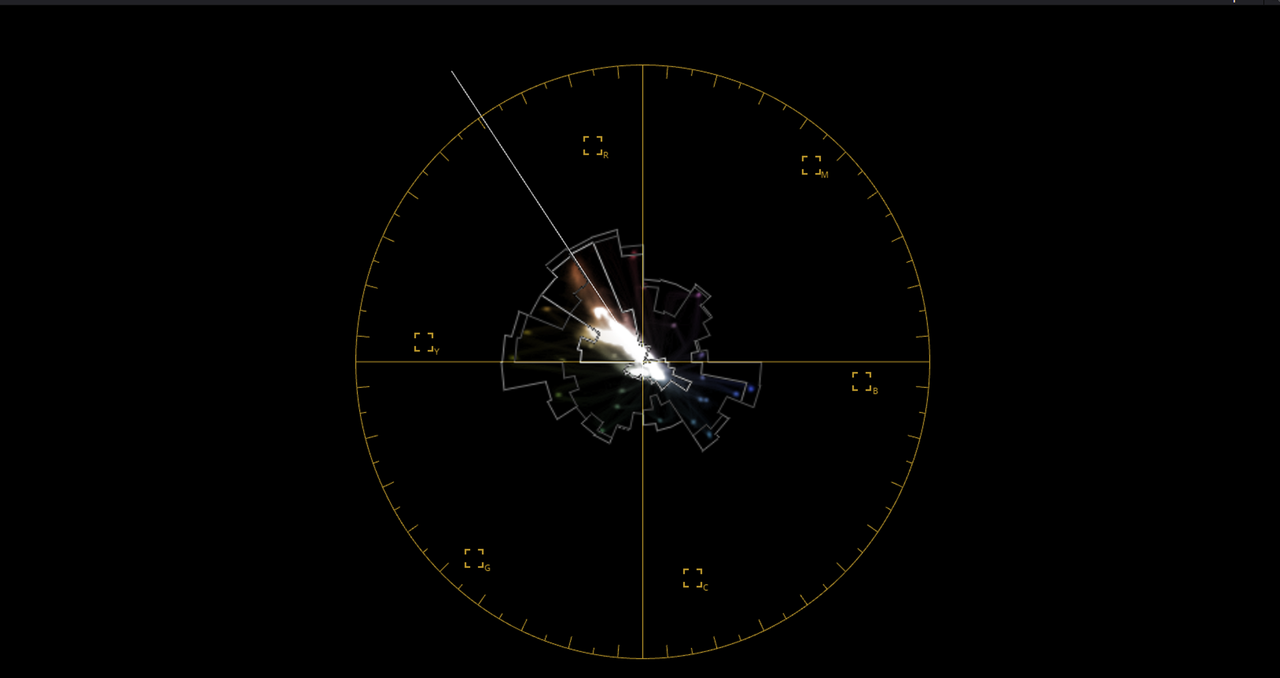
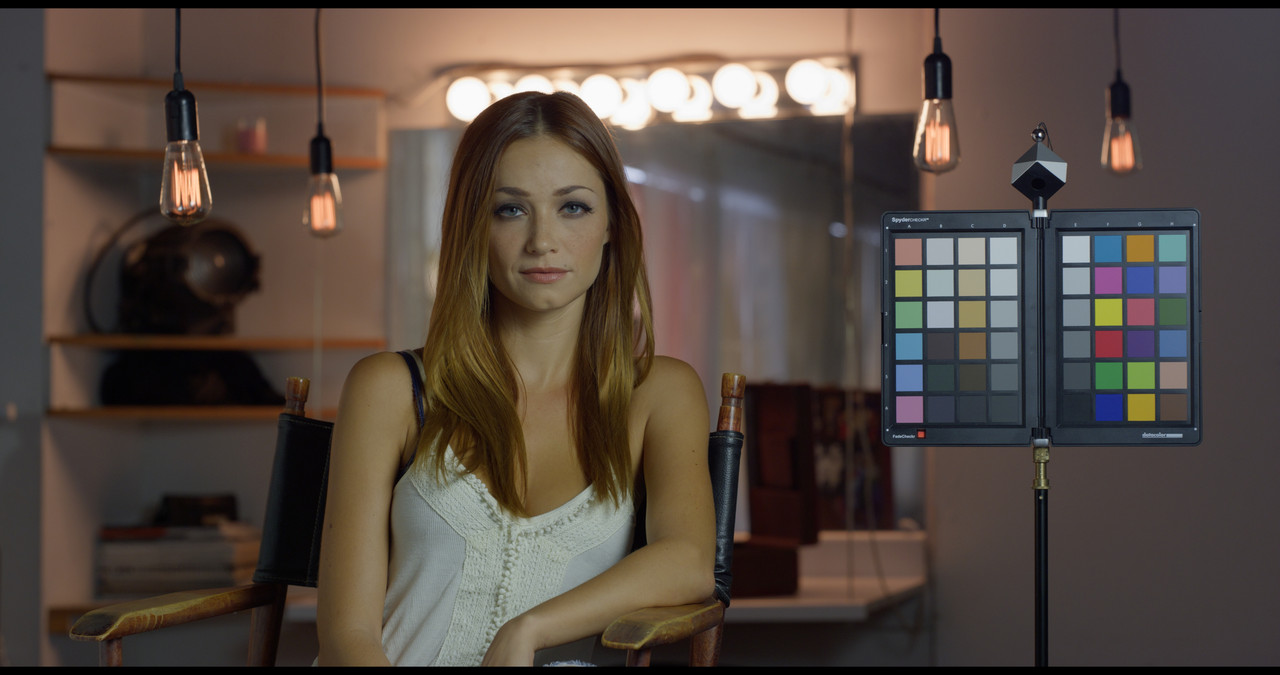
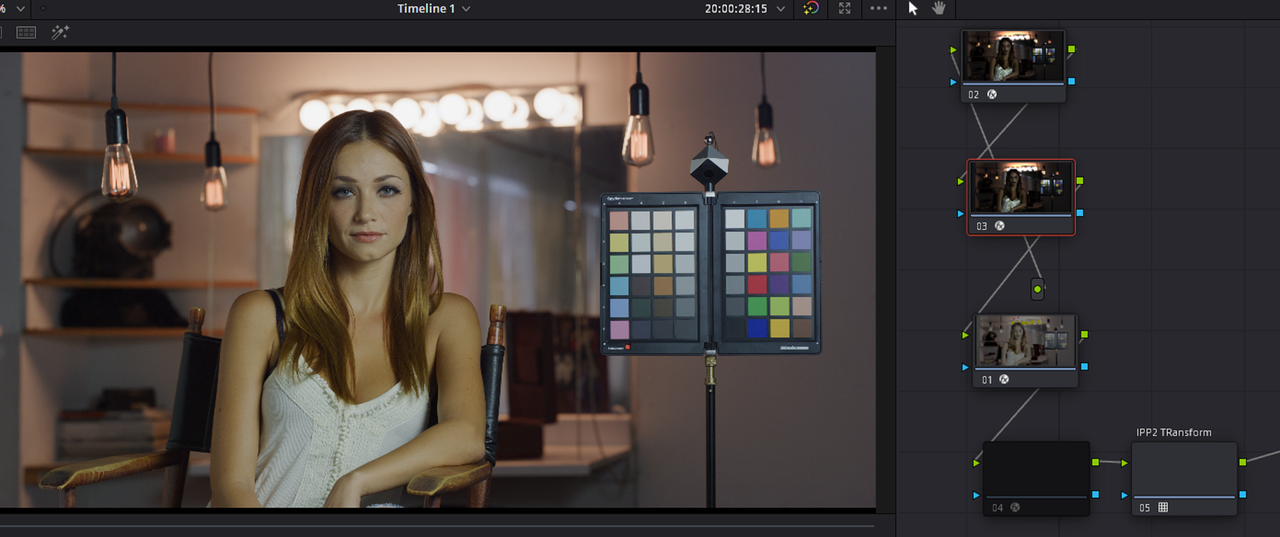
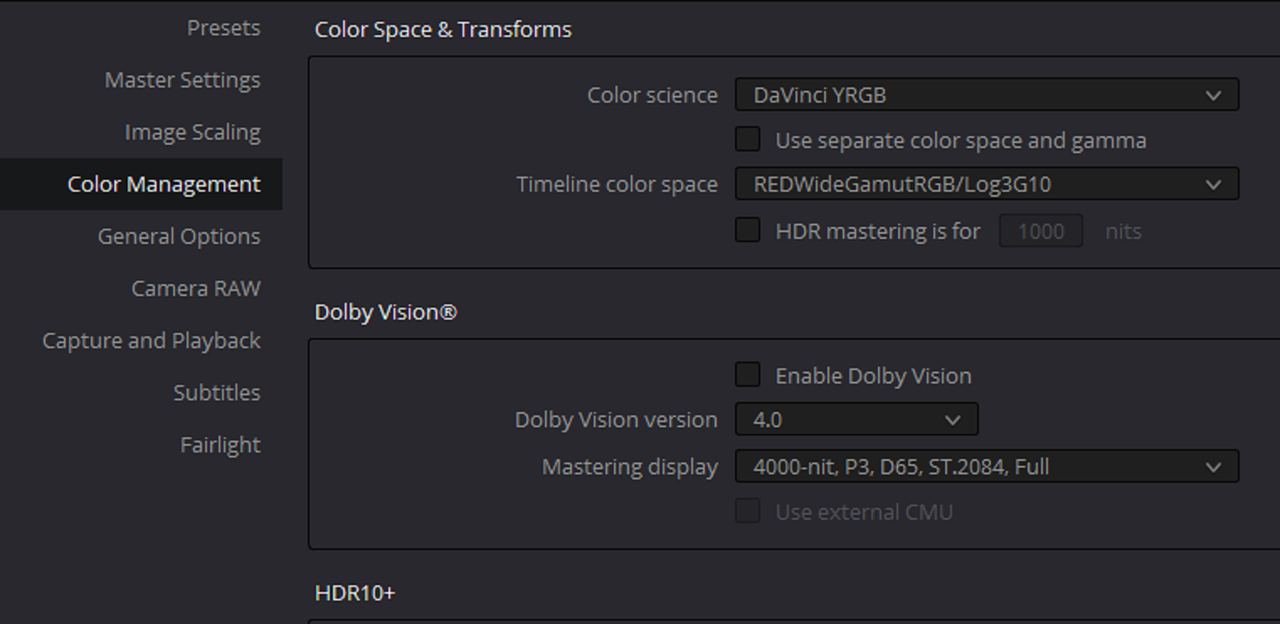
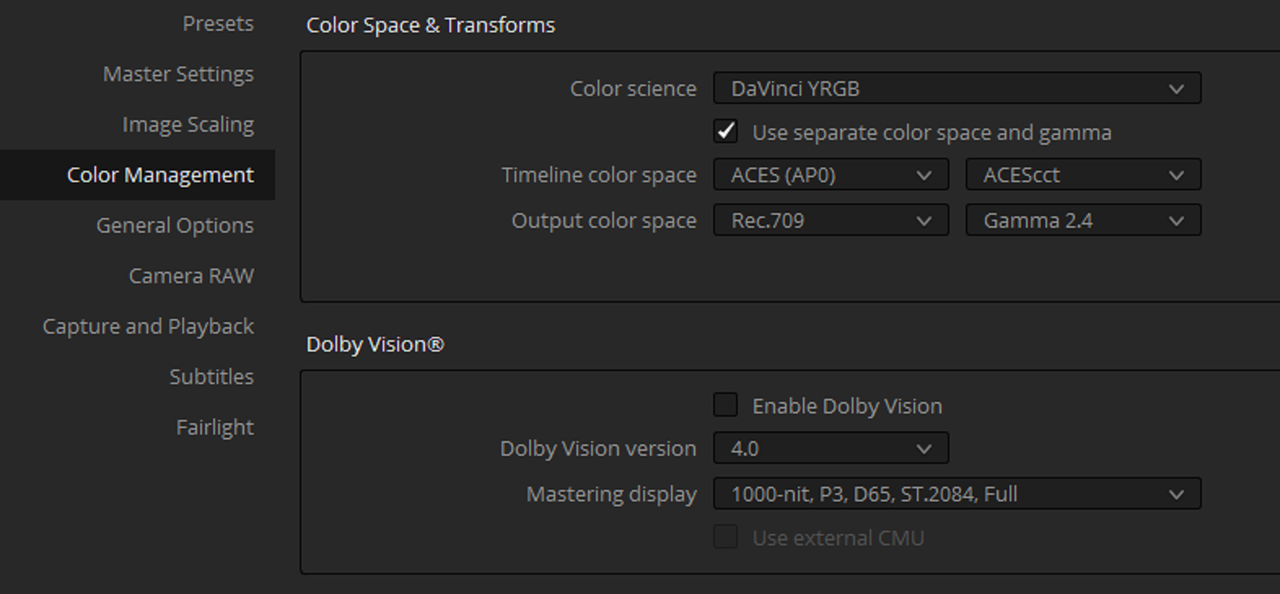
Here is how not choosing the correct TIMELINE COLOR SPACE even now with the ability to enable IPP2 will affect your RED image.

Screenshot-3874.png


Screenshot-3875.png


Screenshot-3882.png

Screenshot-3883.png


Screenshot-3877.png


Screenshot-3876.png
 
Last edited:
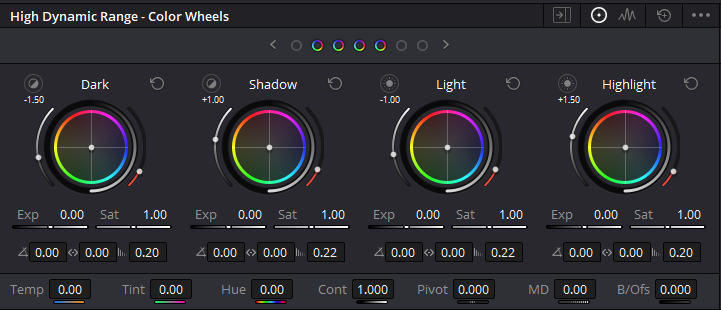
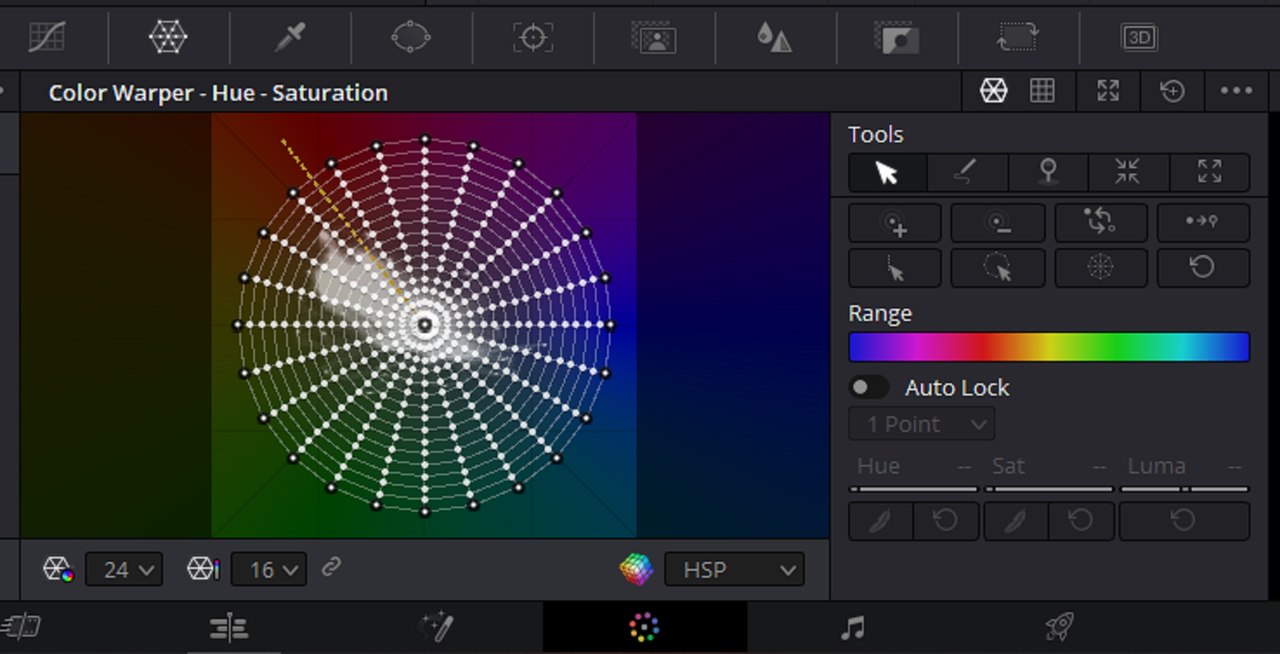
The TIMELINE COLORSPACE you choose will affect in what colorspace you are making corections in, HDR color wheels, Color Warper, and when you choose to use "Use Timeline Settings" and how your exported images are tagged with "Metadata". If you don't setup the timeline colorspace correctly, any color correction tools you use on your images will not be displayed accurately. It's also always best to set any "Use Timeline settings" or " Same as Project" boxes manually with the correct settings. I don't know why they did this, maybe to give you more workflow options.

Screenshot-3878.png


Screenshot-3879.png


Screenshot-3880.png


Screenshot-3881.png
 
Last edited:
Bill,

If I was going to use a CUSTOM DWG Workflow I would use RWG/LOG3G10 instead of Rec709 gamma 2.4 for INPUT COLORSPACE. And If you didn't like the default Luminance Mapping of DWG, I would use the second Project settings below.

Screenshot-3889.png


Screenshot-3890.png


1-1-5-1-1-5.jpg
 
Last edited:
Rand, precisely! Personally, I rarely, if ever, use the IPP2 output drt (LUT) I don't like the way factory LUTS take away my ability to define how I roll the tone and saturation off. In reality, input and output DRT's are the manner Resolve applies a tone and saturation rolloff. Davinci is a rather undefined methodology, while Luminance Mapping and Saturation rolloff options are well documented methods. Your last example looks the best to my eye. That's one of the disadvantages of not using a node based color management workflow.
 
Bill,

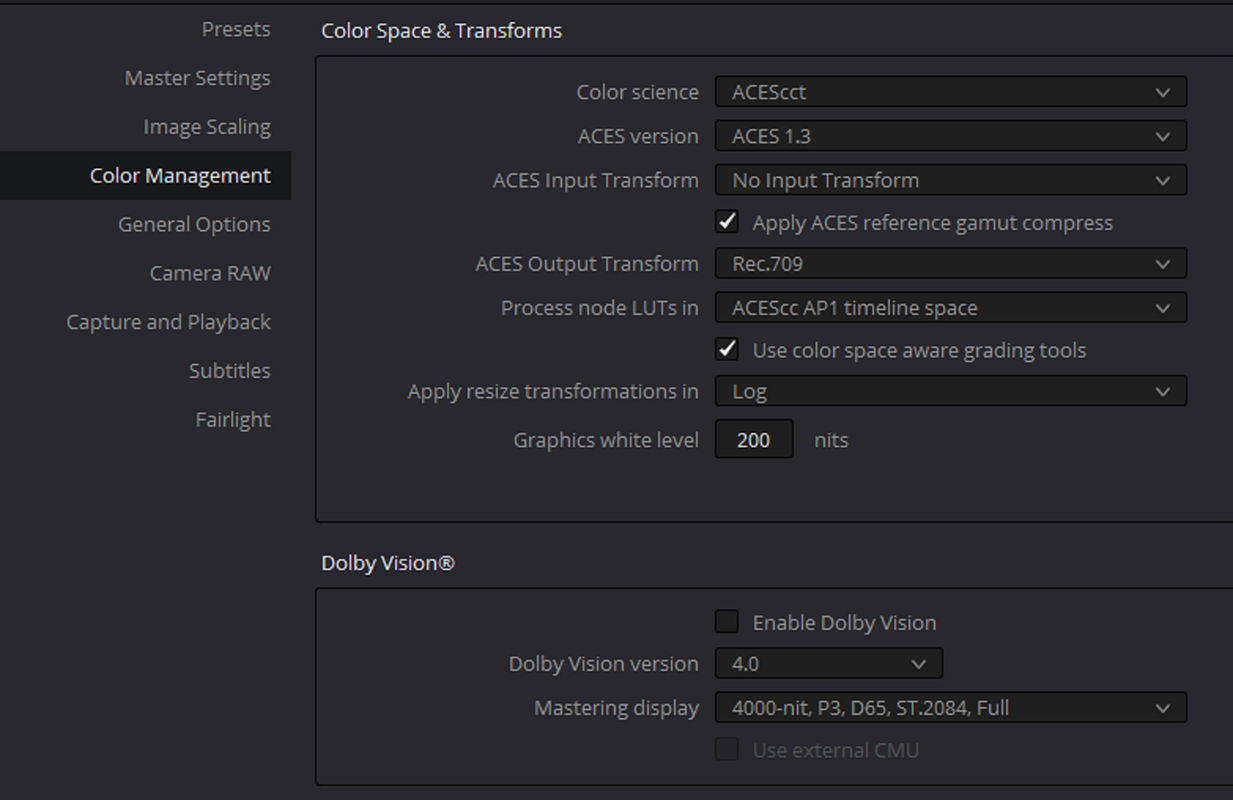
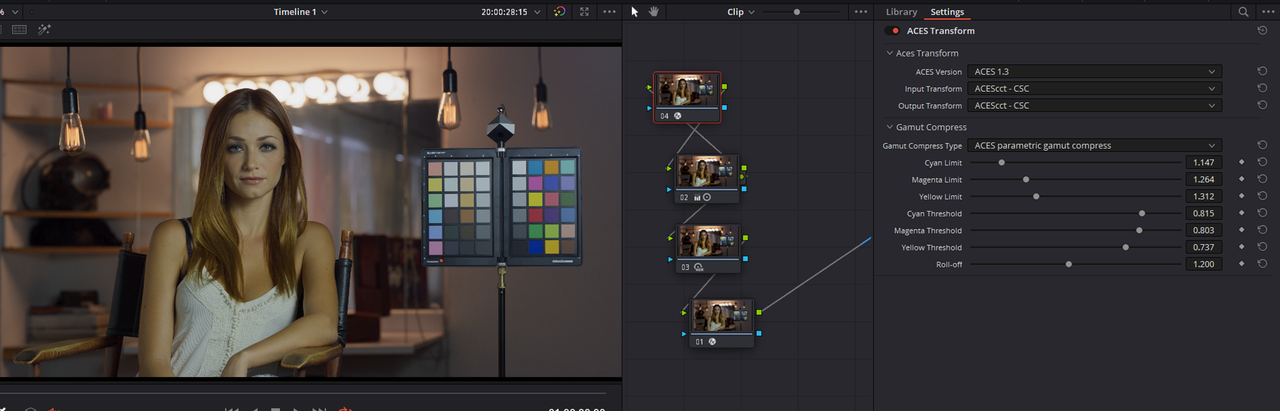
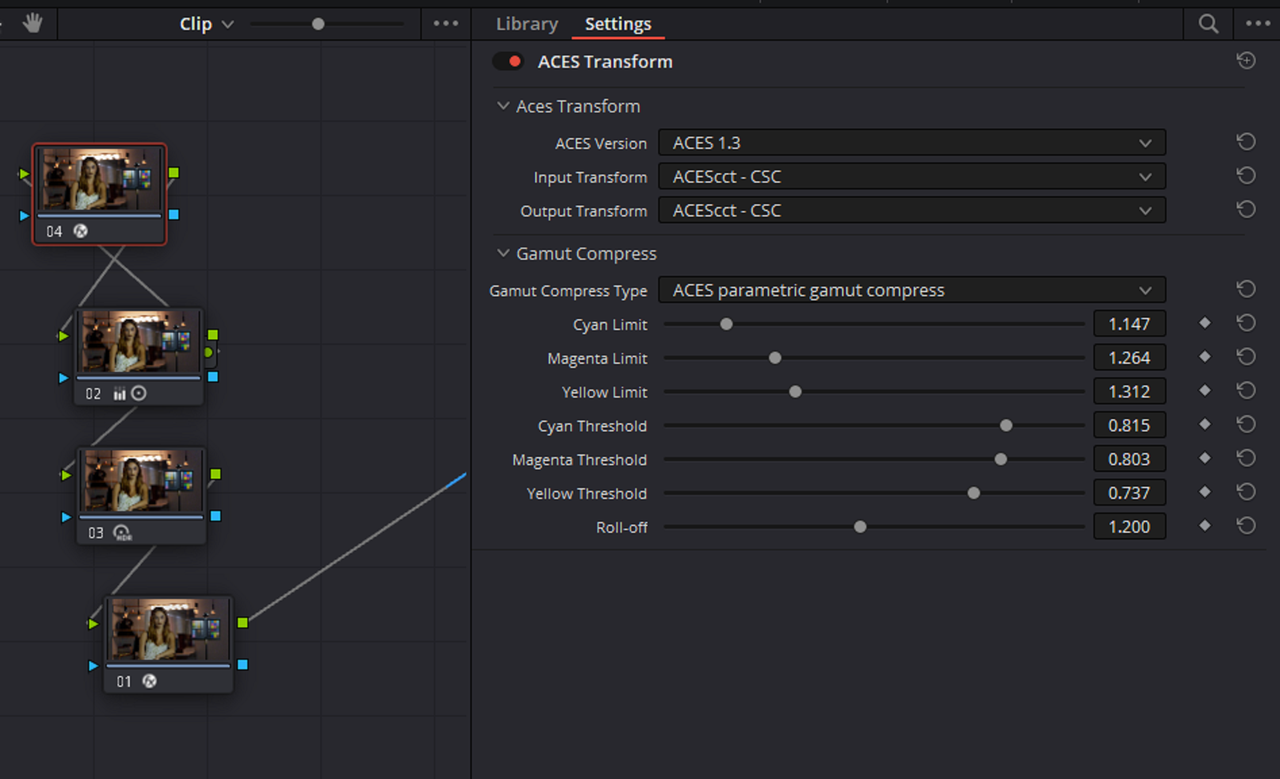
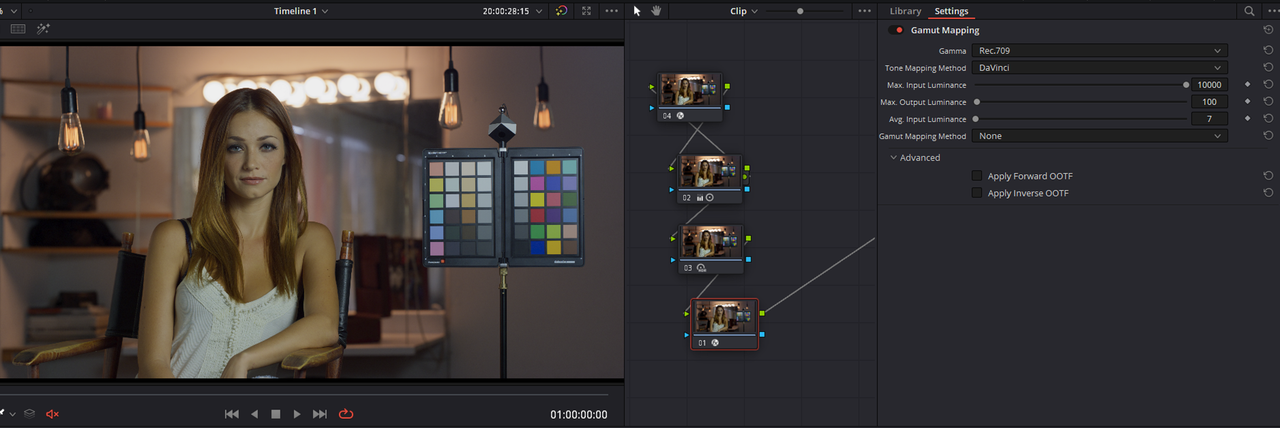
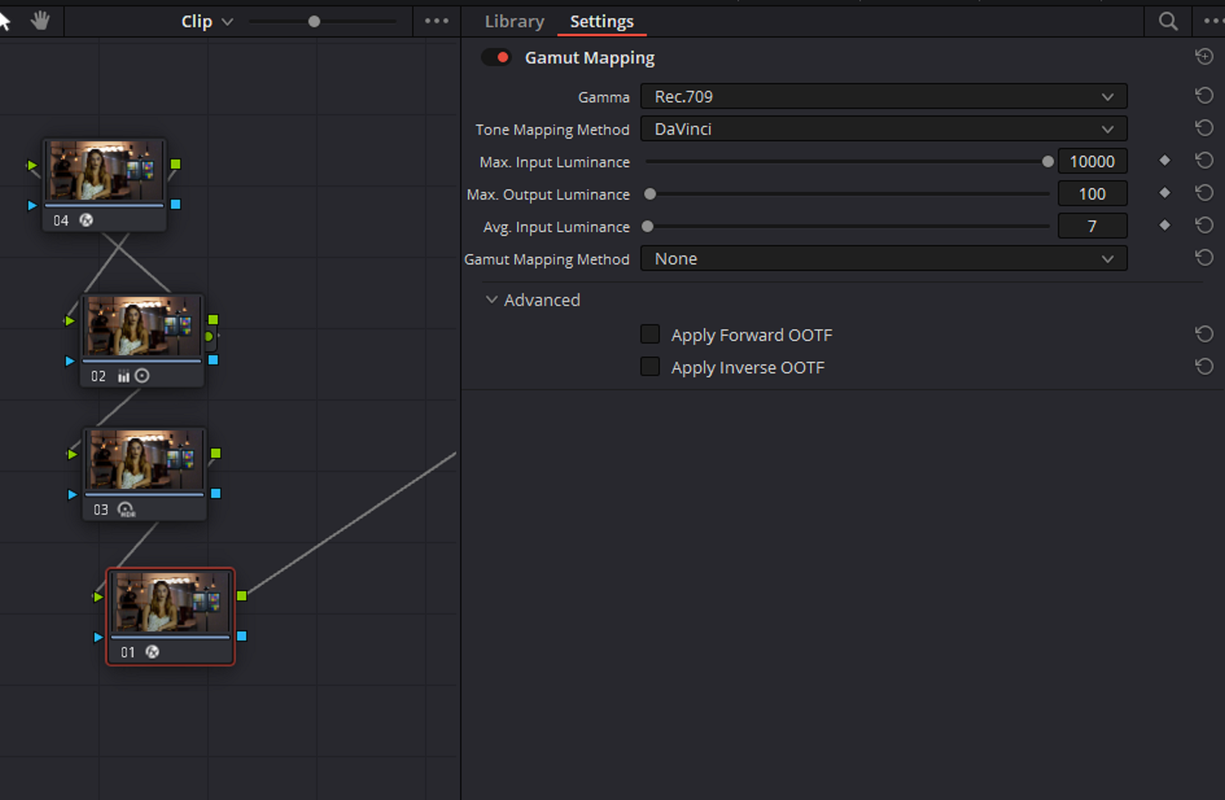
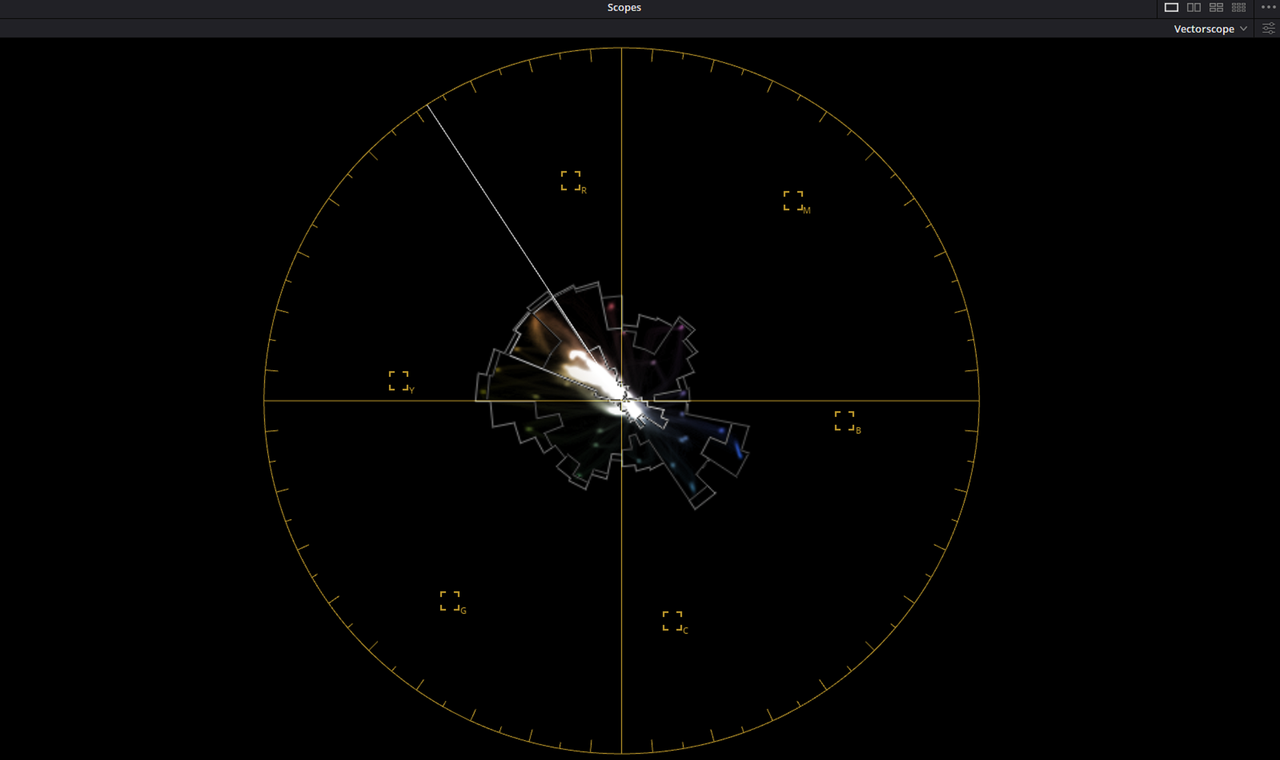
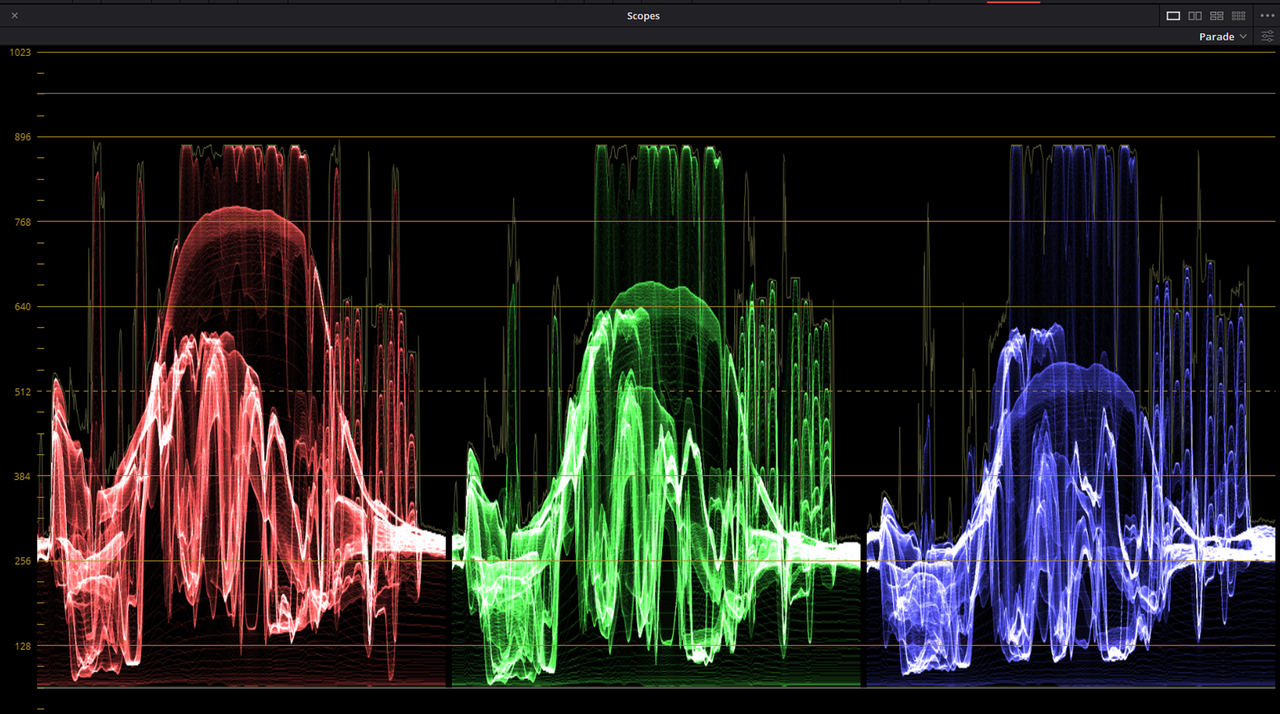
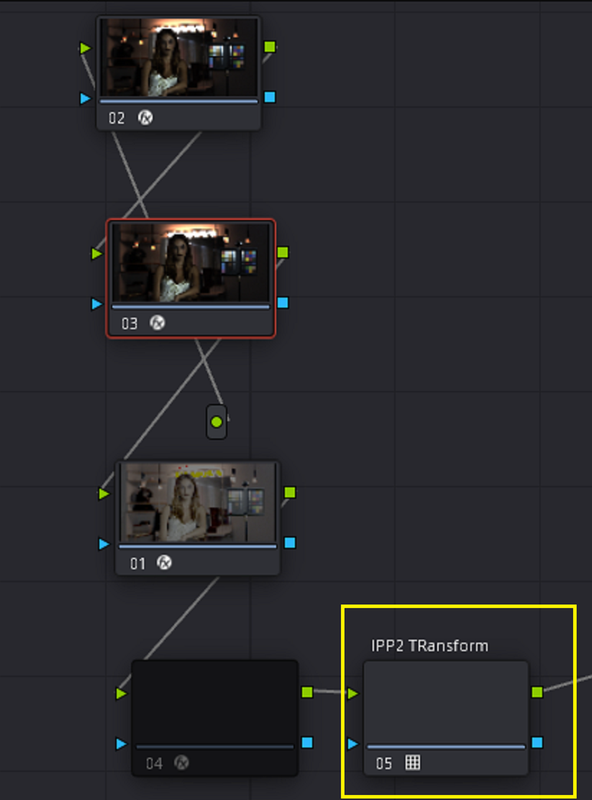
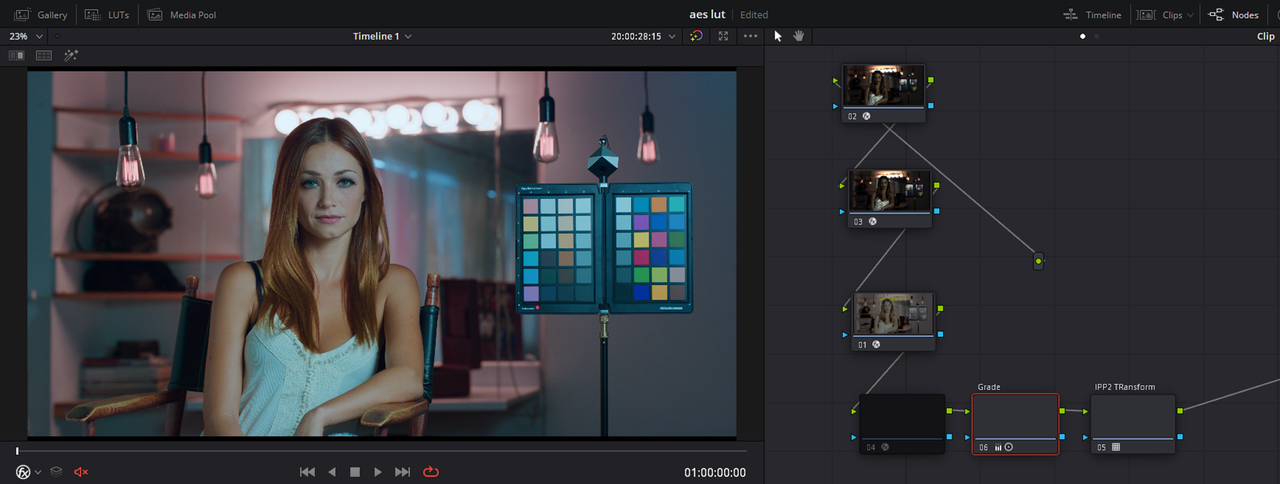
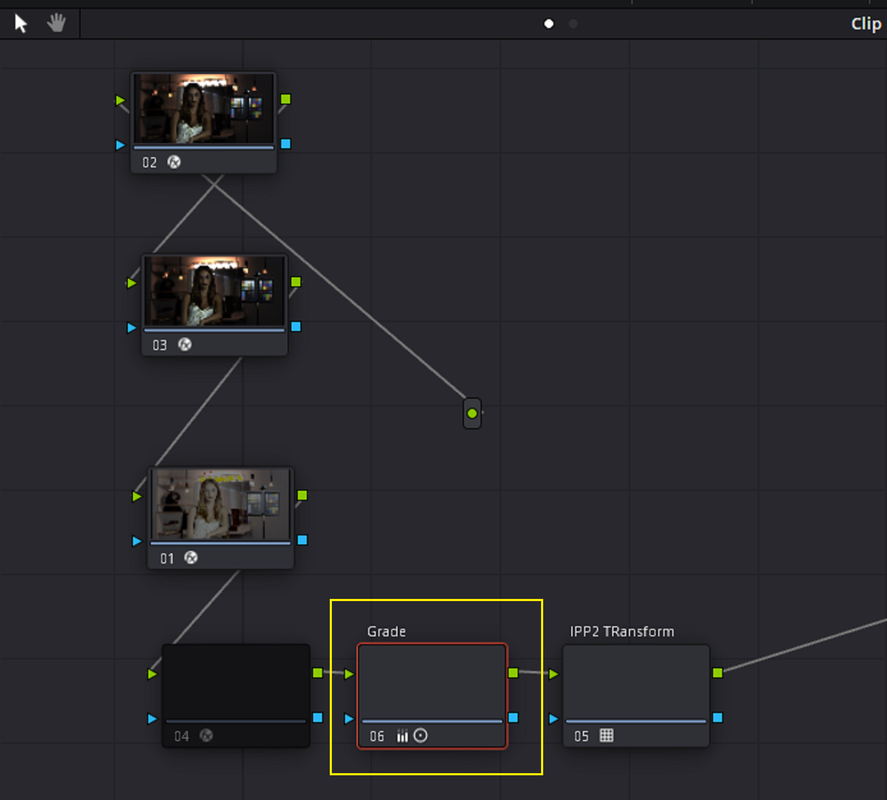
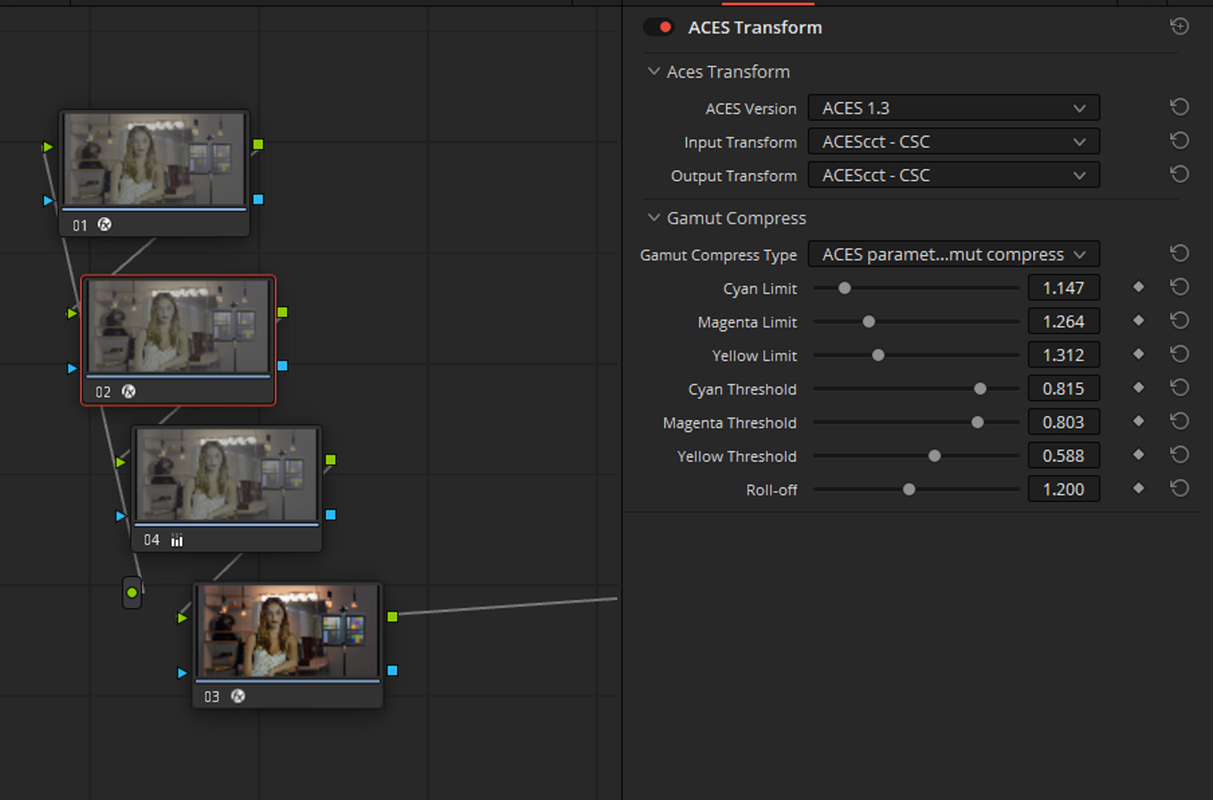
Right now I'm trying better Tone and Gamut Mapping In Both Aces Project settings and Node based workflows. In the Aces Project Settings workflow below I used the AES TRANSFORM OFX as a PASS-Through so that I could use it's more Precise Gamut-Mapping capabilities and the GAMUT MAPPING OFX for it's better Tone-Mapping Capabilities.

Screenshot-3897.png


Screenshot-3893.png


Screenshot-3895.png


Screenshot-3894.png


Screenshot-3896.png


Screenshot-3898.png


Screenshot-3899.png


1-1-7-1-1-7.jpg
 
Last edited:
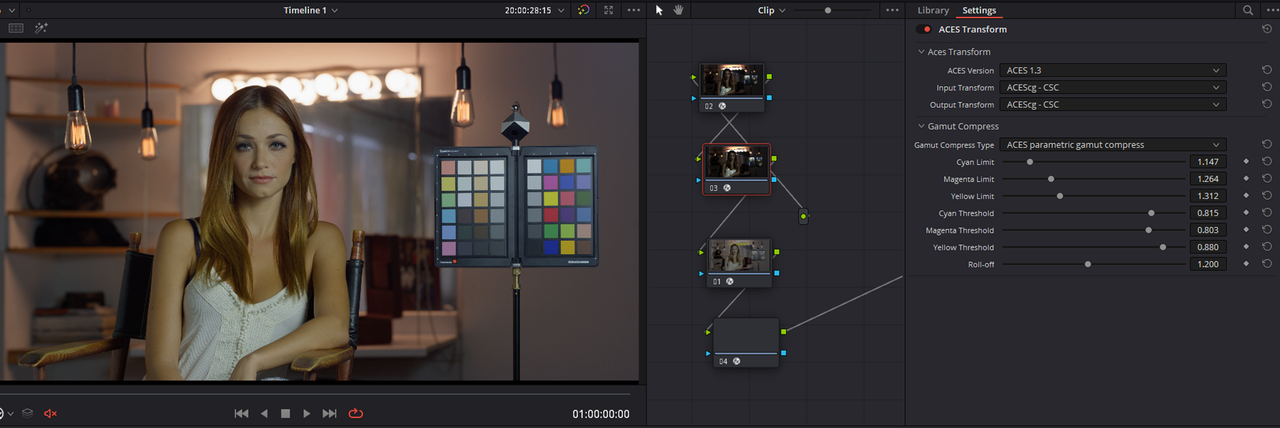
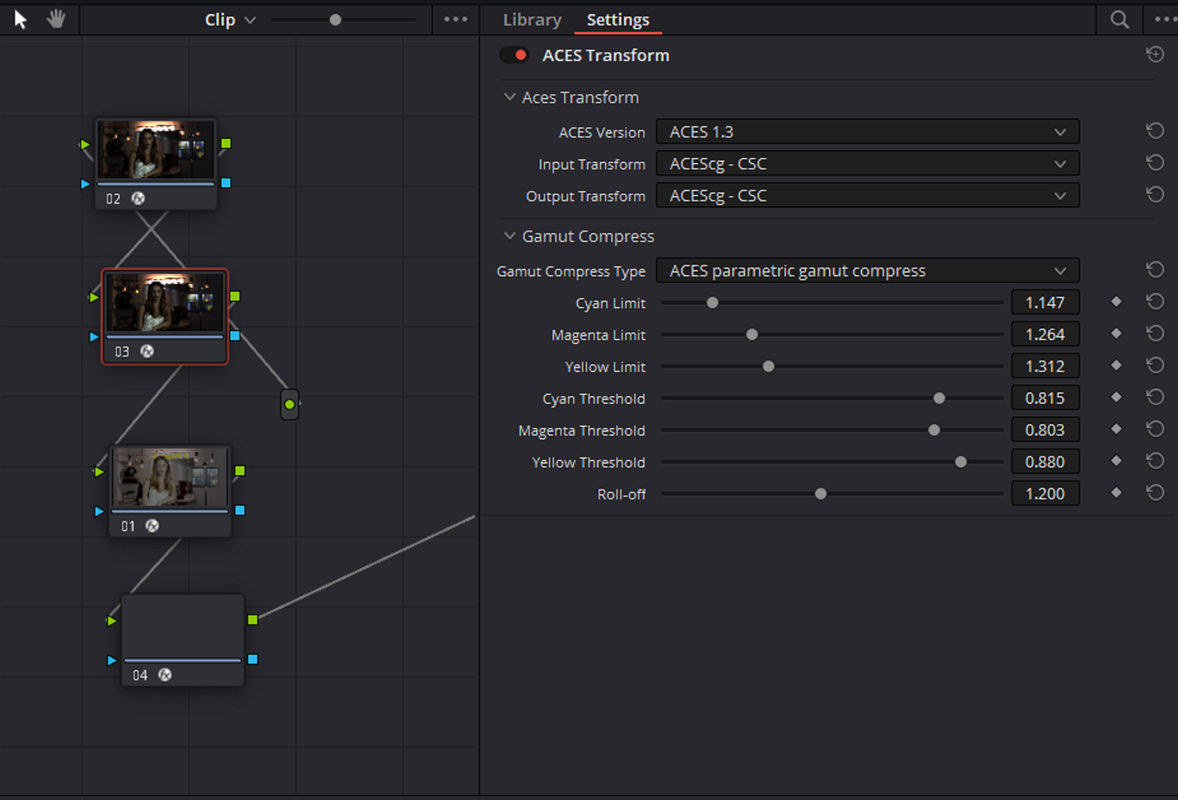
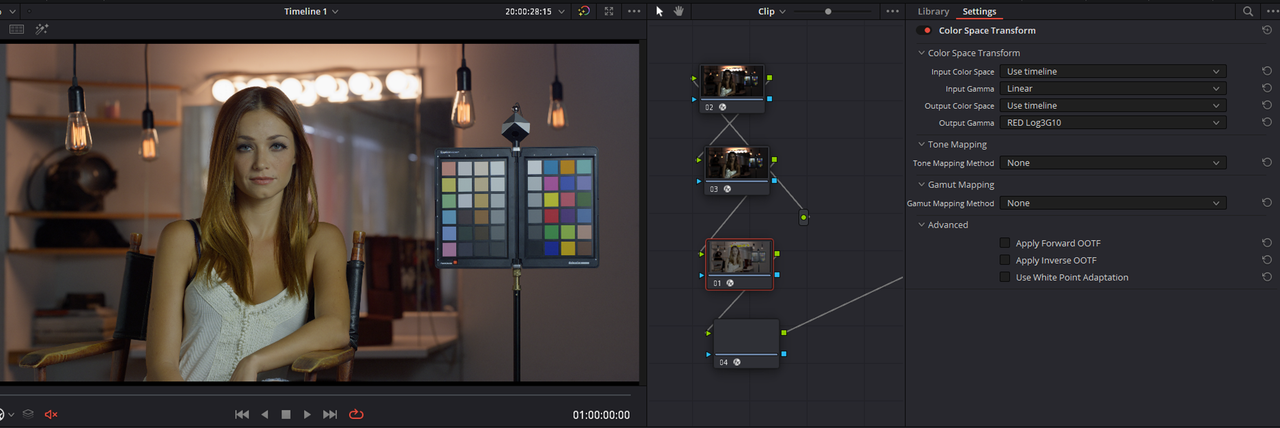
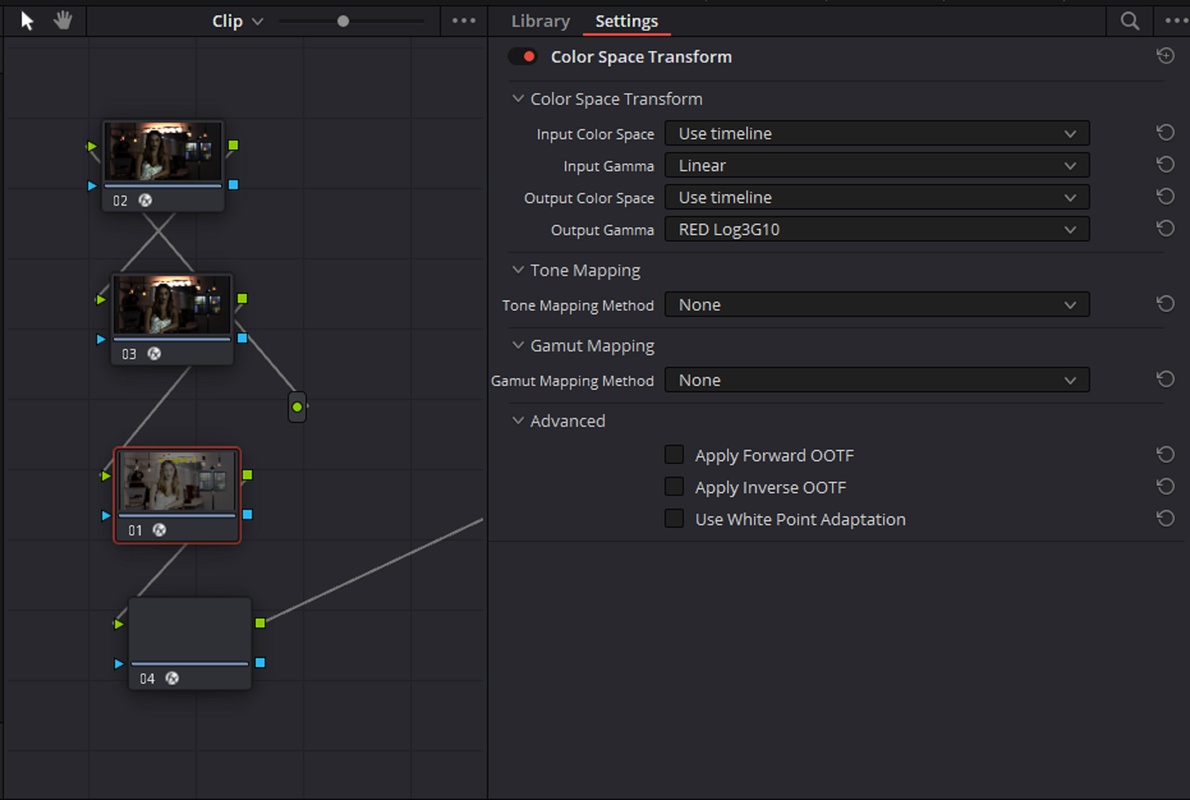
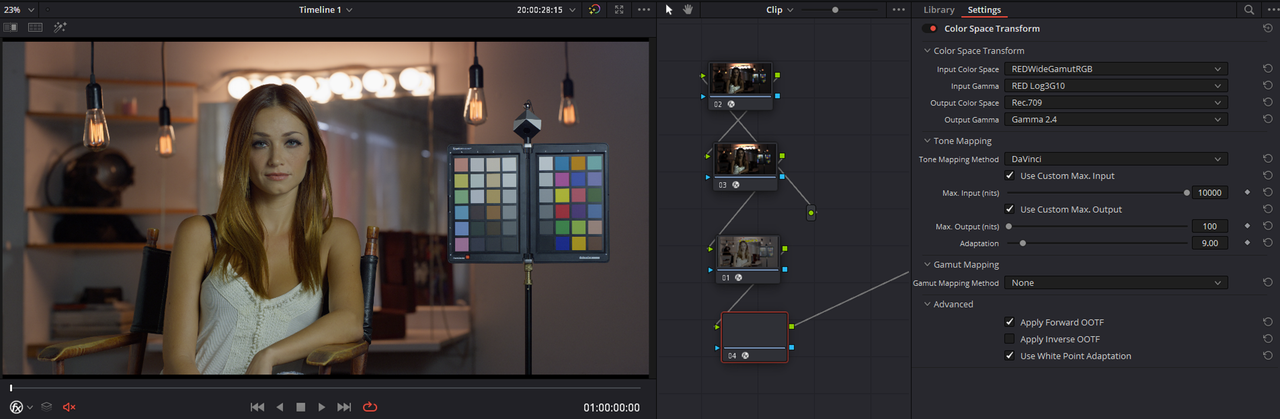
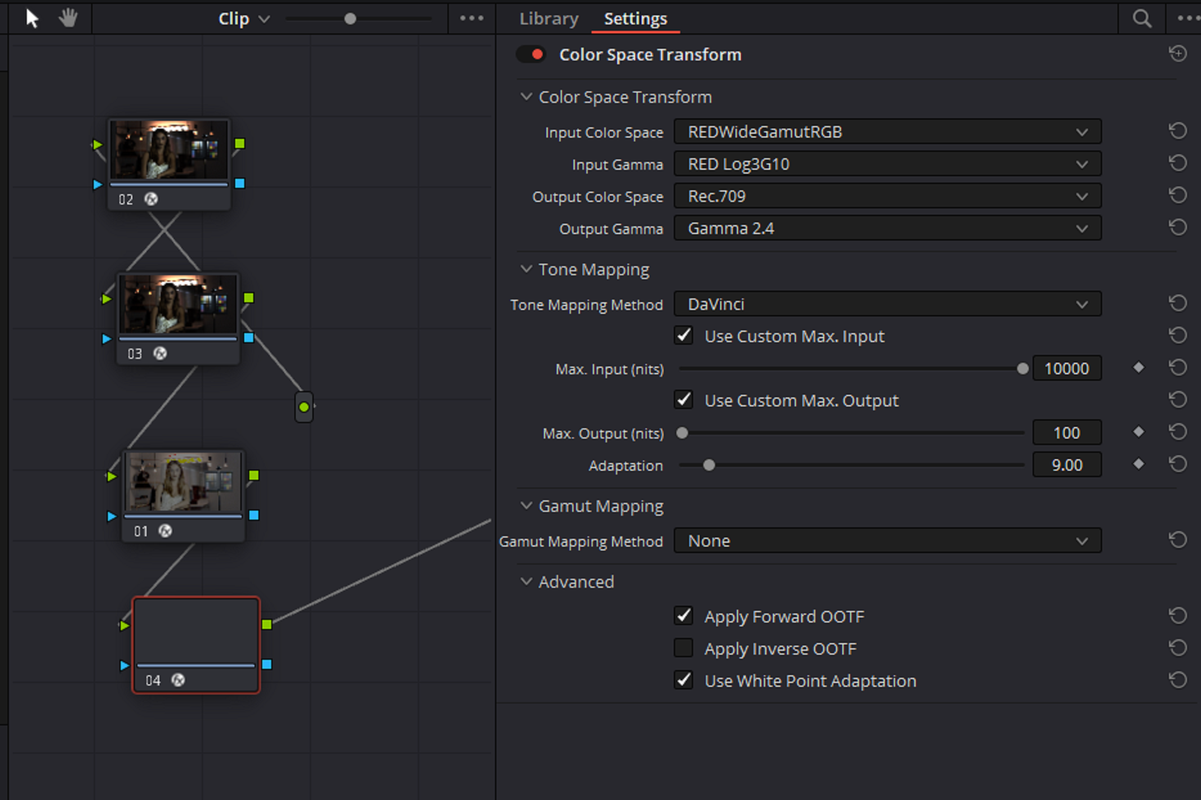
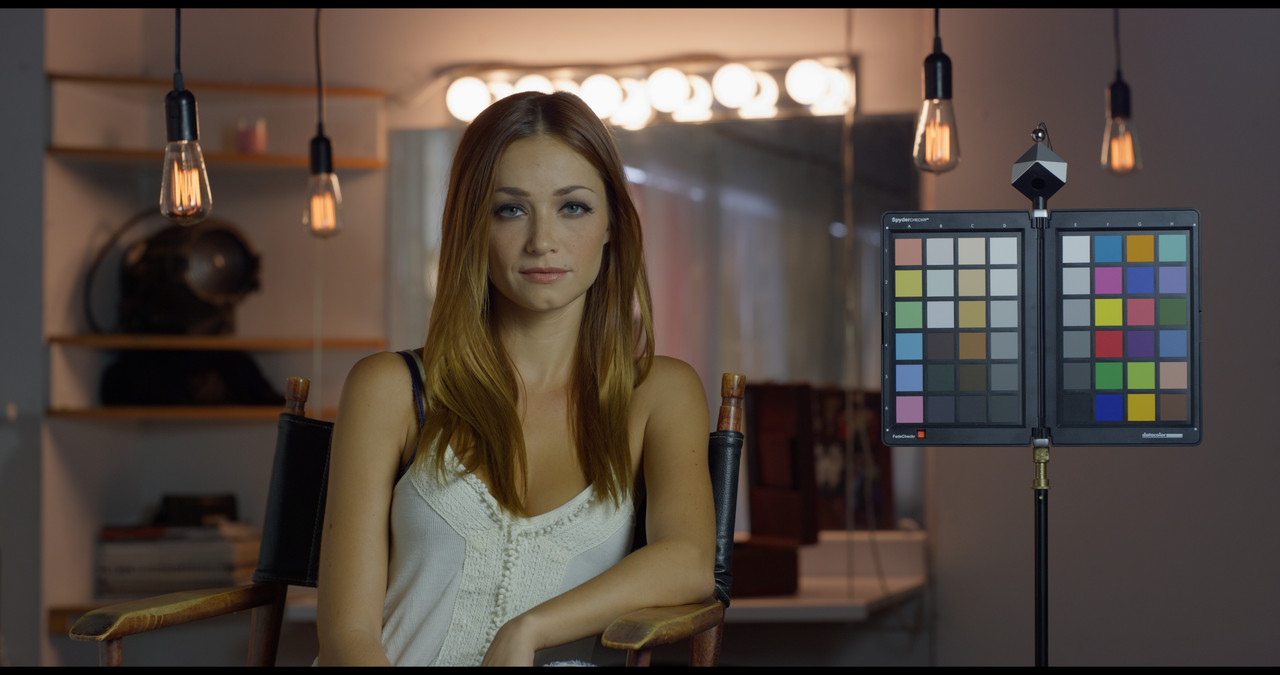
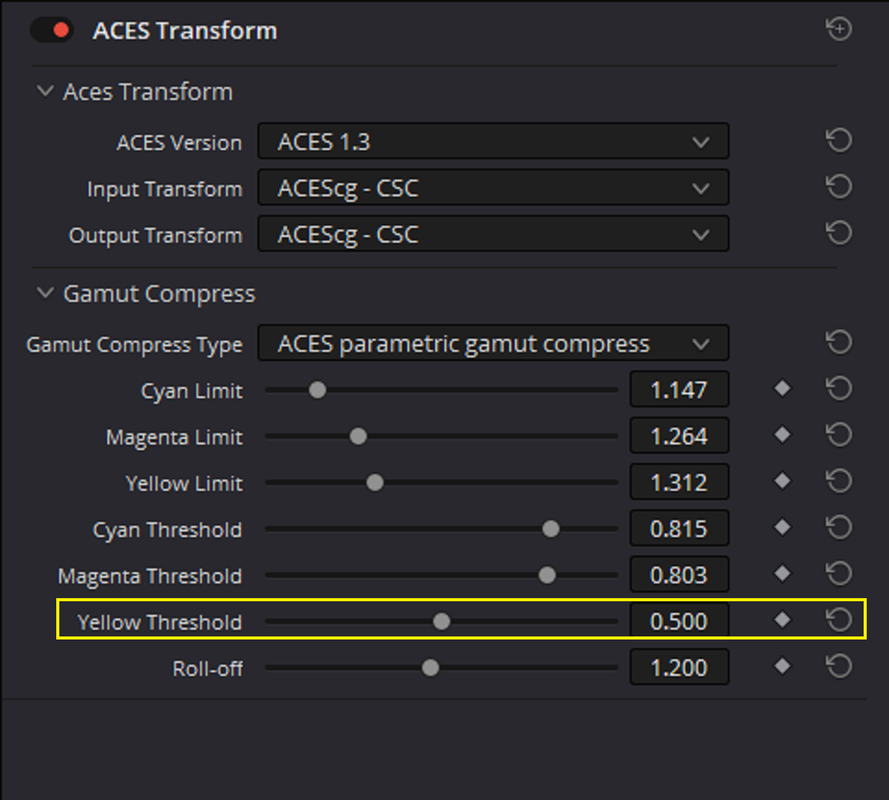
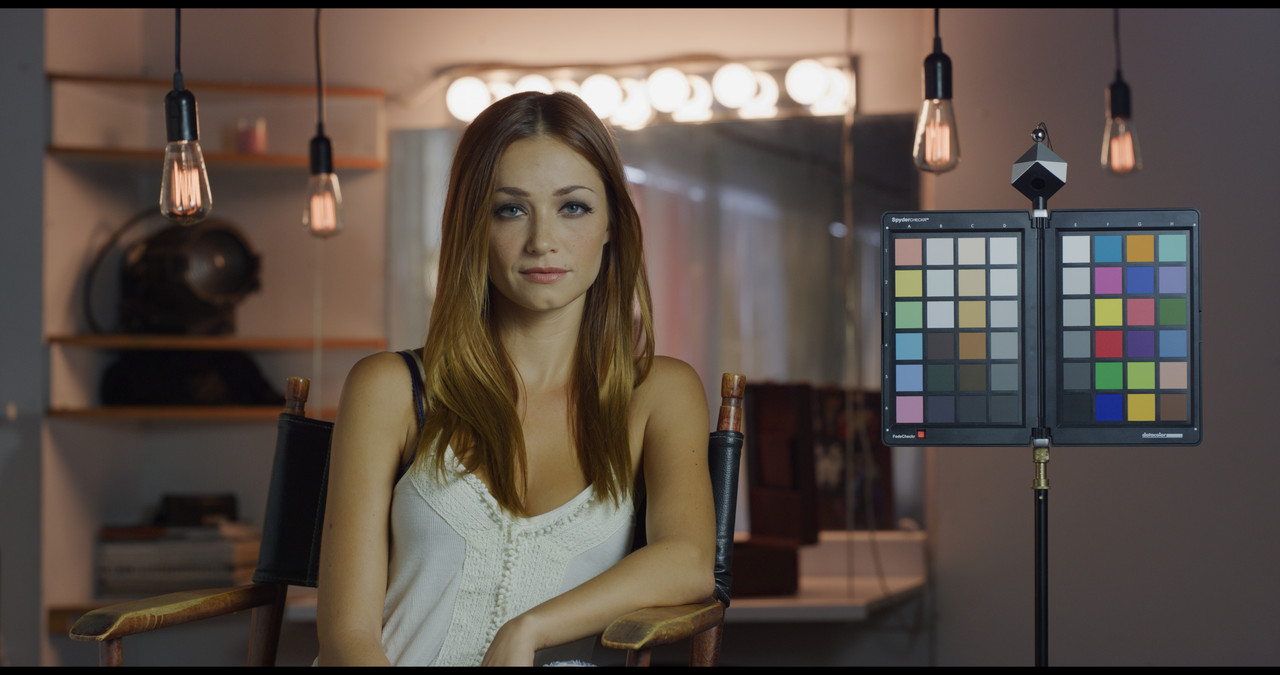
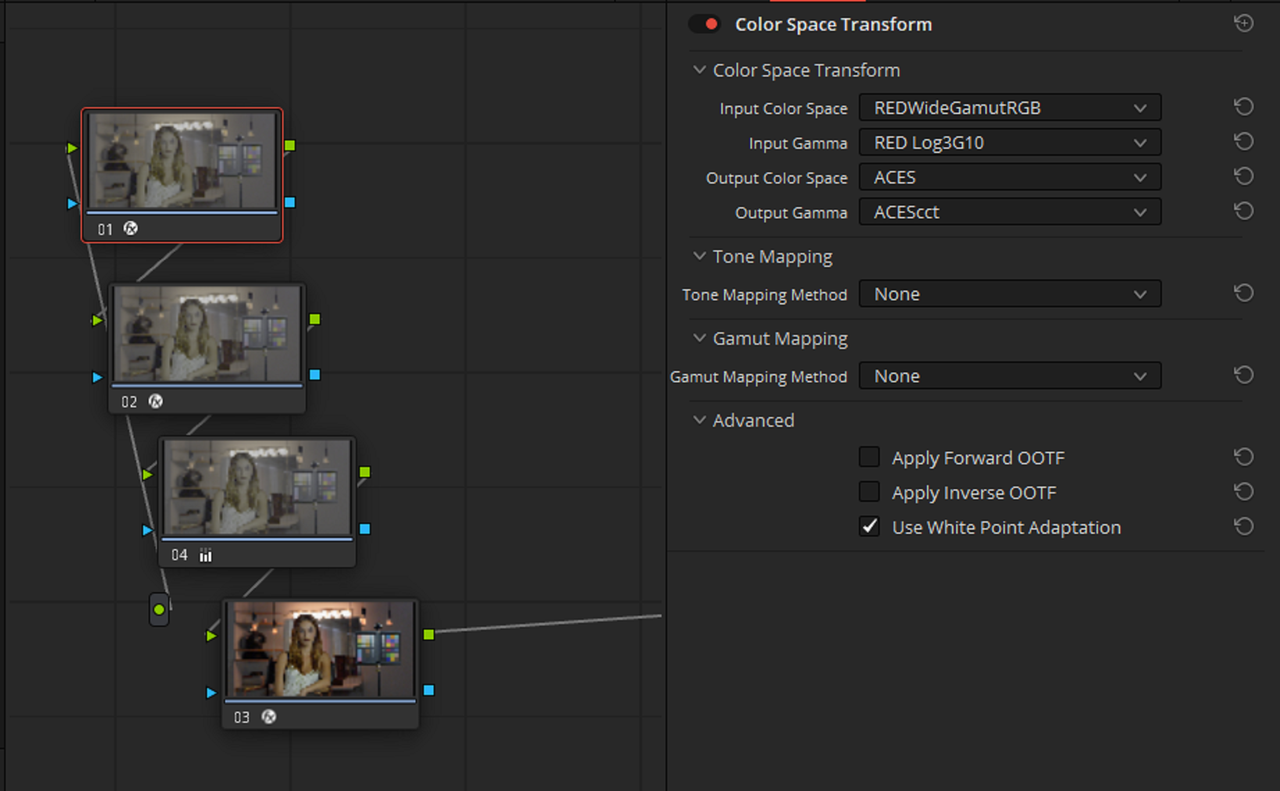
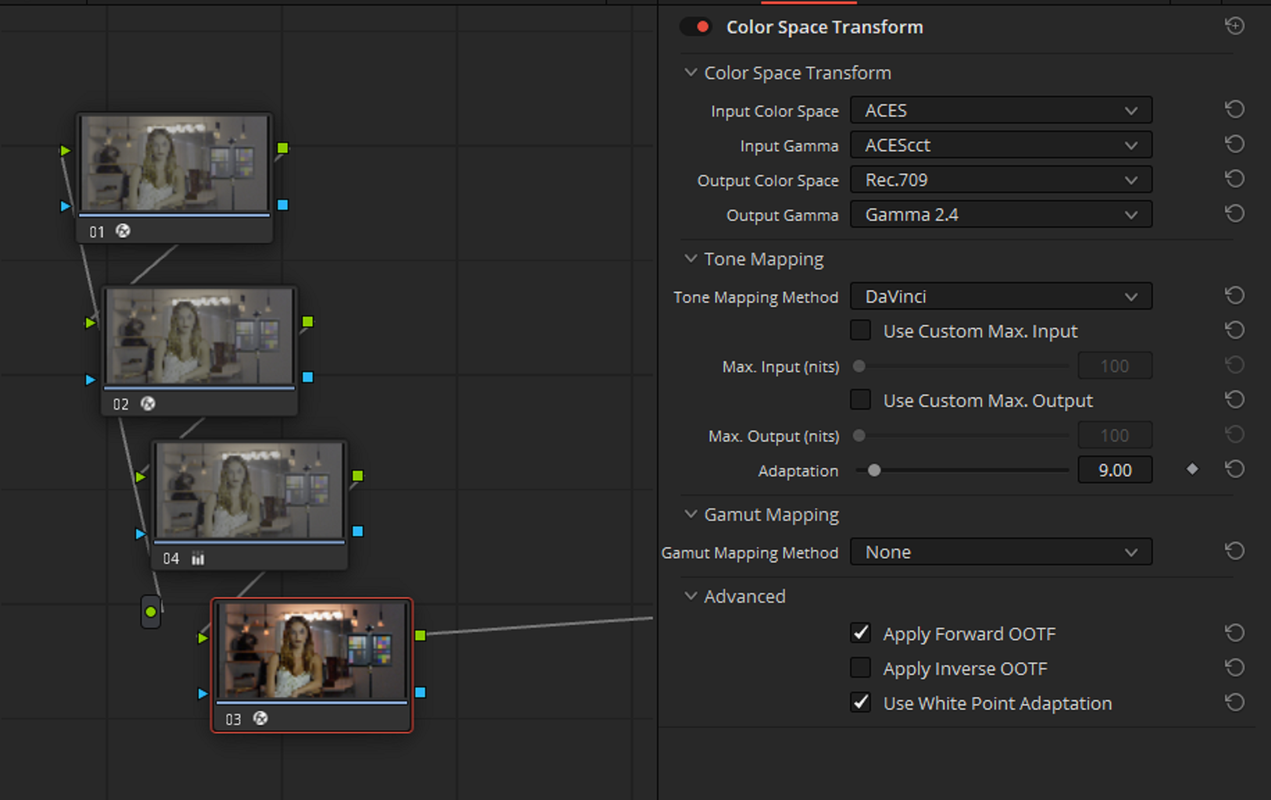
Here is a node based NON-COLOR MANAGED Manual RedwidegamutRGB/LOG3G10 workflow that will allow you to use the AES TRANSFORM OFX for Gamut Mapping.

1.png


2.png


3.png


4.png


5.png


6.png


7.png


8.png


9.png


10.jpg
 
I forgot to make the Yellow Correction in the AES TRANSFORM in the post above. Here is the Updated Scopes and Image.

Screenshot-3907.png


Screenshot-3905.png


Screenshot-3906.png


1-1-11-1-1-11.jpg
 
With IPP2 Medium/ Soft in last Node instead of a COLORSPACE TRANSFORM of REDWIDEGAMUTRGB/LOG3G10 to REC709 GAMMA 2.4

Screenshot-3911.png


Screenshot-3911-2.png


ipp2-1-1-13.jpg
 
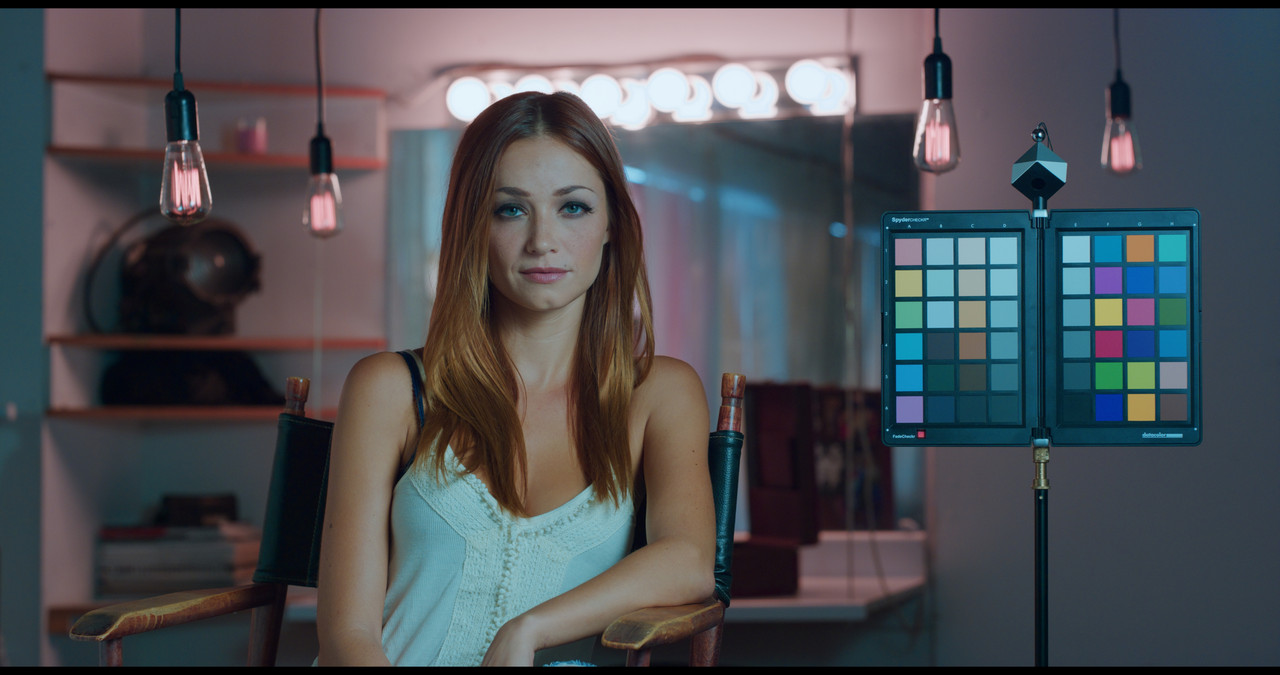
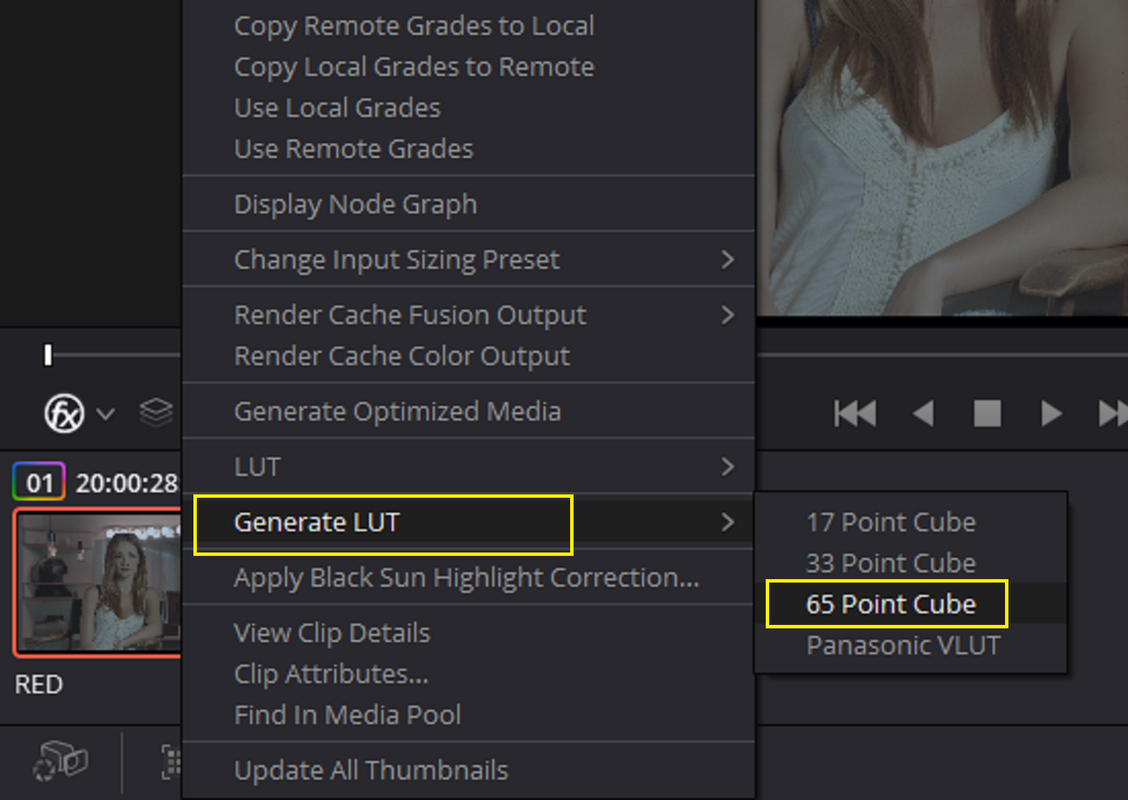
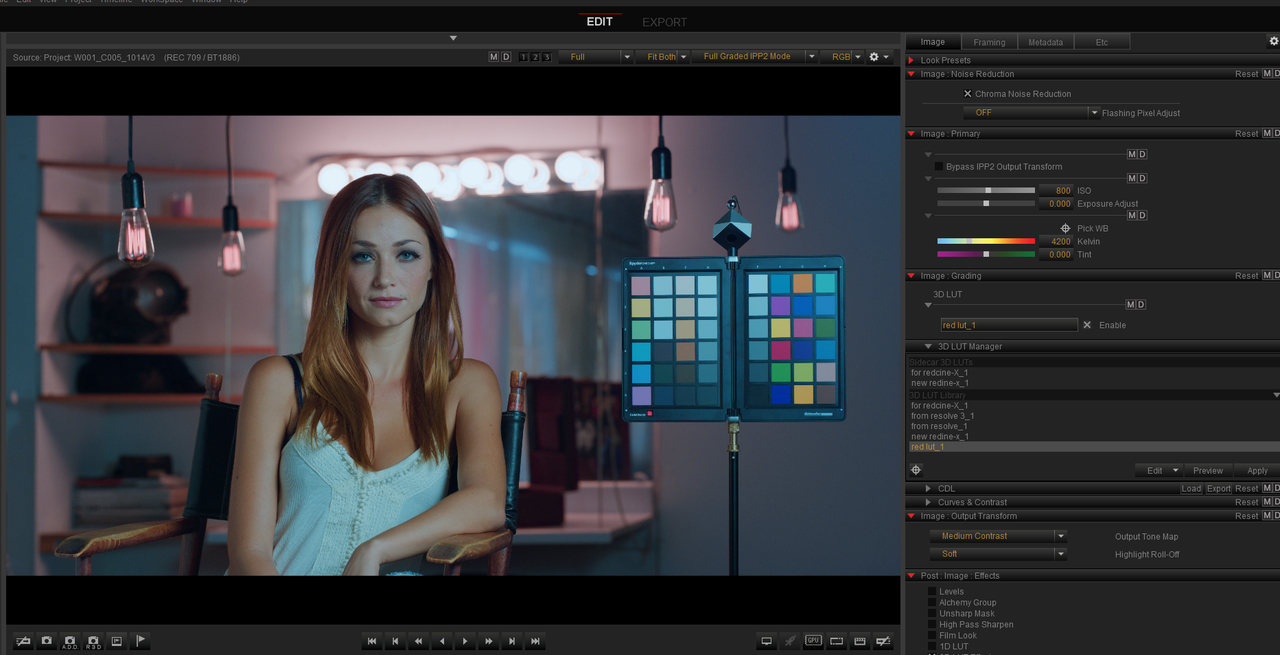
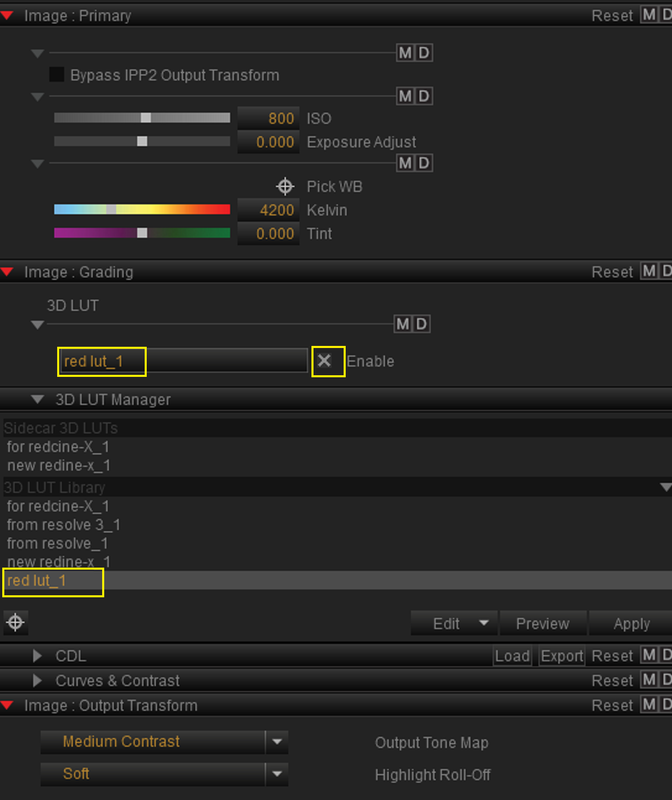
Now lets make a LUT out of this for REDCINE-X . Be sure to DISABLE the IPP2 Transform LUT before you create what will be the Creative LUT in REDCINE-X

( I pulled this Grade out of my ass for demonstration purposes only so don't shoot the messenger)

Screenshot-3912.png


Screenshot-3916.png


1-1-14-1-1-14.jpg

Screenshot-3913.png


Screenshot-3914.png


Screenshot-3914-2.png


1-1-14-1-1-14.jpg
 
Last edited:
We can take this a step further from REDCINE-X back into RESOLVE.

REDCINE-X

Here is another RED R3D file in REDCINE-X

1.png

2.jpg


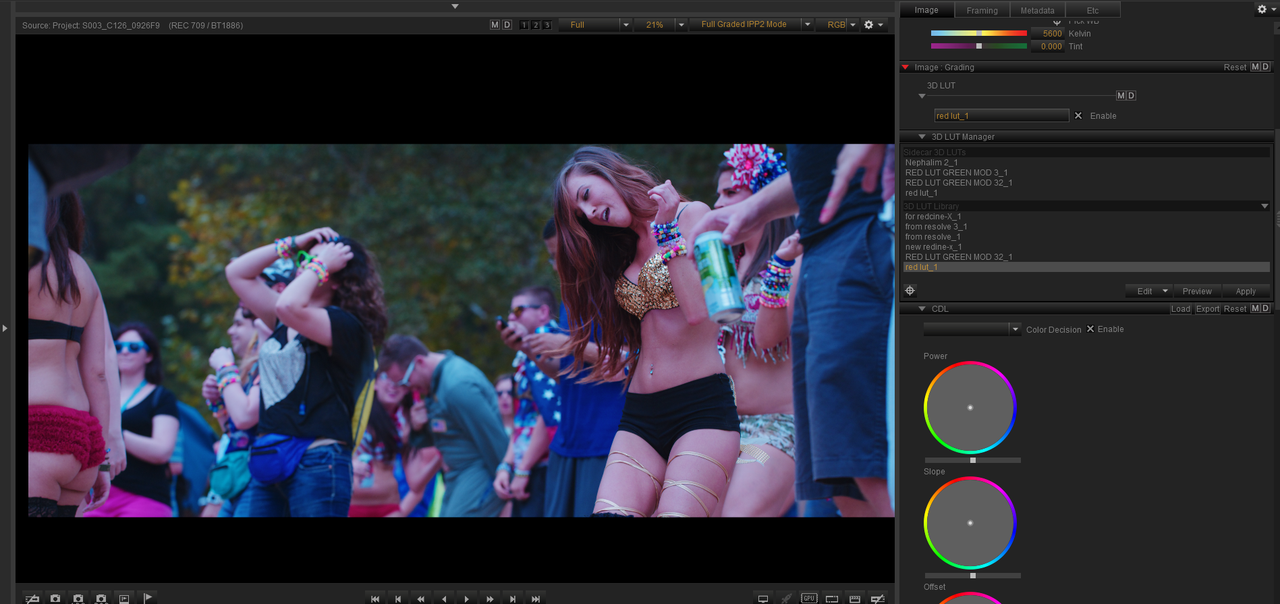
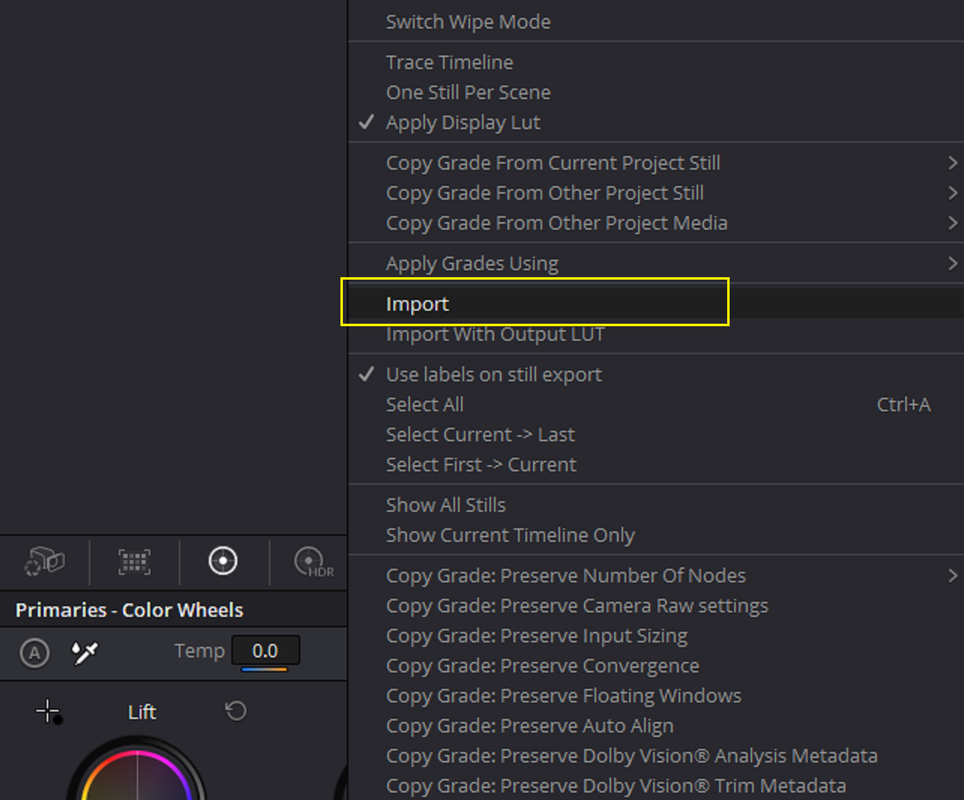
Here it is with the "RED Lut" LUT created and imported from the previous Resolve Workflow shown above. The Image had a 5600K and 0 TINT setting.

3.png

4.jpg


Here it is with the "RED Lut" plus a CDL correction with more GREEN than RED and BLUE.

5.png

6.jpg


7.png


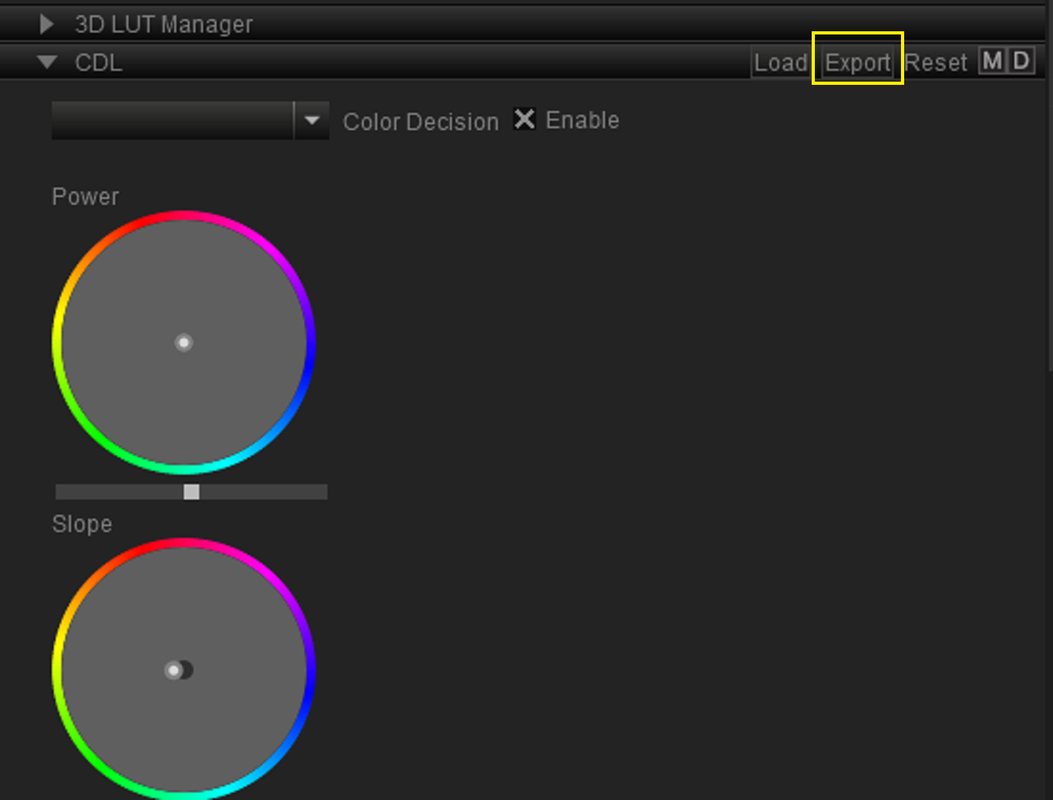
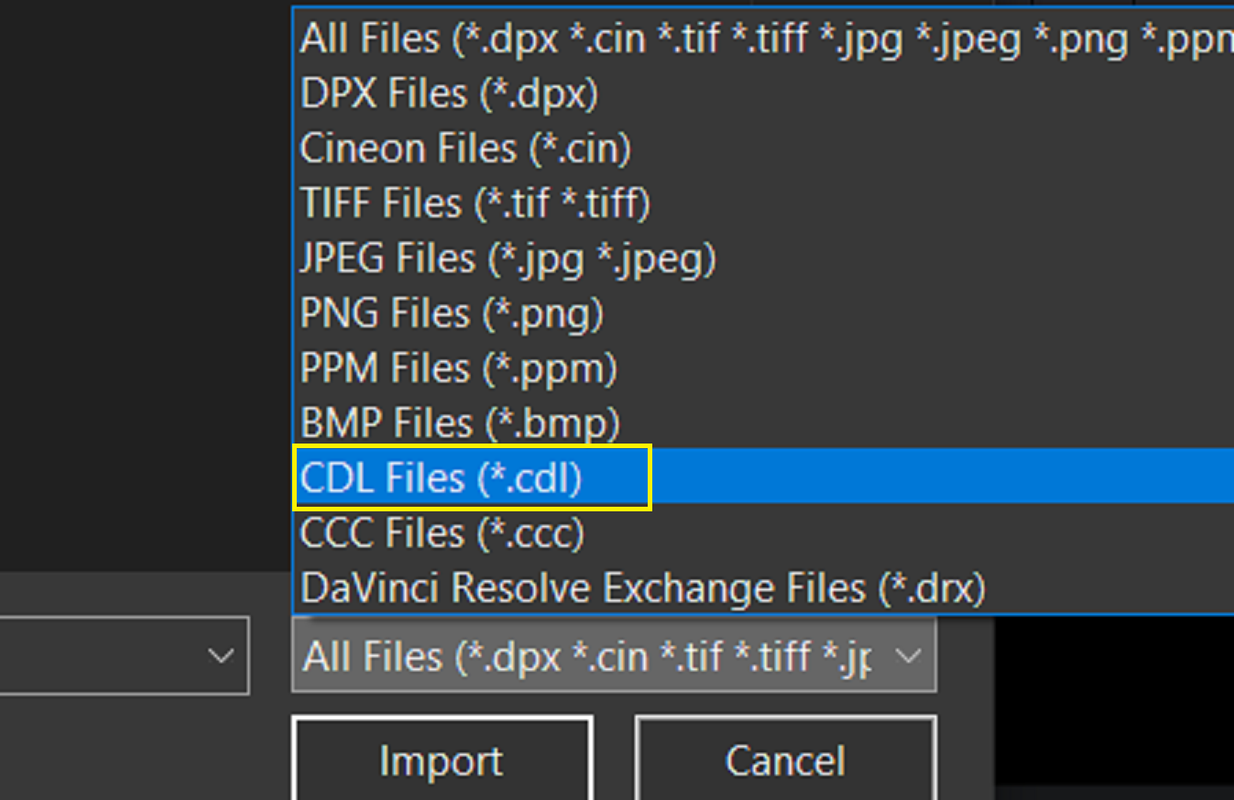
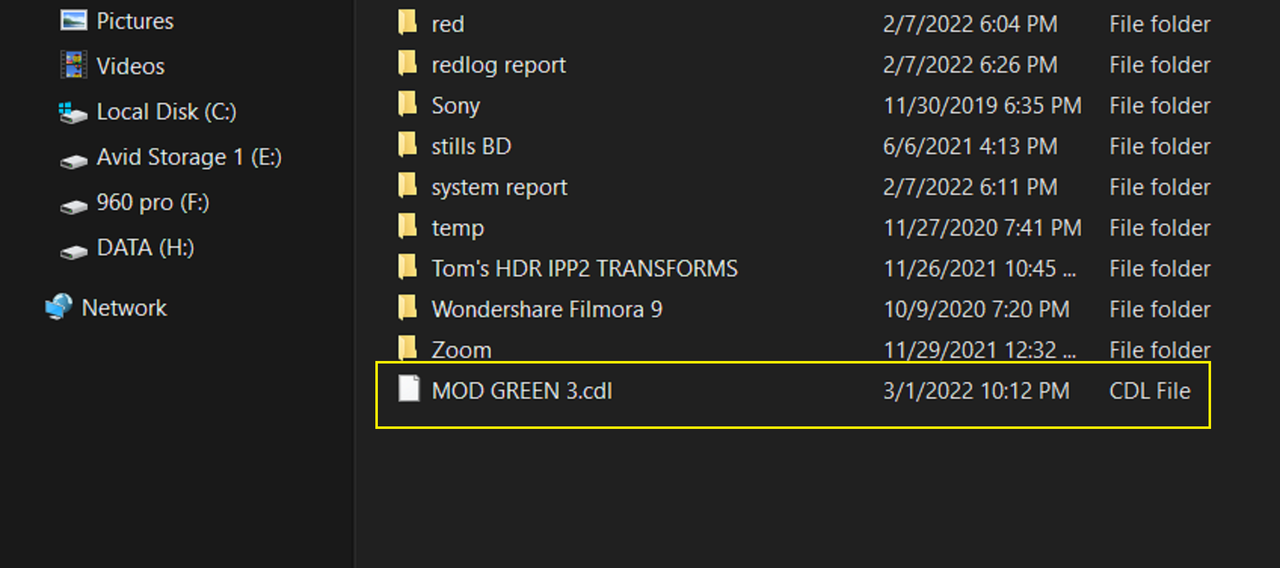
Now I'm going to export this CDL grade file out of REDCINE-X and into RESOLVE

8.png


Next inside RESOLVE..............................
 
Last edited:
Inside RESOLVE Continued

9.png


10.png


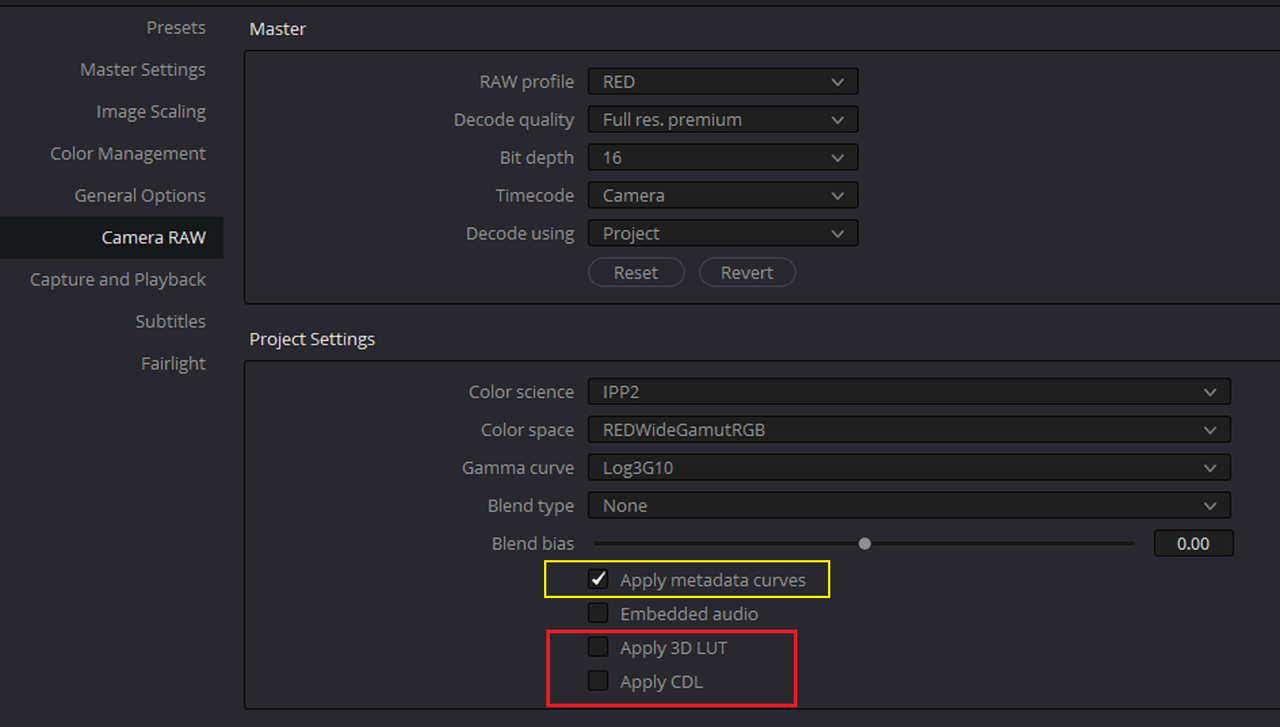
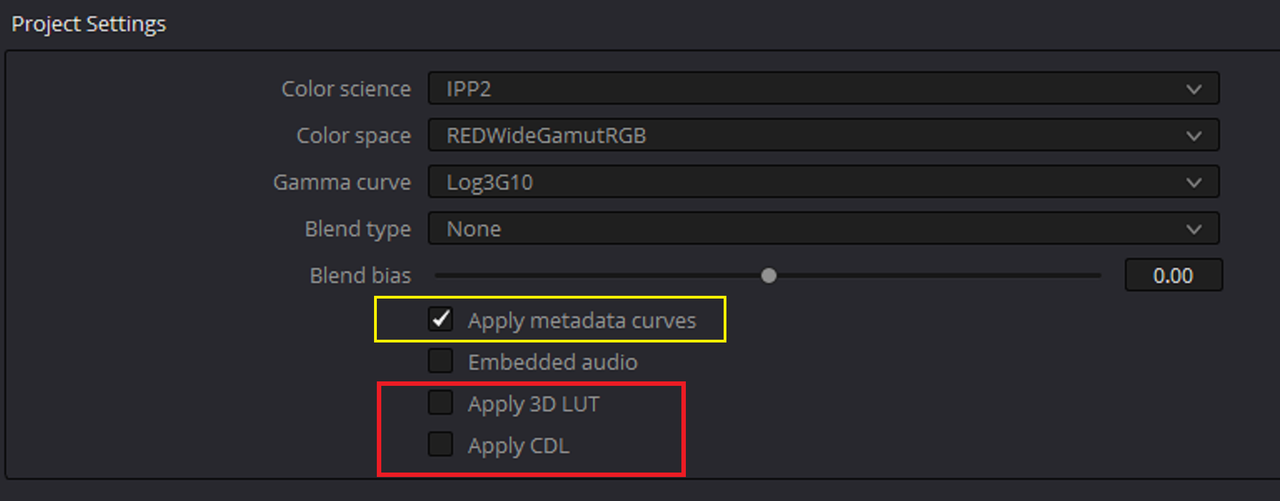
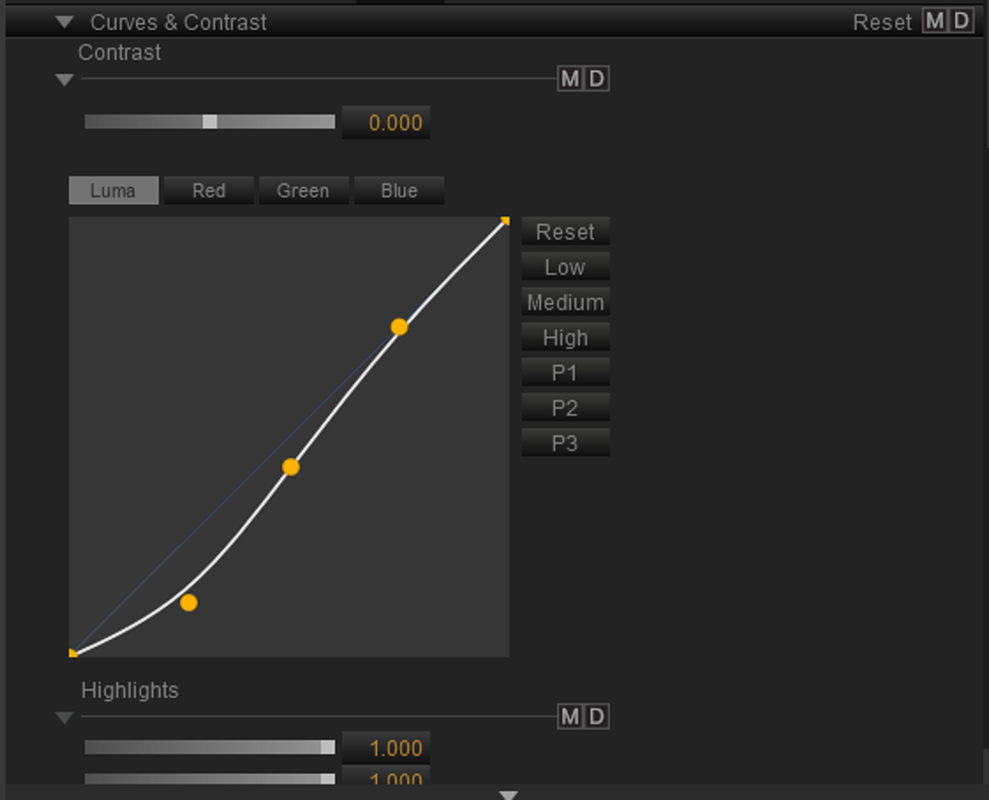
I selected to enable "APPLY METADATA CURVES" because I Made a Luminance Curve Correction in REDCINE-X that I wanted to bring over into RESOLVE. I disabled both "APPLY 3D LUT" and "APPLY CDL" because I didn't want to bring over both the LUT and CDL Grade I added to the RED R3D file, I'm going to use in the following example, in REDCINE-X so I won't duplicate them in this project.

11.png

11-5.png


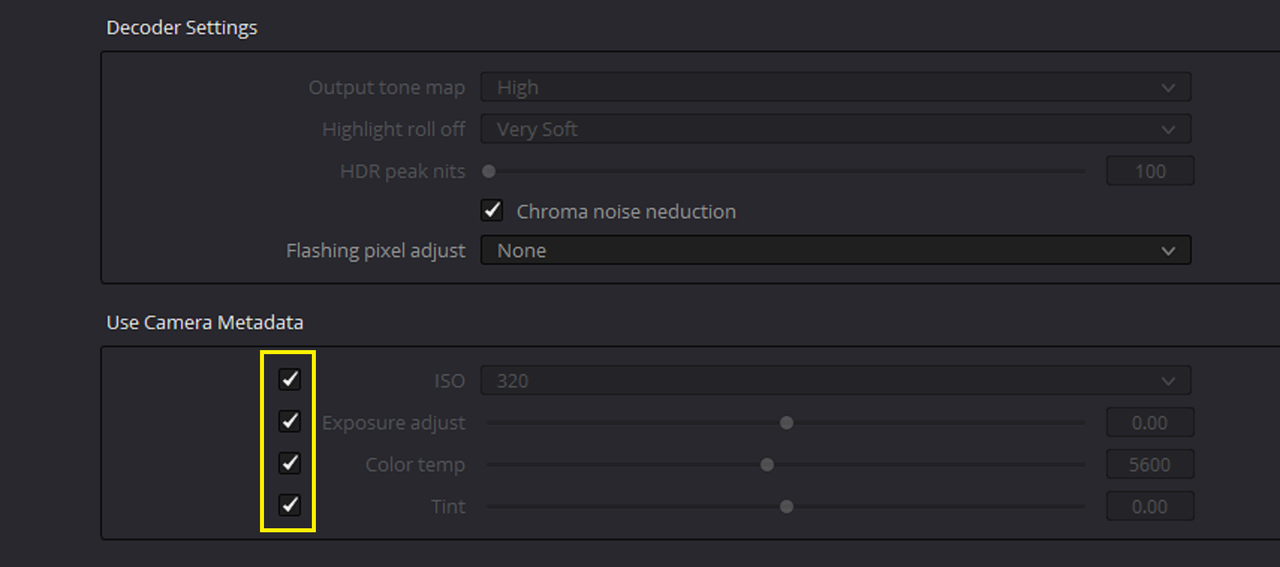
I selected all of these so that It will bring in the Red R3D file I'm going to use later in the way it either appeared in-camera or from REDCINE-X

12.png


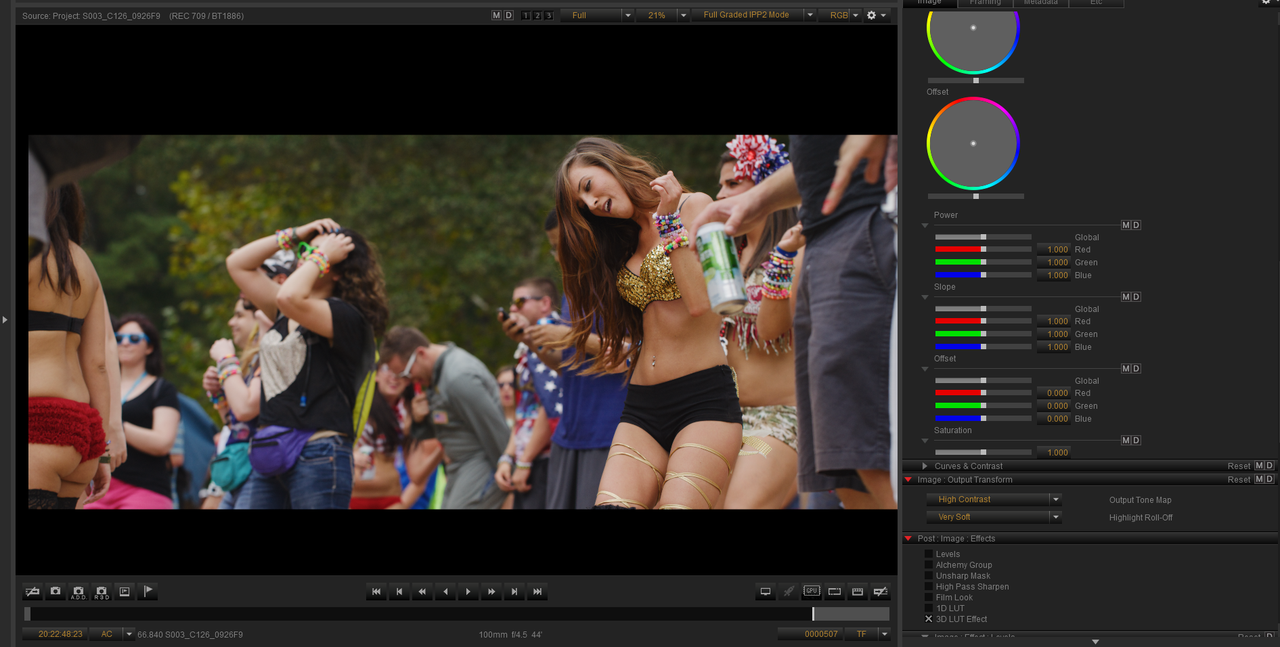
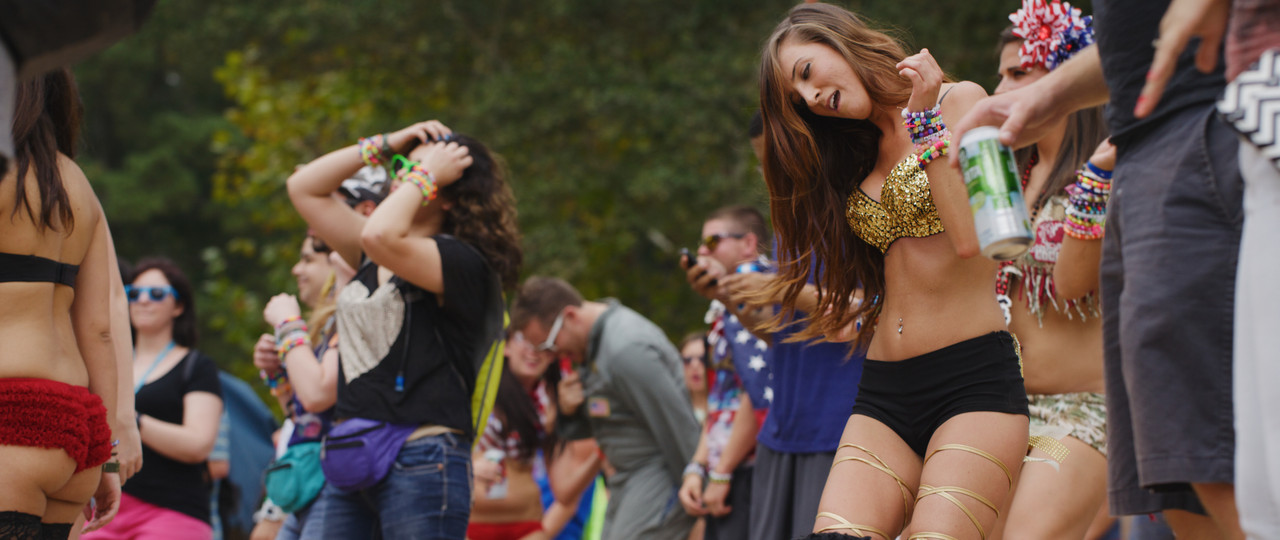
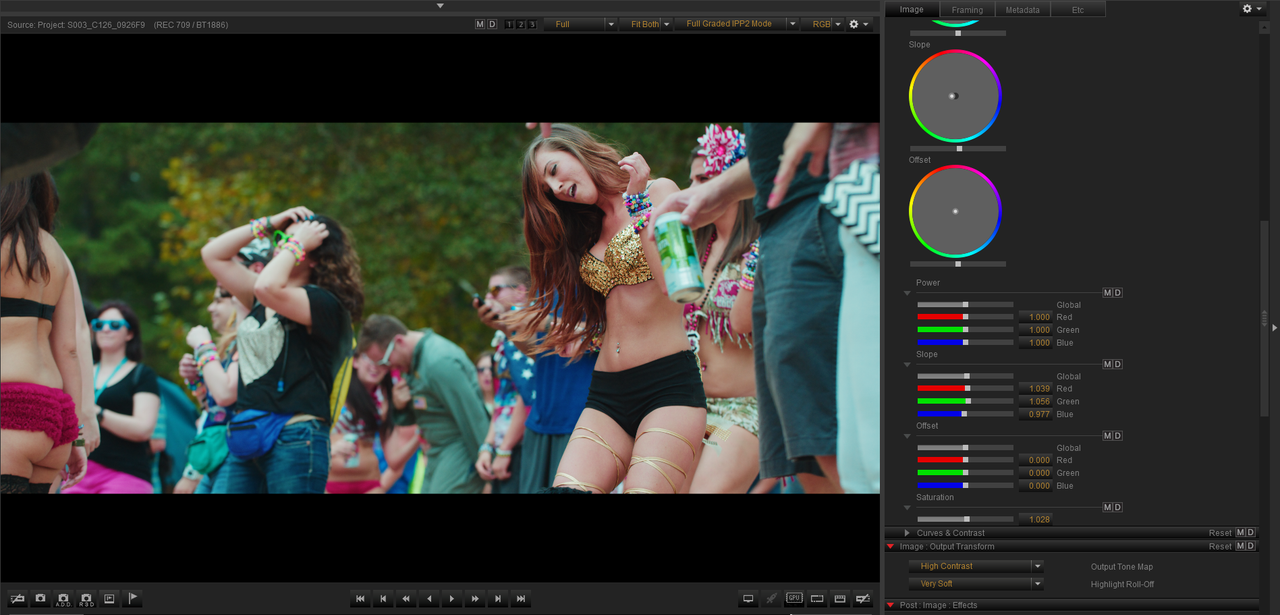
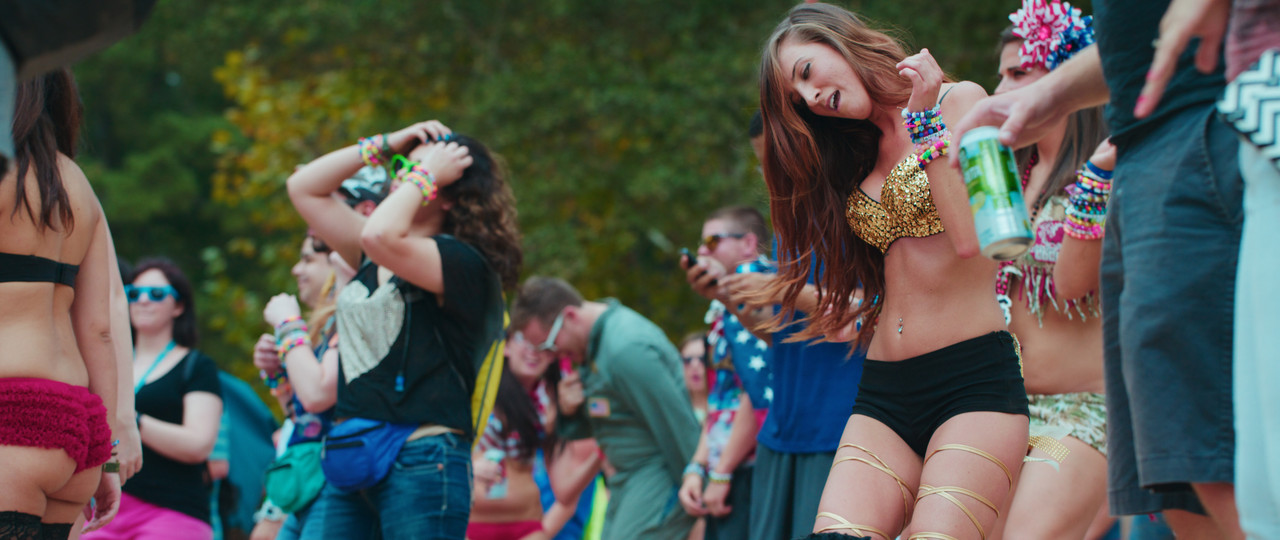
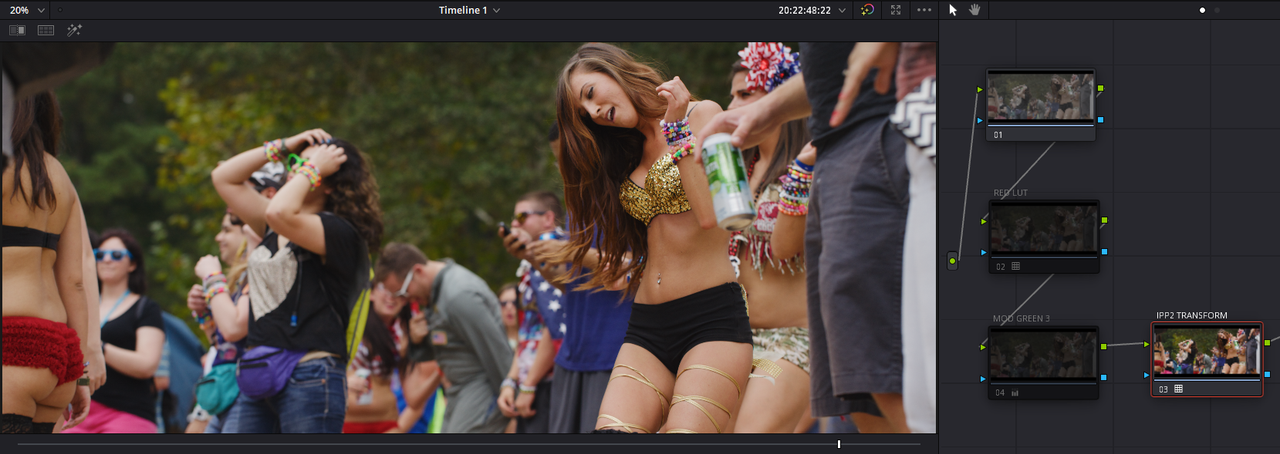
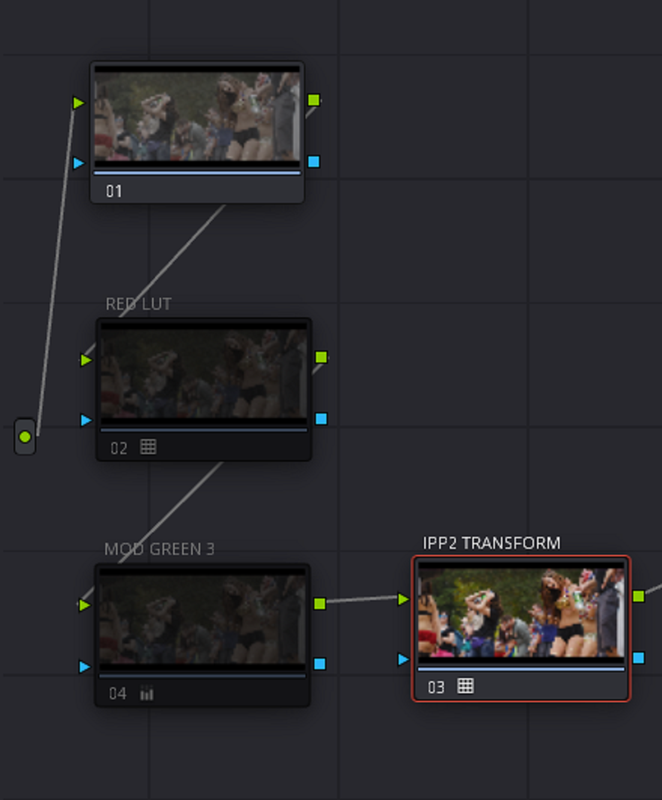
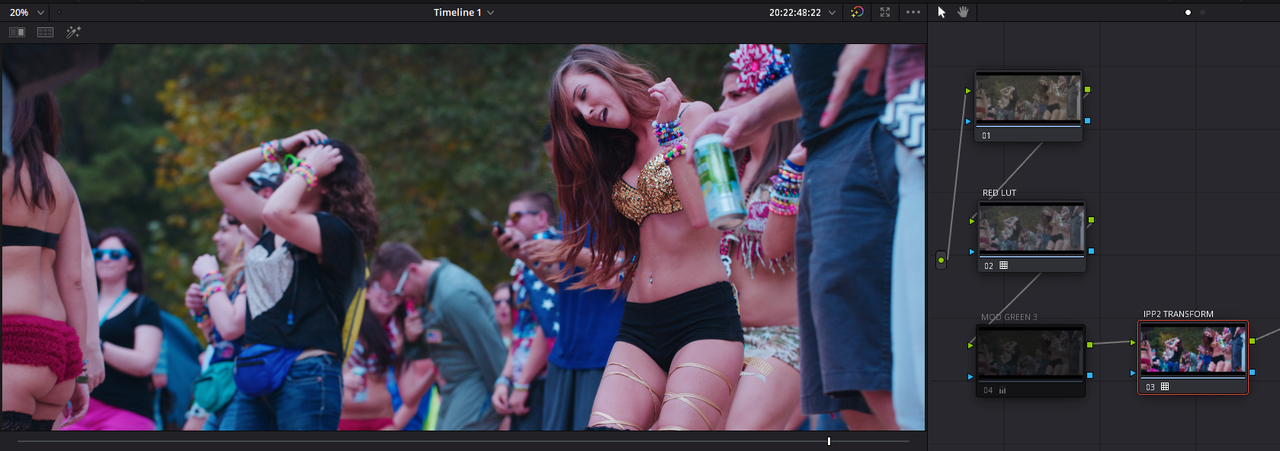
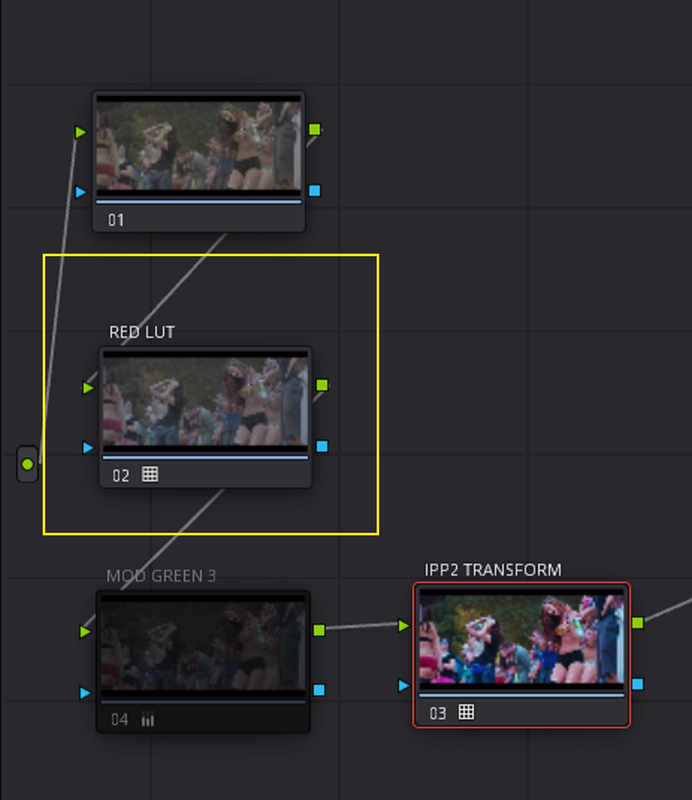
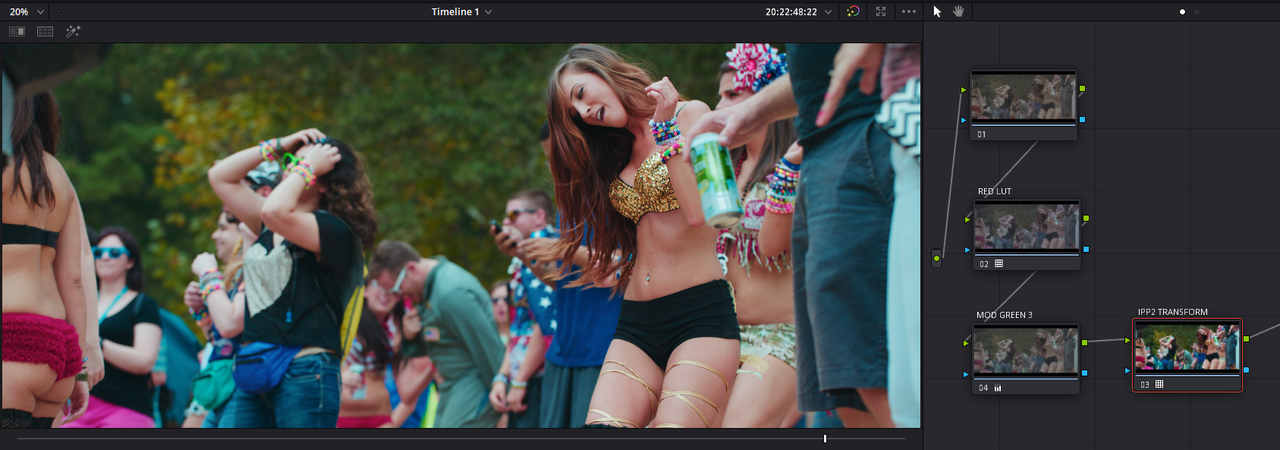
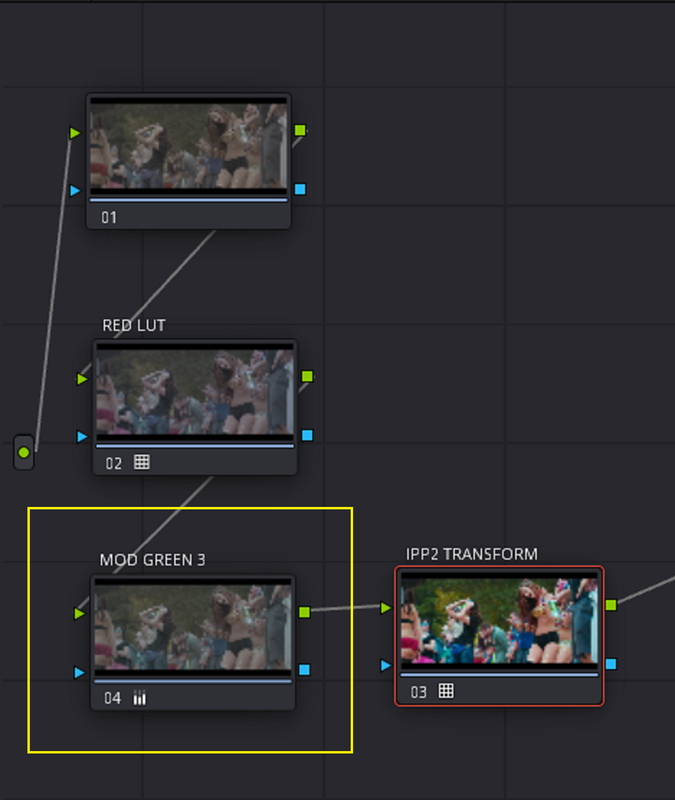
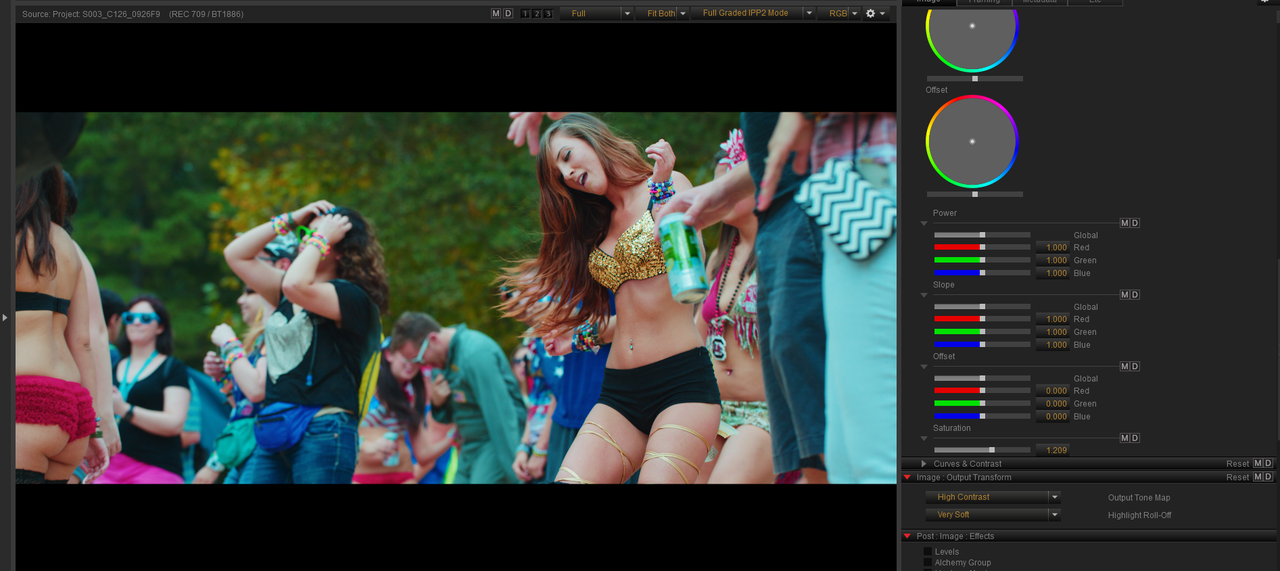
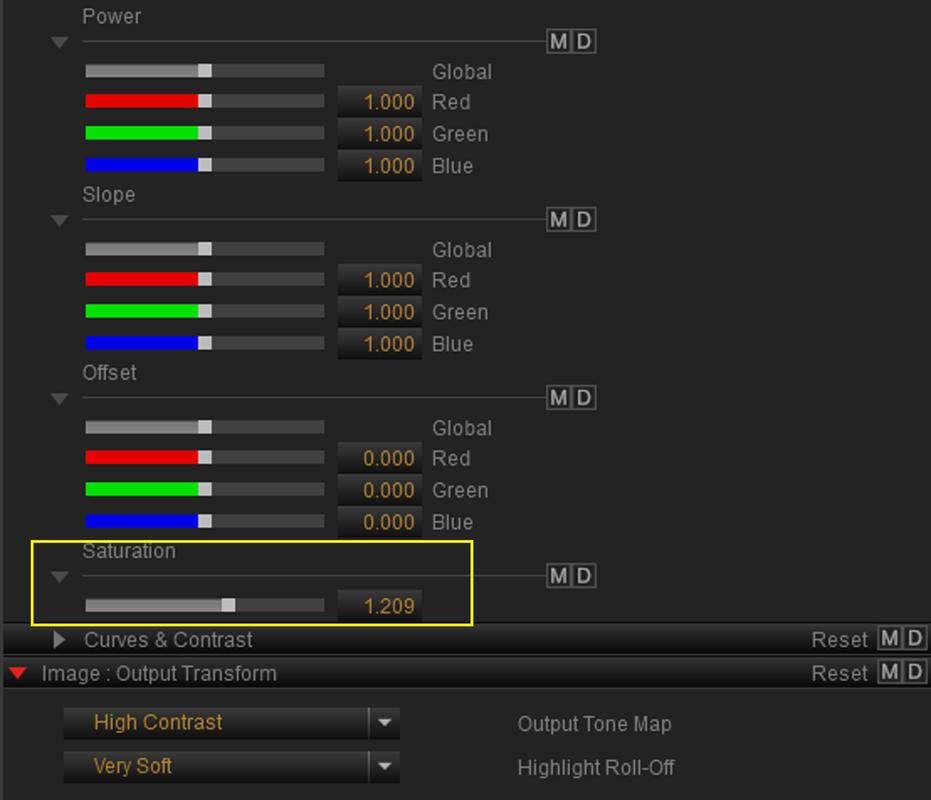
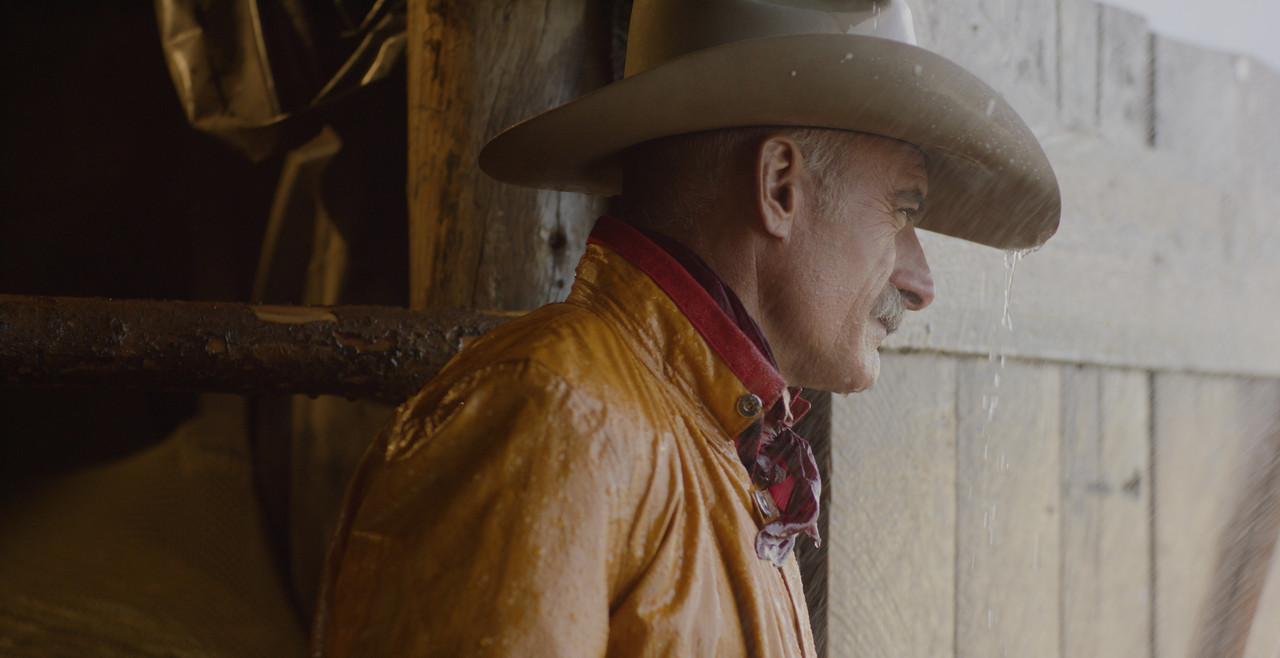
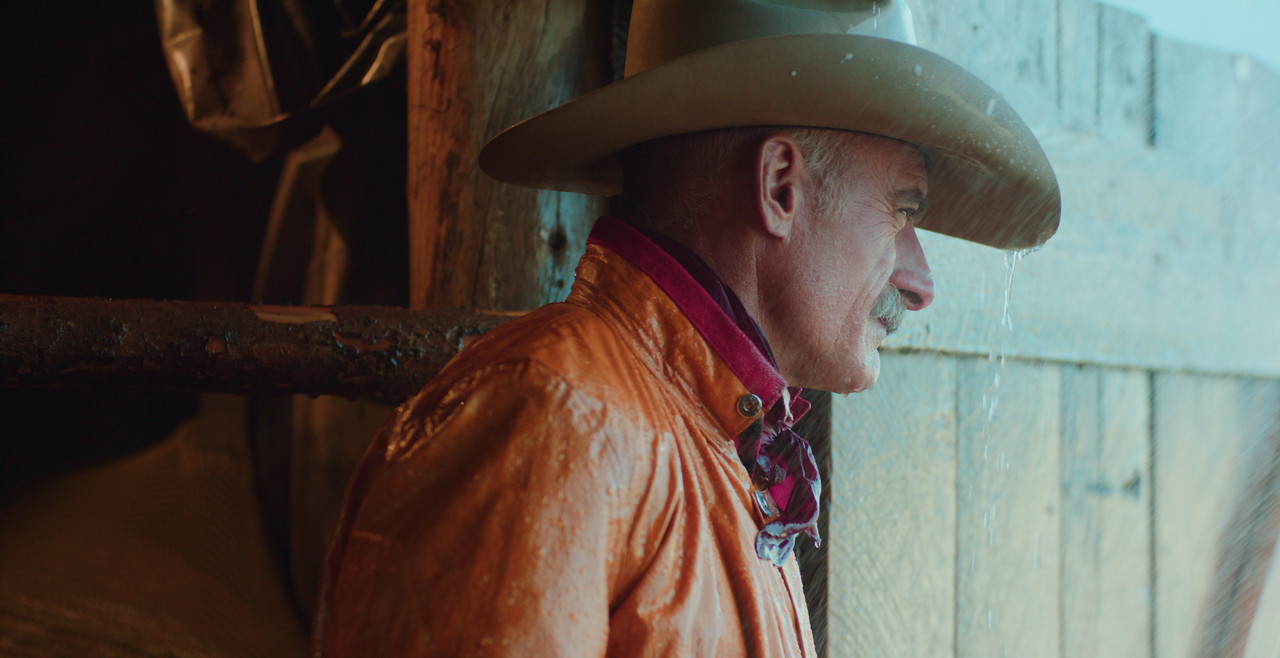
INSIDE OF RESOLVE- Here is the Red R3D file that was used in REDCINE-X. The Nodes for the "RED LUT" Lut and the "MOD GREEN 3" CDL Correction are currently disabled and will be enabled later one by one with those items already applied to each node. An IPP2 Output Transform of "HIGH CON / VERY SOFT" has also already been applied in the last node of the grade.

13.png

14.png


2.jpg


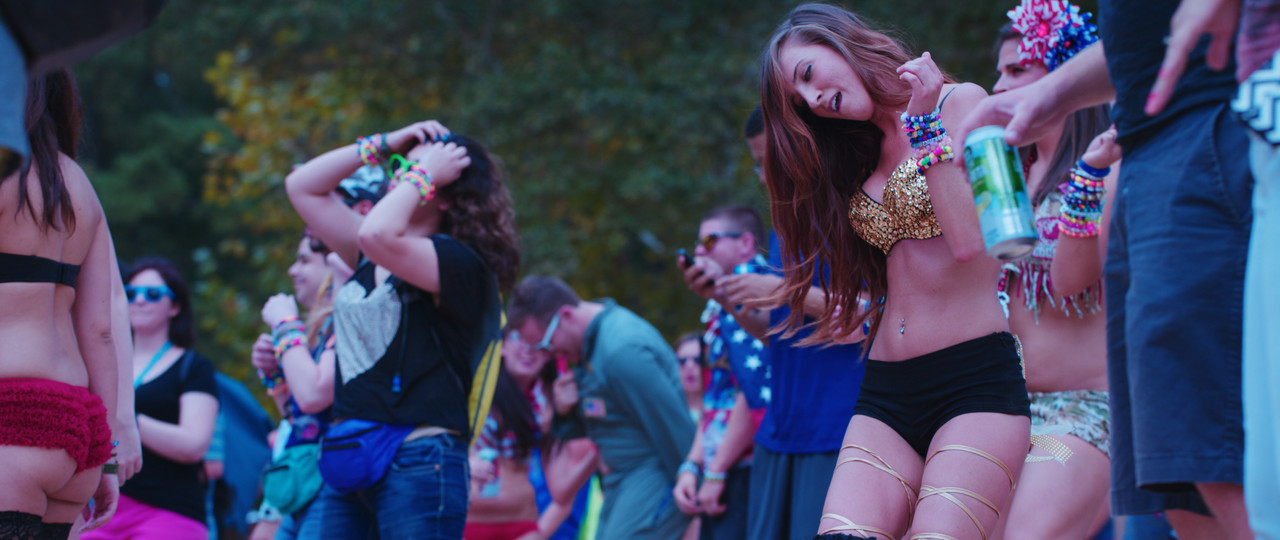
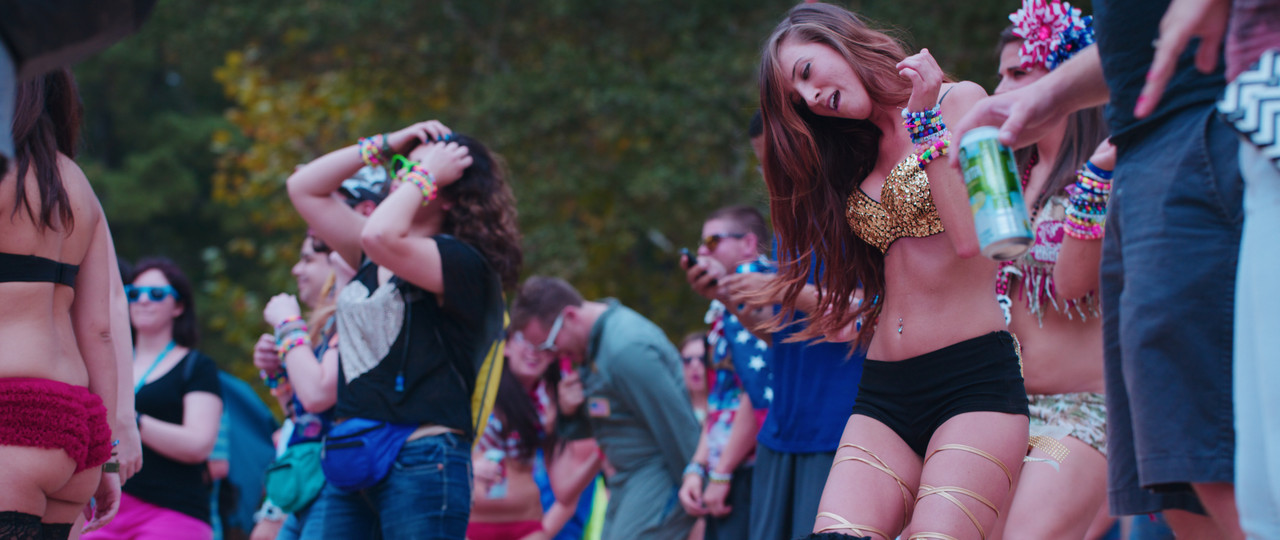
With The "RED LUT" LUT Node enabled

15.png


16.png

17.png

2-1-1-6.jpg


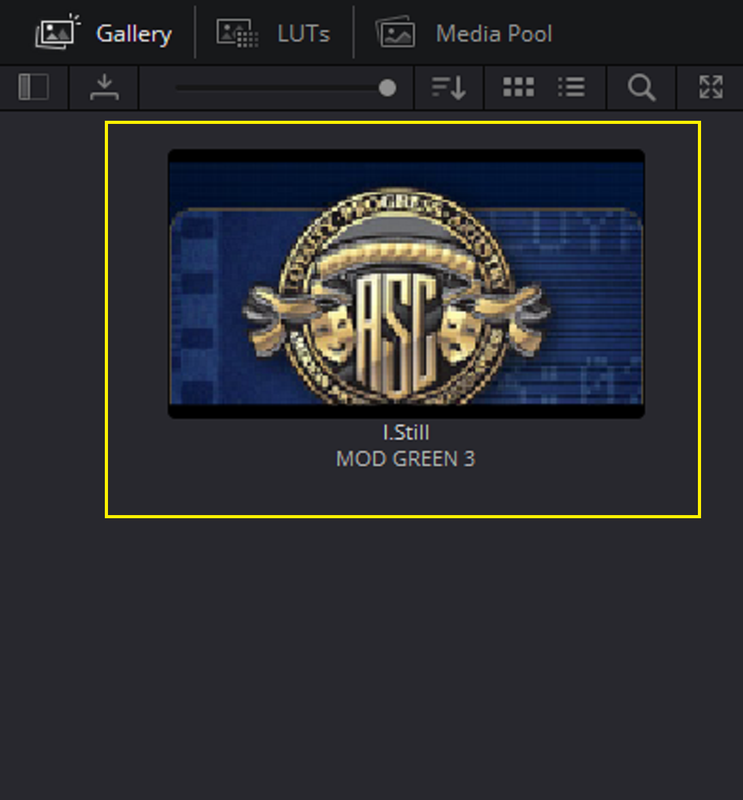
With the "MOD GREEN 3" CDL Correction Node enabled

18.png

19.png

20.png

21.png

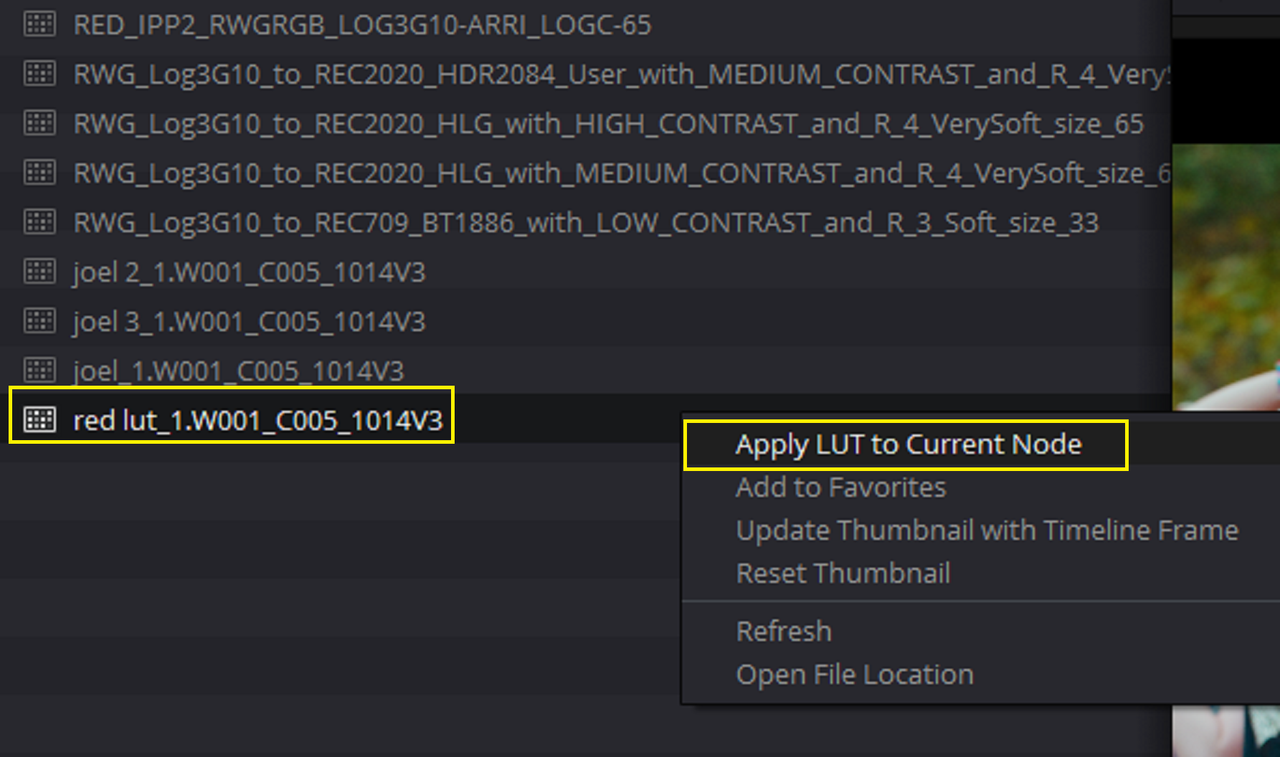
"Drag and Drop" the CDL correction on the Node and Don't use " APPLY LUT TO CURRENT NODE"

22.png


23.png


6.jpg


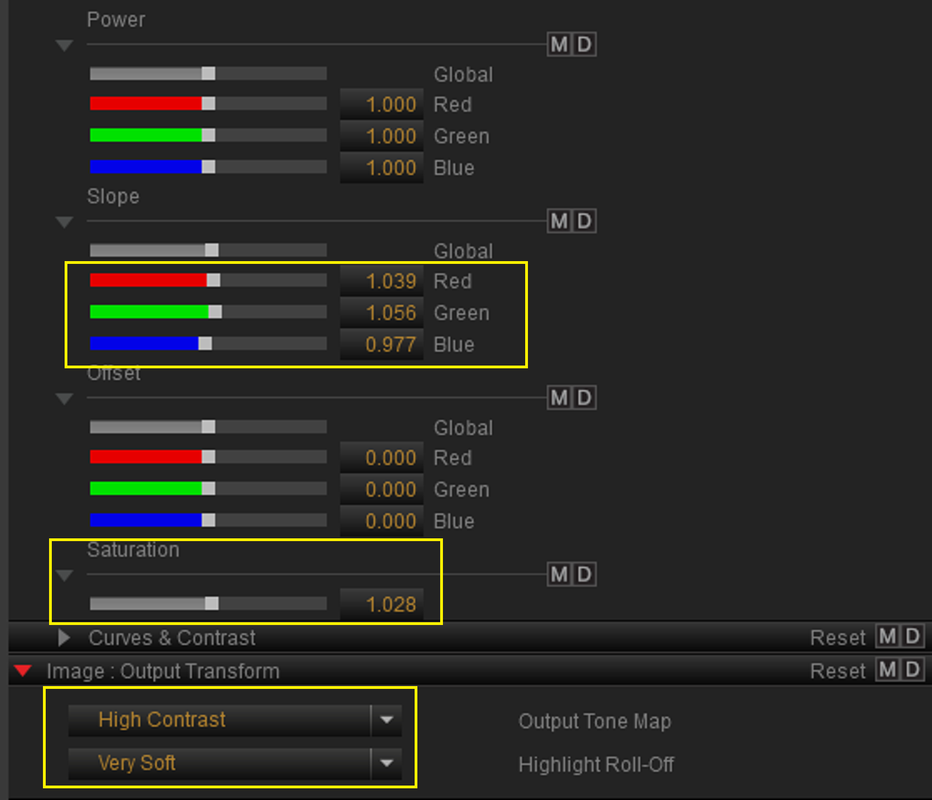
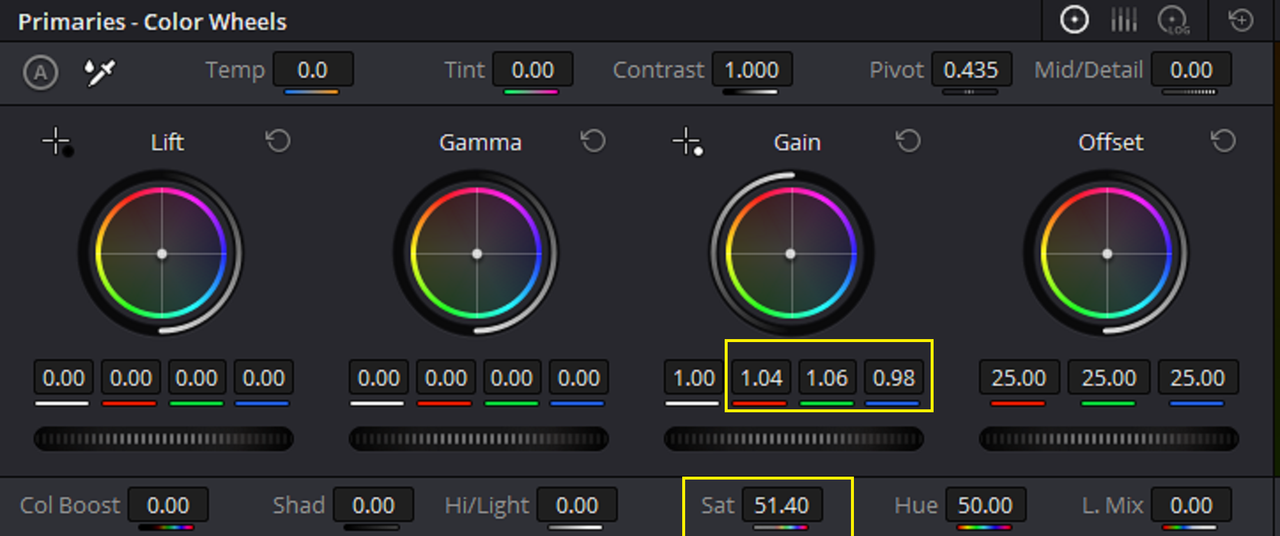
Here are the CDL parameter Corrections from REDCINE-X translated into the
RESOLVE" PRIMARY TAB's primaries that gives the image it's similar look from REDCINE-X.

24.png
 
Last edited:
Back inside of REDCINE-X....... AGAIN!!

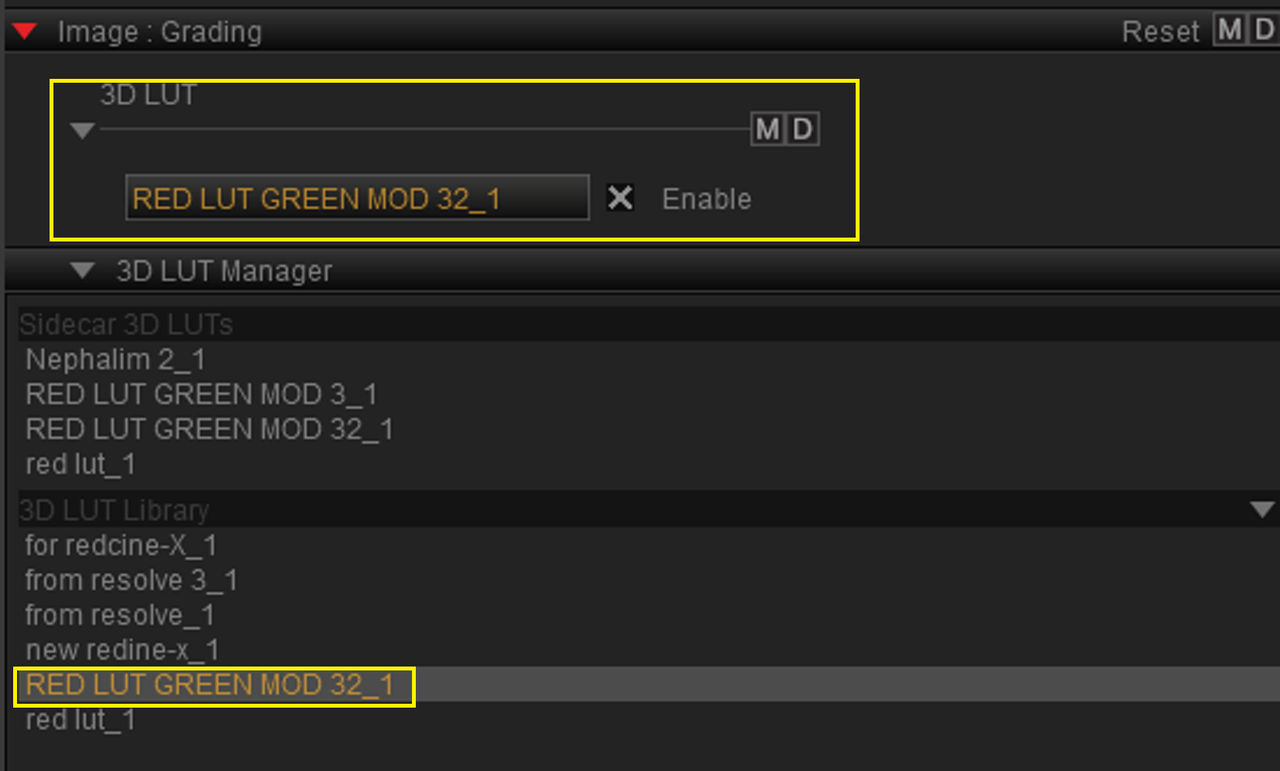
I made another LUT from the combined "RED LUT" LUT and the "MOD GREEN 3" CDL correction from REDCINE-X into a new LUT called "RED LUT GREEN MOD 32_1" LUT.

Unfortunately it looks slightly different because were as Resolve does an excellent job of translating REDCINE-X's CDL parameters to it's PRIMARY parameters, REDCINE-X didn't do a good job of translating RESOLVE's PRIMARY Parameters back into it's CDL Parameters on there second roundtrip back so the image looks different.

I just added a little saturation in the CDL corrections.


Screenshot-3964.png


Screenshot-3965.png


Screenshot-3966.png


S003-C126-0926-F9-from-resolve-0000499.jpg
 
Last edited:
I was just fucking around with the "RED LUT GREEN MOD 32_1" LUT on other Red images. Here are some BEFORE and AFTERs. Saturation needs to be dial back just a little bit :laugh: :thumbsup:

A001-C018-1011-KZ-orig-0000000.jpg


A001-C018-1011-KZ-0000000.jpg


J012-C003-0923-FV-0000015.jpg


J012-C003-0923-FV-after-0000015.jpg


A004-C186-011278-orig-0000000.jpg


A004-C186-011278-0000000.jpg
 
Last edited:
Grade School: How To Test and Choose the Right Tools in DaVinci Resolve

by
Cullen Kelly


In Davinci Resolve 17.4.5 the ACEScct Project workflow seems to respond differently to Gamut Mapping with the OFX plugin and with the New Output Colorsapce Add-in in the Davinci YRGB workflow so I'm just going to use the Node Based workflow for a while

https://www.reduser.net/forum/dsmc1-...22#post3784622


Node Based

Screenshot-4003.png

Screenshot-4004.png

Screenshot-4005.png

Screenshot-4007.png

1-1-8-1-1-8.jpg
 
Last edited:
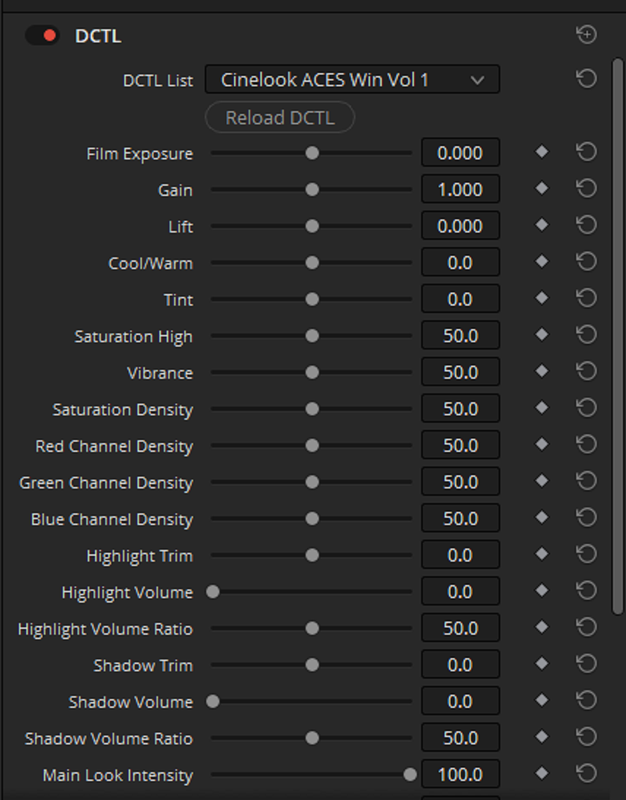
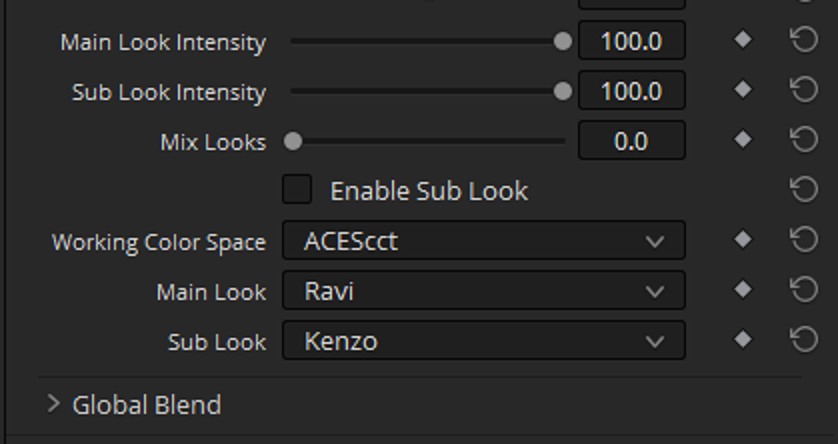
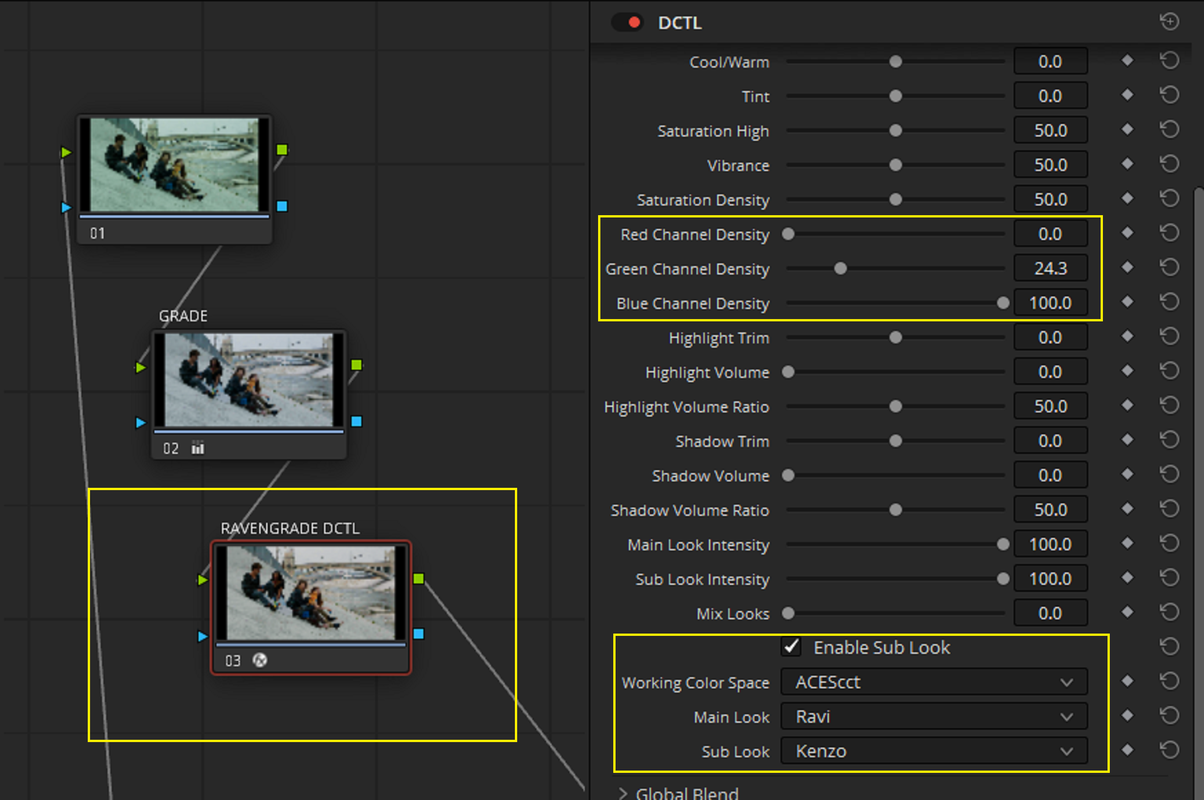
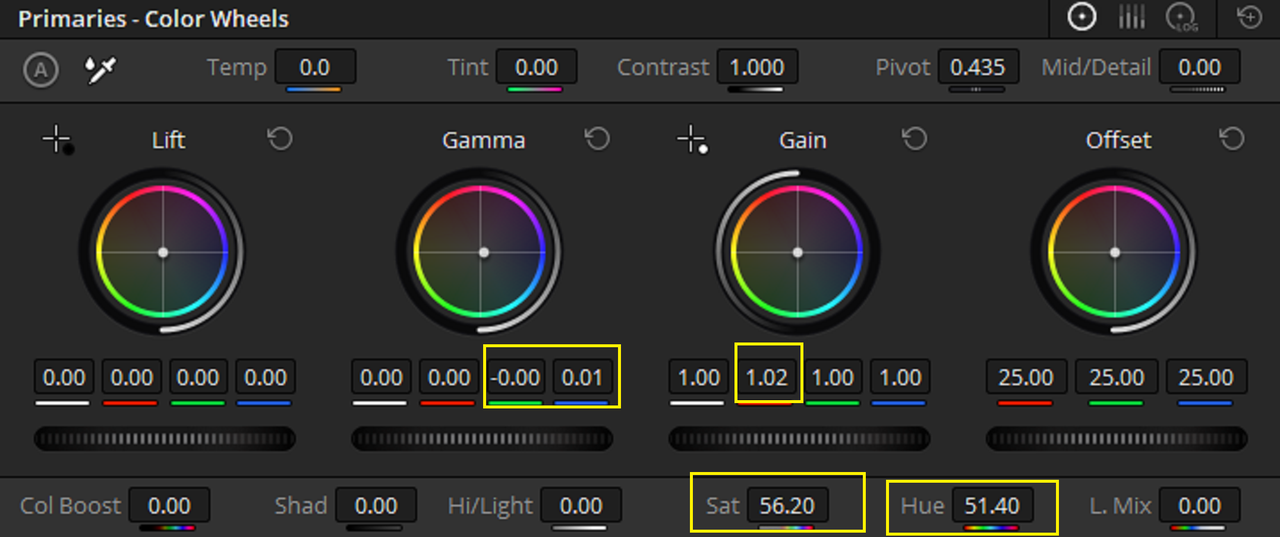
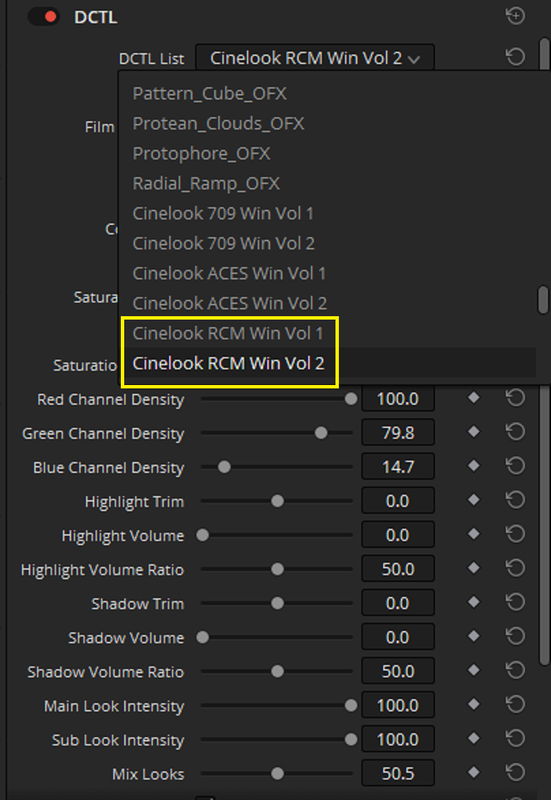
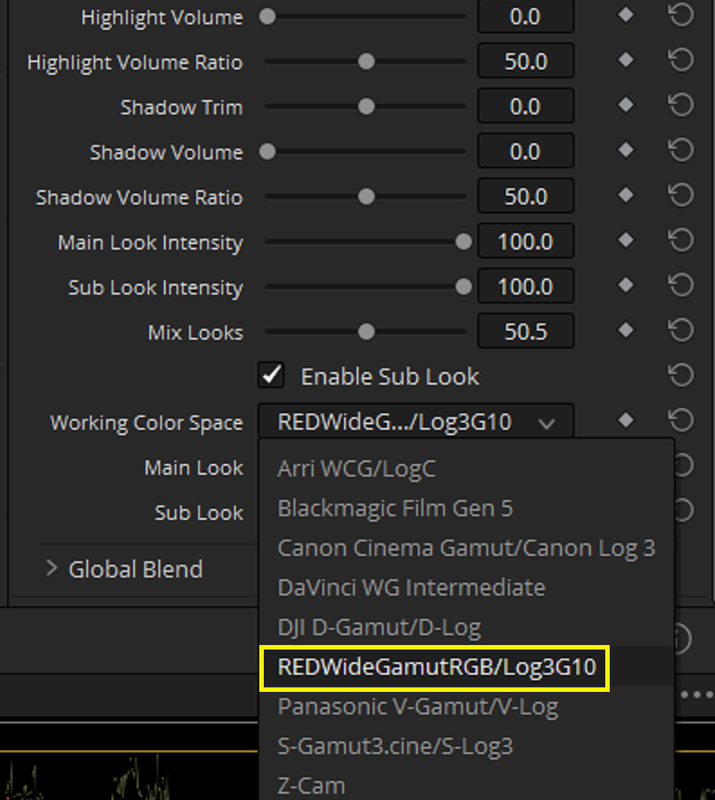
RAVENGRADE PRO is also another great tool I'm using. It's a DCTL OFX TOOL.

RAVENGRADE WEBSITE
Ravengrade


ACESCCT

1.png

2.png

3.png


4.png


5.png


6.png


RAVENGRADE PRO ACESCCT GRADE (FOR THE LAST OF THE GRADED IMAGES BELOW)

Screenshot-4054.png

Screenshot-4055.png


1-2-1-1-2-1.jpg

1-2-2-1-2-2.jpg


1-2-7-1-2-7.jpg
 
Last edited:
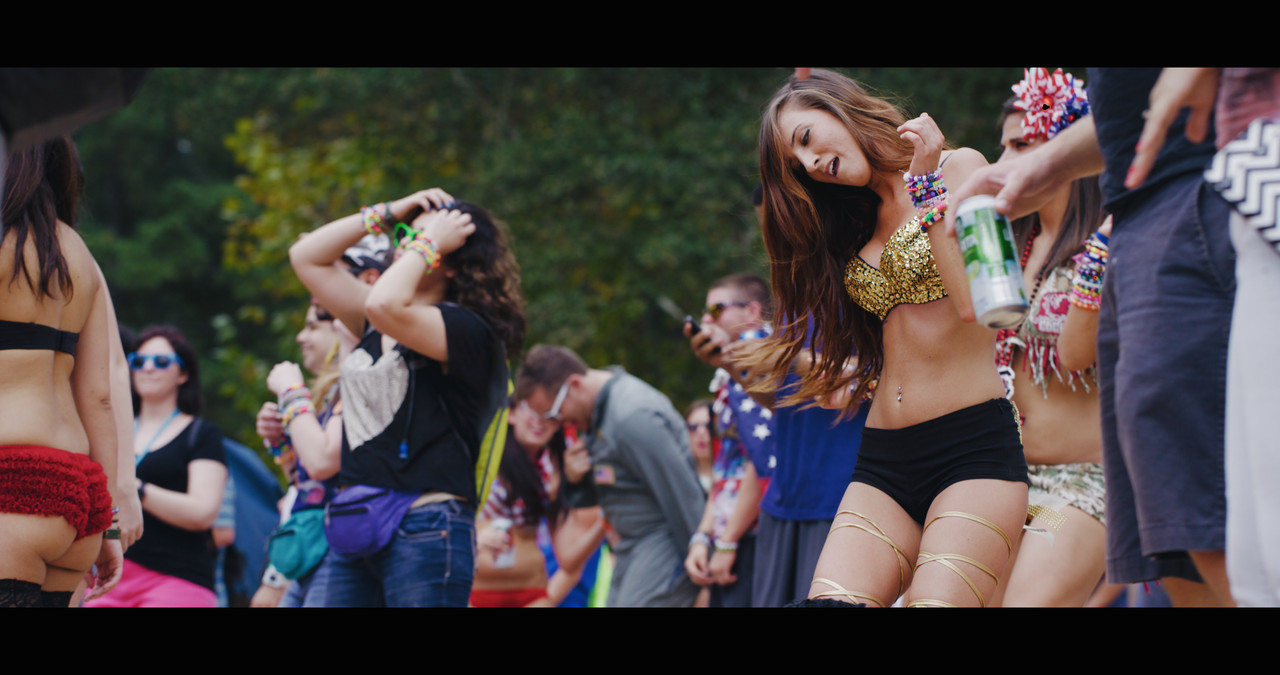
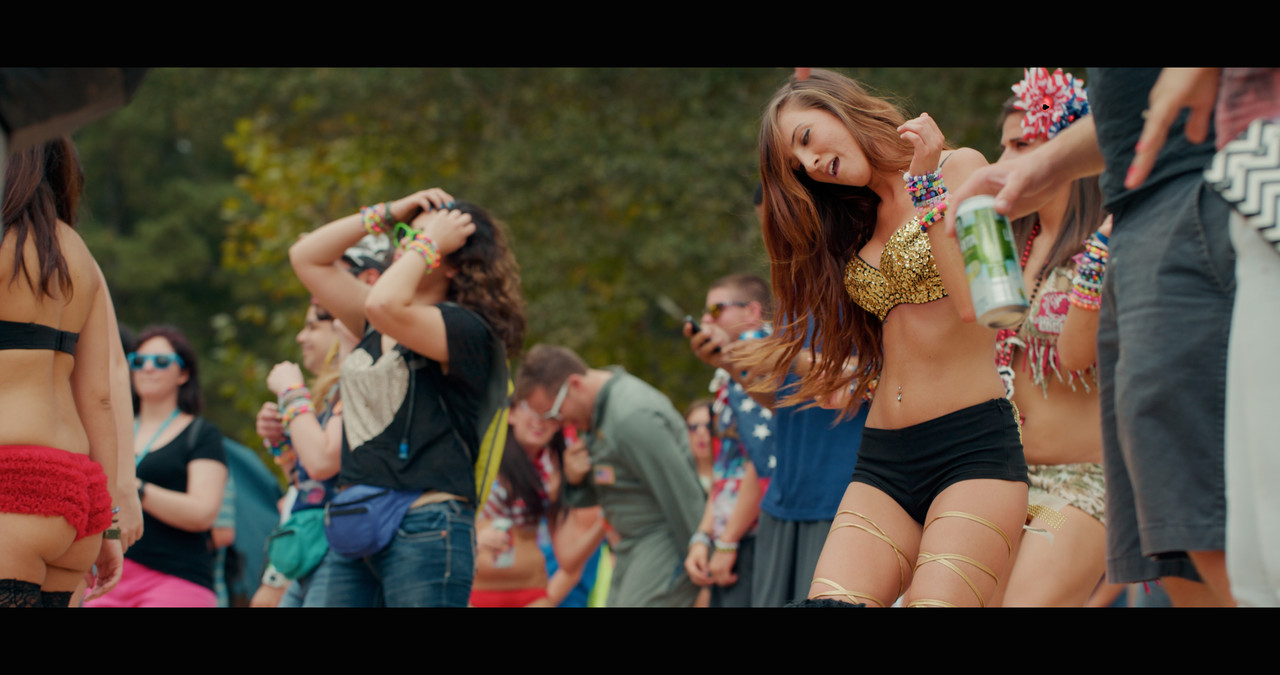
RAVENGRADE PRO (RCM-Resolve Color Managed)--RED IPP2 COLOR MANAGED

Screenshot-4036.png

Screenshot-4035.png

Screenshot-4034.png

1-1-2-1-1-2.jpg

1-1-3-1-1-3.jpg
 
Last edited:
Grade School: How to Work w/ Film LUTs with Jill Bogdanowicz


By Cullen Kelly

At 12:00 PM

 
Back
Top