Welcome to our community

Be a part of something great, join today!

  • Hey all, just changed over the backend after 15 years I figured time to give it a bit of an update, its probably gonna be a bit weird for most of you and i am sure there is a few bugs to work out but it should kinda work the same as before... hopefully :)

In Camera LUT not loading In PPCC 2021

Azzie Scott

Well-known member
Joined
May 21, 2013
Messages
97
Reaction score
0
Points
6
Location
New York City
Website
www.thedreamdept.com
Whenever im importing my RED footage into PPCC 2021 it defaults to the Gamma Curve Log 3g10 setting, before it would always load the footage with camera LUT applied. Now I have to go and change each clip to add the camera LUT which is annoying. Can someone assist on how change it back so PPCC shows my LUT instead of the LOG.
In the settings the Gamma Curve defaults to LOG 3G10 instead of BT. 1886

In addition, after I make a change in source settings, my proxies don't reflect the changes.
 
AZZIE.

I think that is going to be the way it is from this point forward


Something else that concerns Color Management that you need to be aware of.


From Loren Simons from Red:


Screenshot-722.png


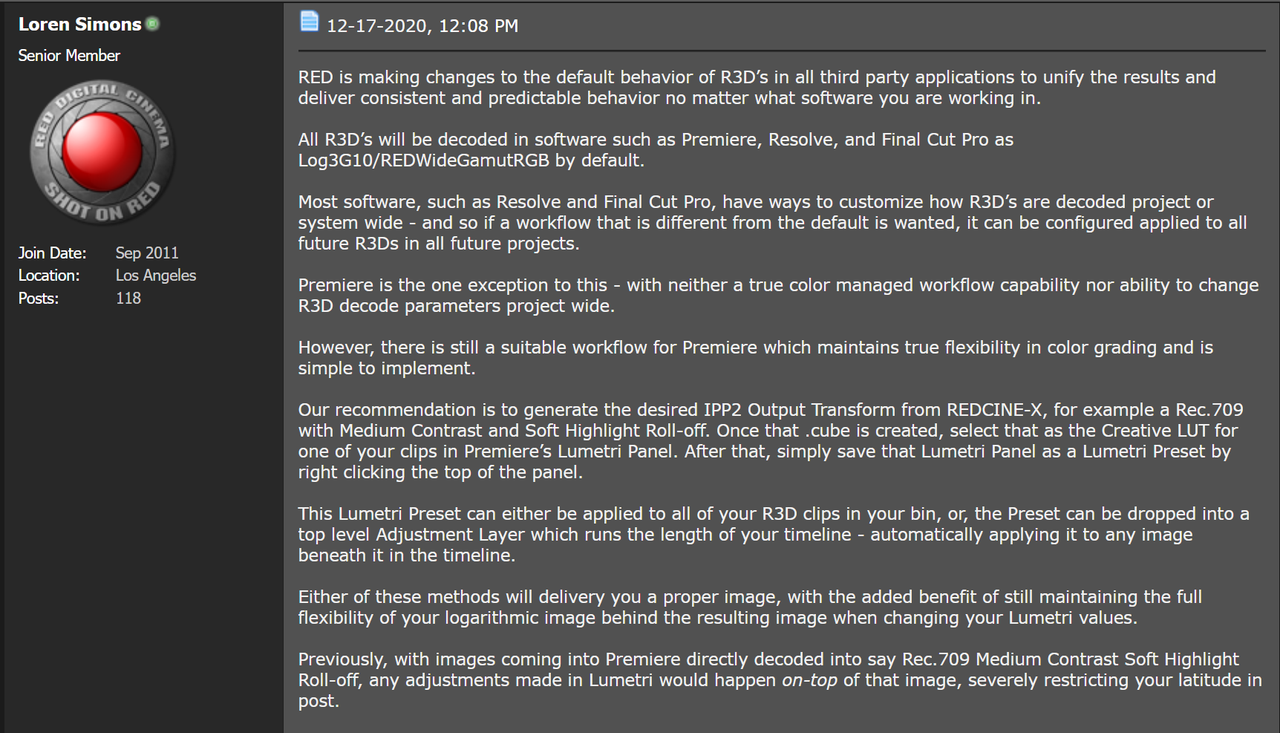
"RED is making changes to the default behavior of R3D’s in all third party applications to unify the results and deliver consistent and predictable behavior no matter what software you are working in.

All R3D’s will be decoded in software such as Premiere, Resolve, and Final Cut Pro as Log3G10/REDWideGamutRGB by default.

Most software, such as Resolve and Final Cut Pro, have ways to customize how R3D’s are decoded project or system wide - and so if a workflow that is different from the default is wanted, it can be configured applied to all future R3Ds in all future projects.

Premiere is the one exception to this - with neither a true color managed workflow capability nor ability to change R3D decode parameters project wide.

However, there is still a suitable workflow for Premiere which maintains true flexibility in color grading and is simple to implement.

Our recommendation is to generate the desired IPP2 Output Transform from REDCINE-X, for example a Rec.709 with Medium Contrast and Soft Highlight Roll-off. Once that .cube is created, select that as the Creative LUT for one of your clips in Premiere’s Lumetri Panel. After that, simply save that Lumetri Panel as a Lumetri Preset by right clicking the top of the panel.

This Lumetri Preset can either be applied to all of your R3D clips in your bin, or, the Preset can be dropped into a top level Adjustment Layer which runs the length of your timeline - automatically applying it to any image beneath it in the timeline.

Either of these methods will delivery you a proper image, with the added benefit of still maintaining the full flexibility of your logarithmic image behind the resulting image when changing your Lumetri values.

Previously, with images coming into Premiere directly decoded into say Rec.709 Medium Contrast Soft Highlight Roll-off, any adjustments made in Lumetri would happen on-top of that image, severely restricting your latitude in post."
 
Thank you Rand. I spoke with Dan after I posted and he pretty much explained the same thing. So thank you for your reply.I appreciate. have you sent my recent post about the program monitor issue in Premiere?
 
Azzie,

You're welcome!

Yeah I saw your post about your problem with the program monitor issue in Premiere. Unfortunately, I just have the bare basics knowledge of Adobe Premiere and really only as it pertains to the IPP2 workflow. But if I come across any videos online that appears to address this problem, I will definitely post it here for you!
 
Last edited:
I found this Azzie.


Last edited:
Back
Top