Welcome to our community

Be a part of something great, join today!

  • Hey all, just changed over the backend after 15 years I figured time to give it a bit of an update, its probably gonna be a bit weird for most of you and i am sure there is a few bugs to work out but it should kinda work the same as before... hopefully :)

Focus/Contrast Issue? [Epic Dragon]

Andrew Spirk

Member
Joined
Feb 6, 2013
Messages
23
Reaction score
0
Points
0
Location
Cleveland
I just did a test to see if perhaps the focus element on our Dragon was misaligned since 100% crop seems to produce somewhat blurry images even at 6kFF. I ran the test with a 50mm Canon CN-E at different resolutions, but I only have a question right now about the 6KFF

It seems to be slightly blurry to my eyes at 100% drop, but I also noticed that with identical settings the color shift/contrast shift from 640 to 1600 is very drastic. I know adjusting ISO to a higher level reduces contrast and DR, but why are the colors shifting so much?

Images

Am I going crazy thinking the focus should be sharper?

Thanks.
 
Well.

I would say the backlight is accounting for the contrast and rasing ISO and stopping down isn't exactly the best way to test since you are dropping aout 1 2/3 stops of light and compensating with ISO.

Maybe set the chart up to something front lit at about 400 ISO F5.6 or 8.0 to properly evaluate a lens and sensor focus performance rather than placing a chart on a stove and hamering backlit daylight into the lens.

Just a thought.

David
 
Also, the backlight might be contributing some flare or hazing, and thus making the image less "sharp" due to the reduced contrast.
 
What OLPF are you using? I did tests back a while where I found that the skin tone highlight produce "blurry sharpness", meaning it looks like there's vertical and horizontal blur when in focus, depending on where the focal plane is located from the subject. It was less with the low light OLPF so I got the standard for my Weapon upgrade just to reduce it a bit. That other don't notice it I don't know, but I can in many cases see if something was shot on Dragon (with skintone highlight olpf) just by looking at the nature of the focus plane.
 
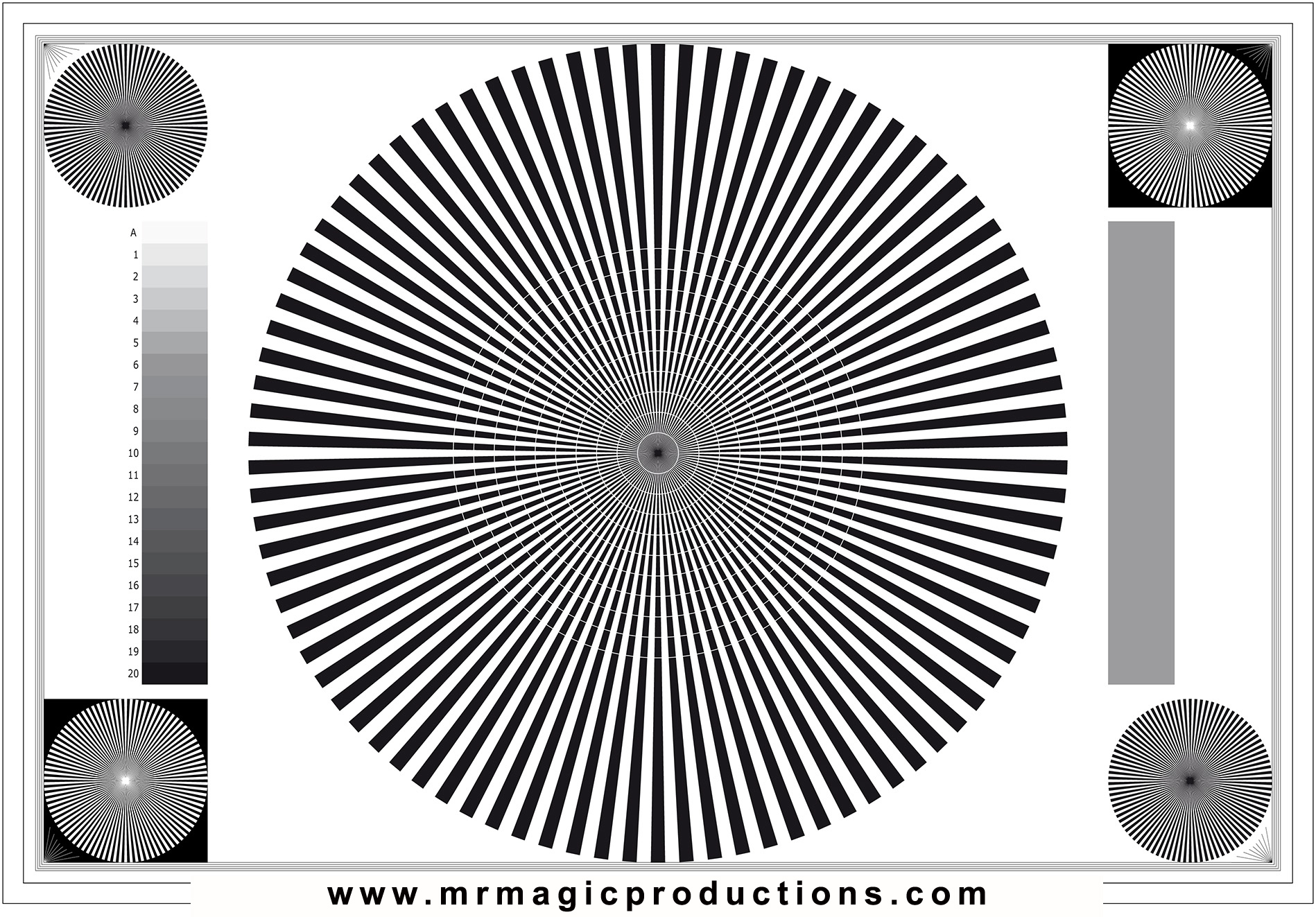
I would find a large focus chart, set it up for optimum shooting (not a small chart on a stove), and then color correct the shot to give it some kind of normal contrast level. Then you could see the effective sharpness and MTF.

back-focus-chart.jpg
 
Hi Andrew, the results you are getting out of your dragon at 100% crop look normal to my eye. A better test to conduct sharpness would be using a chart that fills the frame of the sensor and compare from there. If you are punching in 100% on any sensor you will experience a drop in overall sharpness. Also regarding the color shift and contrast, that is definitely coming from your lens since you are stopping down to test the ISO levels. A better way to test it would be to keep the stop the same and only adjust the shutter.
 
Hi Andrew, the results you are getting out of your dragon at 100% crop look normal to my eye. A better test to conduct sharpness would be using a chart that fills the frame of the sensor and compare from there. If you are punching in 100% on any sensor you will experience a drop in overall sharpness. Also regarding the color shift and contrast, that is definitely coming from your lens since you are stopping down to test the ISO levels. A better way to test it would be to keep the stop the same and only adjust the shutter.

I agree with Kyle. Changing the aperture of a lens can make some colors shift.

Also, when you step up your ISO, as you said, you have less contrast but you also have less saturated colors.
 
Back
Top