Welcome to our community

Be a part of something great, join today!

  • Hey all, just changed over the backend after 15 years I figured time to give it a bit of an update, its probably gonna be a bit weird for most of you and i am sure there is a few bugs to work out but it should kinda work the same as before... hopefully :)

Errors detected in export. Frames 1,2,3,4,...

Per ARgentine

Member
Joined
Jun 9, 2010
Messages
7
Reaction score
0
Points
0
Running the latest RedcineX 52.2.5. Also ran into the same error on previous versions. I'm exporting 4K footage from a Raven on a USB drive onto a RAID. Export runs OK for a while, and then all of a sudden every clip gets this error: Errors detected in export. Frames 1,2,3,4,...etc. However, in the midst of all this errors, there were a few clips on my RAID that did not get the error. If I redo the export of the errored clips, the same pattern shows up -- all good for a while and then it starts to error. I believe on a project a year or two ago that had this error, the solution was to turn off GPU, but I doubled checked and it is still off.

I'm guessing that it's an issue with the hard drive's throughput since it seems to pop up later on in the queue and the clips on the RAID did not error? Any advice is appreciated.

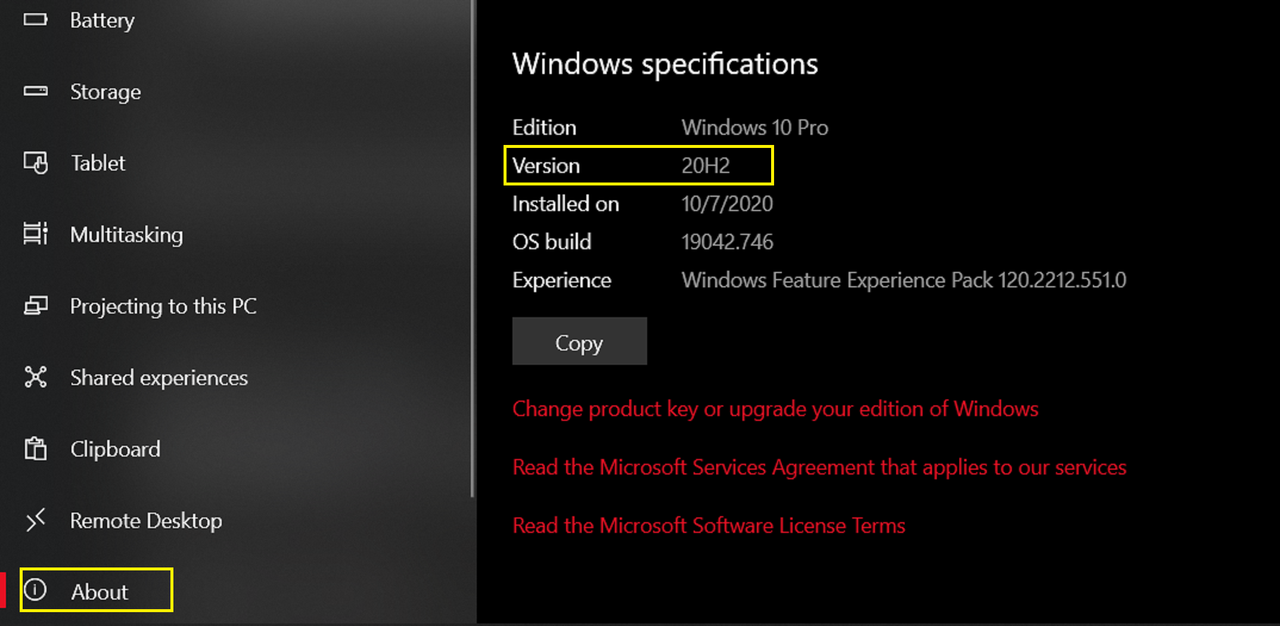
Windows 10 pro
Xeon E5-1660 v3 @ 3 ghz
32 GB RAM
Nvidia Quadro K2200
 
Running the latest RedcineX 52.2.5. Also ran into the same error on previous versions. I'm exporting 4K footage from a Raven on a USB drive onto a RAID. Export runs OK for a while, and then all of a sudden every clip gets this error: Errors detected in export. Frames 1,2,3,4,...etc. However, in the midst of all this errors, there were a few clips on my RAID that did not get the error. If I redo the export of the errored clips, the same pattern shows up -- all good for a while and then it starts to error. I believe on a project a year or two ago that had this error, the solution was to turn off GPU, but I doubled checked and it is still off.

I'm guessing that it's an issue with the hard drive's throughput since it seems to pop up later on in the queue and the clips on the RAID did not error? Any advice is appreciated.

Windows 10 pro
Xeon E5-1660 v3 @ 3 ghz
32 GB RAM
Nvidia Quadro K2200
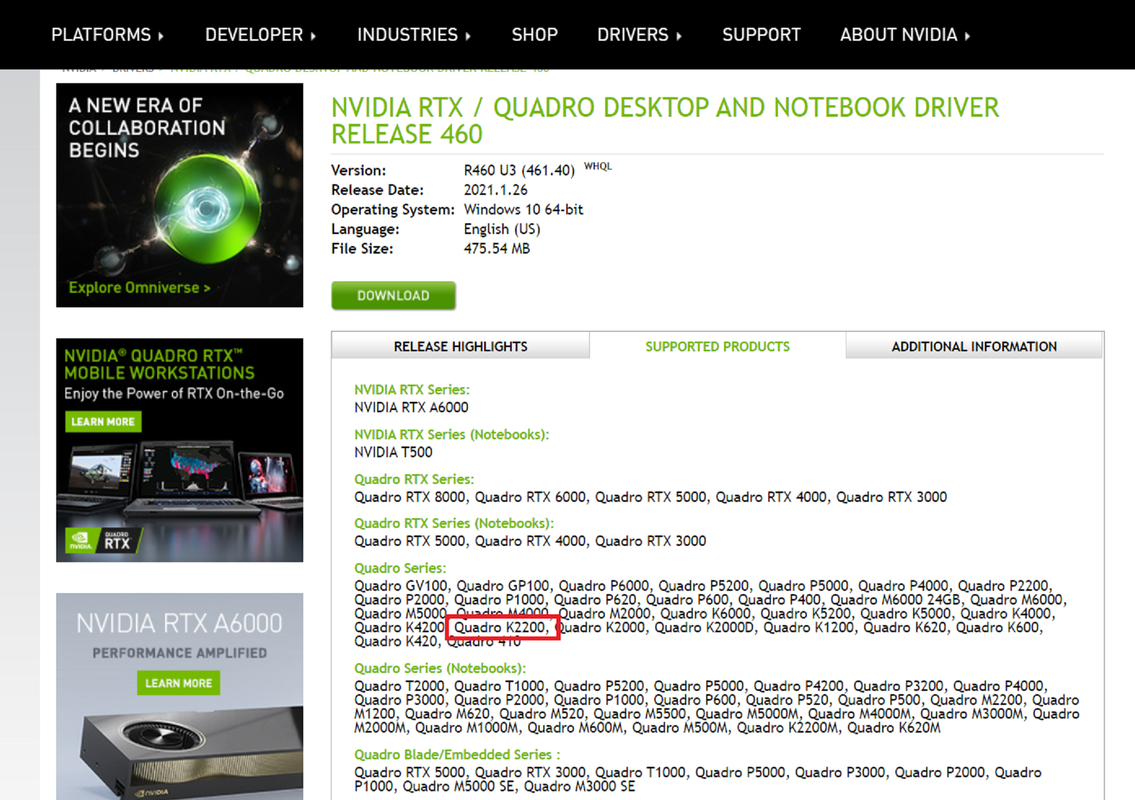
I don't have a Red Camera so I don't know if your method of offloading the files had anything to do with your problem. However, as always, do you have the latest driver update for the Nvidia Quadro K2200 and the Latest Windows 10 Pro Version. Maybe that will help?

https://www.nvidia.com/Download/driverResults.aspx/170131/en-us
Screenshot-835.png


Screenshot-836.png
 
Back
Top