Welcome to our community

Be a part of something great, join today!

  • Hey all, just changed over the backend after 15 years I figured time to give it a bit of an update, its probably gonna be a bit weird for most of you and i am sure there is a few bugs to work out but it should kinda work the same as before... hopefully :)

DAVINCI RESOLVE 15.3.0.008 DOESN NOT SEES KOMODO R3Ds

Karim Iglesias

Well-known member
Joined
Feb 24, 2007
Messages
143
Reaction score
0
Points
16
Age
56
Website
www.filmared.com
I can't use Resolve 16 or 17 because of my Nvidia GPUs on Mac, I'm stucked on High Sierra :banghead:

any solution for this?

thank you and have a nice day
 
I can't use Resolve 16 or 17 because of my Nvidia GPUs on Mac, I'm stucked on High Sierra :banghead:

any solution for this?

thank you and have a nice day

After 30 years I gave up on Mac last year and built my first PC with AMD 3950x 16 core with a 2080 ti card for $3000. If I would have gone back in time and said to myself, in 10 years you will switch to a PC, I would have laughed at myself, no way possible. But now days everything runs on both platforms, if it isn't made by Apple. Photoshop, premiere, Cinema 4D and Resolve look and feel the same on both machines. I use a Mac for work and a PC for personal projects so I know they are identical. I am not intending this reply to fuel a Mac / PC war, just my personal experience. But Mac has become to limiting and expensive for me, and my switch went great and I am happy with a faster, cheaper machine that I built myself. Windows 10 is not as good as the Mac OS, but I have never had a client call me up and pay me to play around with the OS. Consider building a machine, it was fun!
 
After 30 years I gave up on Mac last year and built my first PC

Far too many seem to think that you have to have Apple for everything instead of just seeing where the strengths and weaknesses are. For pure power, PC is king, for critical color viewing, Apple is king. Windows sucks, OSX rocks. For writing and planning, Apple is king, for broadening the possibilities within one system, PC is king. So it's easy to just make a list.

Administration, writing, planning = Use Macbook, iPhones and iPads.

DIT, file handling, QC on location = Macbook

Pure editing with proxies and nothing else = Macbook

Editing, Color Grading, Compositing and VFX = PC + a good monitor for critical color viewing video output and Eizo screen as a monitor (though Windows color settings are an abomination compared to OSX)
 
Far too many seem to think that you have to have Apple for everything instead of just seeing where the strengths and weaknesses are. For pure power, PC is king, for critical color viewing, Apple is king. Windows sucks, OSX rocks. For writing and planning, Apple is king, for broadening the possibilities within one system, PC is king. So it's easy to just make a list.

Administration, writing, planning = Use Macbook, iPhones and iPads.

DIT, file handling, QC on location = Macbook

Pure editing with proxies and nothing else = Macbook

Editing, Color Grading, Compositing and VFX = PC + a good monitor for critical color viewing video output and Eizo screen as a monitor (though Windows color settings are an abomination compared to OSX)

Yep... Pretty much in agreement with that.
 
Far too many seem to think that you have to have Apple for everything instead of just seeing where the strengths and weaknesses are. For pure power, PC is king, for critical color viewing, Apple is king. Windows sucks, OSX rocks. For writing and planning, Apple is king, for broadening the possibilities within one system, PC is king. So it's easy to just make a list.
Well, you're stating all those things as facts. The reality is that it's just an opinion.

We're fine with sticking with Macs for 99% of our work, and it's not a problem for us. I always say: if the work is getting done, the clients are happy, and you're getting paid... then everything is fine. How you get there is up to you.
 
Karim,

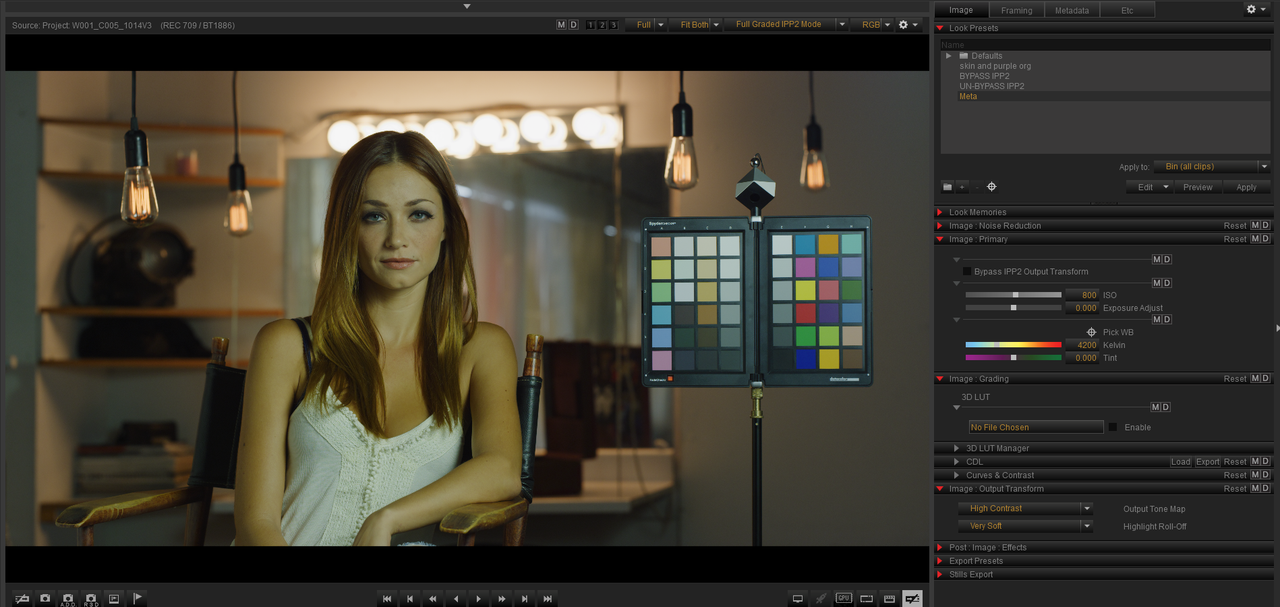
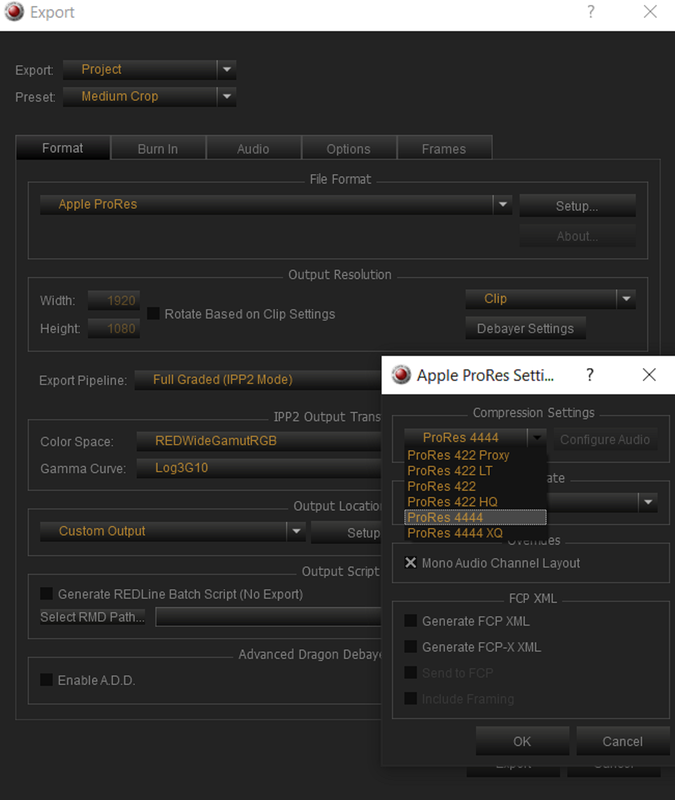
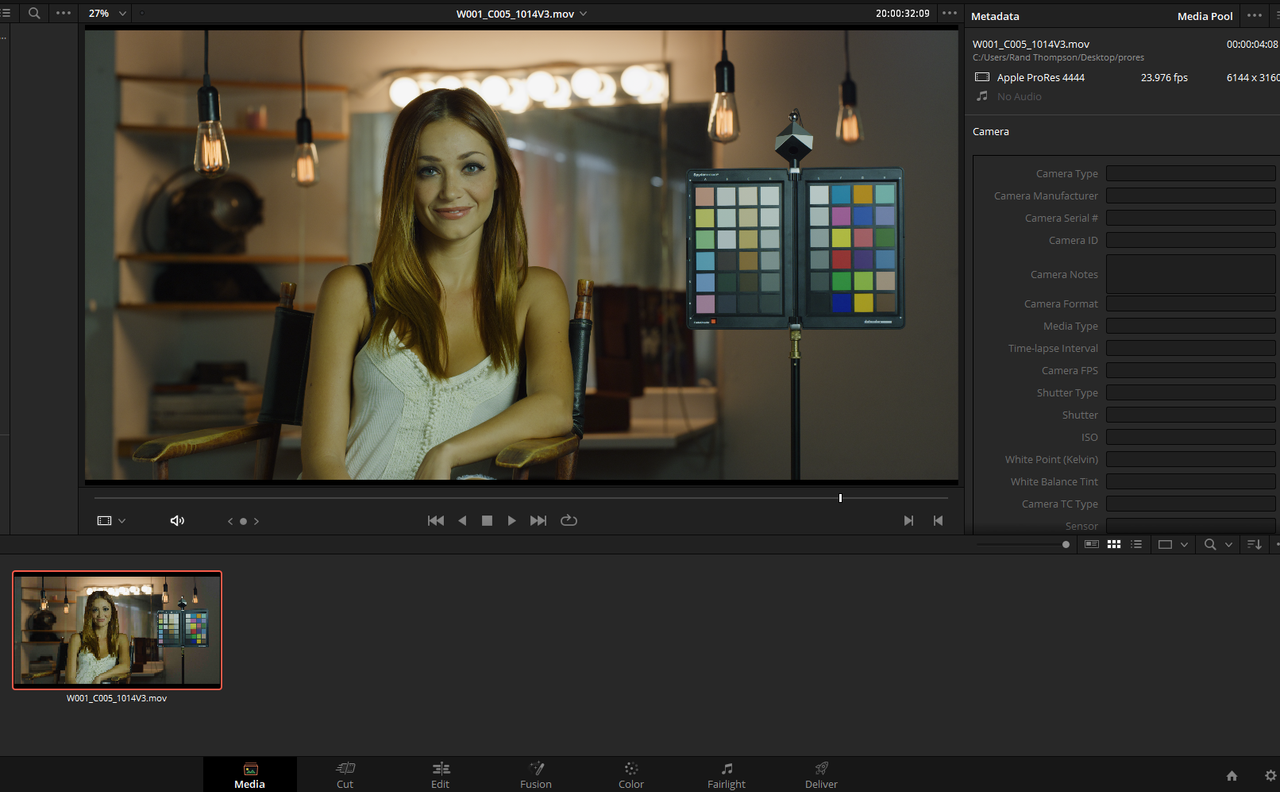
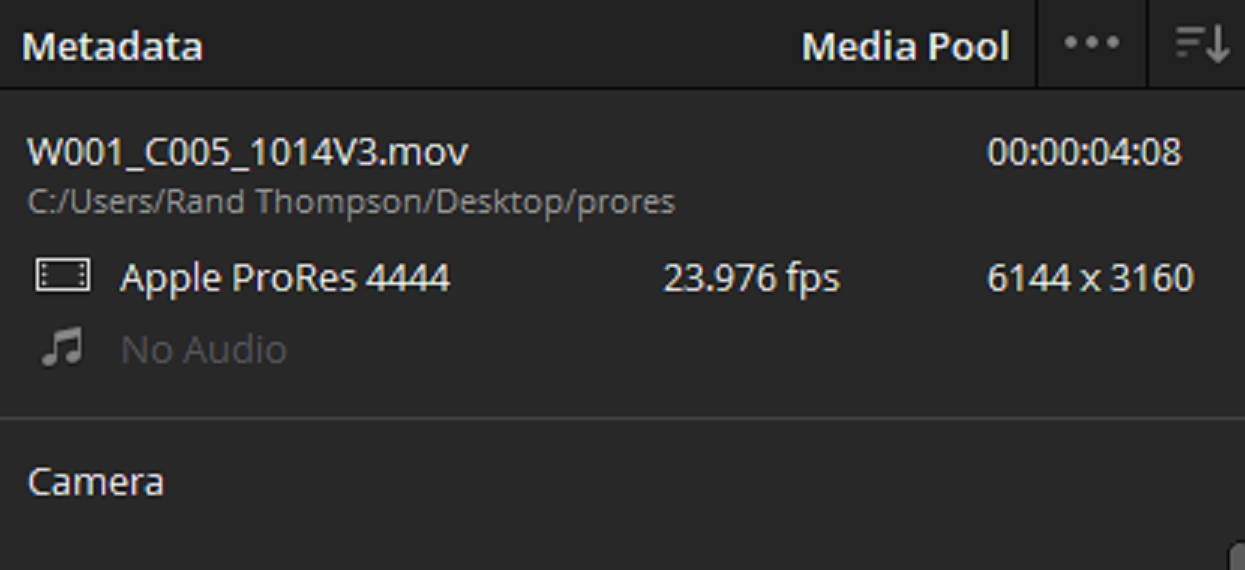
Until you can get your hardware problems figured out with a new graphics card or new computer, Take the Komodo 6K.R3D files or lower resolution files into Redcine-X and export them at their clip resolution or lower resolution into whatever flavor of ProRes file you want.. They won't be raw but you can make your "first pass" raw corrections in Redcine-X. Plus Resolve 15.3 should have no problem playing them.

Screenshot-455.png


Screenshot-454.png


Screenshot-458.png


Screenshot-456.png
 
Back
Top