Welcome to our community

Be a part of something great, join today!

  • Hey all, just changed over the backend after 15 years I figured time to give it a bit of an update, its probably gonna be a bit weird for most of you and i am sure there is a few bugs to work out but it should kinda work the same as before... hopefully :)

British summertime or ND filters???

David Ellison

Well-known member
Joined
Apr 1, 2009
Messages
335
Reaction score
0
Points
0
Location
Manchester UK
Hey all I recently did a small shoot for a stock photography website,
beach at wales three weeks ago. Everything was shot at 5600K but
it all seems a little on the blue side. It's something that I can grade out if need be.

I'm concerned this is an ND filter problem I was using Schneiders IRND's
on my epic dragon, I asked Schneider if this was the right one as Dragon
didn't need IR protection and they said it was fine and I'd experience no issues.
Is this the ND or a blue cast because it's British summertime or something else?

The vid is here
https://vimeo.com/144969375
Password: beach

....and an R3D is here.
http://we.tl/lU0tpHZDkU

Thanks in advance.
 
Vid is password prorected.

If you're concerned about ND "cast", perhaps try FIRECREST? By all accounts they are the best, and have no color cast of any kind.

best
 
Firecrest would certainly be a great way to go, however I can personally tell you I've been waiting on an order from them since April...so good luck getting them. Best bet is the True ND filters which run 800 a pop.
 
From looking at your film and r3d, s it is easy to see that you overexposed quite a bit and at such extreme levels things tend to deviate alot more. Possibly better ND could help a little but before you that try that, then try more ND or close down quite a bit, like 5 stops more.

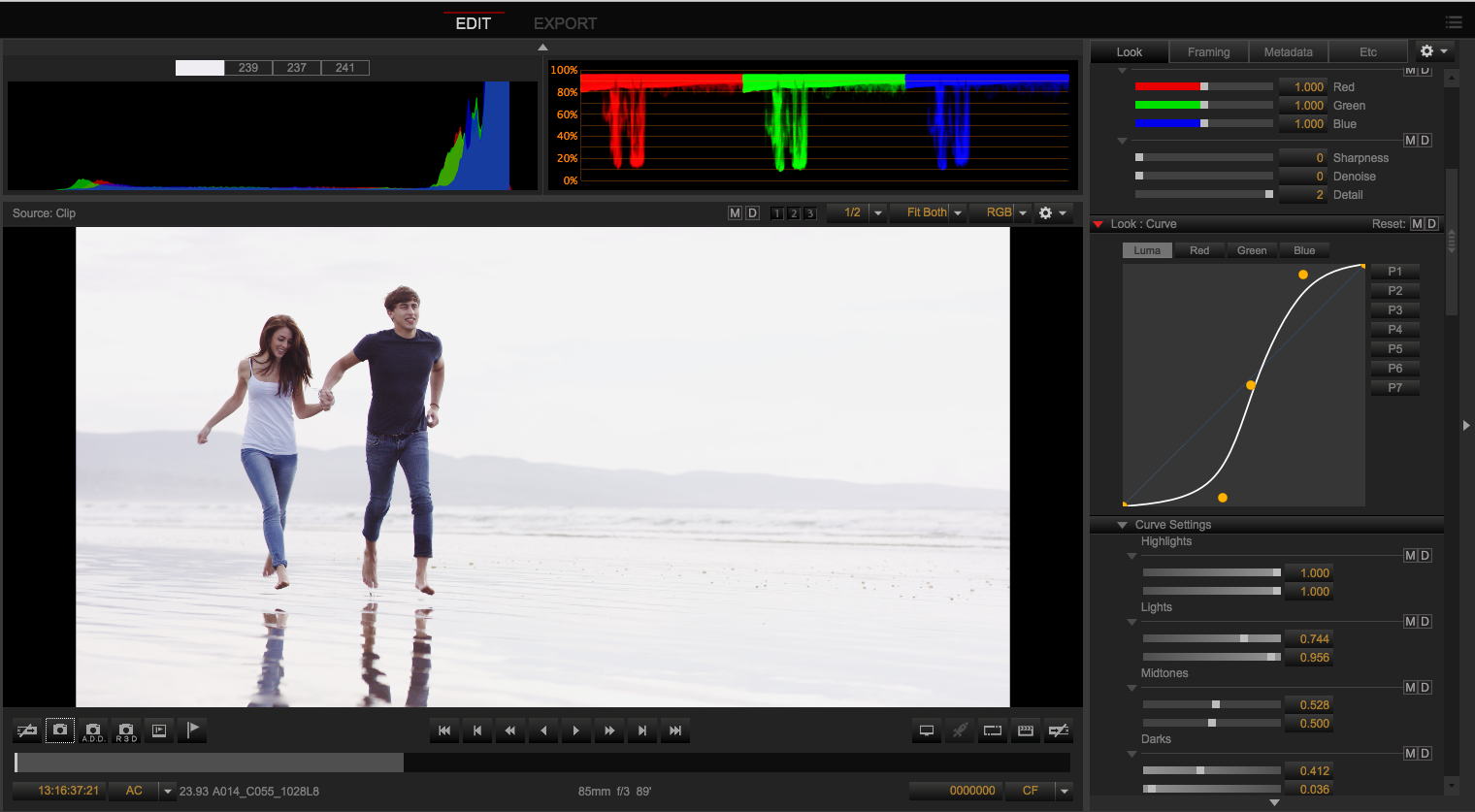
As you can see your rgb parade has a flat top on all channels so So you are not using more than a fraction of the potential of the camera As most of the light is out of range.


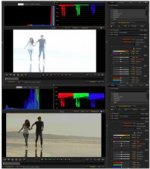
The top image is at 800iso the bottom at 50iso.
 

Attachments

  • PastedGraphic-4.jpg
    PastedGraphic-4.jpg
    13 KB · Views: 1
Hi David,
looking at the film in RCX just raising the colour temp to 5900K & taking the tint from -12 to -7 gives your film a really nice cleaner look.

It's very rare I shoot at 5600K as it's either cold, warm & just plain not right for the scene.

In the future if this kinda highkey look is your desire then it's safer to expose with no Green or red traffic lights showing / lower peaking histogram & then use the FLUT to bring your look to where you were. After the edit you have all the scene's info captured if you change your mind from highkey to a more normal looking scene, you can :-) ...IMO I love this look but you're stuck with that hot sky.
My Schneider IRND's have a huge Magenta shift as do my straight Schneider ND's...looks like you n me need to get in that Firecrest queue :-(

In almost all my HD work I use ND Blenders or Attenuators (no they are not grad's, similar but better IMO)....increases you DR & brings the scene together IMO.

It's a really nice look you have here & blender woulda saved that sky with those same settings.
 
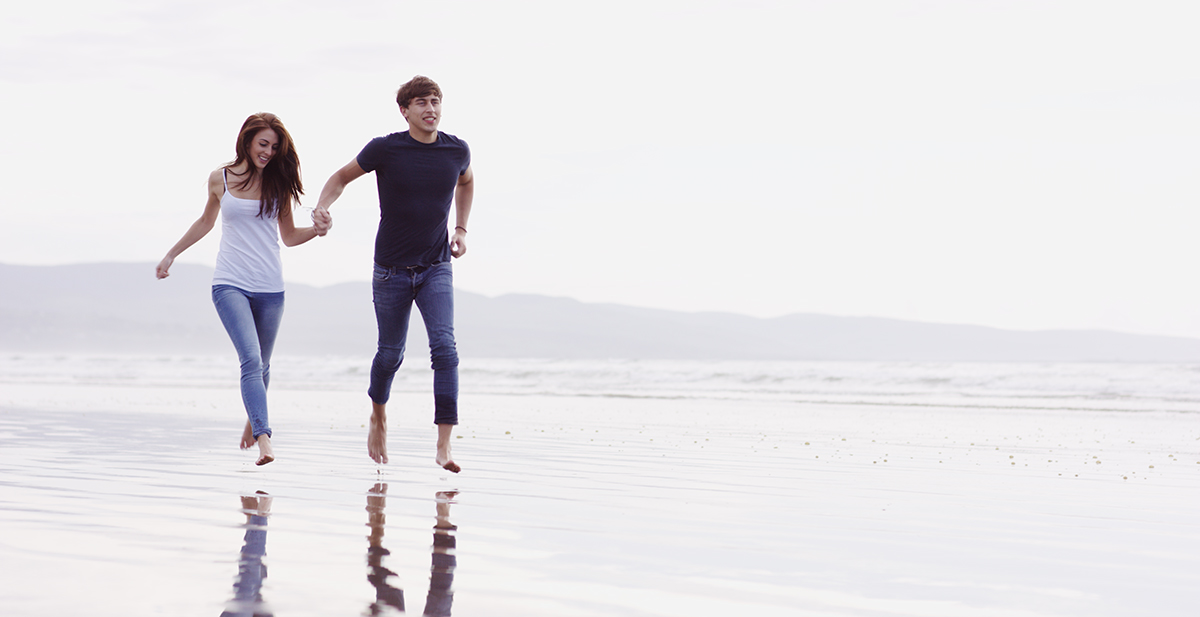
little S curve and a SKY WB gets you "the white look". I sorta get the look you are going for so I won't comment on the exposure. It doesn't matter if it is over if it is what you are going for, that is your creative choice and I kinda like it.

beachrun.jpg


beachrun_01.png
 
The crazy thing is, there is detail in the sky if you want it. :)


David
 
Thankyou very much for the help guys.
I was going for the over exposed look in the sky, trying to give it a minimalist look.
Stuart am I better underexposing for the sky next time even if it darkens out the people and bringing it back to where I want later in post?
BTW I was shooting right into the sun there.
 
No matter taste, or what ever look you are after its overexposed. Exposure could have been 5 stops less and the exact same result image could have been developed. But also then there would have been other options and the colors would not need to be tinted to the extreme to get the shot in balance. As it is now the shot will gather noise if balanced on the white shirt for example as the blue channel then needs to be bought down so far and it´s missing info in the red channel etc.
So Basically you lock yourself in when setting the exposure that high in camera. The sensor is linear, so there is not need to clip if you do not have to and in this case the darkest lowlights of the image is in the middle of the histogram. i.e about 5 stops higher than they need to be... One can say that Dragon looks very well overexposed, well it looks even better when the exposure is in range, even if you are looking for a overexposed look.
 
Stuart am I better underexposing for the sky next time even if it darkens out the people and bringing it back to where I want later in post?
BTW I was shooting right into the sun there.

IMO: yes, you are better off exposing for the sky.."10 DoP's & 10 different approach's" because there's no real rule.
If you want more choices later in 'post' then yeah exposing for the sky with the help of a filter (as you said the sun was there) would have given you the same scene with more options look wise in your 'Stock Shot'

What you shot isn't wrong, you just asked for opinions on the 5600 / blue cast which is down to an over exposed RAW image & also sticking to 5600K...keep going your stuff is nice, just give yourself more options next time..shoot like this & do a take or two with everything protected & see which you prefer to use & play with after in post.

Good luck, Stu
 
Back
Top