Welcome to our community

Be a part of something great, join today!

  • Hey all, just changed over the backend after 15 years I figured time to give it a bit of an update, its probably gonna be a bit weird for most of you and i am sure there is a few bugs to work out but it should kinda work the same as before... hopefully :)

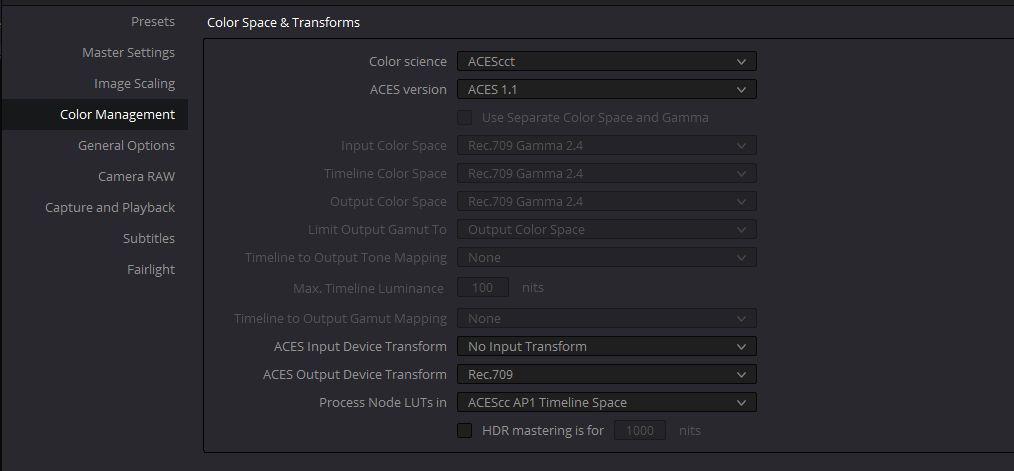
ACES in DaVinci Resolve Quick Tutorial

Over exposed Red footage... again. Dragon is not 320iso especially if you have a bright sky.
Any in depth ACES tutorials out there?
 
Aces Central

https://acescentral.com/t/acescc-vs-acescct/485

Netflix Aces workflow

https://partnerhelp.netflixstudios....lor-Grading-Color-Managed-Workflow-in-Resolve

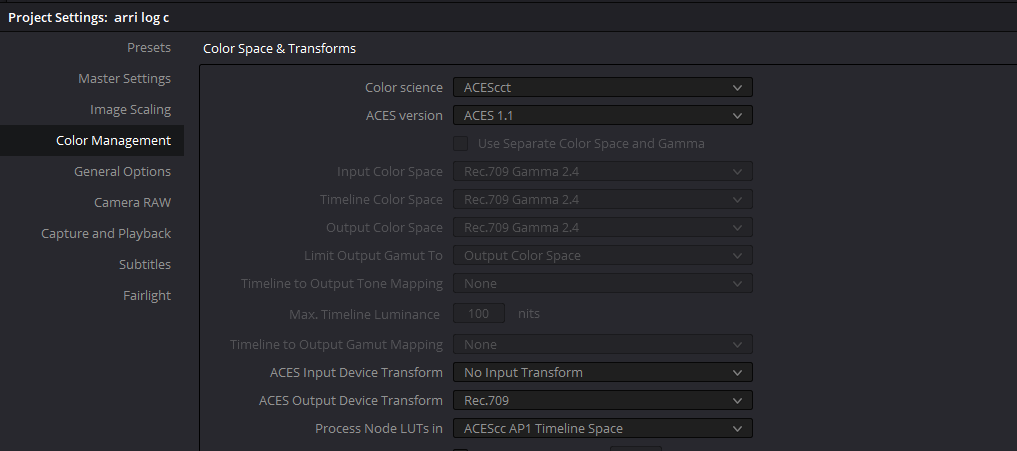
I`m trying out both Acescc and Acescct, but like the Netflix paper states, unless you have a reason to set it to Acescc, use Acescct.


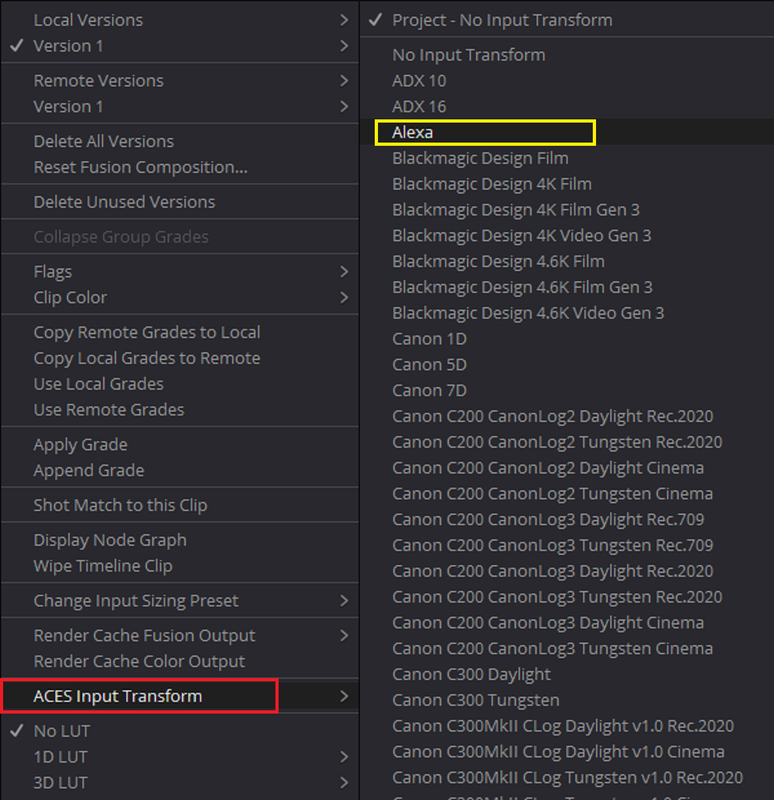
Plus, she should have used the Alexa IDT for the Arri Log-C ProRes footage of the Professor instead of doing it manually. She would have had a better starting point from which to grade from. Aces knows how to properly transform Raw footage from the different camera manufacturers. It has to be told how to properly transform non Raw footage like ProRes with the correct corresponding IDT ( Input Device Transform) from the specific manufacturer.


Patrick,

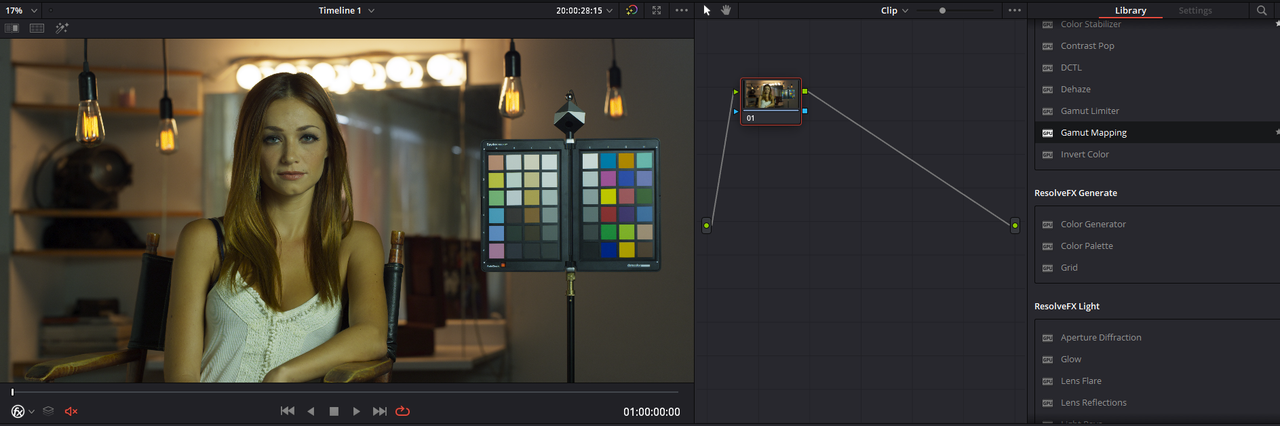
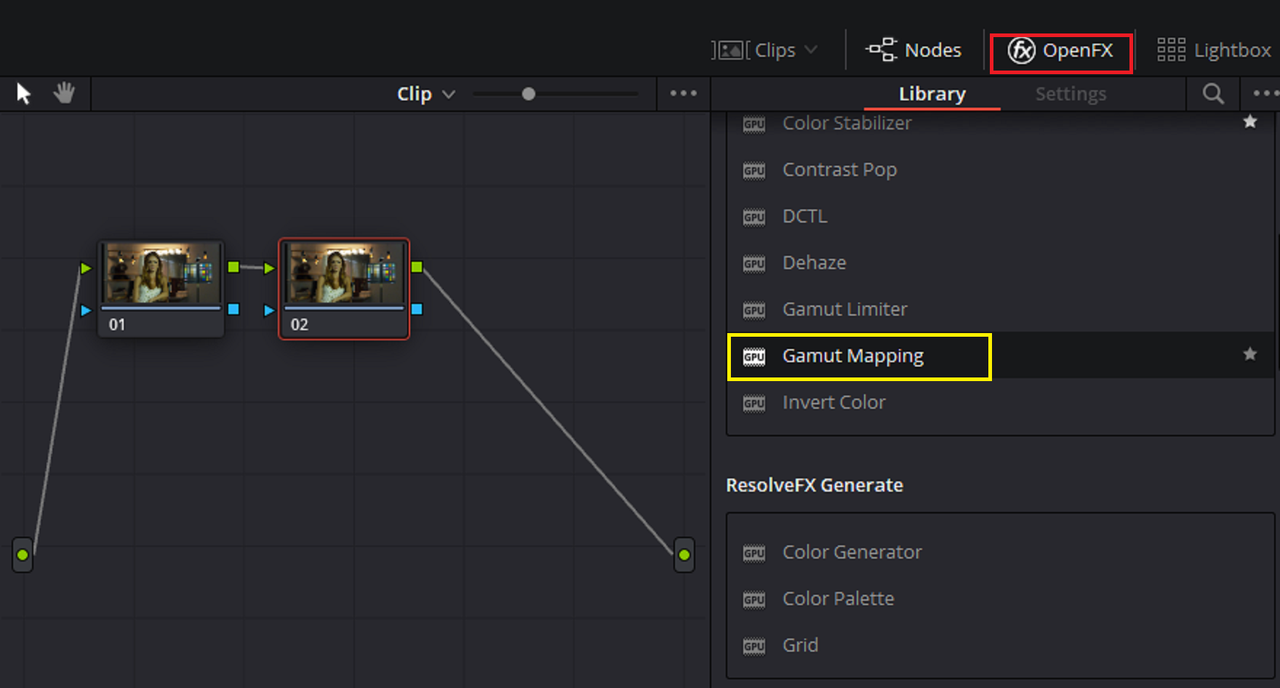
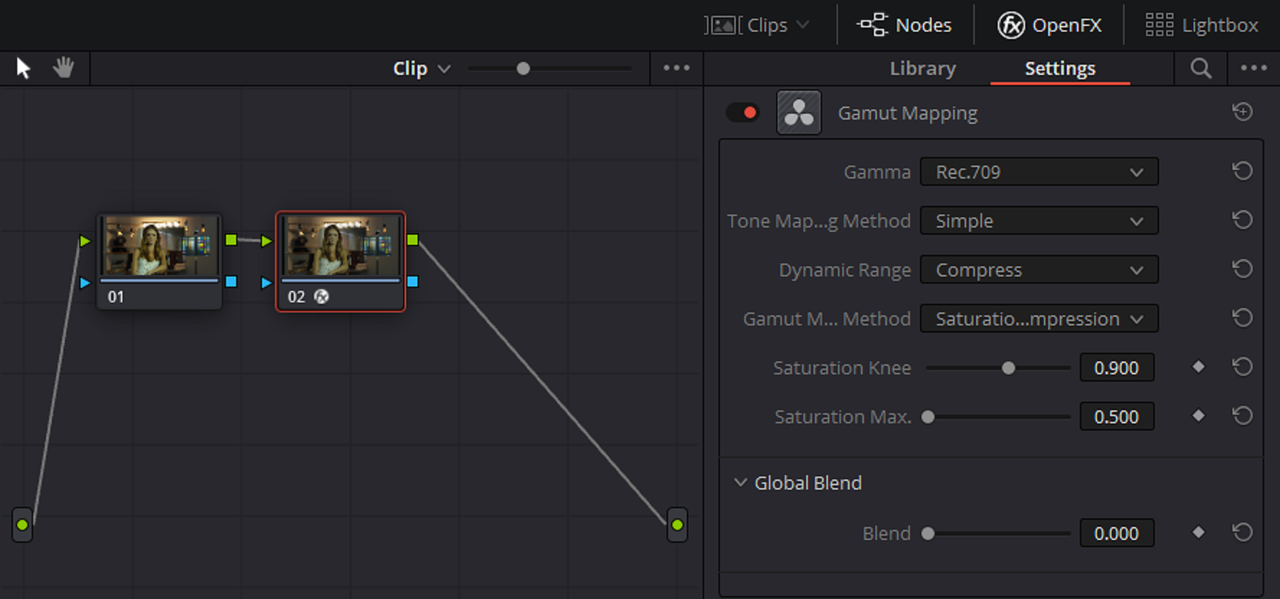
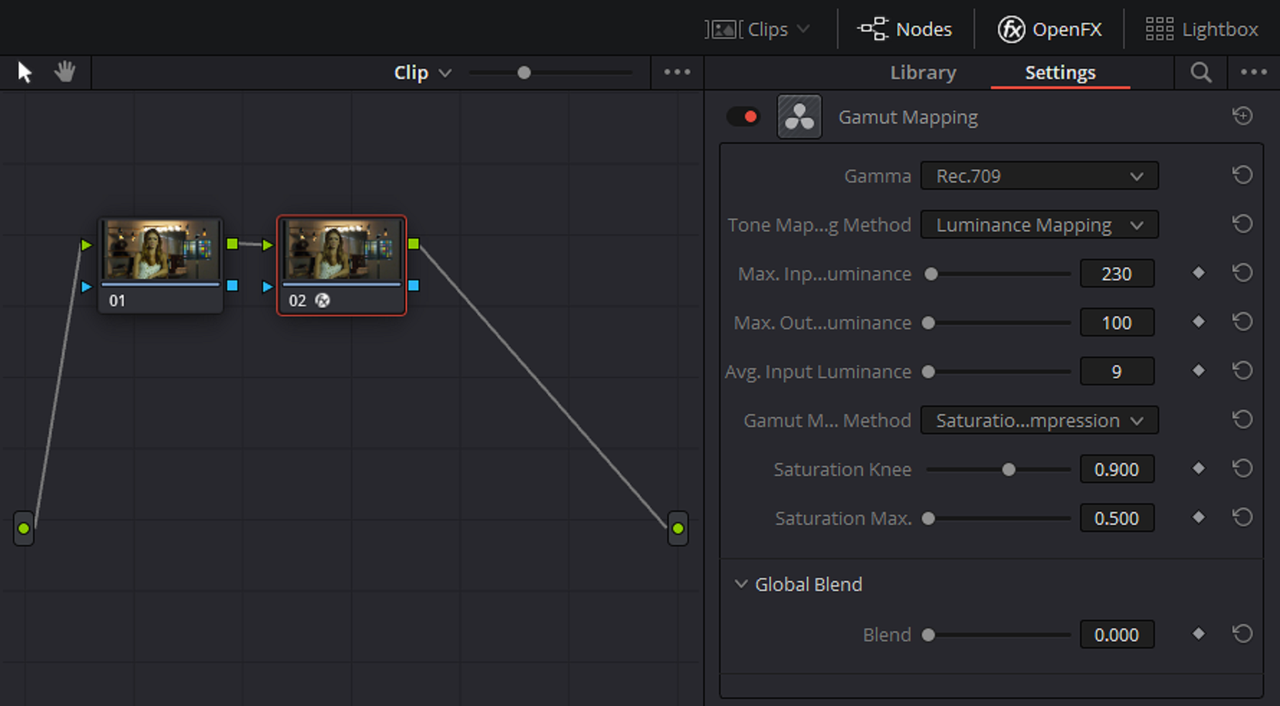
You can use the OFX "Gamut Mapping" plugin to both give a better highlight roll-off and to better bring "Out Of Gamut" colors back into Gamut
 
Last edited:
/FEEDBACK WELCOME/

well you asked.... as someone who has used ACES since v0.9 in 2013 and used it pretty much daily since...

ouch

just plain ouch.... i had to turn it off at 2.56, it's soooooooooo BAD in not a good way

Rand got it, turn to AcesCentral and get the straight goods form folks who know what they are talking about

best to ignore this one, the first 2.56 is a fountain of misinformaion, bad inofrmation, missing information gushing

i'm still reeling at the shear amount of bad information there.. please don't try this at home and then think ACES is a pile of dung

no idea what the remaining 3 min could be, not worth the time, even on a slow day
 
Dermont,


Maybe Red will do an ACES workflow tutorial next in the "Red Solitary Series"


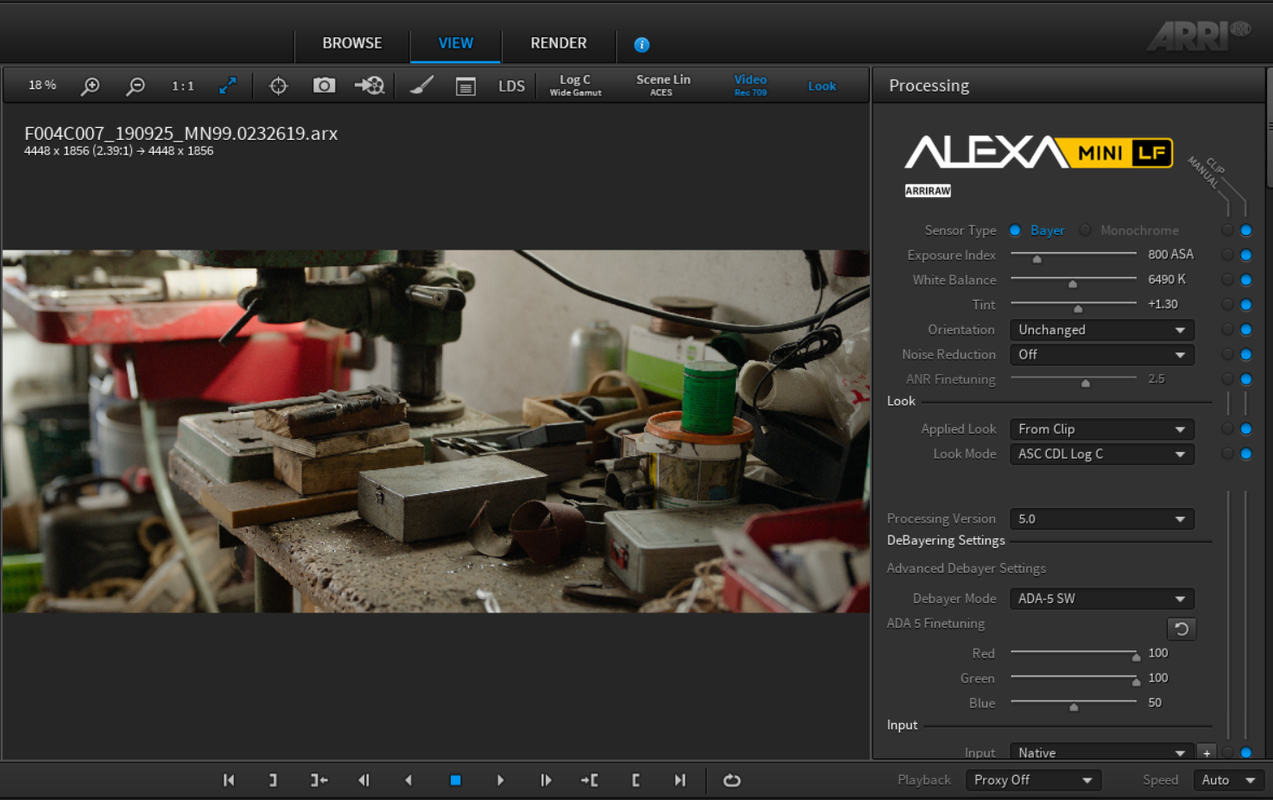
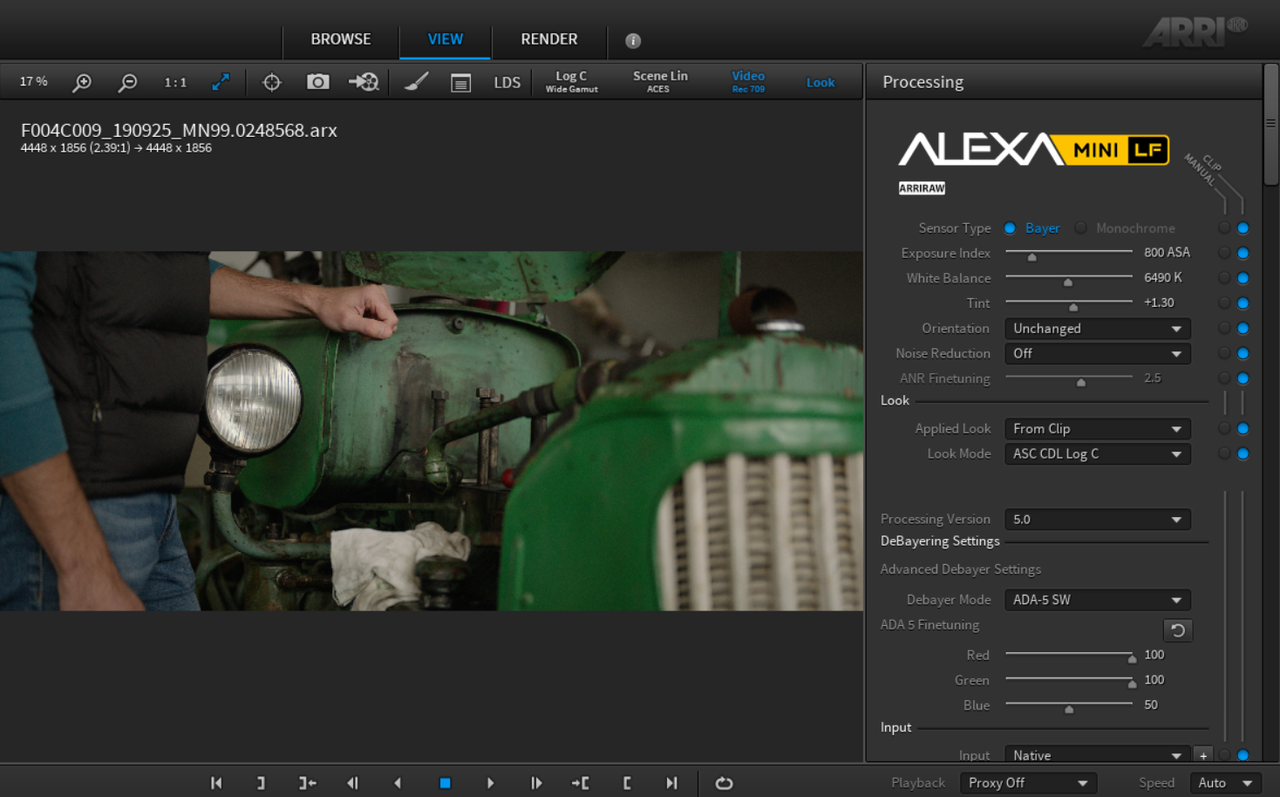
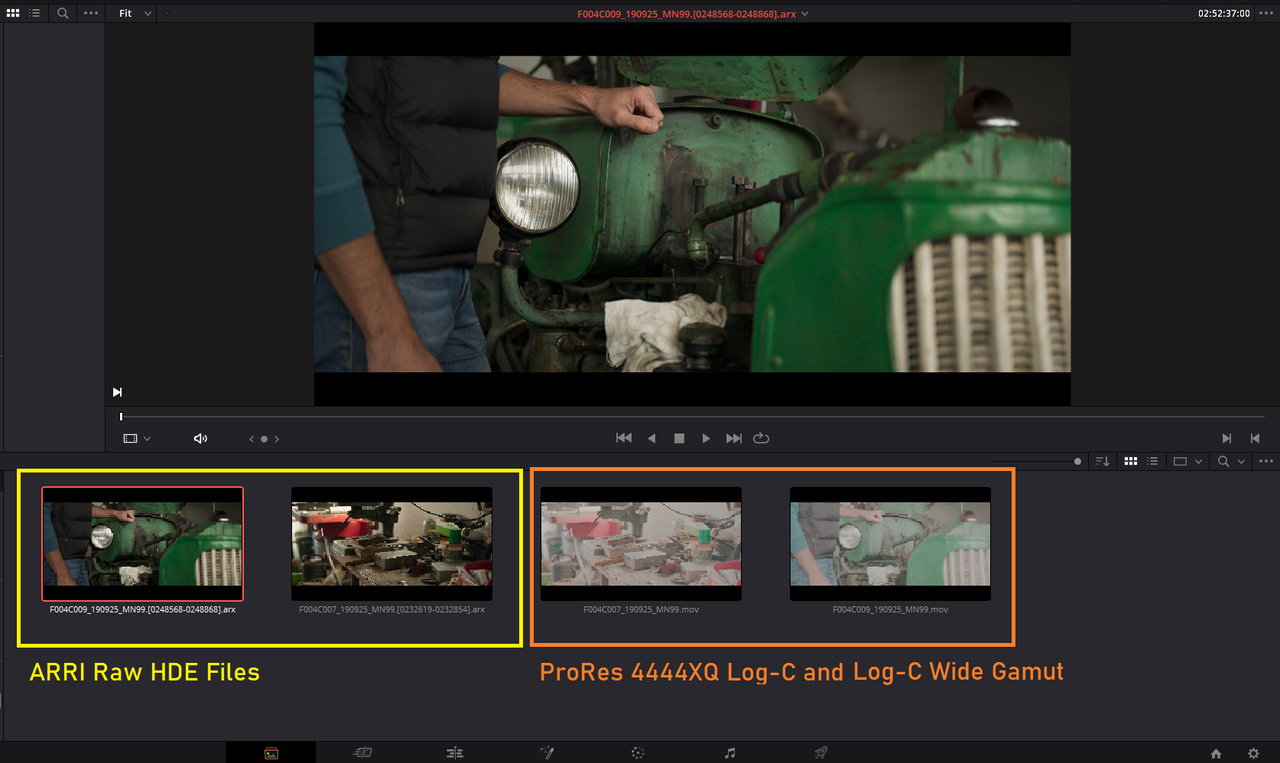
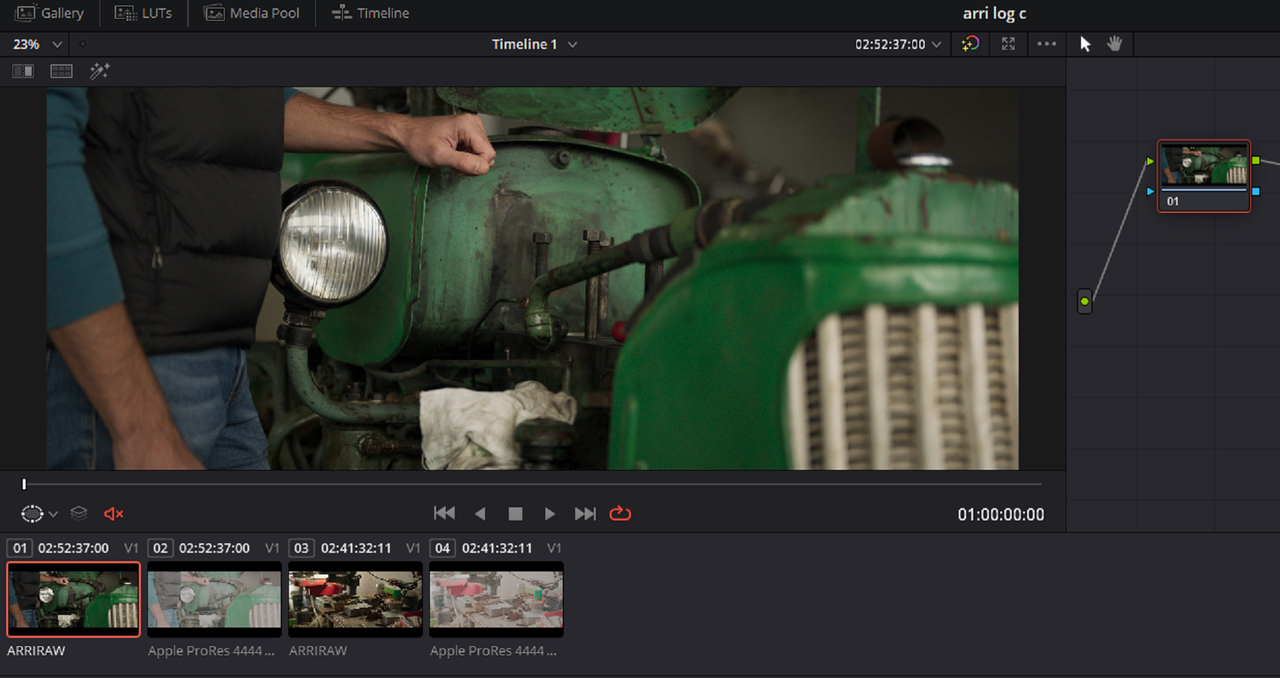
Here is what I meant with Arri Raw.

Part 1

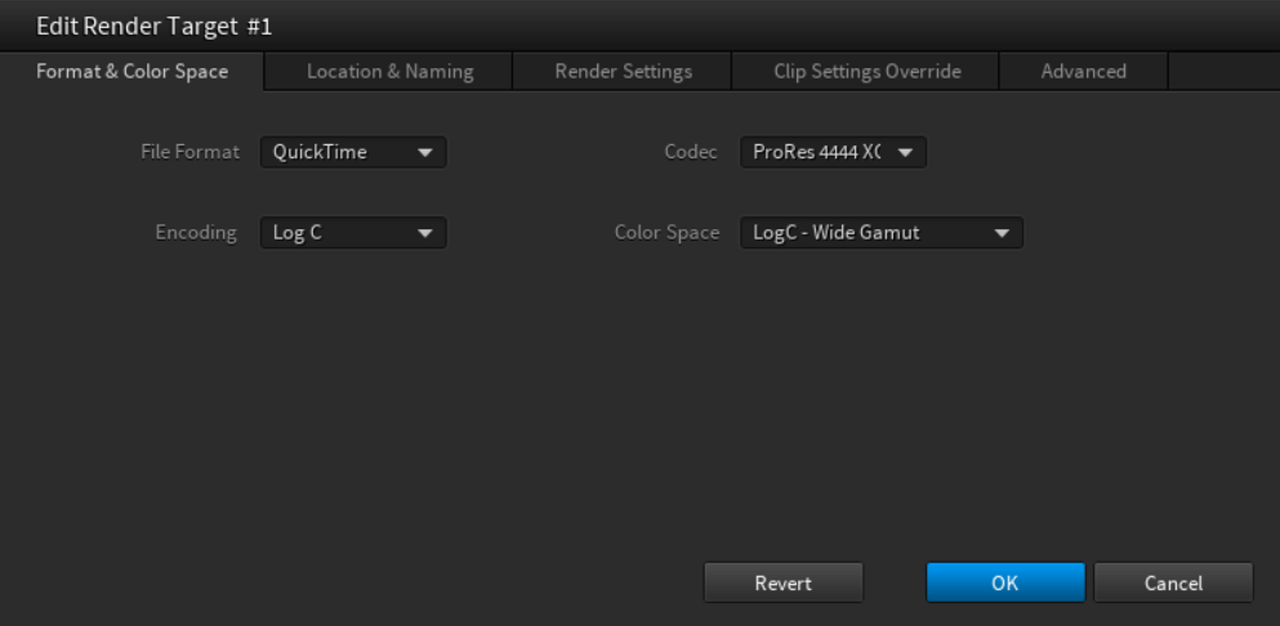
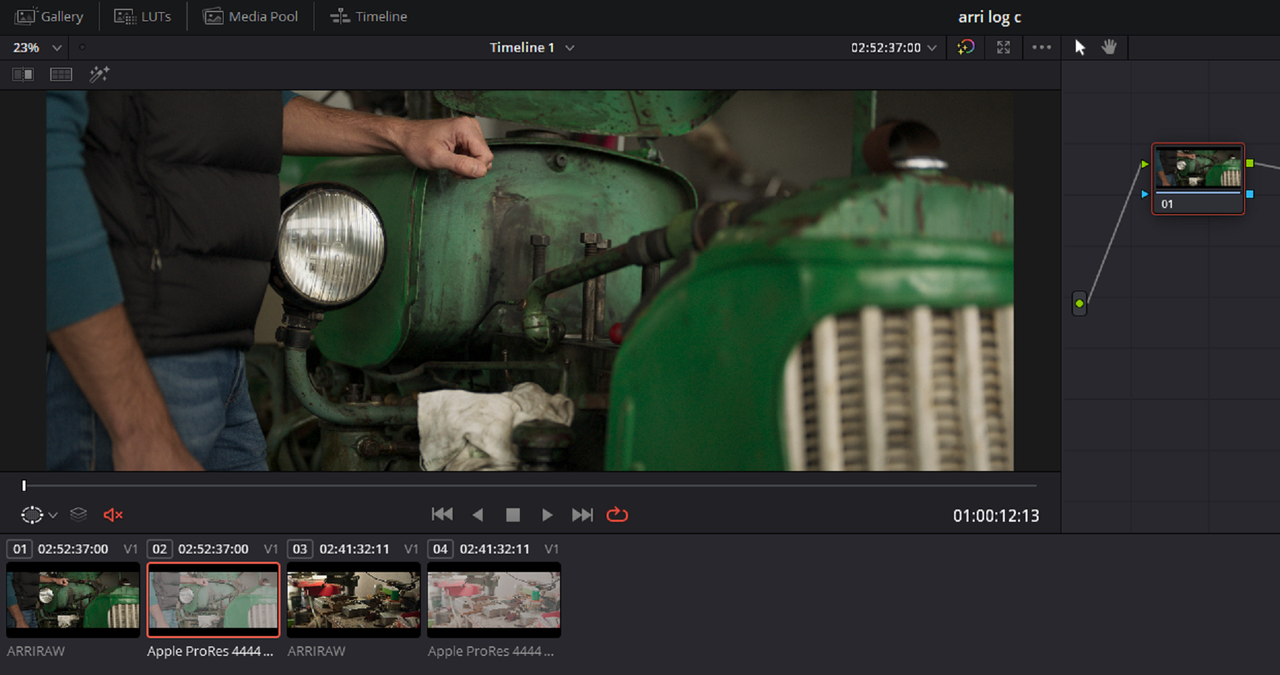
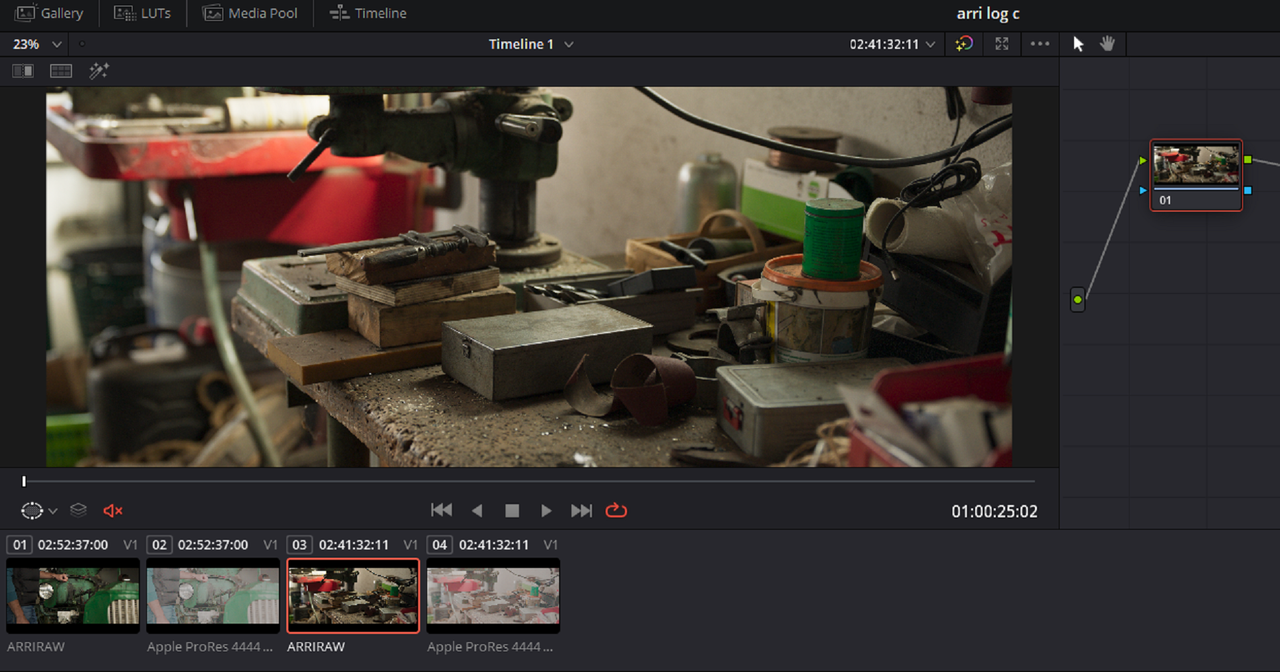
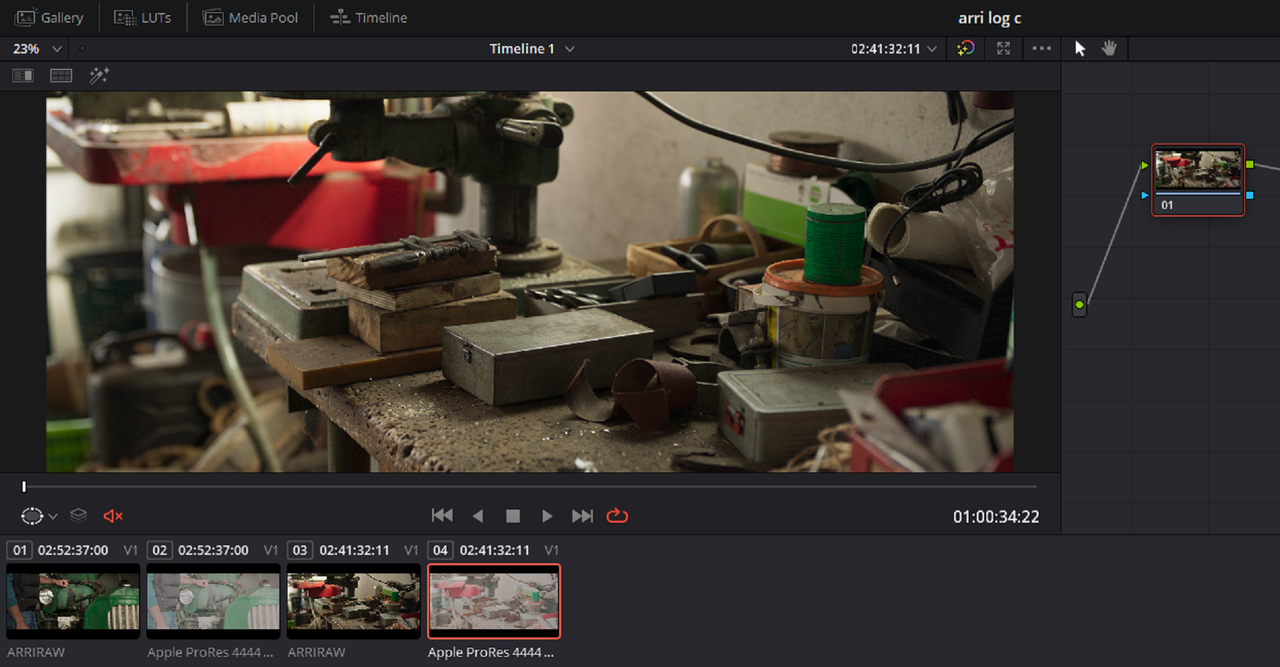
For example here are two Arri Raw HDE(High Density Encoding) sample files. I will export them both out of ARRI Raw Converter as "ProRes 4444 XQ", "Log-C" and with "Log-C-Wide Gamut"

Screenshot-1067.png


Screenshot-1077.png


Screenshot-1071.png


Part 2 In Resolve....
 
Part 2 In Resolve....


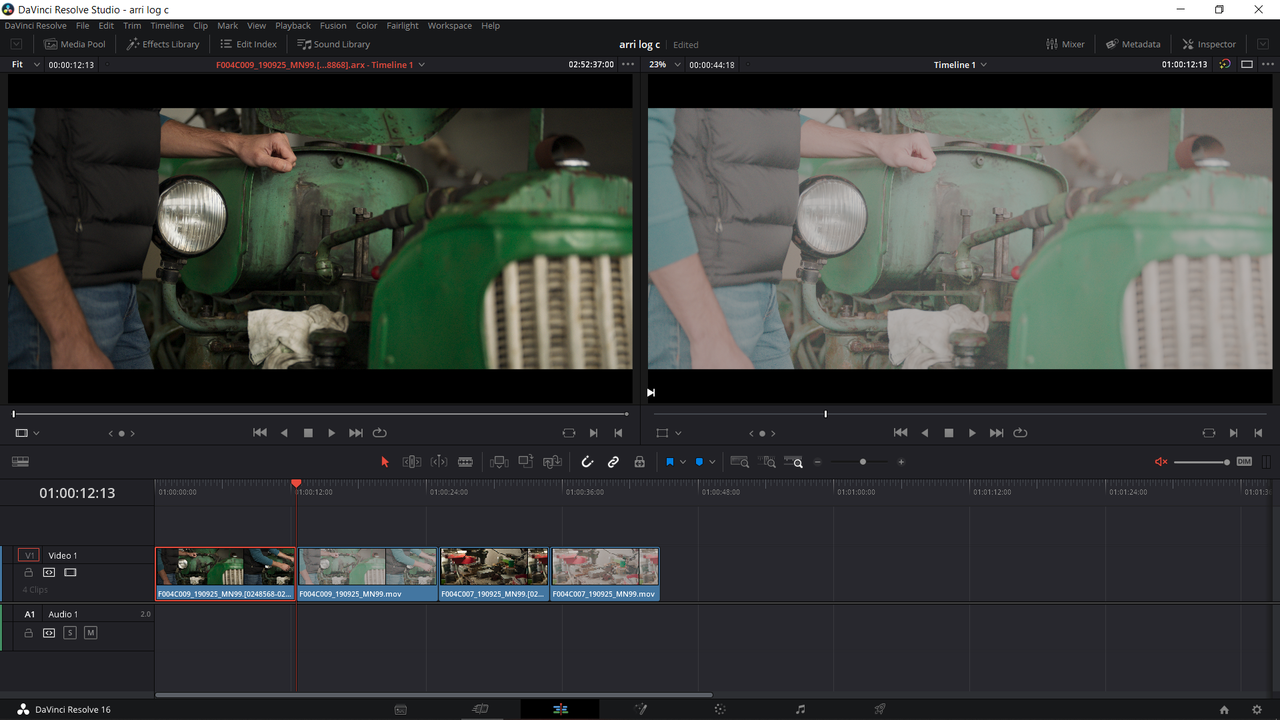
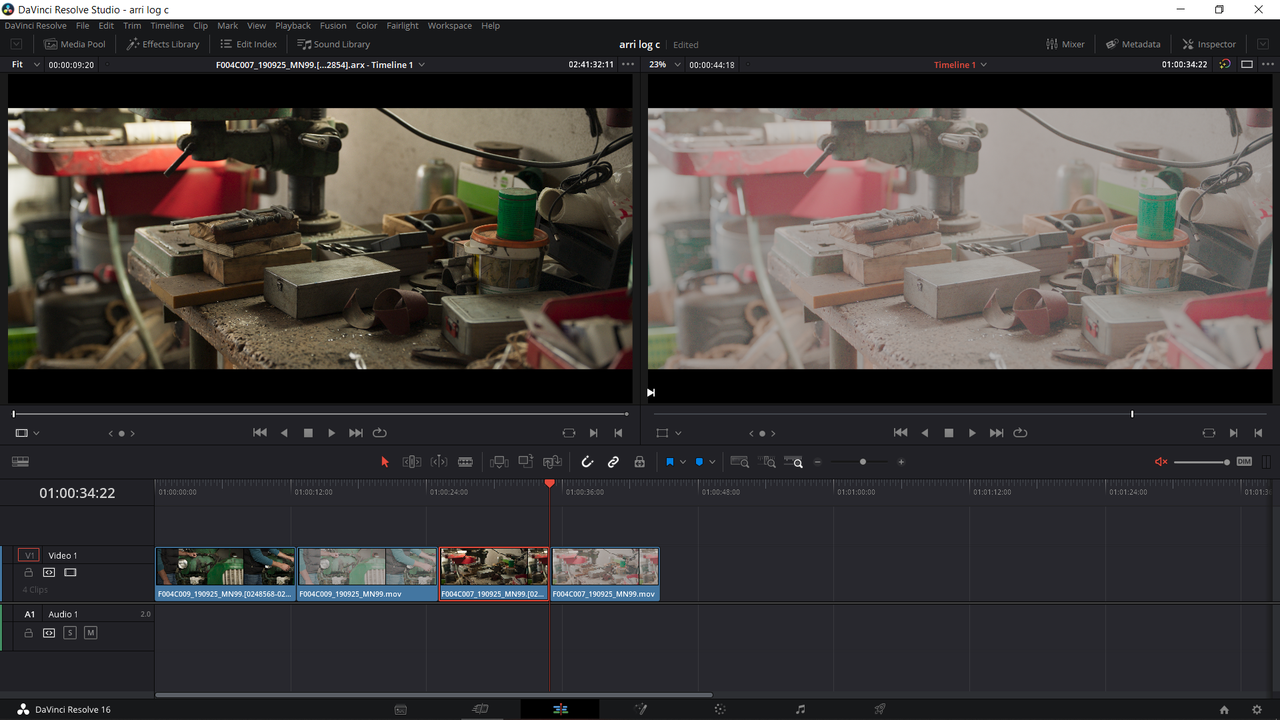
In Resolve, I brought both the set of two "Arri Raw HDE" files and the set of two "ProRes 4444 XQ", "Log-C" and with "Log-C-Wide Gamut" files. You can see how they compare to each other in the Media Window and on the timeline with their respective files. The Arri Raw file were automatically transformed properly.The "ProRes 4444 XQ", "Log-C" and with "Log-C-Wide Gamut" still need to be told by ACES how to properly transform the files.


Screenshot-1073.png


Screenshot-1095.png


Screenshot-1098.png


Screenshot-1099.png


When you apply the "ALEXA" IDT to the "ProRes 4444 XQ", "Log-C" and with "Log-C-Wide Gamut"files, they look exactly the same.


Screenshot-1076.png


Screenshot-1100.png


Screenshot-1101.png


Screenshot-1102.png


Screenshot-1103.png
 
in testing can see small dif's on a 16' screen, mainly the Prorez compression masking noise that is visiable in ArriRAW, and eyes are softer for the same reason.... but really minor and not really visable on a 30" mon, even if you are looking for it

ACES is box of goodness for the right project, but maybe consider how to approach it by looking at ACES Central, andif one can, try using the tools in Nucoda or Baselight first, then translate to Resolve as it's tools are not color space aware and therefore a bit more of an uphill battle to deal with, when compared to tools that are color space aware and change the mapping of the tool's responce to fit the workflow

Resolve is really based on display refered workflow, and the responce of the tools reflects that
 
Baselight "Student" and Nucoda "Academy" are both free BTW...

both good way to get exposure to other tool sets,

and yea i saw that, it's great.. i've been useing L*a*b for years and years now, for the same reason's - it's peceptual based maths under the hood

i'm hobbled with an art school / color theory background, and knew about Itten's trad color theory a decade before running into RGB as primaries, i still find it easier to think in a YRB pallatte... sipping espresso as i type from a Bauhaus cup with YRB motif

in Resolve ACES + L*a*b can be a bit of a double edged sword, it's very easy to create math errors if not used with care

Baselight has gone to significant work to make it straightforward for the artist
 
Dermot,

Thanks for the Nucoda "Academy" link I don't believe I was aware of it , I will be getting a link from them shortly or whenever it becomes available!

Jake Blackstone told me about the Baselight Student version a while back. When I was still using Avid Media Composer, I tried it out and like it very much. However, since it was a plugin in Avid Media Composer, on my system atleast, it kept crashing Media Composer so I had to give it up.
 
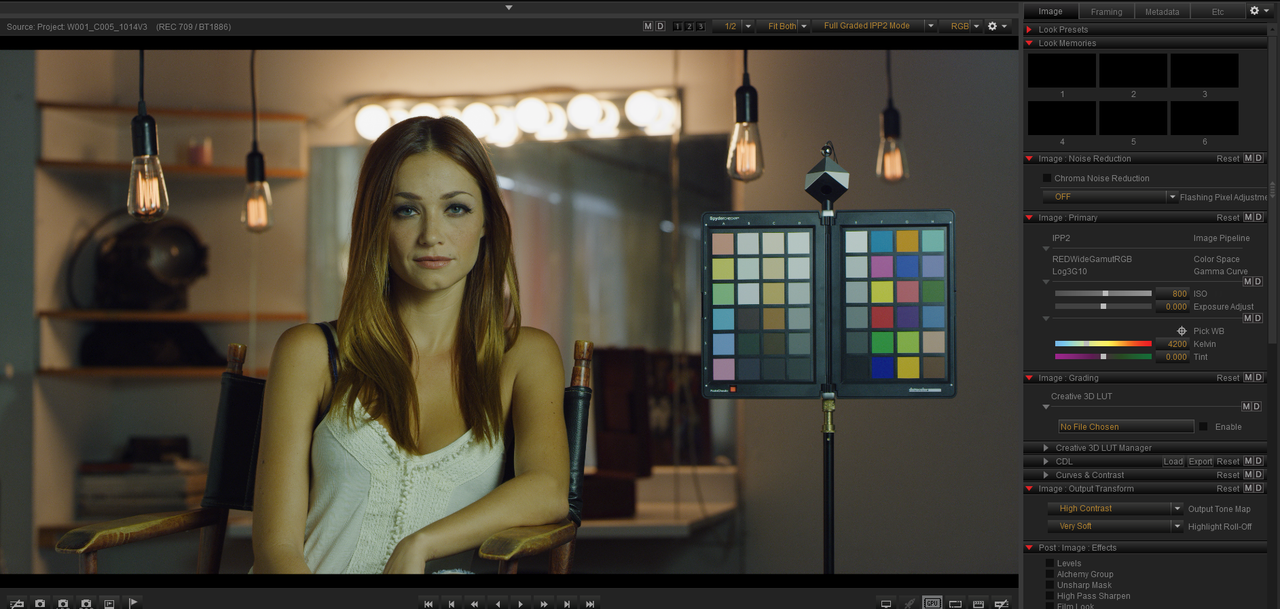
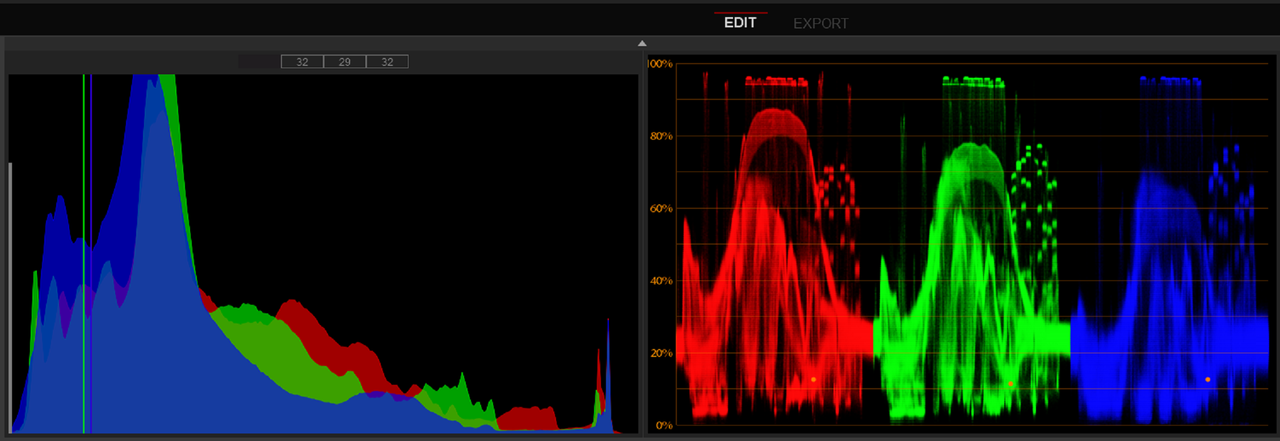
For Red In ACES, I'll use Phil red sample files again

Part 1 REDCINE-X

I chose a 4200 Kelvin because it gives a good white balance for this image without having to use Tint which I don't use anymore to correct the image.


Screenshot-1105.png


Screenshot-1104.png


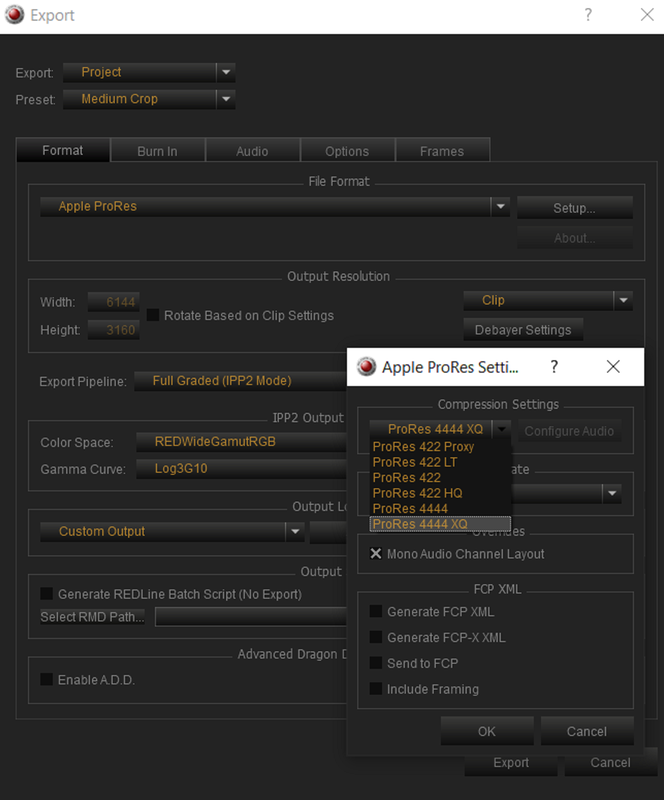
Then I will be using the RED R3d file and the same file converted to ProRes 4444XQ with an export settings of


1)Export Pipeline- Full Graded(IPP2 Mode)
2) Color Space-REDWideGamutRGB
3) Gamma-Log3G10

Screenshot-1108.png


Part 2 In Resolve...
 
Part 2 In Resolve...


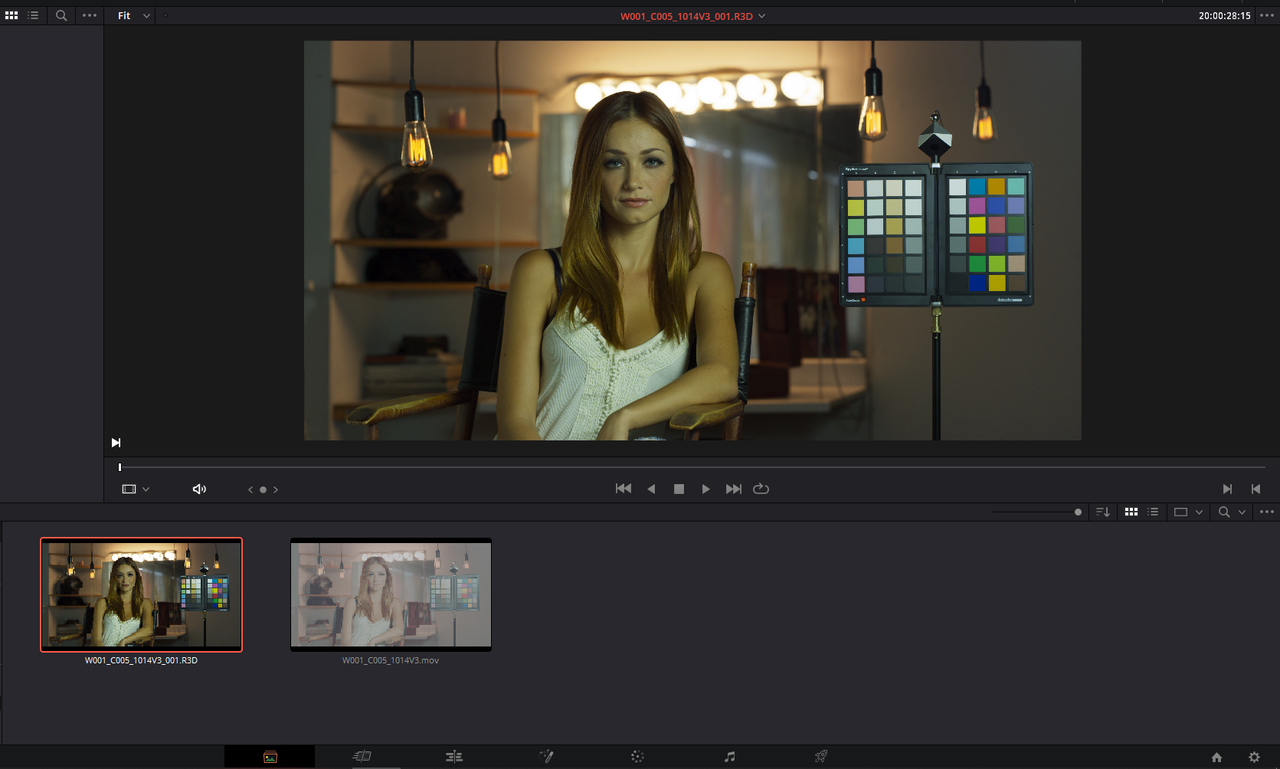
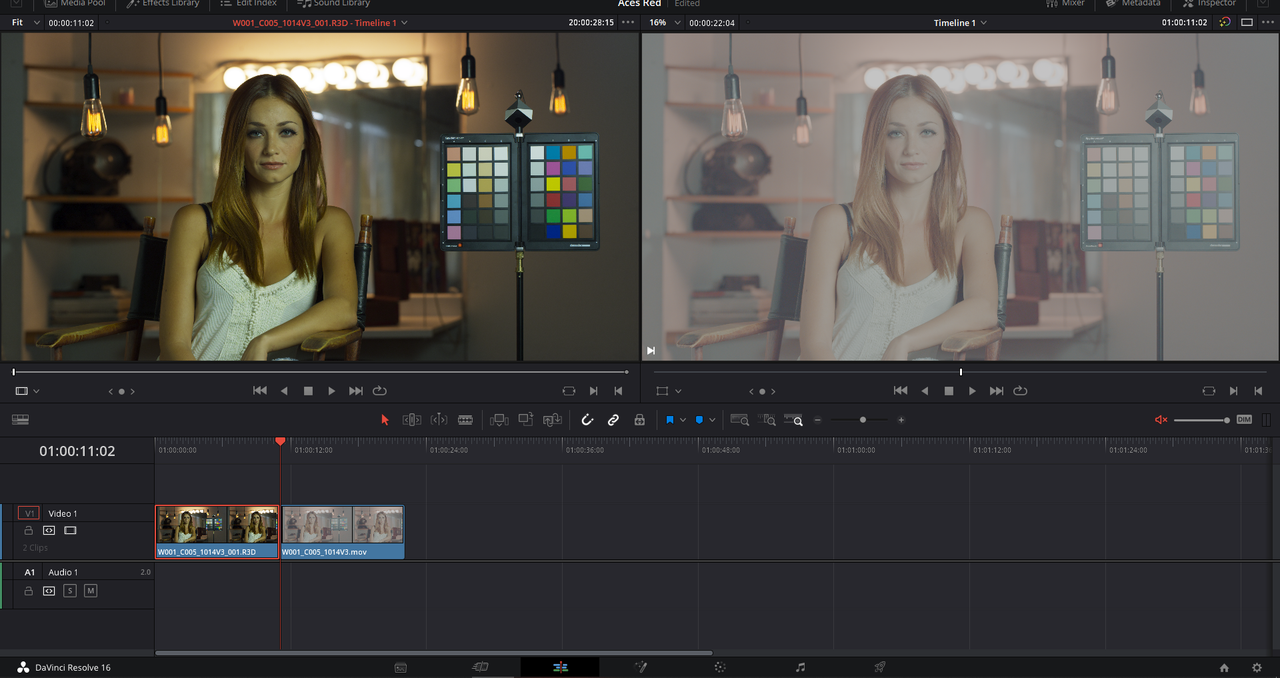
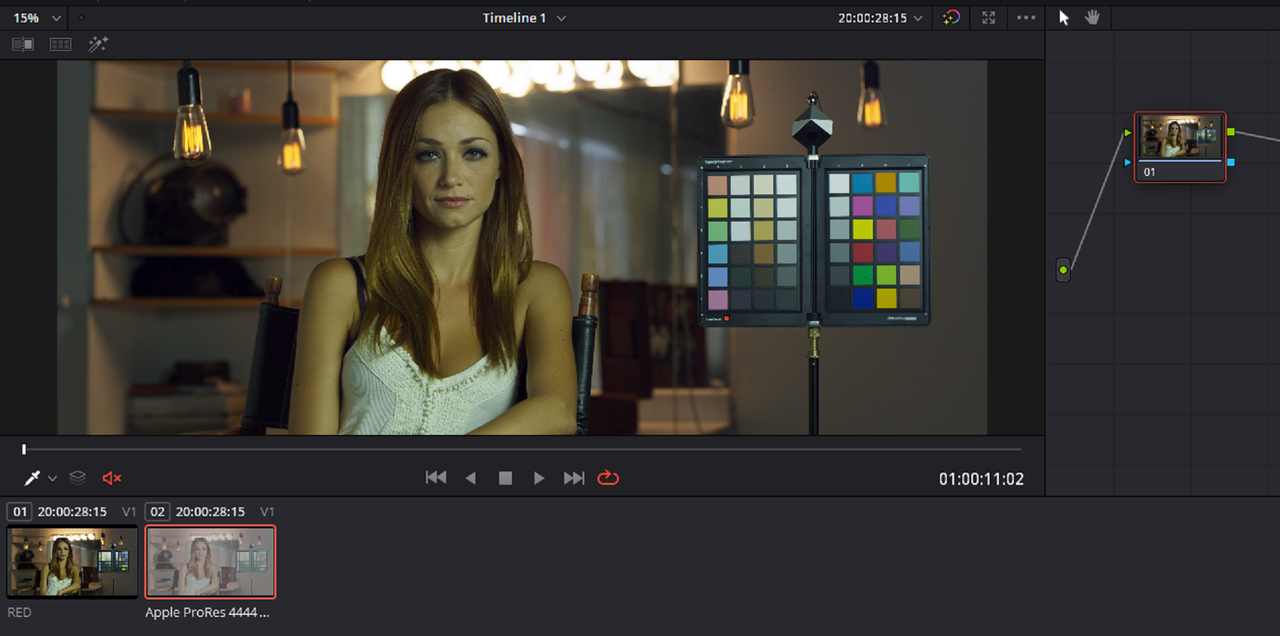
In Resolve, I brought both the RED R3d file and the respective "ProRes 4444 XQ" file. You can see how they compare to each other in the Media Window and on the timeline with their respective files. The RED R3d File is automatically transformed properly. The "ProRes 4444 XQ" file still need to be told by ACES how to properly transform the file.


Screenshot-1023.png


Screenshot-1109.png


Screenshot-1110.png


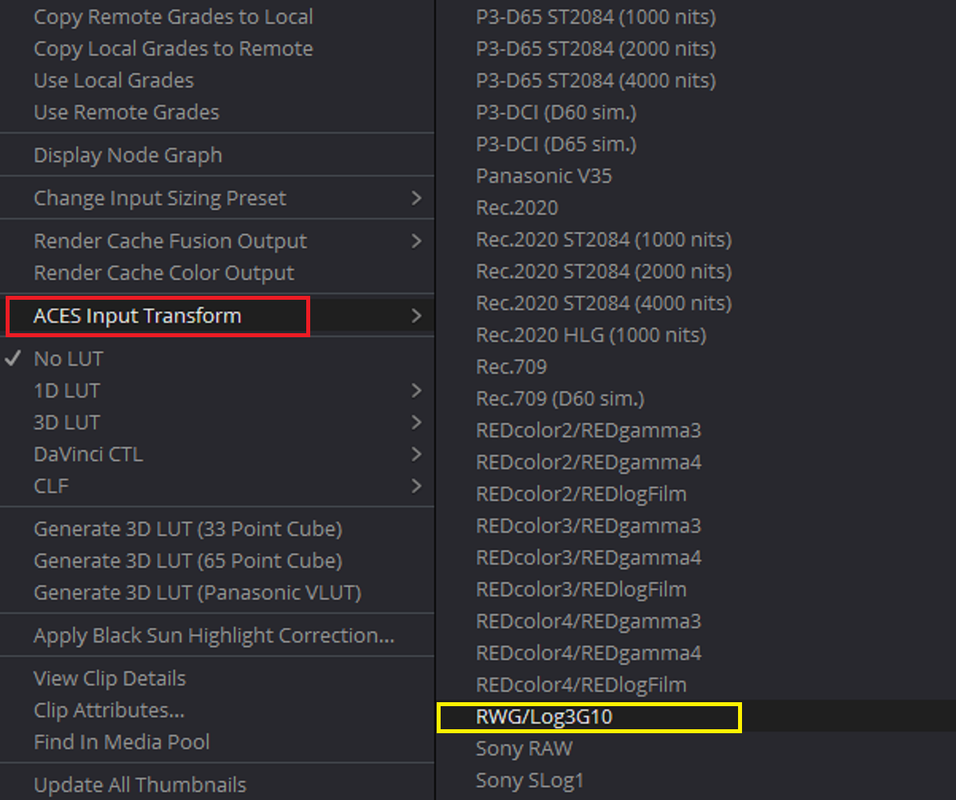
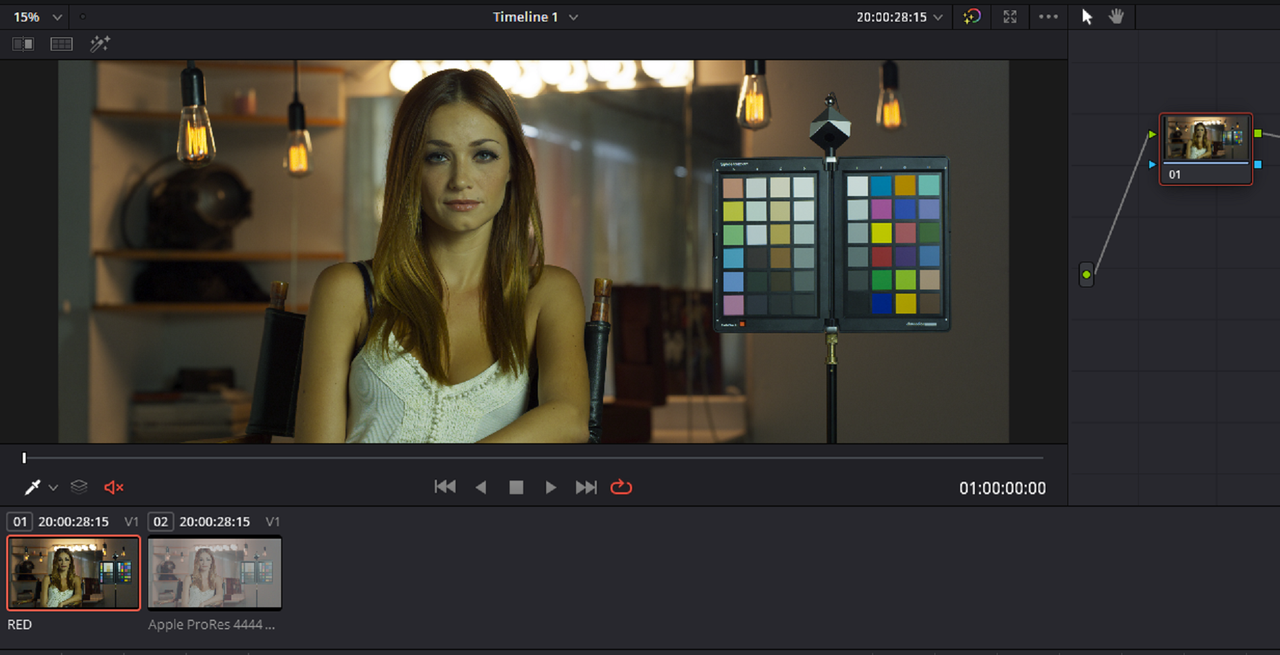
When you apply the "RWG/Log3G10" IDT to the "ProRes 4444 XQ" file, they look the same.

Screenshot-1111.png


Screenshot-1112.png


Screenshot-1113.png


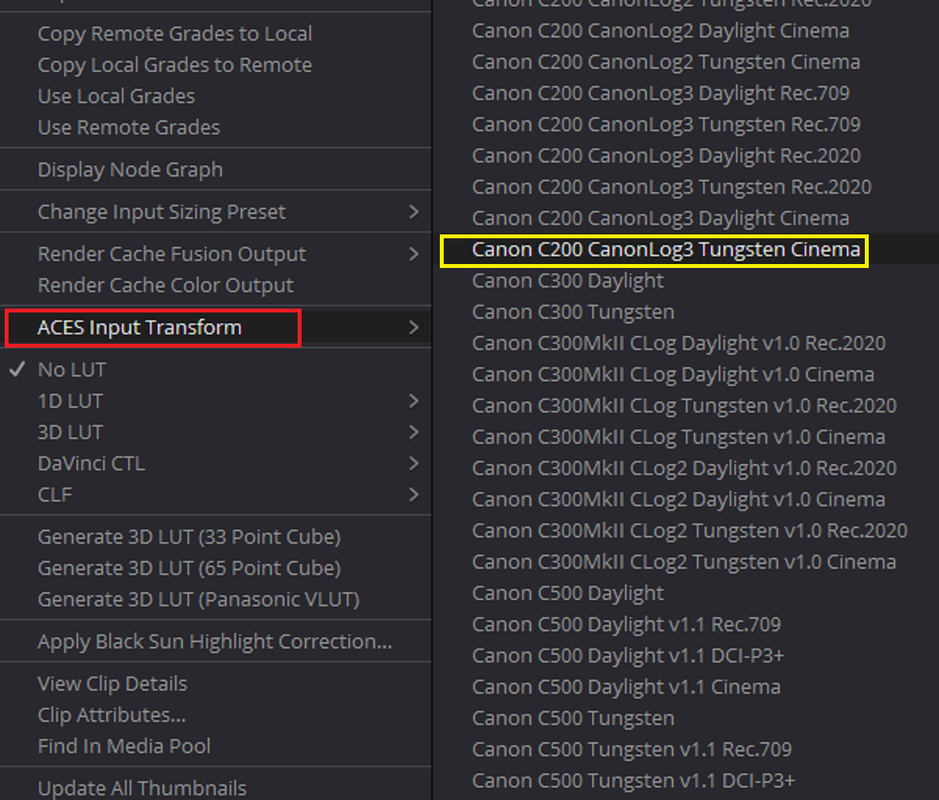
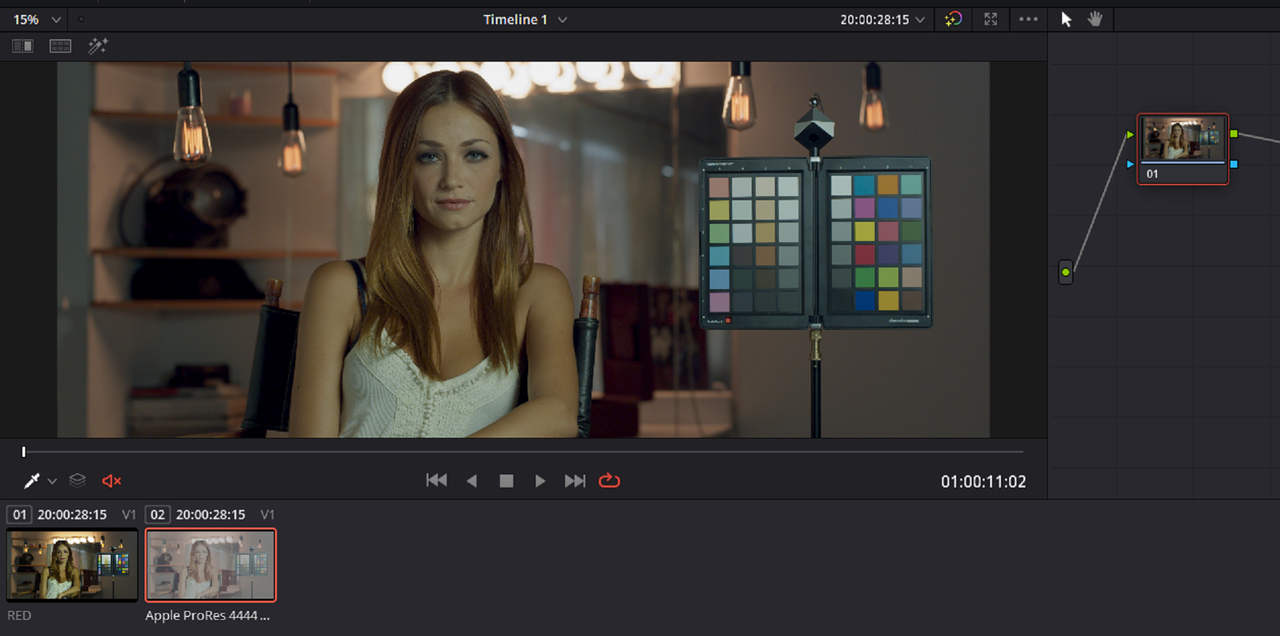
I know its not "Technically" Accurate, but I prefer the "Canon C200 CanonLog3:Tungsten Cinema" IDT because I think it gives you a more "Pleasing" image to start from


Screenshot-1114.png


Screenshot-1115.png


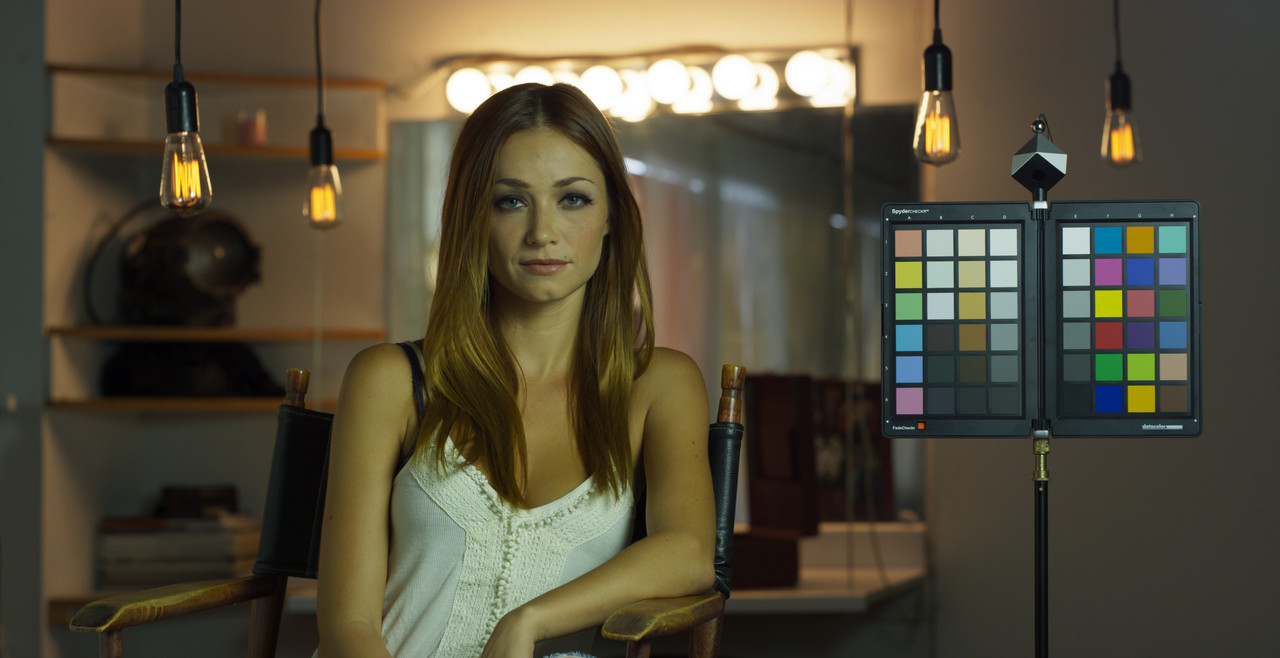
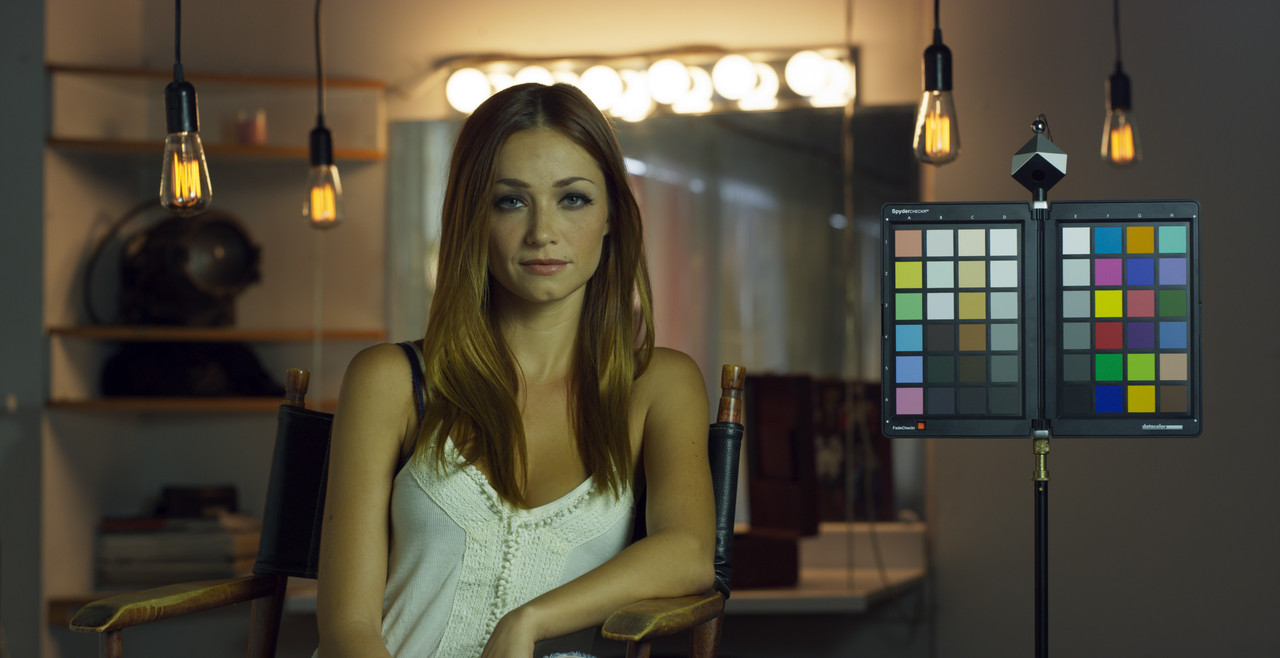
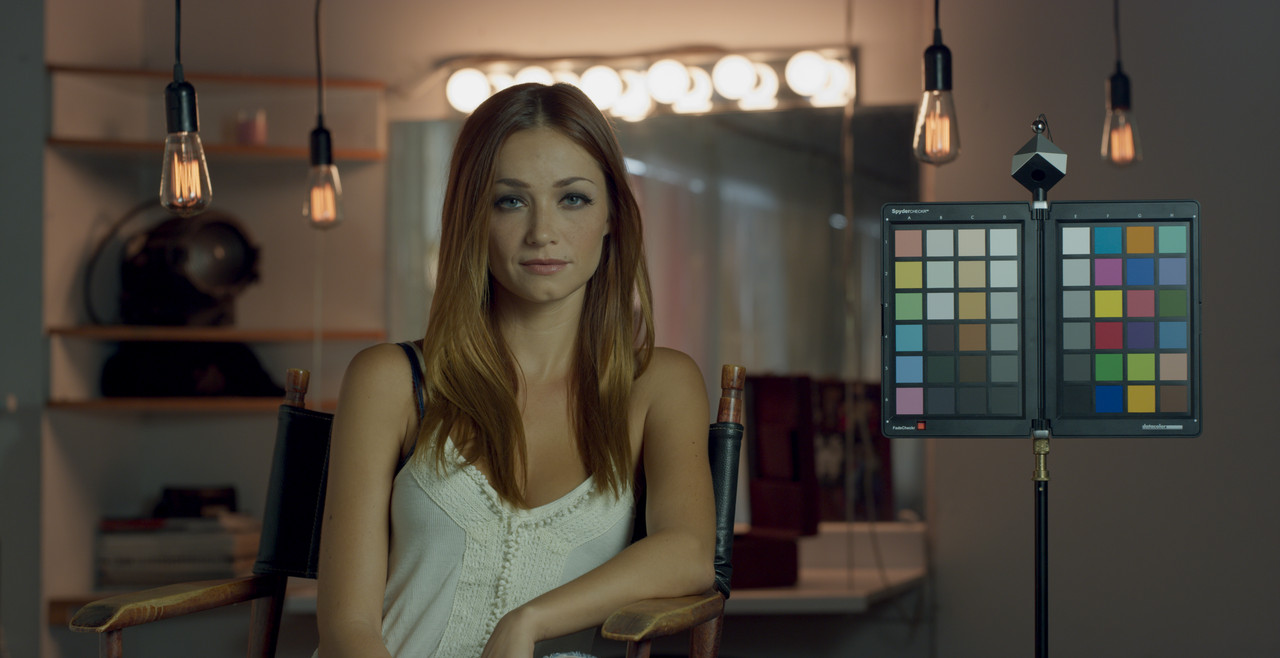
Red Raw R3D Automatically Transformed

red-raw-rwglog3g10-1-1-1.jpg

Screenshot-1121.png

Screenshot-1122.png


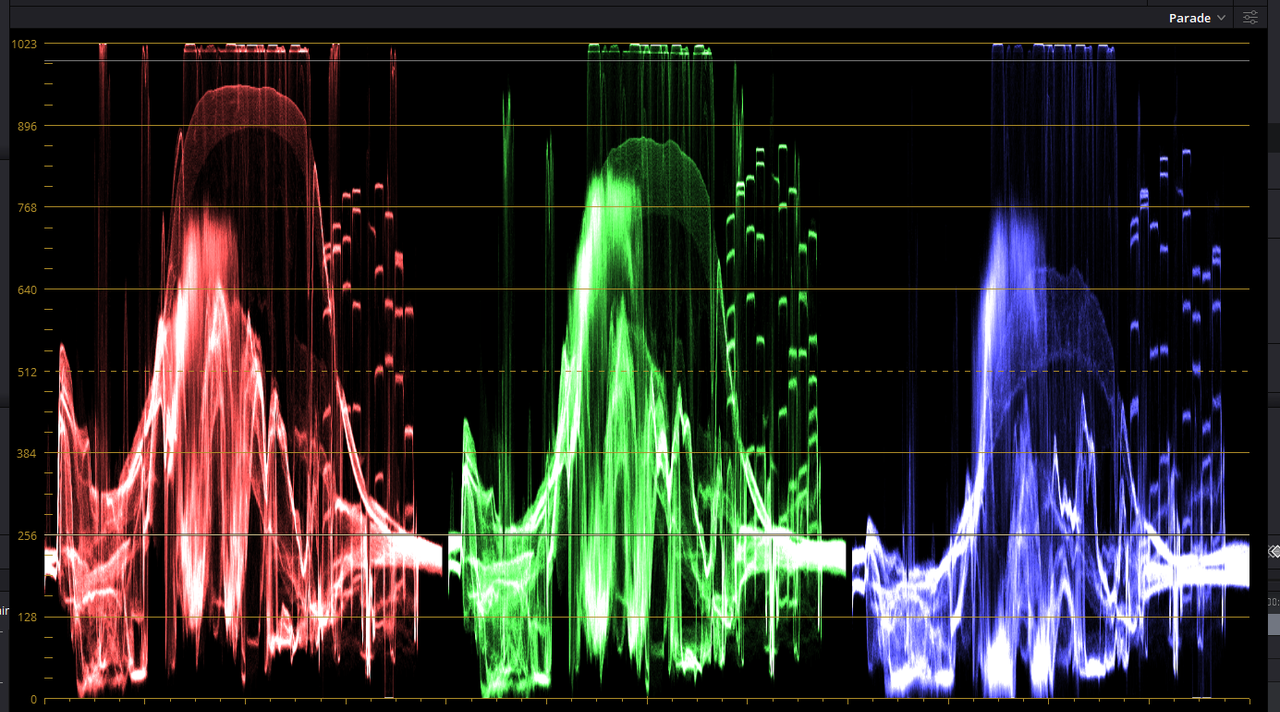
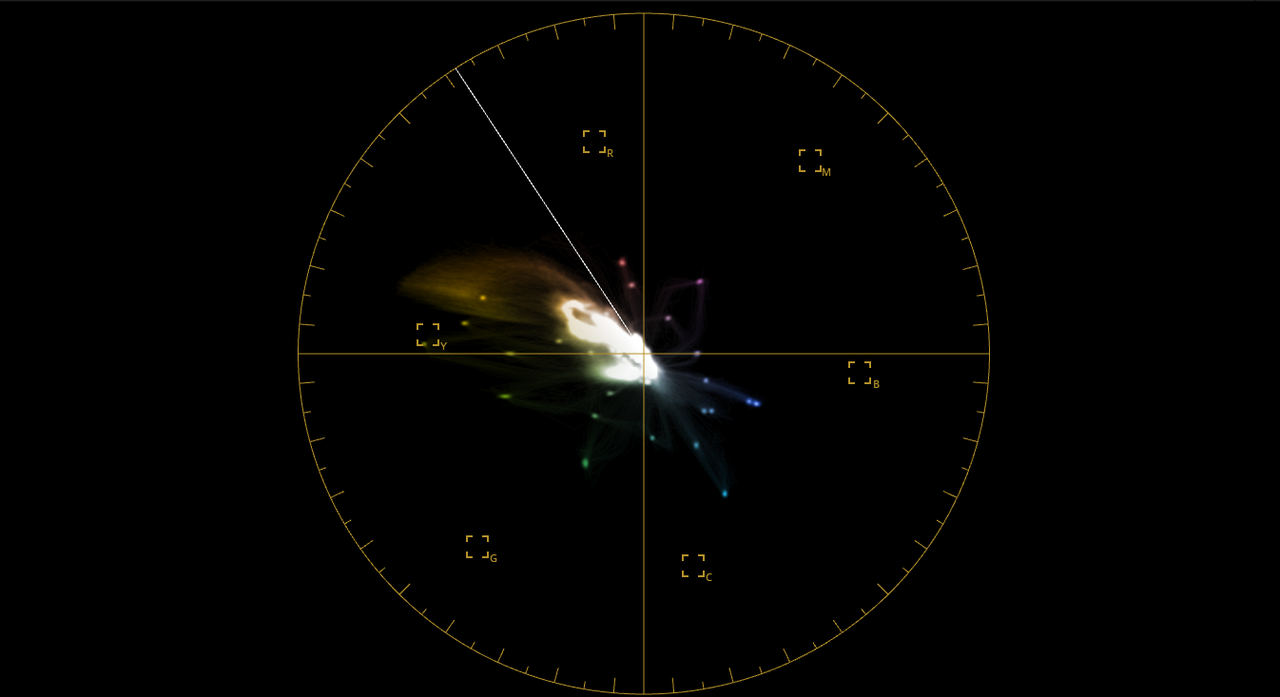
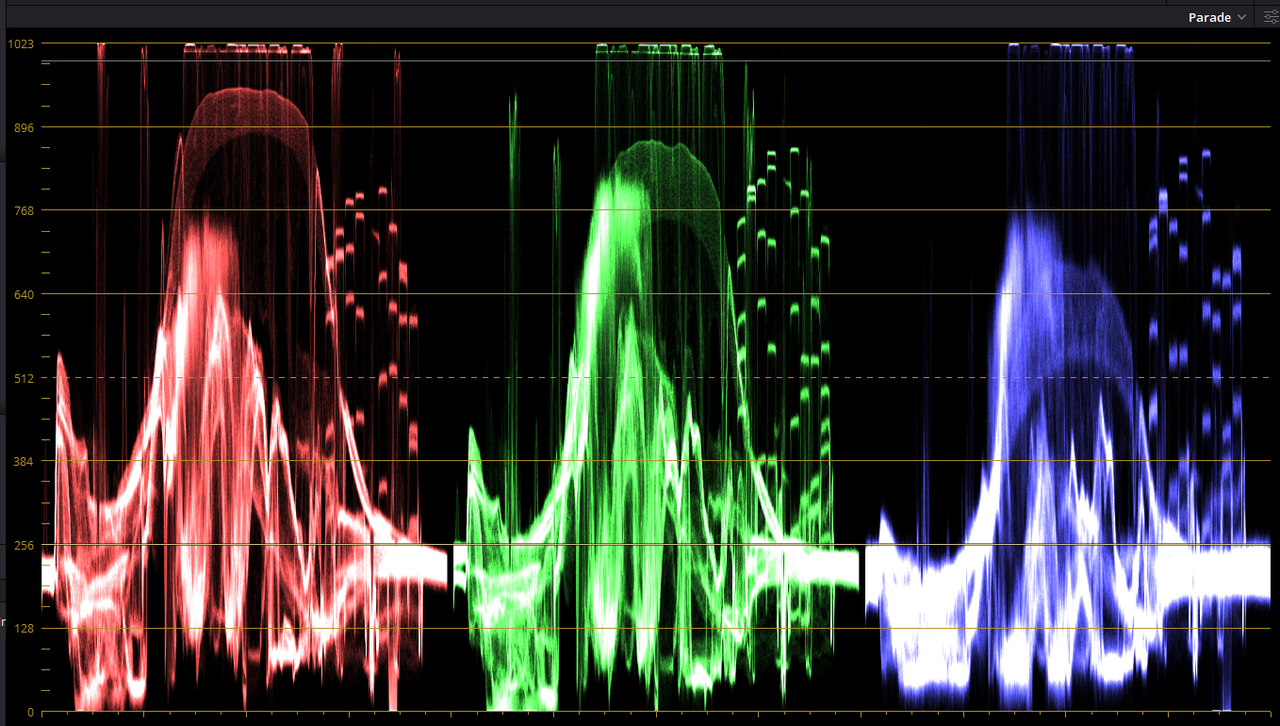
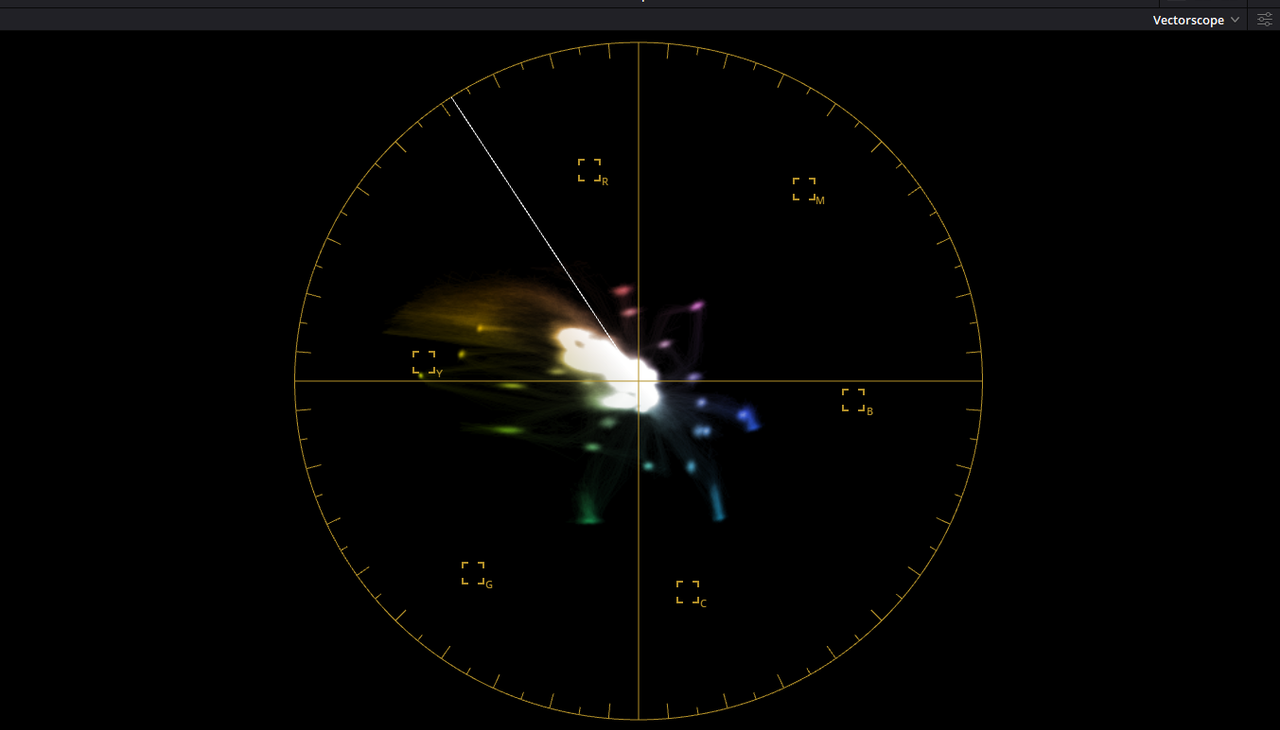
ProRes 4444 XQ with "RWG/Log3G10" IDT looks a little less yellow as compared to the Red Raw Automatic Transform

prores-rwglog3g10-1-2-2.jpg

Screenshot-1123.png

Screenshot-1124.png


ProRes 4444 XQ with "Canon C200 CanonLog3:Tungsten Cinema" IDT

canon-idt-1-2-1.jpg

Screenshot-1125.png

Screenshot-1126.png
 
Last edited:
Red Raw R3D Automatically Transformed without Tone Curve Mapping or Gamut Mapping

red-raw-rwglog3g10-1-1-1.jpg

Screenshot-1121.png

Screenshot-1122.png


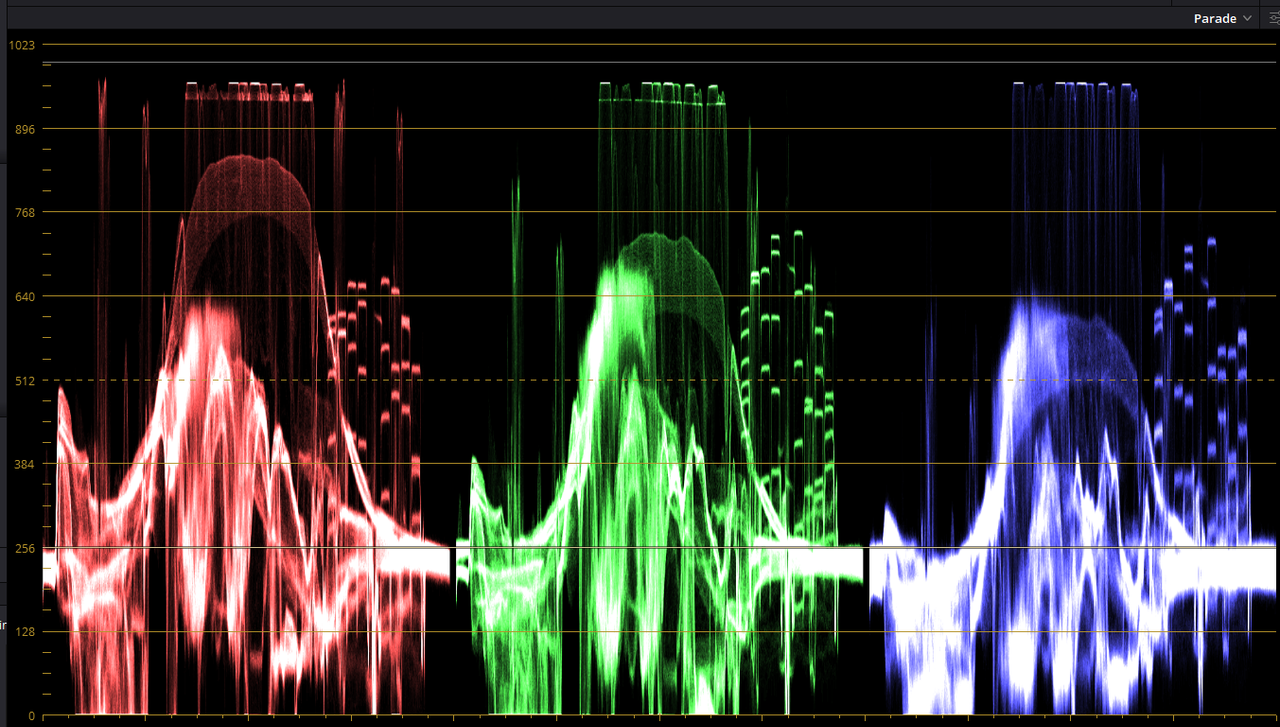
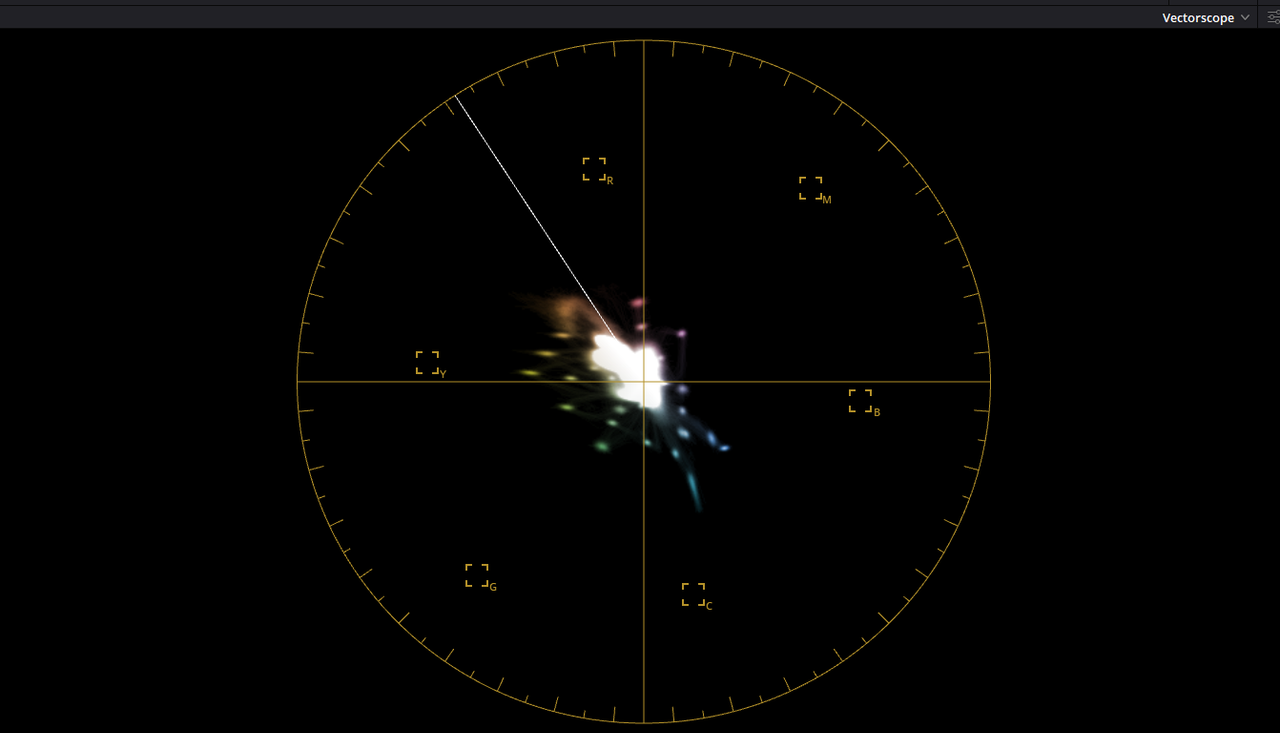
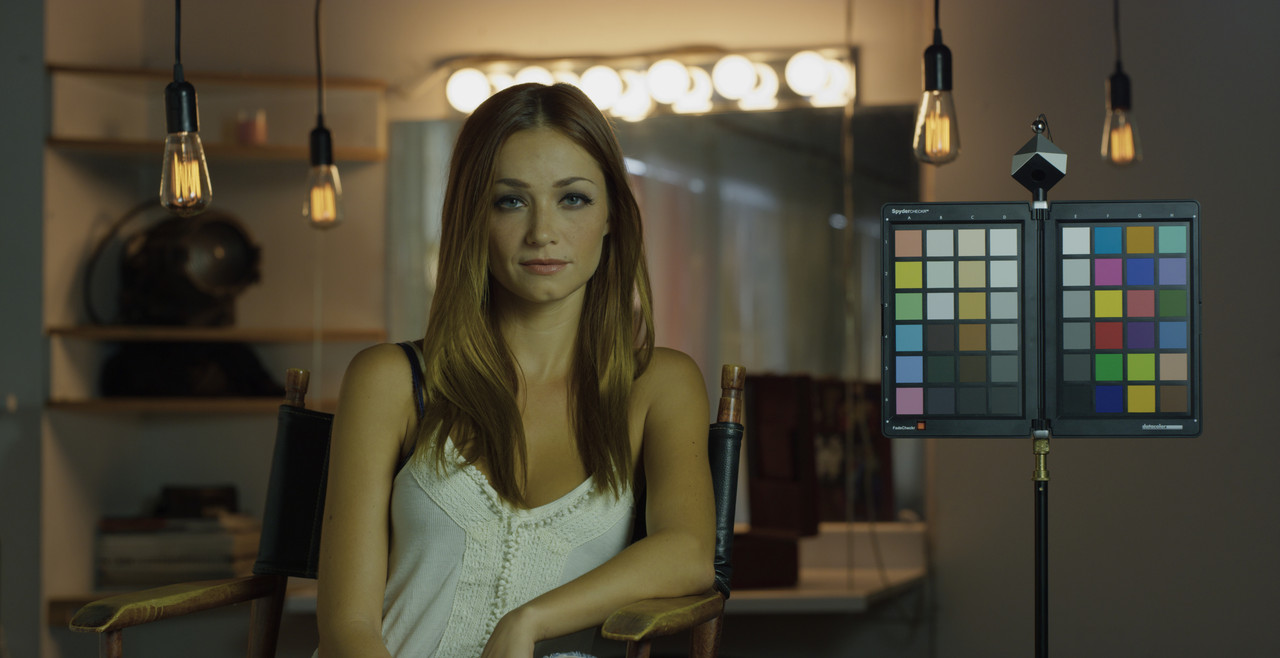
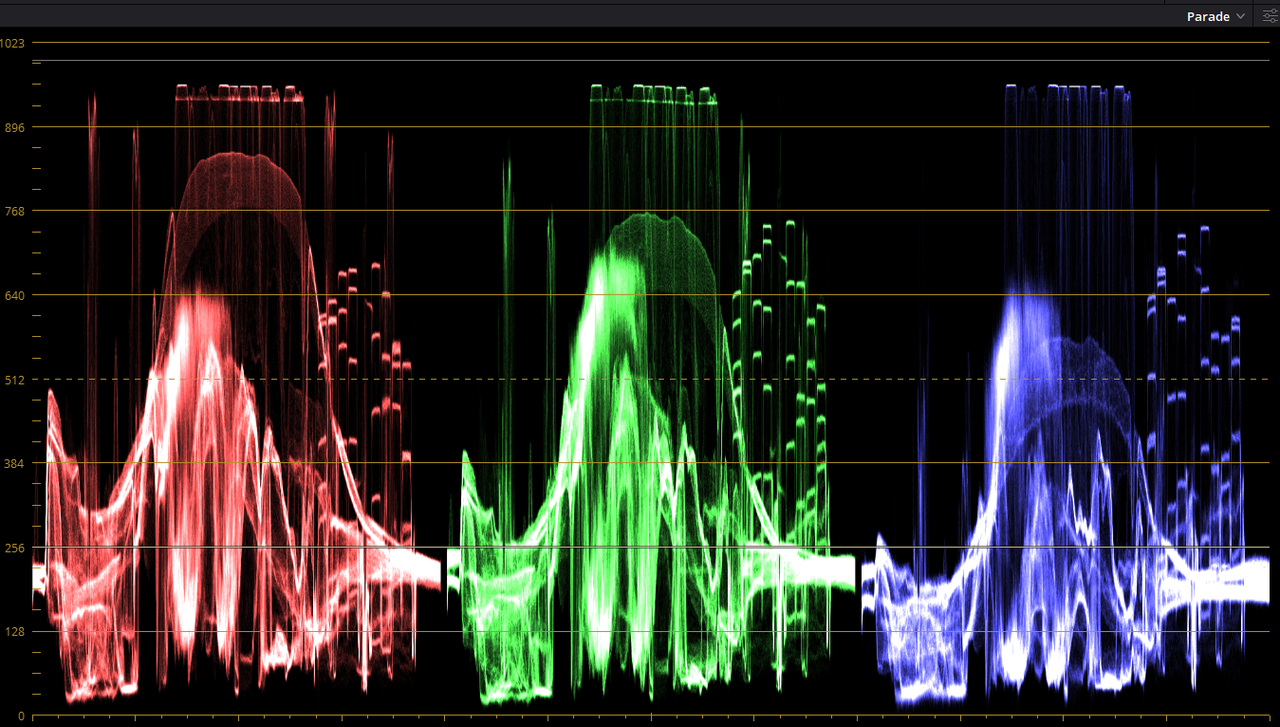
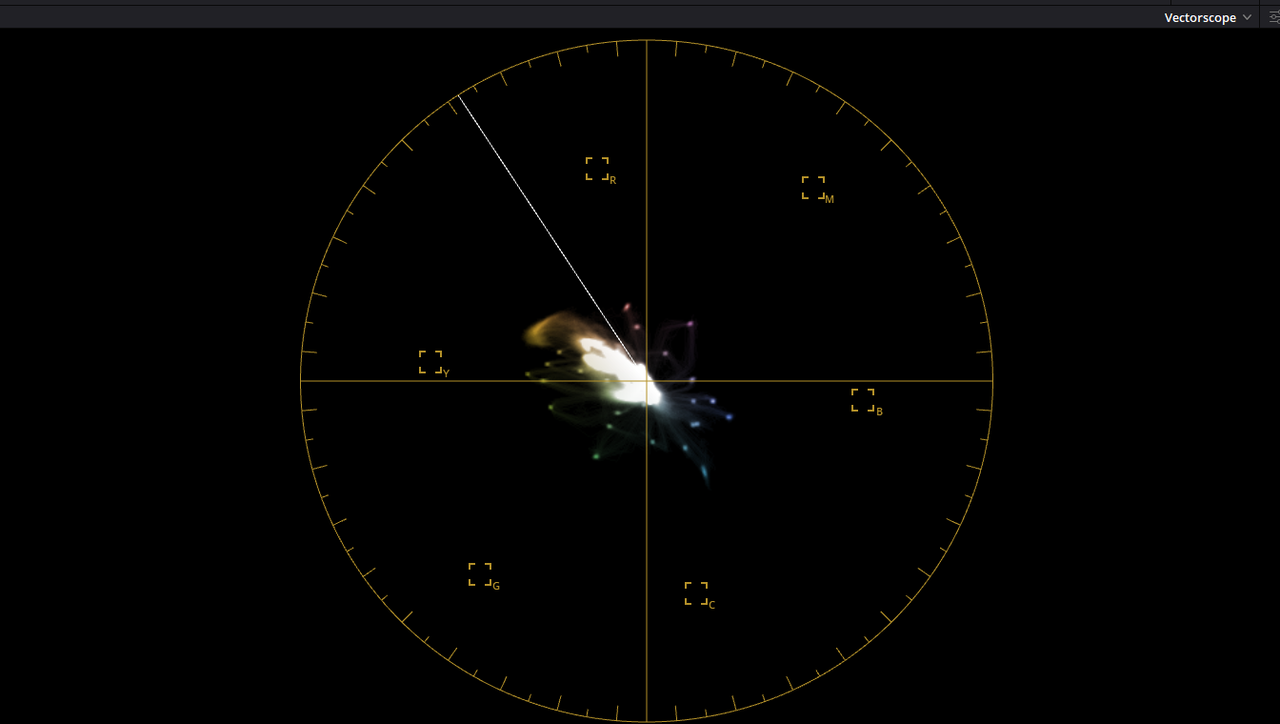
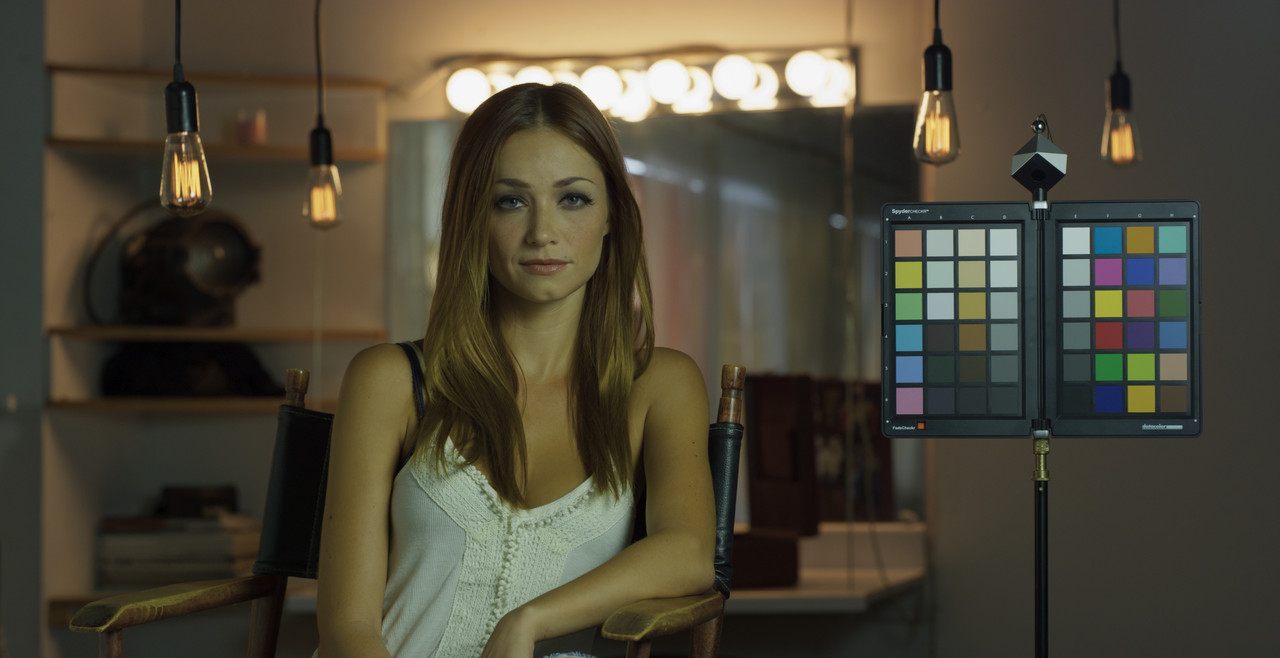
Red Raw R3D Automatically Transformed with Tone Curve Mapping and Gamut Mapping

Screenshot-1127.png


Screenshot-1128.png


Screenshot-1129.png


Red-Raw-Gamut-mapped-1-1-2.jpg


Screenshot-1131.png


Screenshot-1130.png


If you didn't want it as flat and wanted to customize it manually, next to "Tone Mapping Method" choose "Luminance Mapping" instead of "Simple"

Screenshot-1133.png


no-as-flat-1-1-3.jpg


Screenshot-1132.png


Screenshot-1130.png
 
Last edited:
Back
Top