Pedro Guimaraes
Well-known member
- Joined
- May 1, 2009
- Messages
- 611
- Reaction score
- 0
- Points
- 0
- Location
- Burbank, CA
- Website
- www.cinemilled.com
In my experience so far, the best tool for learning and understanding the intricacies of stereography is to simply start taking lots of stereo stills. Since it's easy and cheap to do.
Hell you can even use your cell phone camera.
The idea is to start seeing what works and what doesn't (then understanding why)
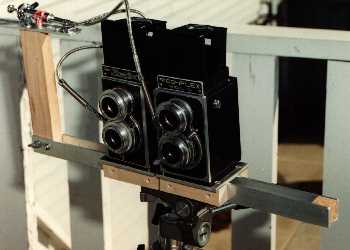
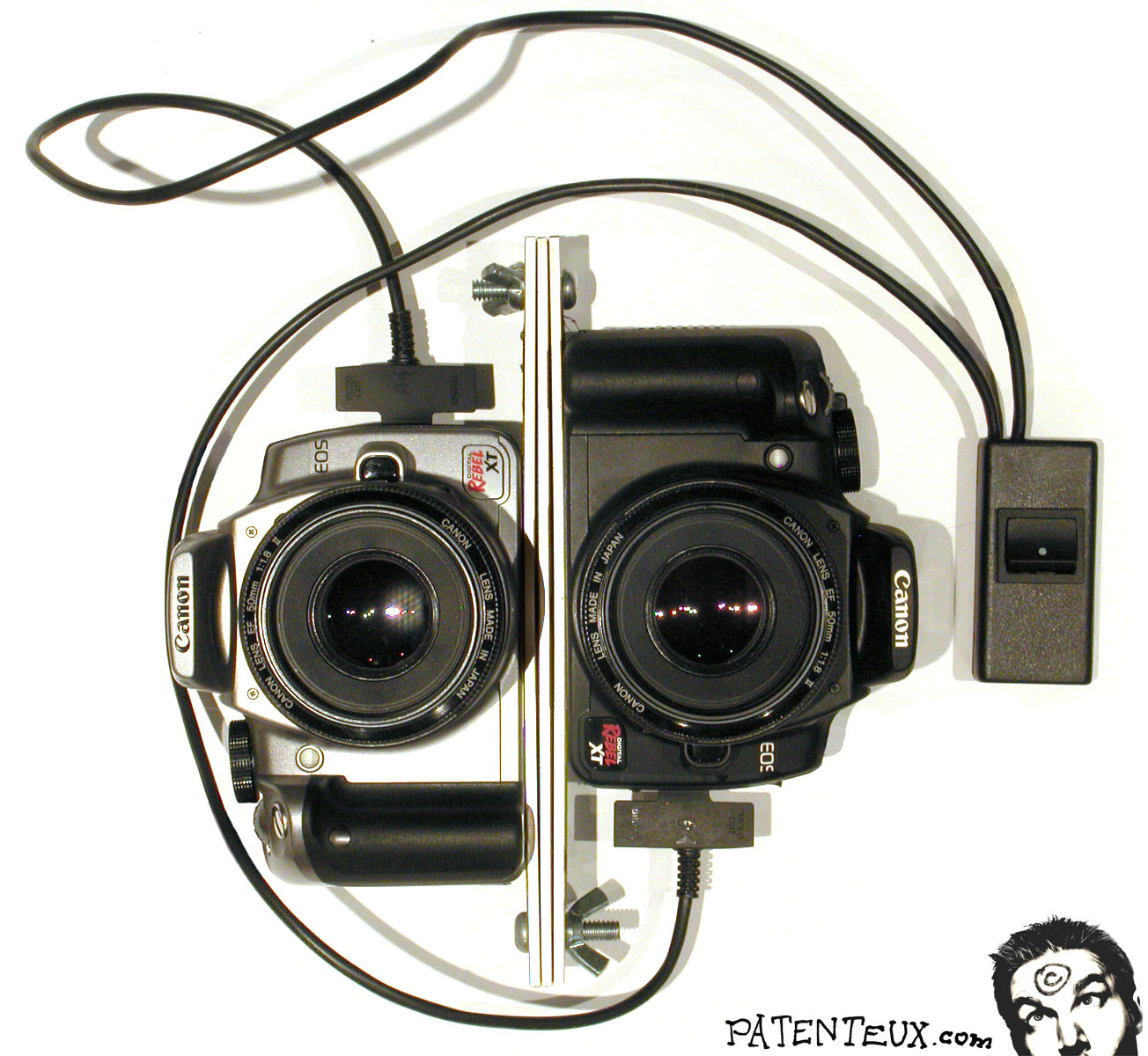
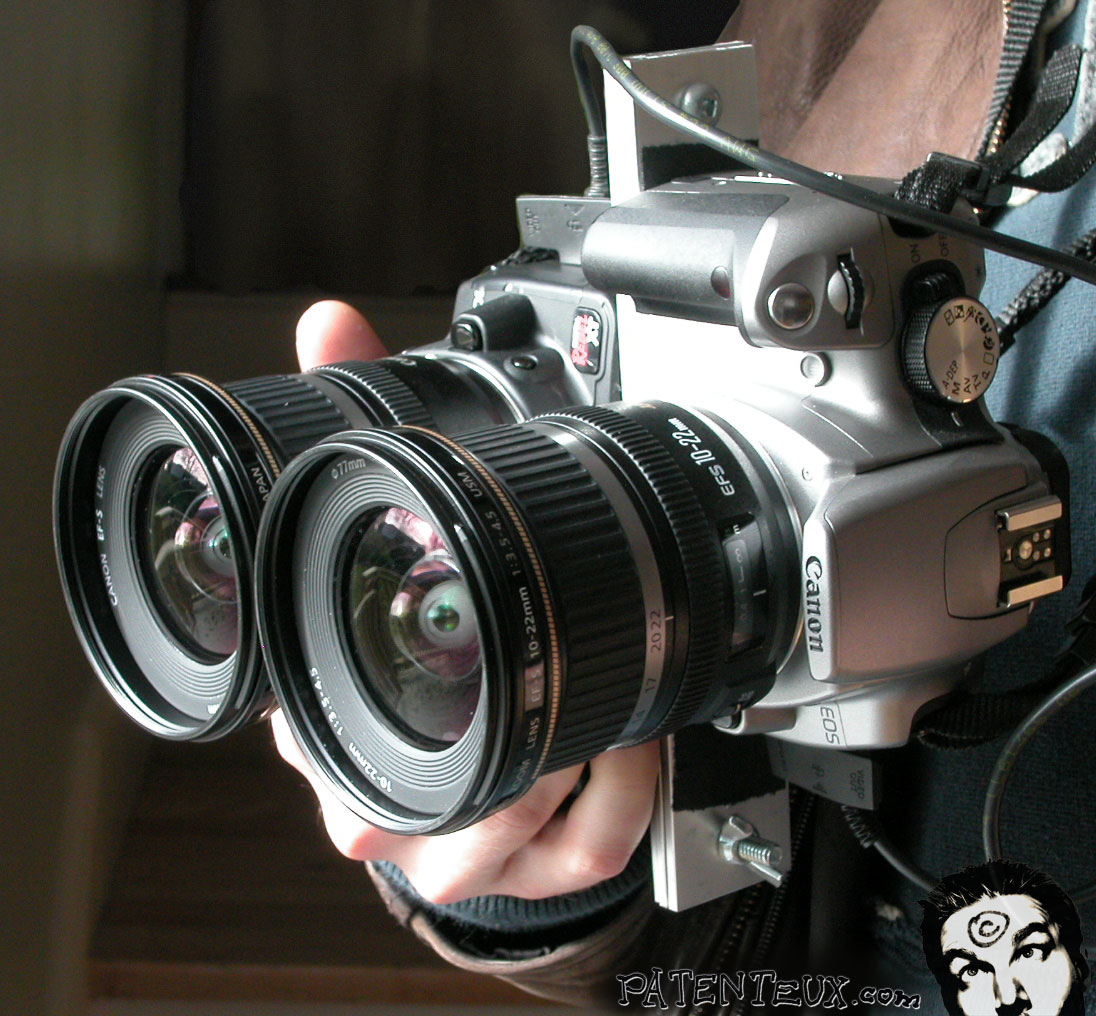
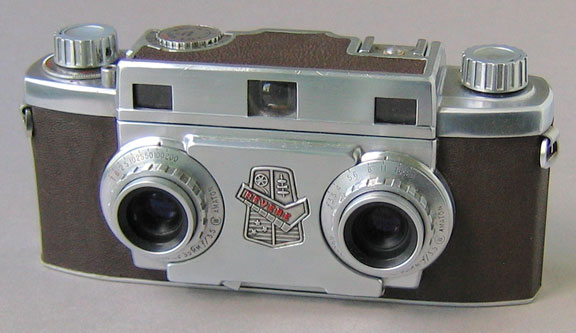
Since the first 3D photo was taking around 1840's people has invented and patented literally thousands of ways and devices to take 3D photos.
The basic idea is that you need 2 images that are horizontally offset from each other.
SO the easiest way to do this with any camera without anything special,
1-Look straight ahead.
from now on DO NOT move you head!!!
2- put your camera viewfinder up to your left eye, take a picture.
now without moving your head....
3- slide the camera over until you can see the viewfinder in your other eye.
4- take another picture.
Voila! you have just taken a 3D image.
By not moving your head and just sliding the camera over to your other eye you have just achieved your 2.5" interocular separation!
Unfortunately the problem with doing this is that you'll never be level and you'll have some rotation. Then you have to bring them into photoshop place them side by side and align them vertically to each other. You also have to rotate the image as well. Boom you have your left and right images.
Now a few tips.
usually I snap a pic of my hand in the shape of an L to kinda of "slate" the next 2 shots on my CF card as a stereo pair and the first one as the left image. Also get in a habit of taking the left image first so you never have to guess which eye the picture is.
The key to a good 3D image is that everything has to match. SO I recomend manual exposure mode. Same focal length, same aperture, same shutter speed. same everything.
To improve on this method, and make life alot easier.
Place the camera on a level surface to take the picture and slide it over. That way your pictures with always be horizontally aligned and have no rotation.
you should end up with a file that looks like this. (left and right have no rotational differences and are horizontally level)

You can do this a variety of ways. The most commom is a "slide bar". But you can do it with your tripod as well just by sliding the plate.
here is a" slide bar"

you can see it's marked in millimeters so you can acuratly alter your interocular sparation.
there are lots of places to buys these.
but you can make one yourself. Here is a wood one.
http://steveslandscapes.50webs.com/index_5.html
Here is a Manfrotto "slide bar"
http://www.3dstereo.com/viewmaster/bar-bms.html
but for a bit more money you can have one that has geared action and is marked. "micrometer" style.
Bogen Manfrotto, micrometer slide bar.
http://www.3dstereo.com/viewmaster/bar-bmmm.html
here is the one I use,


Hell you can even use your cell phone camera.
The idea is to start seeing what works and what doesn't (then understanding why)
Since the first 3D photo was taking around 1840's people has invented and patented literally thousands of ways and devices to take 3D photos.
The basic idea is that you need 2 images that are horizontally offset from each other.
SO the easiest way to do this with any camera without anything special,
1-Look straight ahead.
from now on DO NOT move you head!!!
2- put your camera viewfinder up to your left eye, take a picture.
now without moving your head....
3- slide the camera over until you can see the viewfinder in your other eye.
4- take another picture.
Voila! you have just taken a 3D image.
By not moving your head and just sliding the camera over to your other eye you have just achieved your 2.5" interocular separation!
Unfortunately the problem with doing this is that you'll never be level and you'll have some rotation. Then you have to bring them into photoshop place them side by side and align them vertically to each other. You also have to rotate the image as well. Boom you have your left and right images.
Now a few tips.
usually I snap a pic of my hand in the shape of an L to kinda of "slate" the next 2 shots on my CF card as a stereo pair and the first one as the left image. Also get in a habit of taking the left image first so you never have to guess which eye the picture is.
The key to a good 3D image is that everything has to match. SO I recomend manual exposure mode. Same focal length, same aperture, same shutter speed. same everything.
To improve on this method, and make life alot easier.
Place the camera on a level surface to take the picture and slide it over. That way your pictures with always be horizontally aligned and have no rotation.
you should end up with a file that looks like this. (left and right have no rotational differences and are horizontally level)
You can do this a variety of ways. The most commom is a "slide bar". But you can do it with your tripod as well just by sliding the plate.
here is a" slide bar"
you can see it's marked in millimeters so you can acuratly alter your interocular sparation.
there are lots of places to buys these.
but you can make one yourself. Here is a wood one.
http://steveslandscapes.50webs.com/index_5.html
Here is a Manfrotto "slide bar"
http://www.3dstereo.com/viewmaster/bar-bms.html
but for a bit more money you can have one that has geared action and is marked. "micrometer" style.
Bogen Manfrotto, micrometer slide bar.
http://www.3dstereo.com/viewmaster/bar-bmmm.html
here is the one I use,