Welcome to our community

Be a part of something great, join today!

  • Hey all, just changed over the backend after 15 years I figured time to give it a bit of an update, its probably gonna be a bit weird for most of you and i am sure there is a few bugs to work out but it should kinda work the same as before... hopefully :)

Sony releases new custom LUTs for the VENICE 2

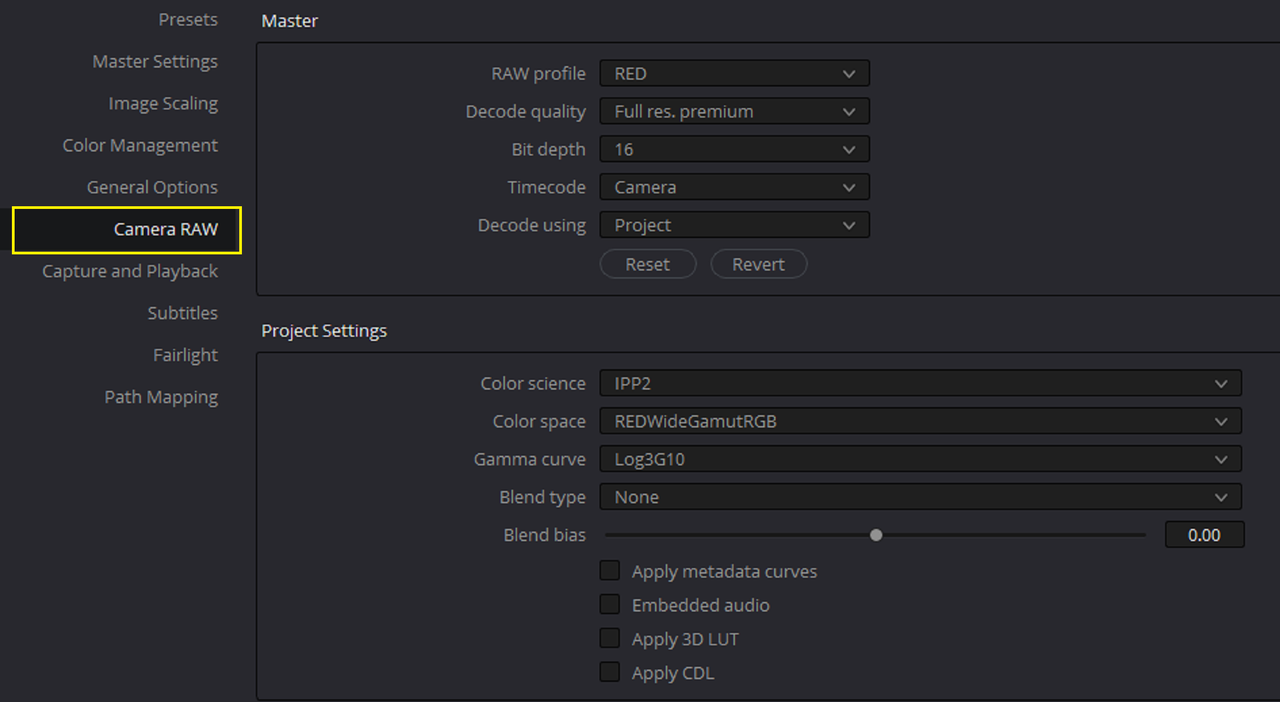
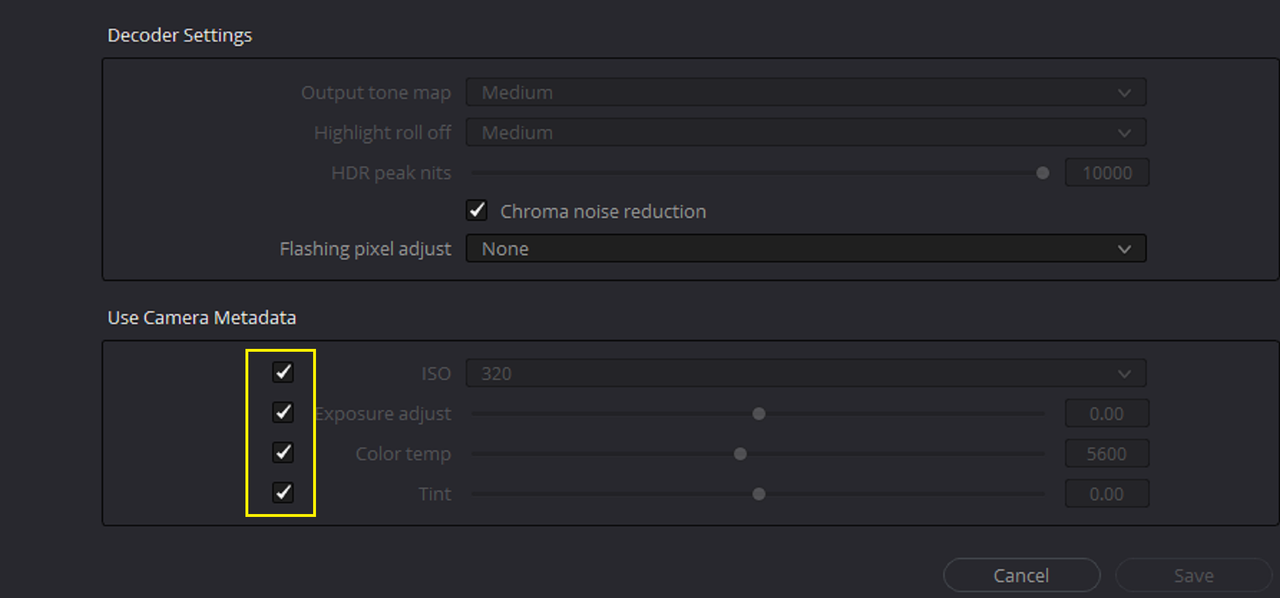
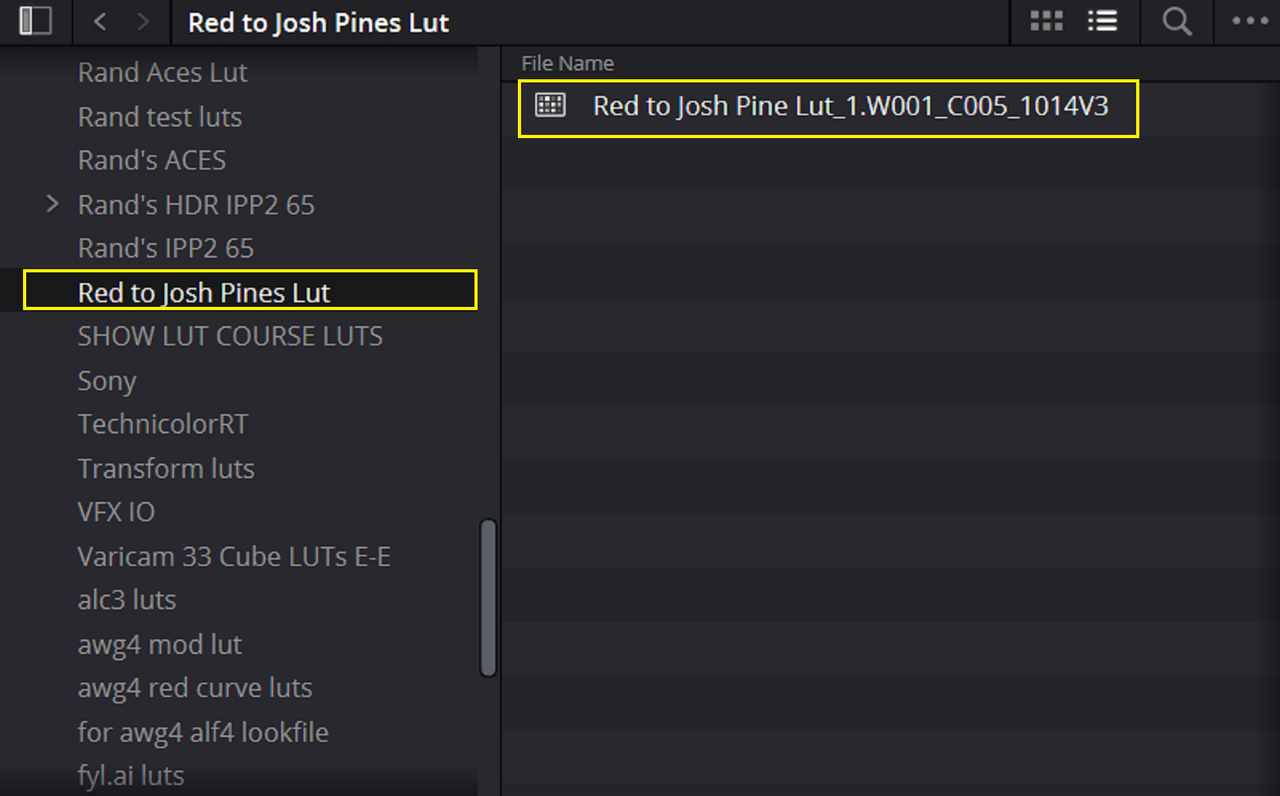
Josh Pines's Sony Venice Lut with Red IPP2


red to josh pines.zip - Jetdrop: Free Secure File Transfer

Screenshot-7122.png


Screenshot-7123.png


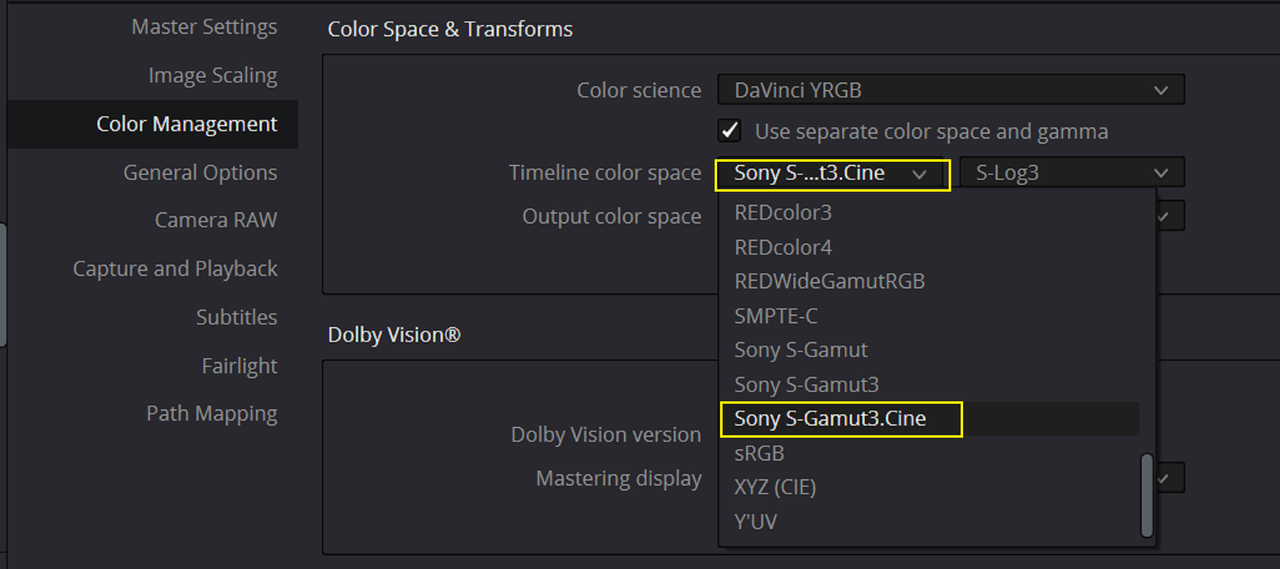
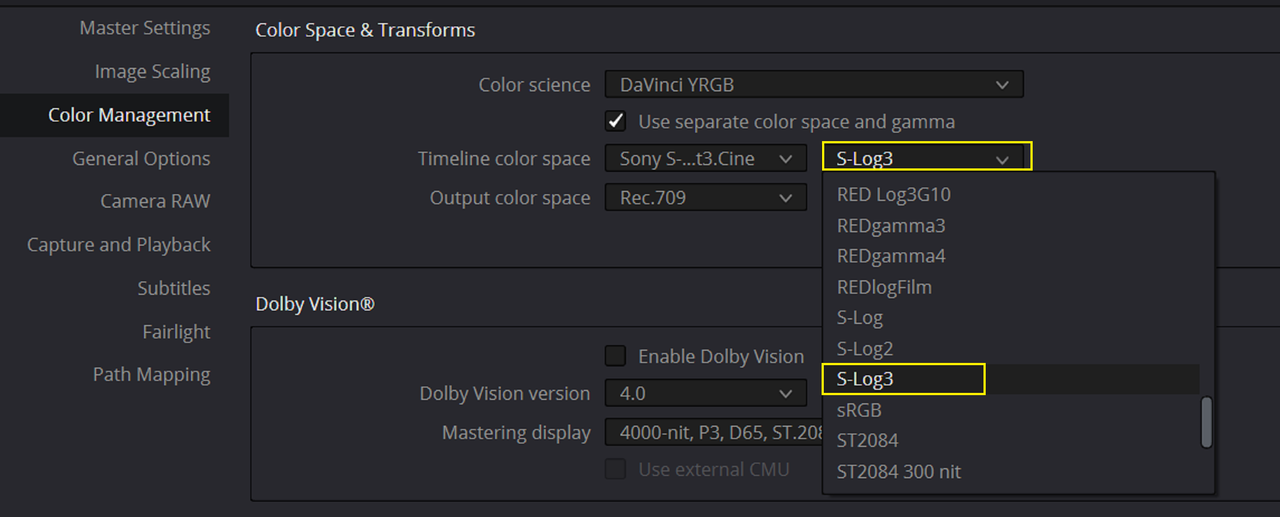
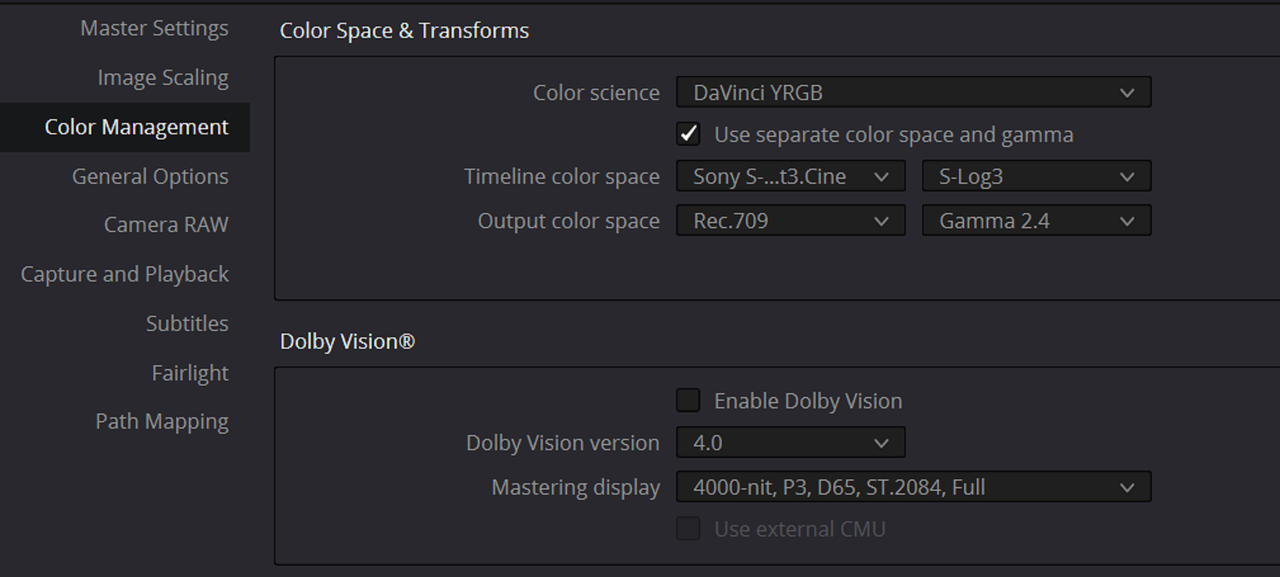
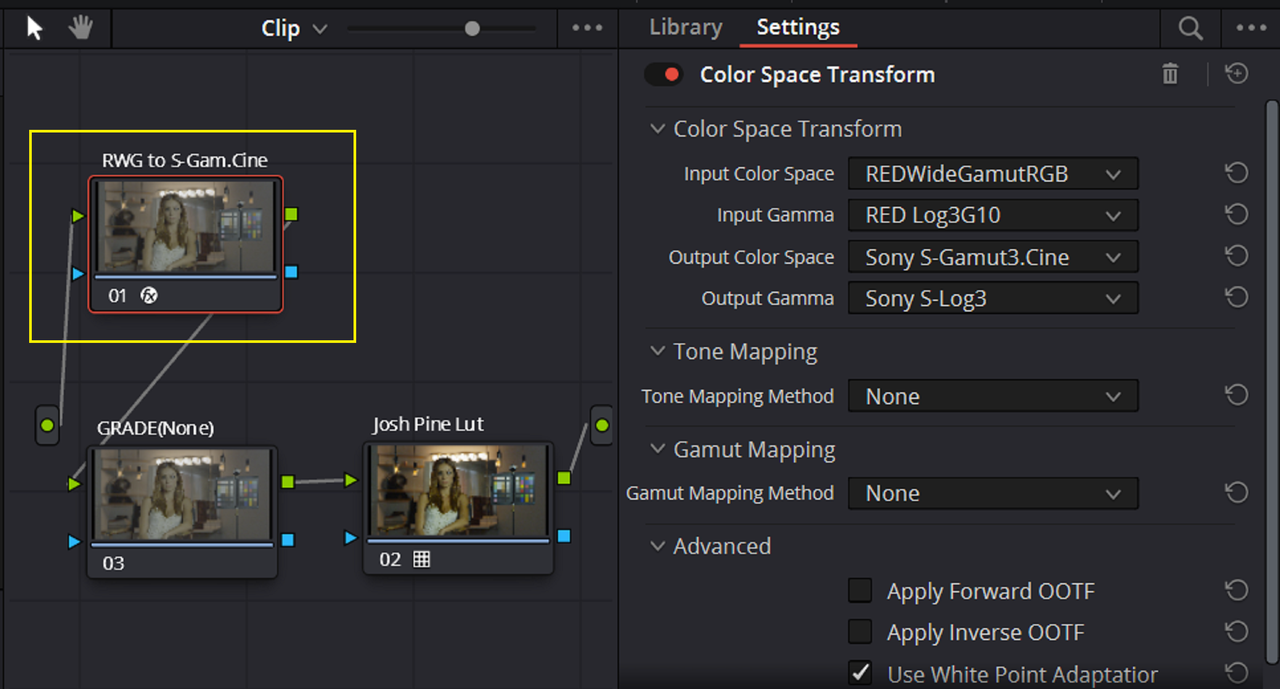
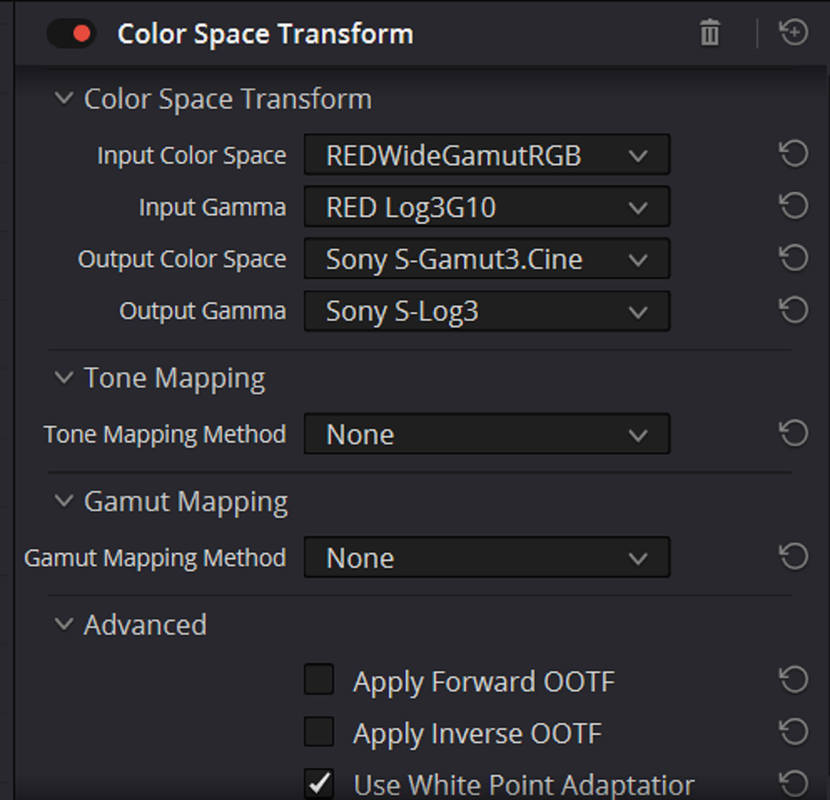
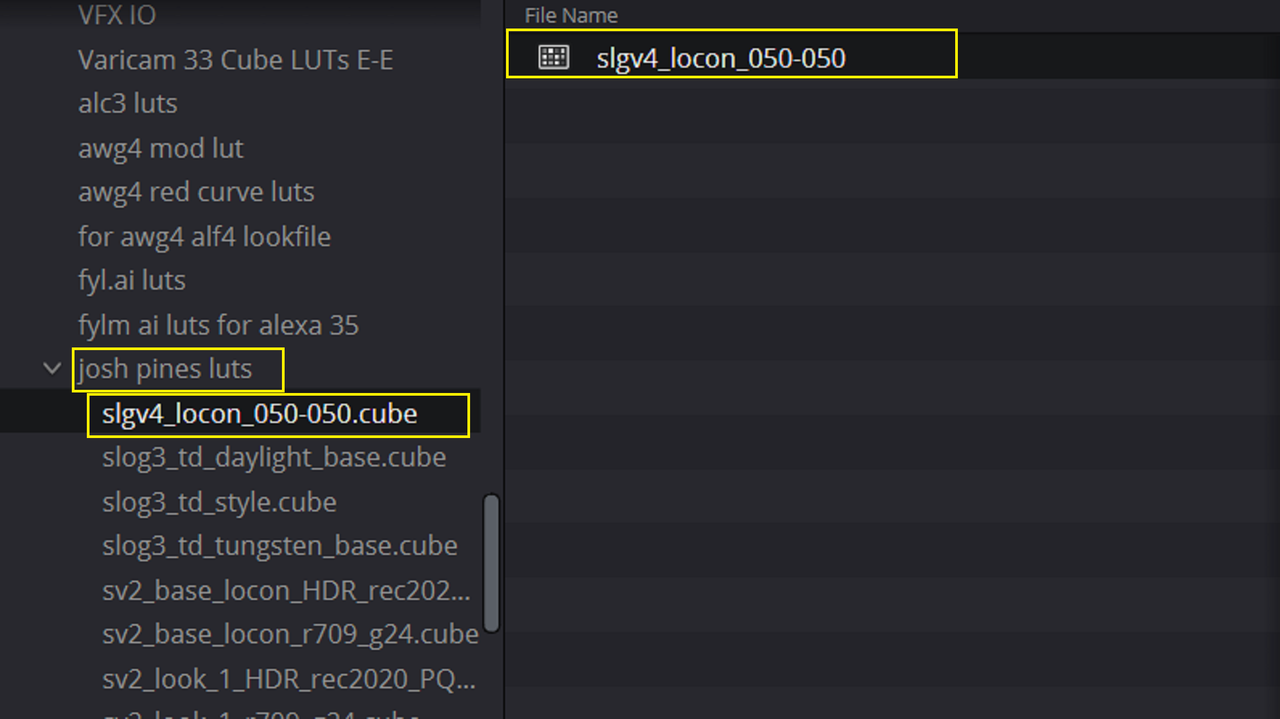
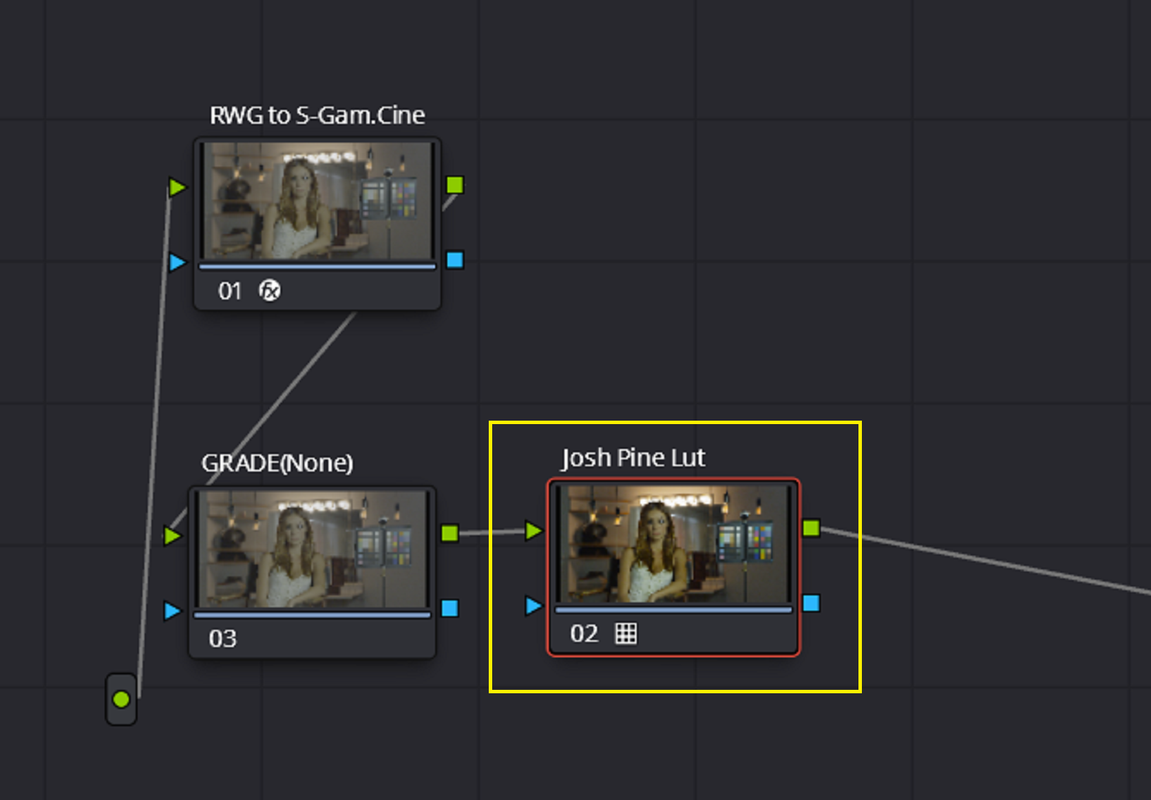
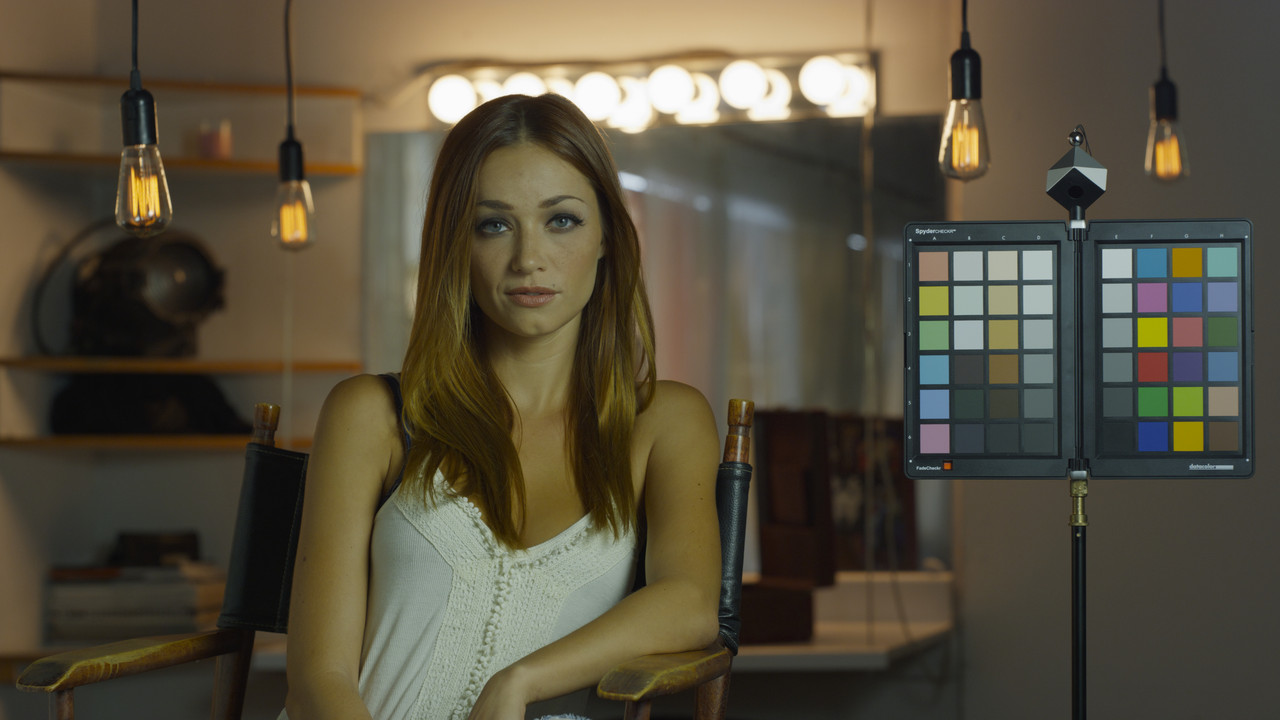
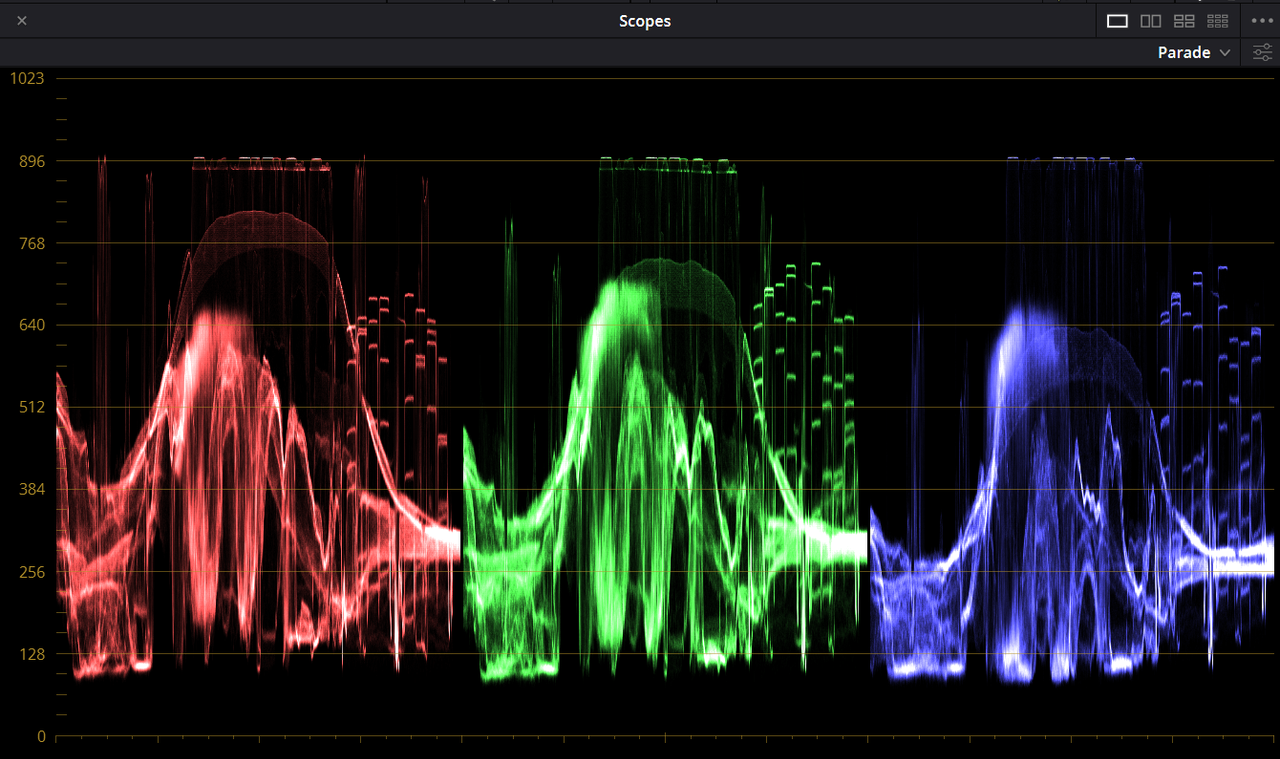
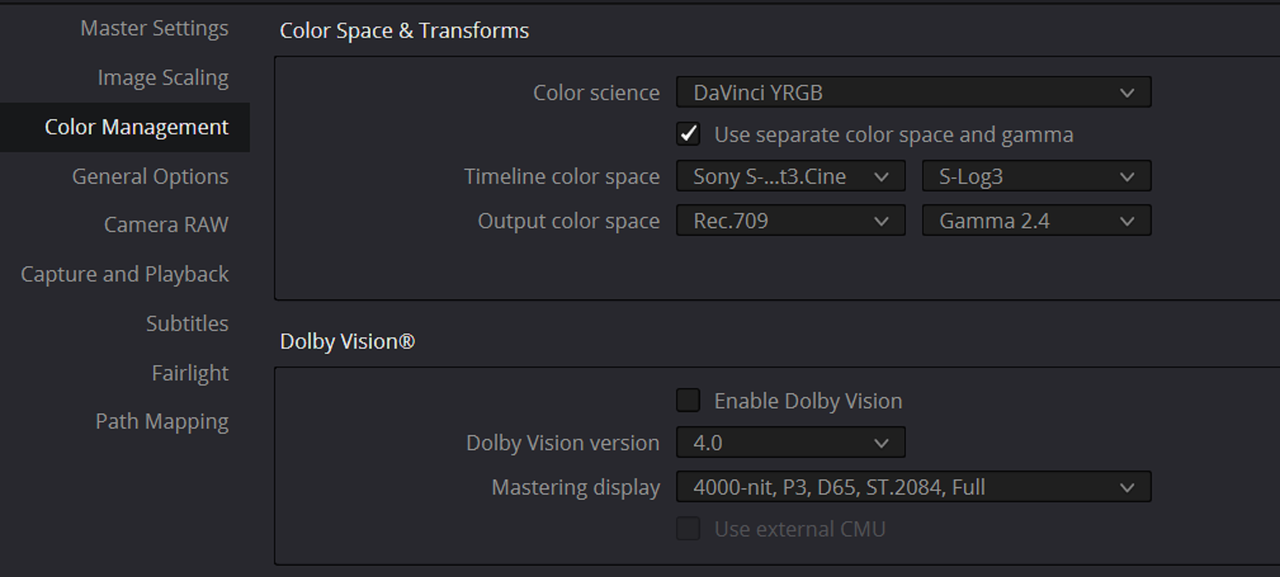
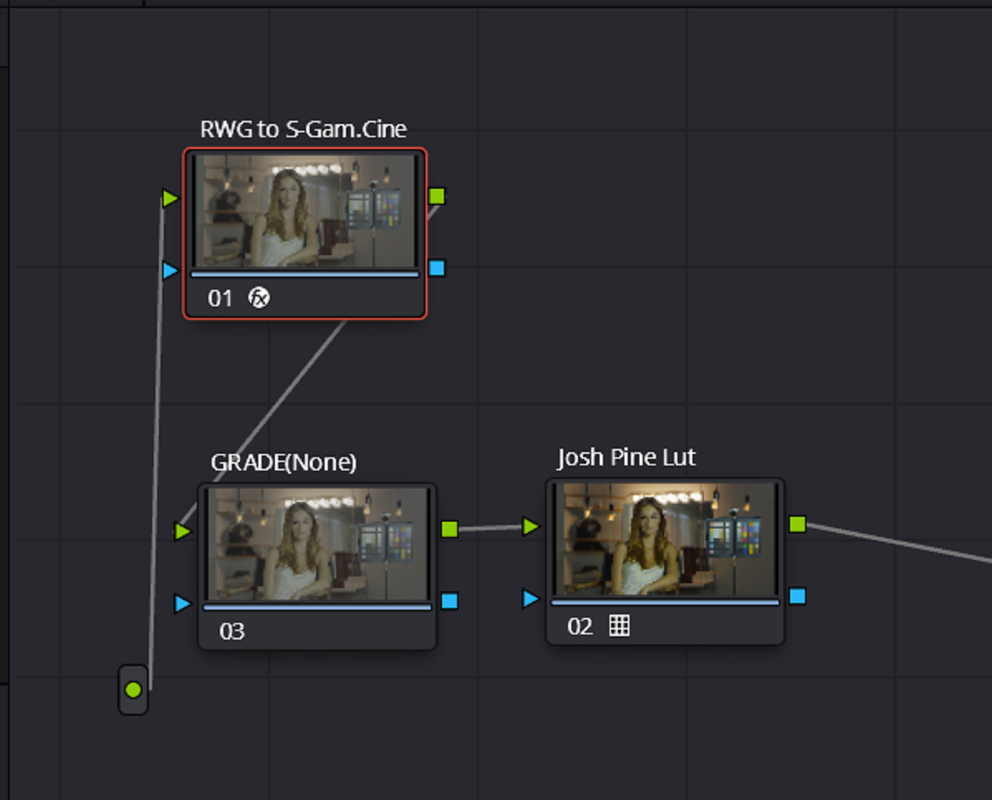
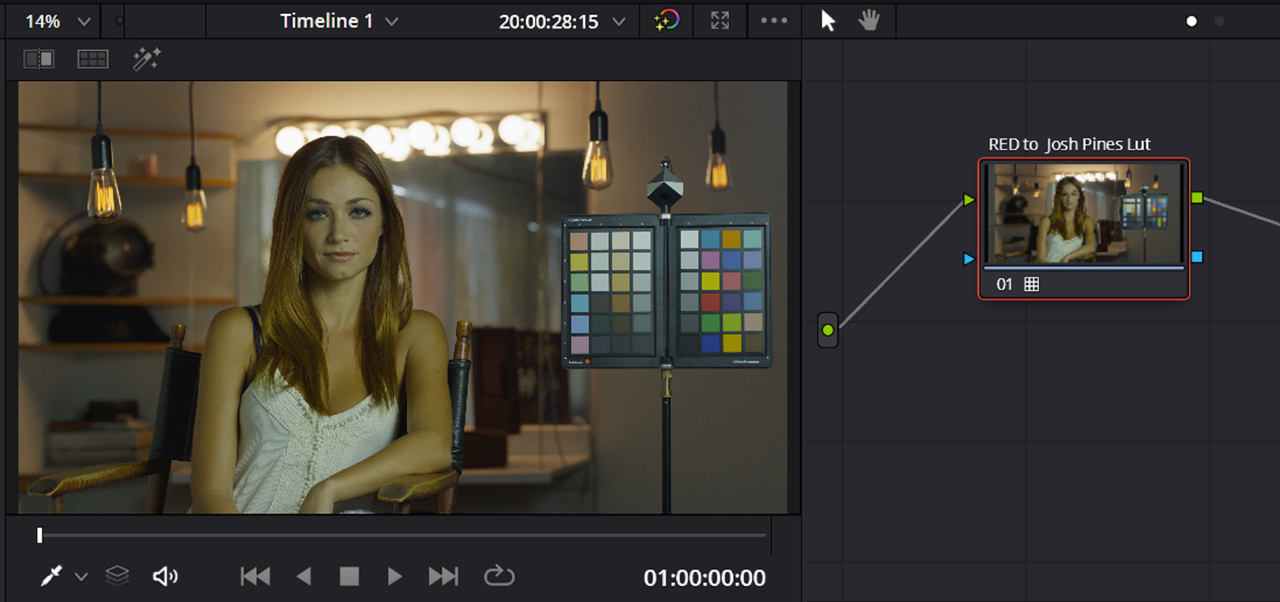
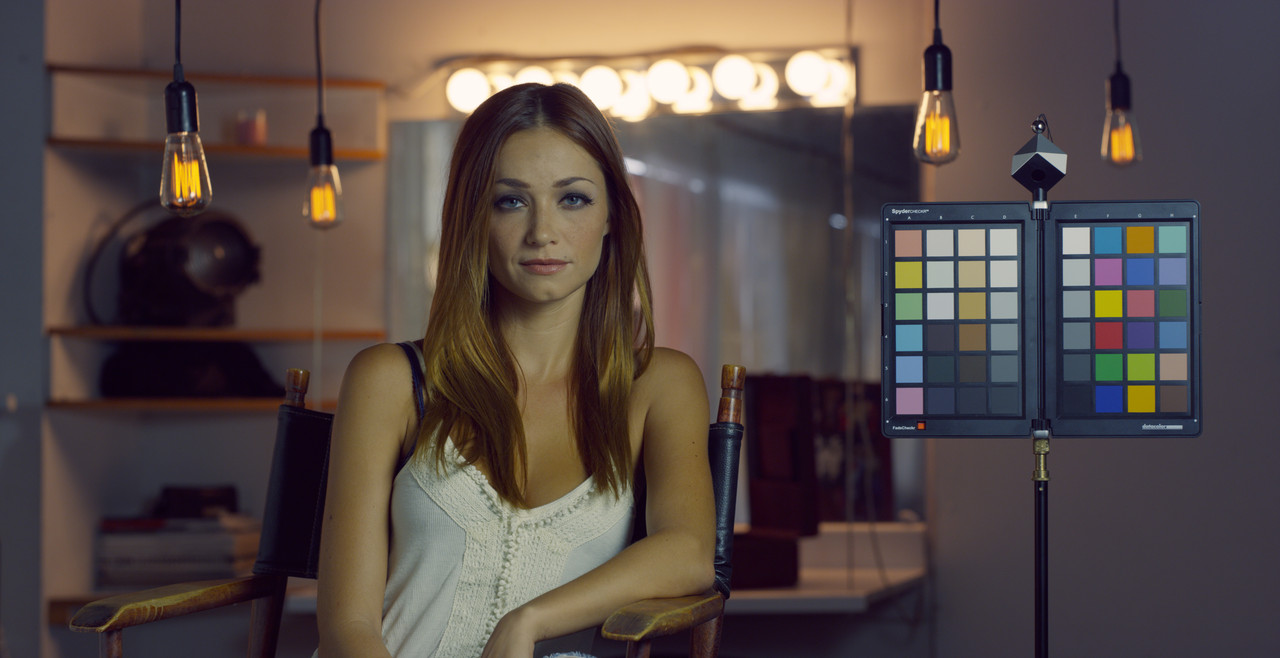
Red RWD/LOG3G10 footage converted to Sony S-Gamut3.Cine/S-Log3 with Josh Pines's SLGV4_LoCon_050-050


Screenshot-7441.png

Screenshot-7442.png


Screenshot-7431.png


Screenshot-7443.png


Screenshot-7432.png


Screenshot-7433.png


Screenshot-7444.png


W001-C005-1014-V3-001-R3-D-1-1-1.jpg


Screenshot-7437.png


Screenshot-7440.png


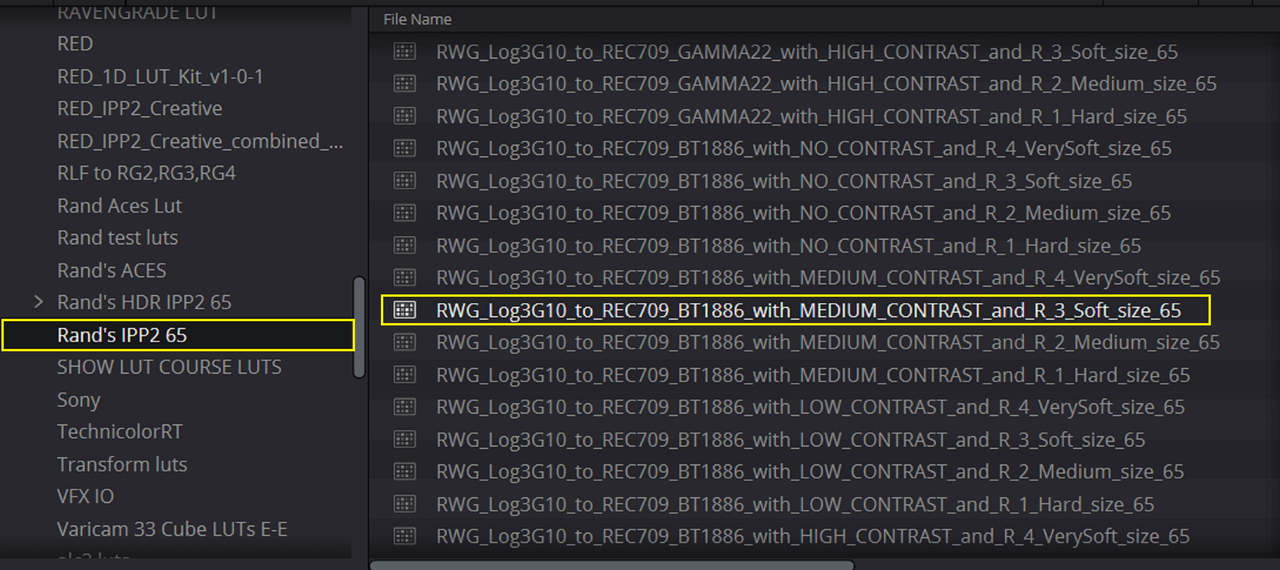
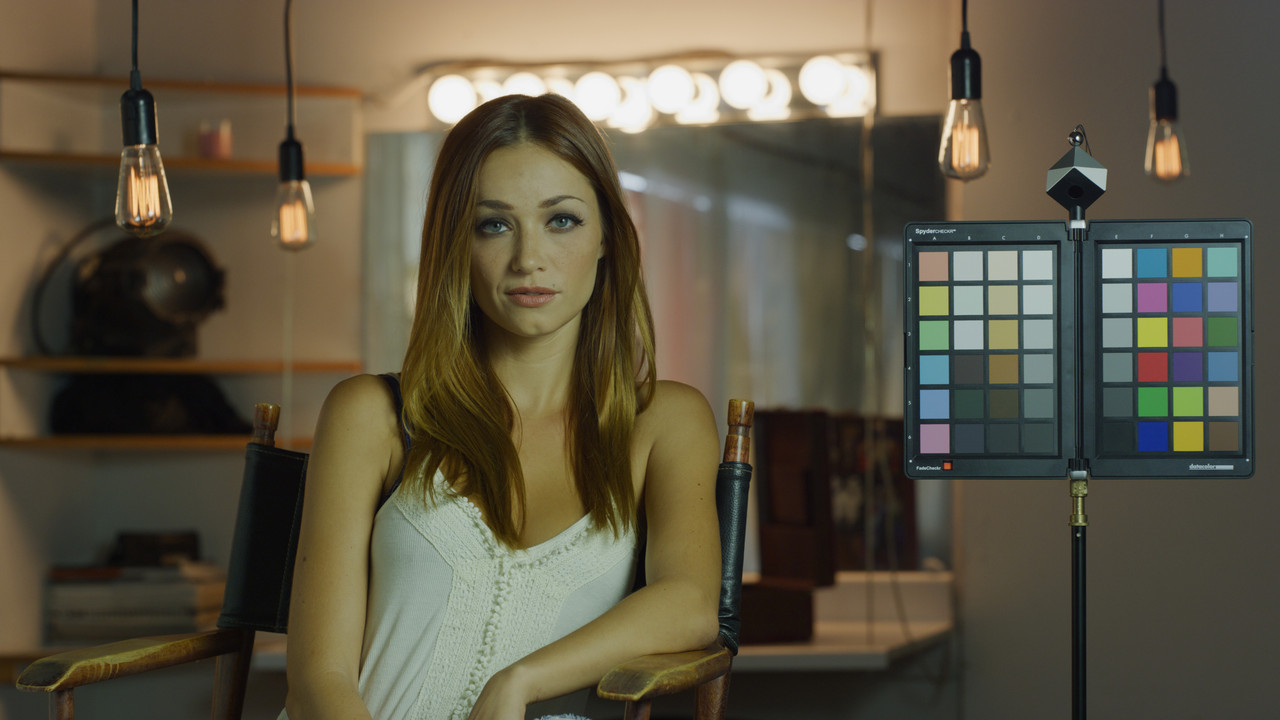
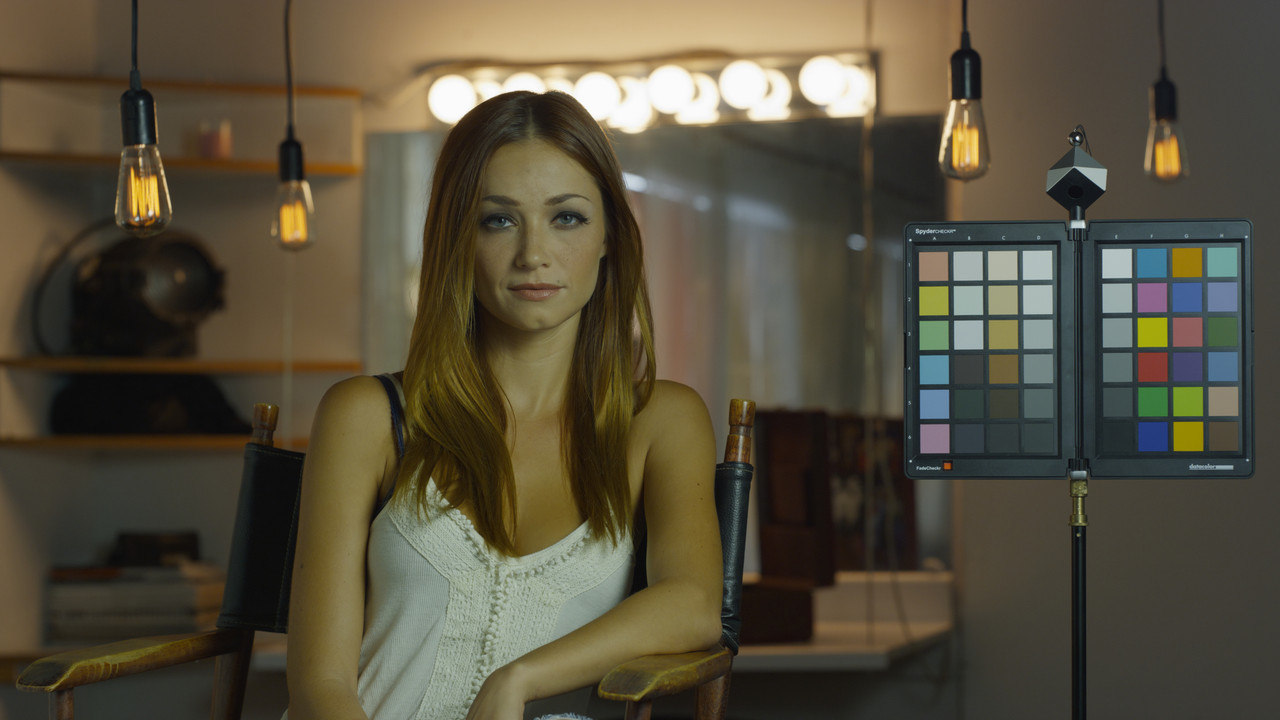
RED IPP2 with Medium Contrast/ Soft
Screenshot-7430.png


Screenshot-7435.png


W001-C005-1014-V3-001-R3-D-1-1-2.jpg


Screenshot-7438.png


Screenshot-7439.png


Red RWD/LOG3G10 footage converted to Sony S-Gamut3.Cine/S-Log3 with Josh Pines's SLGV4_LoCon_050-050 Lut.

W001-C005-1014-V3-001-R3-D-1-1-1.jpg


RED IPP2 with Medium Contrast/ Soft


W001-C005-1014-V3-001-R3-D-1-1-2.jpg
 
Last edited:
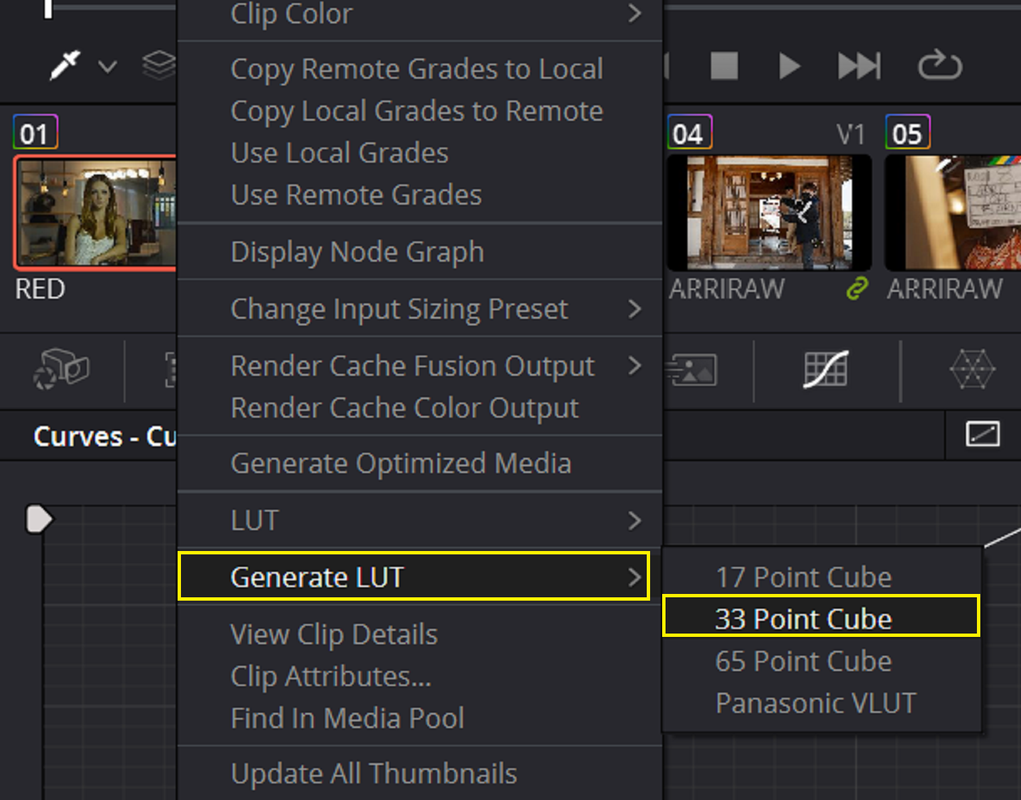
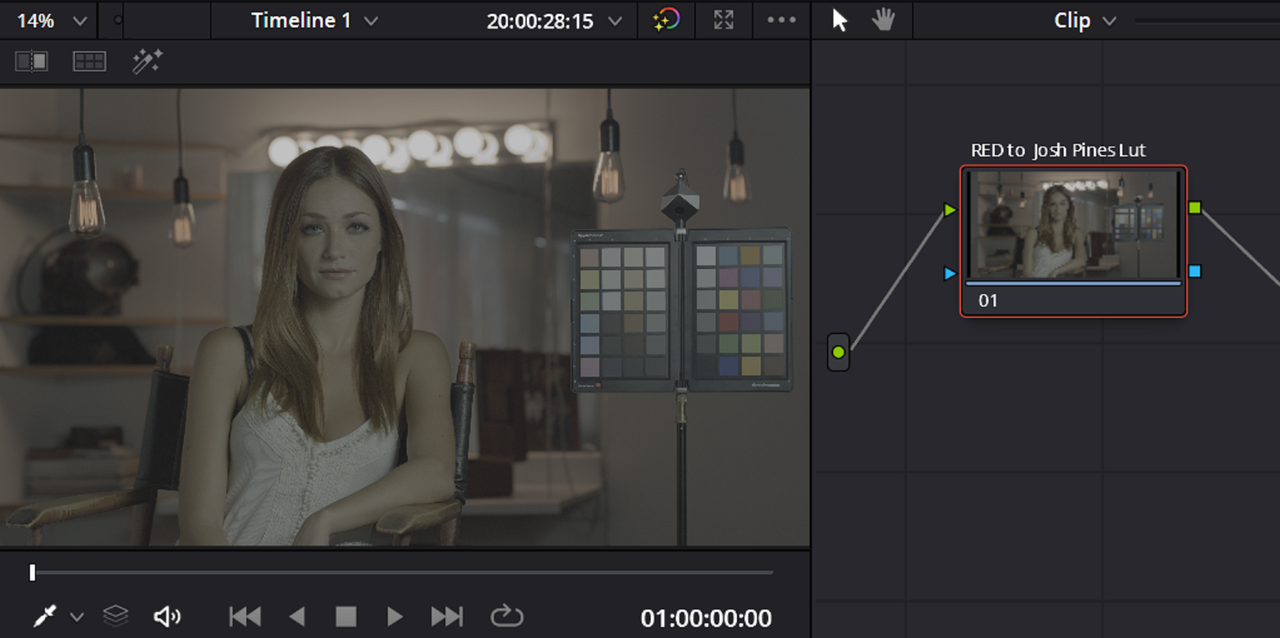
You should be able to save this Red to Sony Workflow as a Lut to use to monitor in a Red Camera for a Sony workflow if you disable/bypass the Red IPP2 Output Transform. Since both the RED IPP2 Output Transform and the Red to Josh Pine Luts takes a RWG/LOG3G10 image from RWG/LOG3G10 to Rec709(in this case) they should both act the same but with different color properties.


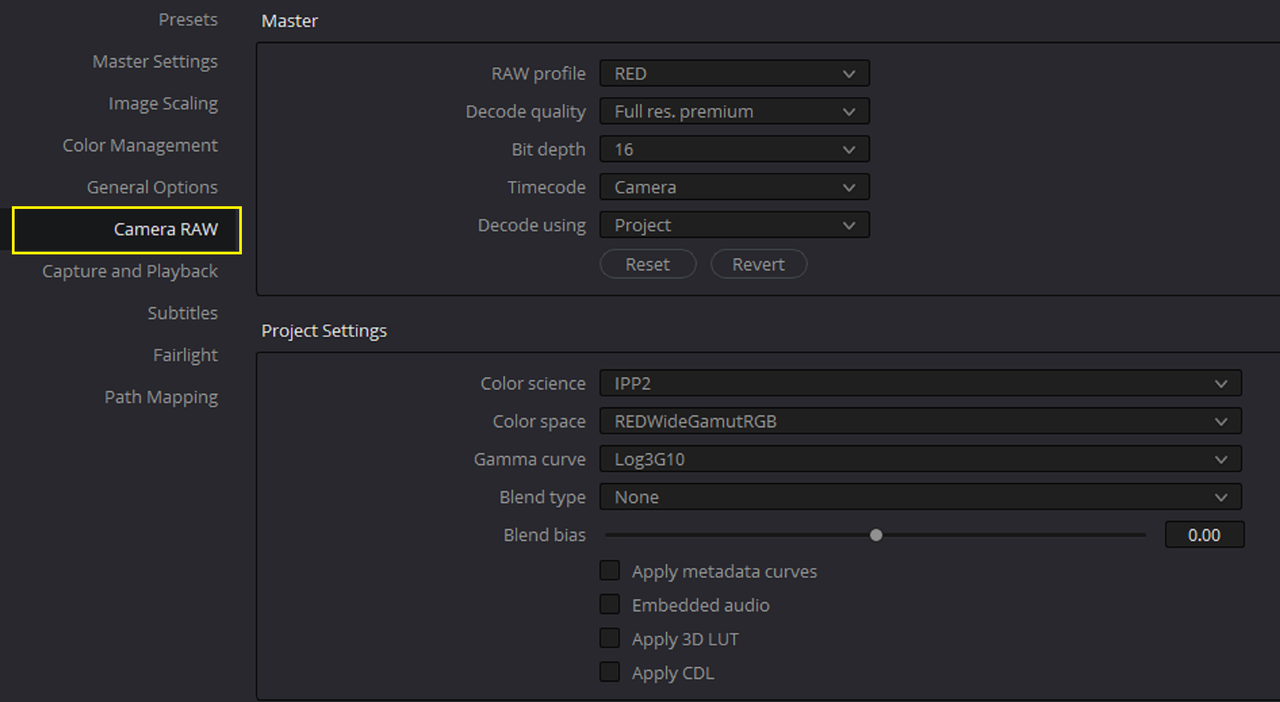
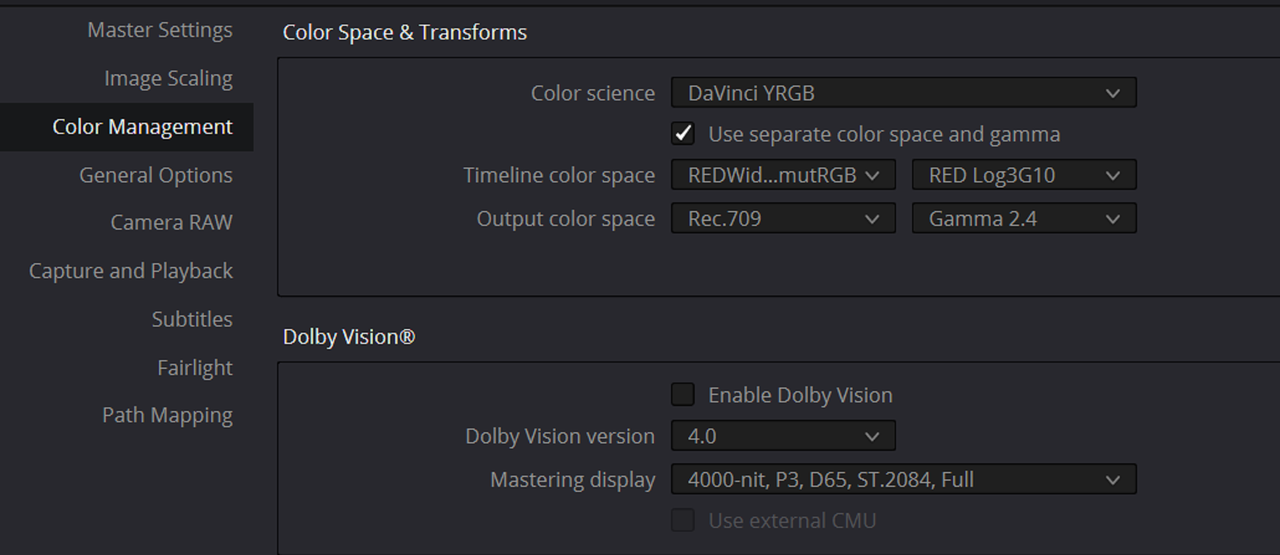
In Davinci Resolve


1.png


2.png


5.png


4.png


Right-Click on the clip with the Red to Sony Workflow and save it as a Lut


5.png


6.png


Back inside of Resolve

5.png


7.png


8.png


9.png


W001-C005-1014-V3-001-1-1-1.jpg


In Redcine-X

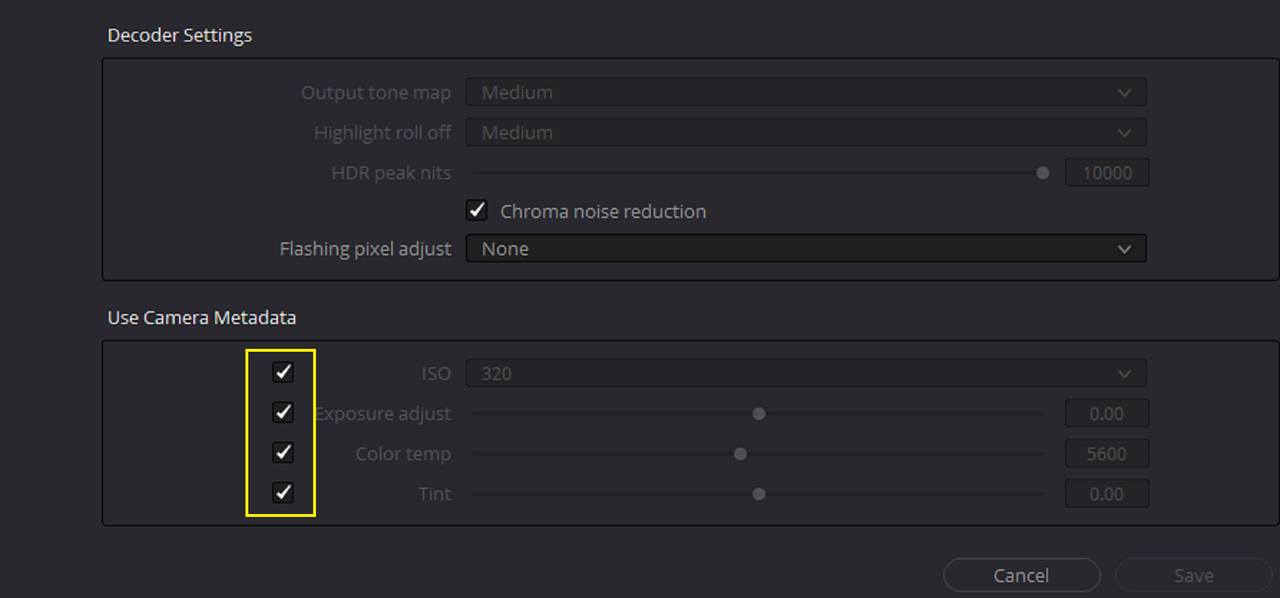
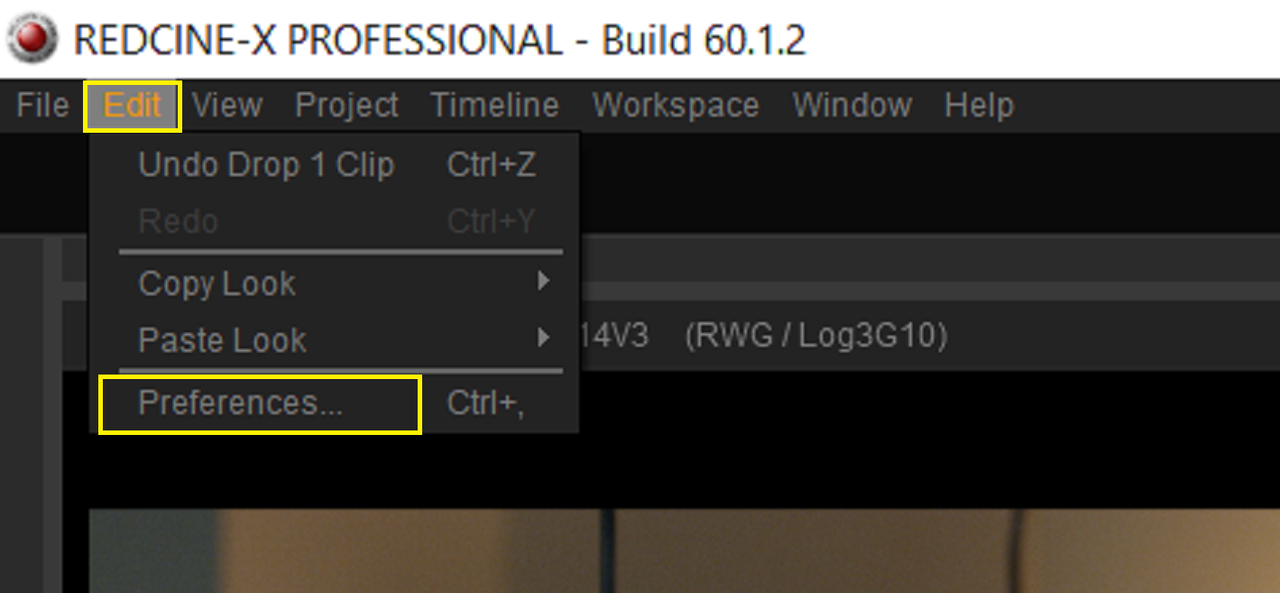
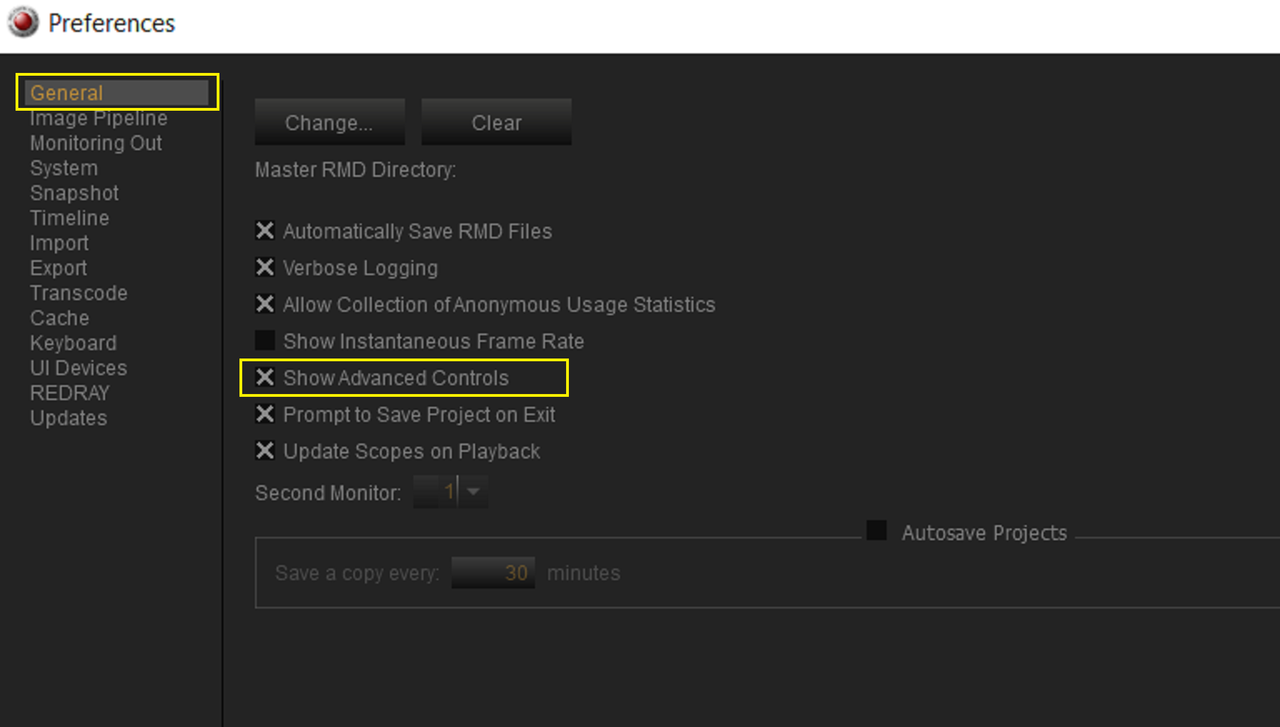
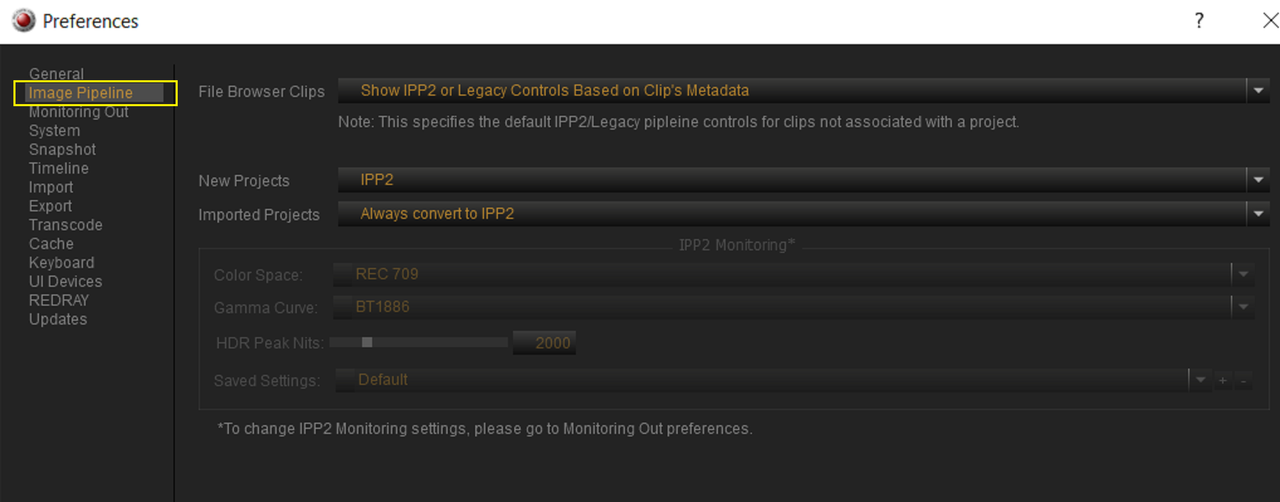
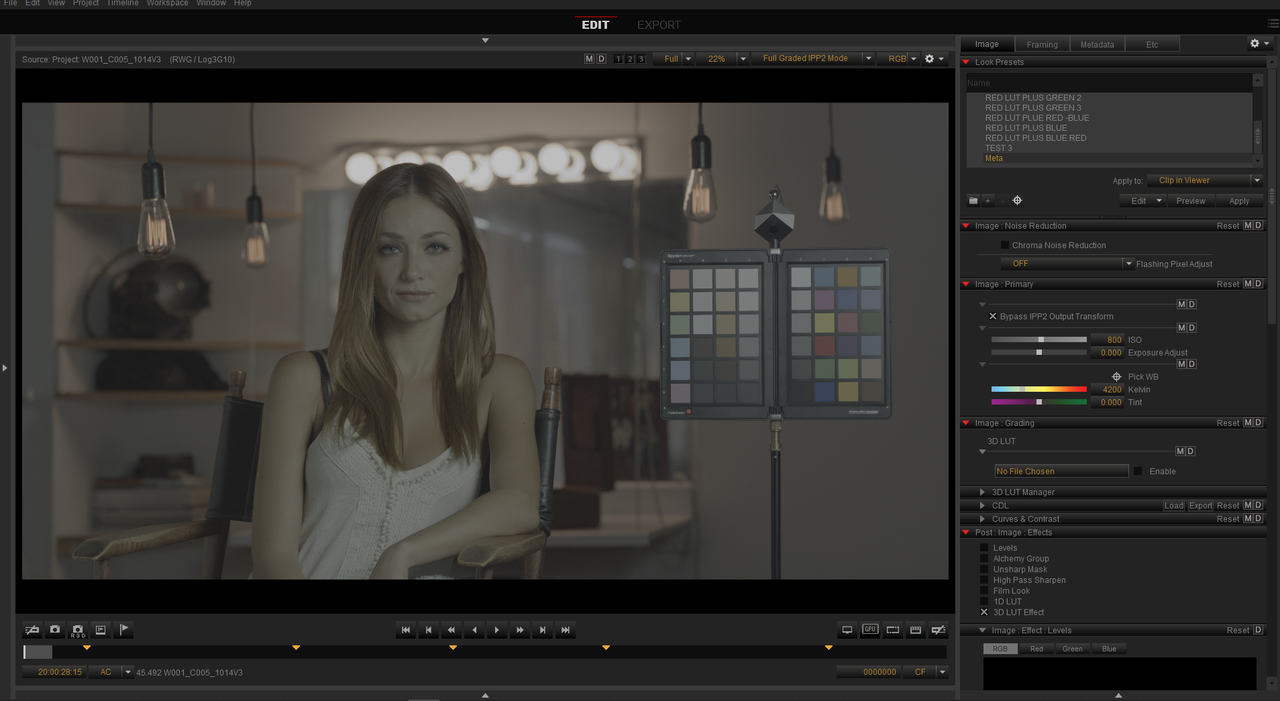
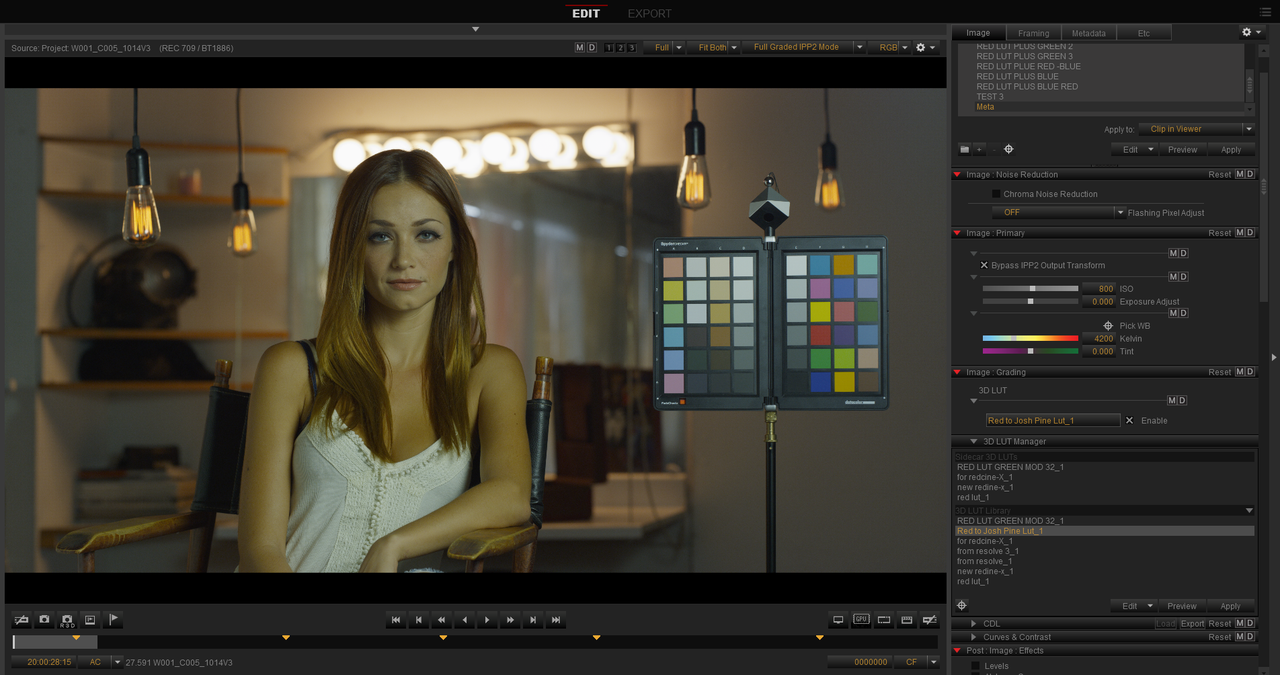
Go to "Preferences" then "General" to select "Show advanced Controls" then go to "Image Pipeline" to Change the settings below. Next close out Redcine-X and open it back up again.

1.png


2.png

3.png


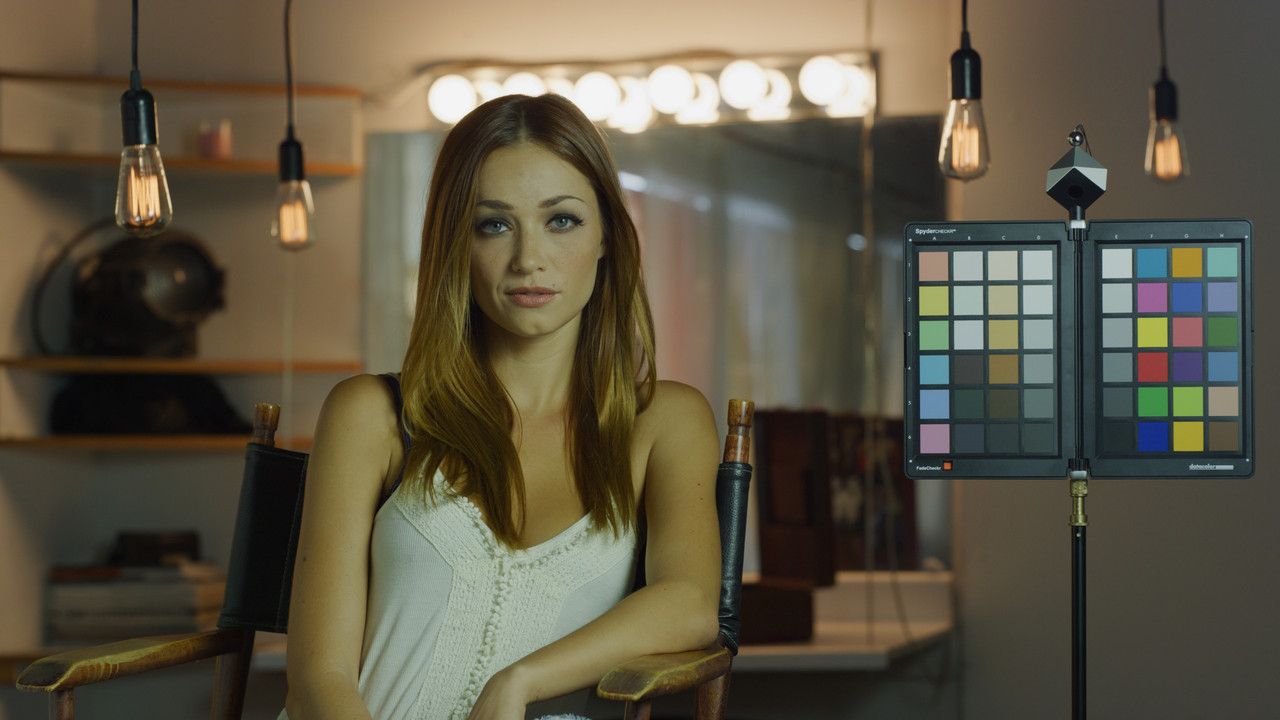
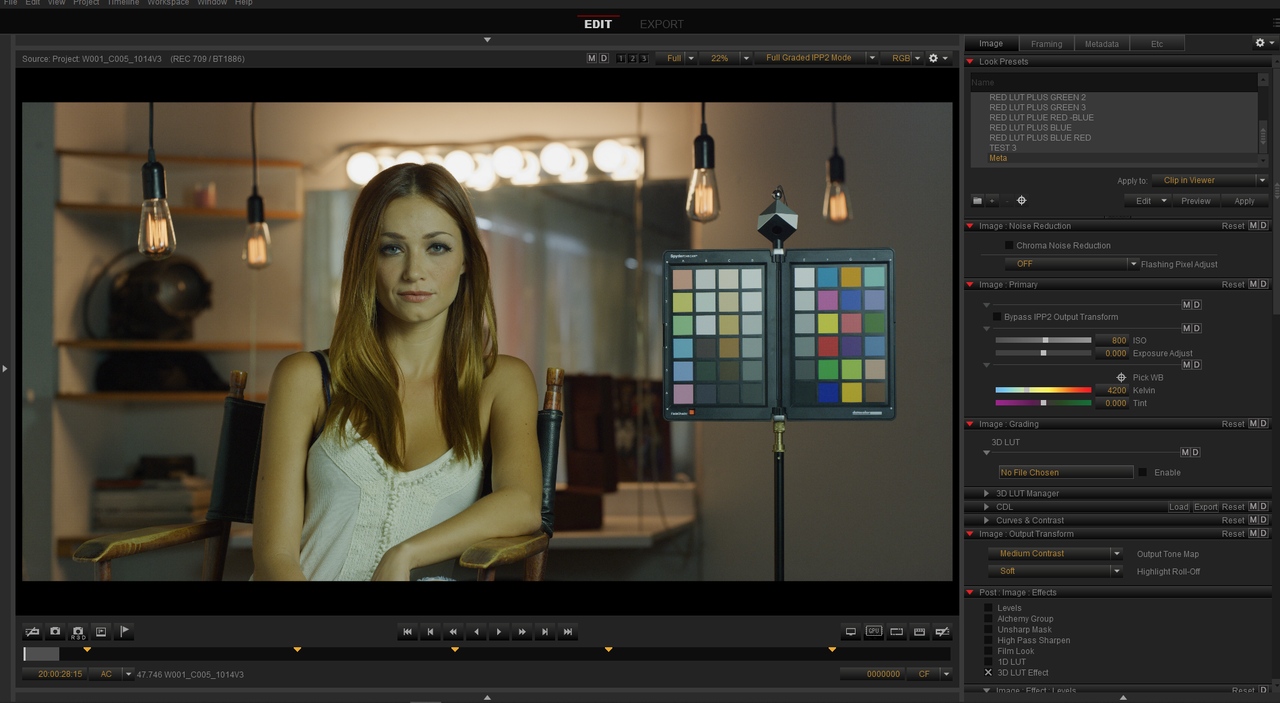
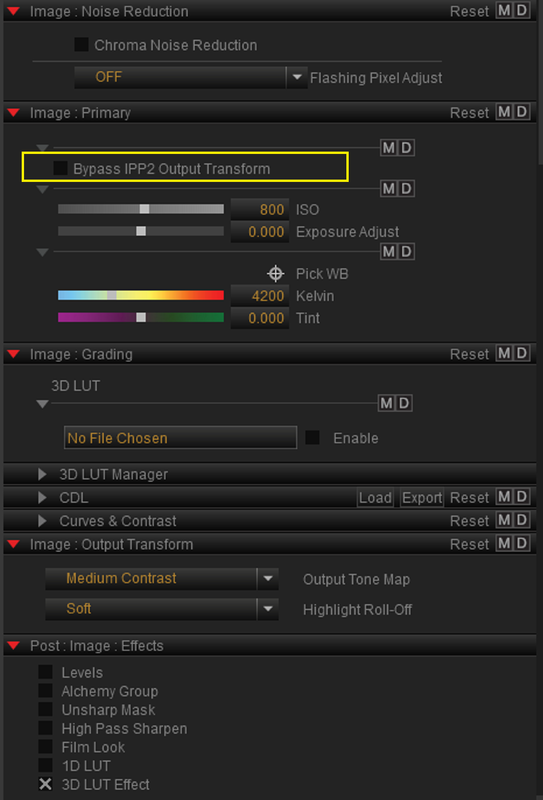
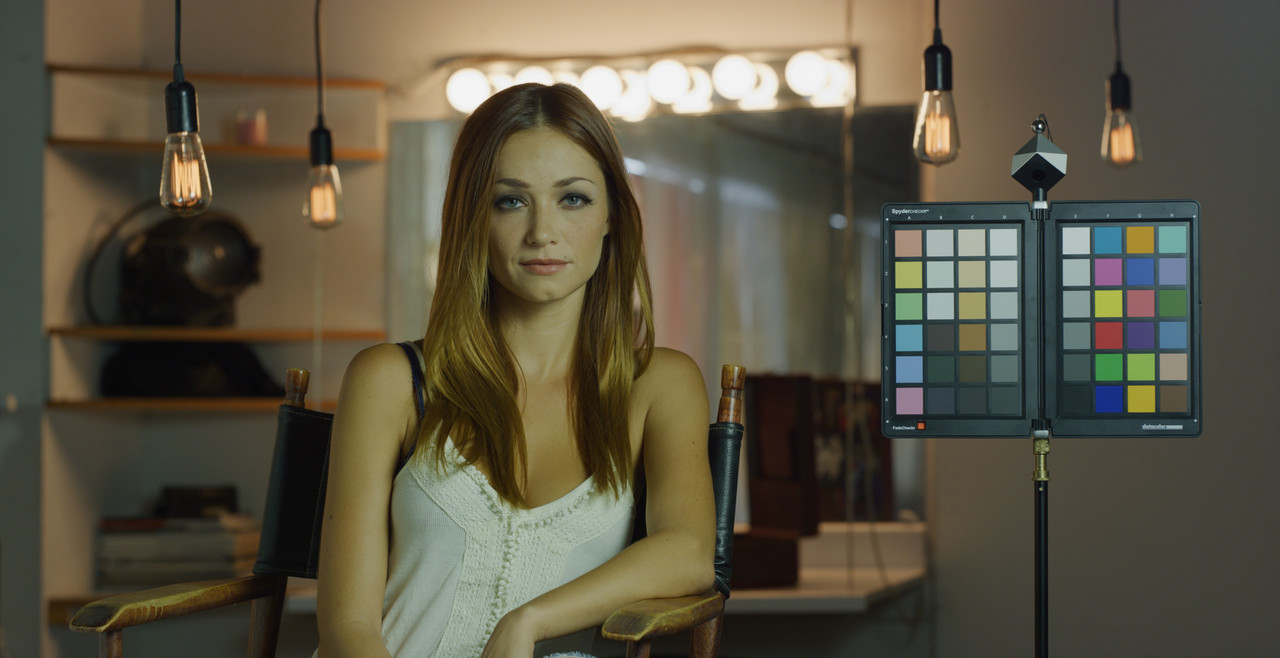
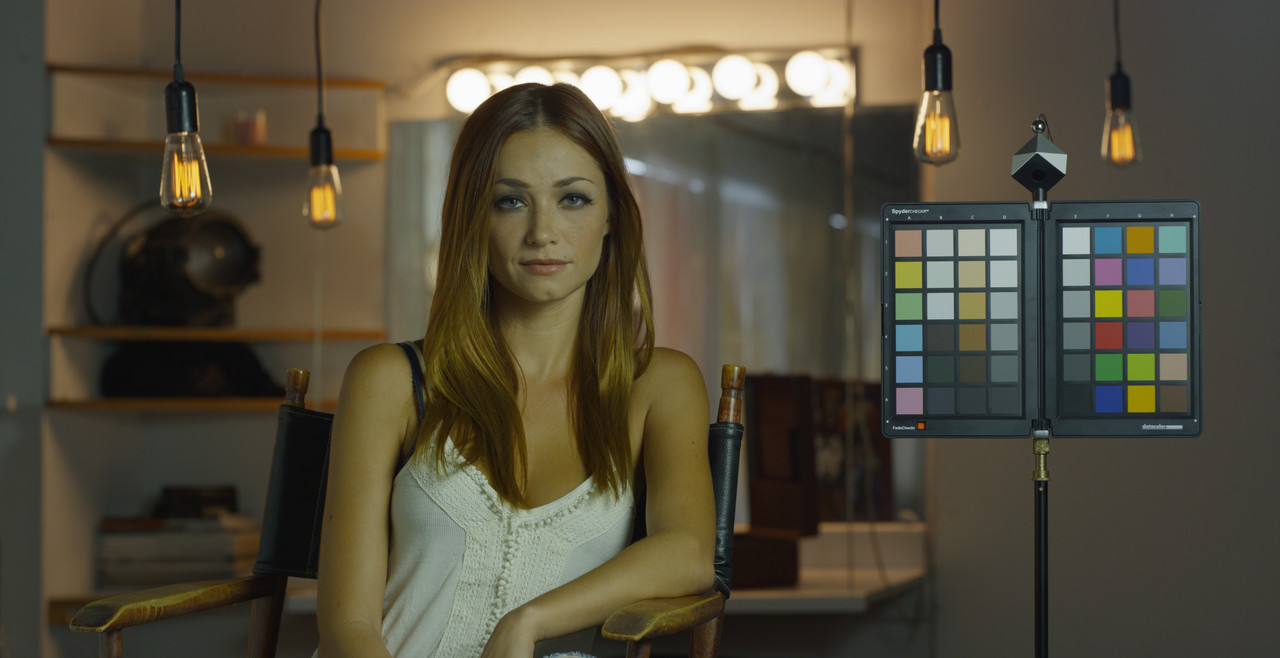
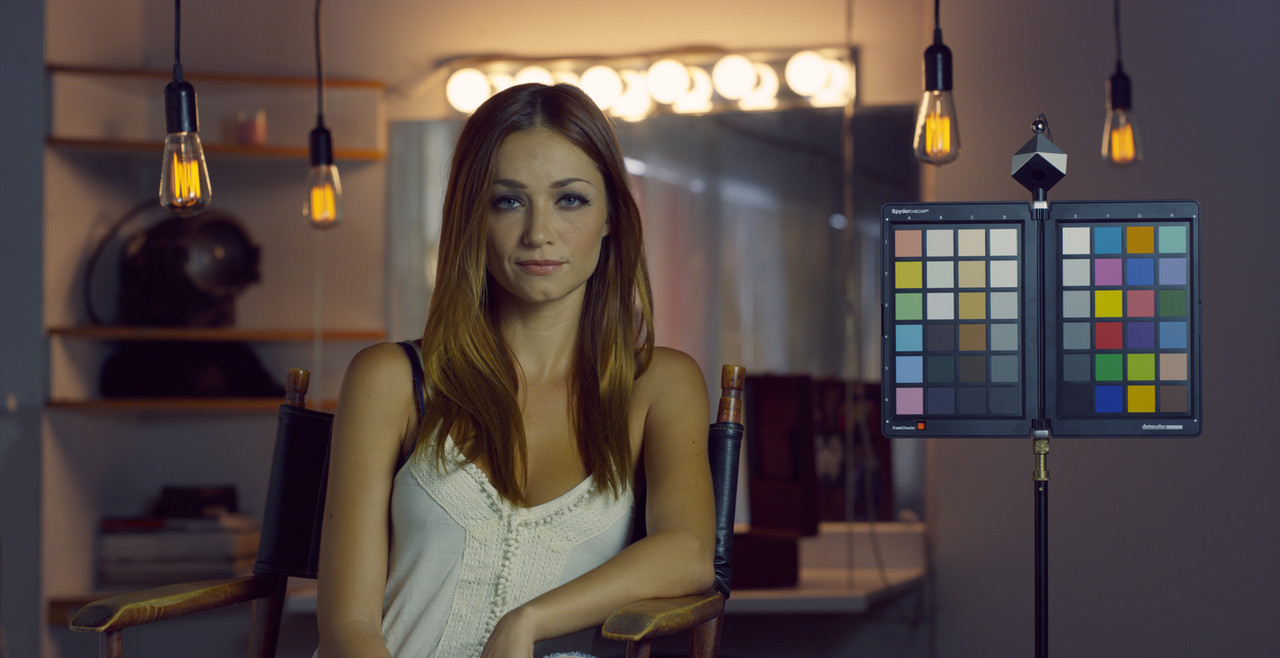
This is what the sample RED.R3D image looks like with the Red Medium/Soft IPP2 Output Transform applied and "Bypass IPP2 Output Transform" disabled.

4.png


5.png

4a.jpg


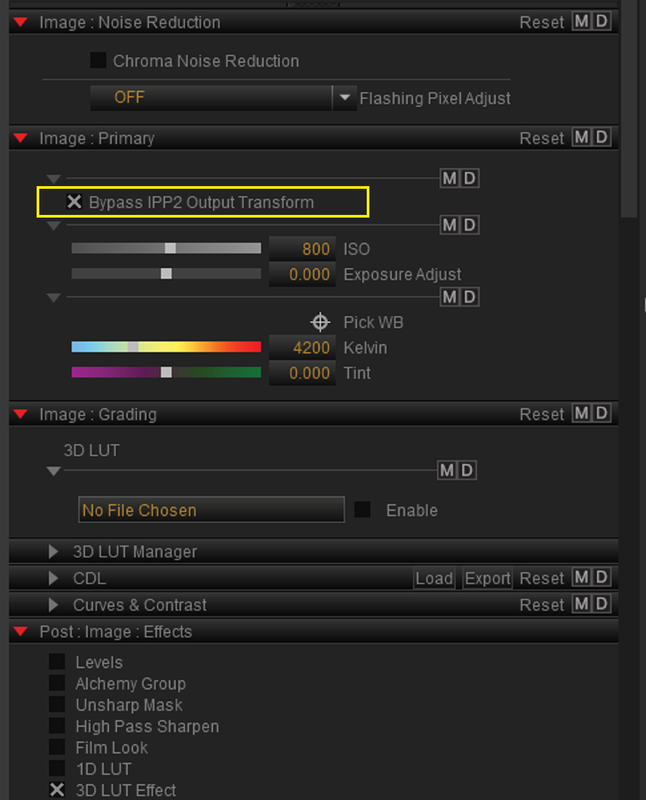
Next you have to Enable "Bypass IPP2 Output Transform" in order to apply the "Red to Josh Pine Workflow Lut"


6.png


7.png


8.jpg


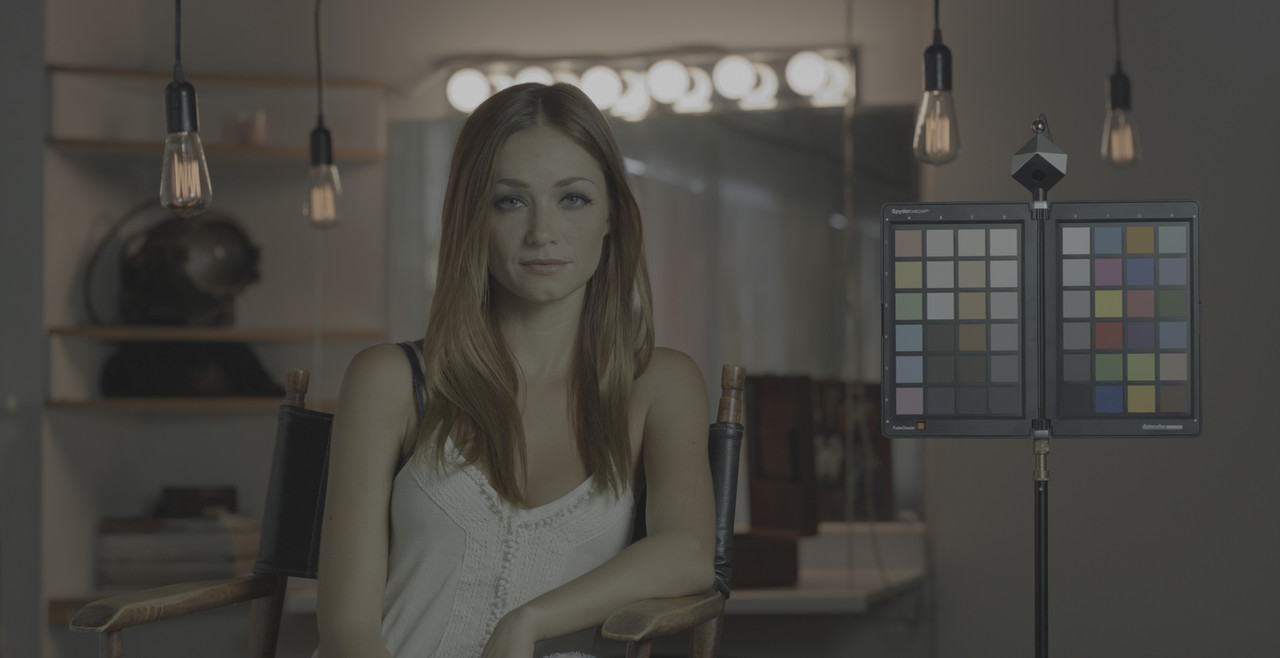
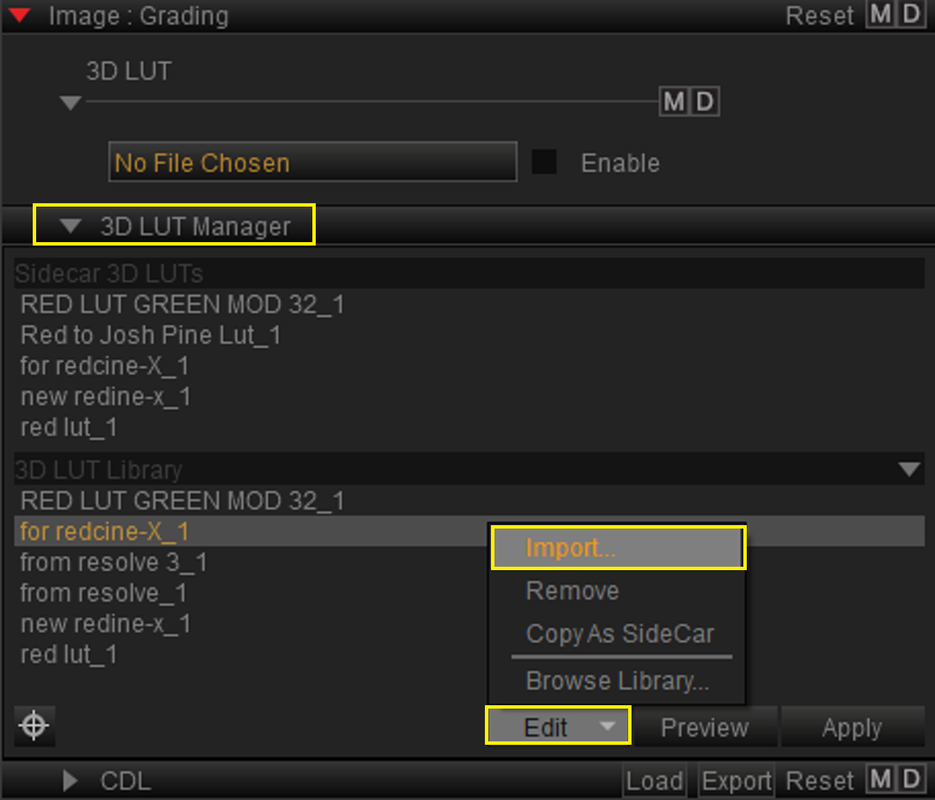
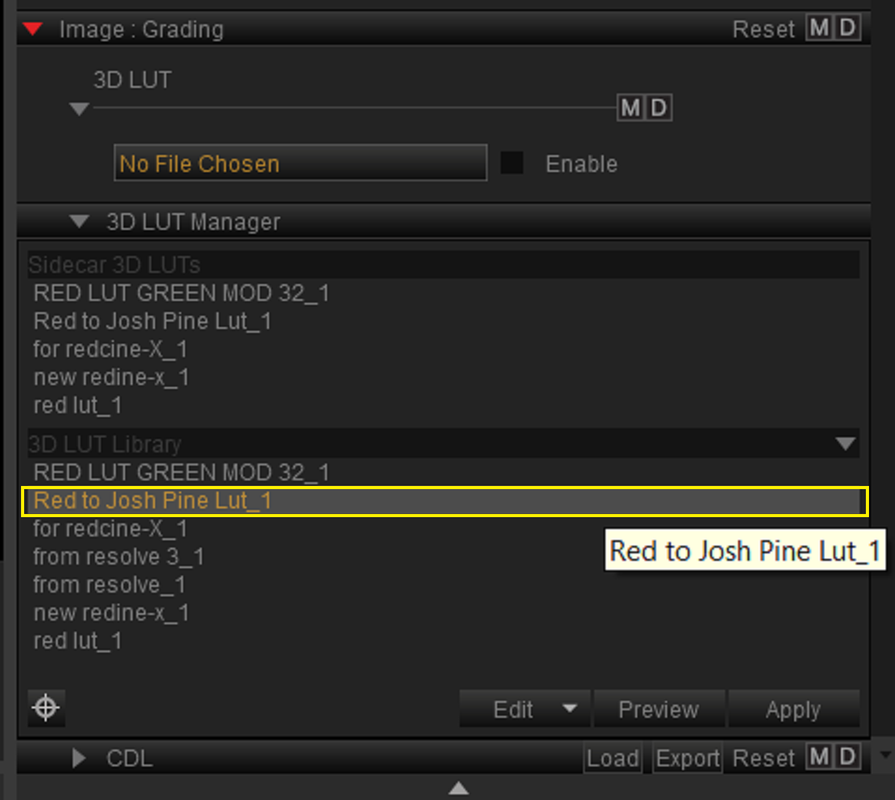
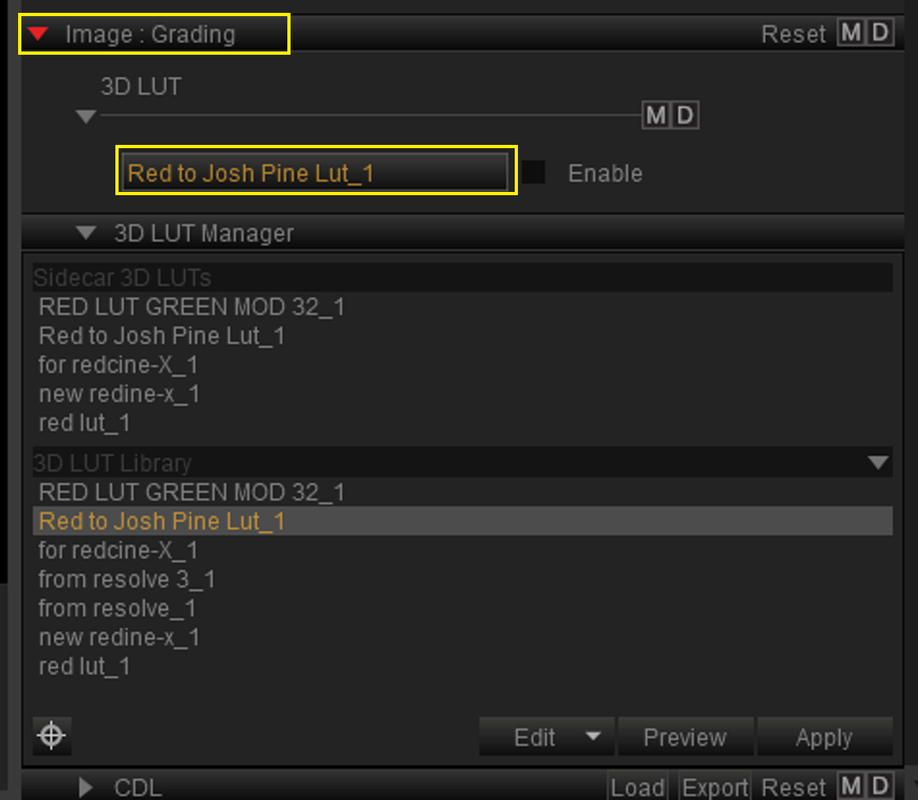
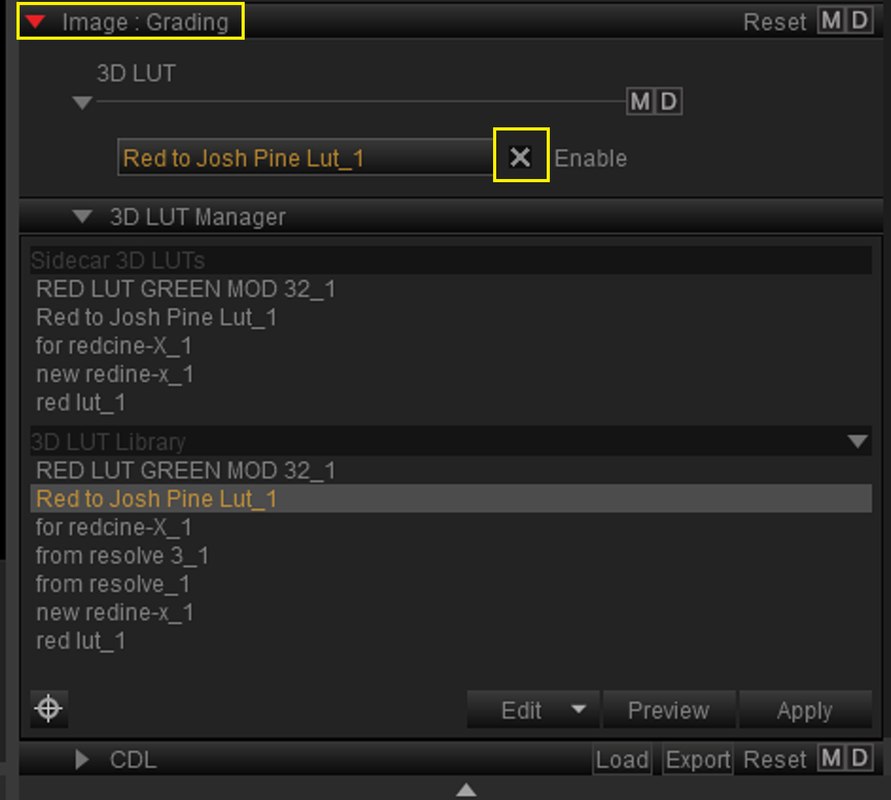
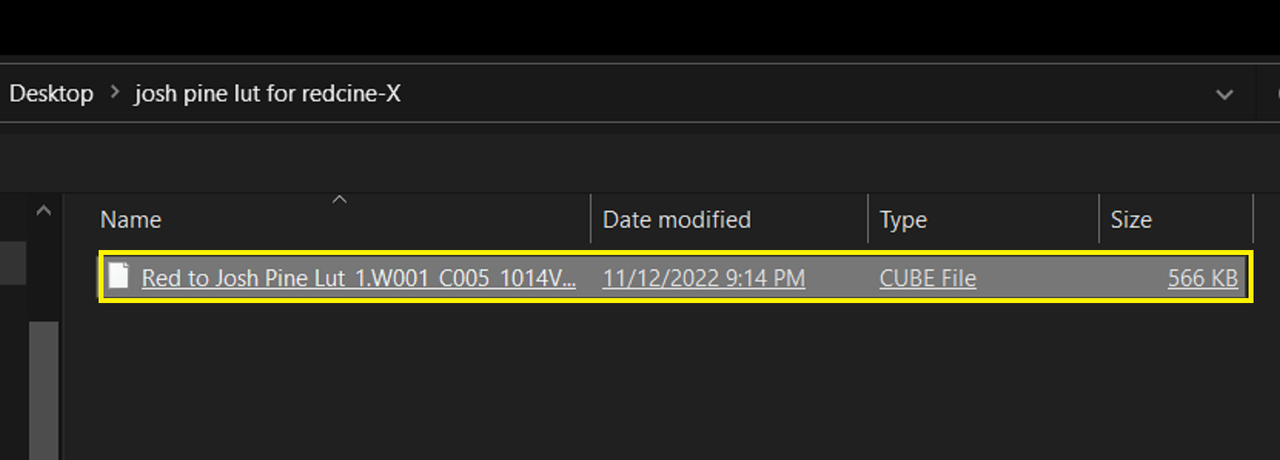
Now go under "3D Lut Manager" then "Edit" then "Import" to select the "Red to Josh Pine Lut". Next you should see it in the list of Luts under the "3D Lut Manager". Double Click the "Red to Josh Pine Lut" so that it loads under the "Image:Grade" window, enable it and you're done.


9.png


10.png


11.png


12.png


13.png


14.png


15.jpg
 
Last edited:
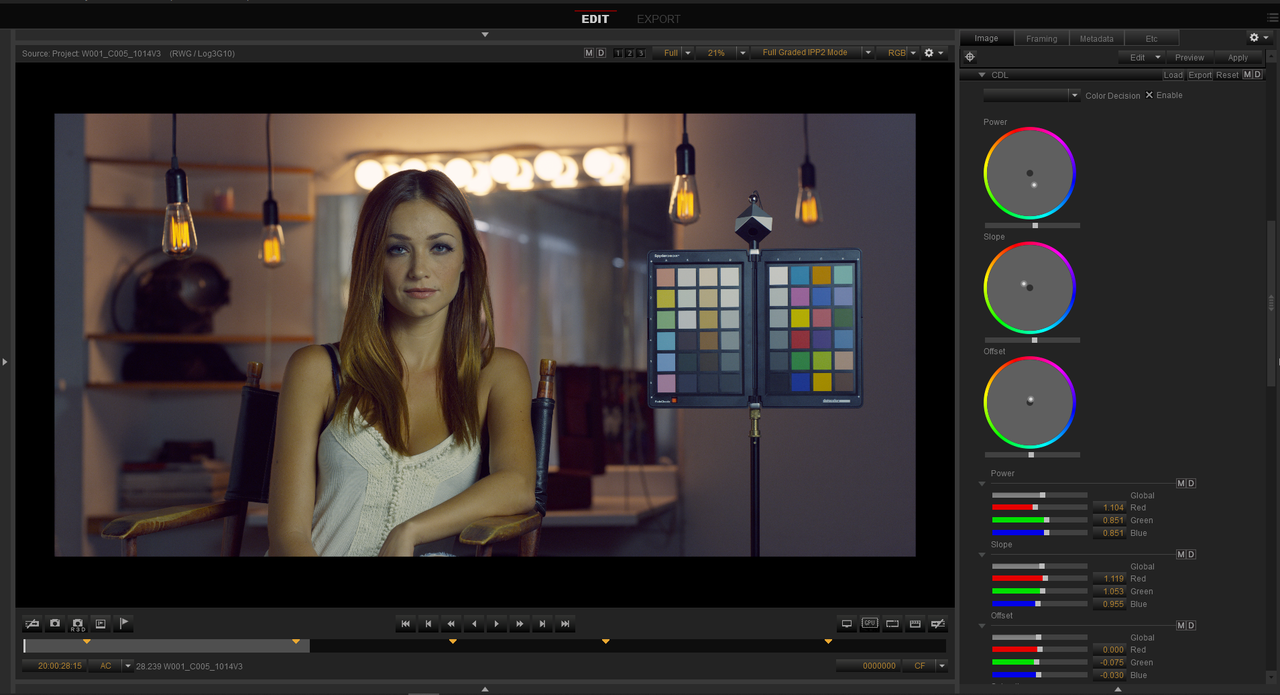
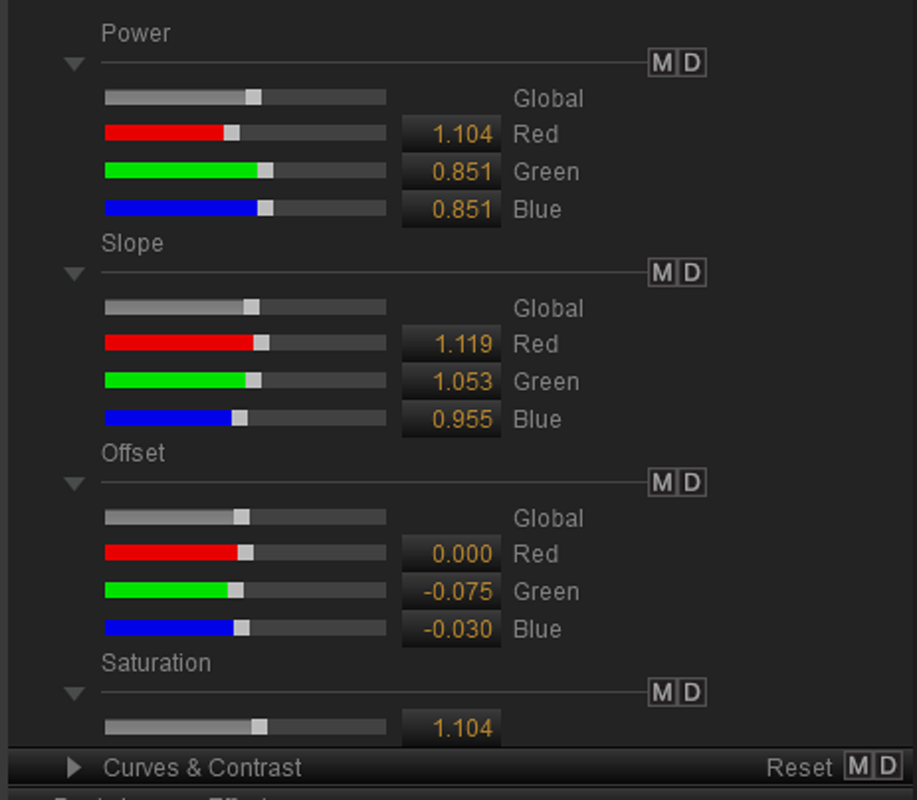
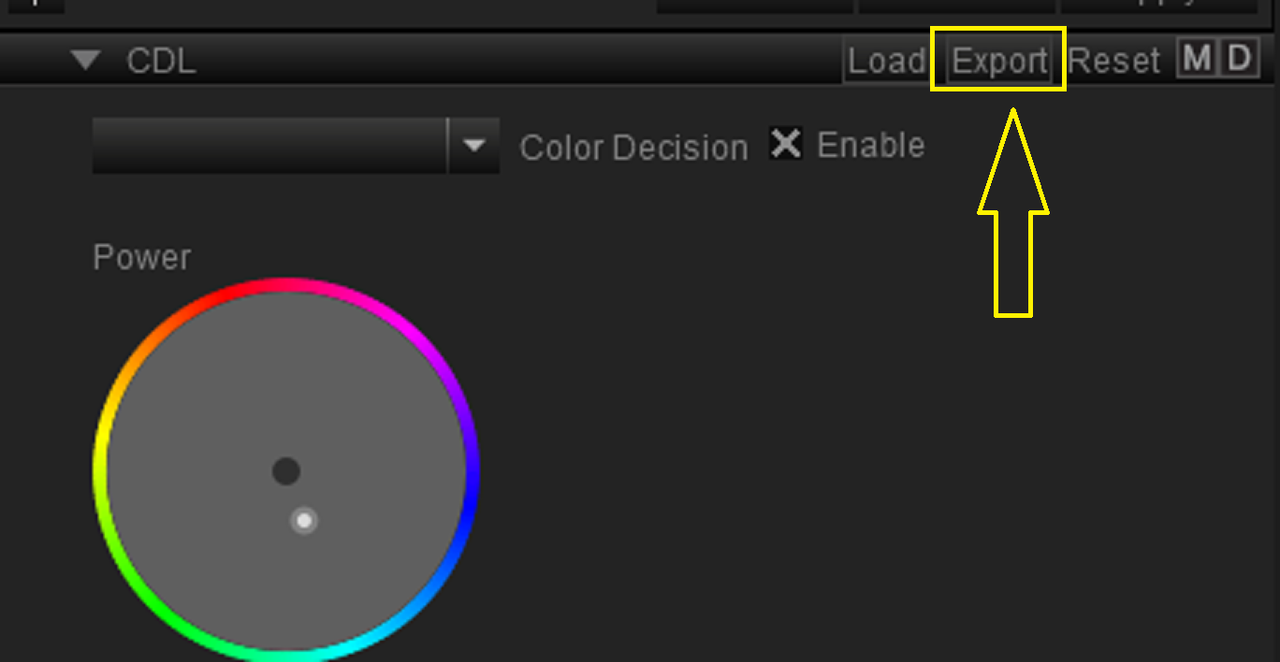
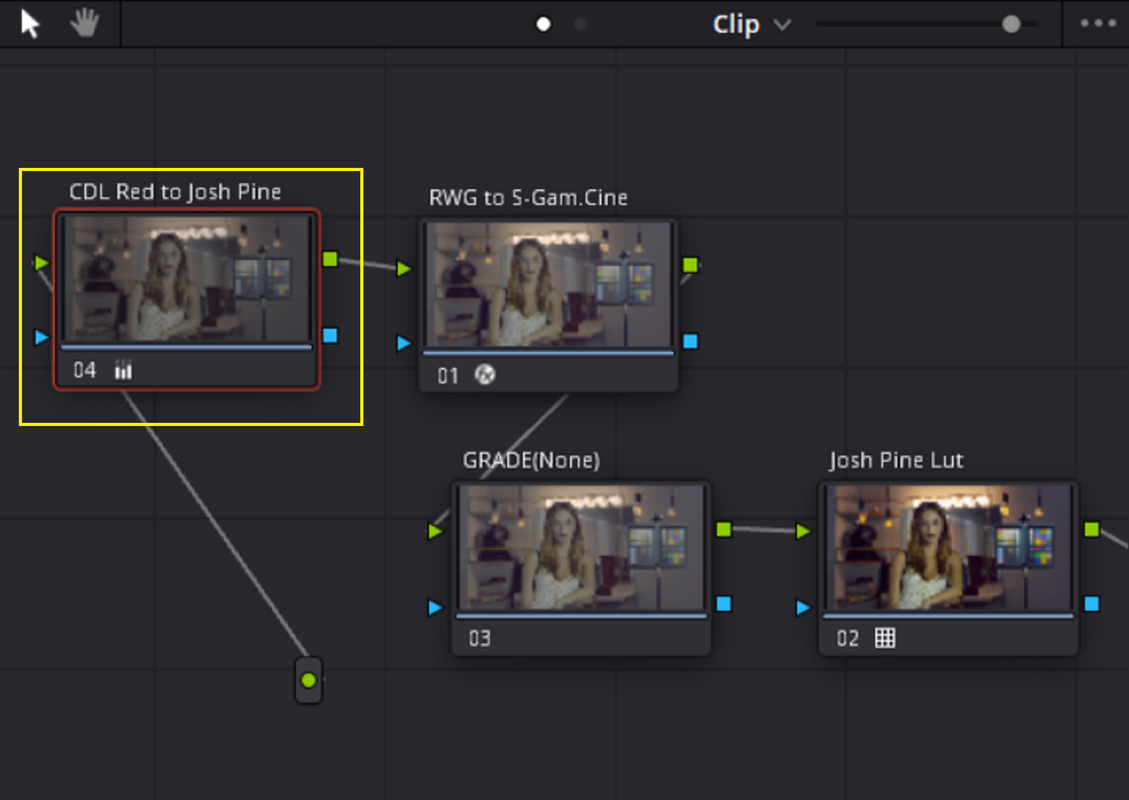
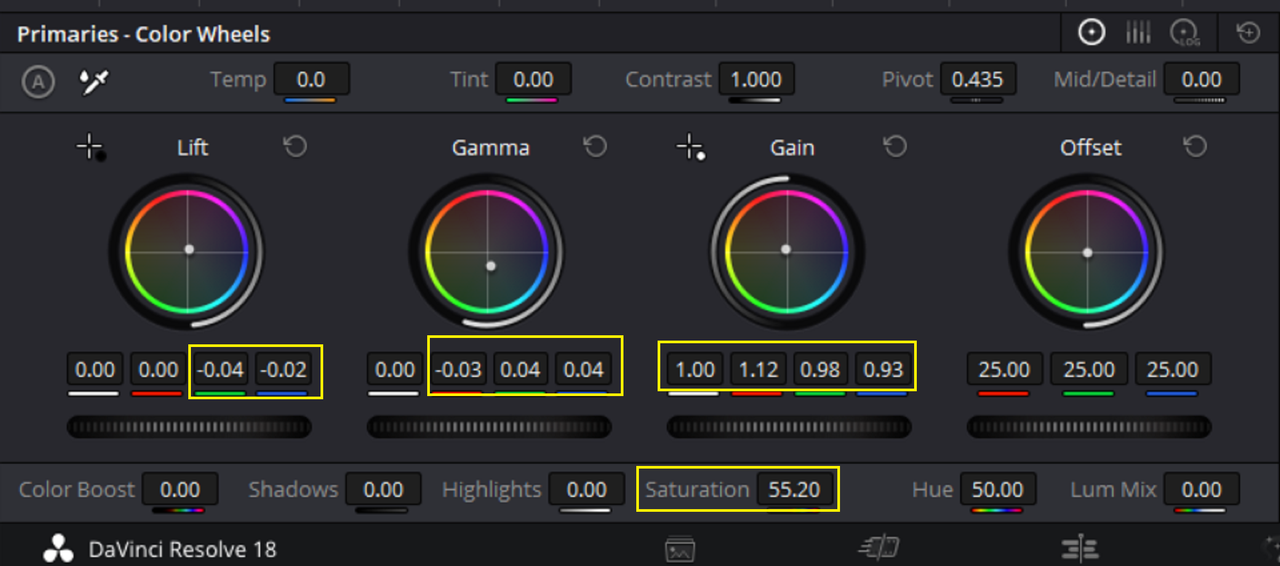
You can make a CDL grade of the Red file with the "RED to Josh Pine Lut" applied to it and export that CDL grade back into Resolve in front of the RWG to Sony to Josh Pines workflow


I just made this quick CDL grade for Demo purposes so it's not for prime time.

17.png


W001-C005-1014-V3-0000000.jpg


18.png


19.png


20.png


In Resolve


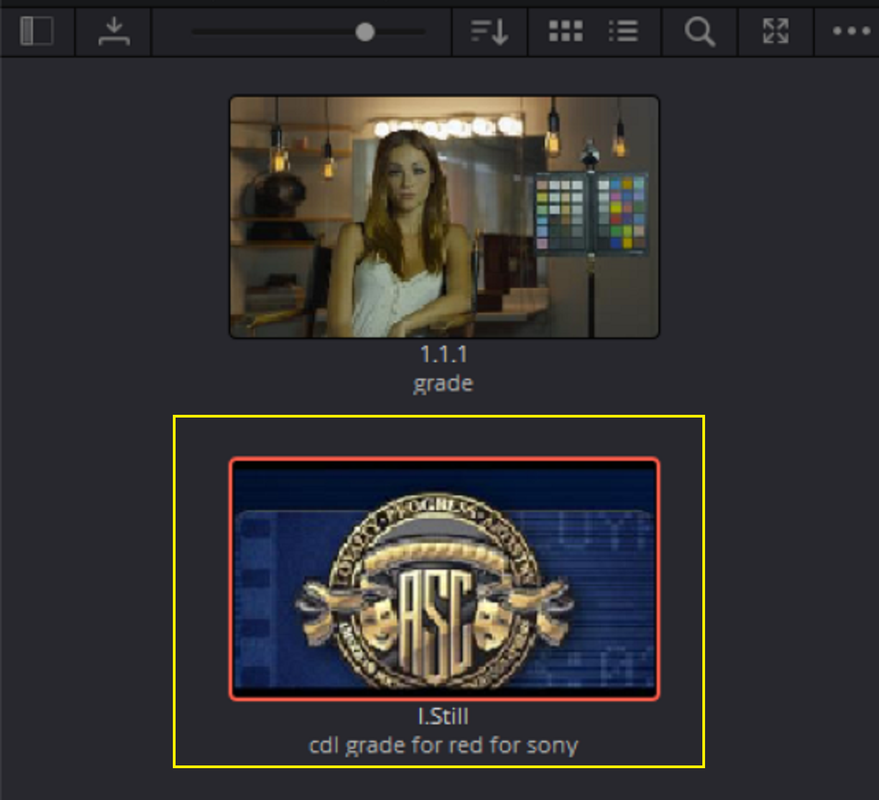
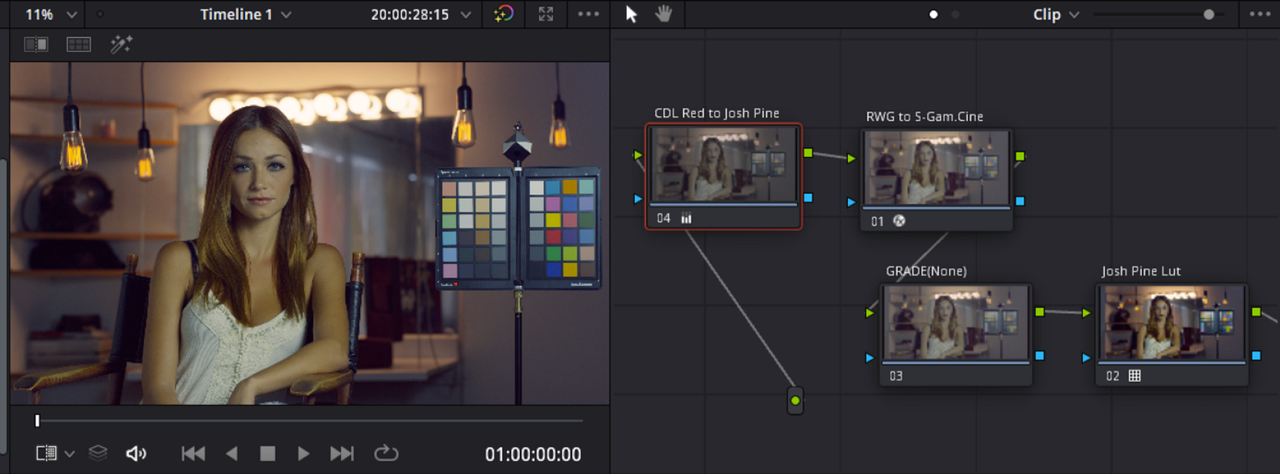
I Imported the CDL from REDCINE-X and "Dragged and Dropped" it on the Node before the "RED to Sony to Josh Pines" workflow.

21.png


24.png


Screenshot-7493-2.png


The REDCINE-X CDL translated into Resolve's Primaries

26.png


W001-C005-1014-V3-0000010.jpg


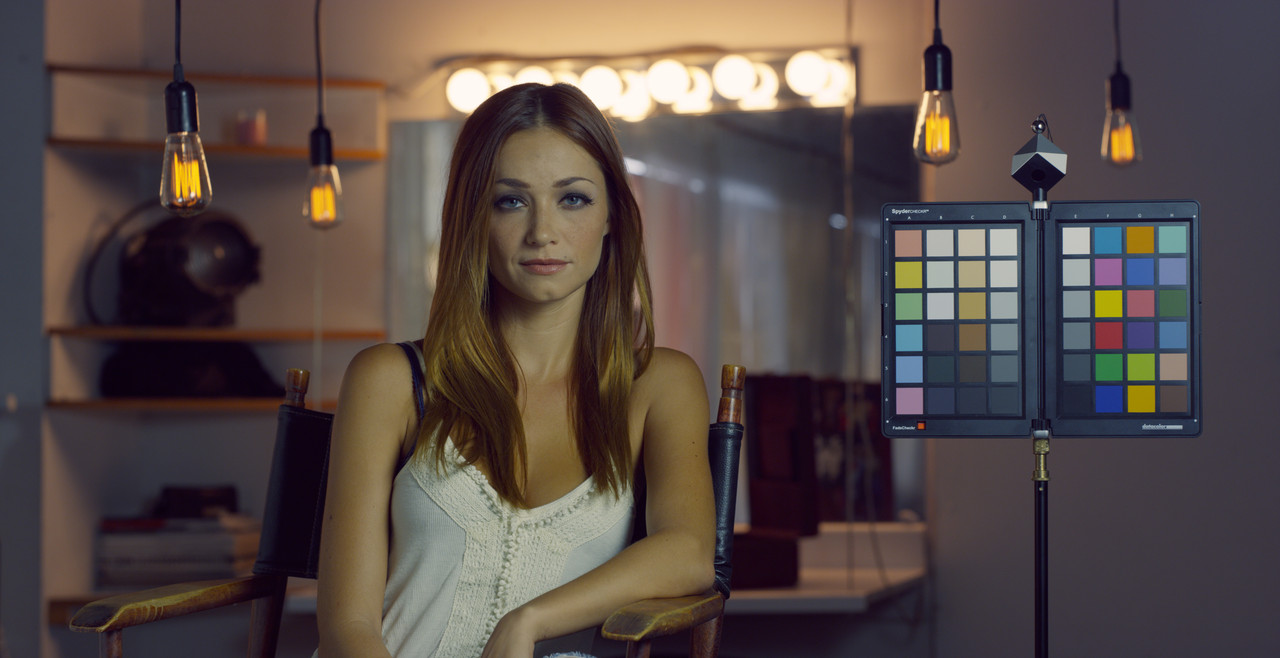
IN REDCINE-X

W001-C005-1014-V3-0000000.jpg


IN RESOLVE

W001-C005-1014-V3-0000000.jpg
 
Last edited:
Josh Pines Look 1, HDR. Developed by Picture Shop Senior Colorist Jason Fabbro.

 
Last edited:
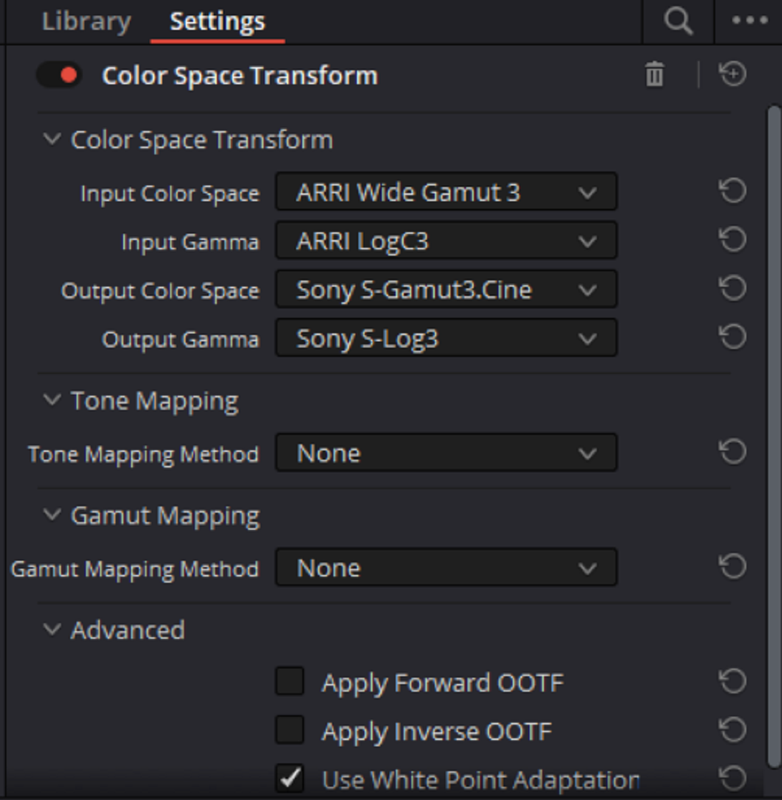
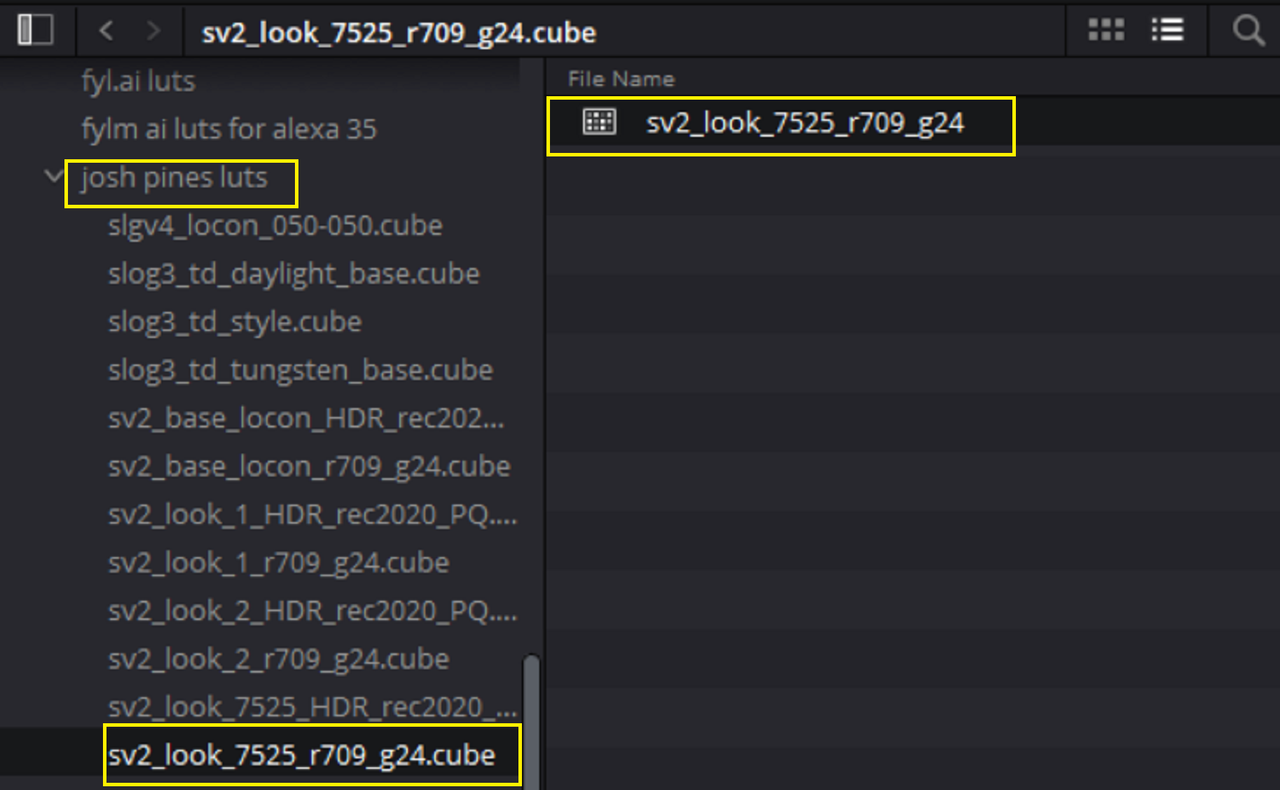
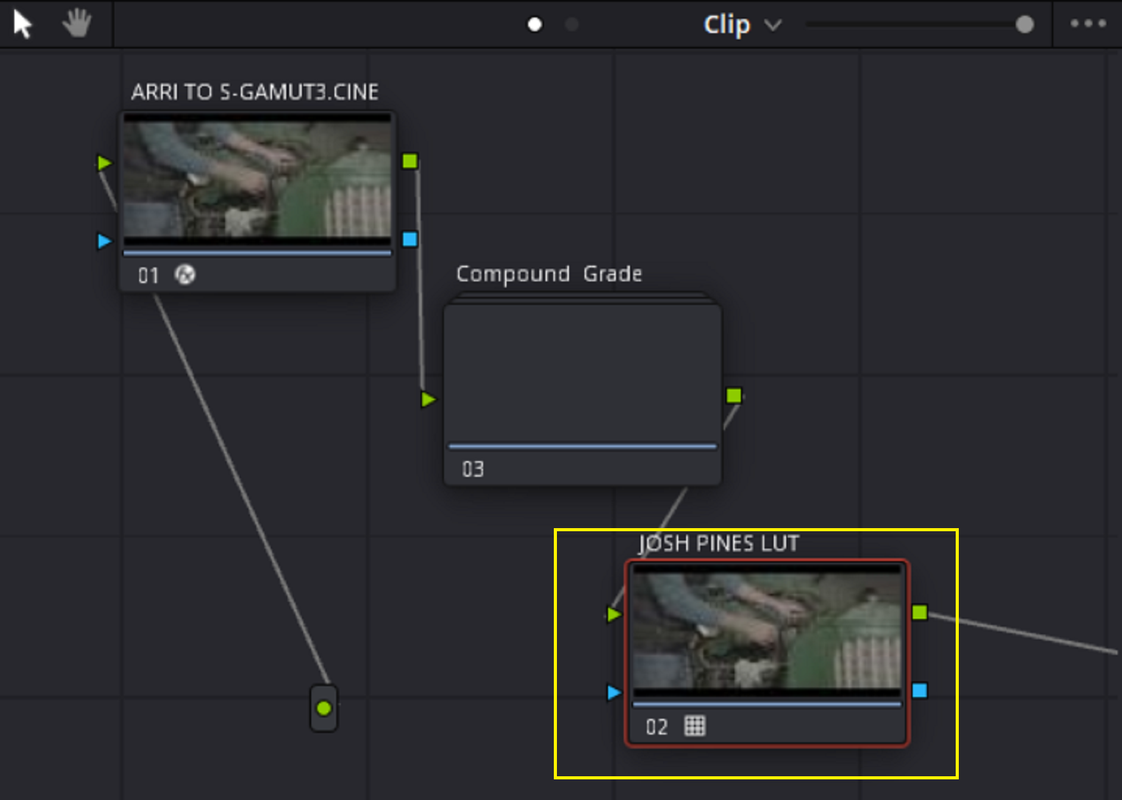
How to create an ARRI ALF2 look file with the Josh Pines Lut (ARRI LOOK GRADE for ARRI ALEXA MINI,MINI LF,LF, XT and AMIRA). The Alexa 35 requires a LOG to LOG creative look with no ODT( Output Display Transform) included so this won't be compatible with an ALF4 look file. You could possibly send an AWG4/ALC4 only signal out of the SDI port of the ALEXA 35 and add this Lut from Resolve inside of the Viewing Monitor for a similar result.


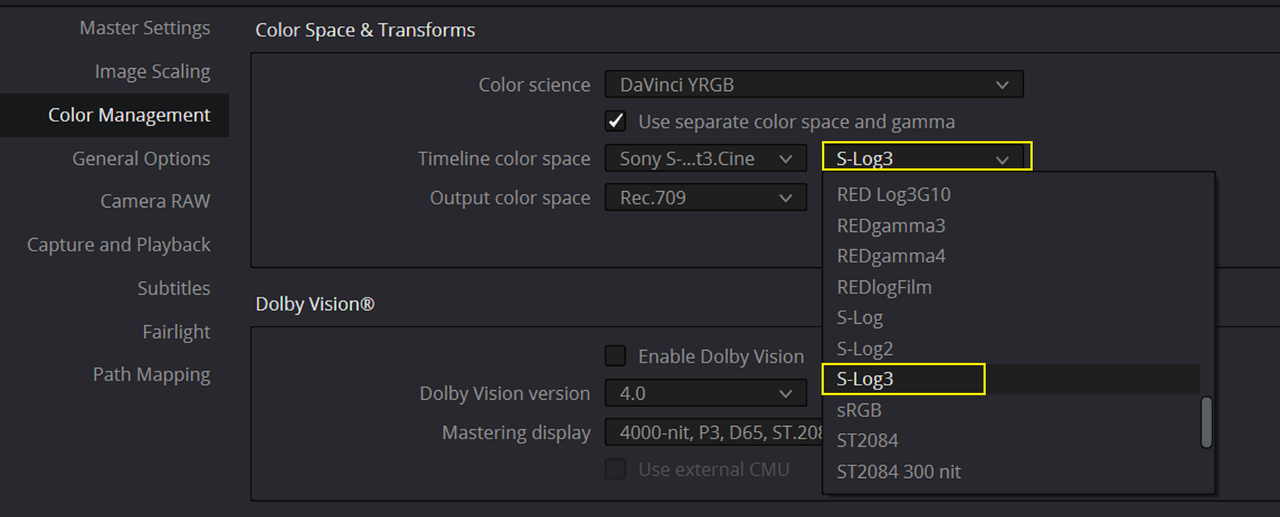
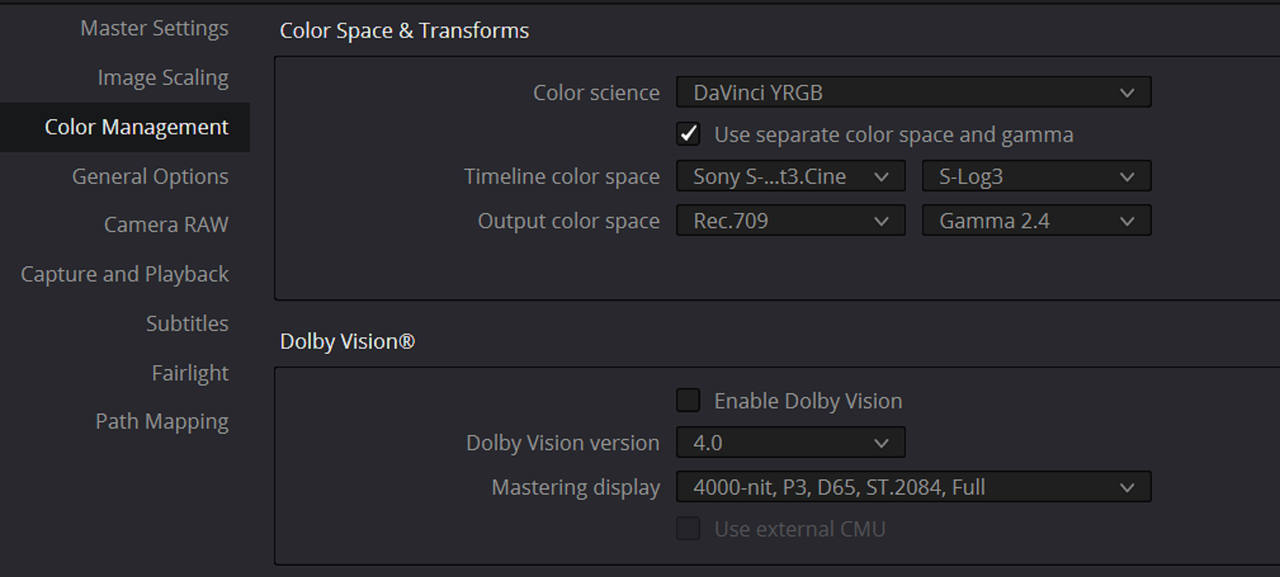
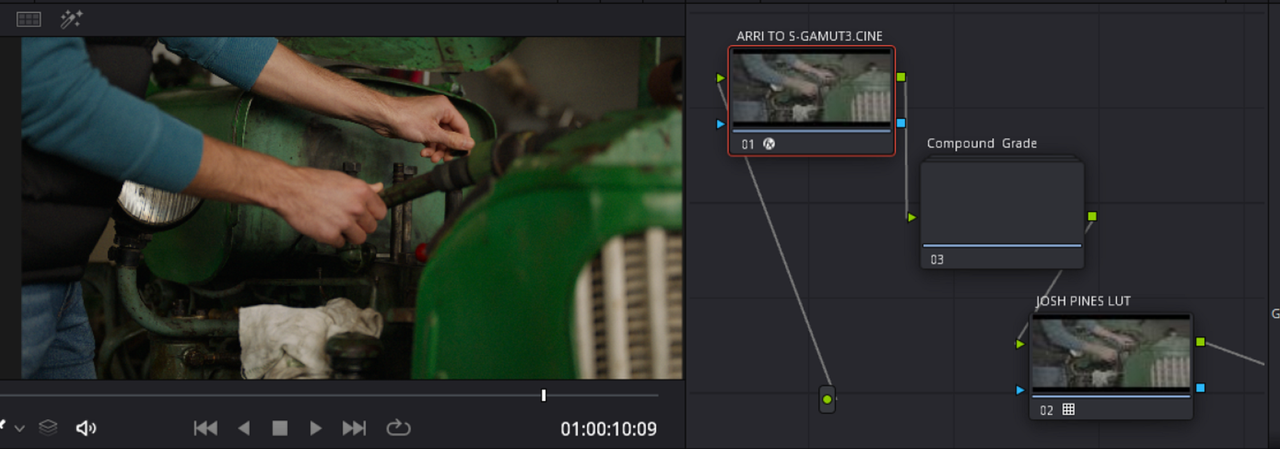
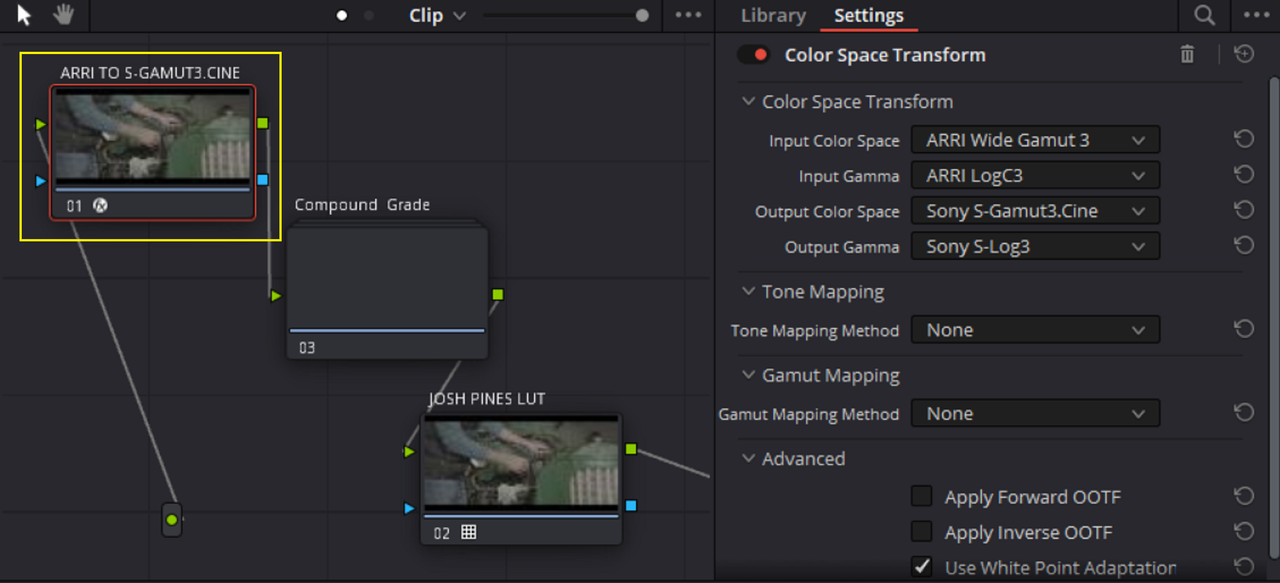
Settings in Resolve

Screenshot-7499.png


Screenshot-7571.png


Screenshot-7572.png


1.png


2.png


3.png


4.png


5.png


5a.png


6.png


7.png


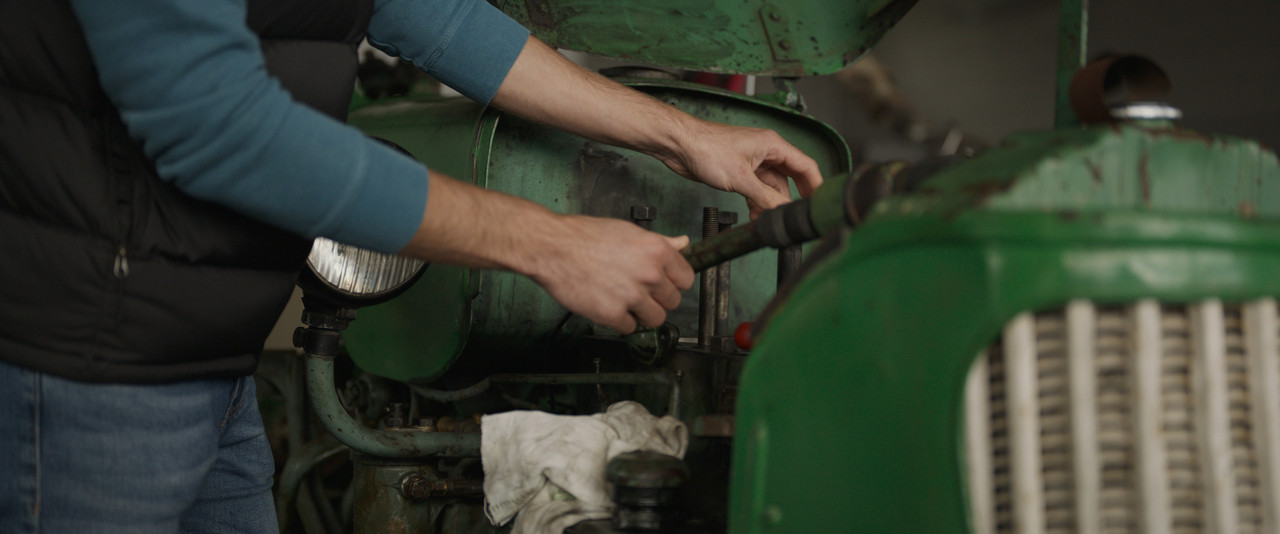
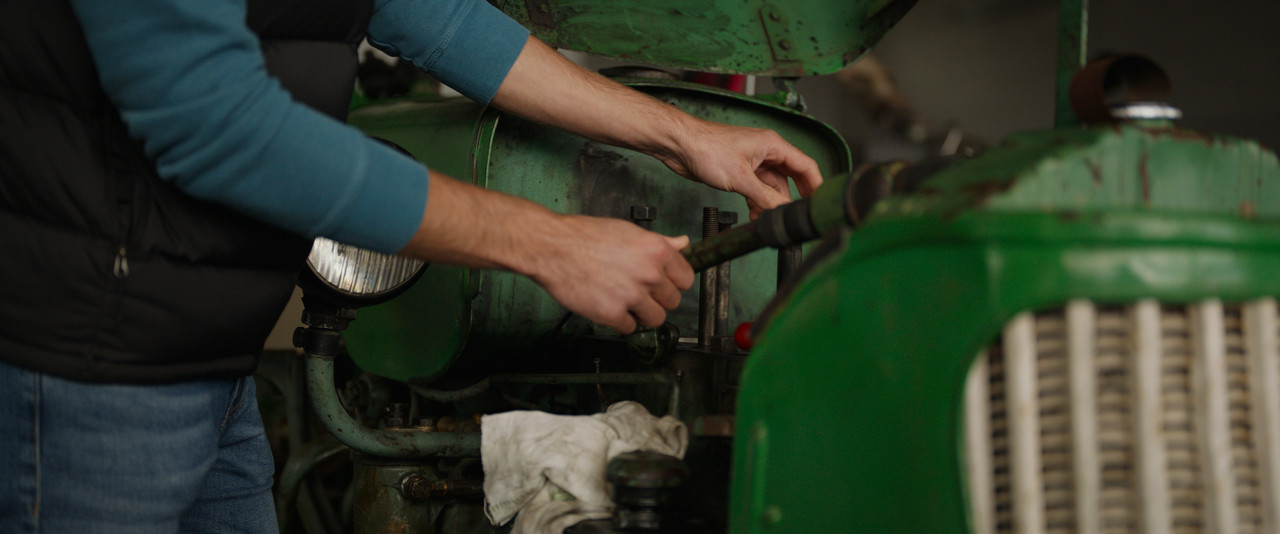
With Josh Pines lut Applied to last node without grade

3a.jpg


With Josh Pines lut Applied to last node with added contrast with S-Log3 18% Mid Grey point and slight saturation

7a.jpg


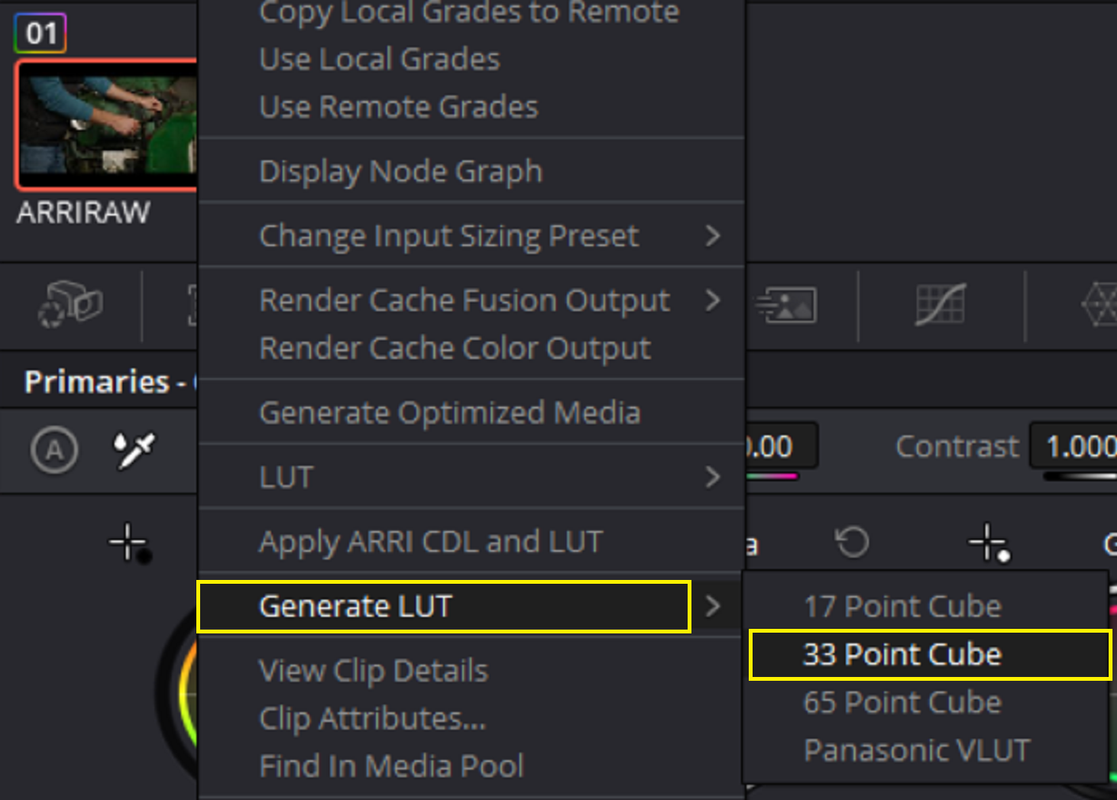
EXPORT 33 point cube size LUT

8.png


9.png


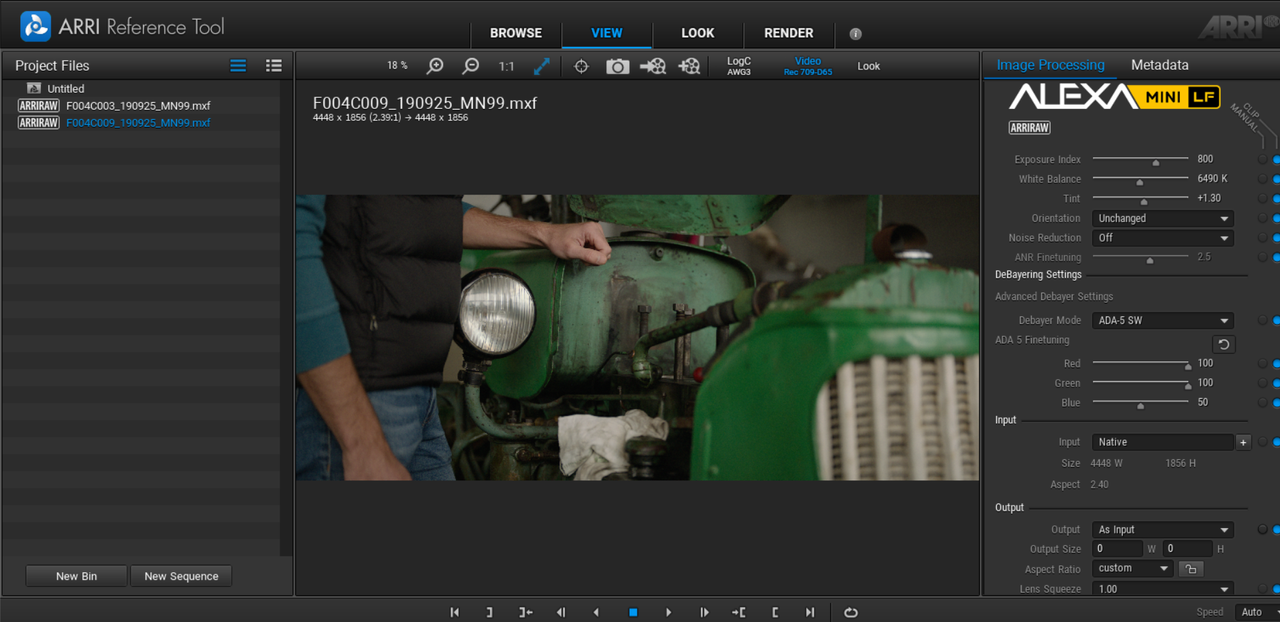
IN THE ARRI REFERENCE TOOL

Find the same ARRIRAW AWG3/ALC3 file used in RESOLVE

10.png


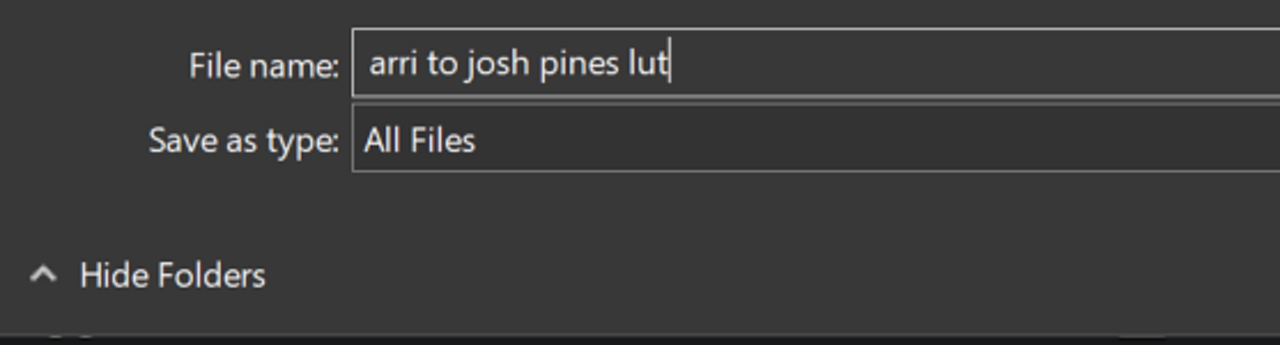
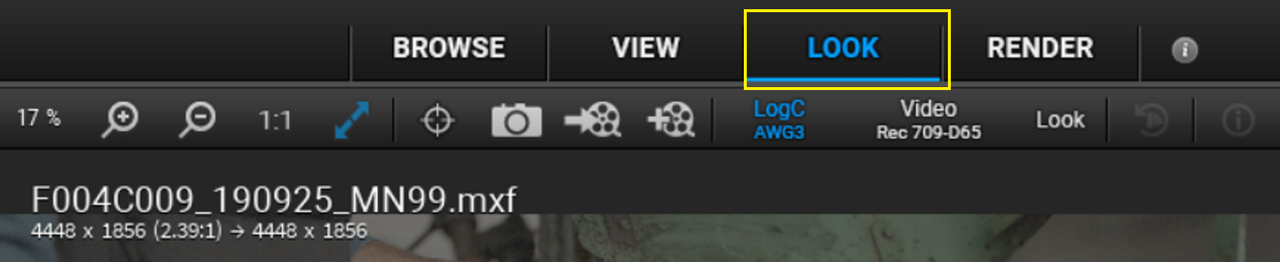
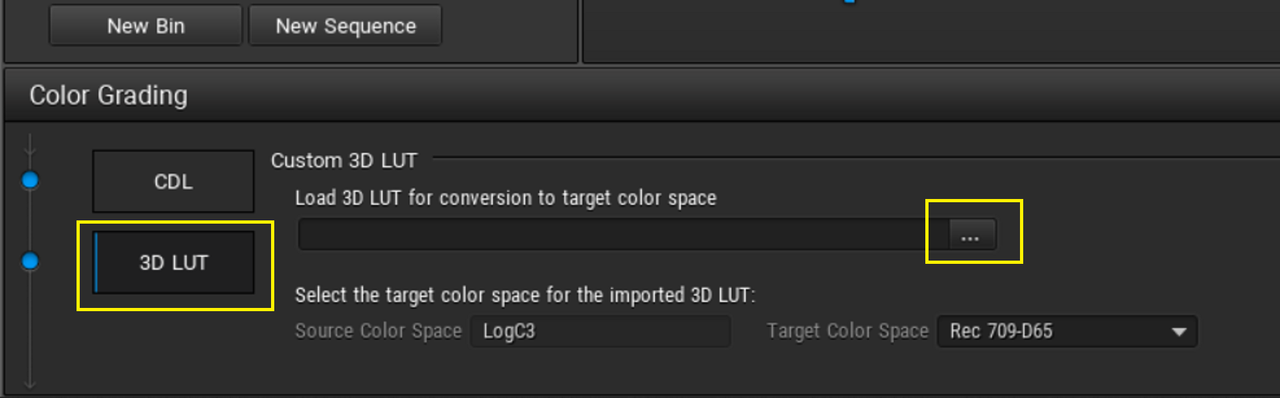
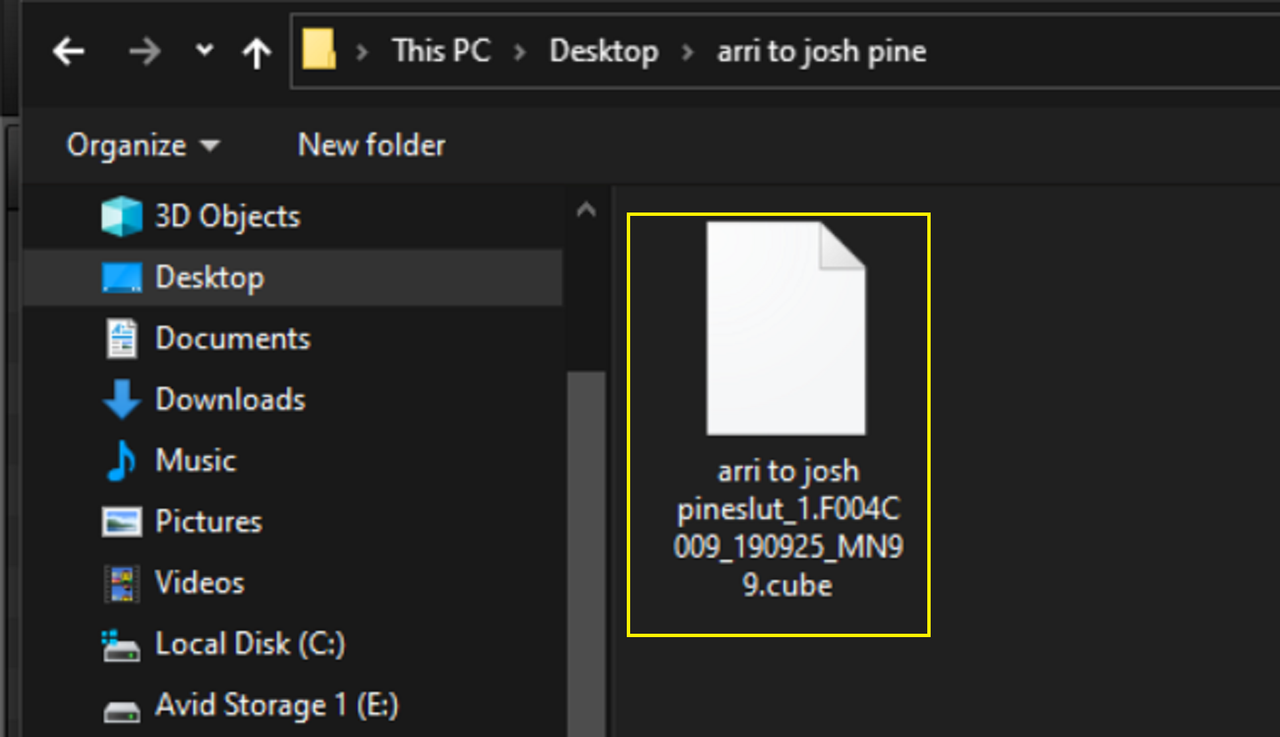
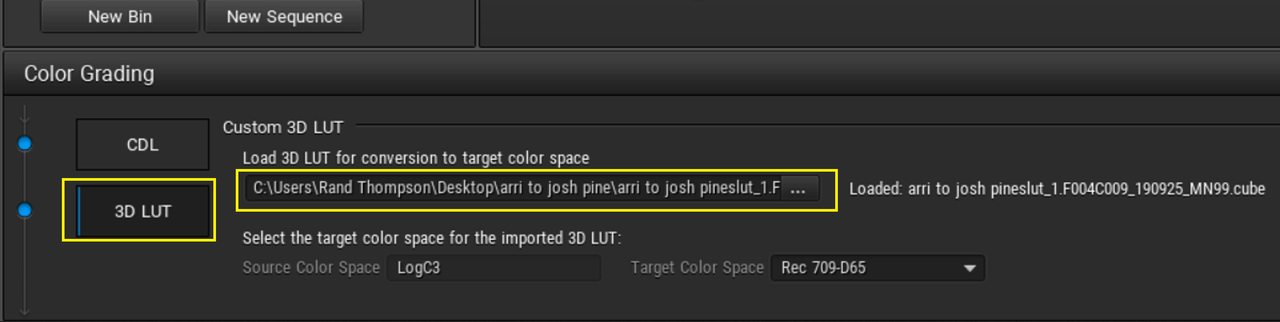
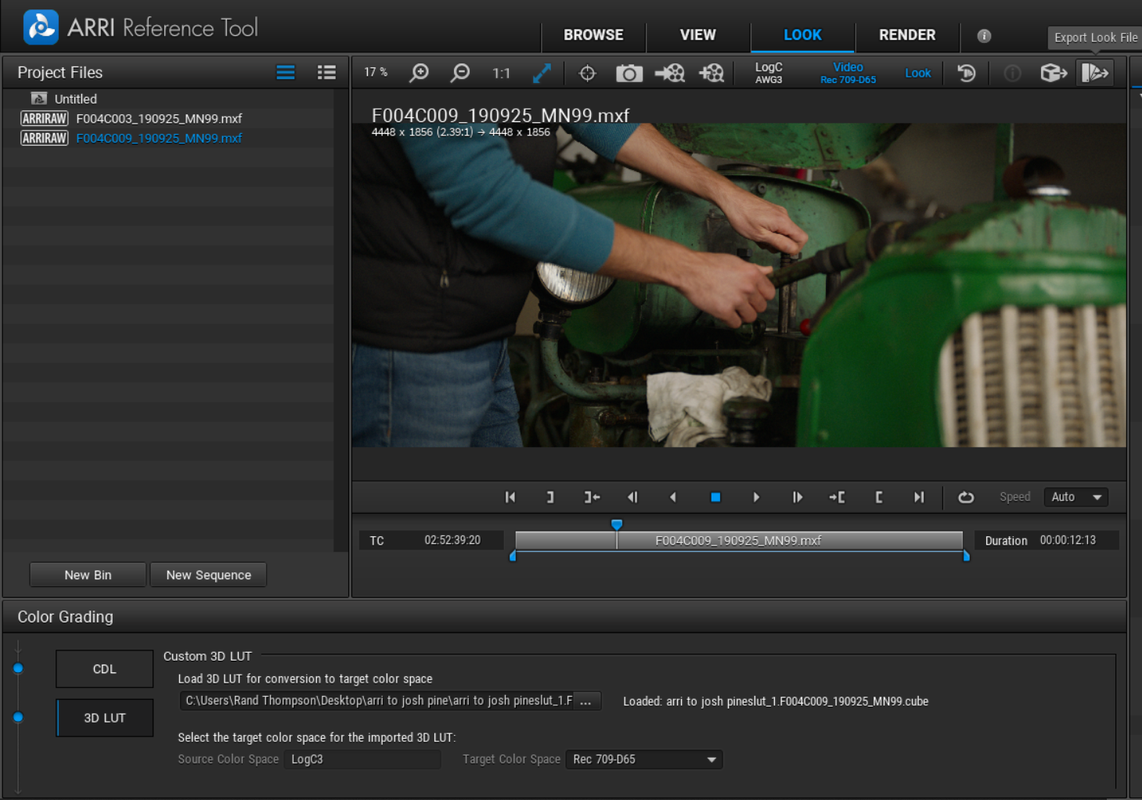
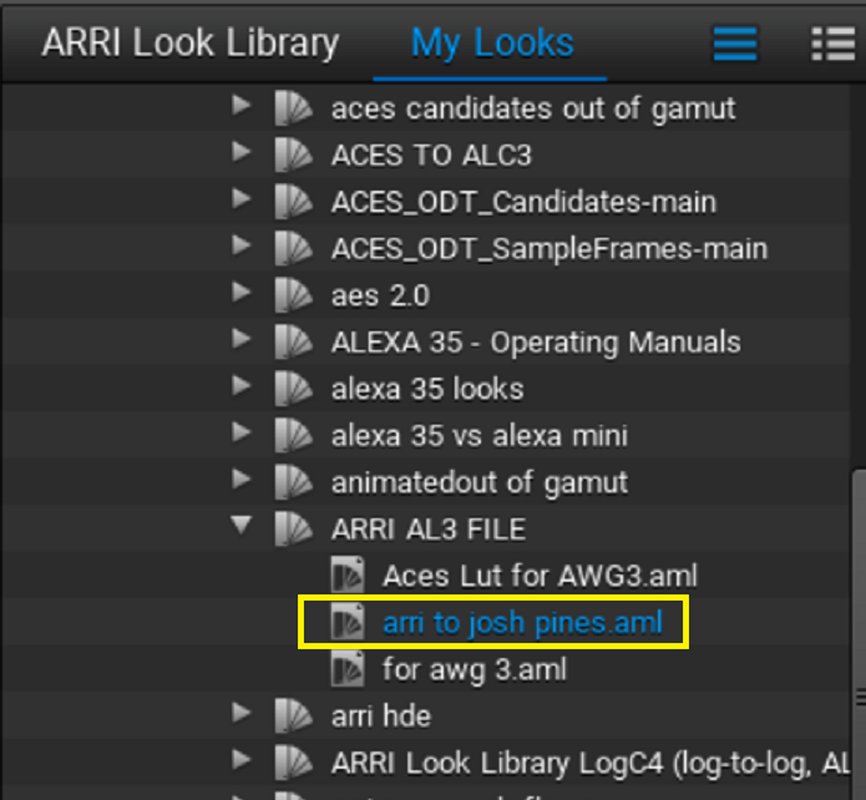
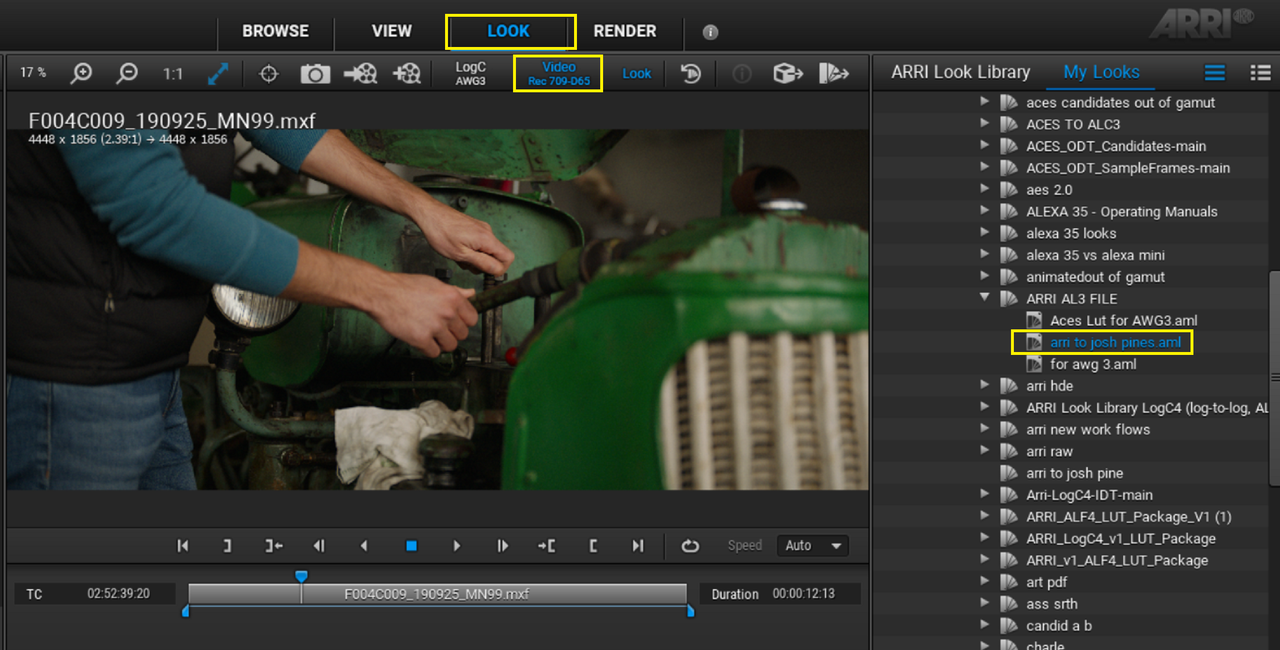
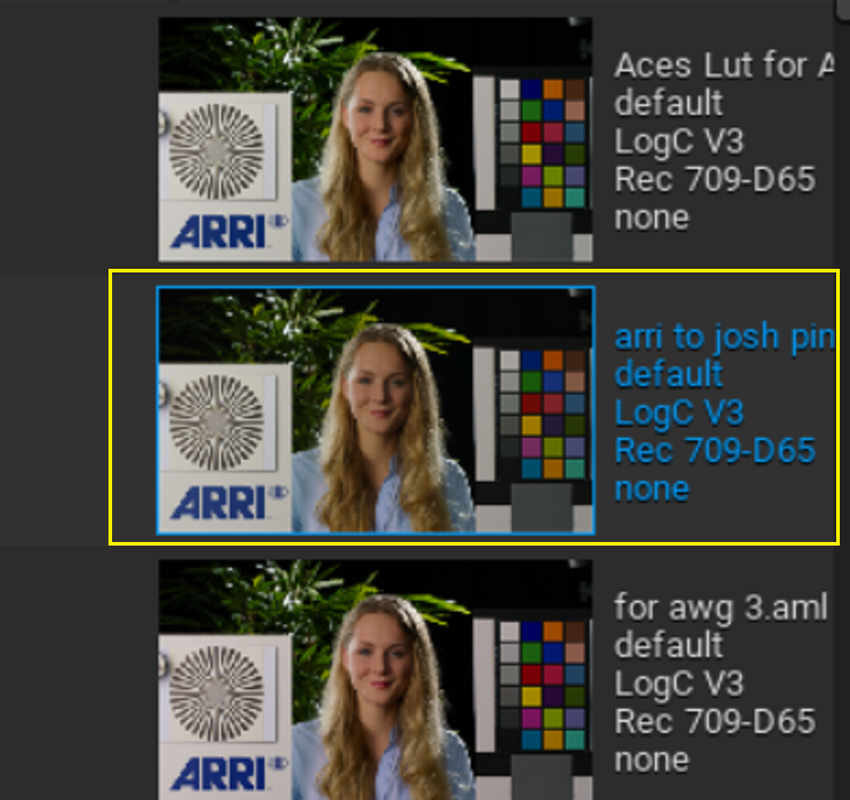
Next, Go to the "LOOK" Tab then "COLOR GRADING" then "3D LUT" and select the three dots (...) to select the "Arri to Josh Pines Lut "created earlier in the bottom left-hand Corner. The Lut will show up in the Viewer Window.


14.png


15.png


16.png


17.png


17a.png


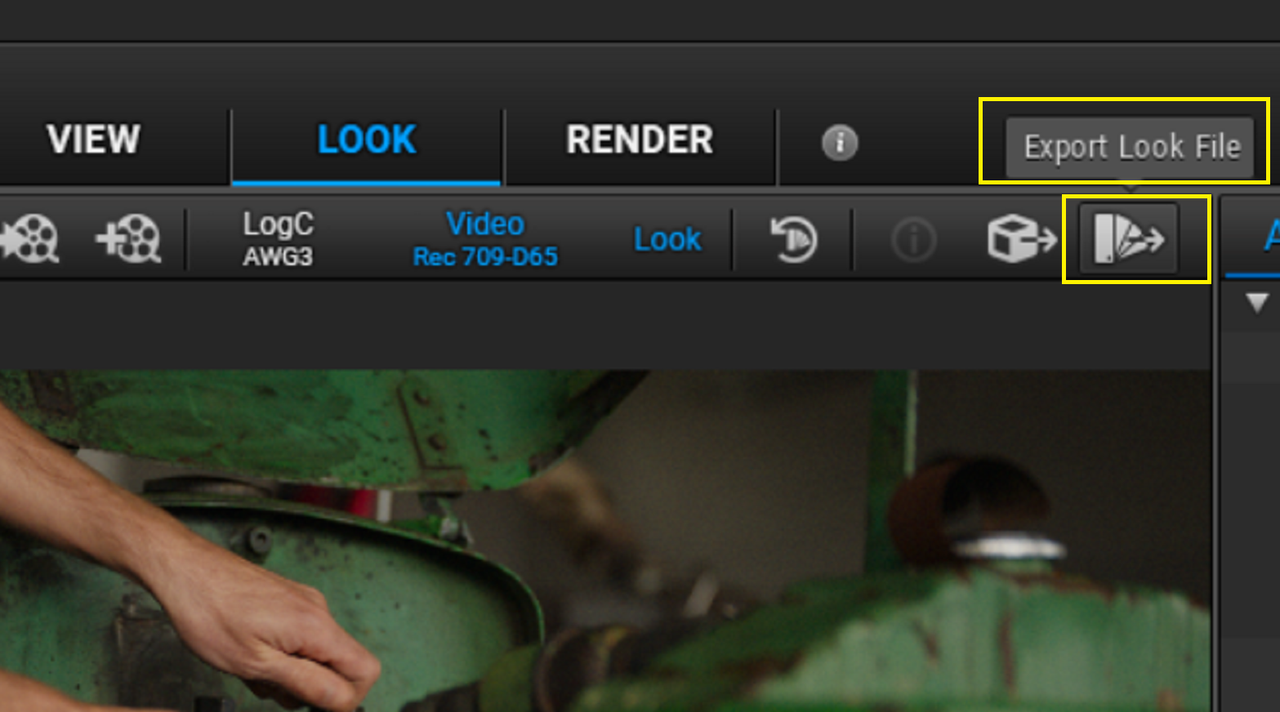
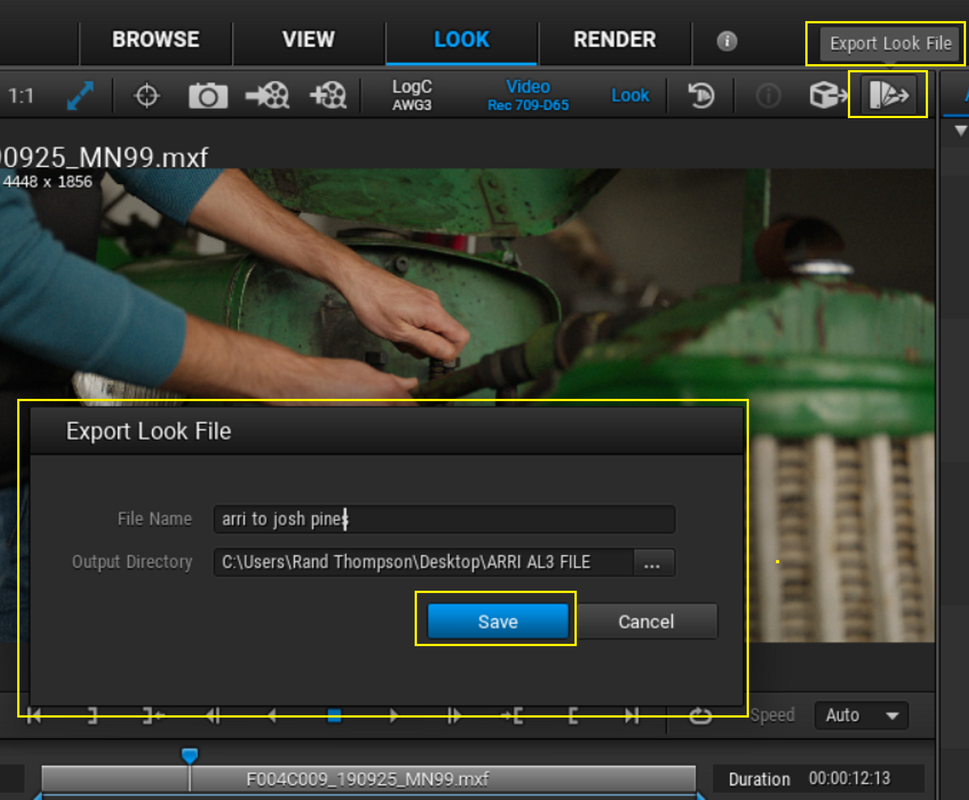
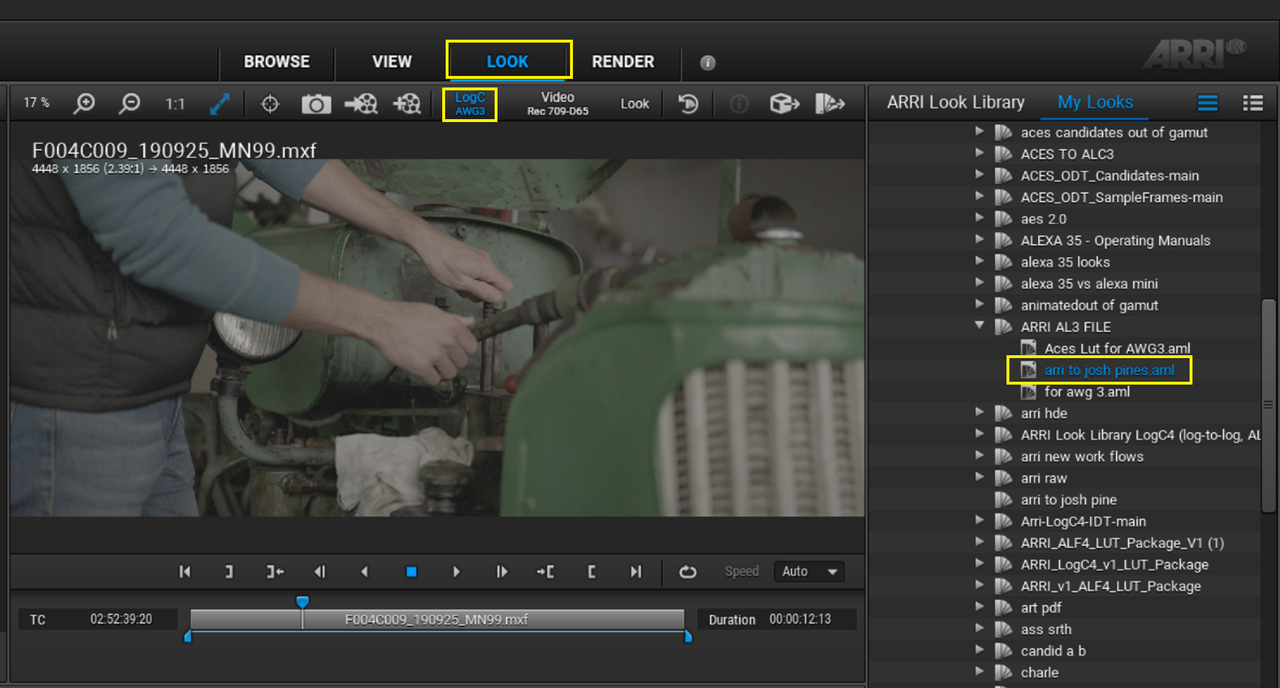
Finally in the top Right-Hand Corner of the "LOOK" Tab locate the "EXPORT LOOK FILE" Icon. Give the Look file a name and save it as a ALF2 File.


18.png


19.png


20.png


21b.png


21.png


21a.jpg


22.png


From Resolve with Josh Pines Lut applied

7a.jpg


From The ARRI Reference Tool with Josh Pines Lut embedded in the ALF2 look file


21a.jpg
 
Last edited:
Sony Venice 2 LUT + RED Komodo Ext . Cut (HDR)

by
JON PAIS

 
Back
Top