Welcome to our community

Be a part of something great, join today!

  • Hey all, just changed over the backend after 15 years I figured time to give it a bit of an update, its probably gonna be a bit weird for most of you and i am sure there is a few bugs to work out but it should kinda work the same as before... hopefully :)

newer versions of RedCineX showing strange colors through Red Rocket ?

Michael Totten

Well-known member
Joined
Jan 4, 2008
Messages
604
Reaction score
0
Points
0
Location
Los Angeles, CA
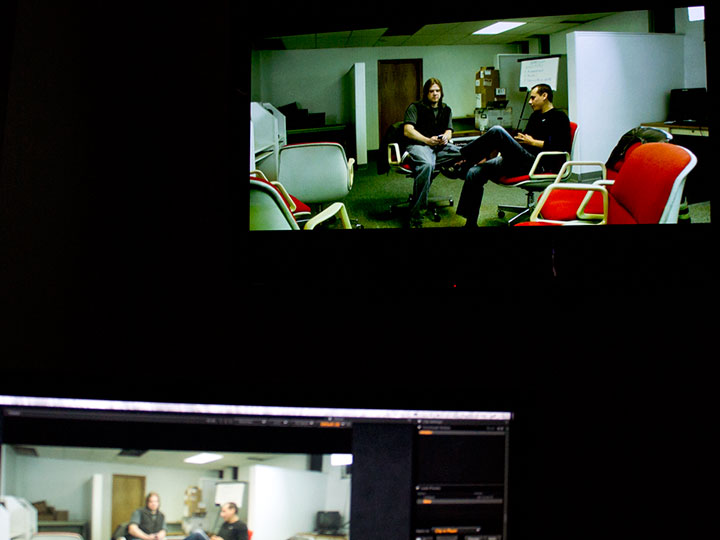
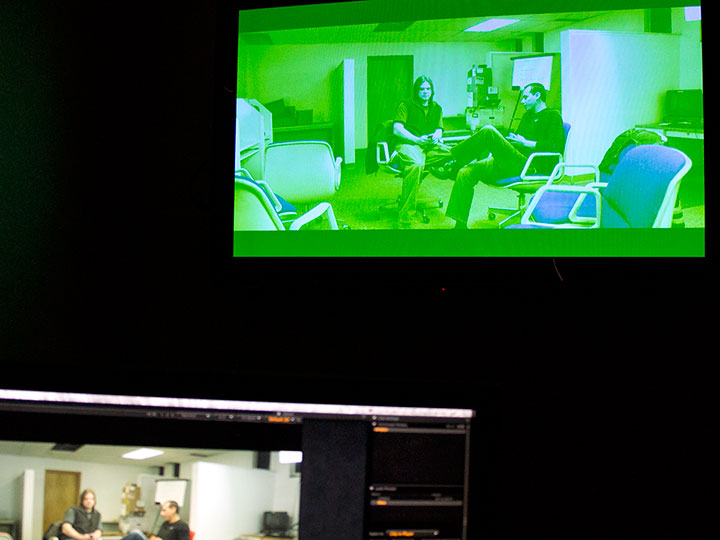
Build 340, and I think the previous build, (when played through the Rocket SDI) is showing me very strange colors, but when viewed on my ACD it's fine.
Also, when viewed in other builds it's fine.
I've tried reinstalling.. different users ect...

Has anyone experienced this?

View attachment 9351

View attachment 9352
 
Looks like your Color Format may be incorrectly set in the Video Out Setup. Can you confirm?

Thanks!
David
 
Looks like your Color Format may be incorrectly set in the Video Out Setup. Can you confirm?

Thanks!
David

Thanks David. I'll check that when I'm back at the studio. Has the default setting in the new builds changed ? I didn't change that setting when I opened build 340.
 
No problem. No they should not have changed. Best to be safe and make sure the settings are correct when you get a chance :)
 
Yup, this looks like a YUV/RGB mismatch...

That's exactly what it is. Same thing happened to me when I switched to 340.

It's also worth mentioning that the YUV/RGB options don't pop up when you turn on external monitoring like they did in the older builds. In build 340, you have to click on the rocket button to bring these preferences up.
 
Michael / Milan, were you guys running a dual-link connection? If so, does the SDI work if you fall back to single link and an appropriate 422 setting?

Just wondering, I had that scenario and disconnected the secondary link, thinking it was a bad cable/connector and I haven't had time to trouble-shoot it on that system. But your color mismatch image looks just like mine did. This happened when I upgraded to one of the recent builds. I guess it needs more testing or attention to figure it out today.
 
EDIT>

OK, that shows what quickly trying to solve a problem does to you. Not a dual link or cable issue on my end. The problem popped up and I thought perhaps the mismatch was between the two SDI channels, so I pulled the second one with the intent of testing the cable. And I changed my output settings and it worked, so I just left it disconnected, assuming it was the problem. But it wasn't.

I reconnected the second SDI and tested a couple modes. Some YUV modes work, some do not. All my RGB modes seem to work just fine.

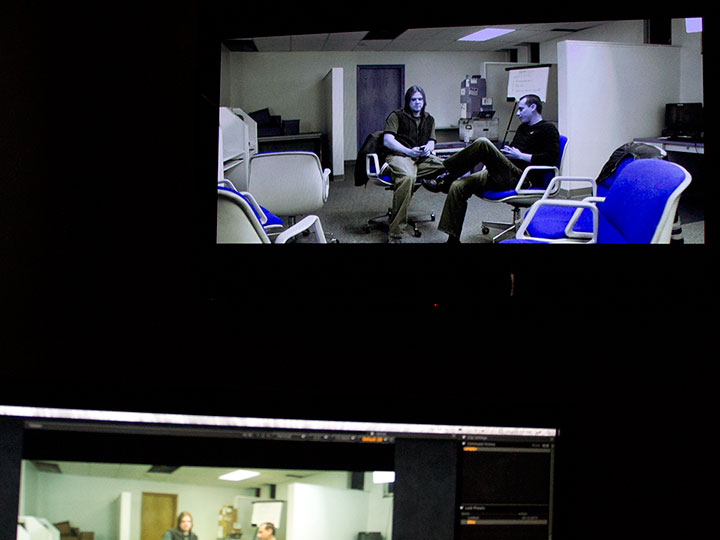
Here's three samples, I get different mis-matches depending on which YUV mode I select. And I didn't seem to have this problem in earlier builds of REDCINE-X, I don't recall when the problem showed up -- I think somewhere around 262 or 320.. I don't know.

I was outputting YUV 444 10bit, which used to work, but it went green. That's when I thought I had the cable/connector problem. Turns out it's not. And also turns out that my display accepts YUV 444 12bit and it works and looks great. :)

Displaying correctly at 1080p YUV 444 12bit 23.98:
RGBYUVmismatch01.jpg


1080p YUV 444 10bit 23.98 -- OMG!
RGBYUVmismatch02.jpg


1080p YUV 422 10bit 23.98 -- kinda cool, but not what I want...
RGBYUVmismatch03.jpg
 
Last edited:
Back
Top